Featured Post
Recent Posts
How-to & Tips6 Mins
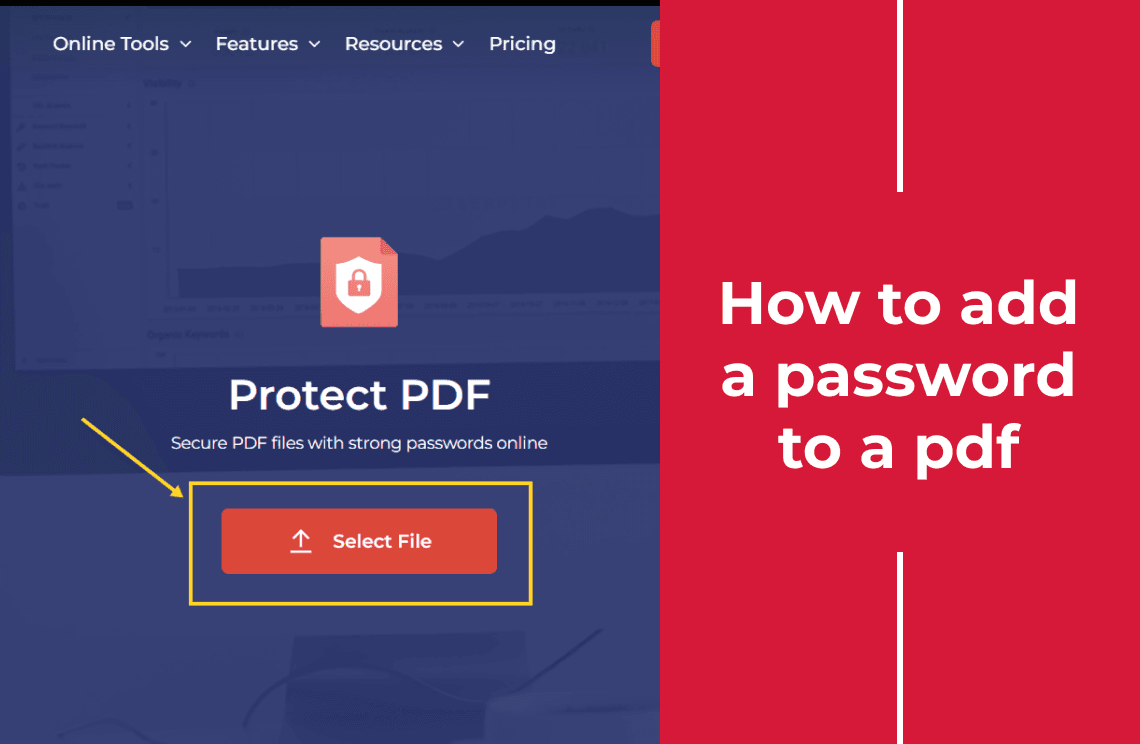
How to Add a Password to a PDF
Add an open password to a PDF in the browser, then check what it stops. It blocks opening; it does not block printing, copying or editing.
Read More >>
How-to & Tips6 Mins
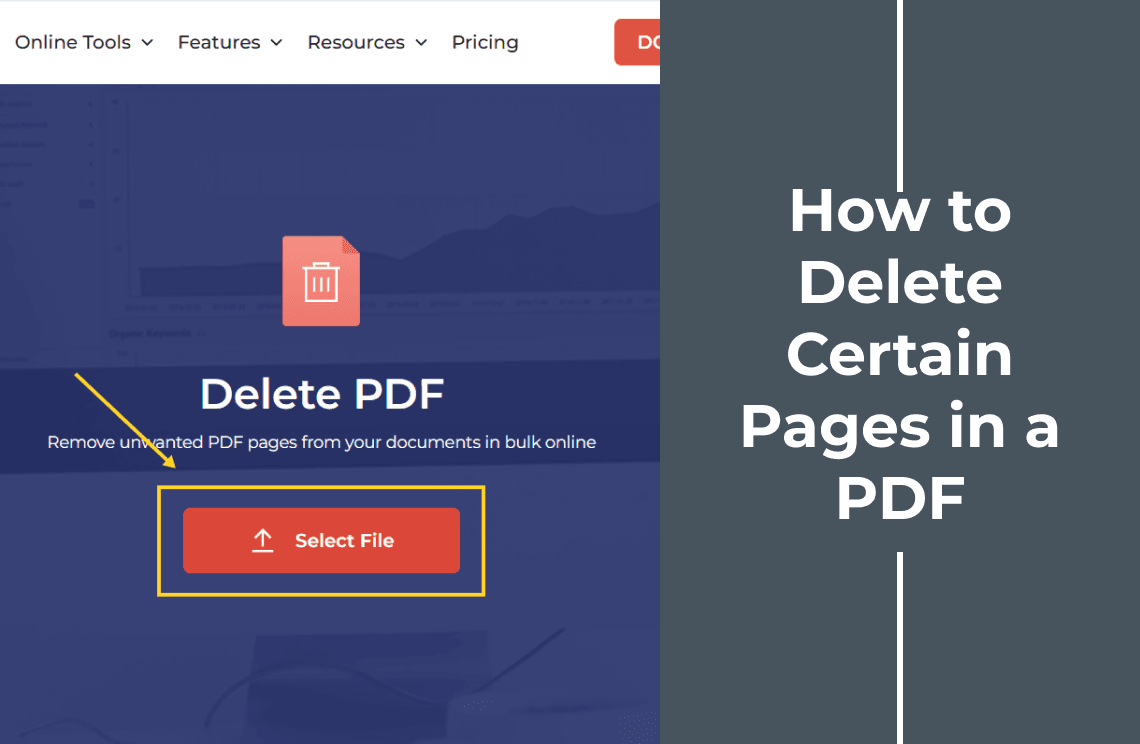
How to Delete Certain Pages in a PDF
Delete specific pages from a PDF without touching the rest. Type a page list like 1-3, 5 or click thumbnails, then check the page count and the seams.
Read More >>
How-to & Tips6 Mins
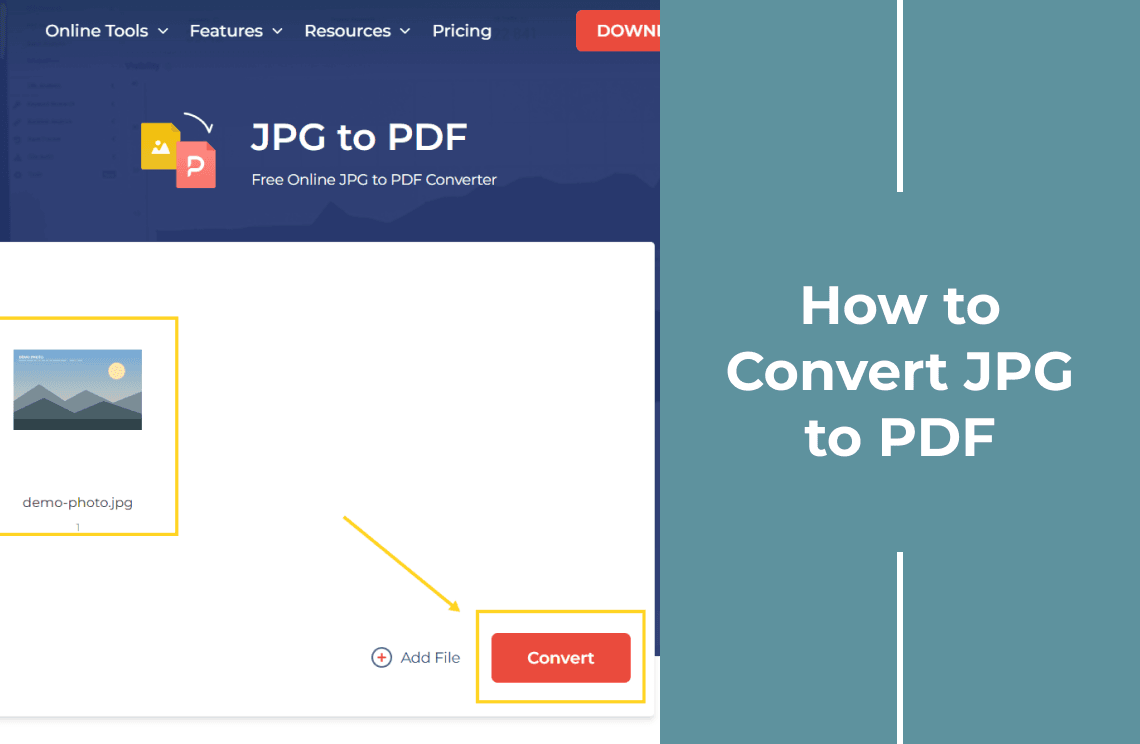
How to Convert JPG to PDF
Convert a JPG to PDF free in the browser, then check the page size — it follows the image dimensions, not A4, which changes how the file prints.
Read More >>
How-to & Tips6 Mins
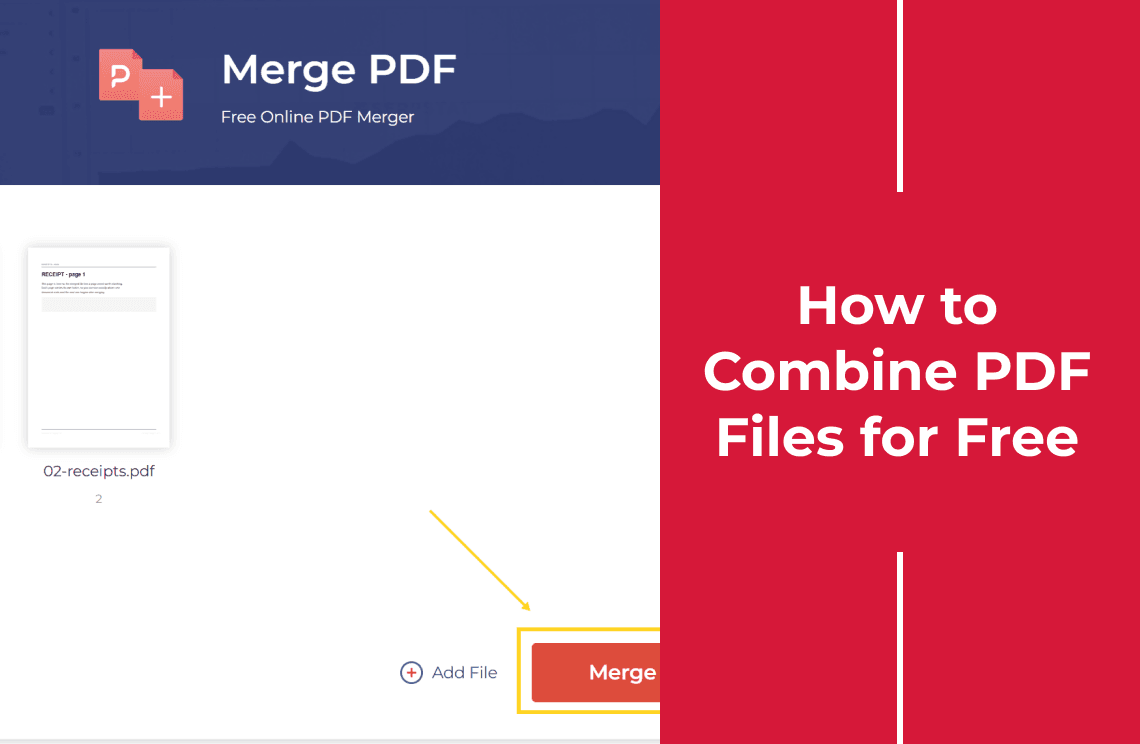
How to Combine PDF Files for Free
Combine PDF files free in the browser, up to 50 at a time, no account needed. Reorder the files, merge, then check the page count and order.
Read More >>
How-to & Tips7 Mins
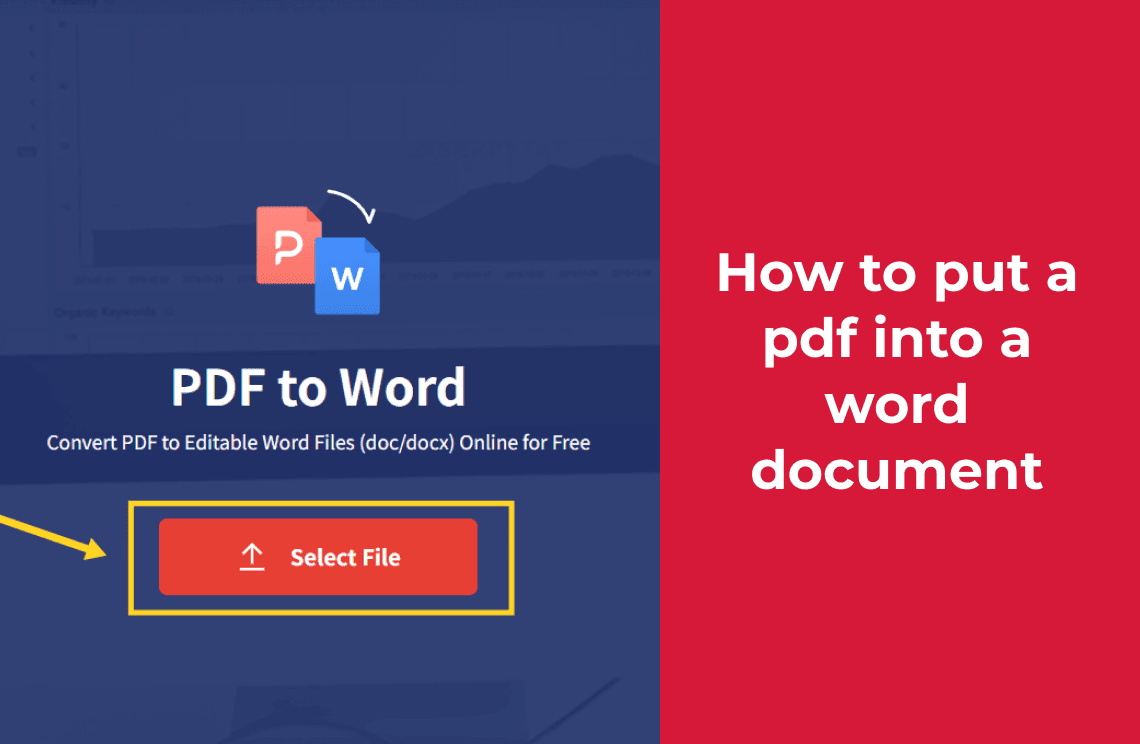
How to Put a PDF Into a Word Document (Turn It Into Editable Text)
Putting a PDF into Word gives three different results. To get editable text, convert it online, then check fonts, tables and page breaks.
Read More >>
How-to & Tips7 Mins
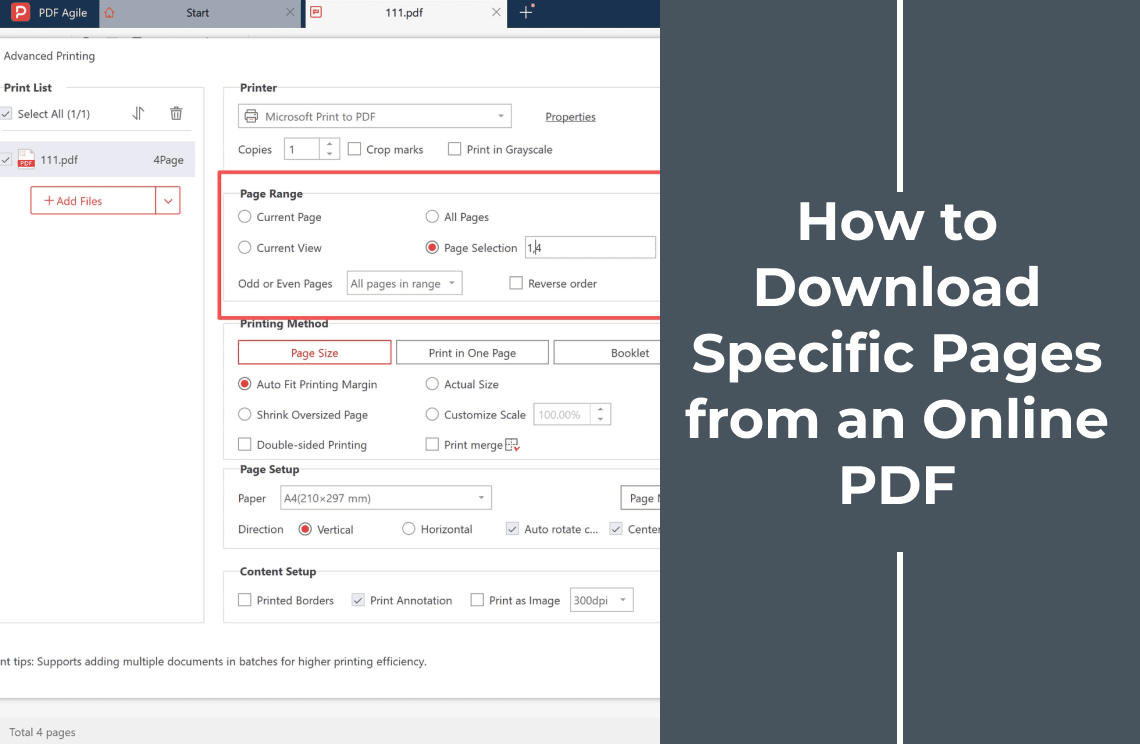
How to Download Specific Pages from an Online PDF
Learn how to download selected pages from an online PDF: save the original file, choose the pages you need, create a new PDF, and verify the result.
Read More >>
How-to & Tips7 Mins
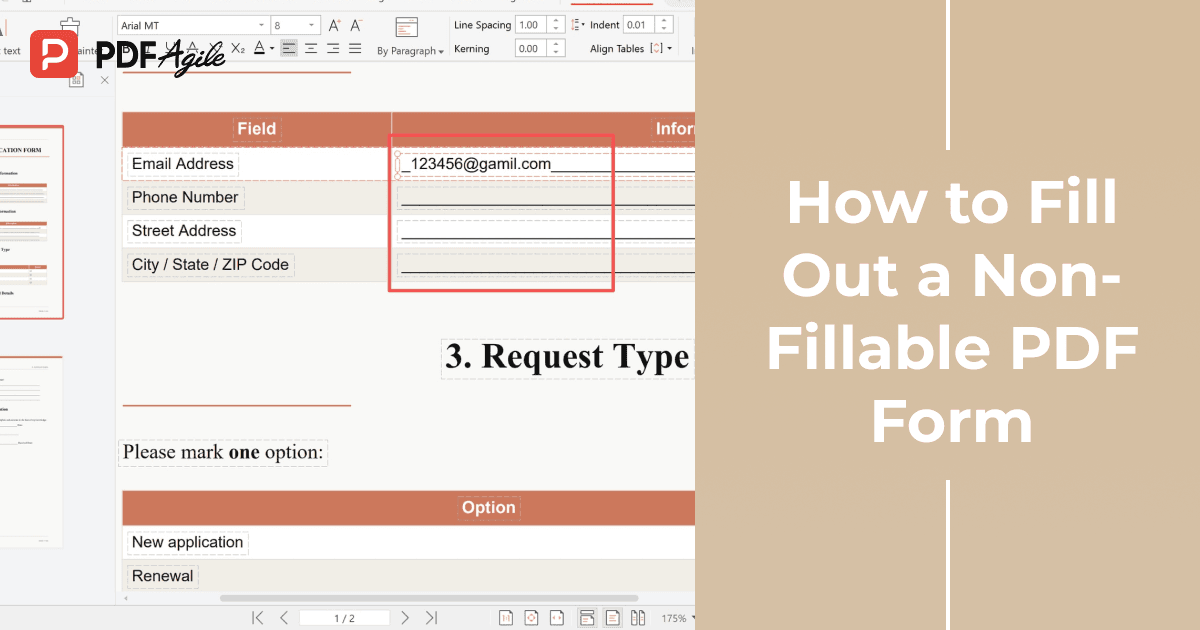
How to Fill Out a Non-Fillable PDF Form
A non-fillable PDF form has no fields to click. Learn where to place each answer, how to mark option boxes, and how to check the file before you send.
Read More >>
How-to & Tips6 Mins
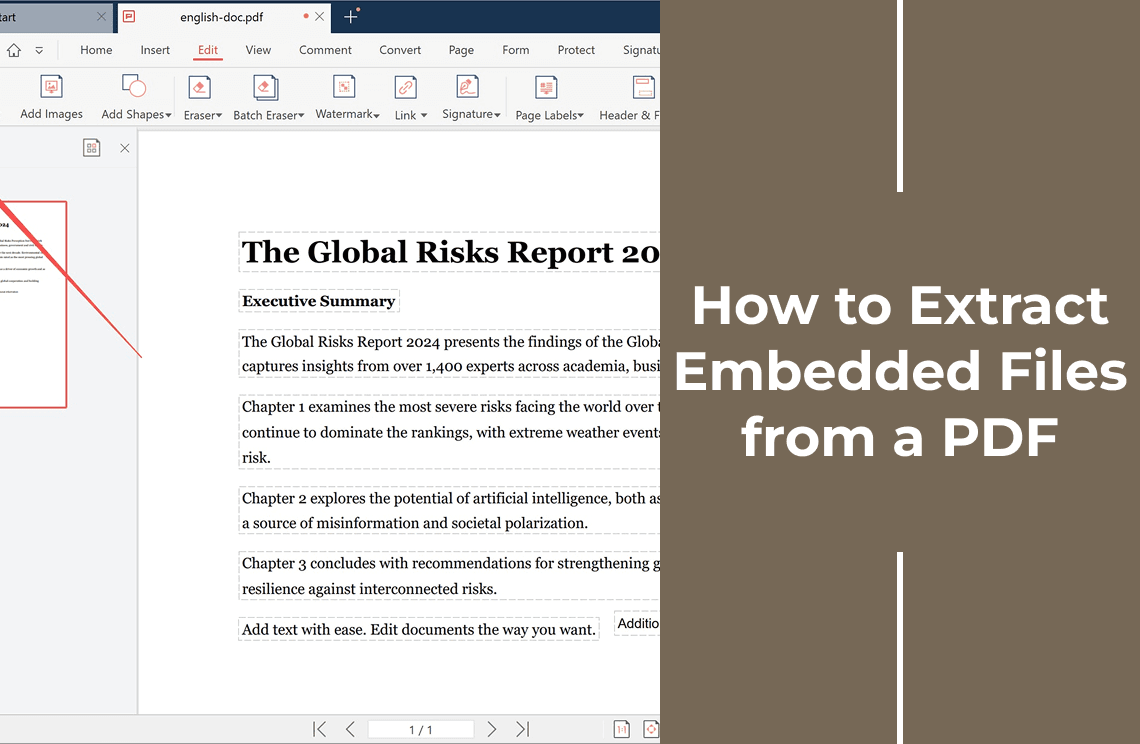
How to Extract Embedded Files from a PDF
The file is inside the PDF but the attachments panel is empty. Find out why, confirm what is really embedded, and save the files out without a panel.
Read More >>
How-to & Tips6 Mins
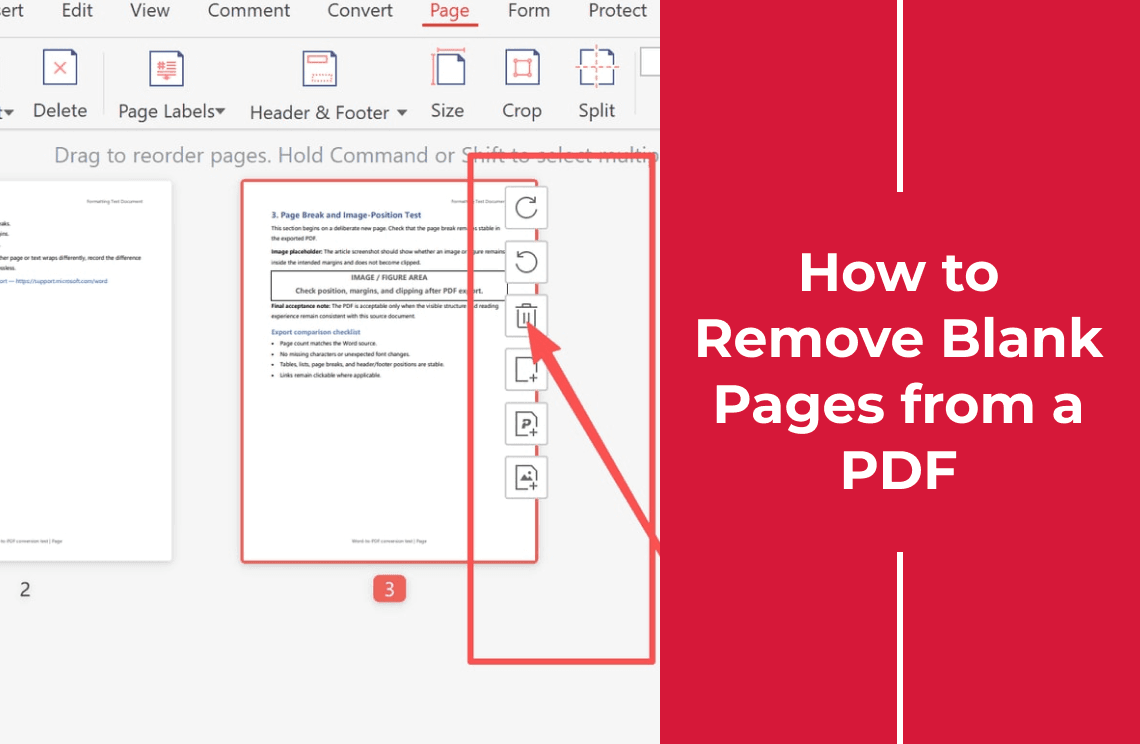
How to Remove Blank Pages from a PDF Without Rebuilding the File
Tell a blank-looking page from a faint scan, remove only the blanks you have confirmed, then check the count and order before saving.
Read More >>
How-to & Tips9 Mins
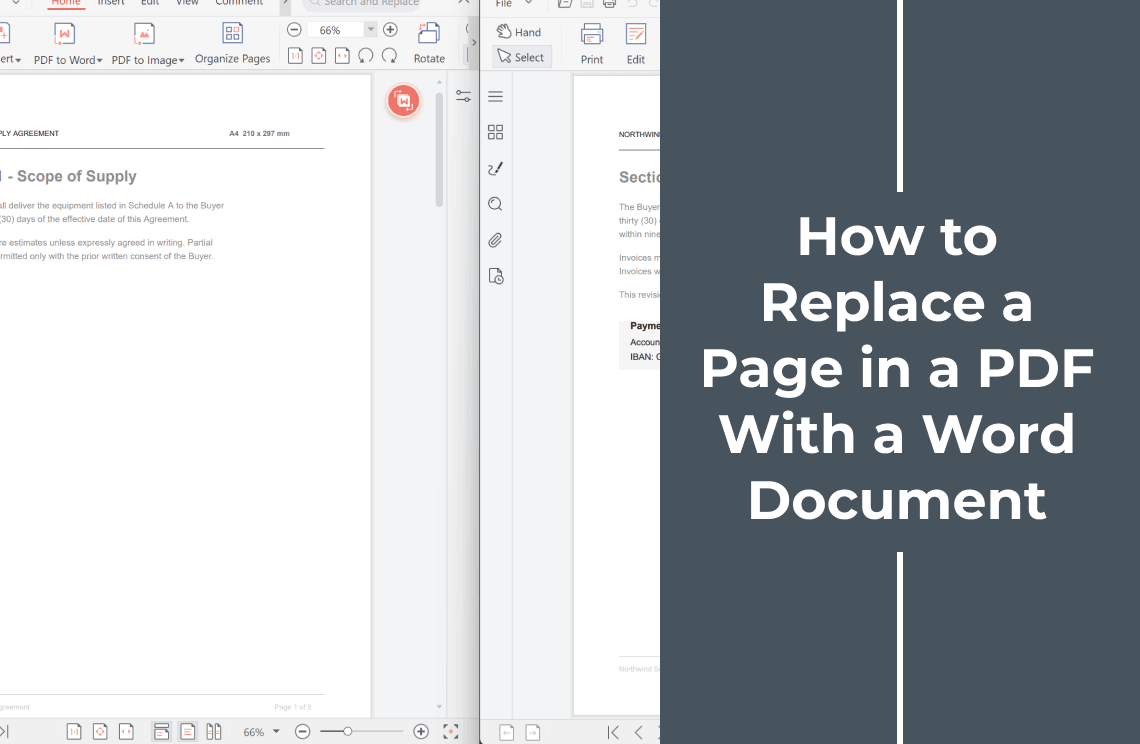
How to Replace a Page in a PDF With a Word Document
The page count should not change when one page is updated. Export the Word page at the same size, swap it in place, then check the bookmarks.
Read More >>
How-to & Tips8 Mins
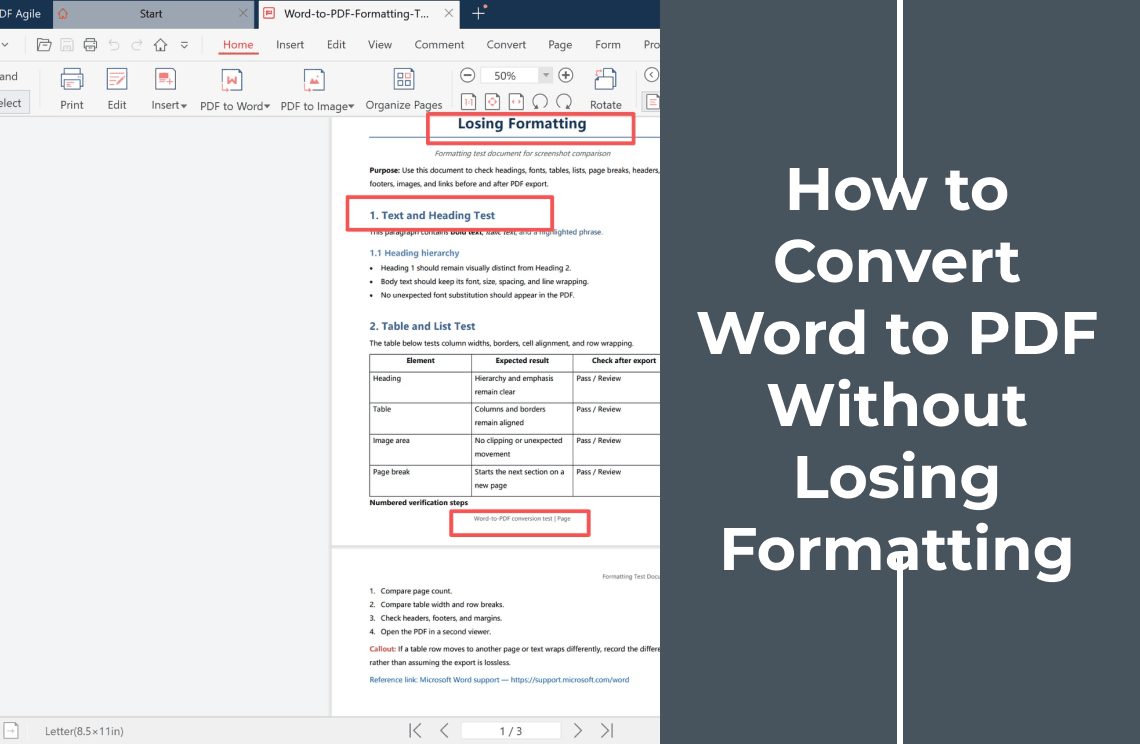
How to Convert Word to PDF Without Losing Formatting
Word to PDF conversion breaks when fonts are not embedded or tables reflow. Set the export options, then check the PDF page by page.
Read More >>
How-to & Tips7 Mins
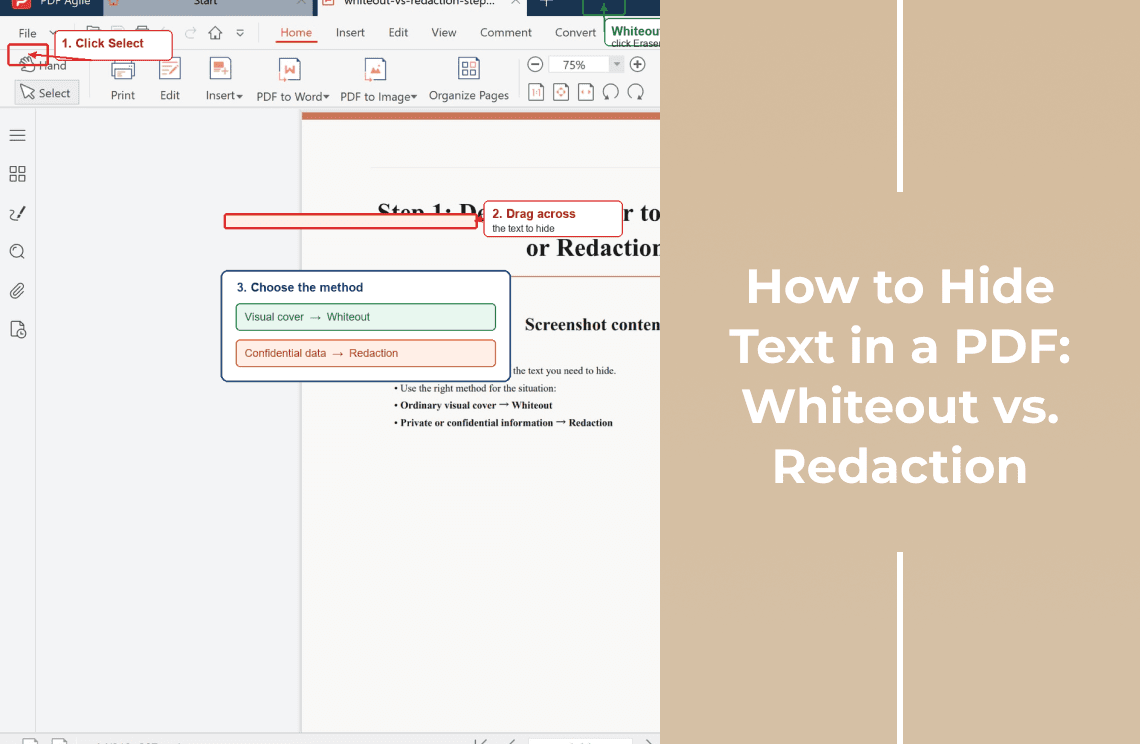
How to Hide Text in a PDF: Whiteout vs. Redaction
What a whiteout really covers, when you need true redaction instead, and how to test that the hidden text can no longer be searched or copied.
Read More >>
How-to & Tips12 Mins
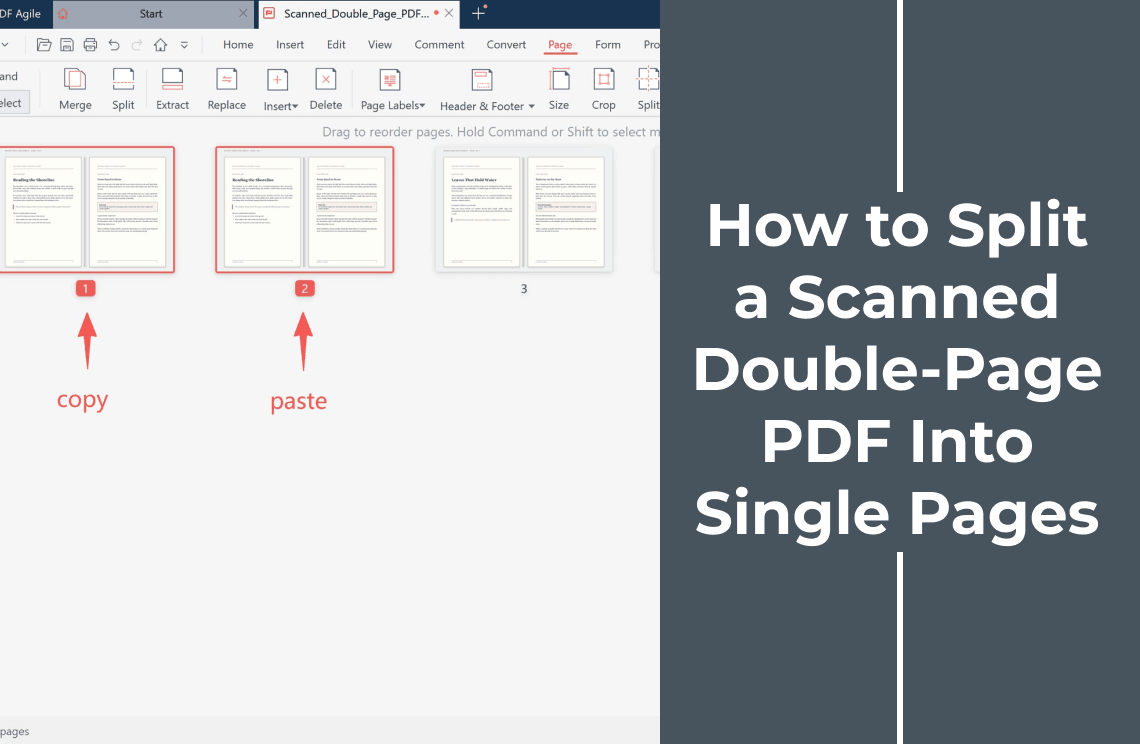
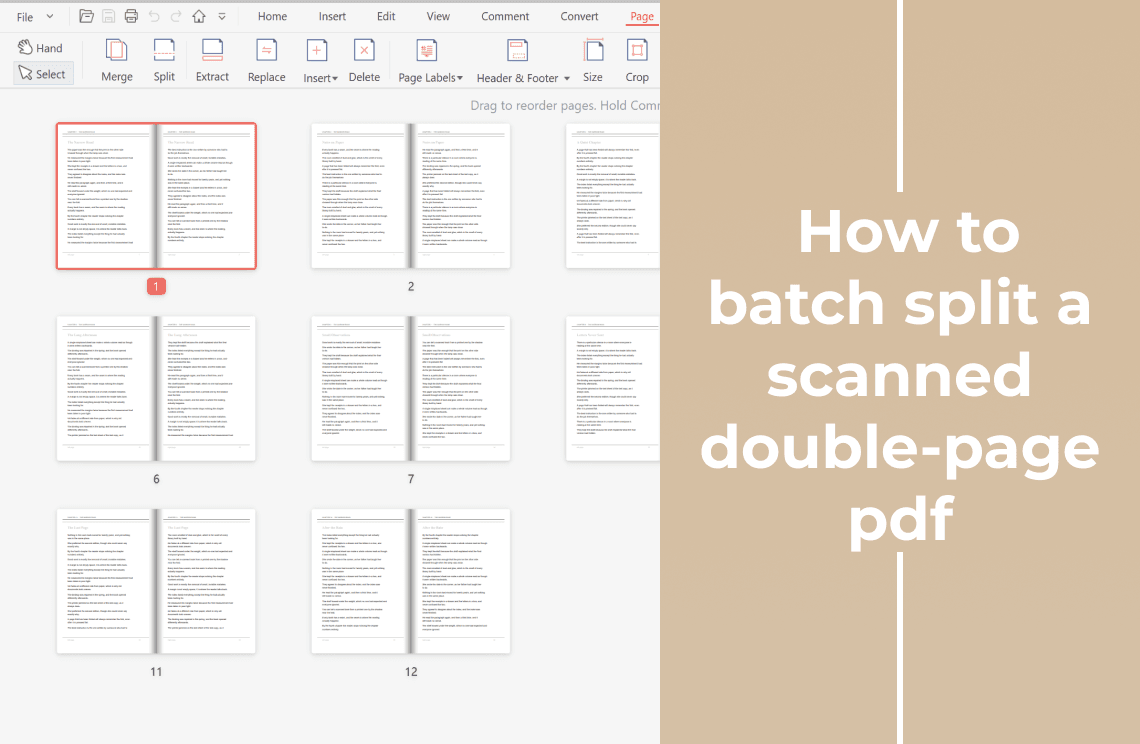
How to Batch-Split a Scanned Double-Page PDF Into Single Pages
A 200-page scan means 400 crops. Duplicate the file, crop the left half across one set of pages and the right half across the other, then reorder.
Read More >>
How-to & Tips7 Mins
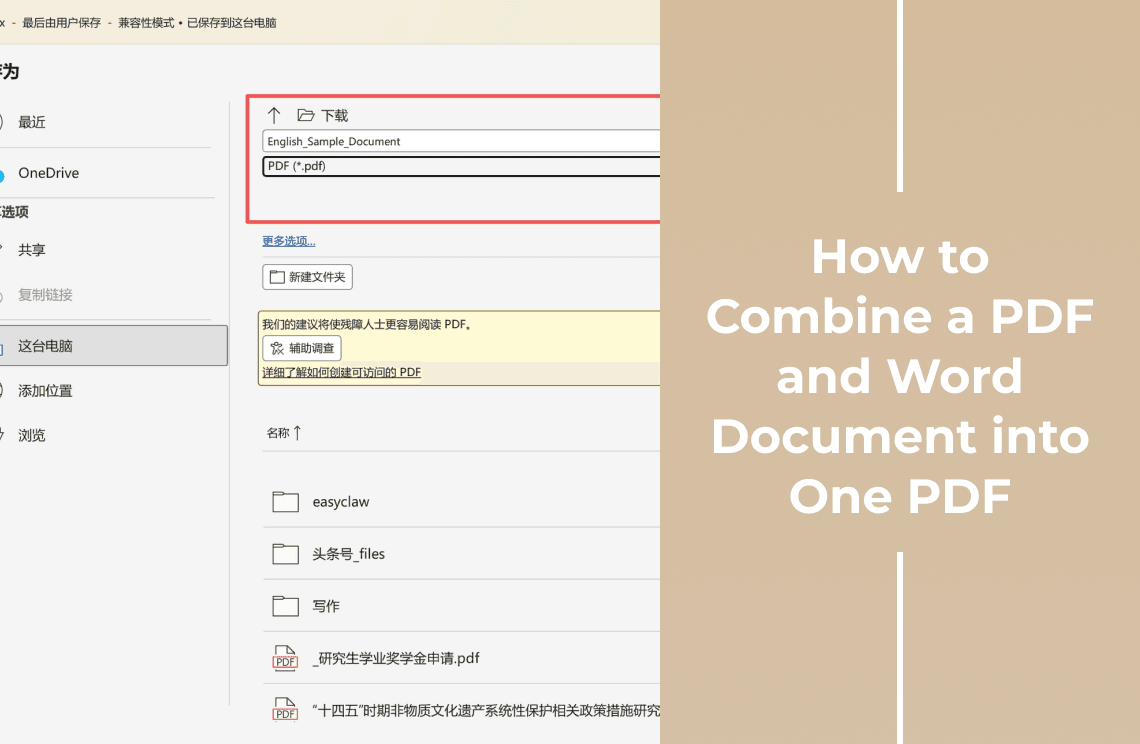
How to Combine a PDF and Word Document into One PDF
Learn how to combine a PDF and Word document into one PDF. Convert the Word file first, merge both PDFs, and check the final page order.
Read More >>
How-to & Tips10 Mins
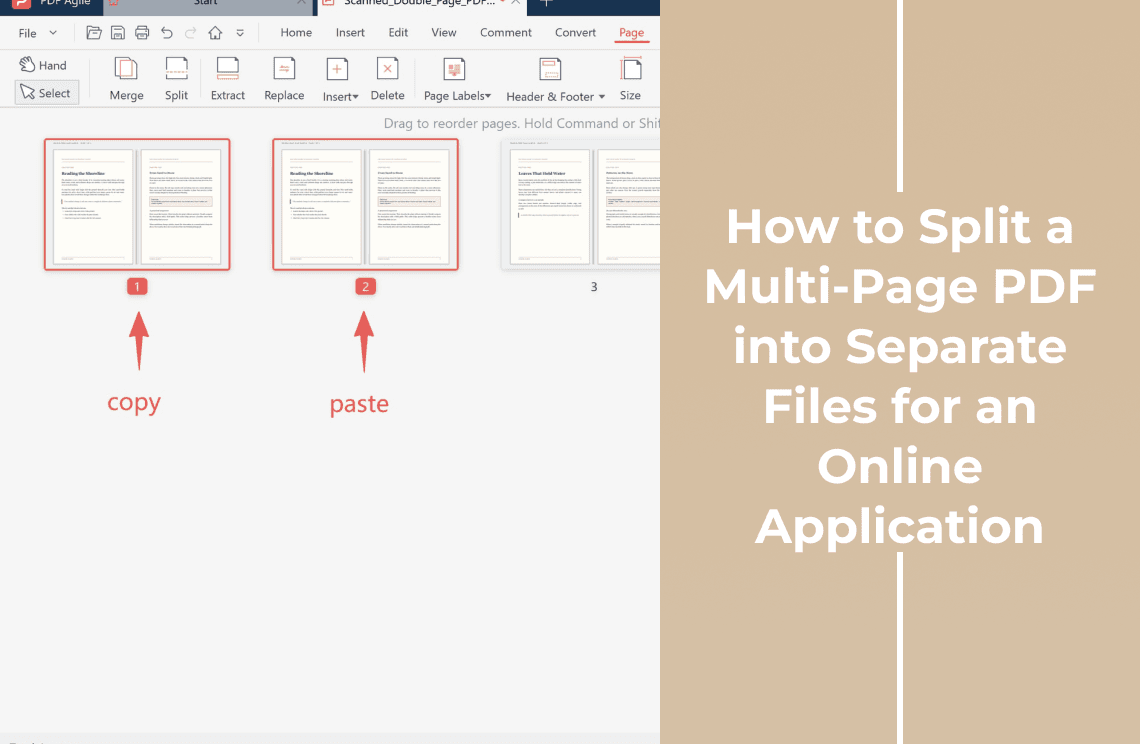
How to Split a Multi-Page PDF into Separate Files for an Online Application
Split one application packet into the separate files a portal asks for: group the pages by document type, name each PDF, and check before you upload.
Read More >>
How-to & Tips7 Mins
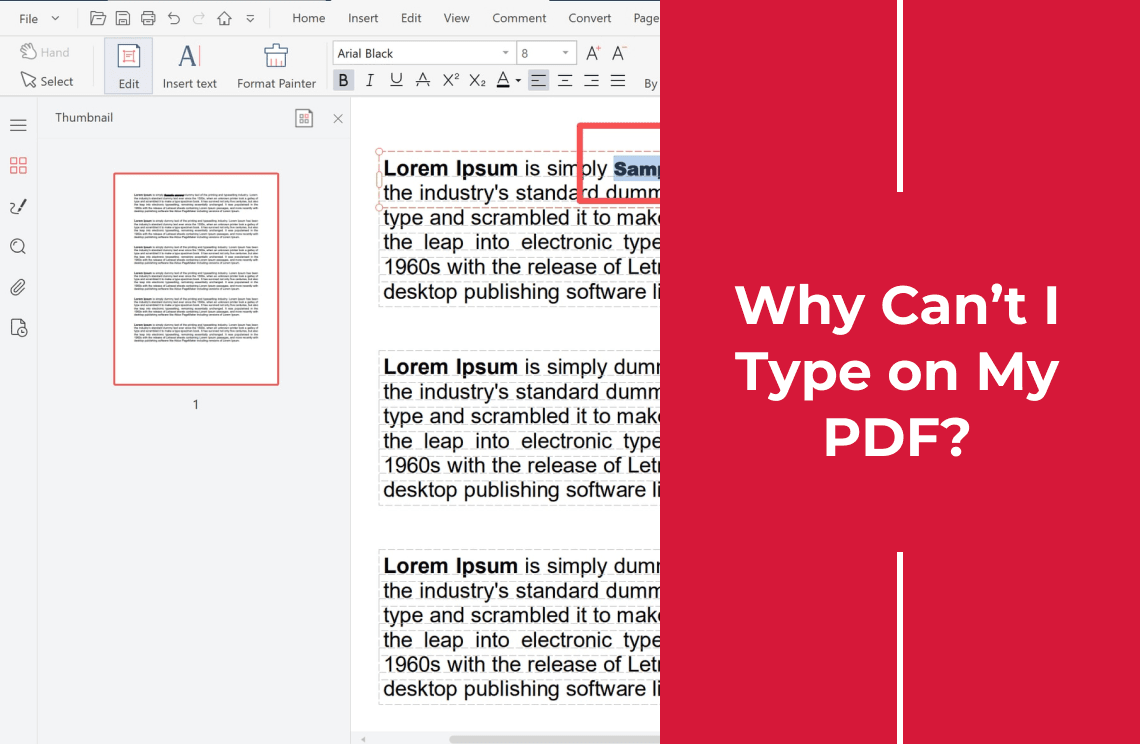
Why Can’t I Type on My PDF? 7 Fixes for Read-Only, Scanned, and Protected Files
Can’t type on a PDF? Identify whether it is a form, scan, protected file, or browser preview, then choose the right fix.
Read More >>