


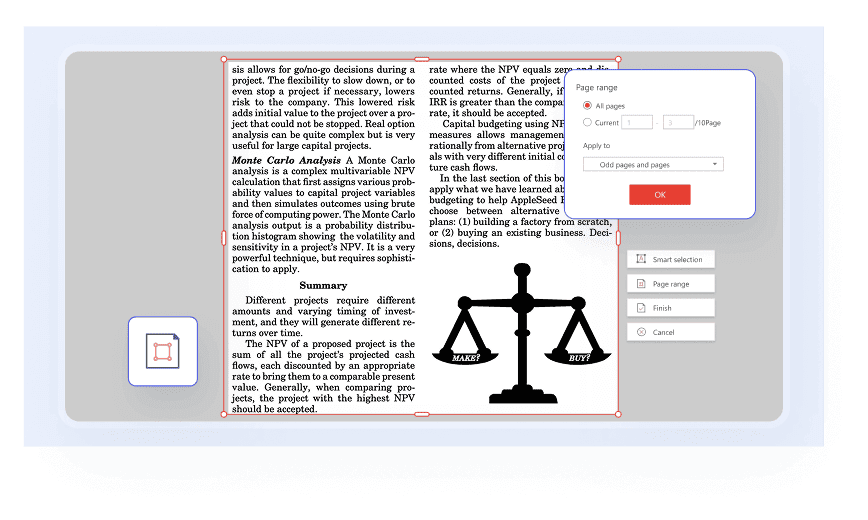
You can easily adjust the visible area of pages, remove unwanted margins, and eliminate distractions in a PDF by simply dragging a selection box or entering specific measurements.

Rearrange, Merge, and Split PDF Pages Effortlessly
Seamlessly rearrange, merge, split, crop, insert, delete, rotate, and compare your PDF pages, unlocking precise control over every page's content and layout.
Available on:


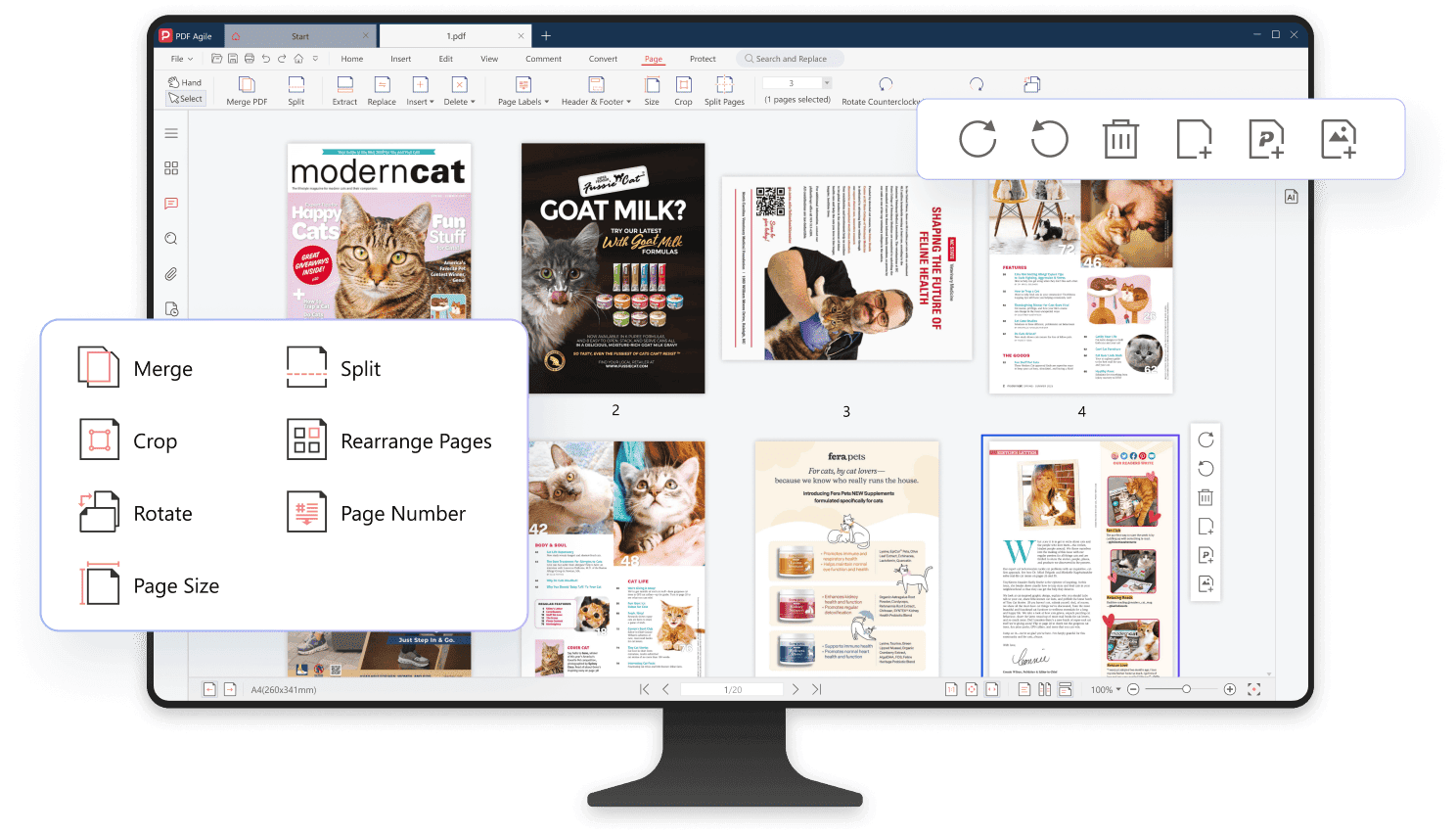
Rearrange PDF pages
Occasionally, you'll find your PDF document needs reordering. Luckily, you can rearrange your PDF pages by simply dragging and dropping their thumbnails into desired place.

Merge and split PDF files
Easily combine multiple PDF files into a single document, or split a large PDF into multiple smaller files by specifying page range, allowing for targeted content management.

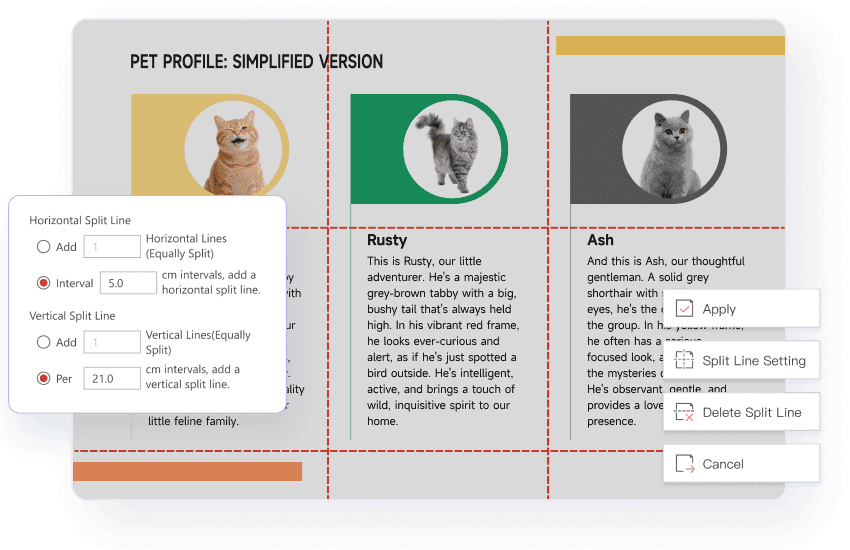
Page grid splitter
Our unique page grid splitter enables precise page division. Define horizontal and vertical split lines to quickly extract each grid cell as a separate page, perfect for focused viewing and processing.
Crop PDF pages
Adjust page size
Easily resize your PDF by choosing a size preset with different width and height, or customize the page direction right away.

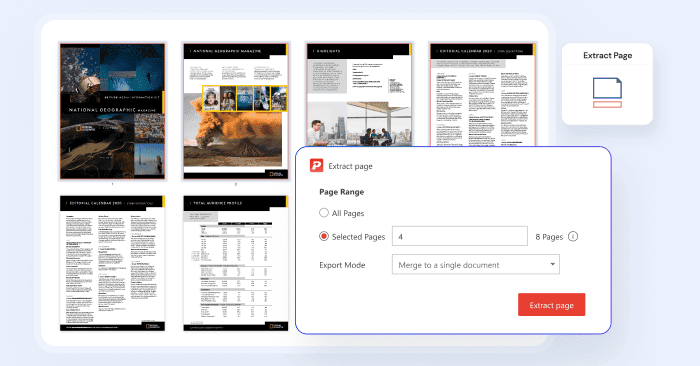
Extract pages from a PDF
Extract pages from a PDF by selecting a specific page range, then export the chosen pages as a single new document or as separate files for each page.
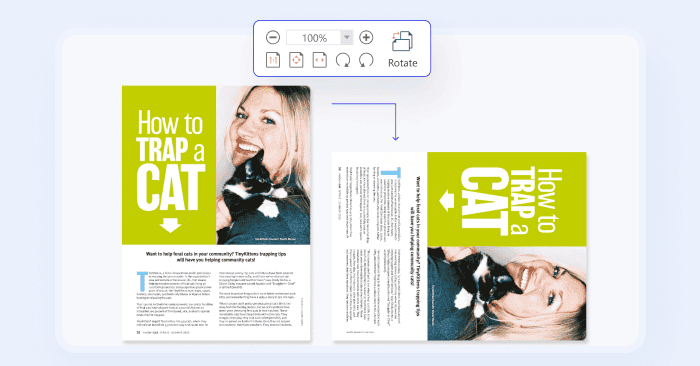
Rotate PDF pages
Rotate your PDF pages to the correct orientation you need for a presentation, printing, or simply easier viewing.
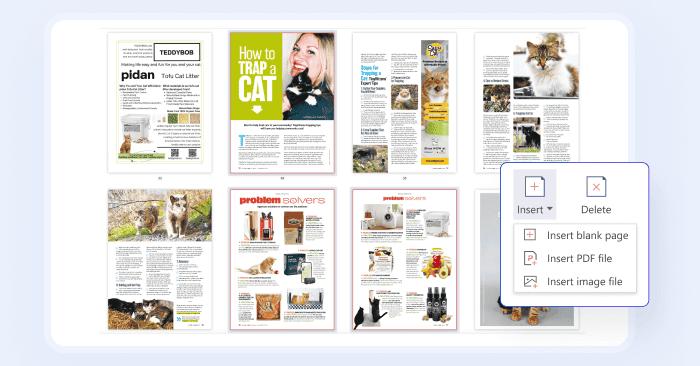
Insert, delete and replace PDF pages
Manage your PDF pages by inserting blank pages or other files, deleting unwanted pages, or replacing existing pages with new ones.
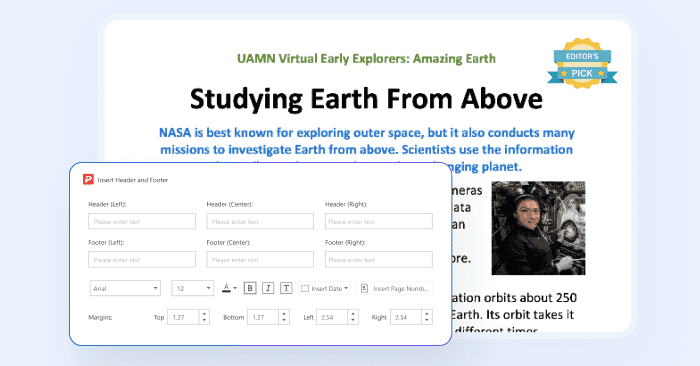
Add page labels, headers, and footers
Add page labels, headers, and footers into a PDF with ease. You can even define their position, appearance, and content for precise navigation.
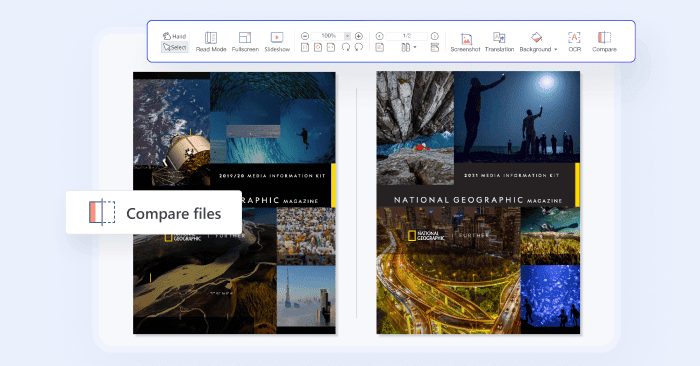
Compare PDF files
Easily compare two PDF documents side-by-side and quickly identify and highlight all textual, graphical, and formatting differences.
How to Rearrange a PDF document in 3 easy steps?
01
Launch PDF Agile and open the document you wish to reorder.
02
Navigate to the page thumbnail view, typically found on the left sidebar or a dedicated "Page" tab.
03
Simply click and drag any page thumbnail to its desired new position within the document. Release the mouse button to drop the page into place.
Join millions who trust PDF Agile—try now to edit, convert, and manage PDFs with efficiency and ease.
Trusted by







FAQs about PDF Organizing Functions.
How do I merge multiple PDF files so I can consolidate all my research papers into one easy-to-manage document for my literature review?
I have a large PDF and I need to split its pages into separate files. What's the best way to extract PDF pages?
I need to quickly remove these unnecessary pages before submitting the final version. How can I delete pages from a PDF?
How do I arrange a PDF like a book?

Accelerate your PDF workflow like never before
A complete PDF solution for all PDF needs