Featured Post
Recent Posts
How-to & Tips8 Mins
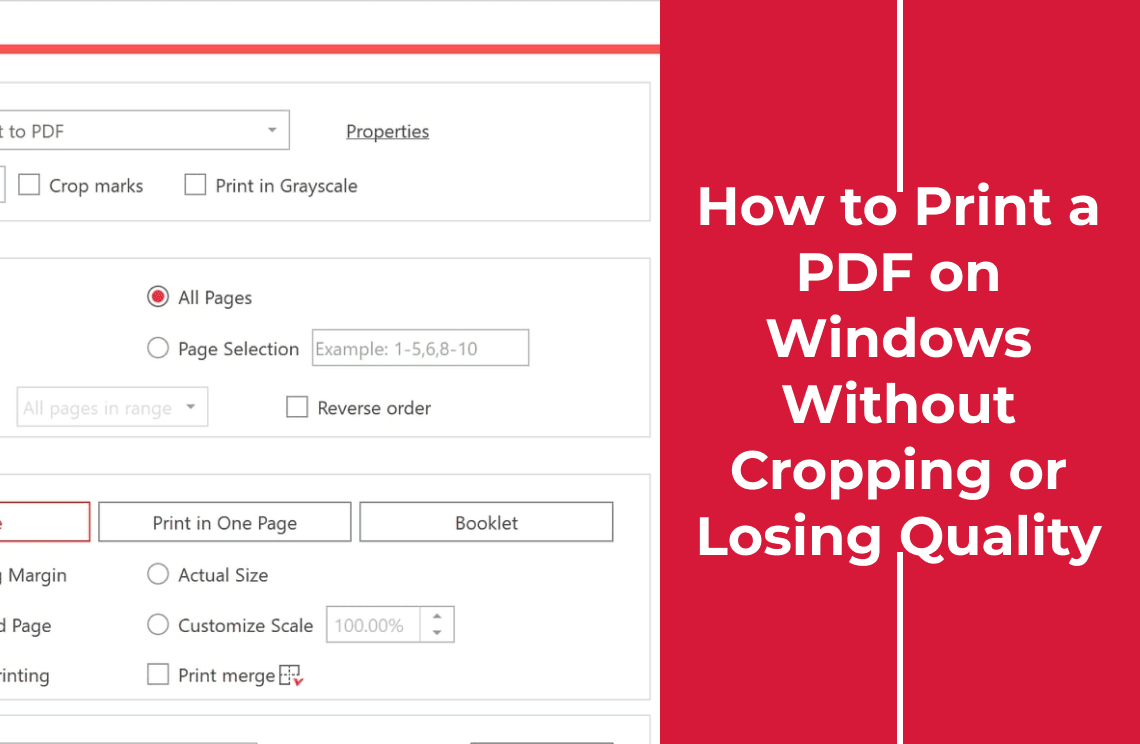
How to Print a PDF on Windows Without Cropping or Losing Quality
A PDF prints clipped or soft on Windows when paper size and scale disagree. Match both, check the preview, and proof the print as a PDF before paper.
Read More >>
How-to & Tips6 Mins
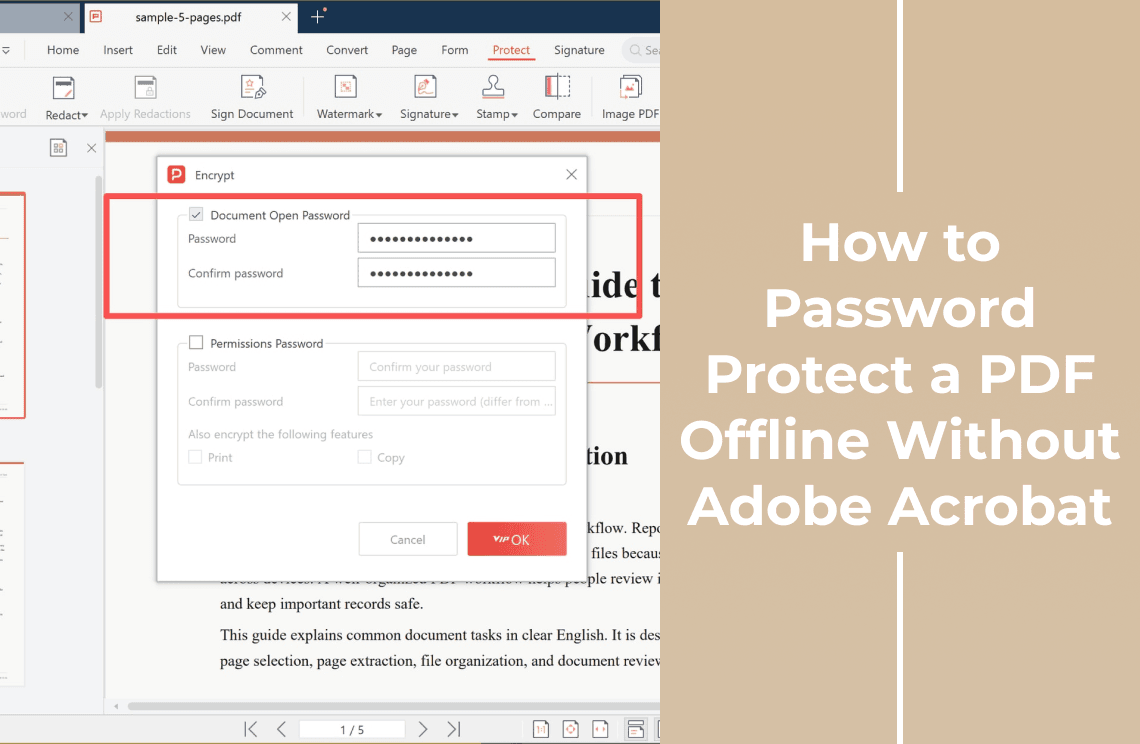
How to Password Protect a PDF Offline Without Adobe Acrobat
Lock a PDF without uploading it or buying Acrobat: what offline really means, the two PDF password types, and the desktop steps to set one.
Read More >>
How-to & Tips11 Mins
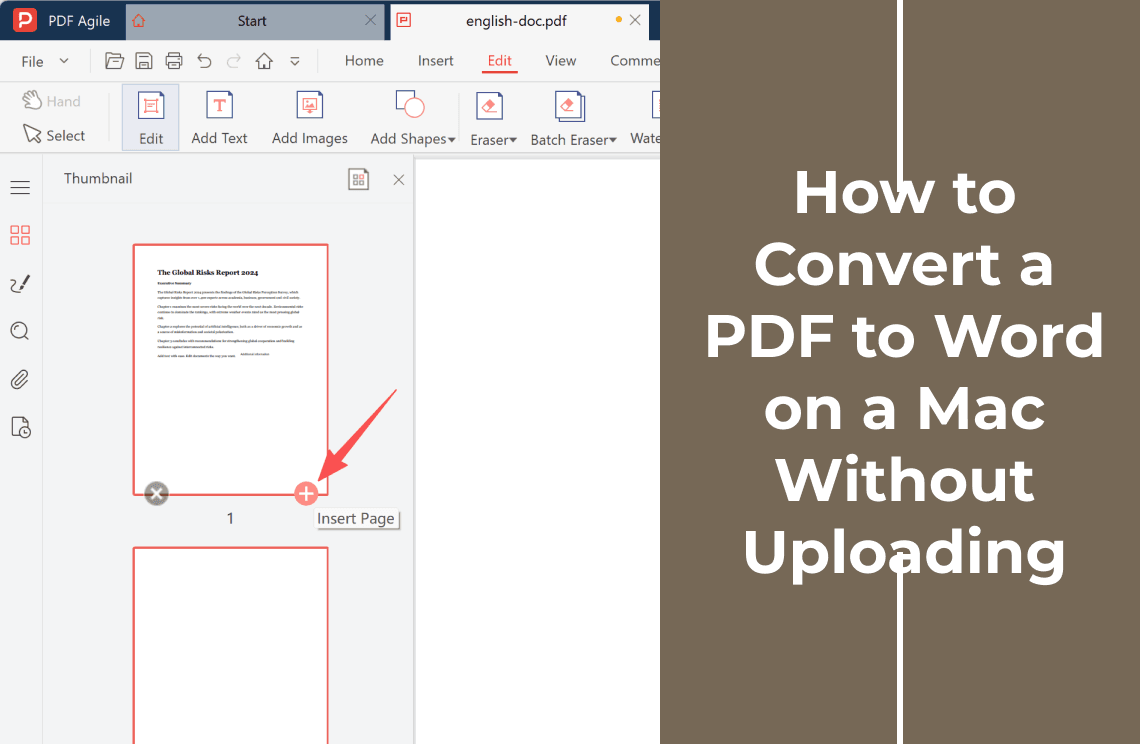
How to Convert a PDF to Word on a Mac Without Uploading
Convert a PDF to Word on a Mac without sending it to a website. Use Word's built-in PDF import, handle scans with OCR, and check the .docx first.
Read More >>
How-to & Tips9 Mins
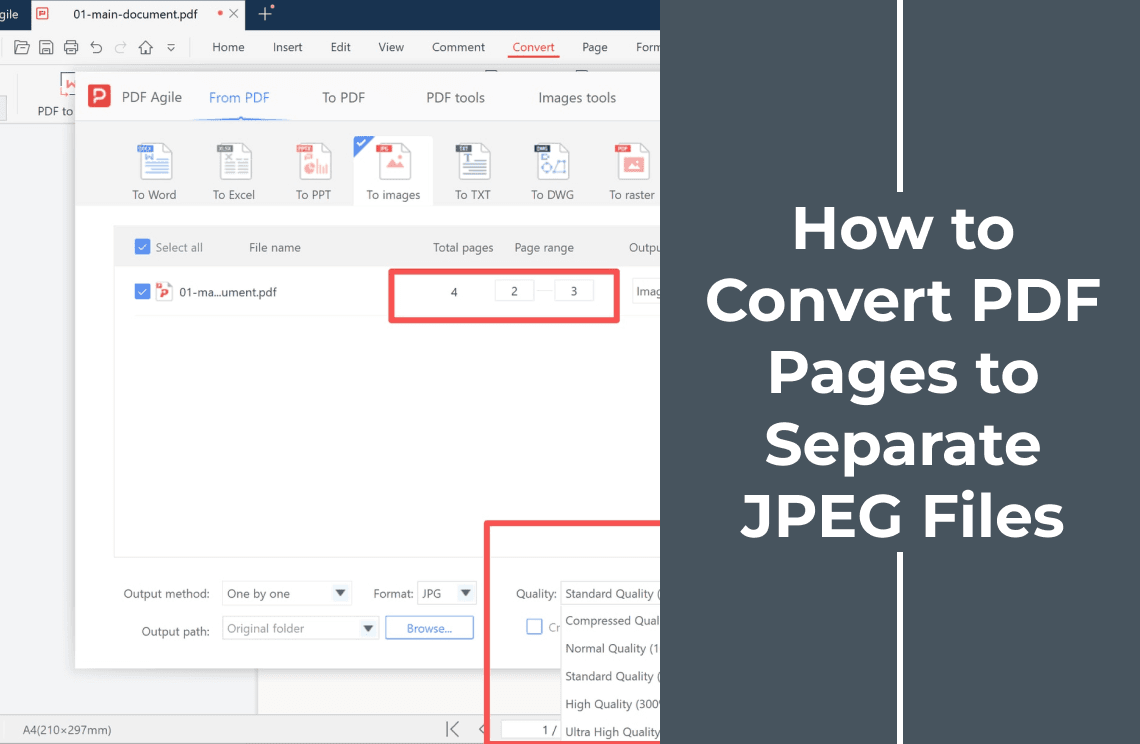
How to Convert PDF Pages to Separate JPEG Files on Windows
Save each PDF page as its own JPEG on Windows: set the page range, pick a quality preset and output folder, then check the batch before you send it.
Read More >>
How-to & Tips6 Mins
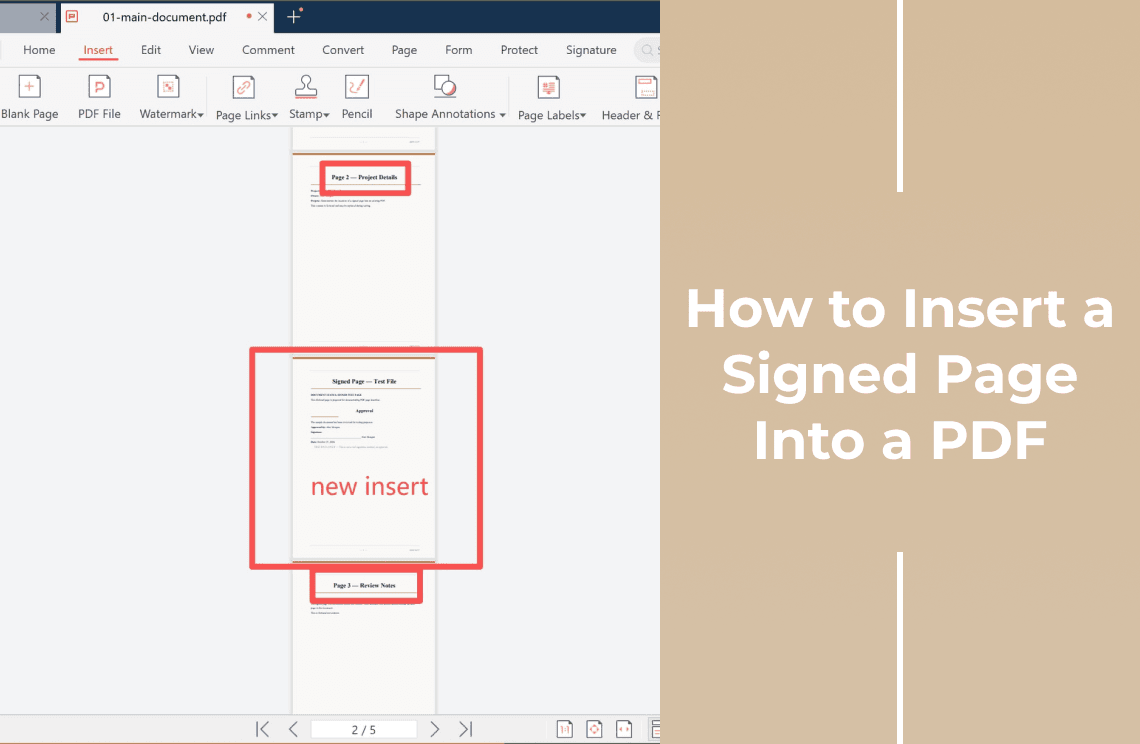
How to Insert a Signed Page Into a PDF
Insert a signed page into an existing PDF: pick the position, add the signed file, check the page count, and see what happens to the signature.
Read More >>
How-to & Tips7 Mins
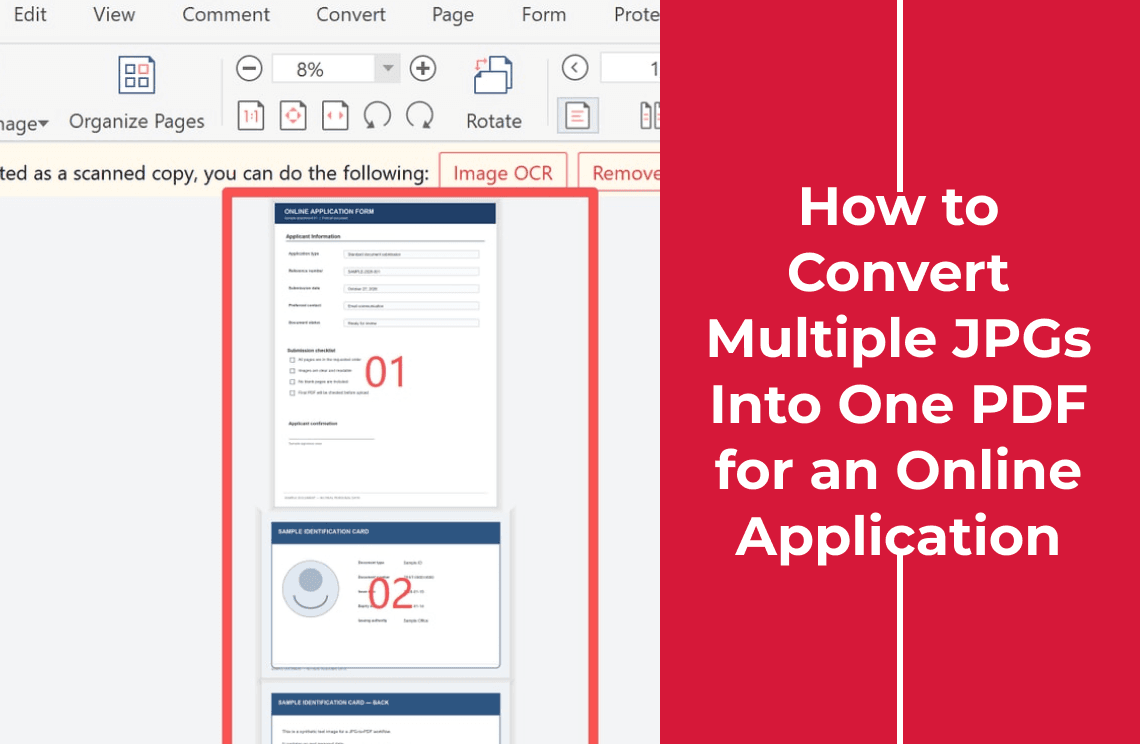
How to Convert Multiple JPGs Into One PDF for an Online Application
Turn JPGs into one PDF an application form will accept: set the page order, check page size and legibility, and stay under the upload limit.
Read More >>
How-to & Tips6 Mins
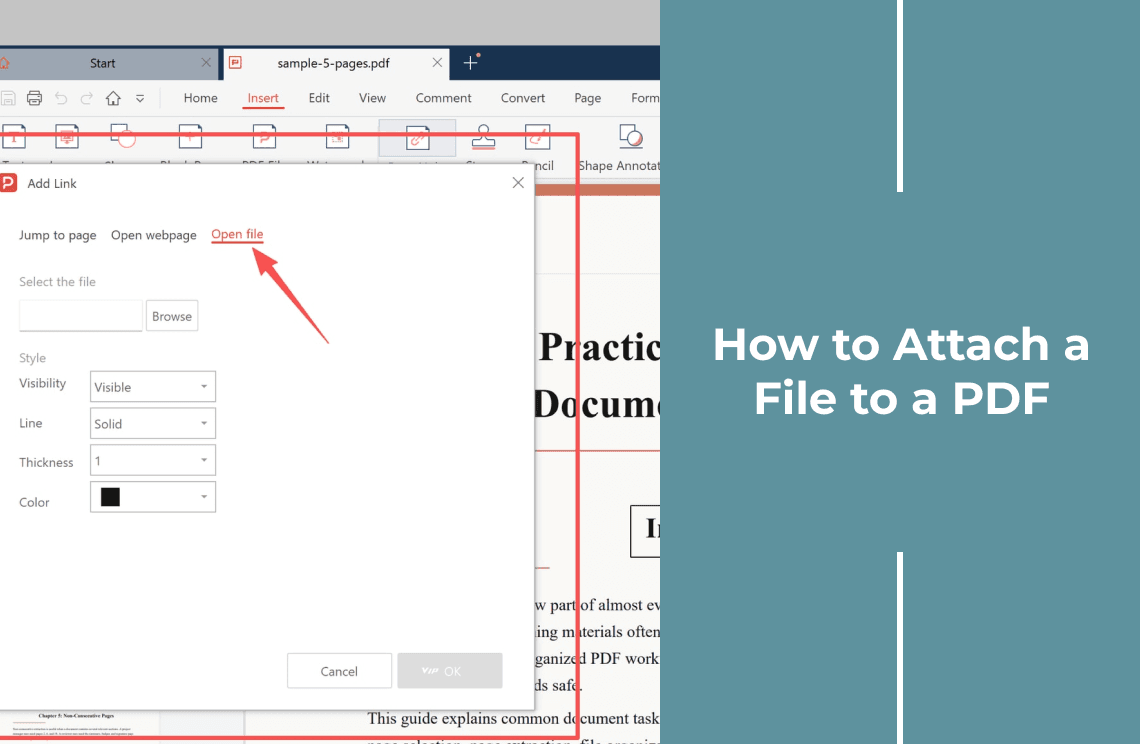
How to Attach a File to a PDF Without Merging Pages
Attach a Word, Excel, or PDF file to a PDF so it opens from a link, without merging or inserting a single page, then verify it before sending.
Read More >>
How-to & Tips6 Mins
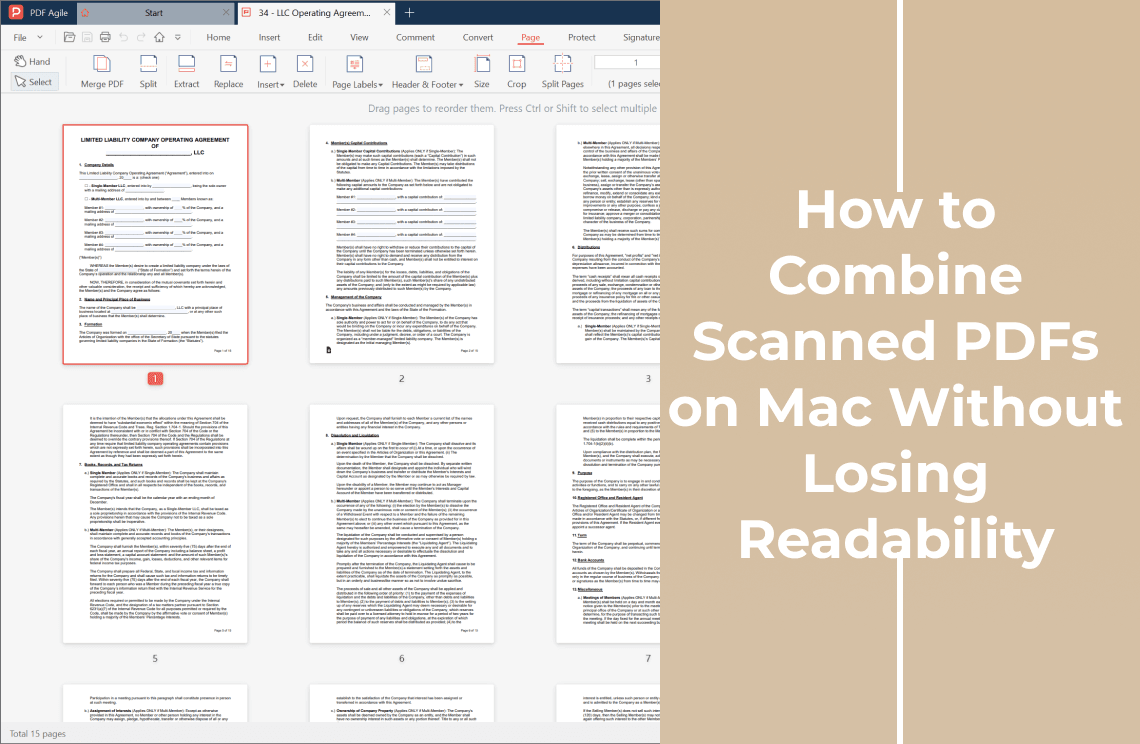
How to Combine Scanned PDFs on Mac Without Losing Readability
Combine scanned PDFs on a Mac in Preview without losing readability. Check the scan type, fix rotation, merge copies, then add OCR and compress last.
Read More >>
How-to & Tips6 Mins
How to Combine JPEGs into One PDF for Free Without Uploading
Combine several JPEGs into one free PDF without uploading your photos. Fix the page order, choose fit-to-image or A4 pages, then check the file.
Read More >>
How-to & Tips6 Mins
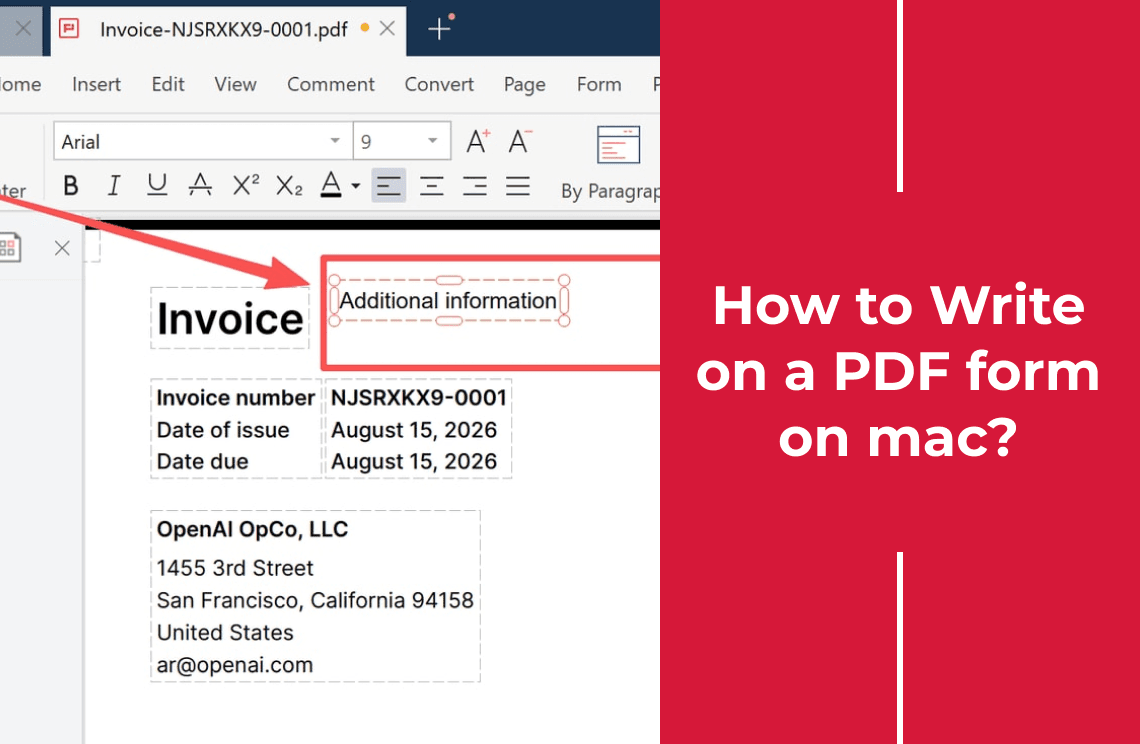
How to Write on a PDF Form on Mac: Fillable, Flat, and Scanned Forms
Write on a PDF form on Mac with Preview. Check if the form is fillable, flat, or scanned, add text and a signature, then save a copy others can read.
Read More >>
How-to & Tips6 Mins
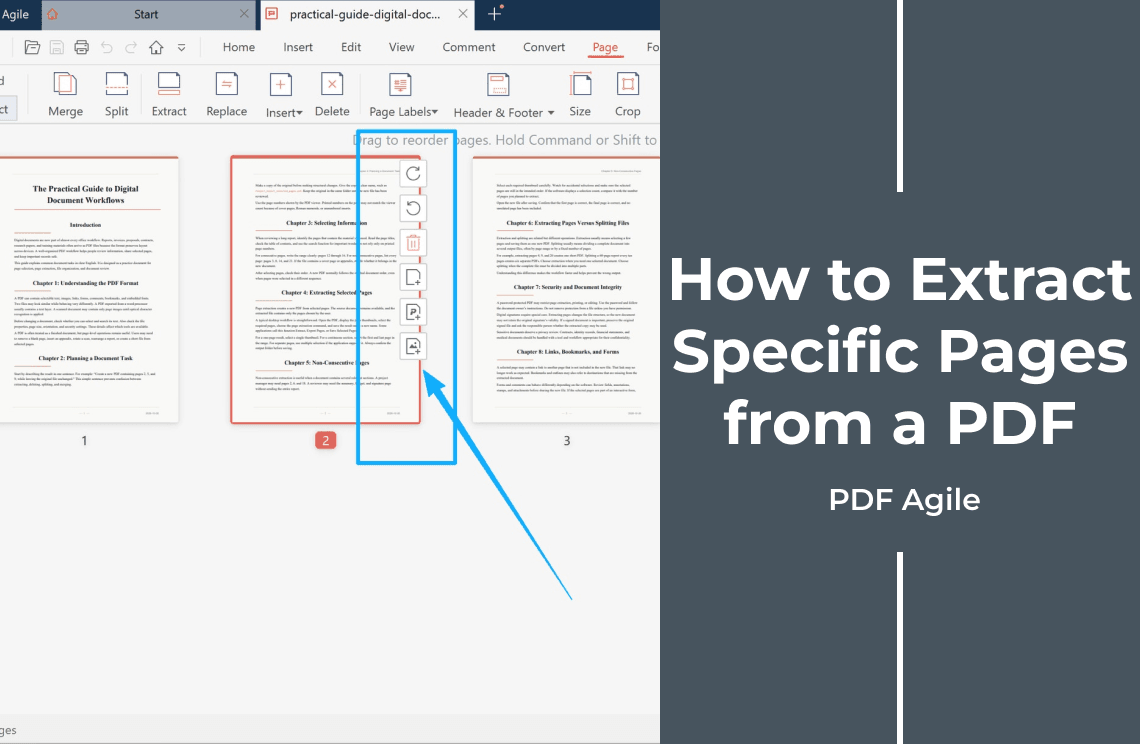
How to Extract Specific Pages from a PDF and Save Them as a New File
Extract specific or non-consecutive PDF pages into one new file, keep the original intact, and check links and signatures before sharing.
Read More >>
How-to & Tips4 Mins
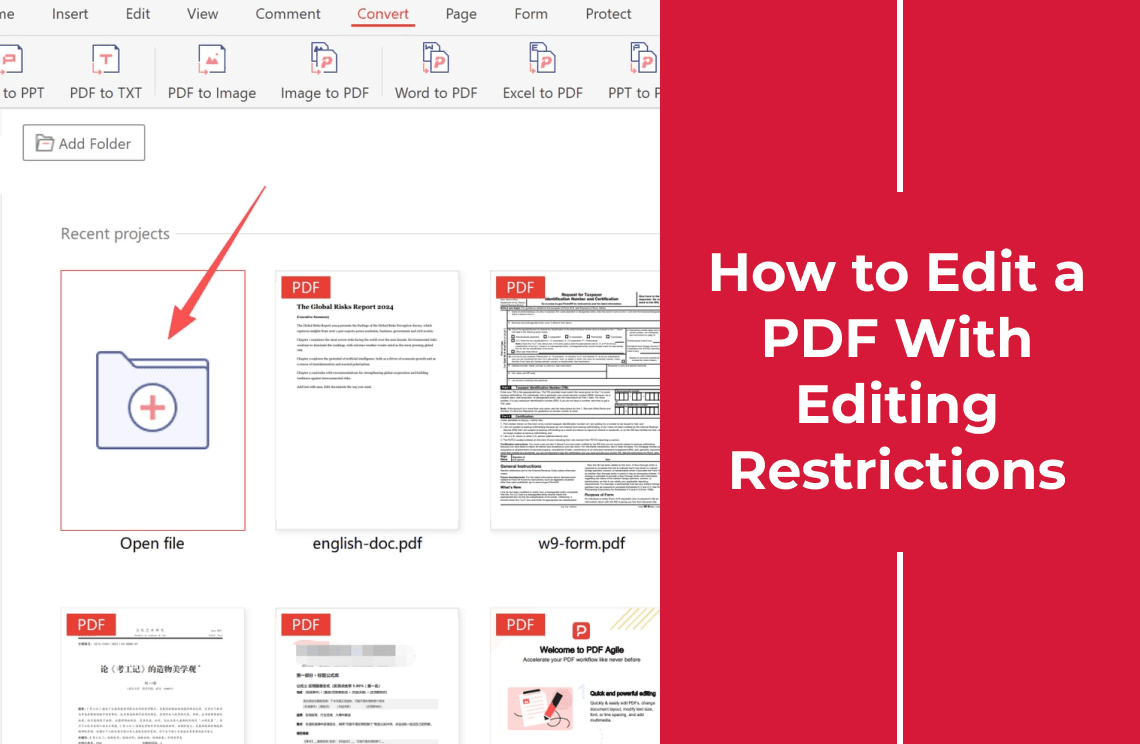
How to Edit a PDF With Editing Restrictions
A PDF that opens but will not let you edit usually carries a permissions restriction. Learn how to identify it and edit the file with permission.
Read More >>
How-to & Tips8 Mins
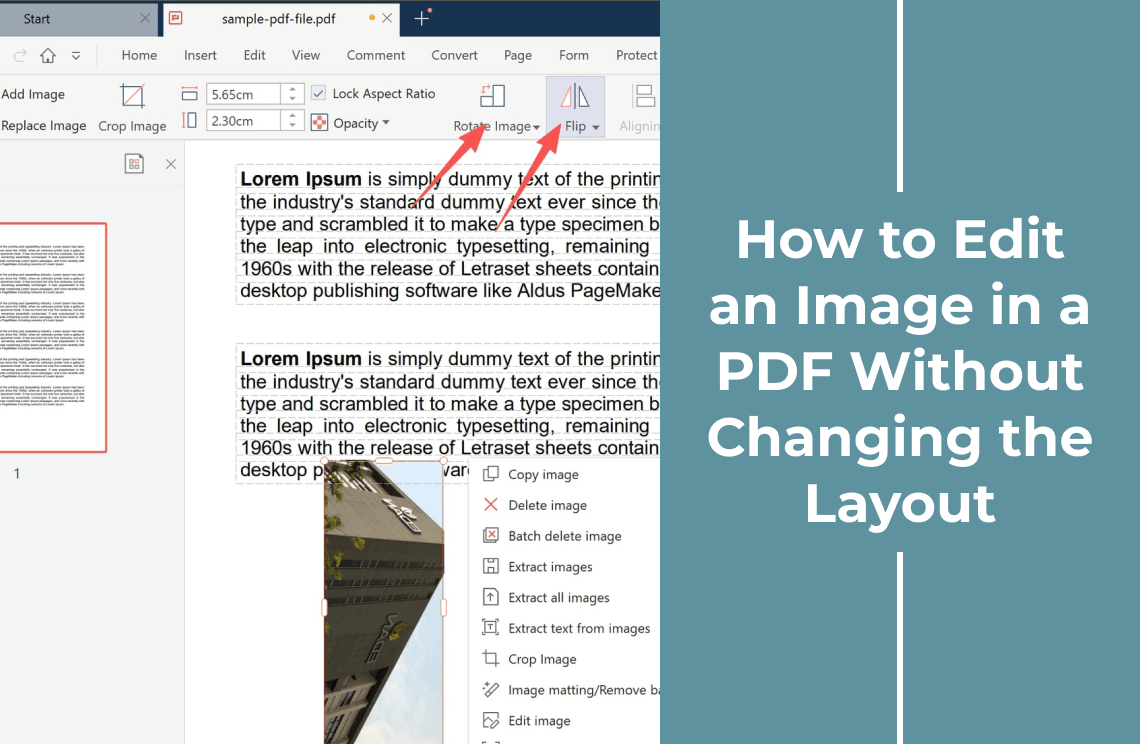
How to Edit an Image in a PDF Without Changing the Layout
Select the image as its own object, swap or crop it without moving the text, lock the aspect ratio, then check the page at 100% and 400%.
Read More >>
How-to & Tips7 Mins
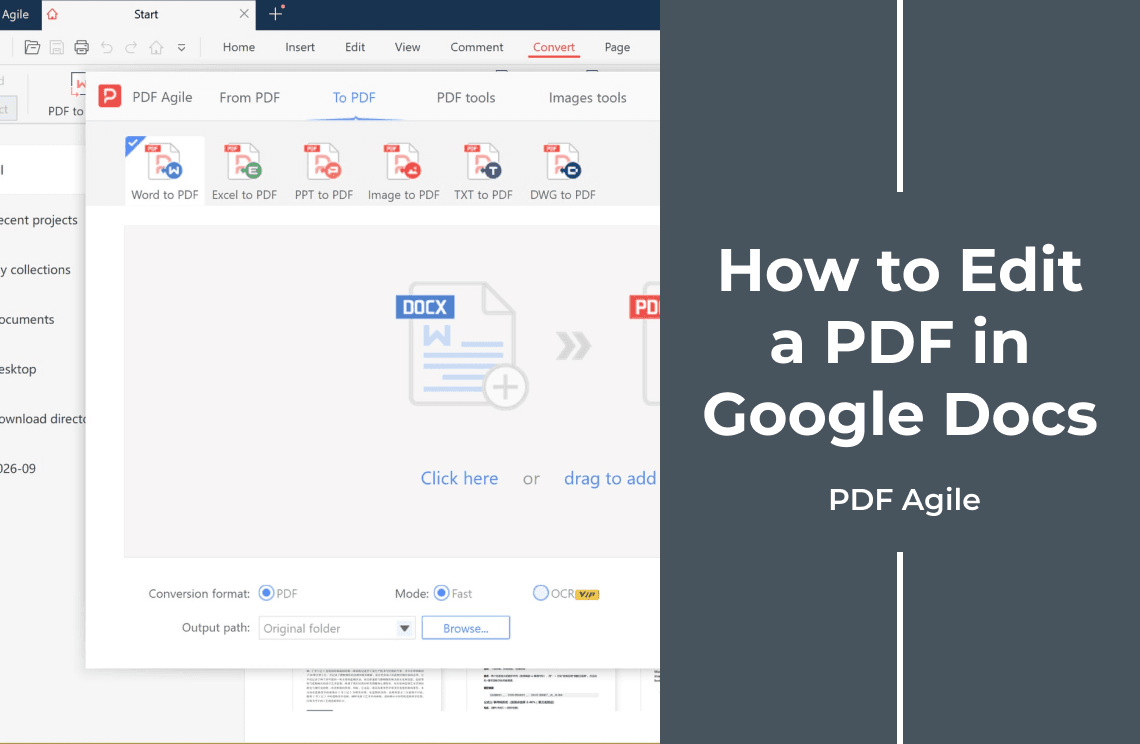
How to Edit a PDF in Google Docs: 5 Steps and What Changes
Learn how to edit a PDF in Google Docs: upload the file to Drive, open it with Docs, edit the converted text, then download the new PDF.
Read More >>
How-to & Tips6 Mins
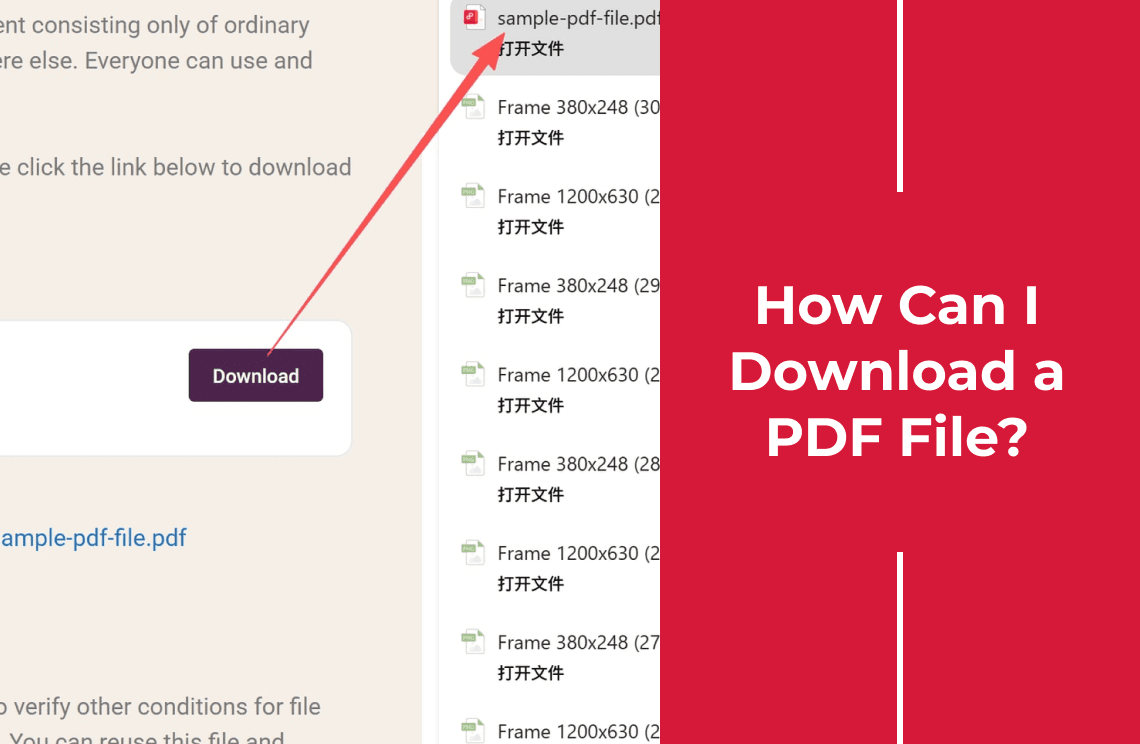
How Can I Download a PDF File? Where It Goes and How to Keep It
How to download a PDF file from a website, browser, or email attachment, where the file lands on Windows, Mac, or phone, and how to keep a copy.
Read More >>
How-to & Tips4 Mins
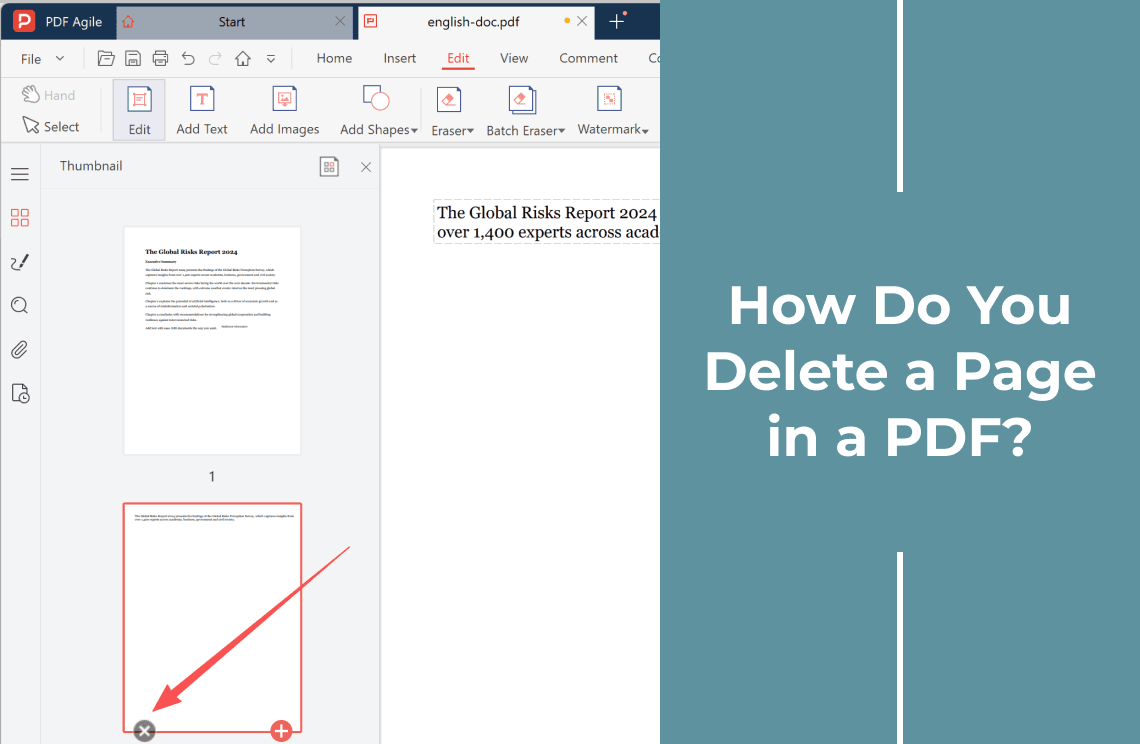
How Do You Delete a Page in a PDF?
Deleting a page is easy until the file is read-only, scanned, or signed. Pick the right method for your PDF and see what breaks after a delete.
Read More >>