


Precisely control your print jobs by specifying individual pages, custom ranges, or even printing in reverse order.

Powerful Printing Control over Diverse Documents
Take command of your PDF printing jobs with PDF Agile's diverse features, including efficient batch printing, flexible page layouts, multi-page per sheet options, and advanced range selection.
Available on:


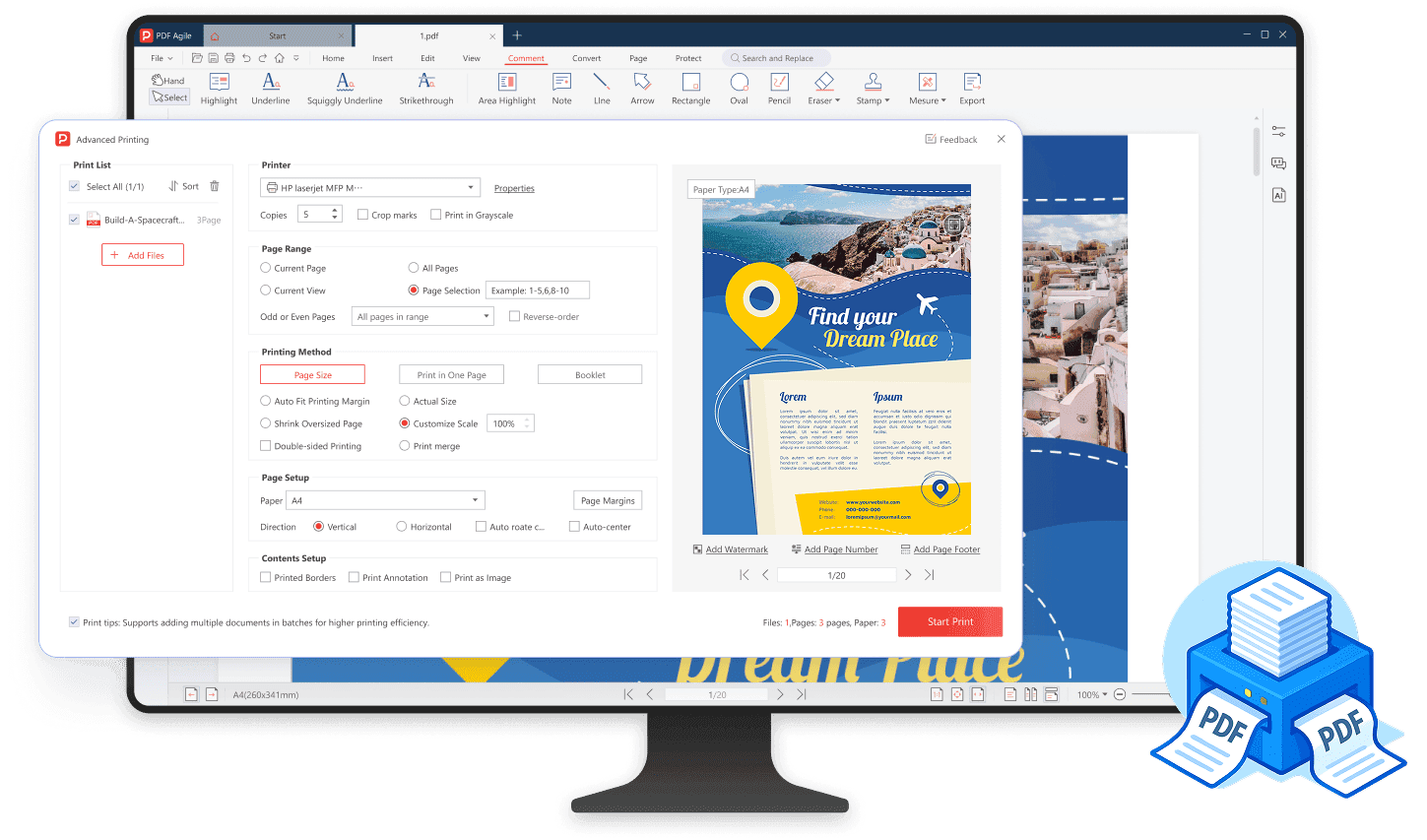
Batch print: streamline your workflow
Imagine the time saved when you can send an entire folder of PDFs to the printer with just a few clicks, as PDF Agile enables you to output multiple documents in a single go.
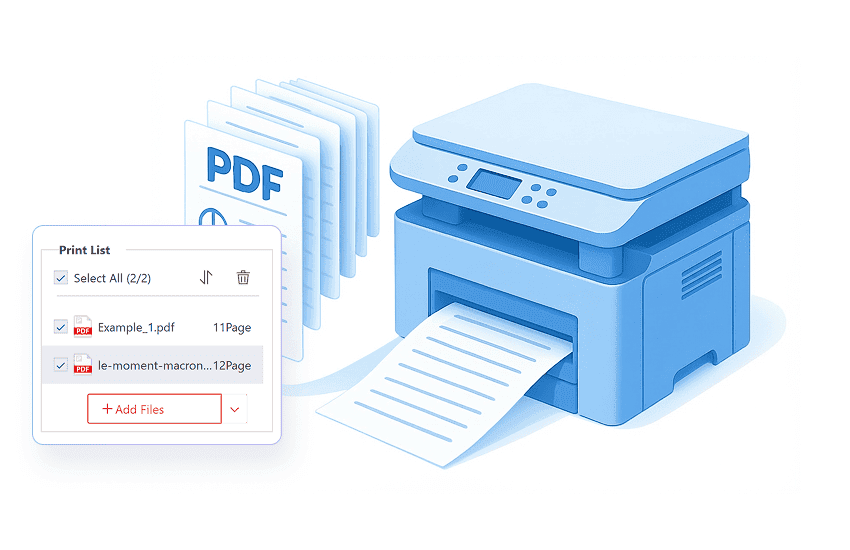
Flexible page layout: tailor your print output
Customize your document's layout by freely selecting preset paper formats (A4, B5, Tabloid, Executive, etc.), adjusting page size, setting preferred page margins, and defining the orientation to fit your specific printing needs.
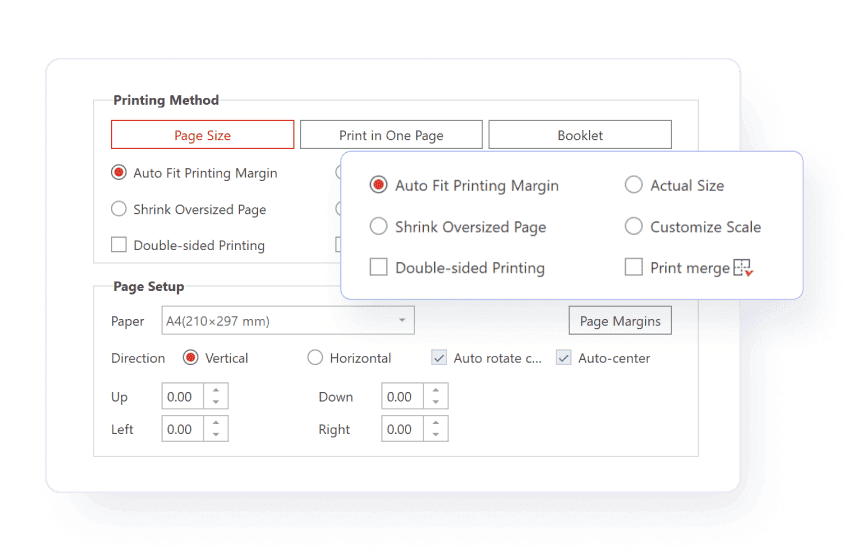
Multiple pages per sheet: consolidate your prints
Efficiently print multiple PDF pages per sheet with flexible column and row arrangements. Plus, consolidate your prints by using Print Merge function to combine diverse elements like invoices and images onto one page.
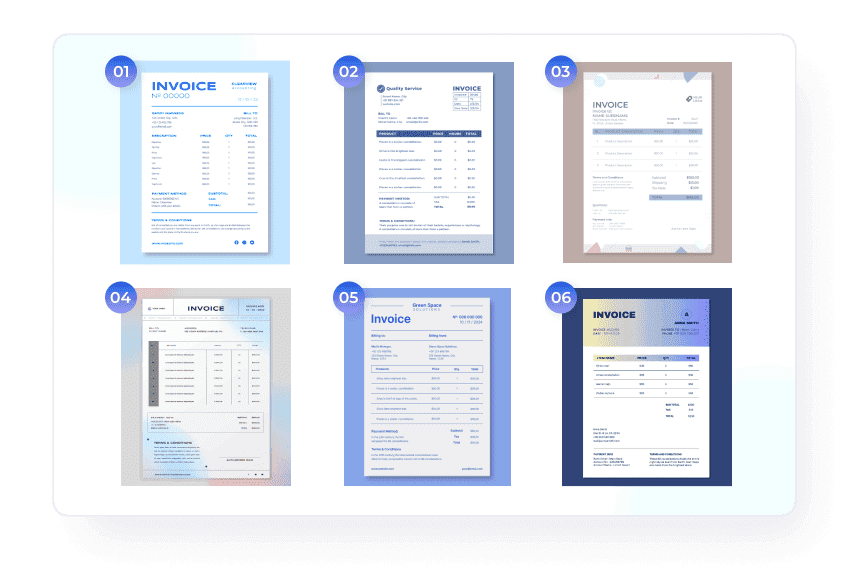

Customize page range

Double-sided printing
Optimize your printing by effortlessly utilizing both sides of paper, significantly reducing paper consumption.

Print PDF with comments
Include all comments, markups, and annotations directly within your printed PDF, ensuring seamless collaboration.

Print as images
Try printing your PDF as images to preserve visual fidelity and resolve complex layout or font rendering problems.

Preview and personalize
Add watermarks, page numbers, and footers within the live preview window without changing the original document.

Print booklet
The booklet function lets you print double-sided, front only, or back only, and choose between left-side or right-side binding.
How to print a PDF document in 3 easy steps?
01
Launch PDF Agile and open your desired PDF file.
02
Navigate to Home and click the Print icon on the toolbar, or go to File and launch Print (Ctrl+P).
03
Adjust settings like page range and copies in the print dialog, then click Print.
Join millions who trust PDF Agile—try now to edit, convert, and manage PDFs with efficiency and ease.
Trusted by







FAQs about PDF Printing Functions
I'm trying to print a PDF, but nothing is happening. What are the common reasons it won't print?
I need to save documents as PDF files, but don't see a PDF print option. How do I add a PDF printer?
I'm trying to print a PDF, but it always includes white borders. How can I print a PDF without margins?
How do I print a PDF double-sided?
Accelerate your PDF workflow like never before
A complete PDF solution for all PDF needs