


- Adobe Acrobat operates on a mandatory annual subscription model, typically billed monthly, compelling users into continuous, recurring payments for software access, including unexpected charges after trials and substantial early termination fees if canceling after 14 days.
- At PDF Agile, we offer a refreshingly transparent and predictable pricing structure with clear, one-time payment options. You can choose from our Semi-Annual Plan for $39, an Annual Plan for $59, or our highly attractive Lifetime Plan for just $119, which includes free lifetime upgrades and priority support, guaranteeing enduring value and eliminating future upgrade costs. Plus, your single license can be activated on up to two devices, providing unmatched flexibility.

The Superior Alternative to Adobe Acrobat
Switch to PDF Agile for a familiar interface, affrodable price, ultra-fast performance, and a rich template library, all designed for powerful and intuitive PDF management.
Available on:


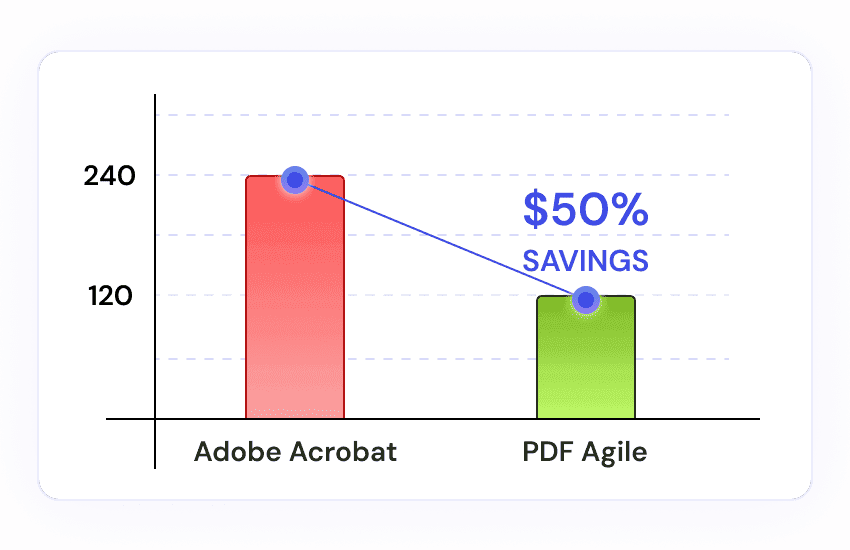
Affordable pricing
You'll get lifetime access to all features with a one-time payment of just $119, which is roughly half the cost of an annual Adobe Acrobat subscription, and there are no recurring charges ever.
UI mirroring Microsoft Office
Our user interface is based on the familiar Microsoft Office Ribbon UI, which means you'll find it incredibly easy to navigate and get started, significantly lowering your learning curve.
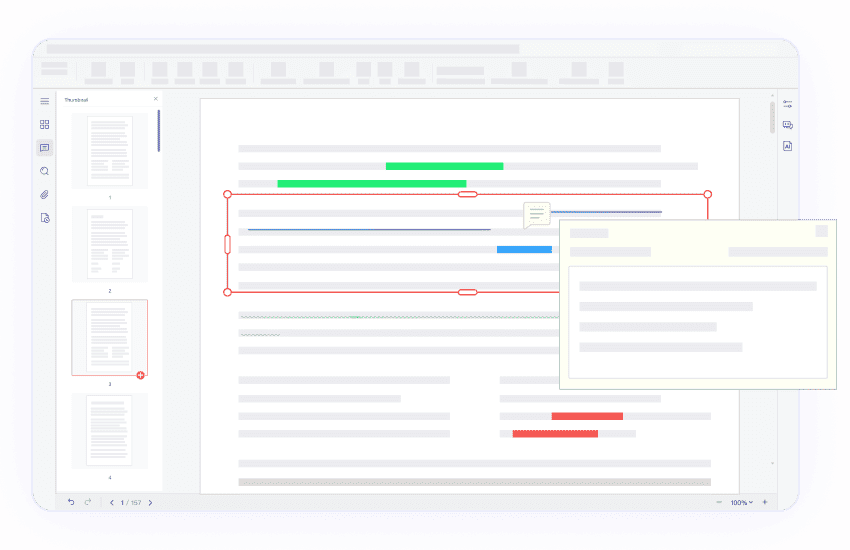
Ultra-fast performance for large files
Our software delivers ultra-fast responsiveness and stable performance, letting you effortlessly process and work with even your largest files without slowdowns or crashes.
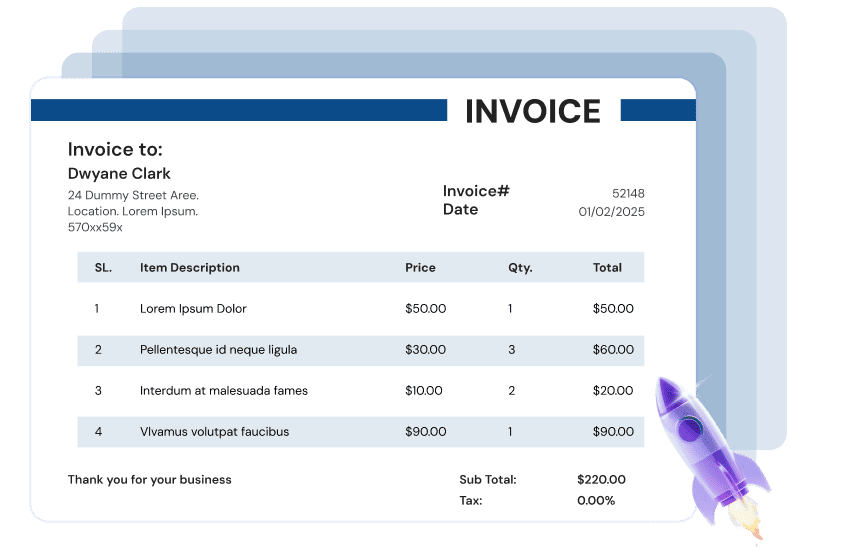
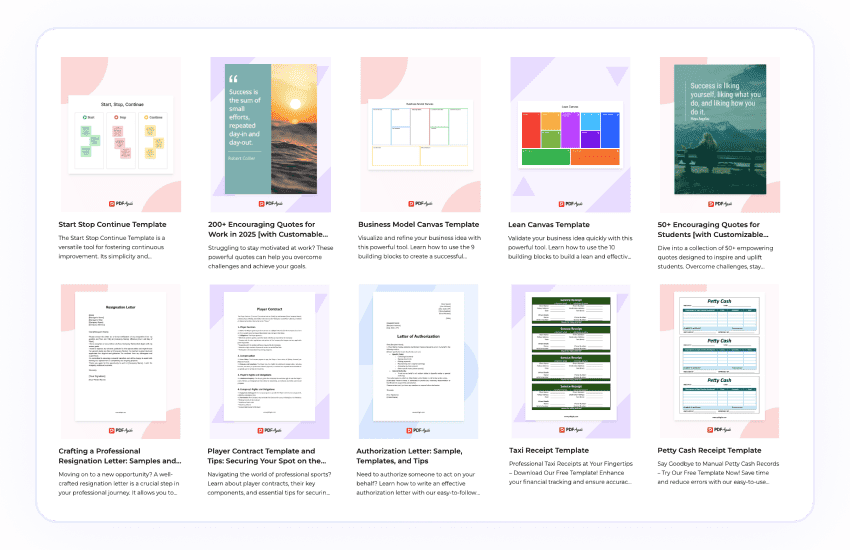
Built-in template library
Dive into our extensive, built-in template library, where you'll discover a diverse collection of professionally editor-curated PDF templates, empowering you to create polished documents effortlessly and efficiently.
Comparison Between PDF Agile and Adobe Acrobat
| Top Features | PDF Agile | Adobe Acrobat |
|---|---|---|
| Pricing | Quite affordable | Expensive |
| Lifetime Plan | ||
| Edit PDF | ||
| Types of editing modes | 4 (Edit by paragraph, line, page, or freely selected areas) | 2 (Edit by paragraph or autodetect text bloc) |
| Edit text, headers and footers, links, and backgrounds | ||
| Search and replace | ||
| Move, rotate, flip, crop, and replace images | ||
| Built-in PDF image editor for advanced editing (adjust transparency, perform cutouts, remove backgrounds, etc.) | ||
| Batch eraser | ||
| Batch conversion | ||
| Speedy and stable large file management | ||
| Create PDF from templates | ||
| OCR for scanned documents | ||
| Watermark PDF | ||
| Add, remove and upgrade watermark | ||
| Save frequently used watermarks | ||
| Customizable text watermarks | ||
| Image-based watermarks | ||
| Intelligent irregular watermark management | ||
| Digital signiture | ||
| Stamps | ||
| Stickers | ||
| Password Protect PDF | ||
| Document open password | ||
| Permissions password | ||
| Redact sensitive content | ||
| Annotate PDF | ||
| Attachments | ||
| Markup PDF (shapes, highlights, sticky notes, and gratification) | ||
| Export annotations as PDF file | only support fdf/ xfdf file | |
| PDF measuring tools | ||
| Backup recovery | Powerful | Limited |
| Print PDF | ||
| Batch printing | ||
| Multiple pages per sheet | ||
| Double-sided printing | ||
| Flexible output format and page range | ||
| Print PDF with comments | ||
| Edit printing in the preview window | ||
| Print as images or booklets | ||
| Convert from and to PDF | ||
| Convert PDF to Word, PPTX, XLSX, JPEG, and PNG | ||
| Convert Word, PDF, and Powerpoint to image | ||
| Convert PDF to and from DWG | ||
| Inter-convertion between image formats (JPG, PNG, BMP, GIF, and TIFF) | ||
| Online PDF converter | ||
| Convert scanned PDFs using OCR | ||
| Batch convert multiple files | Powerful | Limited |
| Read PDF | ||
| Side-by-side document comparisons | ||
| Diverse reading modes | ||
| Screenshot | ||
| Organize PDF | ||
| Manage PDF pages (add, delete, extract, rearrange, duplicate, replace, rotate, etc.) | ||
| Resize and crop PDF pages | ||
| Split and combine PDF files | ||
| Page grid splitter |
Why choose PDF Agile over Adobe Acrobat?
For decades, Adobe Acrobat has been the dominant PDF solution, but evolving users needs demand more affordable, efficient, and user-friendly alternatives.
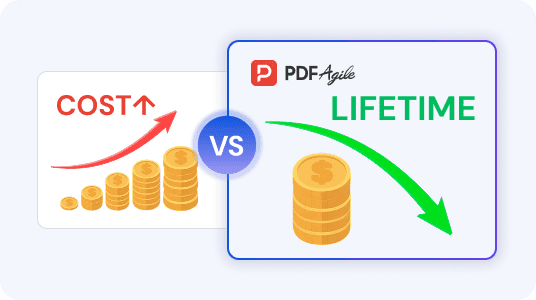
Costly subscriptions and hidden fees VS Affordable price and lifetime access
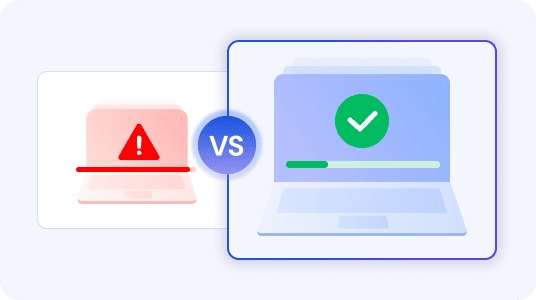
Performance headaches and bloat VS Seamless speed and stability
- Tired of Adobe Acrobat's sluggish performance, frequent crashes, and resource drain? Many users find it to be a memory hog, consuming excessive resources and slowing down their systems. Its installer size has also reportedly increased substantially, due to AI features and numerous background processes.
- At PDF Agile, we meticulously design our software for efficiency. Users consistently praise our "fast speed" and "easy-to-use" nature, offering a smooth, responsive, and reliable experience that stands in stark contrast to Adobe's performance issues. Our software is built to be a lean and optimized package, avoiding bloatware and ensuring a fluid workflow. Our overwhelmingly positive user reviews for ease of use and overall satisfaction underscore a stable and reliable platform, allowing you to work without interruption.
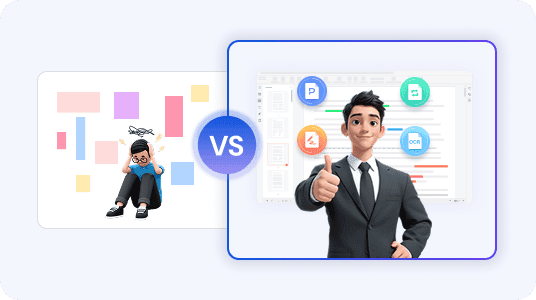
Complex and frustrating UI VS Intuitive design and comprehensive features
- We know that a powerful tool is only as good as its usability. That's why we've focused on creating an intuitive experience. While Adobe Acrobat Pro boasts an extensive list of "70+ features," this vast functionality often comes at a significant cost to usability and intuitive design, actively hindering productivity.
- In contrast, PDF Agile prioritizes your productivity with a user-friendly design and intuitive features. While Adobe's "70+ features" can overwhelm, PDF Agile delivers a comprehensive suite of tools for effortless editing, high-quality conversions, amazing OCR, and robust security—all within an interface praised for its ease of use. PDF Agile is your all-in-one solution, backed by highly-rated customer support.
Join millions who trust PDF Agile—try now to edit, convert, and manage PDFs with efficiency and ease.
Trusted by







FAQs about Adobe Acrobat Alternative
Is there a cheaper alternative to Adobe Acrobat?
Why is Acrobat Pro so expensive?
Can you edit a PDF without Adobe Acrobat?
Can I buy Adobe Acrobat Pro permanently?

Accelerate your PDF workflow like never before
A complete PDF solution for all PDF needs