Key takeaways
- "Certain pages" means naming them: a list like `1-3, 5` deletes three pages plus one more.
- You can also click thumbnails one by one — the two inputs stay in sync.
- Deleting changes the page count, so the printed numbering and any bookmark to a later page is now off.
You delete certain pages by telling the tool which ones: open the delete pages tool, pick the file, type the page list or click the thumbnails, delete, then download. The rest of the document stays as it was — but everything that pointed at a page number does not.
How Do You Delete Certain Pages in a PDF?
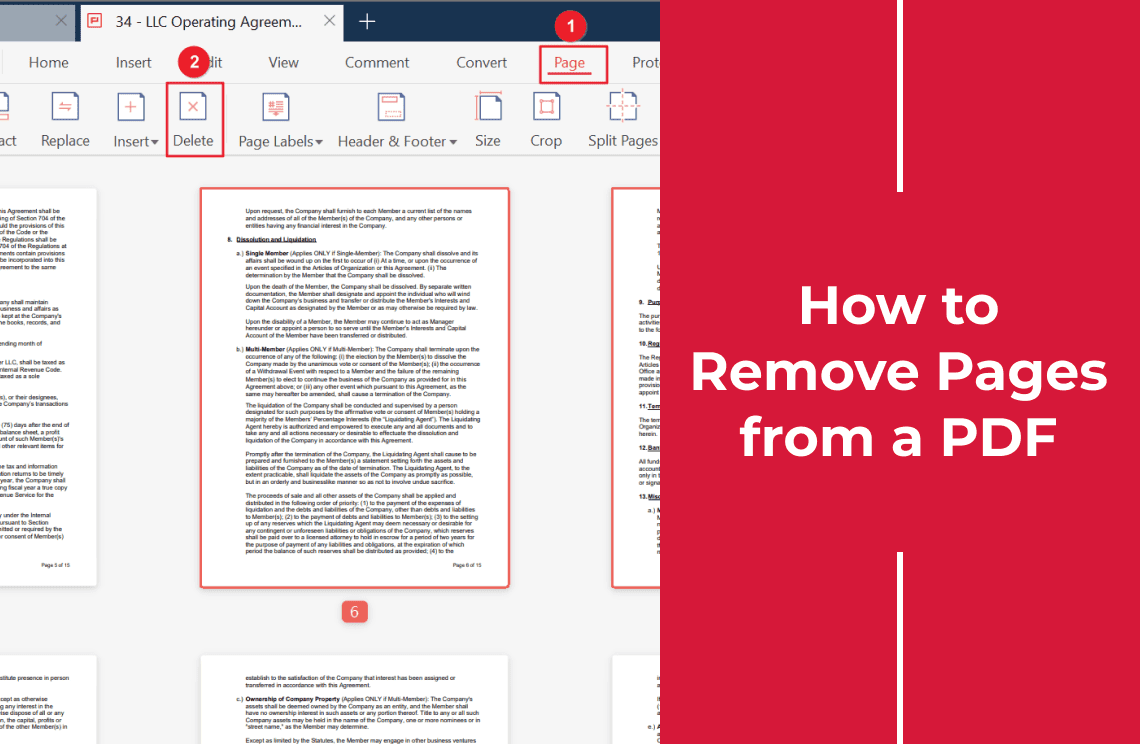
- Open the free delete pages tool.
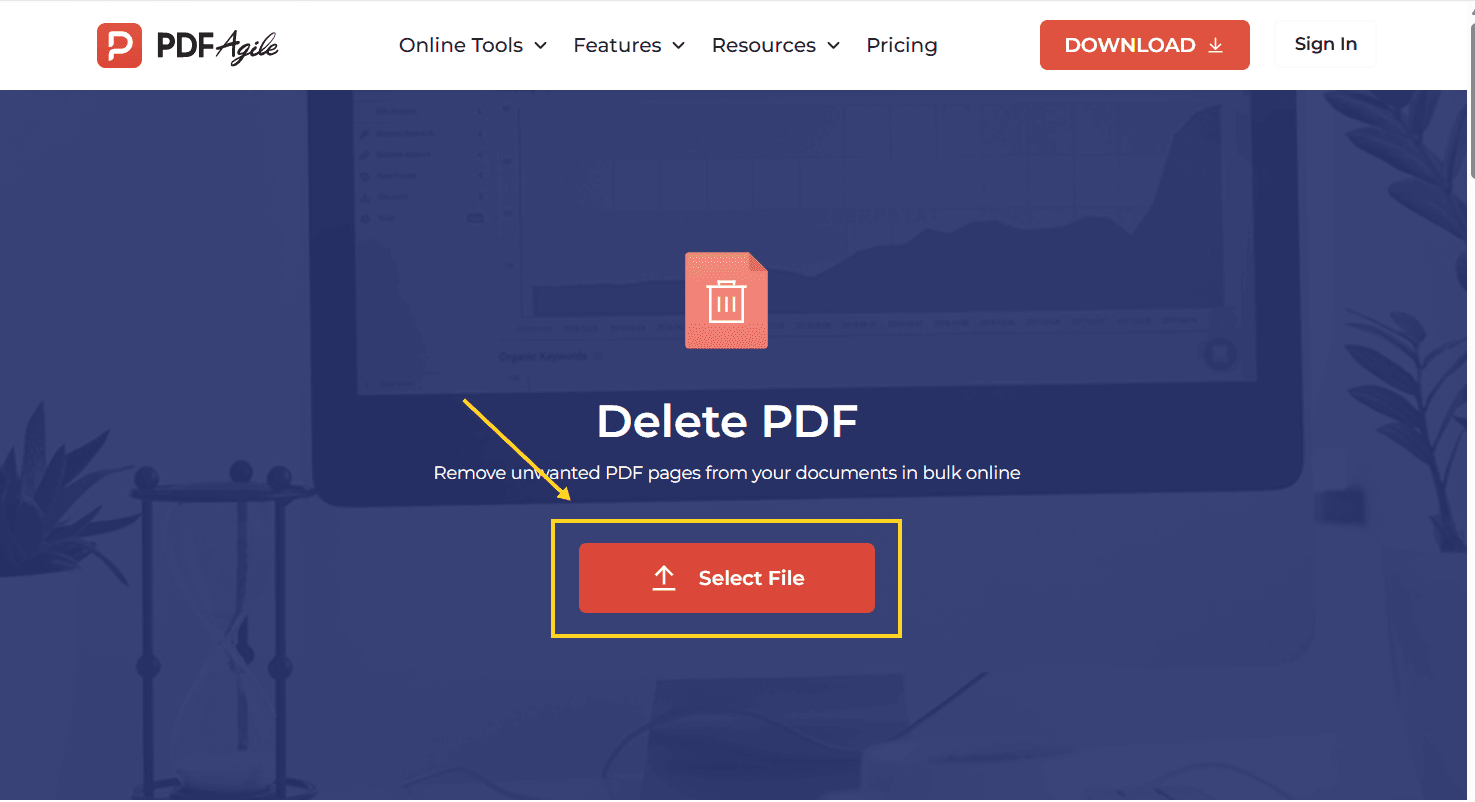
- Click Select File and choose the PDF.
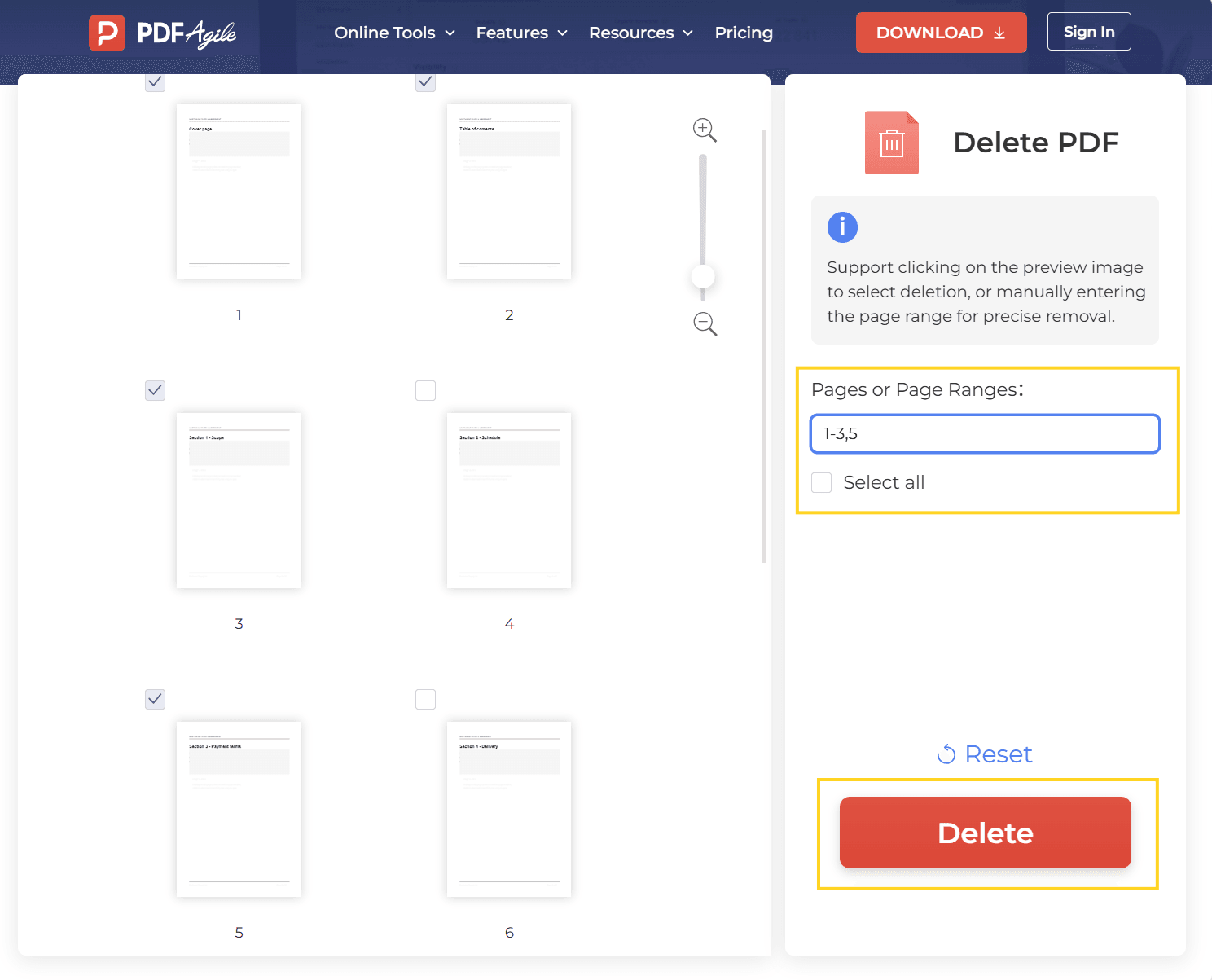
- Name the pages — type a list such as `1-3, 5`, or click thumbnails.
- Click Delete, then download the result.
How Do You Pick Pages That Are Not Next to Each Other?
This is the part the word "certain" is really asking about, and there are two ways to do it.
Type the list. The range field accepts a comma-separated list, so `1-3, 5` removes pages 1, 2, 3 and 5 — four pages, not a block. Non-adjacent pages are just more commas.
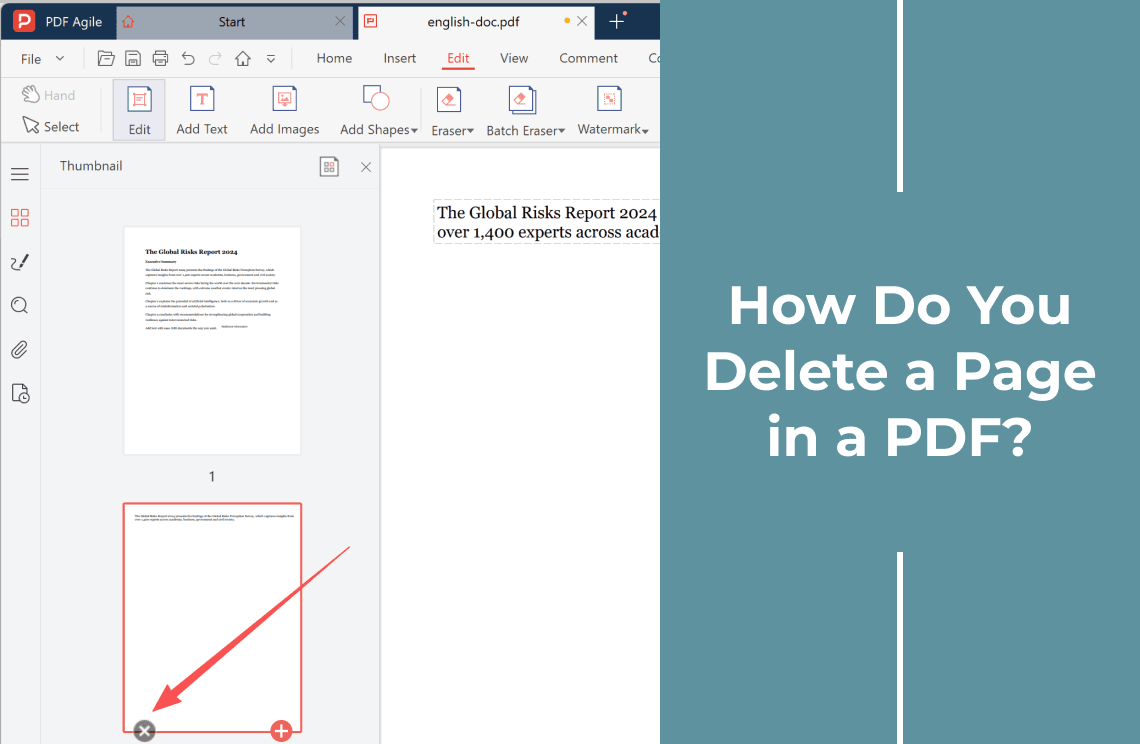
Click the thumbnails. Every page is shown as a thumbnail; click the ones you want gone. The tool keeps the typed list and the clicked thumbnails in sync, so you can start with a range and adjust the last few by hand.
Two habits save a wrong deletion:
- Write the list down first. Deciding "pages 3, 7 and 12" on paper before you open the tool is faster than scrolling and deciding at the same time.
- Check the highlighted count. The number of selected pages should match the number you wrote down. If it is one more, a range like `1-3` probably caught a page you wanted.
What Breaks After You Delete Pages?
The pages are gone; the references to them are not.
- Printed page numbers. A footer reading "Page 12 of 40" stays exactly as it was, so after deleting three pages the document says 40 while holding 37.
- Bookmarks. A bookmark to "Chapter 3, page 12" still opens page 12 — which is now a different page.
- Cross-references. "See page 12" in the body text is now wrong, and nothing flags it.
- Tables of contents. Any TOC built from text keeps the old numbers.
- Digital signatures. Deleting a page changes the file, so a signature covering the original stops validating.
None of these is a bug. They are the cost of removing pages from a document that was already numbered.
How Do You Check the Deletion Worked?
Three checks, under a minute:
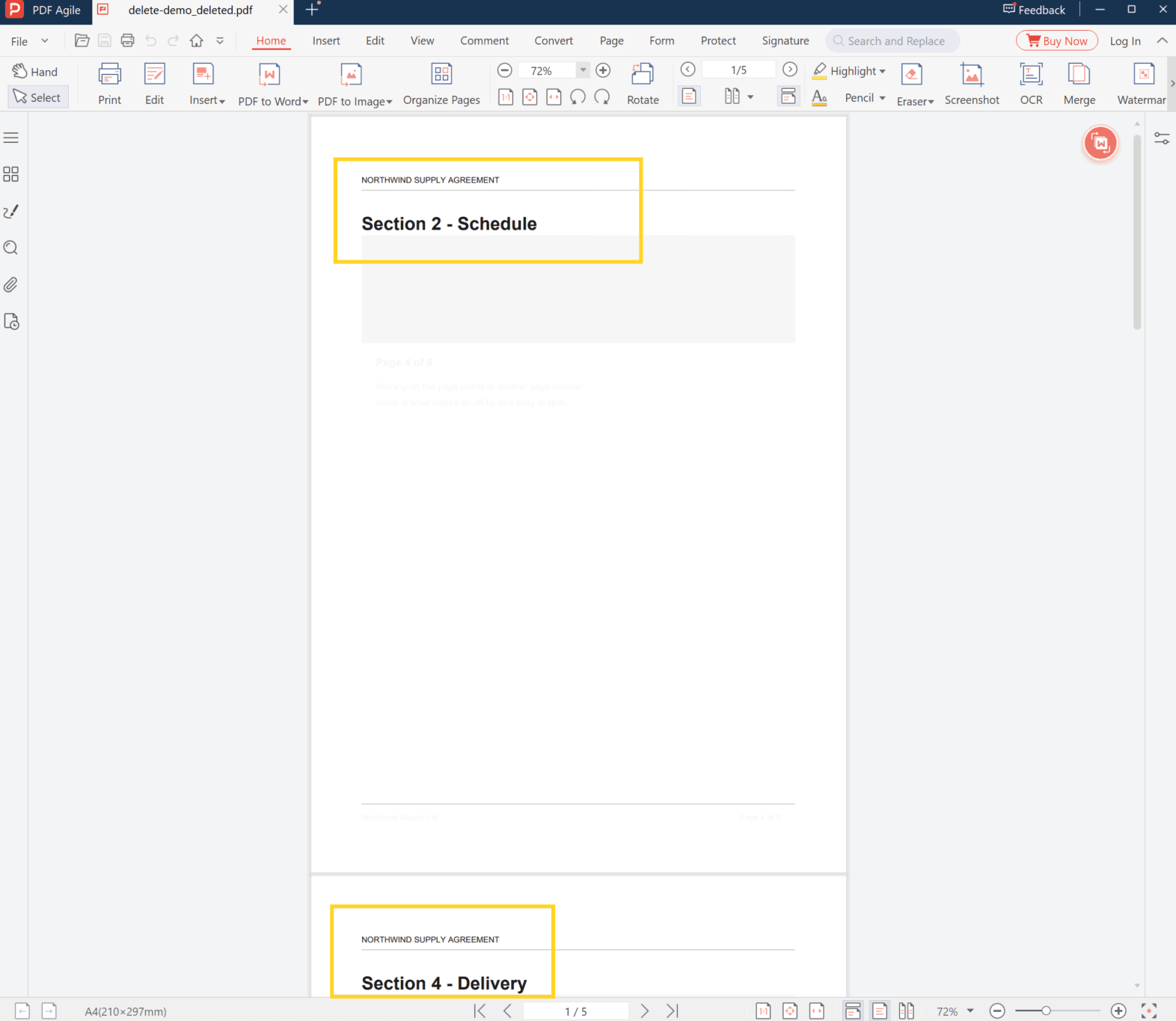
1. The count. Original pages minus deleted pages should equal the new count. If you asked for four pages out of twenty, the file should now have sixteen.
2. The seams. Look at the pages either side of each deletion. The page before and the page after should now sit next to each other, with no half-page and no duplicated content.
3. The page you kept by accident. Scroll to the page just after your first deleted range. It is the most common place for an off-by-one to hide.
If the count does not match, do not delete again on top of the result — re-open the original file and repeat the list, because a second deletion on the wrong file compounds the error.
When Deleting Is the Wrong Fix
- You want to hide the content, not remove the page. Covering text leaves the page count intact; deleting does not. That is a whiteout, not a deletion.
- You want the page on its own. That is extracting, not deleting — extracting specific pages keeps the page and drops the rest.
- You want two documents from one. Split by page range instead.
- One page, one time. If the job is a single page rather than a set, deleting a page is the shorter read.
What Kinds of Files This Works On
The file format does not change: you get a PDF back, not a bundle of images or a Word file. Two file types behave differently, though.
- A password-protected PDF cannot be edited until the permissions are removed, even if the file opens without a password.
- A scanned PDF is a set of page images. Deleting pages works exactly the same way, but the pages that remain still carry no selectable text — deletion does not add a text layer.
FAQ
Can I delete pages that are not consecutive?
Yes. The range field takes a comma-separated list, so `2, 5, 9-11` removes six pages in three groups.
Does deleting pages reduce the file size?
Usually, yes, but not proportionally. The deleted pages stop taking space; fonts, images and metadata shared with the remaining pages stay. A small drop is normal.
Can I undo a deletion?
Not in the tool — download a new copy instead of overwriting your original, and the original is still there. Keep the source file until you have checked the result.
Why did the page numbers in the footer not update?
Because they are printed content, not a live count. Deleting a page does not renumber text on the pages that remain.
Can I delete pages from a password-protected PDF?
Not while the permissions are in place. Remove the restriction first, or open the file in an editor that can save an unlocked copy, then delete the pages.
Is it safe to delete pages from a signed PDF?
No. Removing a page changes the file, and a signature that covered the original will no longer validate. Ask for a re-signed copy instead.
Where to Go Next
If the job turned out to be one page rather than a set, deleting a single page covers that case, including why a page sometimes refuses to delete. If you are removing many pages and want the general route rather than a page list, removing pages from a PDF starts from the wider question.
That is the whole job: name the pages, delete them, then check the count and the two seams. Deleting is instant; what takes a minute is confirming that the pages you kept still make sense next to each other. PDF Agile runs the deletion in the browser at the delete pages tool, and keeps the desktop editor for documents that should not be uploaded. More page-level walkthroughs sit in the How-to & Tips section.