


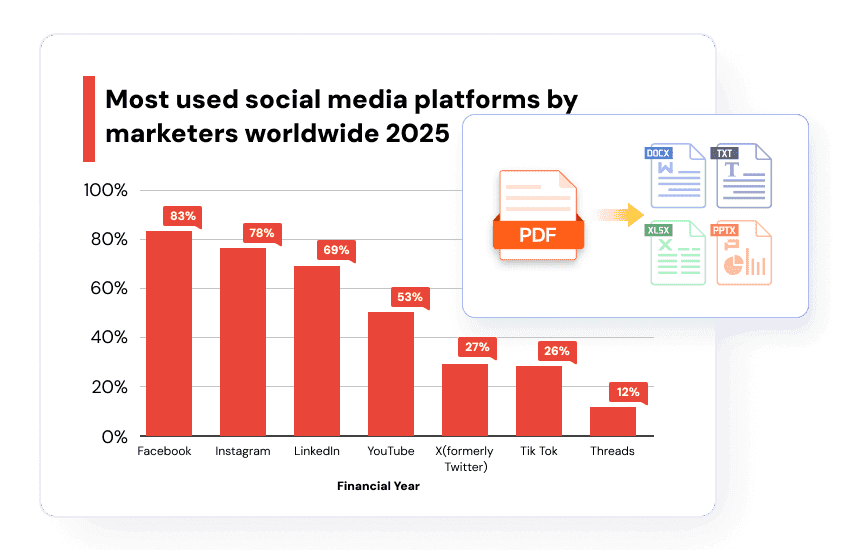

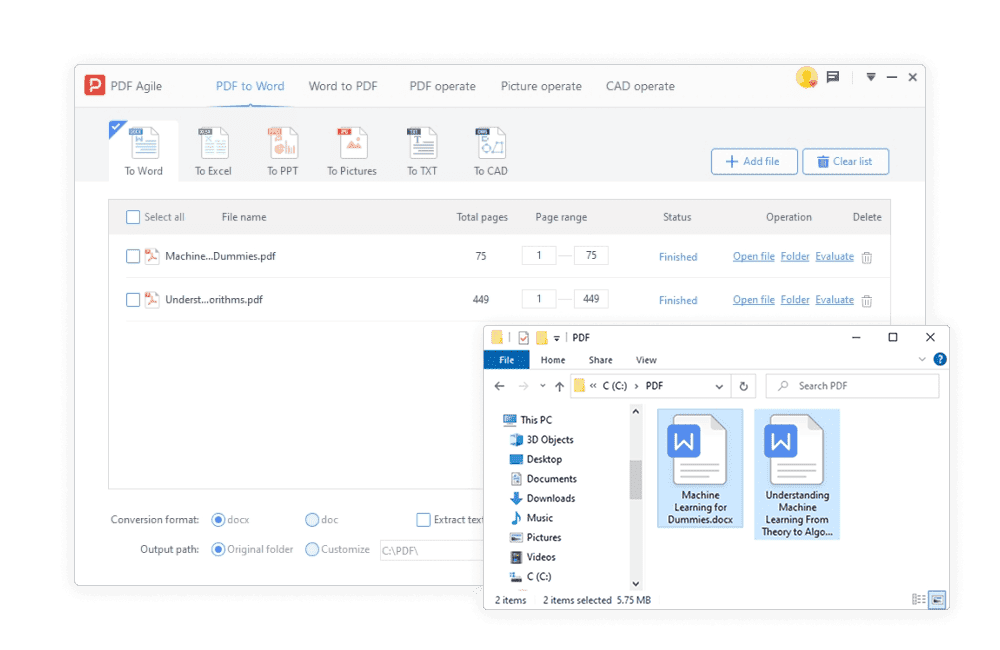
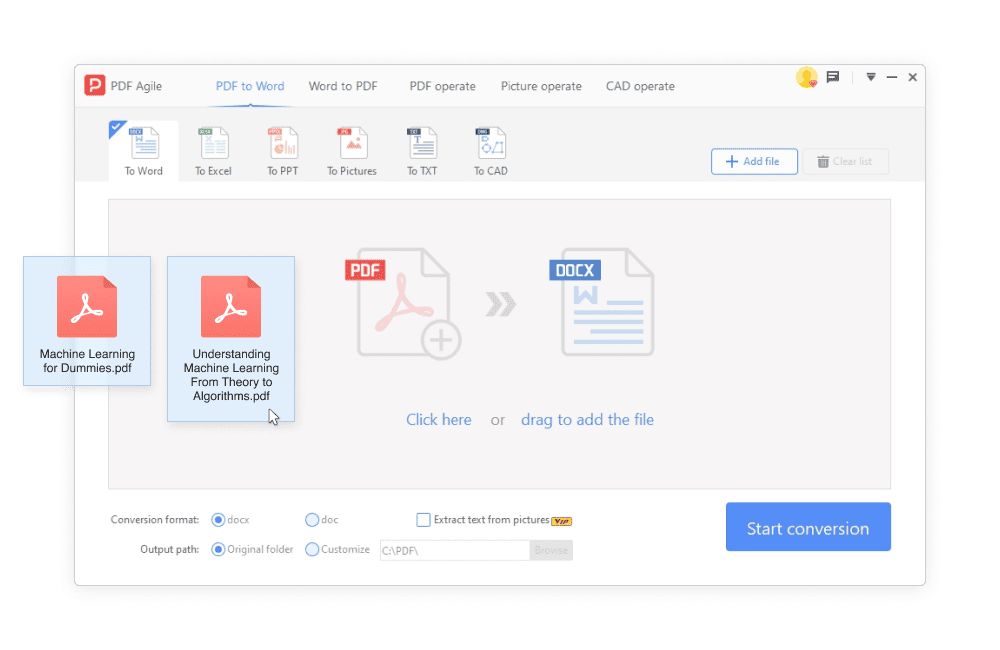
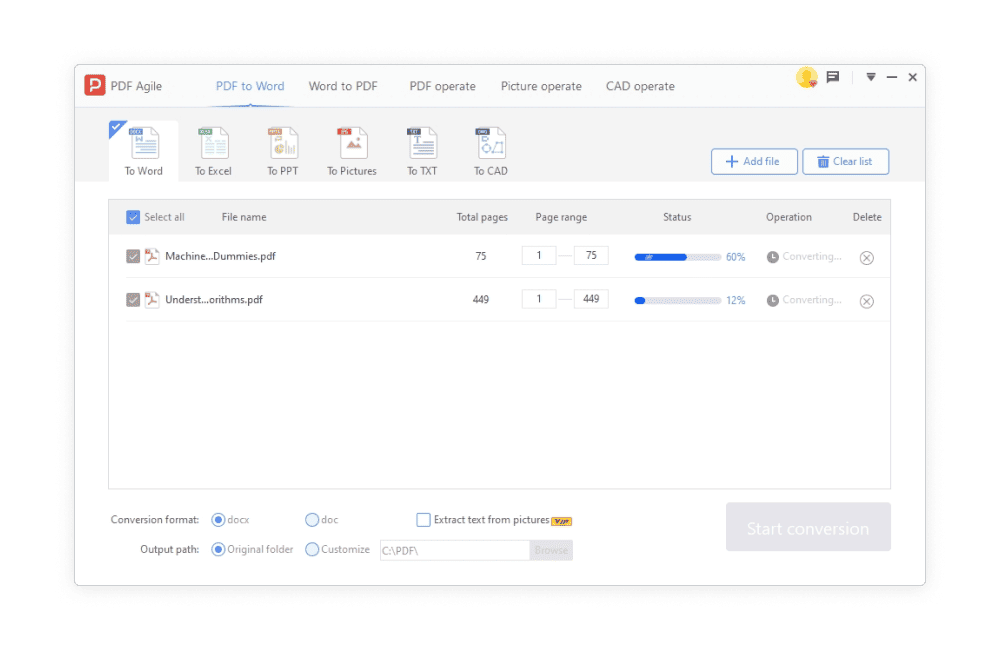


Need to convert a PDF to Word while keeping the original formatting? PDF Agile is a top choice, simplifying the process into just three steps.
1.Open PDF Agile & Upload: Launch PDF Agile for desktop and open your PDF.
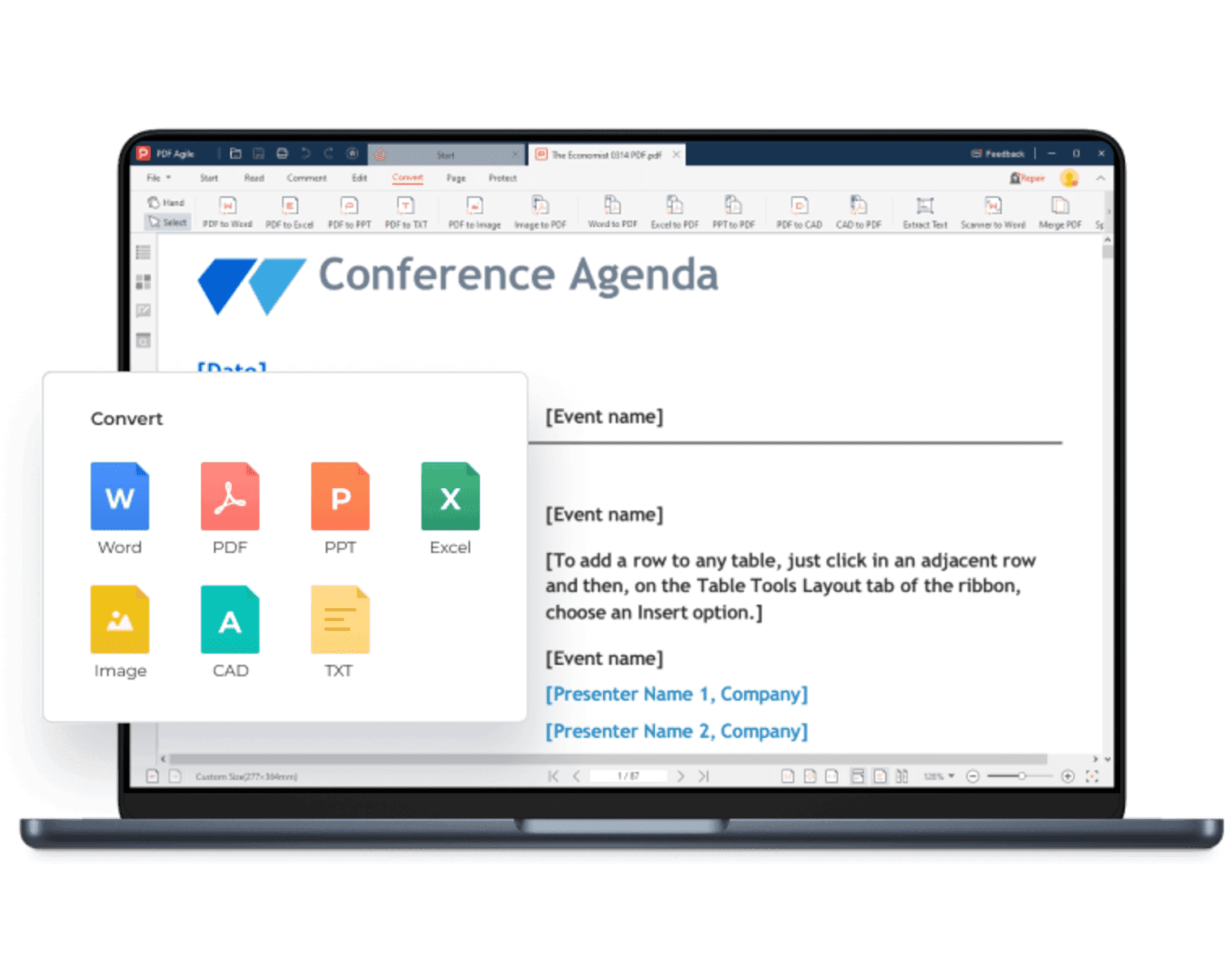
2.Navigate to ""Convert"": Go to the ""Convert"" tab and choose ""To Word."" Click ""Convert,"" then save the resulting Word file.
3.Review: Open the Word document to check and adjust formatting as needed.
When I'm working with CAD drawings or need to handle different image types, what exactly can PDF Agile do for me in terms of conversion and quality control?
PDF Agile excels with its robust CAD capabilities, offering:
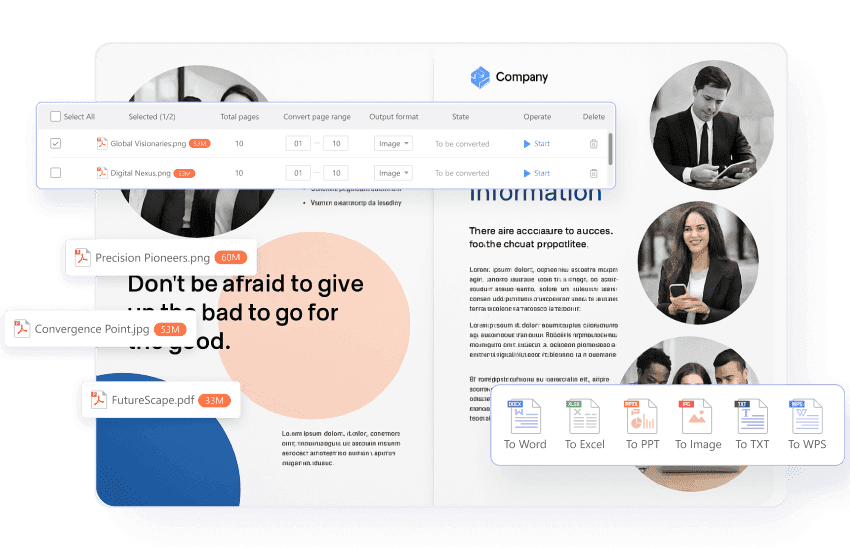
Broad Image Conversion: Seamlessly convert PDFs to and from various image formats, including JPG, PNG, BMP, DWG, and both raster and vector images.
Flexible Output Quality: You can choose from various output settings, including compressed (50%), normal (100%), standard (200%), high (300%), or ultra-high quality (400%), ensuring your images look exactly how you need them.
