


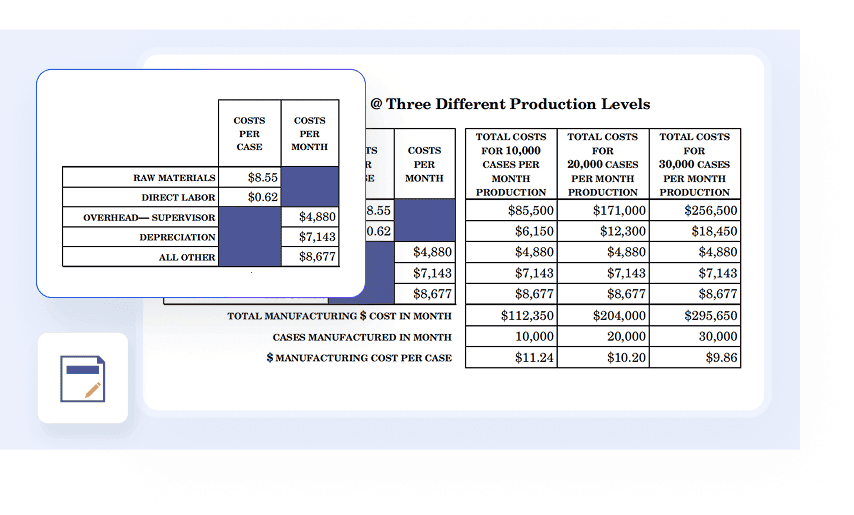
Redact function enables you permanently eliminate sensitive or confidential data from your PDFs. Simply mark the specific text or images you need to conceal, and apply redact to remove this information.

Secure Your PDFs with Robust Password Protection
Safeguard your sensitive information and control access to your PDF documents with PDF Agile's powerful password encryption features. Easily add open passwords and permission restrictions for enhanced security and peace of mind.
Available on:


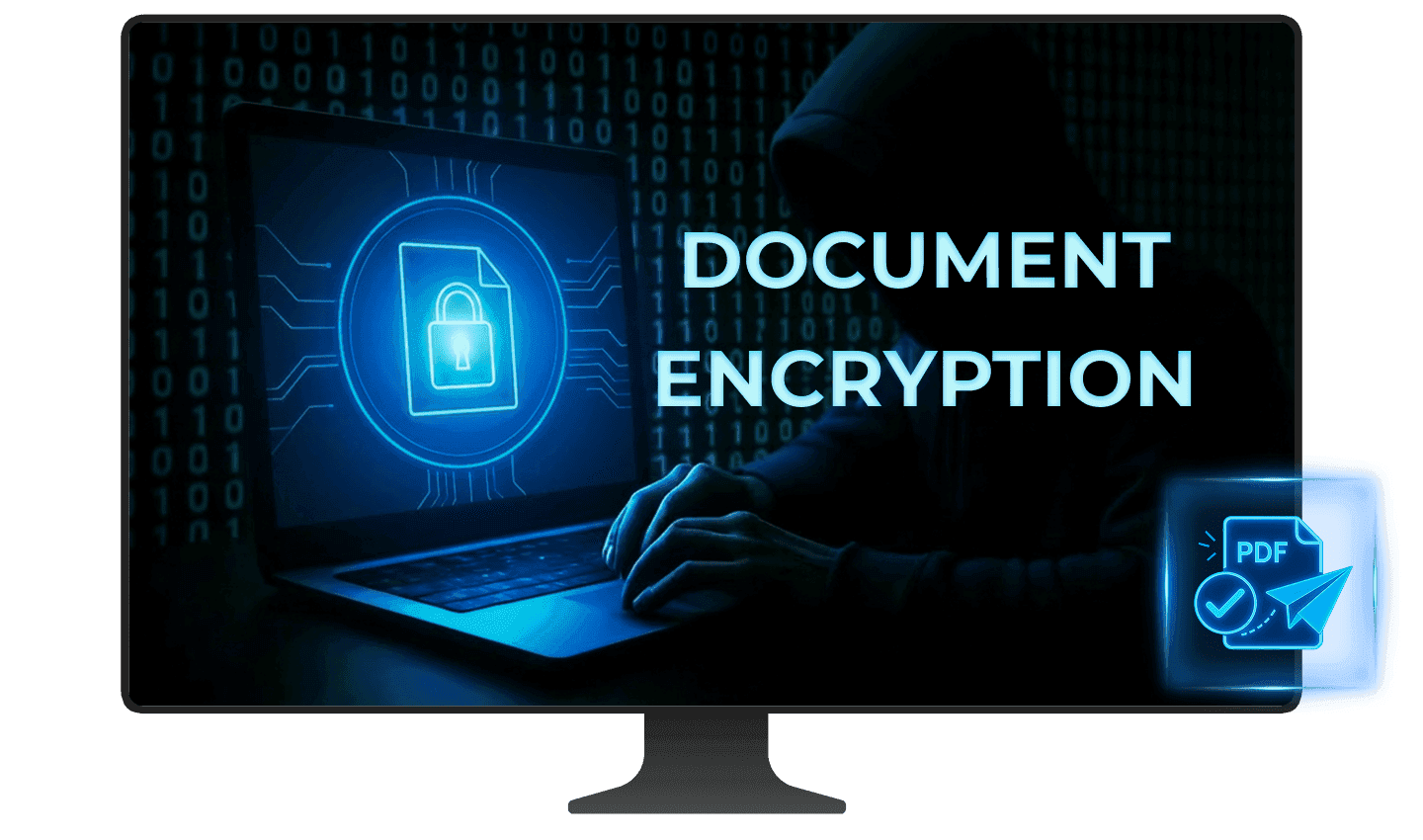
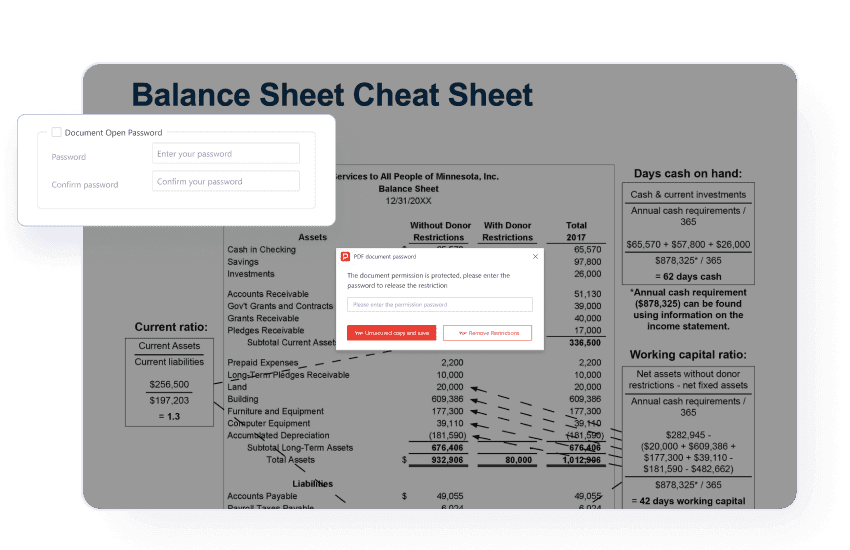
Encrypt with document open password
Safeguard your sensitive information by setting an open password. This robust security measure ensures that only authorized individuals with the correct password can view the contents of your PDF file, effectively preventing unauthorized access to your confidential data.
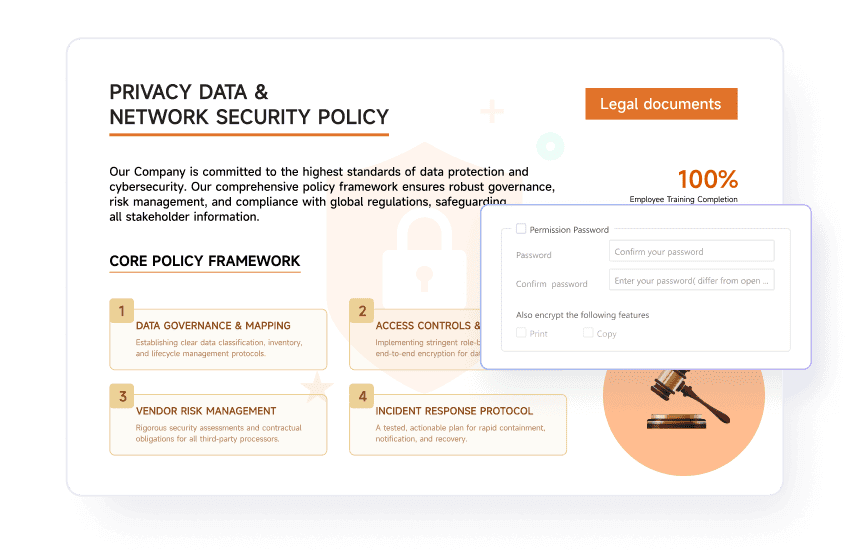
Encrypt with permissions password
Control how your PDF is used by setting a permissions password. This allows you to restrict crucial actions like printing, editing, and copying. While recipients can open the PDF in standard readers without this password, it's required to modify any of the usage restrictions you've defined.
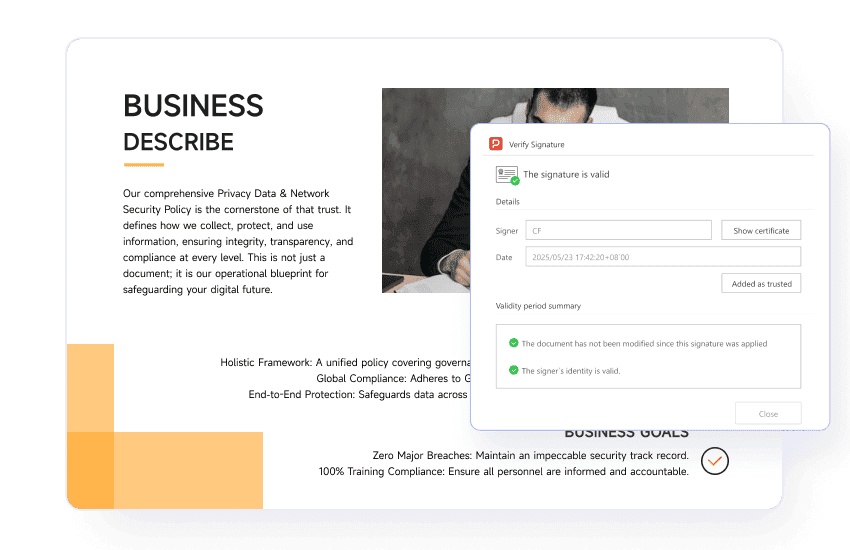
Secure documents with digital signing
Enhance the authenticity of your documents by applying digital signatures with certificates. This powerful feature prevents unauthorized removal or alteration, protecting your document's integrity.
Redact sensitive content
Add a PDF watermark
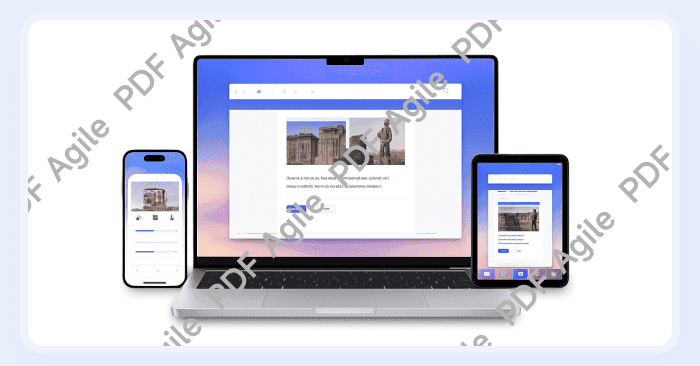
Add customizable watermarks with adjustable appearance across all pages to deter unauthorized use and promote your ownership.
Apply stamps to PDF files
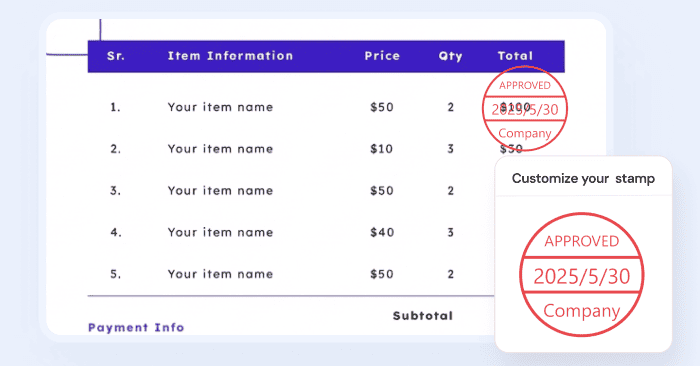
Clearly communicate the status or add important labels to your PDF documents using stamps such as "Confidential," "Approved," or "Draft."
Why does it matter to protect your PDF?

Safeguarding sensitive information
Unprotected PDFs expose confidential data to unauthorized access, risking data breaches, privacy violations, and severe reputational damage. Robust protection ensures only authorized individuals can view your sensitive content.

Preserving document integrity and authenticity
Without security, PDFs are vulnerable to tampering, leading to fraudulent alterations and intellectual property theft. Features like digital signatures guarantee the document's authenticity and ensure it hasn't been altered.

Building and maintaining trust
Consistently securing your PDFs projects a professional image and builds trust with clients and partners. This commitment to security can become a significant competitive advantage.

Streamlining secure workflows
Secure digital processes, like those enabled by legally binding digital signatures, reduce reliance on paper, accelerate approvals, and enhance overall organizational efficiency and productivity.
Safeguarding sensitive information
Unprotected PDFs expose confidential data to unauthorized access, risking data breaches, privacy violations, and severe reputational damage. Robust protection ensures only authorized individuals can view your sensitive content.
Preserving document integrity and authenticity
Without security, PDFs are vulnerable to tampering, leading to fraudulent alterations and intellectual property theft. Features like digital signatures guarantee the document's authenticity and ensure it hasn't been altered.
Building and maintaining trust
Consistently securing your PDFs projects a professional image and builds trust with clients and partners. This commitment to security can become a significant competitive advantage.
Streamlining secure workflows
Secure digital processes, like those enabled by legally binding digital signatures, reduce reliance on paper, accelerate approvals, and enhance overall organizational efficiency and productivity.
Safeguarding sensitive information
Unprotected PDFs expose confidential data to unauthorized access, risking data breaches, privacy violations, and severe reputational damage. Robust protection ensures only authorized individuals can view your sensitive content.
Preserving document integrity and authenticity
Without security, PDFs are vulnerable to tampering, leading to fraudulent alterations and intellectual property theft. Features like digital signatures guarantee the document's authenticity and ensure it hasn't been altered.
Building and maintaining trust
Consistently securing your PDFs projects a professional image and builds trust with clients and partners. This commitment to security can become a significant competitive advantage.
Streamlining secure workflows
Secure digital processes, like those enabled by legally binding digital signatures, reduce reliance on paper, accelerate approvals, and enhance overall organizational efficiency and productivity.
Protect your PDF in 3 easy steps
01
Open your PDF in PDF Agile and navigate to the Protect tab.
02
Select either Encrypt with Open Password (to restrict viewing) or Encrypt with Permissions Password (to restrict printing/editing/copying), then enter and confirm your desired password.
03
Click OK to confirm your settings, then save your PDF document.
Join millions who trust PDF Agile—try now to edit, convert, and manage PDFs with efficiency and ease.
Trusted by







FAQs about PDF Password Protection
How safe is a PDF password?
How to make a PDF read-only?
How to remove password protection from PDF?
How to redact your sensitive information?
What's the difference between black-out and readact function?

Accelerate your PDF workflow like never before
A complete PDF solution for all PDF needs