
1. Click "Add File" or drag and drop your ready-to-go PDF files into our online PDF merger. You can merge up to 50 PDF files into one PDF at one time. If you need to combine more than 50 PDF files, don't hesitate to download our desktop version to finish your tasks.
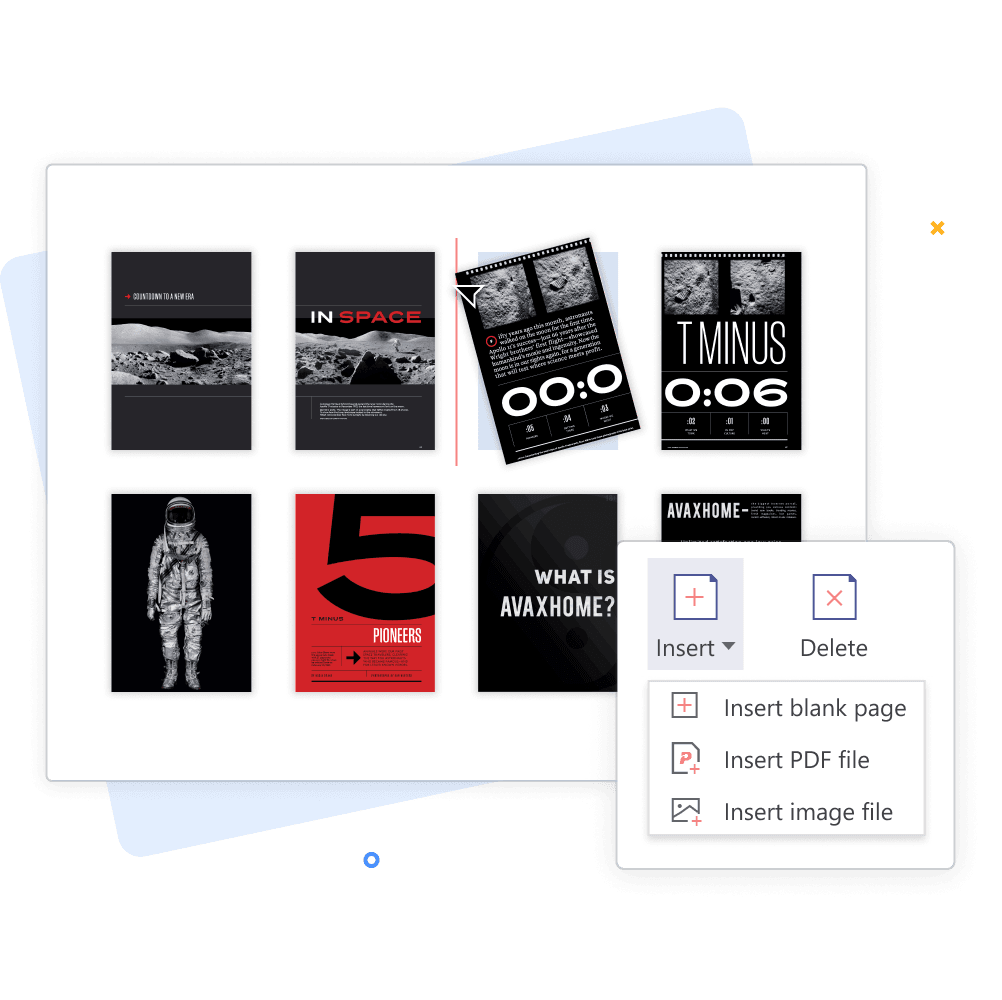
2. Once all of your files have been uploaded, make sure they are properly arranged before downloading the final PDF. Feel free to rearrange them as you like.
3. Hit the "Merge" button to combine your multiple files into one single PDF.
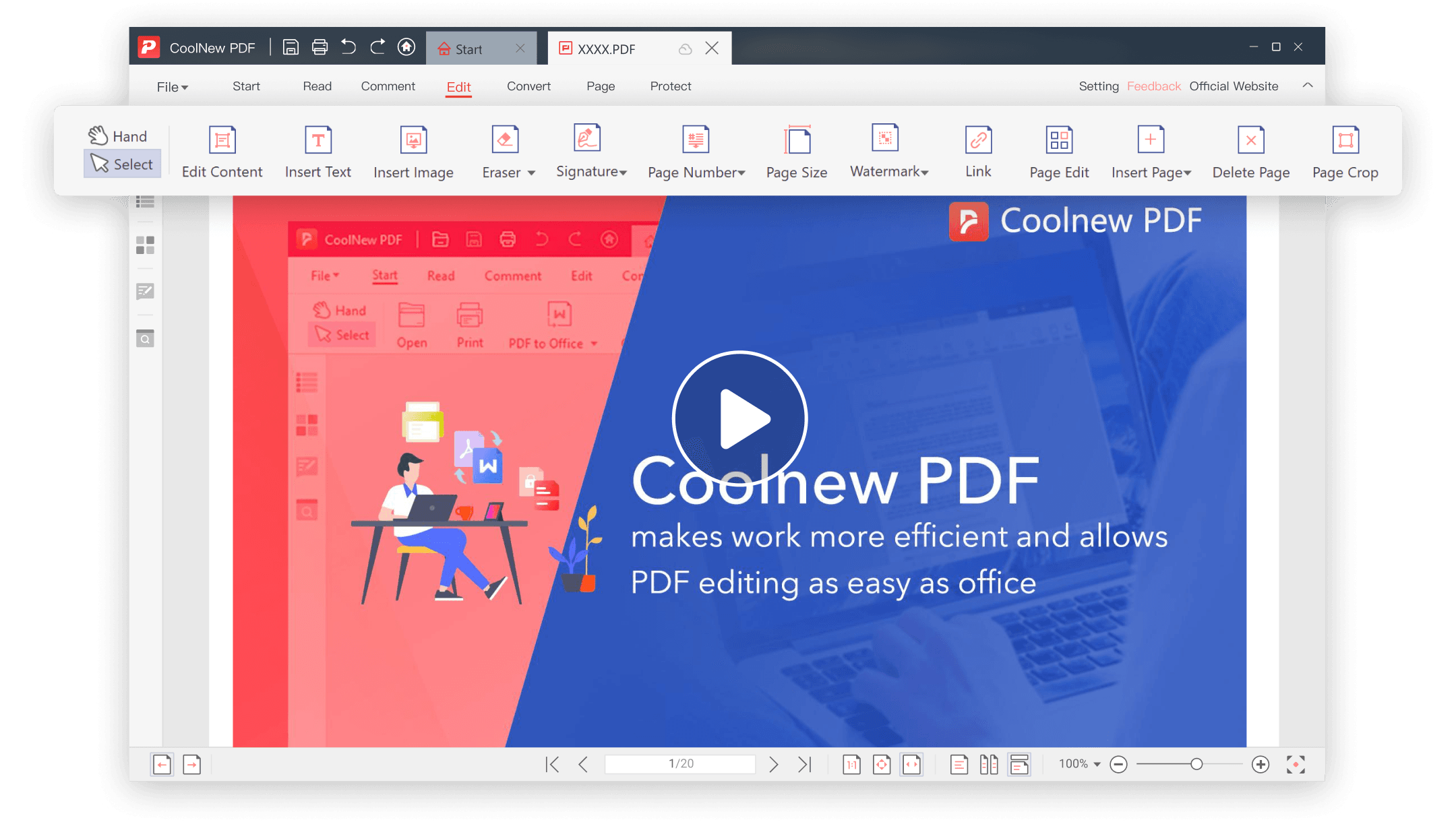
4. Download your merged file effortlessly. If you need to edit your PDF file, try our offline version to unlock more features.