Compress PDF

Compress PDF Online Fast and Free

How to Compress PDF Online for Free?

1.  Click “Select File”. You can choose one single file or up to 20 files for batch compressing.

2. PDF Agile offers three "Compression level" and all you have to do is choose one of them and click the "Compress" button and wait for our versatile tool to make PDF smaller.

3. Download your compressed file when you’re done. If needed, download PDF Agile to edit your PDF without hassle.

Why choose our PDF compressor?

  • Get started right away

    Reduce your PDF size directly in your browser - no installations, sign-ups, or learning curves. Simply upload, select the compression level, compress, and head out.

  • Remove files instantly

    To protect the client's privacy and security, the compressed files are never kept on the website server for an extended period of time, which will be automatically removed within the next 24 hours. It protects the user from damage in terms of password loss or other security emergencies.

  • More than a PFD compressor

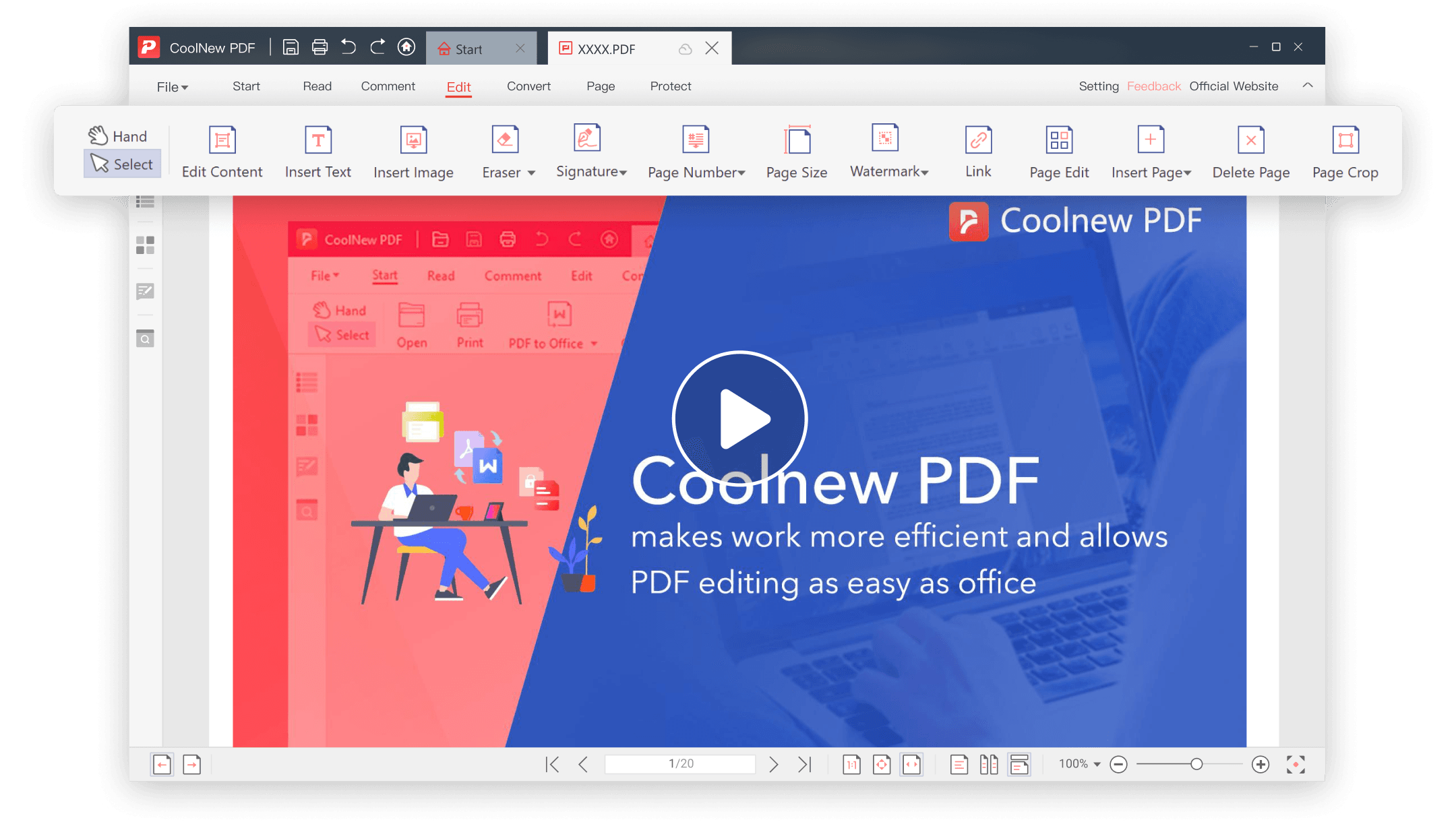
    PDF Agile is capable of more than just compressing PDF files. Try our handy tool to convert your PDF files to other file formats, merge your PDF files, rotate PDF pages, insert annotations, and make use of other editing tools.

  • Our top priority is your security

    The files you compressed from PDF Agile are completely encrypted with 256-bit SSL encryption. It is the most up-to-date and effective encryption technology and technique for appropriately protecting your data.

  • Compress files on any device

    You don't need to consider the device type when compressing the file. Our online PDF compressor can be used on desktop, tablet, and mobile devices running a variety of operating systems, including Windows, Mac, Linux, Android, and iOS.

  • Batch compress multiple files

    Compress multiple PDF files at once with fast, automated processing. Handle large volumes effortlessly while maintaining quality and consistency. Save time with one-click batch compression that streamlines your entire workflow.

Not Just an Agile PDF Compressor

  • Powerful PDF converter

    PDF Agile's Converter lets you seamlessly convert PDFs to and from a wide range of file formats, including Word, TXT, Excel, PPT, JPG, and more. It delivers fast, accurate transformations while preserving layout and formatting. Whether you're editing, sharing, or repurposing content, it gives you complete flexibility with every document.

  • Sign a PDF document online

    Sign PDFs swiftly and safely, no matter where you are. Easily add signatures that hold up in court, complete forms, and give your approval to documents without the hassle of printing or scanning. Simplify your process and keep all your essential files digitally signed and neatly arranged.

  • Make any PDF readable with OCR

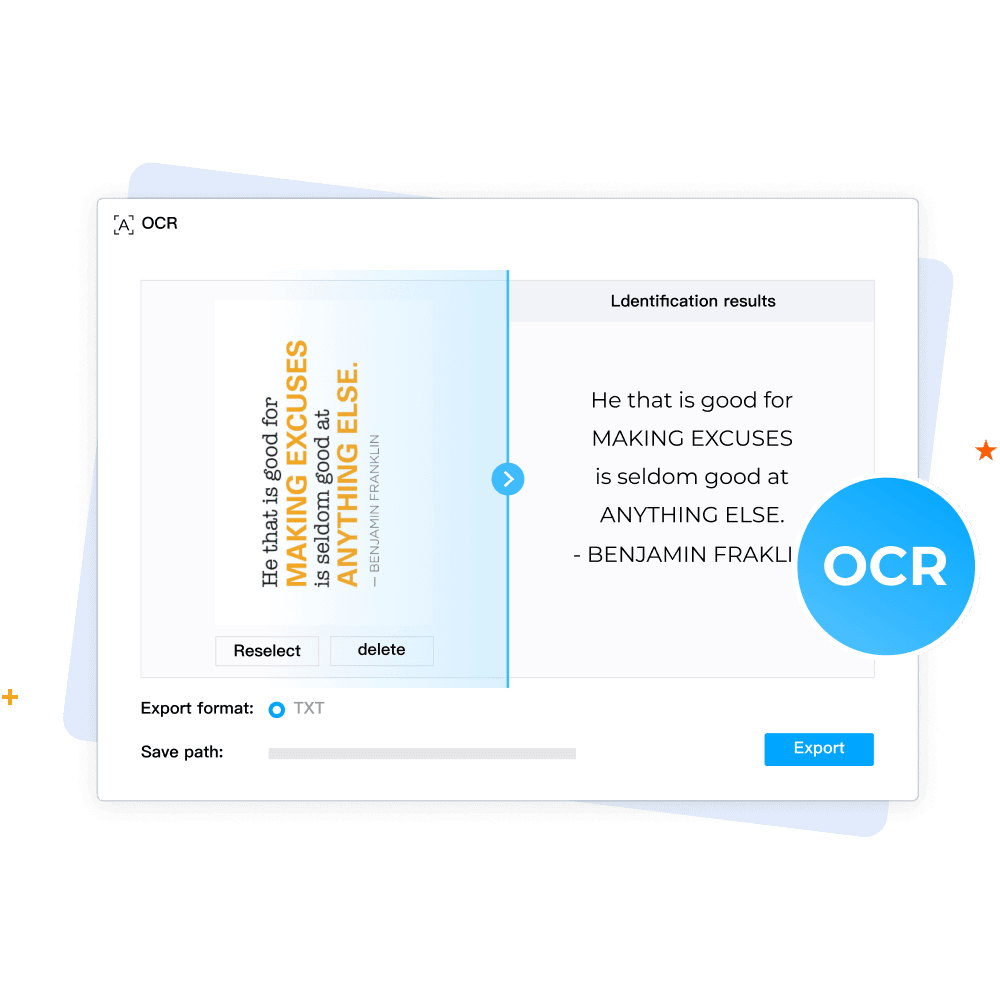
    Transform any PDF into a fully searchable and editable document using our cutting-edge OCR technology. Our system quickly identifies text within scanned documents or images, all while maintaining the original formatting and layout. Seamlessly convert paper-based or image PDFs into digital, editable files.

  • Edit PDF like a pro

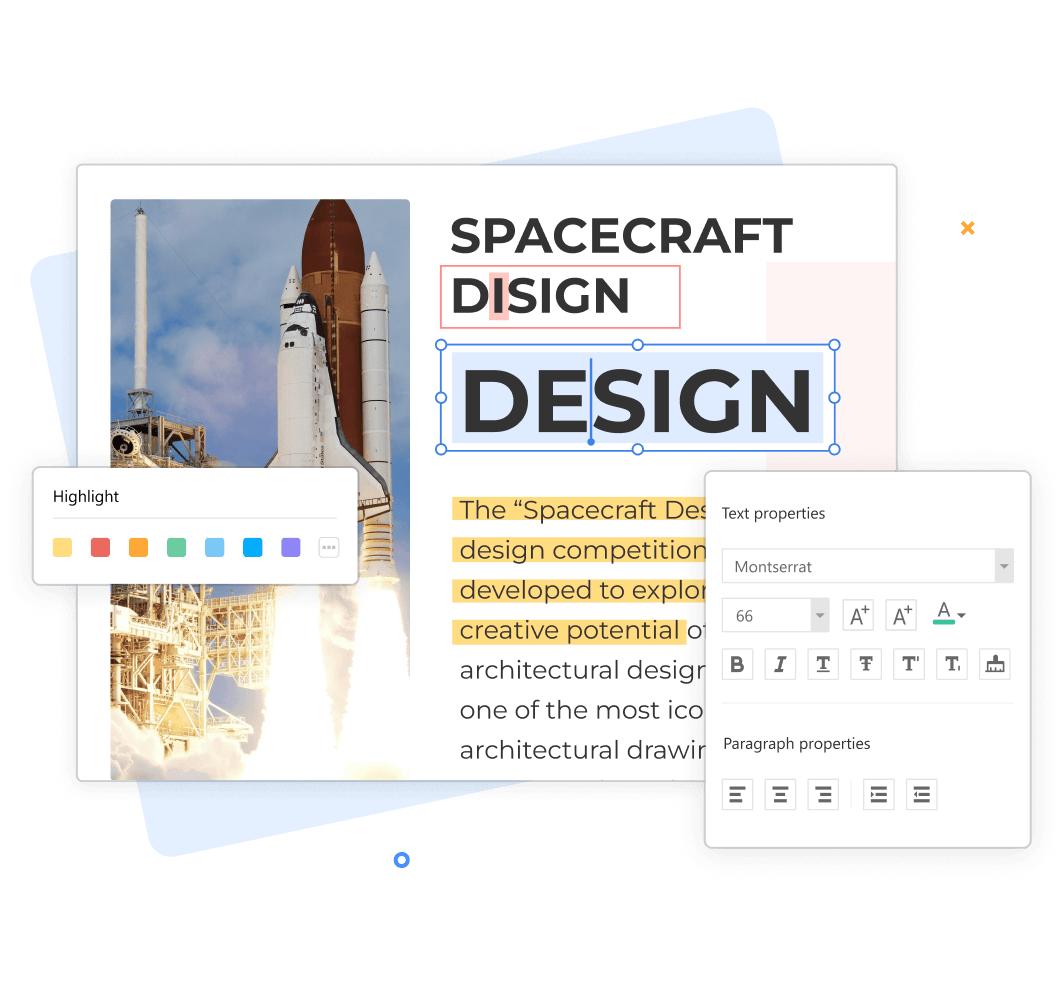
    With the PDF annotator feature, you can easily write, draw, and highlight any information on your PDF file. Let's edit PDFs effortlessly with our intuitive PDF editor. Add or modify text, images, and annotations while preserving the original layout. Streamline your workflow by making quick changes without converting files.

Your Ultimate PDF Solution

FAQs about Compressing PDF

Is PDF Agile’s PDF compressor free to use?

Why should I compress a PDF?

Can I compress an encrypted PDF?

Will the fonts, formats, or document quality stay the same after compression?

How to choose the right compression mode?

Can PDF Agile compress PDF to 100 kb, 200 kb, or 1 mb free?

Tips for Compressing PDFs

Top Lists10 Mins

8 Best PDF Compressors in 2025: Shrinking Your PDFs Without Sacrificing Quality

Reduce your PDF file size effortlessly without sacrificing quality. Explore the best PDF compressors, balancing convenience, safety, and efficiency. Find your solution now.

Read More >>

How-to & Tips4 Mins

How to Compress and Email Large PDF Files

Learn how to email large PDF files effectively. This guide covers PDF compression methods (online, desktop, zip) and how to send large files via Gmail and Outlook using cloud storage.

Read More >>

How-to & Tips4 Mins

How to Compress PDFs in Adobe Acrobat: A Step-by-Step Guide

Compress large PDFs for easier sharing and storage. Discover how to reduce file size using Adobe Acrobat and the affordable PDF Agile.

Read More >>