


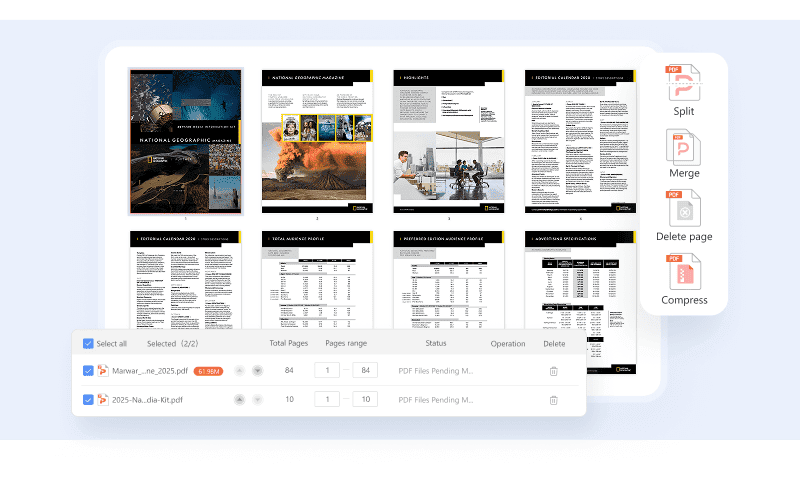
PDF Agile lets you rearrange, crop, merge, split, and compress PDFs in batch, streamlining your document workflow for optimal efficiency and file size.

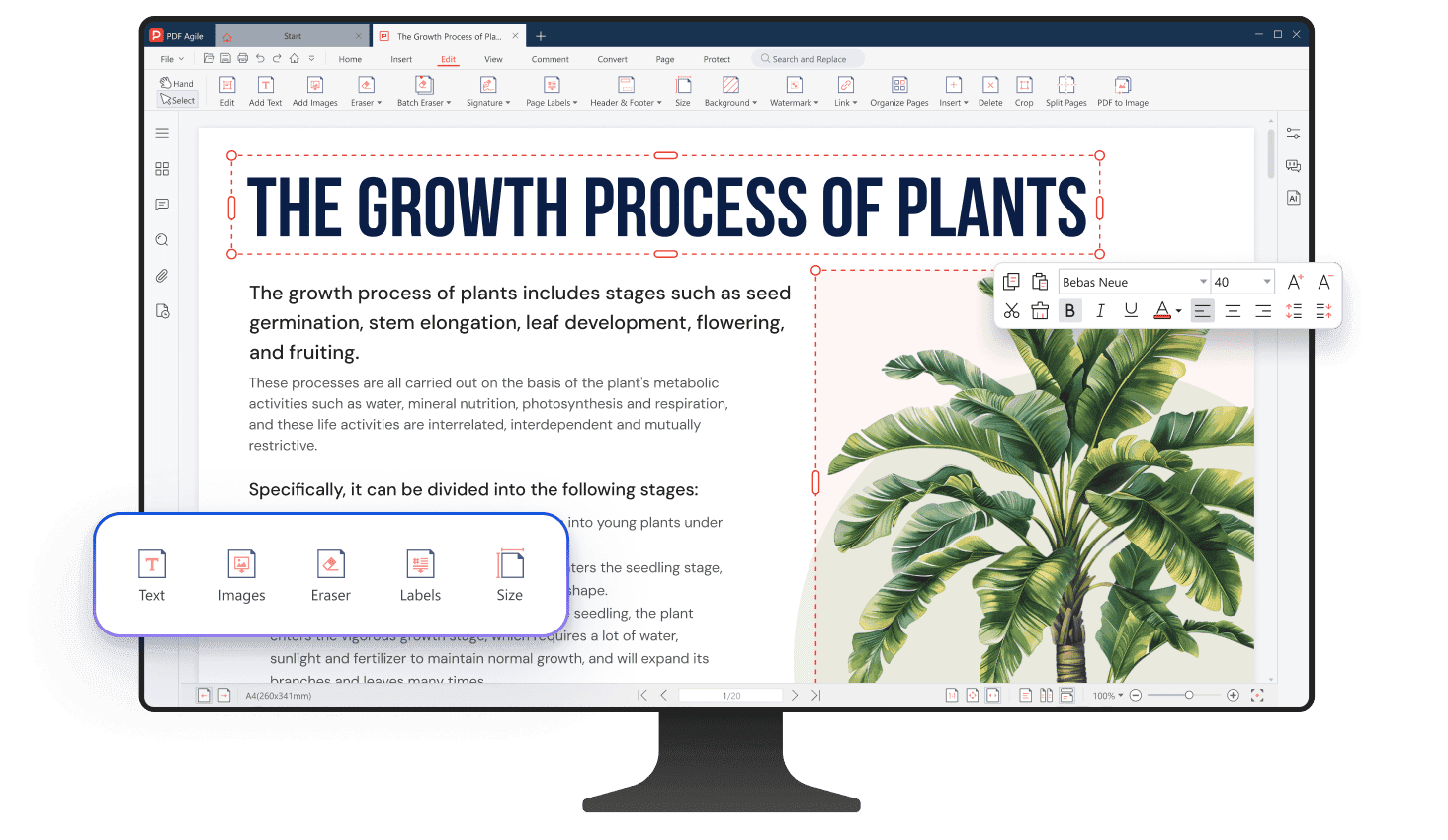
Edit PDF like PowerPoint
PDF Agile transforms static documents into editable canvases—just like PowerPoint—giving you complete control over layout, text, and visuals with a simple, drag-and-drop interface.
Available on:


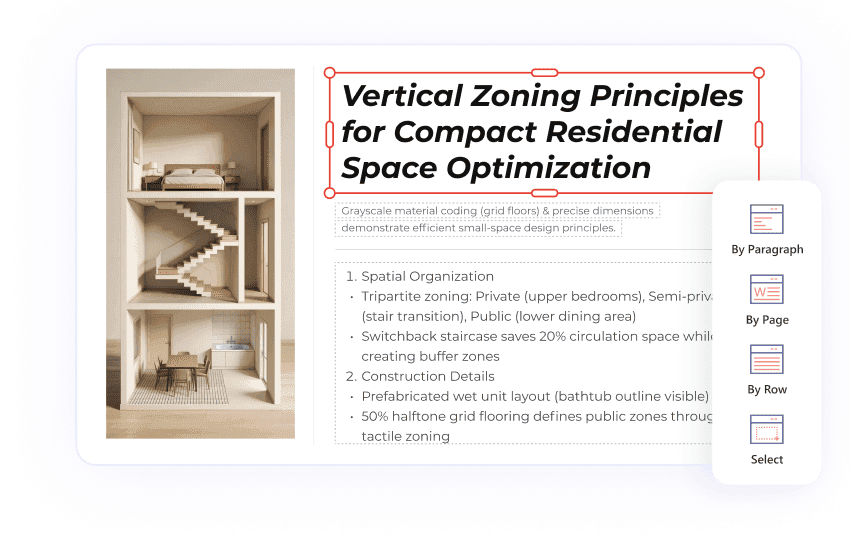
Four Distinct Editing Modes
PDF Agile offers flexible editing modes. You can edit by paragraph, by line, by page, and even freely select any area you need to modify.
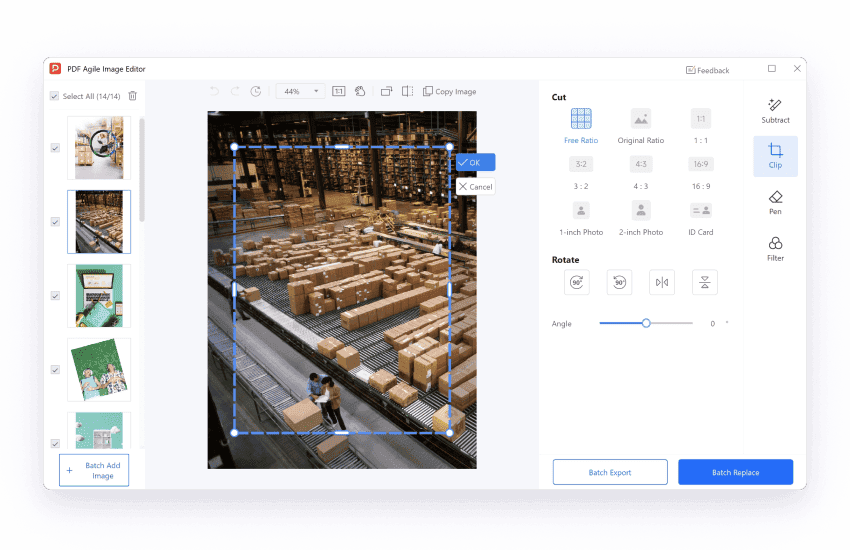
Edit PDF Images like a Pro
Try advanced image editing within your PDFs, such as transparency control, instant cutouts, and background removal at your fingertips.
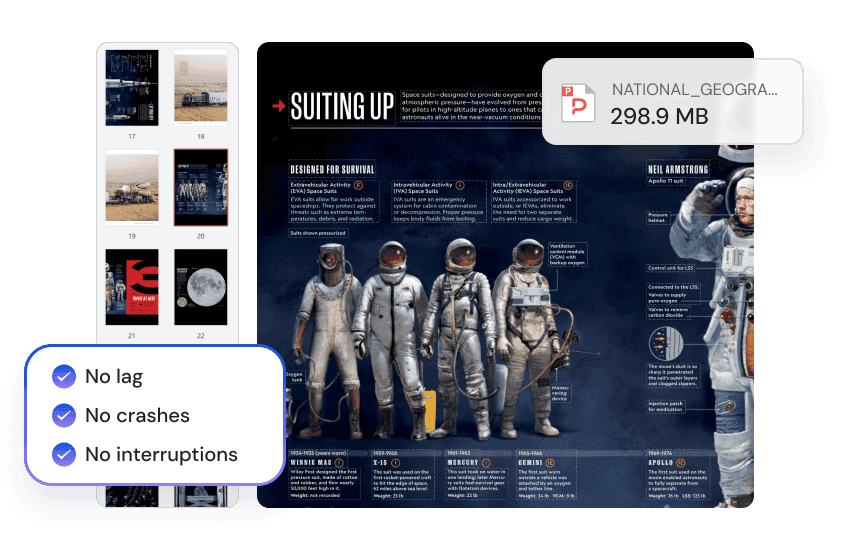
Fast and Reliable Editing for Large PDFs
Handle content-heavy files with speed and stability. Open, edit, and save large PDFs smoothly — no lag, no crashes, no interruptions.
Edit PDF Pages Efficiently
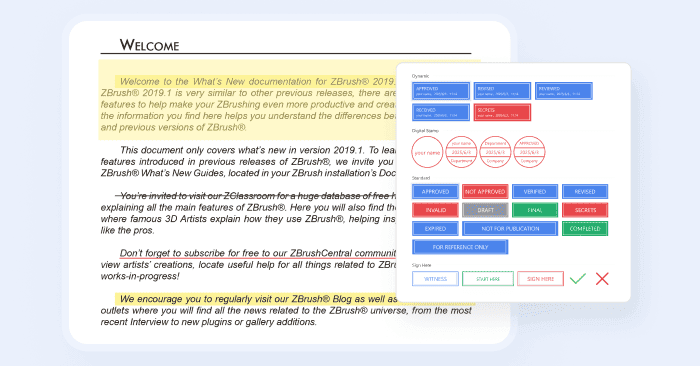
Annotate PDF with Ease
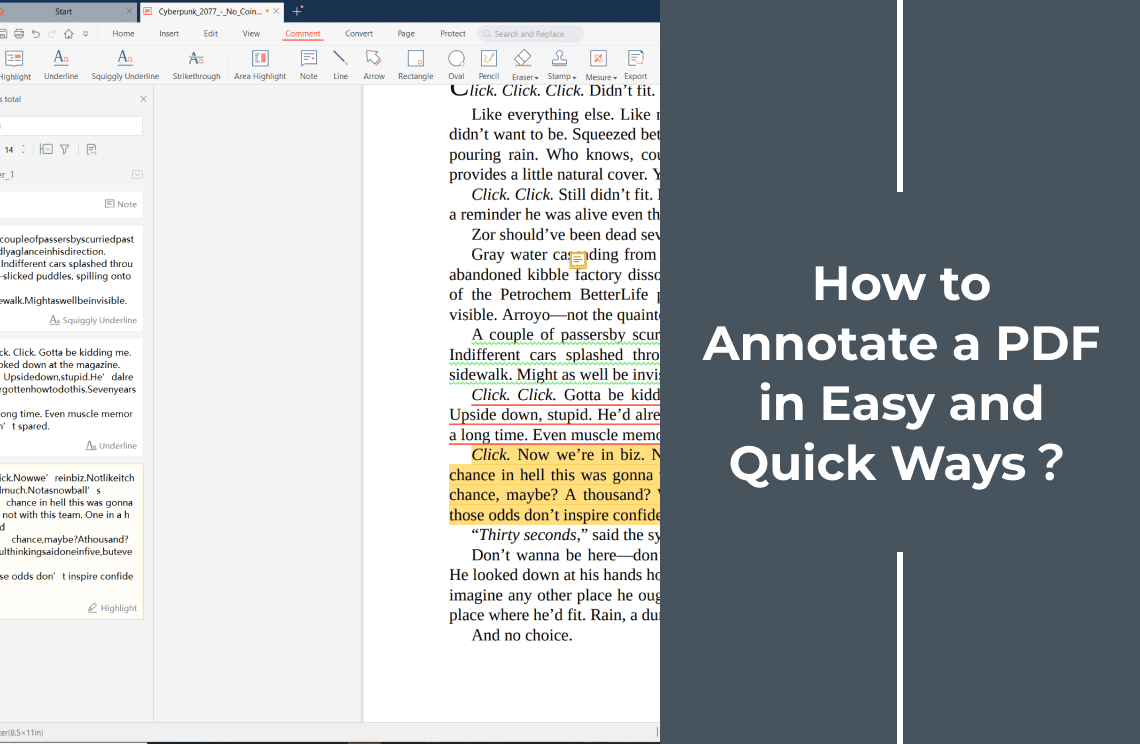
Conveniently add notes, underline, highlight, draw, and stamp your PDFs with various annotation tools. Streamline feedback and enhance collaboration.
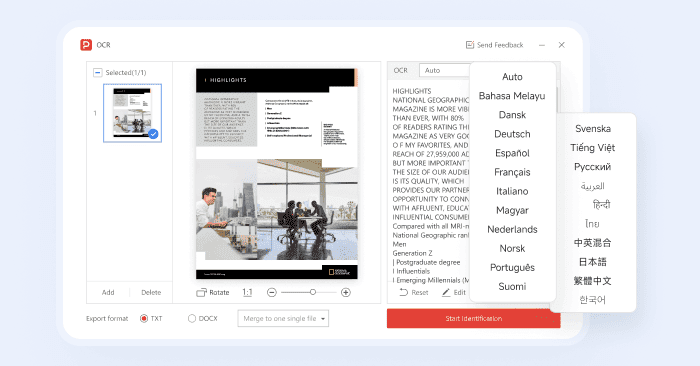
Edit Scanned PDFs
Instantly edit text from scanned PDFs and images. PDF Agile's OCR supports 20+ languages, turning uneditable scans into workable documents.
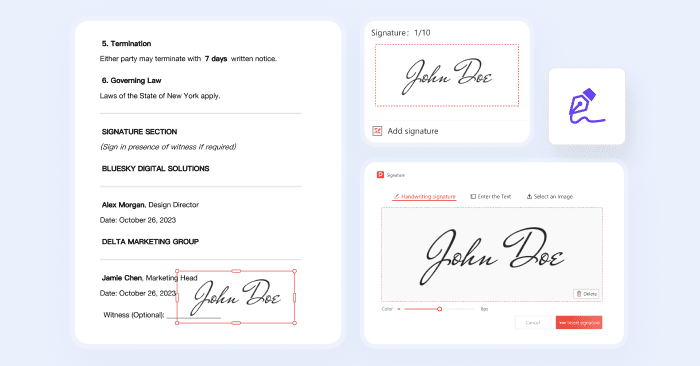
Add Digital Signature
Easily add digital signatures to your PDFs for your authenticity, as well as secure and efficient document signing.
Add and Remove Watermarks Instantly
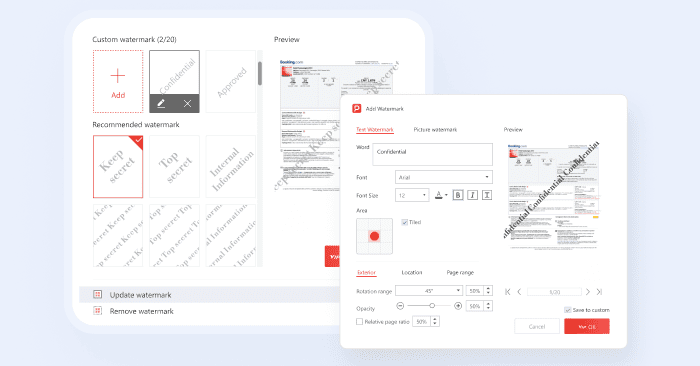
Add custom watermarks to brand your documents or eliminate both regular and irregular watermarks with a single click for a clean, professional look.
Who Is PDF Agile For? Tailored for Every Professional

IT & Engineering
"Maintaining technical specs and diagrams is finally easy. We can drag, drop, and edit layouts with the same ease as PowerPoint, making our documentation process much faster and more intuitive."
- Alex Rivera, Systems Engineer

Educators & Students
“Finally, a PDF editor that feels like it was made for teaching! I can easily tweak lecture notes, add annotations for my students, and format handouts beautifully. It's made preparing materials so much faster and more engaging.”
- Sarah Miller, High School Teacher

Business Teams
"Our marketing team loves PDF Agile. We can quickly update brochures and proposals with the latest branding and information. The ability to precisely control the layout saves us so much time and ensures everything looks professional."
- Mark Olsen, Marketing Manager

Government & Public Sector
“Security is paramount for us in the public sector. PDF Agile's redaction features and batch processing capabilities have been invaluable for managing large volumes of sensitive documents while maintaining compliance.”
- Stevens Ethan

Creative Professionals
"As a graphic designer, I need flexibility, and PDF Agile delivers. I can manipulate images and text within PDFs just like I would in a design program. It's fantastic for creating visually stunning marketing materials and presentations."
– Xavier Rodriguez, Graphic Designer

Legal & Financial Professionals
"Accuracy is crucial in finance. PDF Agile allows me to edit financial statements with the precision I need, and the watermarking features help maintain document integrity. It's a reliable tool for handling critical financial documents."
- James Brown, Financial Analyst
IT & Engineering
"Maintaining technical specs and diagrams is finally easy. We can drag, drop, and edit layouts with the same ease as PowerPoint, making our documentation process much faster and more intuitive."
- Alex Rivera, Systems Engineer
Educators & Students
“Finally, a PDF editor that feels like it was made for teaching! I can easily tweak lecture notes, add annotations for my students, and format handouts beautifully. It's made preparing materials so much faster and more engaging.”
- Sarah Miller, High School Teacher
Business Teams
"Our marketing team loves PDF Agile. We can quickly update brochures and proposals with the latest branding and information. The ability to precisely control the layout saves us so much time and ensures everything looks professional."
- Mark Olsen, Marketing Manager
Government & Public Sector
“Security is paramount for us in the public sector. PDF Agile's redaction features and batch processing capabilities have been invaluable for managing large volumes of sensitive documents while maintaining compliance.”
- Stevens Ethan
Creative Professionals
"As a graphic designer, I need flexibility, and PDF Agile delivers. I can manipulate images and text within PDFs just like I would in a design program. It's fantastic for creating visually stunning marketing materials and presentations."
– Xavier Rodriguez, Graphic Designer
Legal & Financial Professionals
"Accuracy is crucial in finance. PDF Agile allows me to edit financial statements with the precision I need, and the watermarking features help maintain document integrity. It's a reliable tool for handling critical financial documents."
- James Brown, Financial Analyst
IT & Engineering
"Maintaining technical specs and diagrams is finally easy. We can drag, drop, and edit layouts with the same ease as PowerPoint, making our documentation process much faster and more intuitive."
- Alex Rivera, Systems Engineer
Educators & Students
“Finally, a PDF editor that feels like it was made for teaching! I can easily tweak lecture notes, add annotations for my students, and format handouts beautifully. It's made preparing materials so much faster and more engaging.”
- Sarah Miller, High School Teacher
Business Teams
"Our marketing team loves PDF Agile. We can quickly update brochures and proposals with the latest branding and information. The ability to precisely control the layout saves us so much time and ensures everything looks professional."
- Mark Olsen, Marketing Manager
Government & Public Sector
“Security is paramount for us in the public sector. PDF Agile's redaction features and batch processing capabilities have been invaluable for managing large volumes of sensitive documents while maintaining compliance.”
- Stevens Ethan
Creative Professionals
"As a graphic designer, I need flexibility, and PDF Agile delivers. I can manipulate images and text within PDFs just like I would in a design program. It's fantastic for creating visually stunning marketing materials and presentations."
– Xavier Rodriguez, Graphic Designer
Legal & Financial Professionals
"Accuracy is crucial in finance. PDF Agile allows me to edit financial statements with the precision I need, and the watermarking features help maintain document integrity. It's a reliable tool for handling critical financial documents."
- James Brown, Financial Analyst
Detailed Guides for Extracting Data
Join millions who trust PDF Agile—try now to edit, convert, and manage PDFs with efficiency and ease.
Trusted by







FAQs about PDF Editing Functions
How to edit PDF without losing formatting?
How to edit a scanned PDF or a handwritten document?
How can I remove unwanted watermarks from PDF documents?
How to electronically sign a PDF file?
How can I annotate or add comments while reading PDF files?
How to split a PDF into multiple PDFs?
Accelerate your PDF workflow like never before
A complete PDF solution for all PDF needs