Featured Post
Recent Posts
How-to & Tips8 Mins
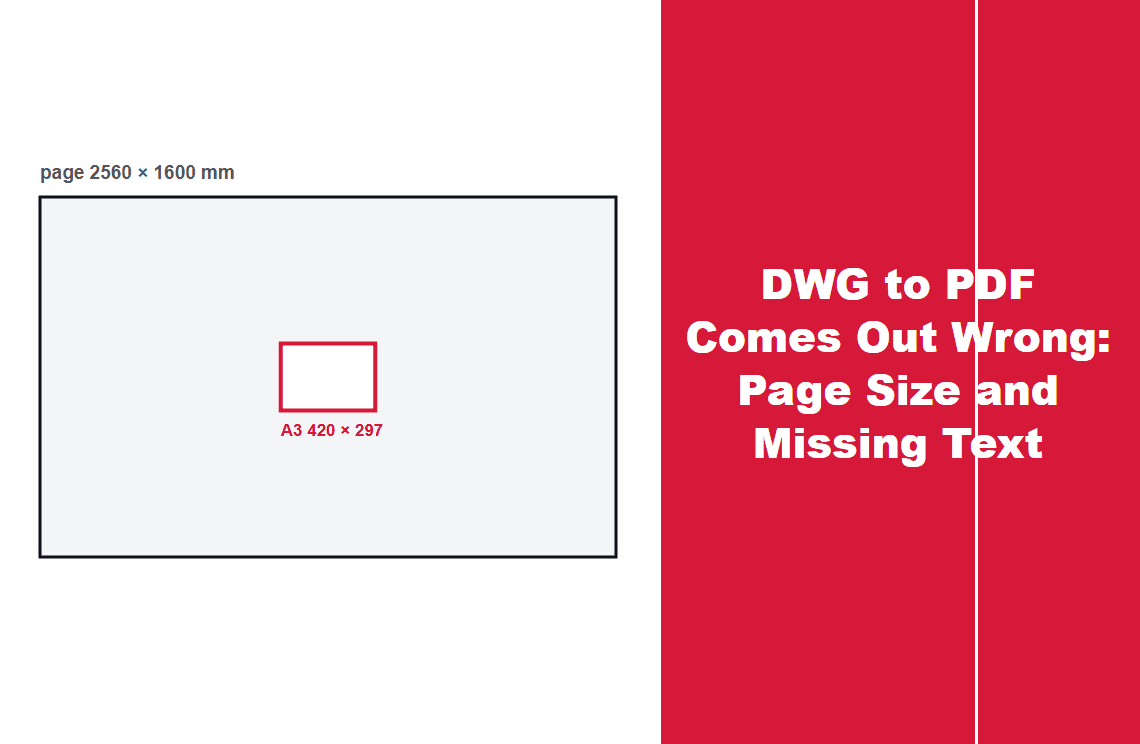
DWG to PDF Comes Out Wrong: Page Size and Missing Text
A DWG to PDF export returned a 2560 by 1600 mm page with no fonts: the text was drawn as outlines. Check page size and selectability before sending.
Read More >>
How-to & Tips8 Mins
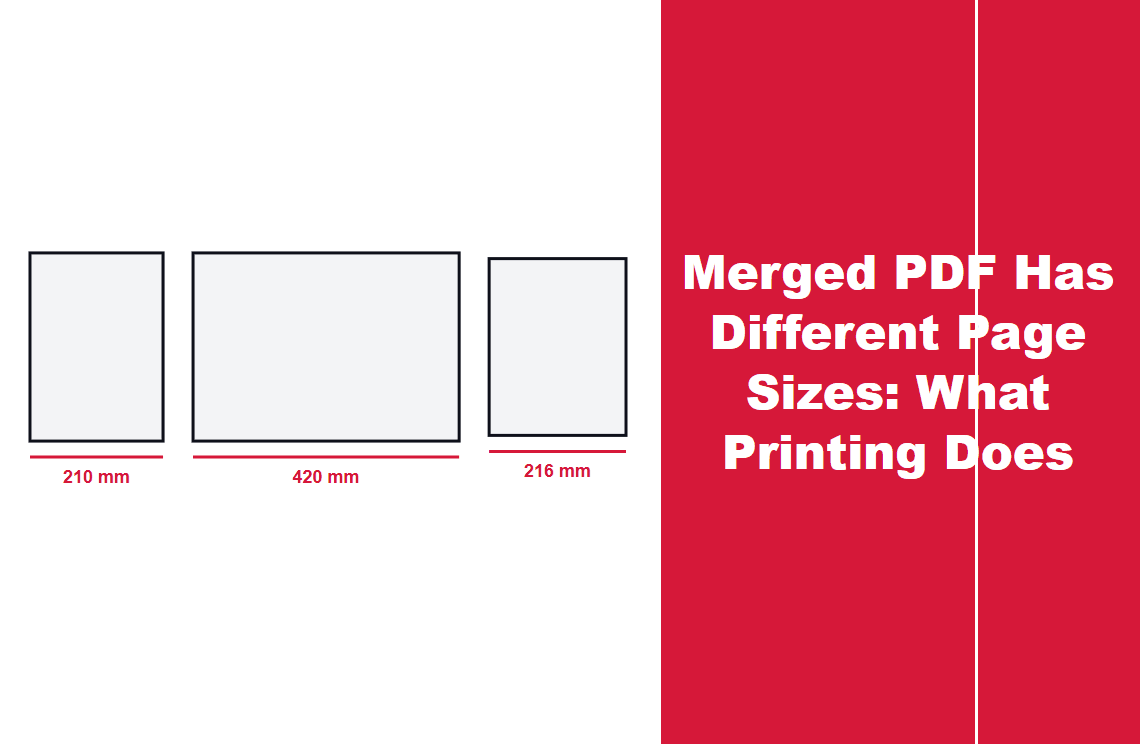
Merged PDF Has Different Page Sizes: What Printing Does
A merge never unifies page size: three test files came out 210x297, 420x297 and 216x279 mm. Fit to page shrinks them, actual size crops.
Read More >>
How-to & Tips8 Mins
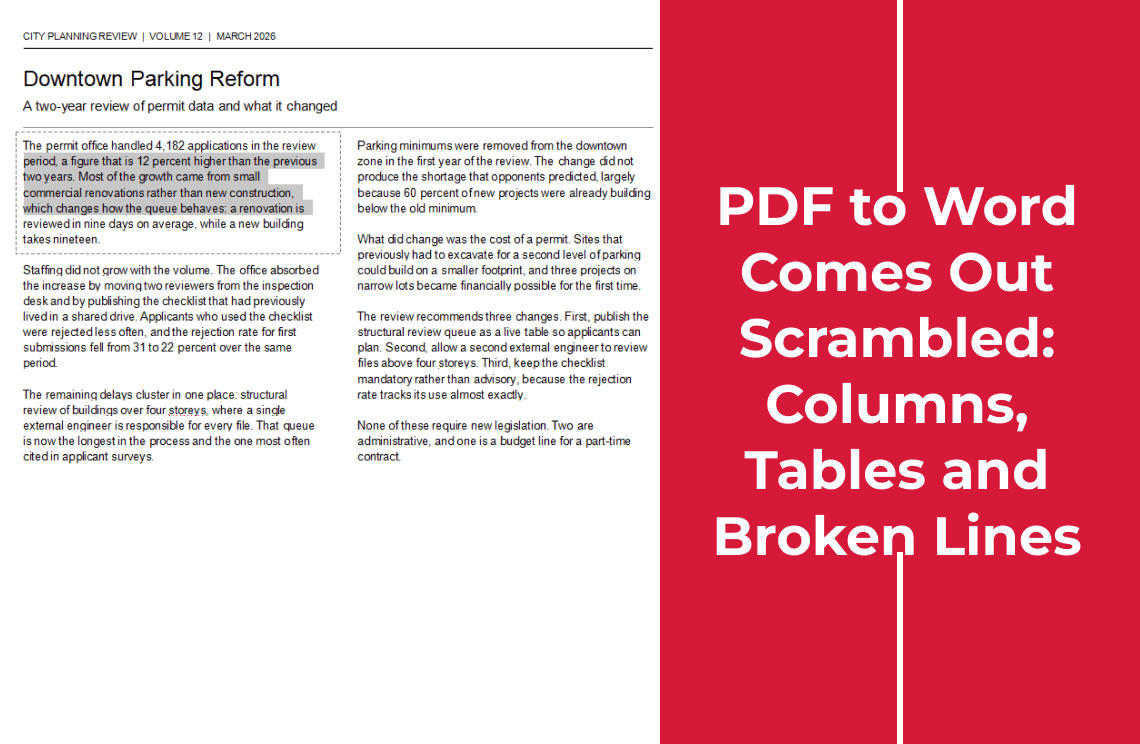
PDF to Word Comes Out Scrambled: Columns, Tables and Broken Lines
A converter rebuilds a layout the PDF never stored. Check whether the source has text at all, then fix columns, tables or line breaks where they broke
Read More >>
How-to & Tips7 Mins
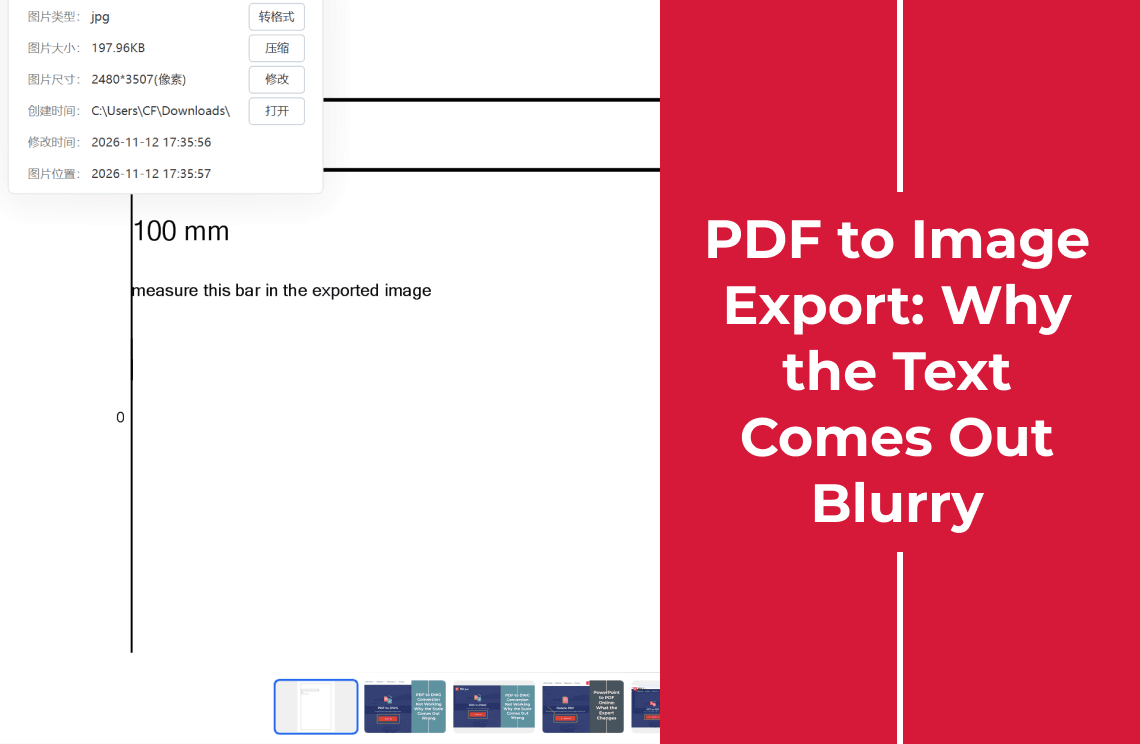
PDF to Image Export: Why the Text Comes Out Blurry
A PDF export is a pixel grid sized by DPI. Measure the width in pixels, compare it with the page size, and export again at 300 DPI if it falls short.
Read More >>
How-to & Tips7 Mins
PDF to DWG Conversion Not Working: Why the Scale Comes Out Wrong
PDF to DWG keeps the linework but not the scale: an A3 sheet came back as 2560 by 1600 mm. Check the page size before you measure.
Read More >>
How-to & Tips6 Mins
PowerPoint to PDF Online: What the Export Changes
Convert PowerPoint to PDF online, then check three things: the page size, whether your font survived, and whether the text still selects.
Read More >>
How-to & Tips6 Mins
See a PDF Online: Why Some Links Open and Others Download
See a PDF online without downloading it: check the header the server sends, the browser's PDF setting, and the two fallbacks that always work.
Read More >>
How-to & Tips7 Mins
Convert an Excel File to PDF: What the Download Actually Contains
Convert an Excel file to PDF, then check what came back: one page per worksheet, a page wider than A4, and formulas turned into plain numbers.
Read More >>
How-to & Tips7 Mins
Convert a PDF to TIFF: Why the Online Route Stops at JPG
Convert a PDF to TIFF: the online route exports JPG, PNG or BMP, so use it only when any image will do, and check the file size before sending.
Read More >>
How-to & Tips6 Mins
How to Save One Page of a PDF as a Separate File
Save one page from a PDF as its own file: type the page number in the split tool's range box, then check the page count and the page size.
Read More >>
How-to & Tips6 Mins
How to Add a Password to a PDF
Add an open password to a PDF in the browser, then check what it stops. It blocks opening; it does not block printing, copying or editing.
Read More >>
How-to & Tips6 Mins
How to Delete Certain Pages in a PDF
Delete specific pages from a PDF without touching the rest. Type a page list like 1-3, 5 or click thumbnails, then check the page count and the seams.
Read More >>
How-to & Tips6 Mins
How to Convert JPG to PDF
Convert a JPG to PDF free in the browser, then check the page size — it follows the image dimensions, not A4, which changes how the file prints.
Read More >>
How-to & Tips6 Mins
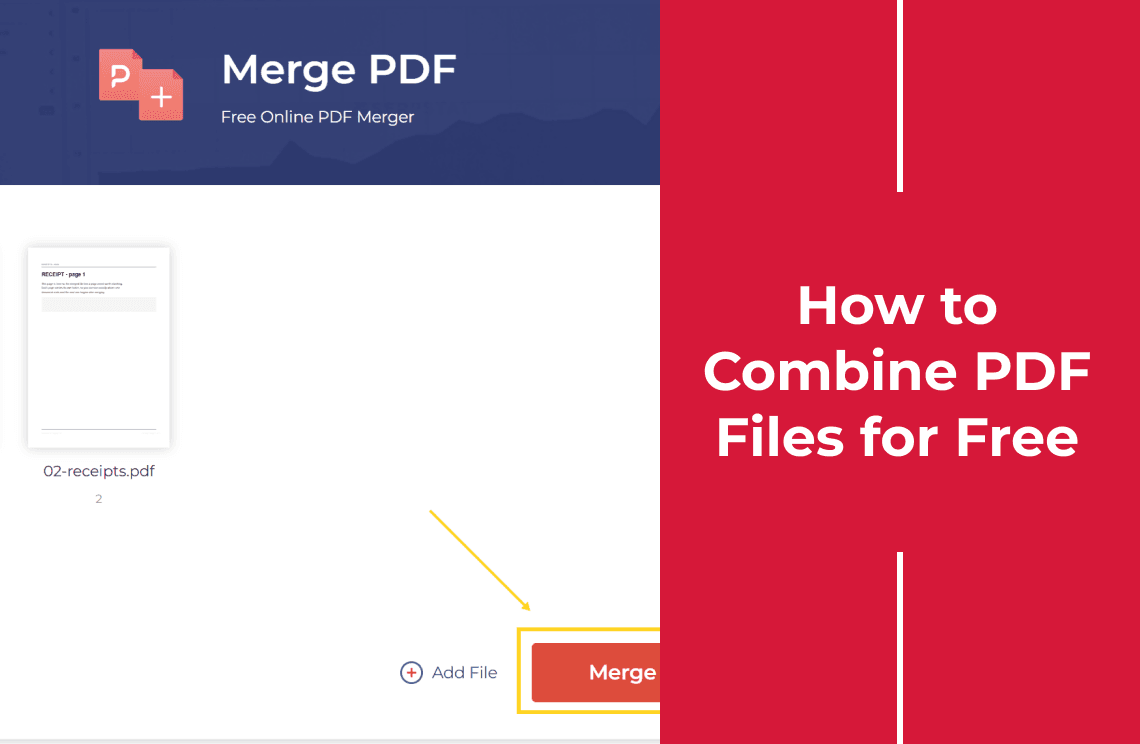
How to Combine PDF Files for Free
Combine PDF files free in the browser, up to 50 at a time, no account needed. Reorder the files, merge, then check the page count and order.
Read More >>
How-to & Tips7 Mins
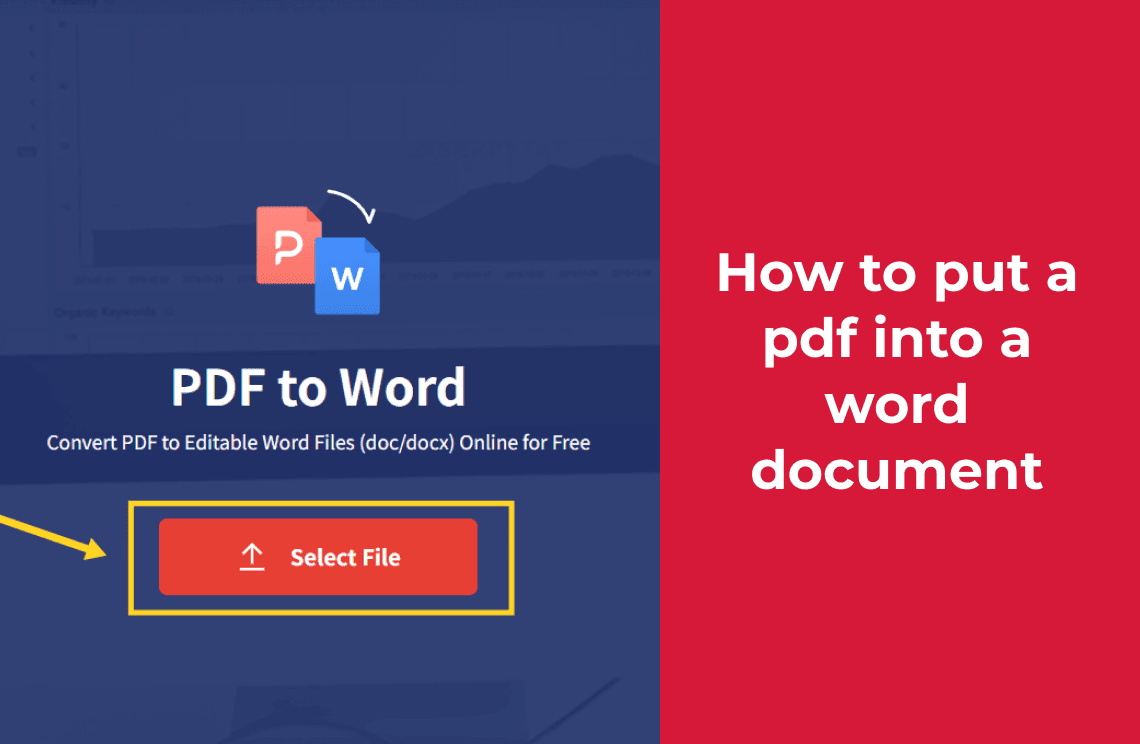
How to Put a PDF Into a Word Document (Turn It Into Editable Text)
Putting a PDF into Word gives three different results. To get editable text, convert it online, then check fonts, tables and page breaks.
Read More >>
How-to & Tips7 Mins
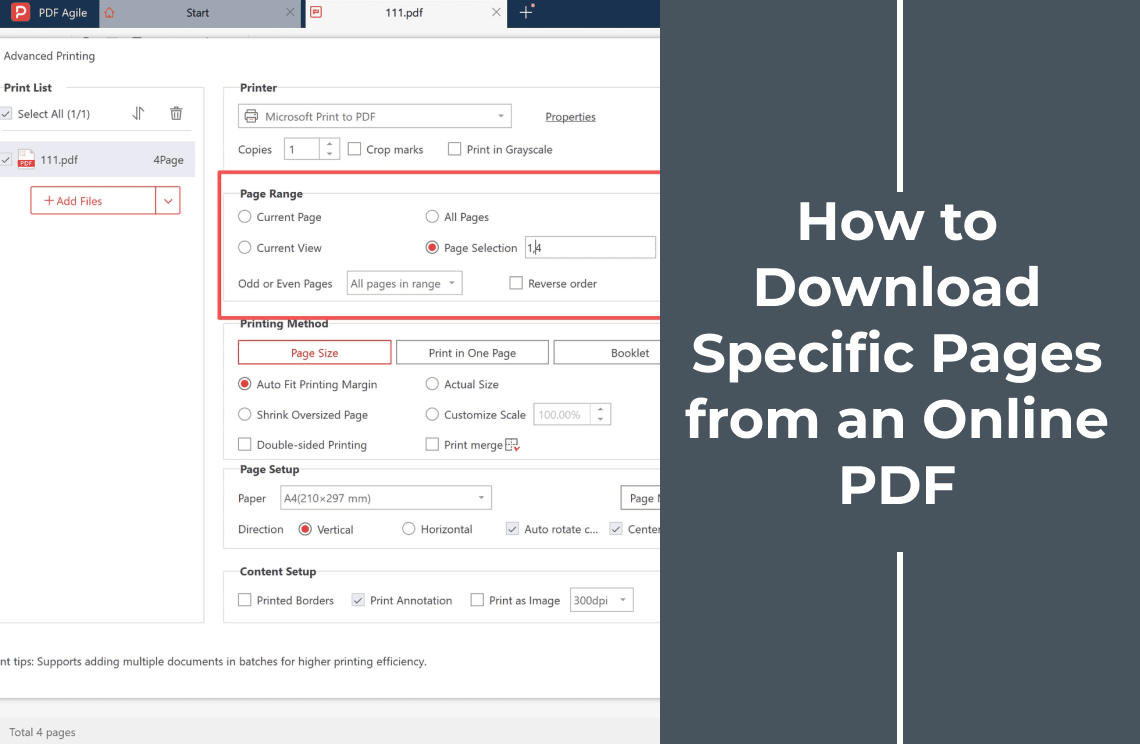
How to Download Specific Pages from an Online PDF
Learn how to download selected pages from an online PDF: save the original file, choose the pages you need, create a new PDF, and verify the result.
Read More >>