Key takeaways
- The online PDF to Image tool exports JPG, PNG or BMP — its own page says so. It does not write TIFF.
- You upload the PDF, click Convert, and download. There is no format or DPI panel to configure.
- If the recipient needs a real `.tif`, get the images out first and convert them locally, or print the PDF to TIFF on a Mac.
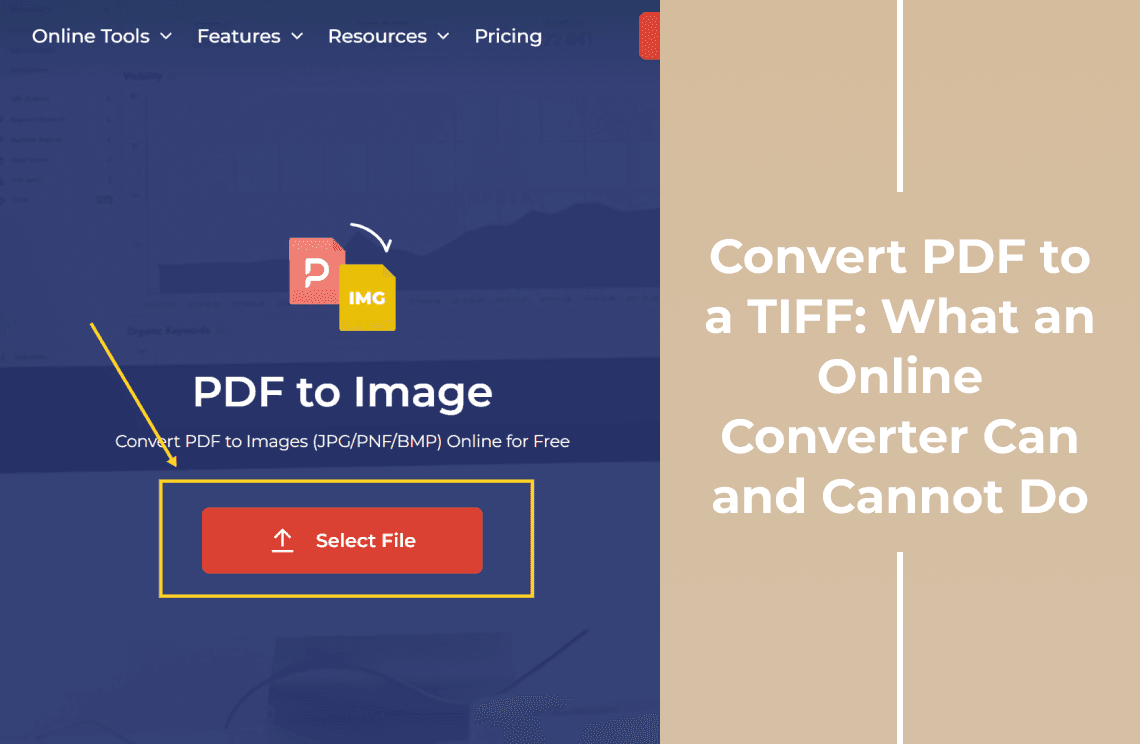
The browser converter turns a PDF into images in three clicks: Select File, Convert, Download. What comes back is JPG, PNG or BMP, never TIFF. That is fine when the goal is "an image of this page" and wrong when the next system only accepts `.tif` — so the useful question is which of the two you are actually doing.
How Do You Convert a PDF to TIFF Online?
- Open the online PDF to Image tool. The header names the three formats it produces: JPG, PNG or BMP.
- Click Select File and choose the PDF. A card appears with the file size and page count, seen here as 2.41 KB - 3 Pages.
- Click Convert. The card is replaced by the same file name with a green Done mark and the line "Your file has finished converting!"
- Click Download. The results list shows one row for the uploaded PDF rather than one row per page.
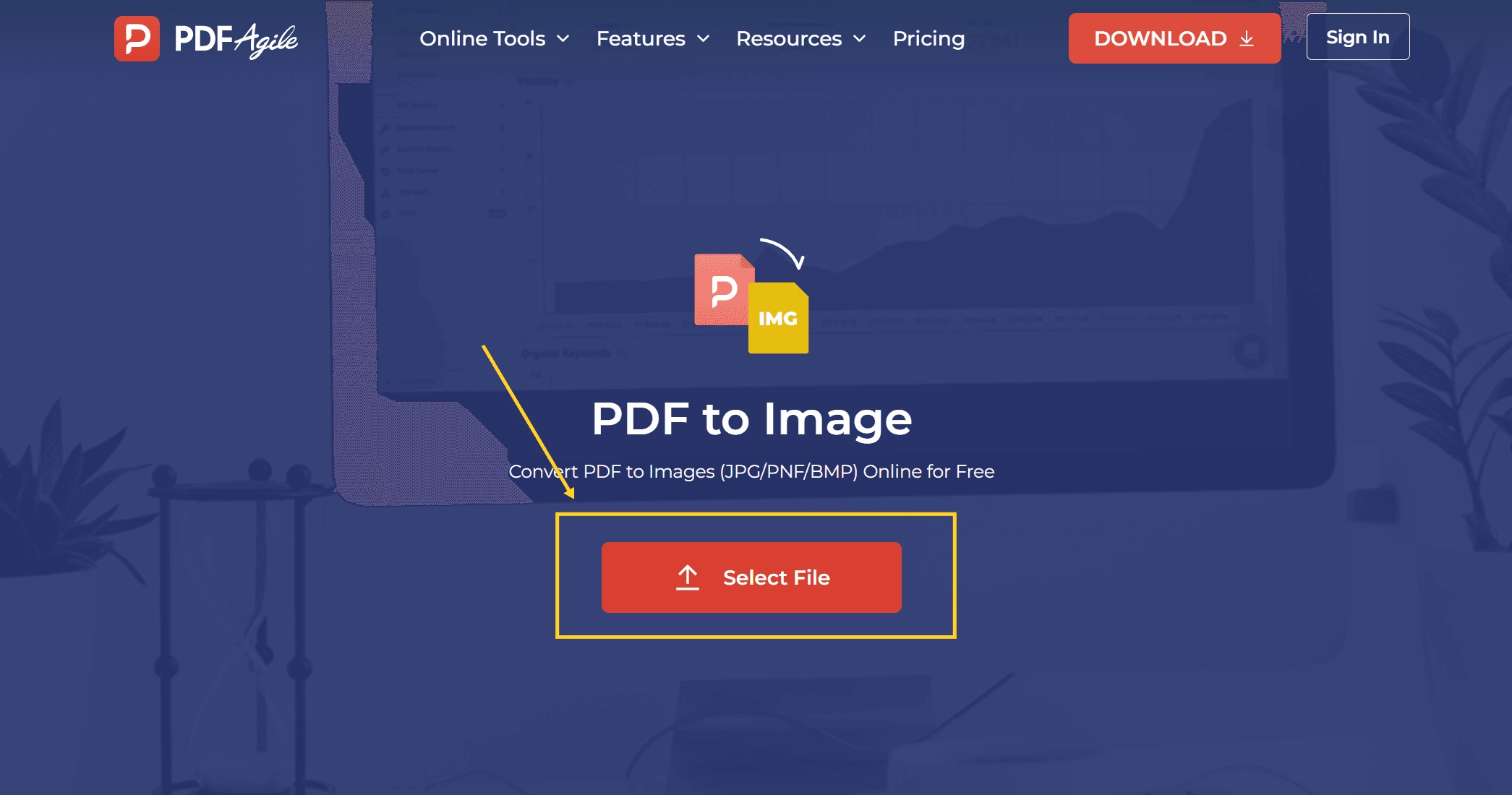
The uploaded card is worth reading before you convert: the size and page count tell you how many images to expect. A three-page PDF should give three images.
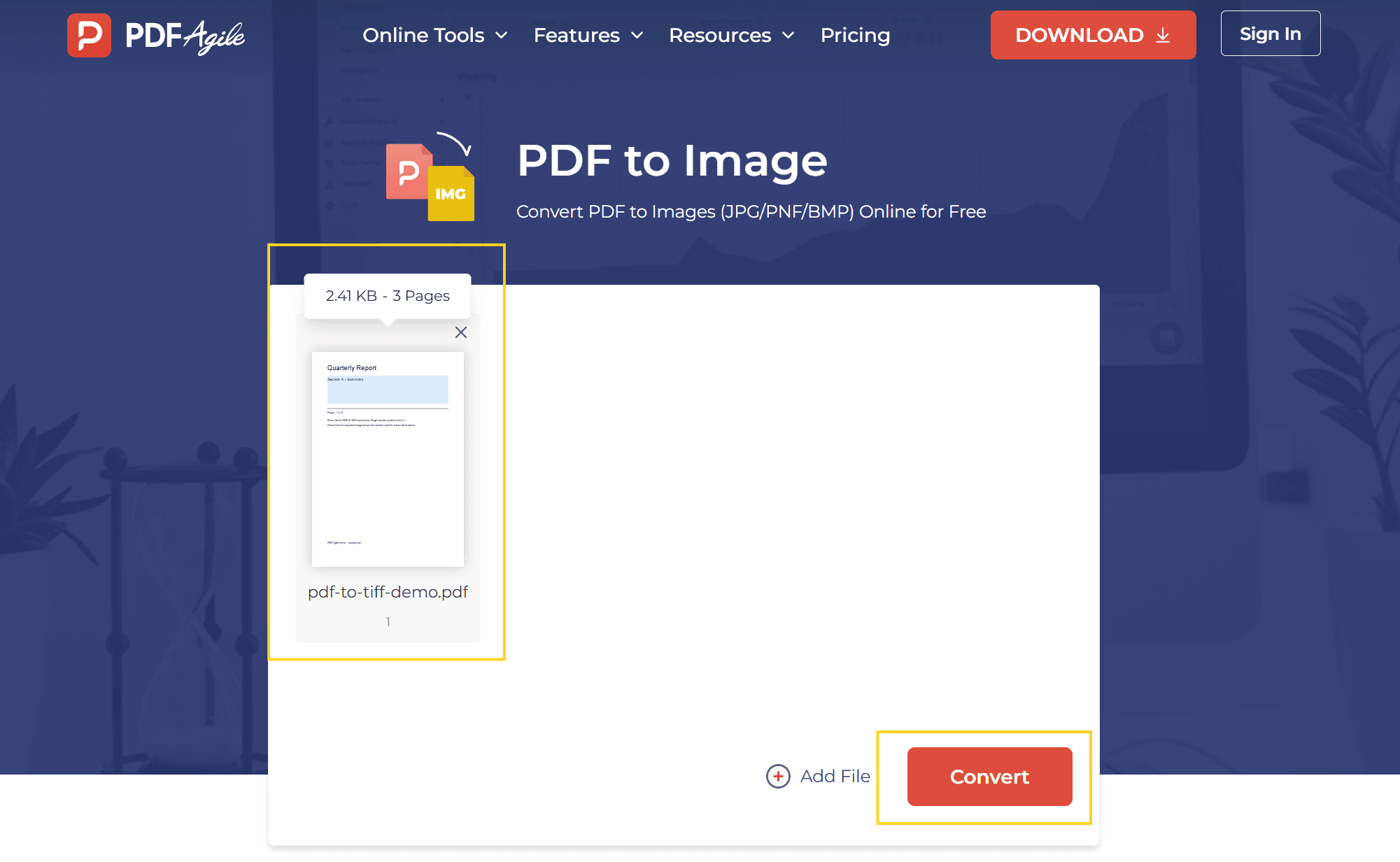
Nothing about the output is configurable in this flow. The screen offers no format picker, no DPI field and no colour-mode switch. Whatever the converter decides is what you get, which is the real reason this route cannot hand you a TIFF: TIFF output is not just a different file extension, it is a set of choices about compression and bit depth that this flow has no place to ask for.
Which Format Do You Actually Need?
Ask what the file has to survive before you pick a route.
| What happens next | What you need | Why |
|---|---|---|
| Pasted into Word, a web page, or an email | JPG | Smallest file, opens everywhere |
| Placed on a coloured layout | PNG | Keeps transparent areas, JPG fills them with white |
| Sent to a print shop, a fax gateway, or an archive | TIFF | Those pipelines accept `.tif` and often reject JPG |
| Fed into an OCR engine | TIFF, black and white, 300 DPI | Many engines handle 1-bit TIFF more predictably than JPG |
| Just looked at on a phone | JPG | No reason to pay the size cost |
Two rows in that table are the same job done twice with different costs. If nothing downstream ever sees the file, the format is irrelevant and the browser route is enough.
Why a TIFF Is Not Just a Bigger JPG
A TIFF is a container, not a fixed format. The same page saved as TIFF can be 200 KB or 40 MB depending on three settings the online converter does not expose:
- Compression. TIFF can hold the image uncompressed, or use LZW or ZIP. A JPG is always lossy; a TIFF can be lossless, which is why print shops ask for it.
- Bit depth. A scanned text page is often 1-bit black and white. The same page as 24-bit colour is roughly 24 times larger for no visible gain in print.
- Pages per file. Scanners and fax systems commonly write multi-page TIFF: one file containing pages 1 to 3. Image converters write one file per page.
That last point trips people up. If you convert a 3-page PDF to three JPGs, you have three files even after you rename them `.tif`. A fax gateway expecting a single three-page TIFF will take the first page and stop.
How Do You Check What You Got?
Under a minute, four checks.
1. Count the images. Open the download and count what came out, then compare that number with the page count on the upload card. If fewer pages came back than the card promised, a page failed to render rather than being skipped for being blank.
2. Read the page number inside the image. The demo file here prints "Page 1 of 3" on each sheet, so a shifted or duplicated page is visible without opening the PDF side by side.
3. Zoom to 200%. Text that was vector-sharp in the PDF becomes pixels after conversion. Round letterforms and clean diagonals mean the render was done at a usable resolution; blocky ones mean it was not.
4. Check the file size against the job. Roughly 25 MB per A4 page is normal for 300 DPI colour with no compression. A 3-page TIFF that comes back at 900 KB was compressed or downsized somewhere, and a print shop will notice.
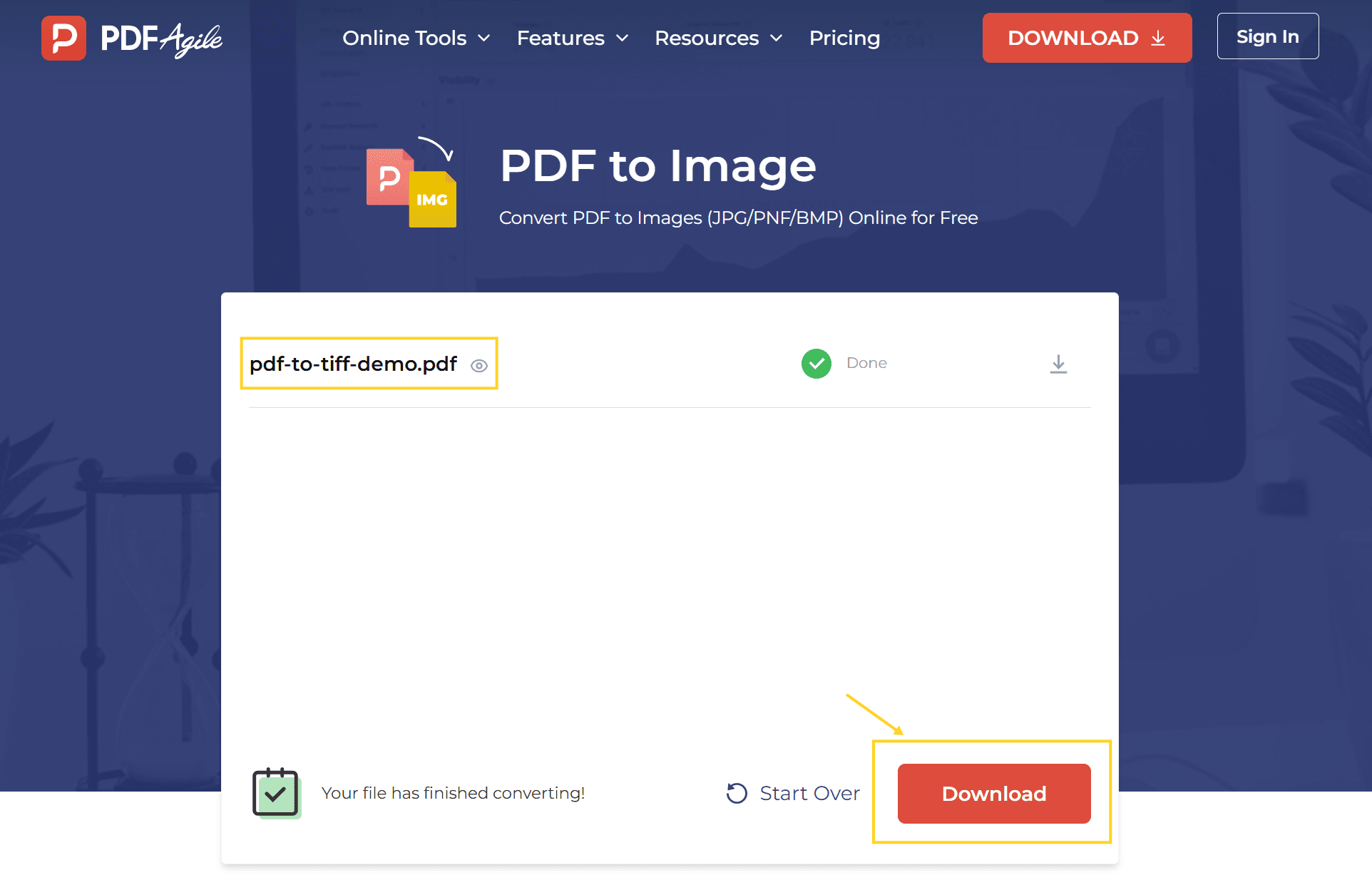
If the download does not open, or opens as a single page, the conversion finished but the packaging differs from what you expected. Re-run it rather than editing the output.
What This Route Cannot Do
- It does not produce TIFF. The tool's own page lists JPG, PNG and BMP. Do not rename a PNG to `.tif` and send it — some viewers will open it, most production pipelines will reject it.
- It does not combine pages into one multi-page TIFF. You get one image per page.
- It does not let you set DPI, compression or colour depth. Those are the settings that make a TIFF acceptable to a print shop.
- It does not keep text selectable. The output is pixels; search and copy stop working.
- It does not improve a scanned PDF. If the source page is a photo of paper, the image is a picture of a picture.
FAQ
Can I convert a PDF to TIFF for free?
Not in one step in the browser. The online converter gives you JPG, PNG or BMP for free; turning those into TIFF is a second, local step with an image converter, or a print-to-TIFF export on a Mac.
Why is my TIFF so much larger than the PDF it came from?
Because the PDF stores text as instructions and images as compressed streams, while a TIFF stores a full pixel grid for the whole page. A text PDF of 200 KB becomes a multi-megabyte image as soon as it is rasterised.
Does converting to TIFF keep the text searchable?
No. Every route that outputs an image discards the text layer. If you need both, keep the original PDF alongside the TIFF.
Can I convert just one page?
The upload takes the whole document and converts every page. To work on a single sheet, split the PDF first, then convert the part you need.
Is it safe to upload a contract or an ID?
The file leaves your machine and is processed on a server. For identity documents, bank statements or signed contracts, use a desktop converter or your system's own print-to-image route instead.
Where to Go Next
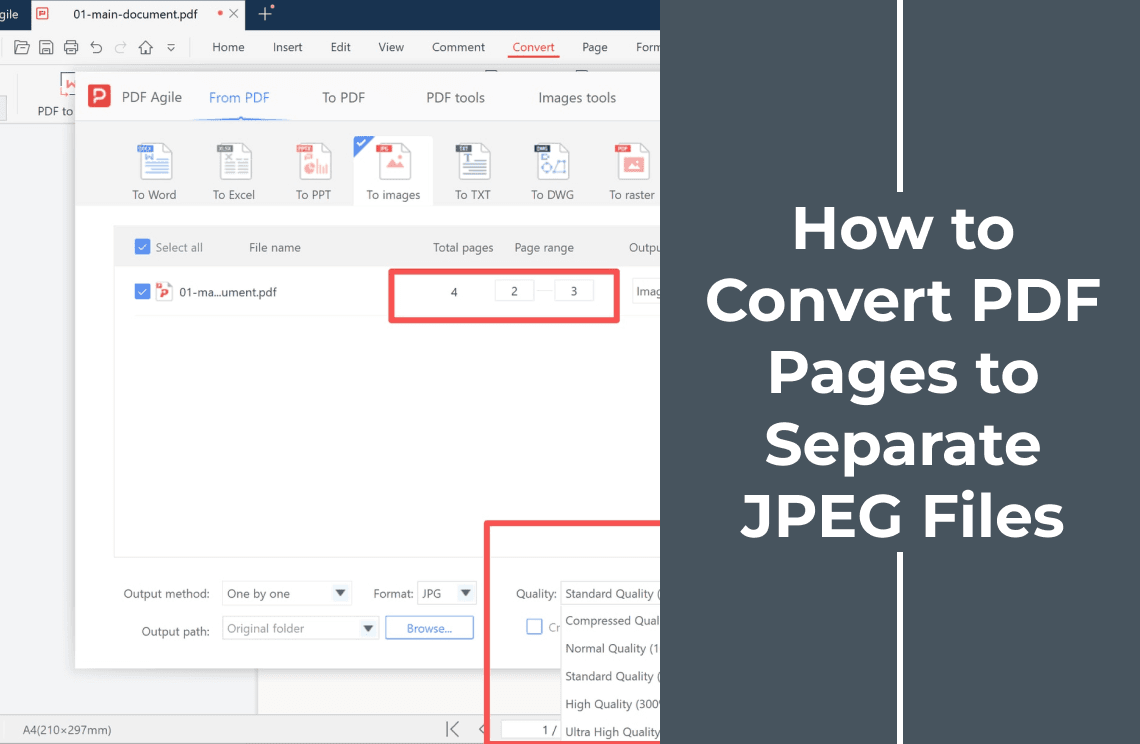
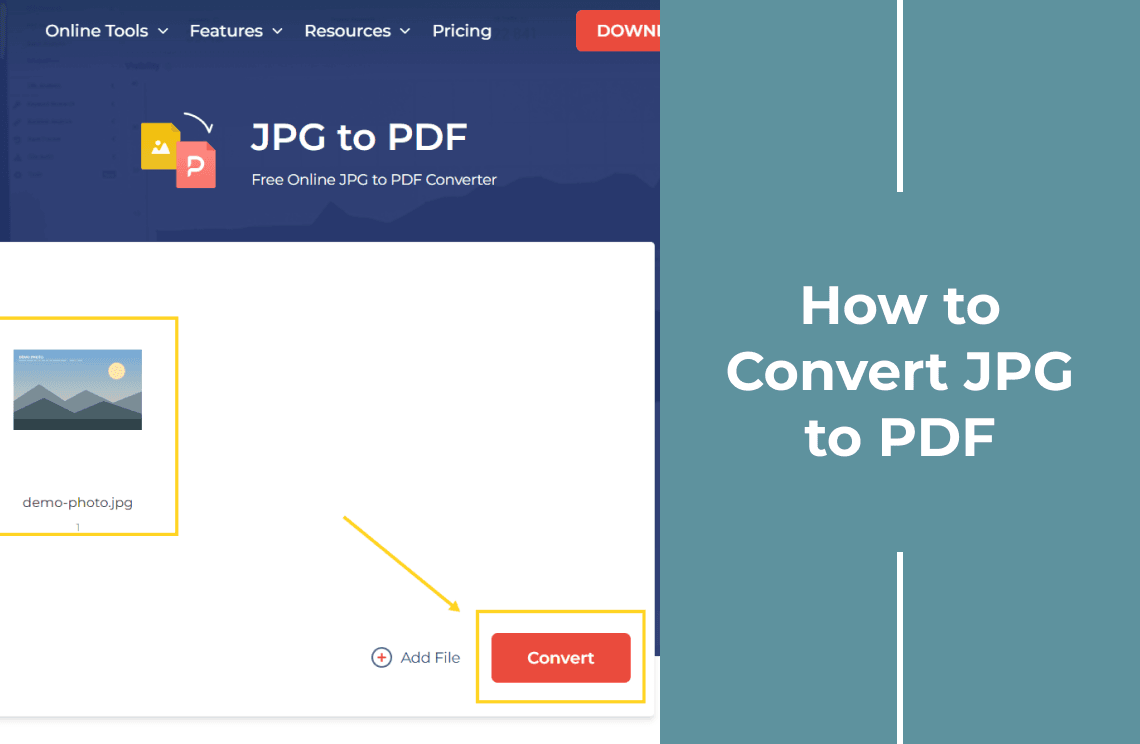
Going the other direction — a TIFF or a scan that has to become a PDF — is covered in how to convert a TIFF image to PDF. If JPG is the format you need rather than TIFF, converting PDF pages to separate JPEG files on Windows keeps the pages separate instead of returning one bundle. And if the images are going back into a document, converting JPG to PDF covers the return trip.
PDF Agile runs the conversion in the browser at the PDF to Image tool — usable for anything that is not confidential, with the desktop editor left for files that should not leave your machine. More format walkthroughs sit in the How-to & Tips section.
The job in one line: decide whether the recipient needs a TIFF or just an image, because only the second one can be finished in the browser.