Key takeaways
- A PDF link that downloads instead of opening is usually the server's doing, not yours.
- Your browser's own PDF setting can force a download, but it cannot undo a server that forces one.
- If you cannot change either, two fallbacks work on any machine: a document viewer, or downloading the file and opening it in the browser.
Whether a PDF opens in the tab or lands in your downloads folder is decided by two things that are invisible on the page: the header the server sends with the file, and what your browser has been told to do with PDFs. You can only change one of them, but you can route around both.
Why Does a PDF Link Download Instead of Opening?
Two causes, and they look identical from the outside.
The server told the browser to download it. Every file arrives with headers, and the one that matters here is `Content-Disposition`. When it says `inline`, the browser is allowed to display the file in the tab. When it says `attachment`, the browser downloads it and leaves the page where it was. Plenty of sites, portals and email gateways send `attachment` for every PDF, which is why the same behaviour repeats no matter which browser you use.
Your browser was told to download every PDF. Chrome has a setting for this, and once it is switched, every PDF you click goes to the downloads bar regardless of what the server sent.
The quickest way to tell them apart: try a PDF from a different site. If that one opens normally, the problem is the server. If nothing opens, it is your browser.
Which Cause Is Yours?
| What you see | Likely cause | What to do |
|---|---|---|
| Download bar appears, the tab never moves | Server sends `attachment` | Use a viewer, or download and open the file |
| Every PDF downloads, on every site | Browser setting | Switch it back to opening PDFs in the browser |
| Blank grey page that never fills in | File too large for the built-in viewer | Download it and open it in a desktop reader |
| First page appears, scrolling stalls | The viewer gave up partway | Same as above, or reload the link |
| A login or permission prompt | Access control, not a PDF problem | Sign in first, then reopen the link |
How Do You Open It Anyway?
Three routes, in the order worth trying.
1. Change the browser setting. In Chrome, open `chrome://settings/content/pdfDocuments`. The page offers two choices: download PDF files, or open PDF files in Chrome. Choose the second one and reload the link.
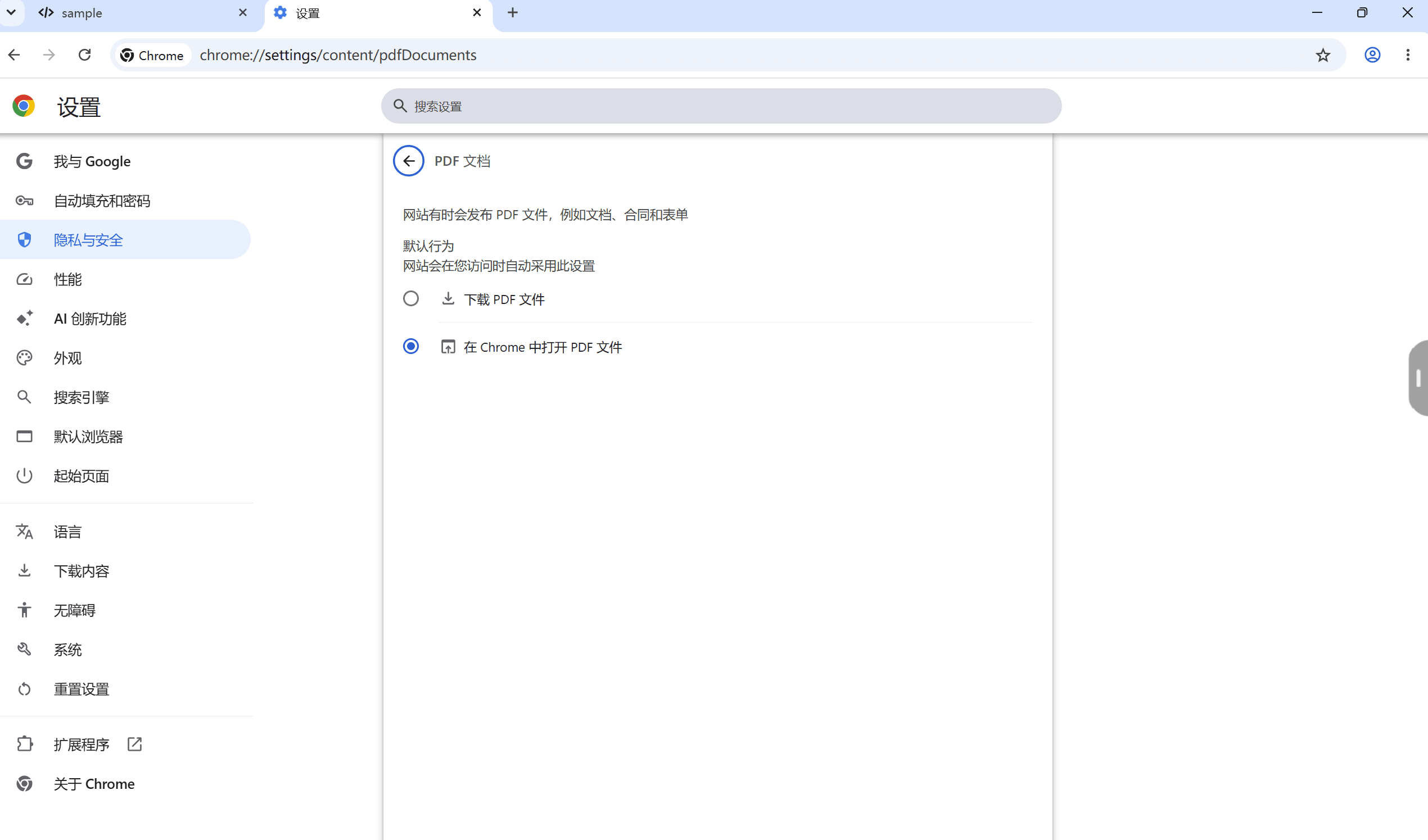
On this machine the page is in Chinese, but the layout is the same in any language: a heading for PDF documents, then two radio buttons, with the first option downloading and the second opening in the browser.
2. Send the link through a document viewer. Google's viewer takes any public PDF URL and renders it on its own servers, which sidesteps both the `attachment` header and your browser setting:
`https://docs.google.com/viewer?url=<the encoded PDF URL>`
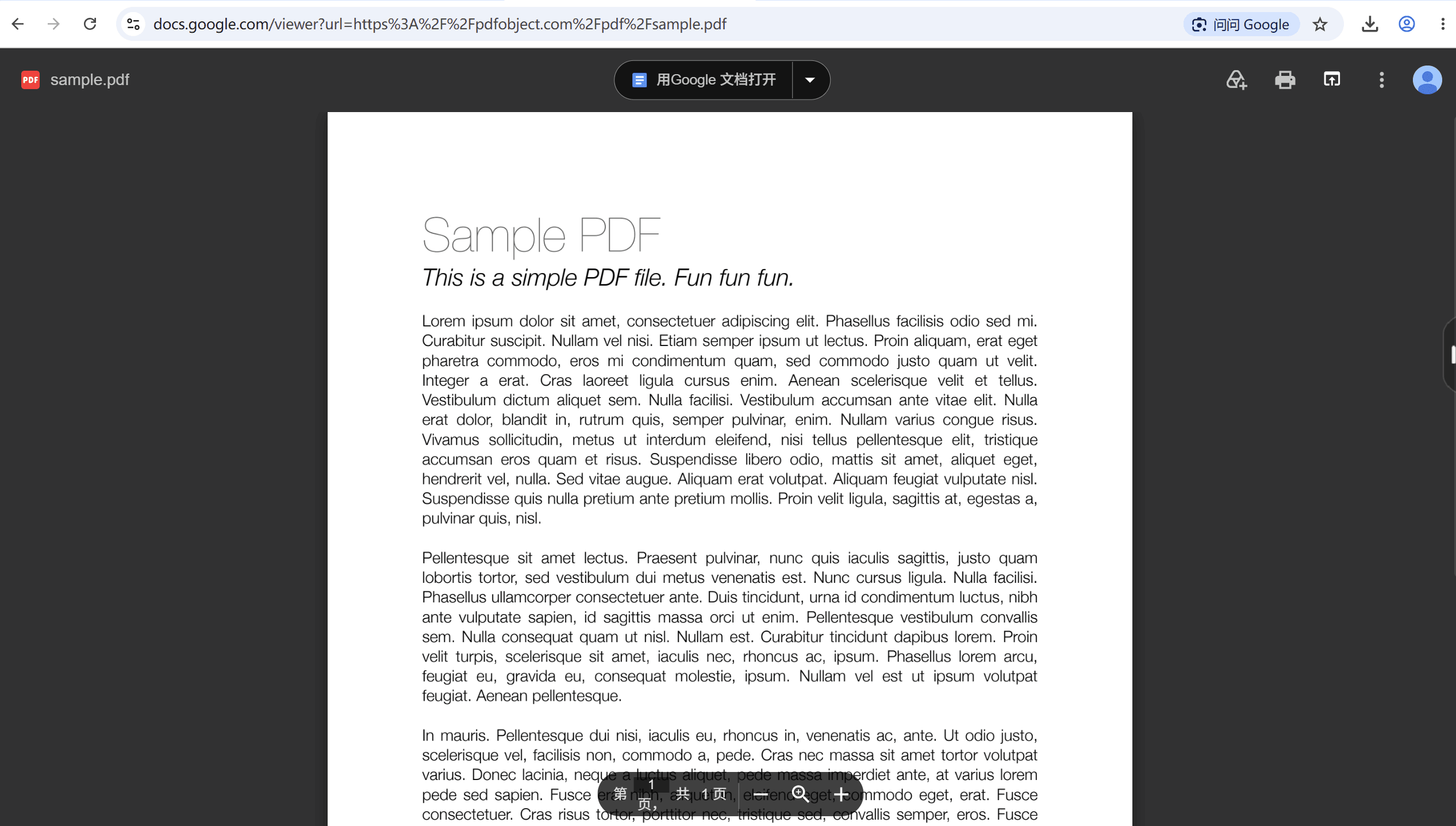
This works because the viewer fetches the file itself and shows you an image of it. It needs the PDF to be publicly reachable, and it is not a way around a login.
3. Download it and open the file in the browser. A downloaded PDF is still a PDF. Drag it into an empty tab, or double-click it if your system points PDFs at the browser, and it renders exactly as an inline link would.
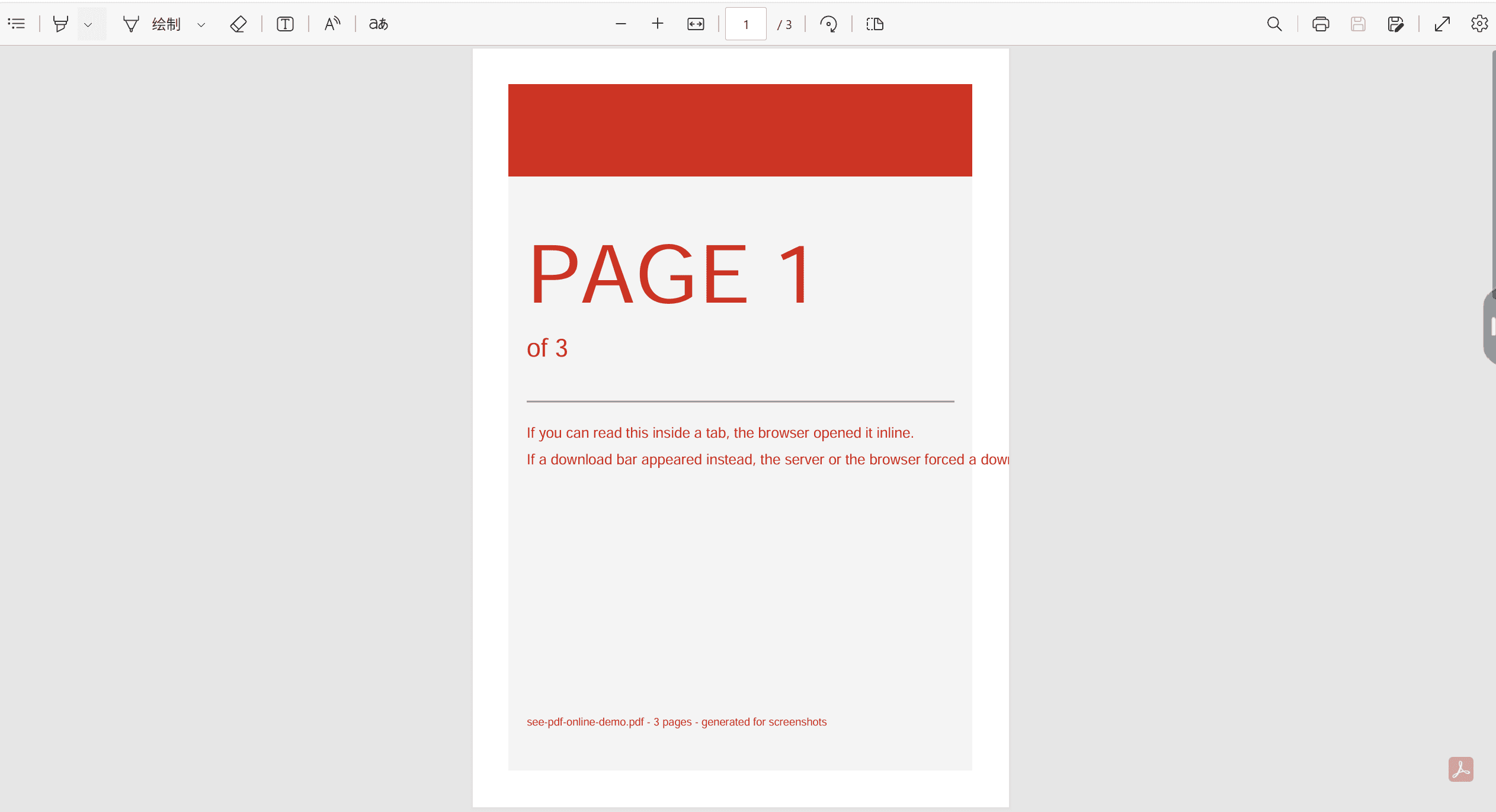
Did It Open, or Did It Download?
Four checks, five seconds.
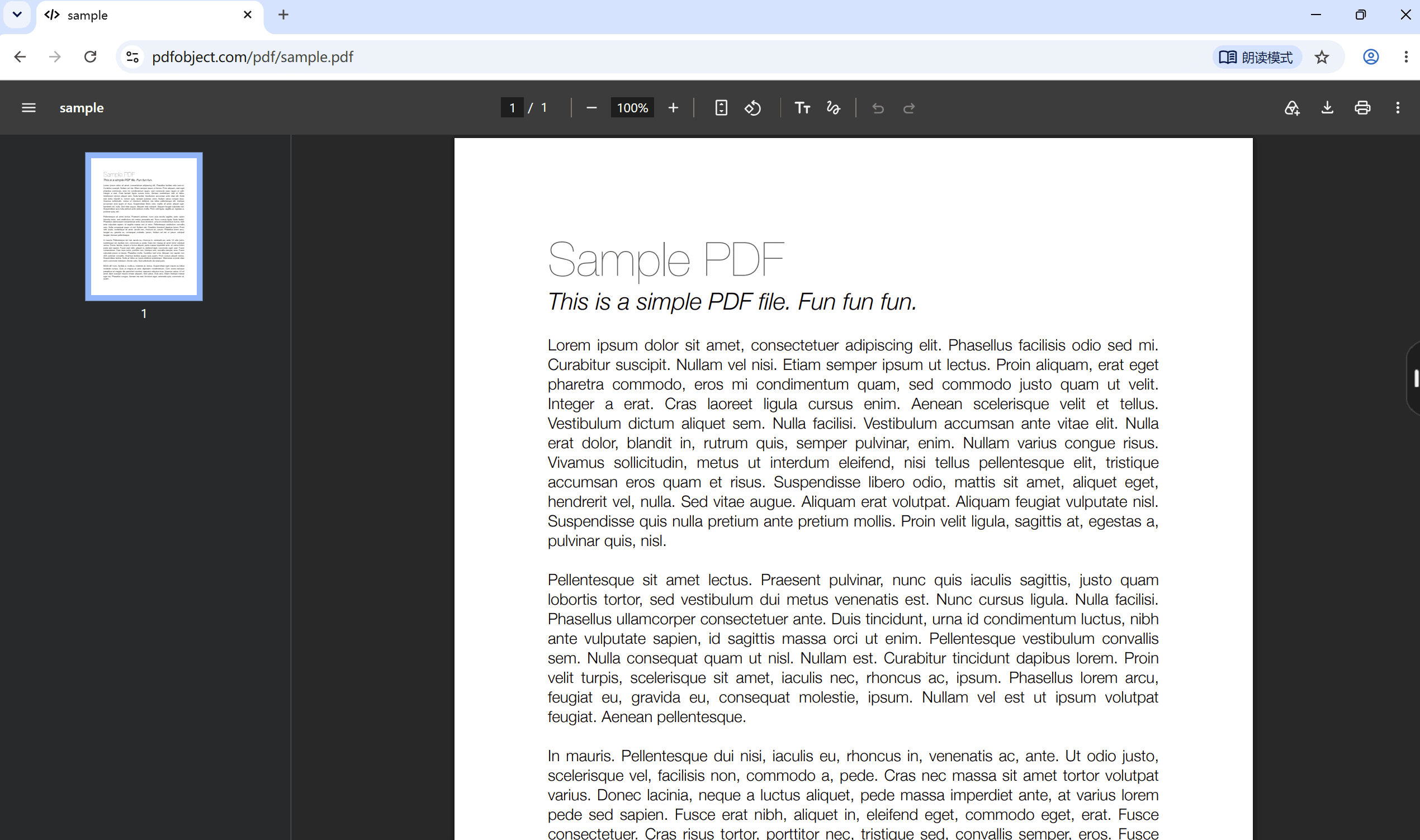
The address bar. If it still shows the PDF URL, you are viewing it online. If it shows a blank tab or the previous page, you downloaded it.
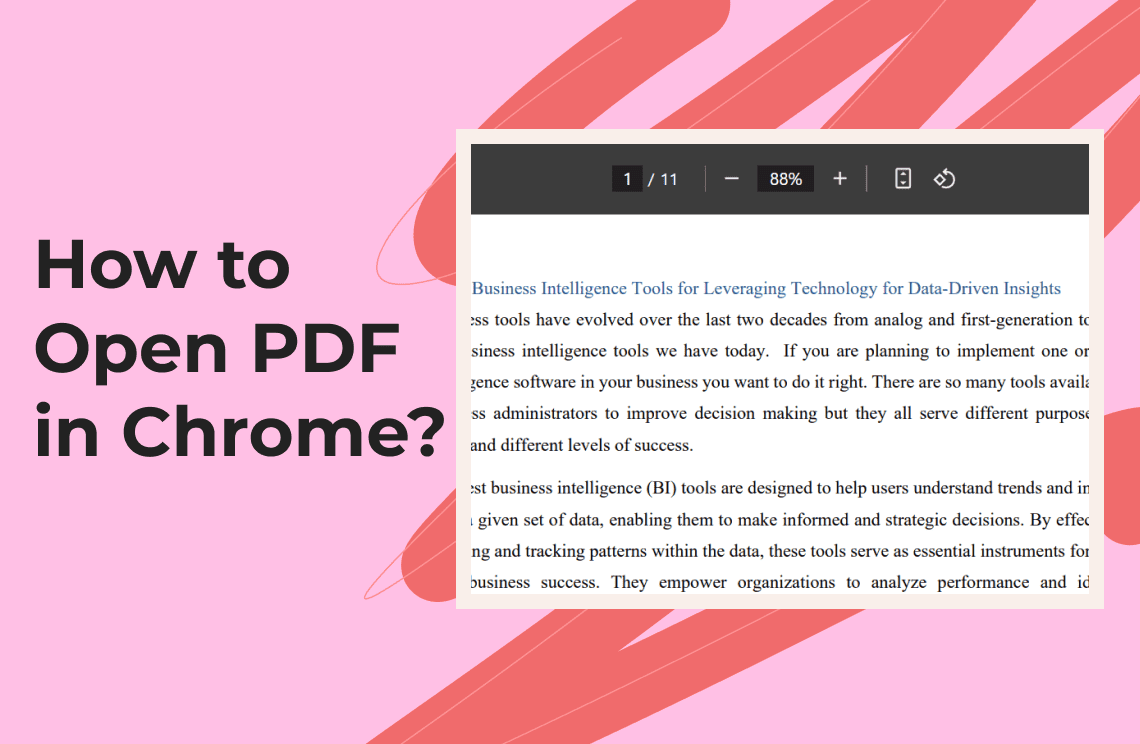
The PDF toolbar. An opened PDF carries its own controls — page number, zoom, download, print. A downloaded file shows nothing but a bubble.
The page counter. A counter like `1 / 1` or `1 / 3` only appears when the file is actually rendered.
The download list. Press `Ctrl+J`. If the file is there, the browser downloaded it regardless of what the tab is showing.
What This Cannot Do
- It cannot override a server that insists on `attachment`. Nothing in the browser settings changes what the server sent; you have to go through a viewer or open the downloaded file.
- It cannot open a file you are not allowed to see. A login wall is a permission problem, not a rendering one.
- It cannot unlock an encrypted PDF. A password prompt from the file itself is a different thing from a website login.
- It says nothing about safety. Opening a PDF in a tab does not make it trustworthy; it only means the browser rendered it.
FAQ
Why does the same PDF link open on my phone but download on my laptop?
Because the two browsers have different PDF settings. The server sends the same header to both; the phone's browser is set to display it, the laptop's to download it.
Can I see a PDF online without downloading it at all?
Yes, if the server allows inline display. If it does not, a viewer renders it on a remote machine and streams you the result, which also keeps no copy on your disk.
Why is my PDF only showing the first page?
Large or complex files sometimes stop rendering partway. Download the file and open it in a desktop reader before assuming the PDF itself is broken.
Does viewing a PDF online keep a copy on my computer?
Not when the browser renders it inline and not when a viewer streams it. Both are different from clicking download, which does write a file.
What about a Google Drive link?
Drive links open in Drive's own preview, which is a viewer rather than the raw PDF. That is why they rarely show the download-then-stuck behaviour.
Where to Go Next
If the problem is local files rather than links — a PDF that will not open when you double-click it, or one that opens in the wrong program — how to open a PDF in Chrome covers setting a default reader. On a Mac, changing the default PDF viewer is the equivalent. And if you actually want the file on disk, how to download a PDF from a link is the other half of this decision.
For reading that has to work offline and without a browser tab — books, long reports, marking up as you go — PDF Agile's PDF reader runs on the desktop. More reading and browser walkthroughs sit in the How-to & Tips section.
The decision in one line: if one link downloads and another opens, it is the server; if every link downloads, it is your browser setting.