

If a PDF opens but the Edit tools stay grey, the file is probably not locked with an open password. It most likely carries editing restrictions: a permissions setting that lets you read the document while blocking changes, copying, printing, or comments. Identify the restriction first, then apply the fix you are authorized to use.
Why a PDF Opens but Will Not Let You Edit
- Permissions restriction. The creator set a permissions (owner) password and switched off editing, copying, printing, or form filling.
- Reader-only tools. A free reader opens the file but offers only comment and fill-in tools; text editing needs a full editor.
- Scanned pages. Nothing is locked; there is no text layer, so OCR must run first.
- Signature lock. Signing can lock a document to protect its integrity, and editing voids the signature.
How to Edit a PDF With Editing Restrictions
Step 1: Check What Kind of Restriction the File Has
Test the file before clicking Edit: a password prompt means an open password; selectable text with dead Edit and Copy means a permissions restriction; no selectable text means a scan needing OCR; a signature badge means leave the original alone.
Step 2: Confirm You Are Allowed to Edit It
Edit only files you created or were authorized to change. If the file comes from an employer, client, or school, ask the owner: the dependable route is their permissions password or an unrestricted copy, not an online unlock site that wants the file on an unknown server.
Step 3: Open the PDF and Test the Editing Tools
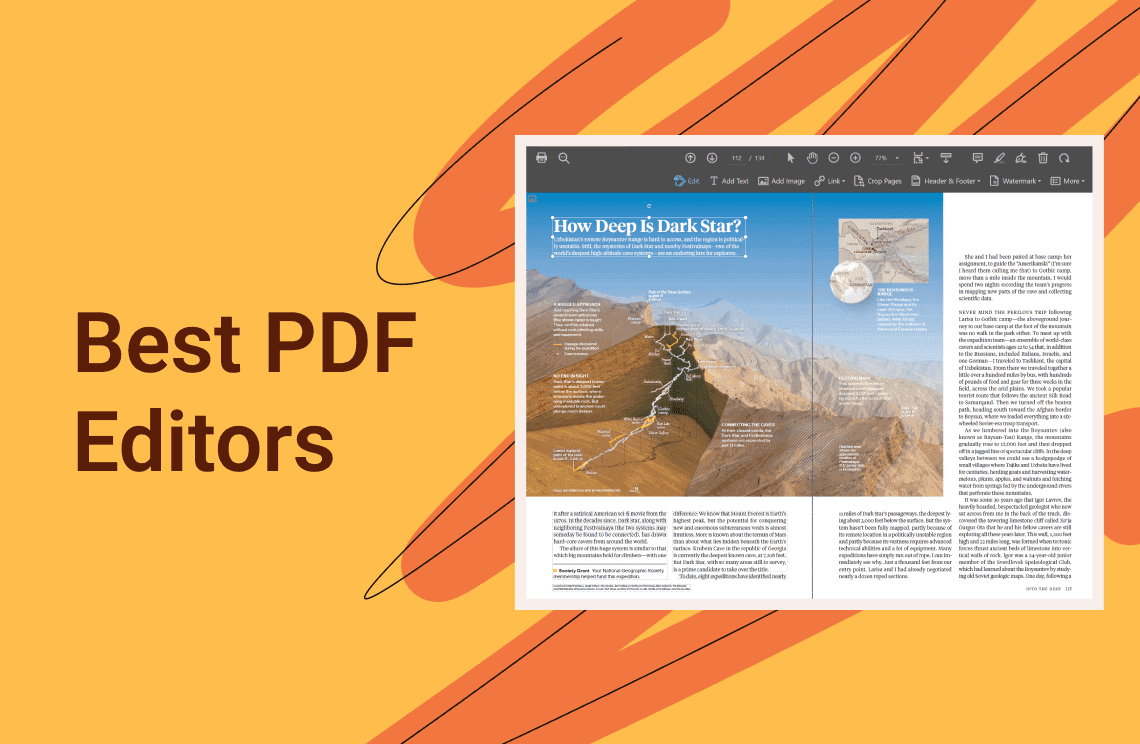
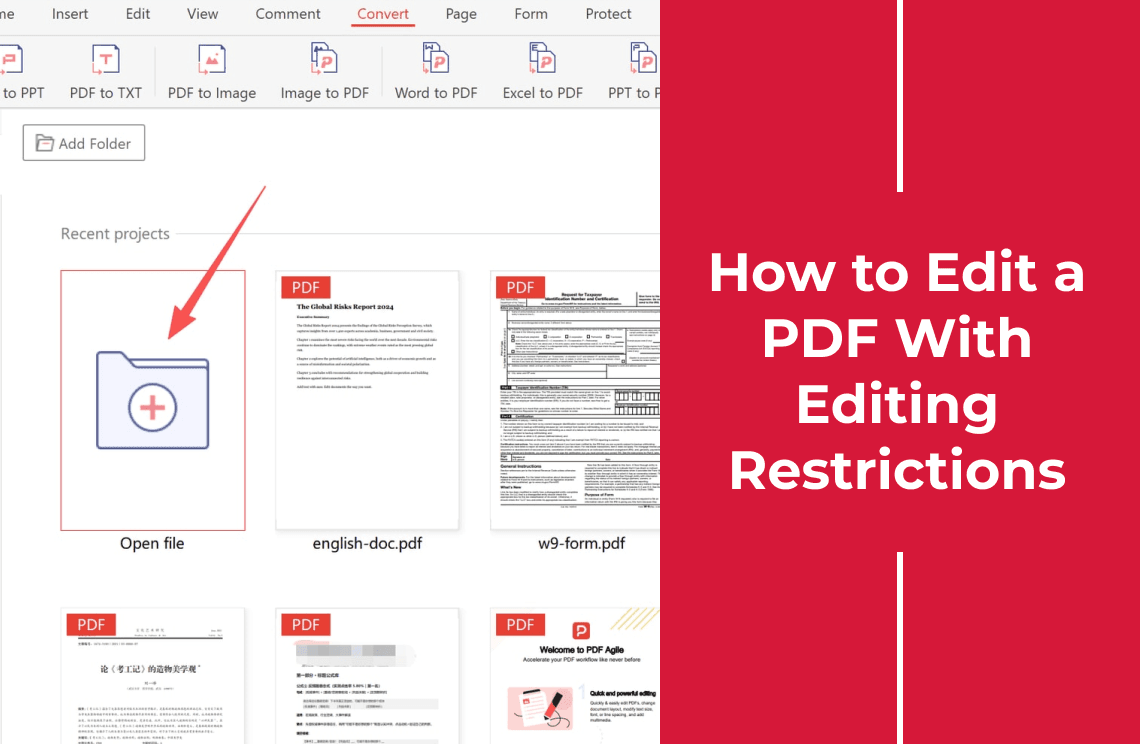
Open the file in a desktop PDF editor and click into a paragraph. In PDF Agile, editing works on existing blocks with paragraph, line, page, and area modes, so you can target one block, not the whole page.
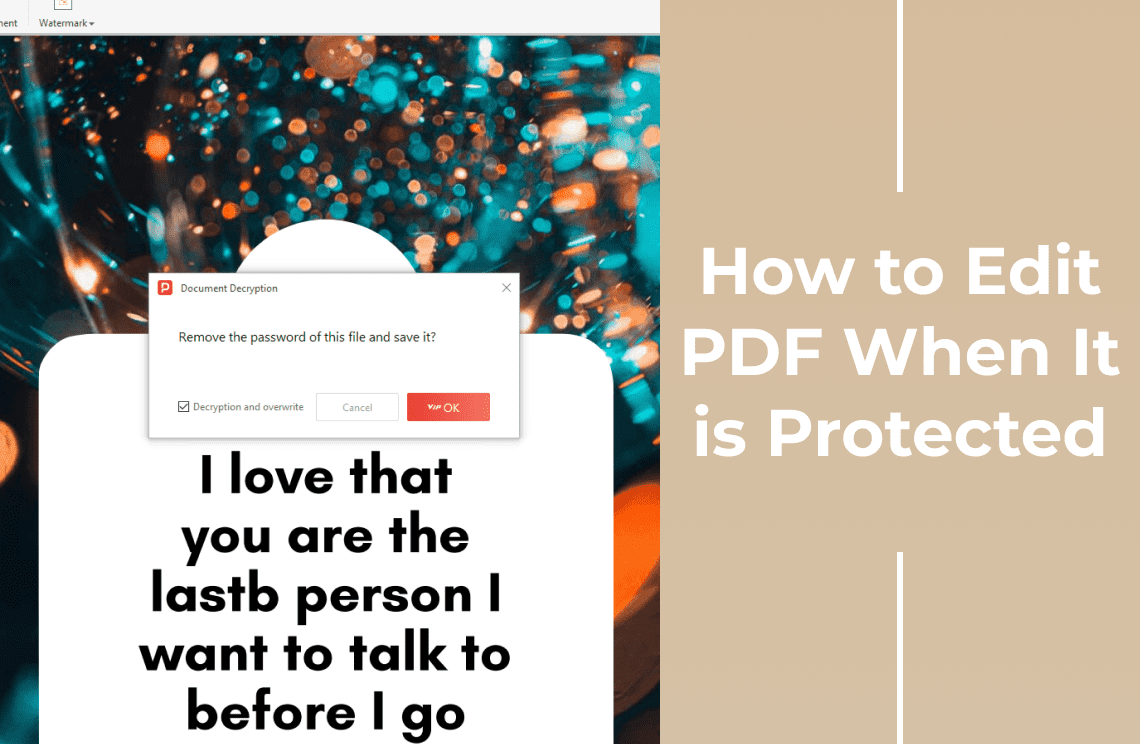
Step 4: Enter the Permissions Password if Prompted
Type the password the owner supplied. Opening a file does not mean the restriction is gone - a document can open for everyone and still refuse changes, so reopen the edit tools and select a word to confirm.
Step 5: Remove the Restriction in the Security Settings
With the permissions password, open the document's security, protection, or permissions panel, review the protection method and permissions, clear the editing restriction, confirm, and save a new copy. Labels vary between editors, so follow the panel name rather than a fixed menu path. If the password is rejected, stop: it may be open-only or the file may be certified.
Step 6: Edit the Existing Text
Select the block, highlight the word or number to change, type the replacement, and check font, size, color, and alignment. Unlike adding a text box, this reflows the page: line breaks shift, table cells displace, and text can spill past a frame, so re-read the page after each change.
Step 7: Add New Text When the Original Can Stay
For a date, note, or address, place a text box over the page instead of rewriting the paragraph. New text is a separate object, so it cannot break the layout the owner protected.
Step 8: Save as a New Copy and Check It
Use Save As, name the file something like contract-edited-copy.pdf, keep the protected original untouched, and reopen the new copy. Check that text is searchable, numbers are right, nothing is duplicated or truncated, and no blank page appeared.
What If You Do Not Know the Permissions Password?
Ask the owner for the password or an unrestricted export. Guessing tools are unreliable on modern encryption, and forcing a file you do not own into an editable state is a permission problem, not a technical one.
FAQ
Can I edit a PDF that opens but will not let me type?
Often yes, once the cause is known: a permissions restriction needs the owner's password, a scan needs OCR, and a free reader needs replacing.
Is an editing-restricted PDF the same as a password-protected PDF?
Same format, different password. An open password encrypts viewing; a permissions password limits what you may do with a file you can already read.
Can I edit a digitally signed PDF?
You can change it, but the signature then reports the document as modified. Ask for an unsigned copy.
What if the owner will not share the password?
Request an unrestricted export or a fresh copy; that keeps the document's provenance intact.
Printing is often still allowed when editing is not: if the owner permits it, a print-to-PDF pass yields a flat copy you can annotate elsewhere, though it flattens forms, links, and selectable text. When you own the file and hold the permissions password, a desktop editor such as PDF Agile opens it, clears the restriction, and edits in place. See also PDF editing guides, the general how to edit a PDF walkthrough, and the Unlock PDF tool.