

The cursor never appears. You click where the missing line should go and nothing happens, because the page is not made of words. A scanned PDF is one flat image per page.
A normal PDF stores characters and spacing, so a viewer can place a cursor between two letters. A scan stores a photo, and zooming in turns the letters into pixels with soft edges. So adding text needs a decision a digital PDF never asks for: lay new letters over the picture, or turn the picture back into text first.
Text can still go on a scan. What changes is what you end up with.
First, Confirm the Page Is Really a Scan
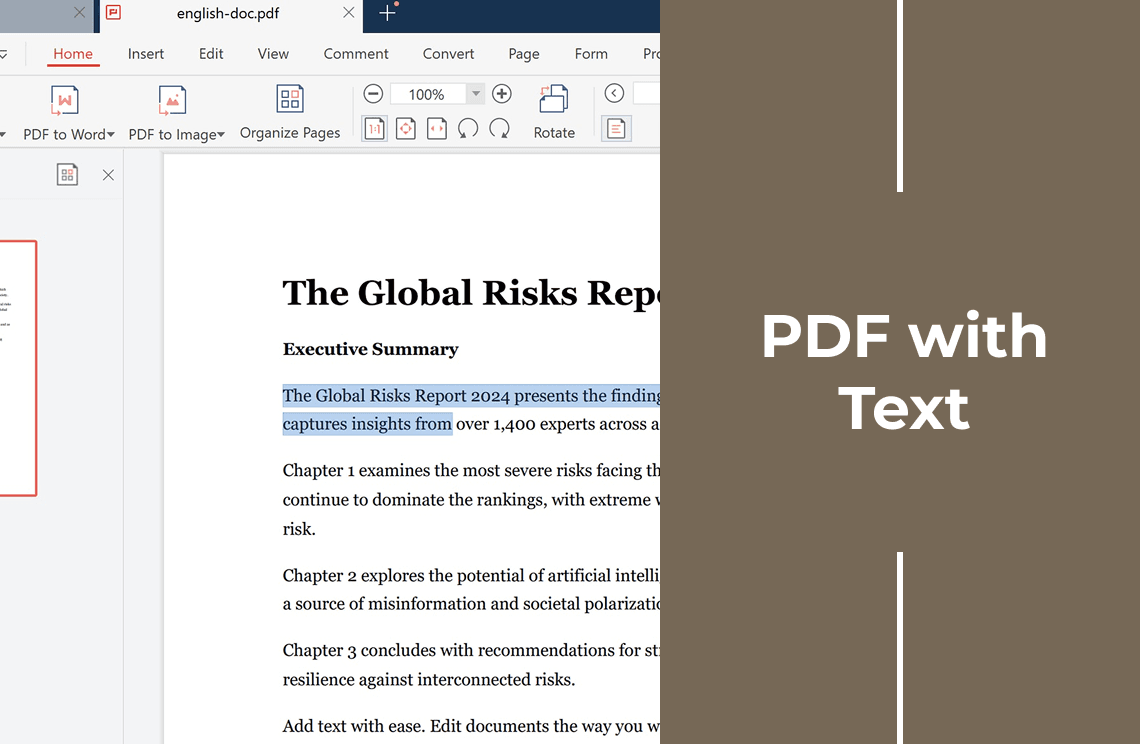
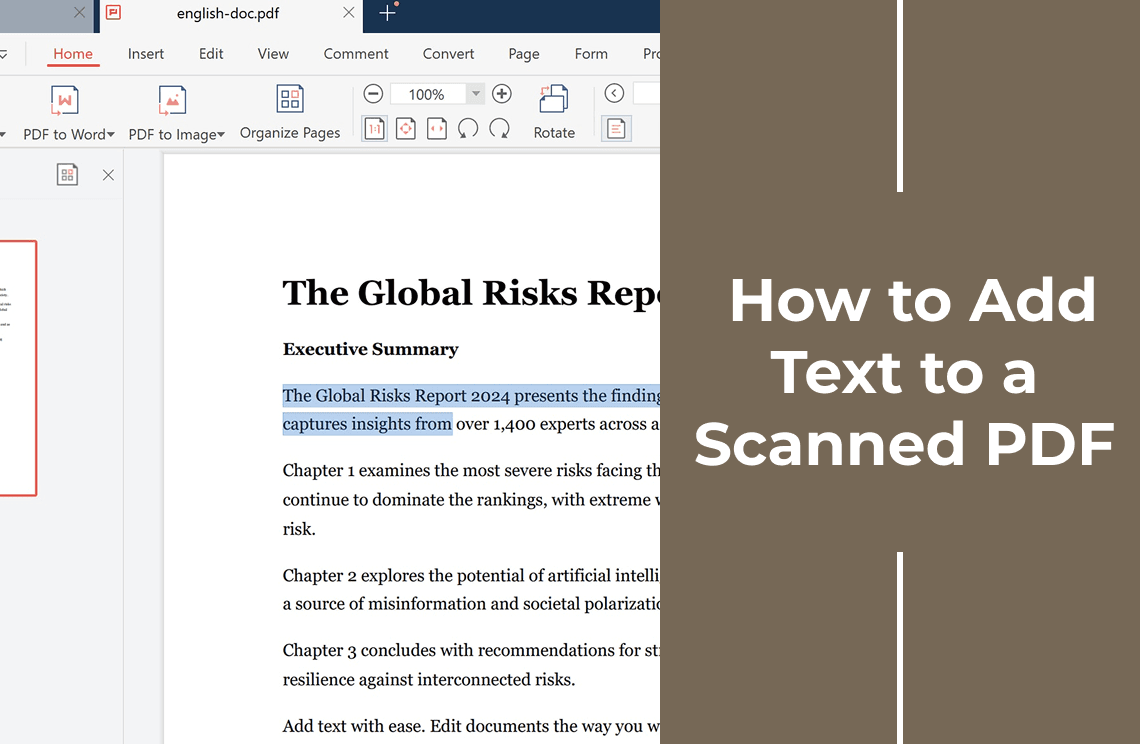
Drag across a sentence instead of clicking it.
- Words highlight and copy: the page has a text layer, so use the ordinary route to add text on a normal PDF.
- A rectangle of blue pixels appears, or nothing at all: it is an image, and everything below applies.
One file can mix both: a digital cover in front of scanned attachments. The full drag test is broken down in PDF with text.
Three Routes, Three Different Results
Same starting file, three different documents.
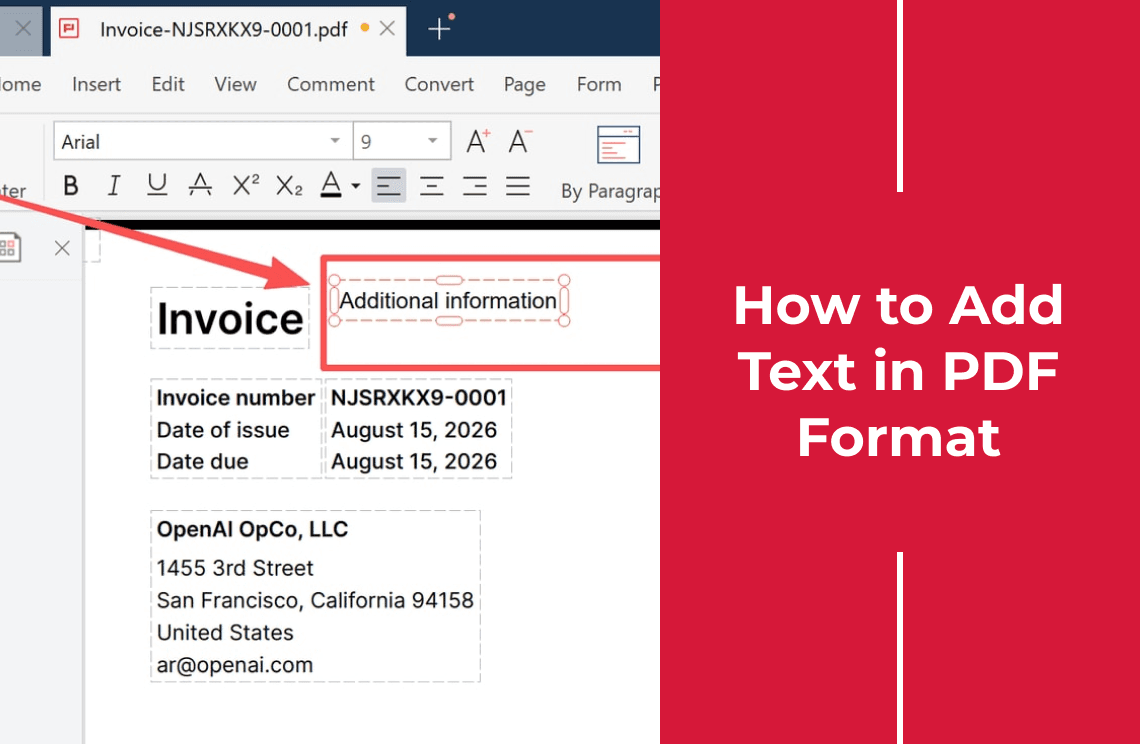
- Overlay: one image per page, plus a text object laid over it.
- OCR: the image stays, an invisible text layer is added, and search starts working.
- Convert: the page becomes real paragraphs, then goes back out to PDF.
Route 1: Overlay a Text Box and Skip OCR
Place a text object at a position on the page and type. Nothing behind it changes, so the layout cannot break.
It is fast and safe for a date, a reference number, or one corrected figure on a form you send once.
The cost: those words sit in a separate layer, so search and copy-and-paste miss them, and a re-scan can shift their position.
Route 2: Run OCR First, Then Add or Edit Text
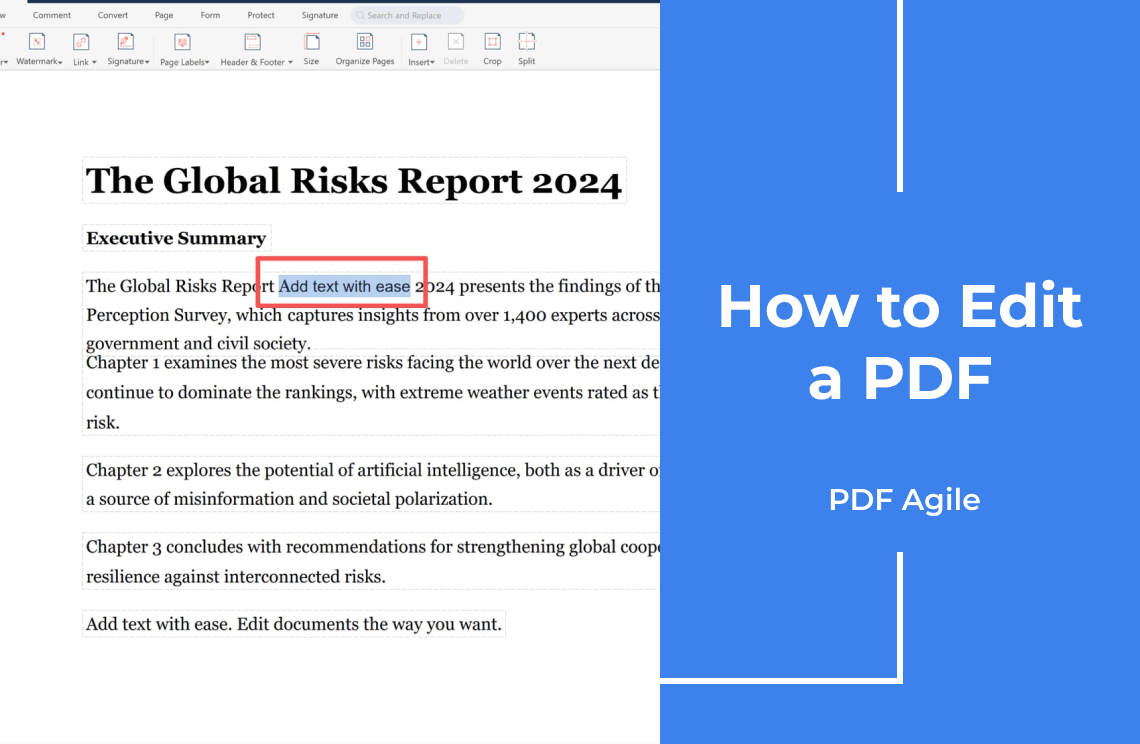
OCR reads the pixels and writes a text layer underneath. The page then behaves like an editable document, and the text you add is searchable with everything else. This is the route worth archiving.
A desktop editor with OCR built in does it locally. PDF Agile advertises a full-text OCR engine that extracts text from images and scanned documents, and editing that covers scans without returning to the source file.
The cost: OCR is a guess about shapes, graded on accuracy rather than on how right it looks on screen.
Route 3: Convert the Scan, Typeset, Then Rebuild the PDF
Convert the page to an editable document, place the text with normal paragraph formatting, then export back to PDF.
This is the only route with real reflow, where a longer sentence pushes the next line down instead of overlapping it. The cost: fonts get substituted, line breaks move, tables lose columns, headers wander.
Which Route Fits Your File
- One short insertion on a page that must look untouched: overlay.
- The file has to be searchable, quotable, or filed: OCR.
- You are rewriting more than a sentence: convert.
- Handwriting or a skewed photo: overlay first, OCR only if you will proofread it.
If the change is bigger than text, the wider guide to editing a PDF splits text, images, and page order first.
What OCR Will and Will Not Get Right
Clean, straight, high-resolution print in a common font reads well. Accuracy drops with handwriting, small type, angled pages, shadowed phone photos, and stamps crossing text.
Numbers are where the damage hides: zero and O, one and lowercase l, five and S, thousands separators. A wrong digit survives every later edit, because it looks like an ordinary character.
Where the File Goes
Browser converters upload the whole document to someone else's server and keep it for as long as their policy says, which is fine for a brochure and poor for a signed contract. A desktop editor keeps it on the machine. More on what desktop PDF editing covers.
FAQ
Can I add text to a scanned PDF for free?
Overlaying is what free tools do best. OCR depth, export quality, and watermarks are where tiers differ, so judge the exported file rather than the feature list.
Why does my typed text vanish after saving?
Usually only the annotation layer was saved, or the export reused the original page image. Export or flatten the document, reopen the saved copy, and check.
Do phone photos work the same way?
Yes. A photo is also a raster image, with lower OCR accuracy from perspective, shadow, and camera noise.
Bottom line: when the page is a picture, decide the outcome first: a mark that looks right, a document you can search, or one you are rebuilding. PDF Agile covers the first two on the desktop, OCR included. More PDF how-to guides.