

Featured Post
Recent Posts
How-to & Tips6 Mins
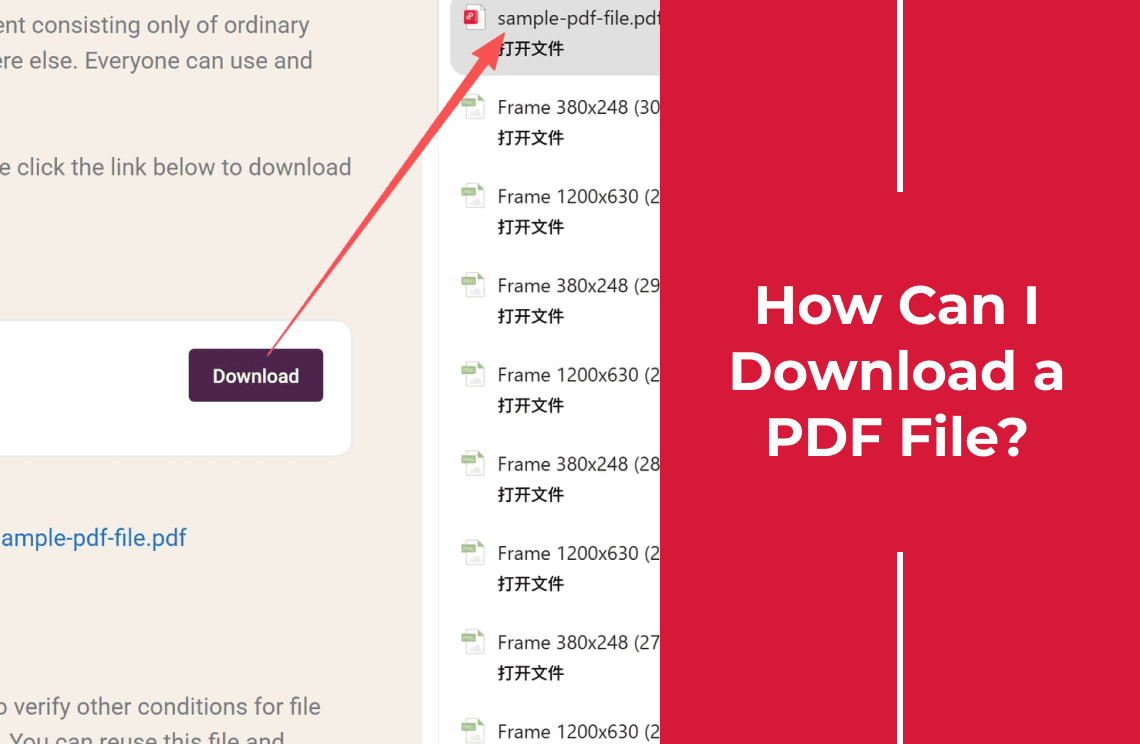
How Can I Download a PDF File? Where It Goes and How to Keep It
How to download a PDF file from a website, browser, or email attachment, where the file lands on Windows, Mac, or phone, and how to keep a copy.
Read More >>
How-to & Tips4 Mins
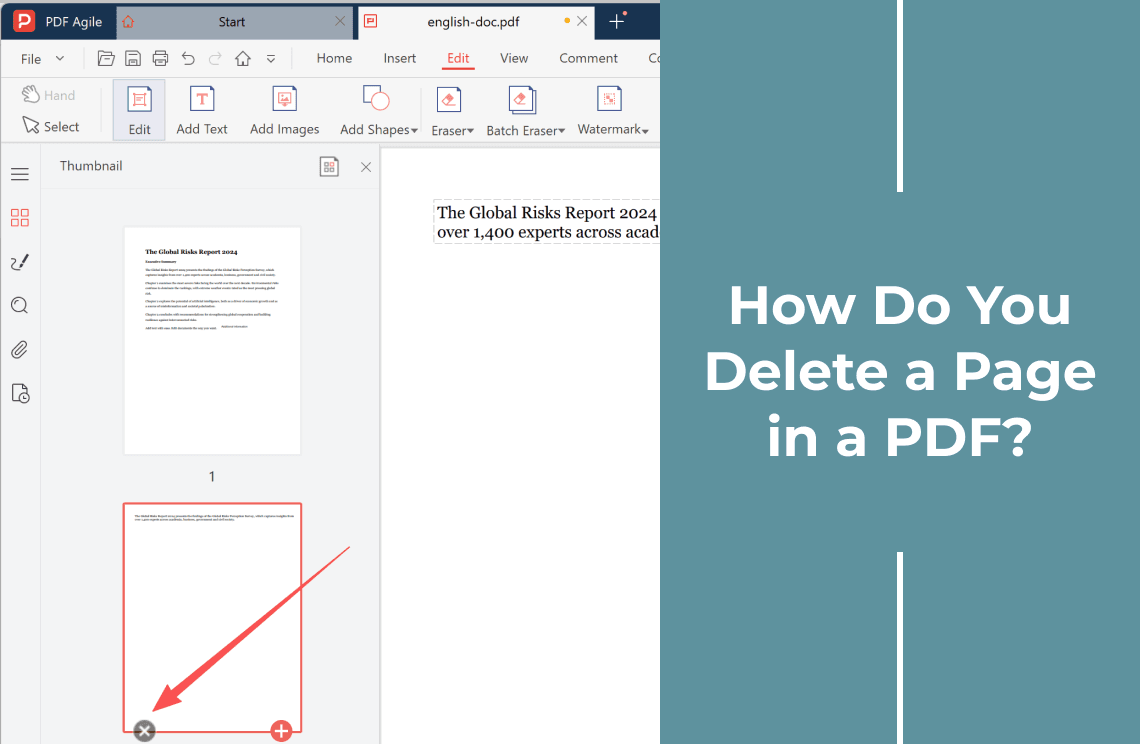
How Do You Delete a Page in a PDF?
Deleting a page is easy until the file is read-only, scanned, or signed. Pick the right method for your PDF and see what breaks after a delete.
Read More >>
How-to & Tips4 Mins
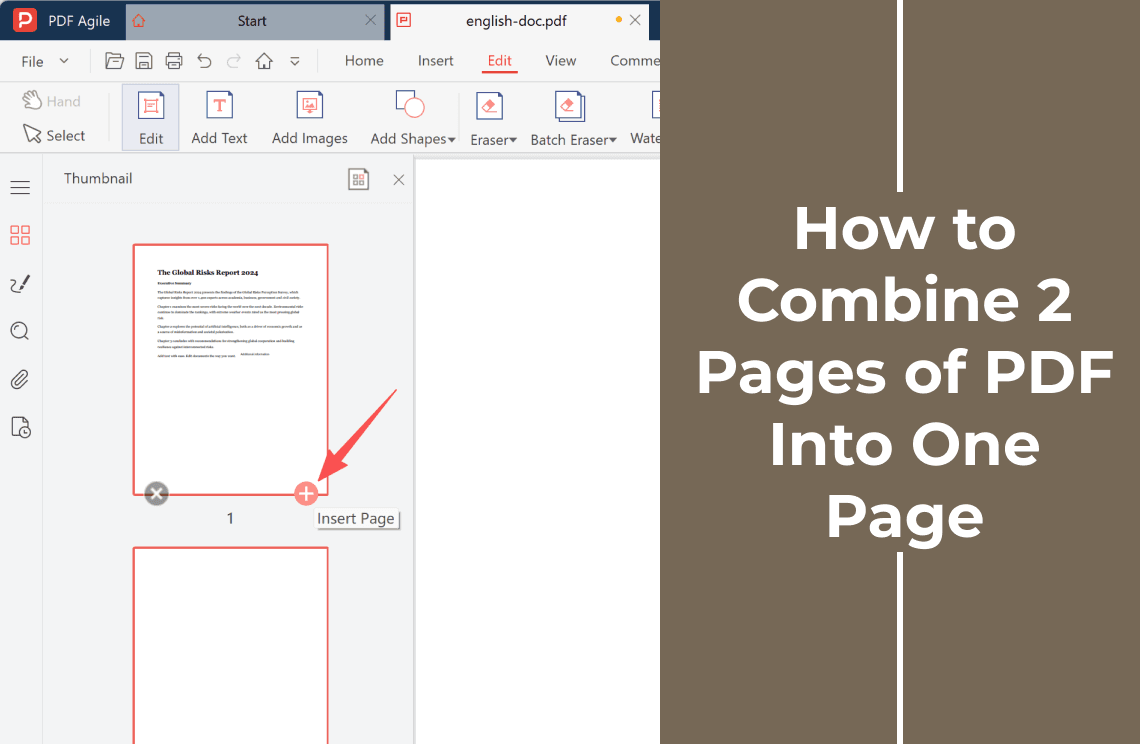
How to Combine 2 Pages of PDF Into One Page: 2-Up or Shrink
Two pages into one page means 2-up printing or a re-laid out page. Compare both routes, see what shrinks, and check the result at print size.
Read More >>
How-to & Tips3 Mins
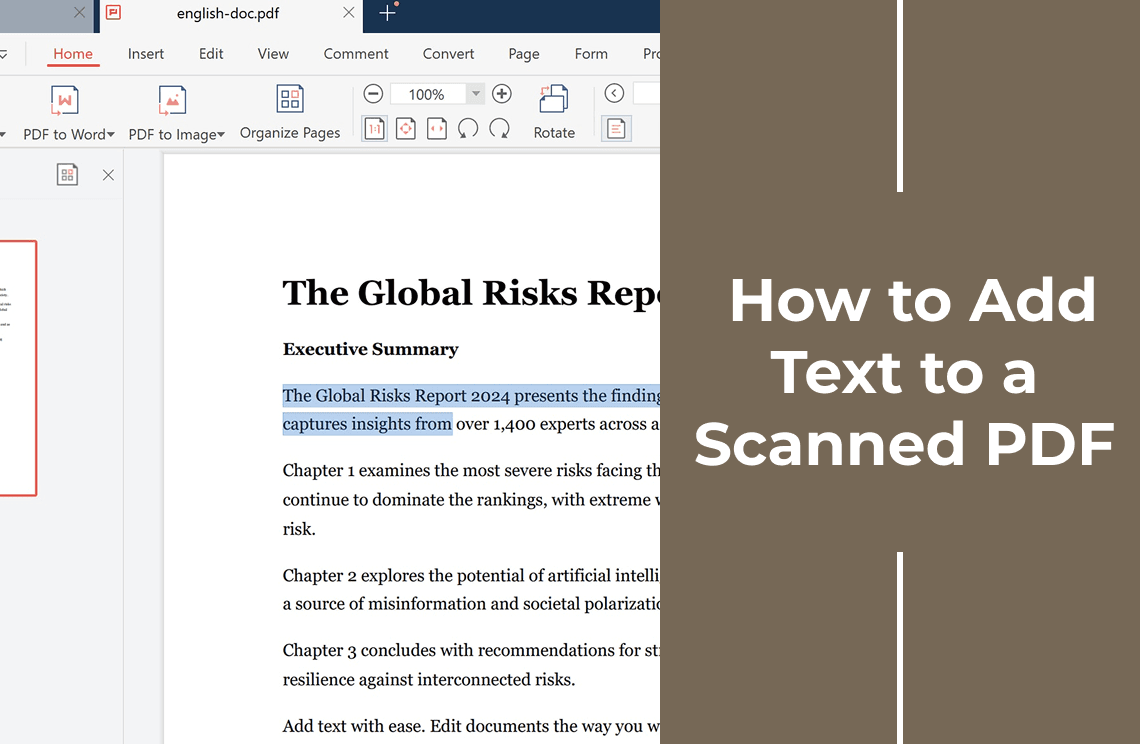
How to Add Text to a Scanned PDF: OCR, Overlay, or Convert
A scanned PDF holds no text layer, so clicking never puts a cursor on the page. Compare three ways to add text and what each one leaves you with.
Read More >>
How-to & Tips4 Mins
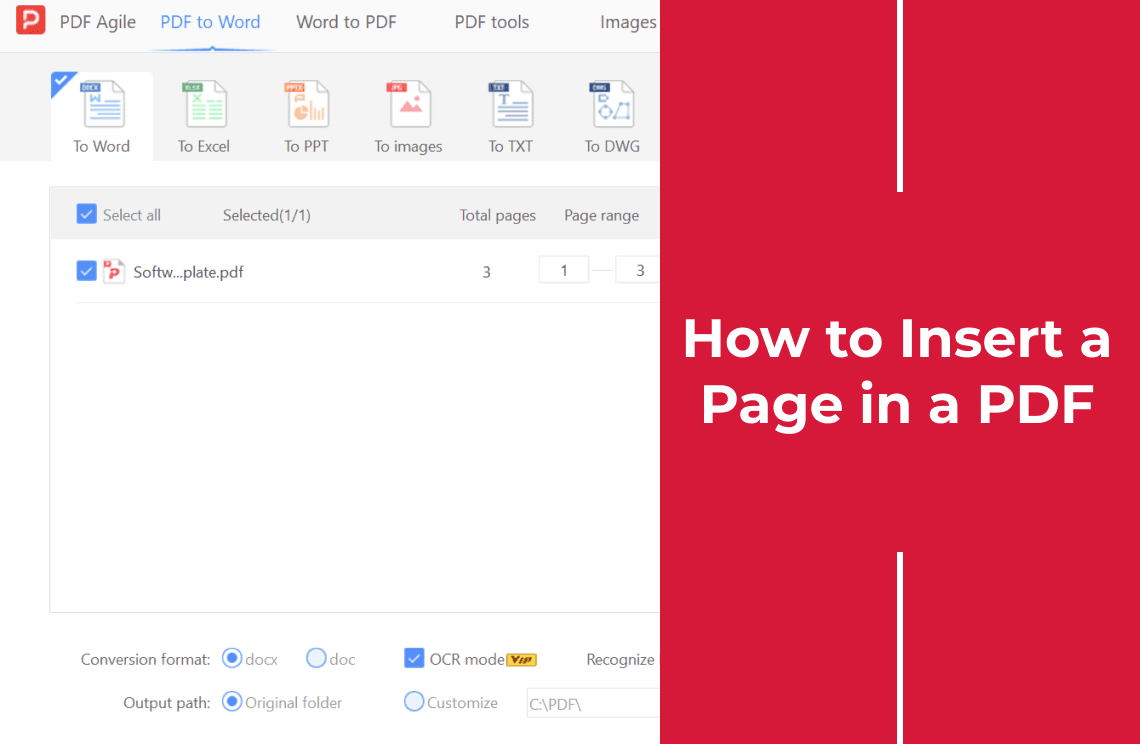
How to Insert a Page in a PDF: Blank, Borrowed, or Scanned
Insert a page in a PDF at the exact position you want: add a blank page, pull pages from another PDF, or drop in a scan, then check the result.
Read More >>
How-to & Tips4 Mins
How to Split Up PDF Pages Into Separate Files
Learn how to split up PDF pages by page range, extract single pages with built-in print tools, cut a two-page scan in half, and avoid broken links.
Read More >>
How-to & Tips4 Mins
How to Convert a PDF to PDF/A Format and Prove It Works
Convert a PDF to PDF/A for archiving: embed fonts, remove encryption, apply the standard in Acrobat or LibreOffice, then validate the output file.
Read More >>
How-to & Tips7 Mins
How to Make a PDF with Pictures: 5 Easy Ways
Learn how to make a PDF with pictures - turn photos into PDF pages on Windows, Mac, iPhone or Android, or place pictures in an existing PDF.
Read More >>
How-to & Tips7 Mins
How Do I PDF a Document on Windows, Mac, iPhone, or Android?
How do I PDF a document? Match the route to your file and device: export from Word, print a web page, scan paper, then check the PDF.
Read More >>
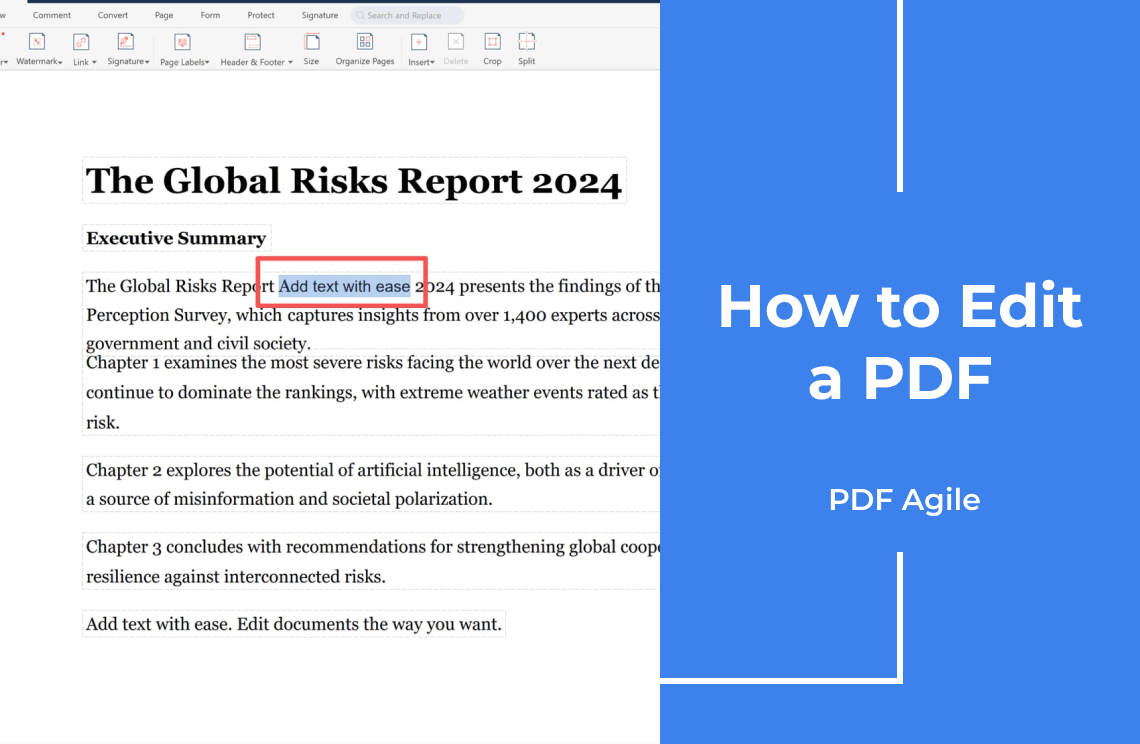
How-to & Tips4 Mins
How to Edit a PDF: Text, Images, Pages, and Scanned Files
Learn how to edit a PDF: check for selectable text, rewrite existing text, add new text, replace images, manage pages, and run OCR on scans.
Read More >>
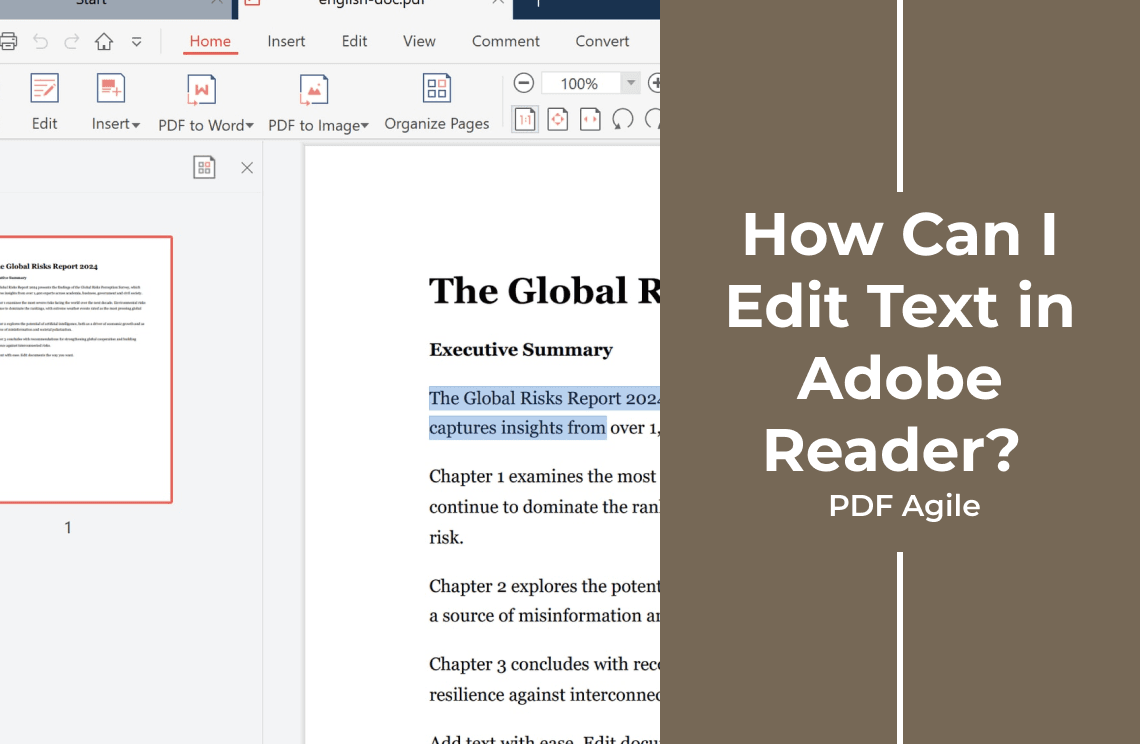
How-to & Tips4 Mins
How Can I Edit Text in Adobe Reader? What Works and What Doesn't
A free PDF reader cannot change existing text. See what it does allow, when you need a PDF editor, and how to handle scans, fonts, and locked files.
Read More >>
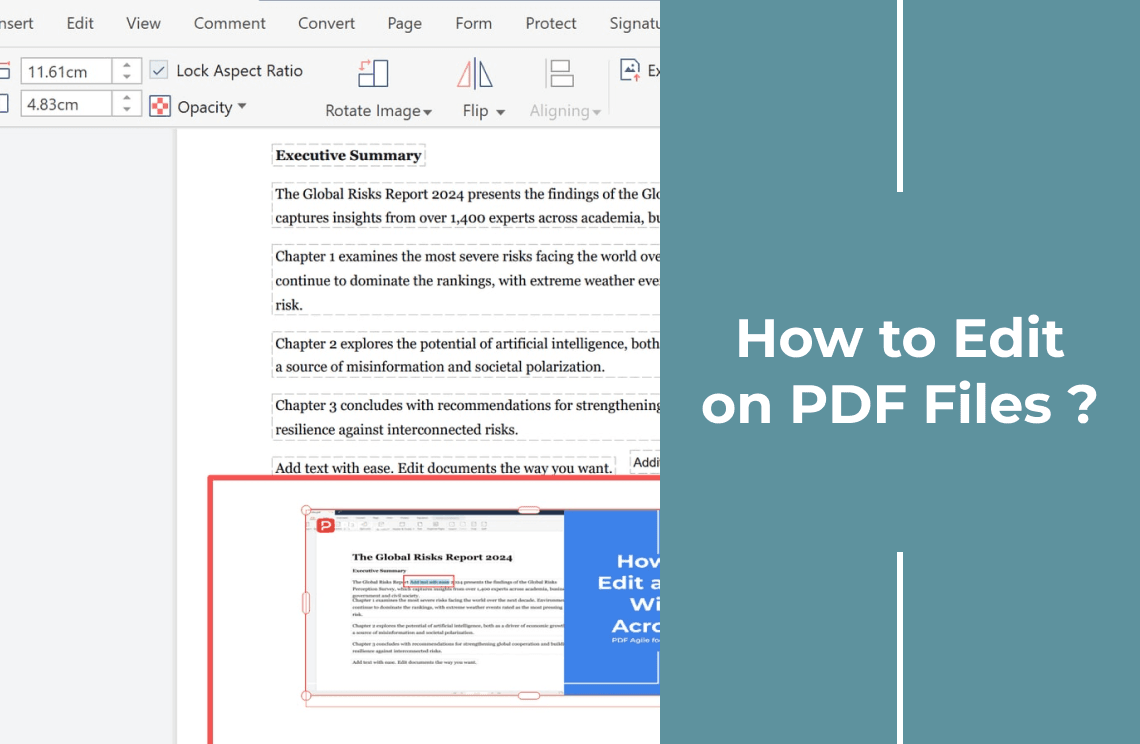
How-to & Tips6 Mins
How to Edit on PDF Files: Replace Text and Add Images
Learn how to edit on PDF files: open the document, retype existing text, add new text, insert an image, and resize it so nothing shifts on the page.
Read More >>
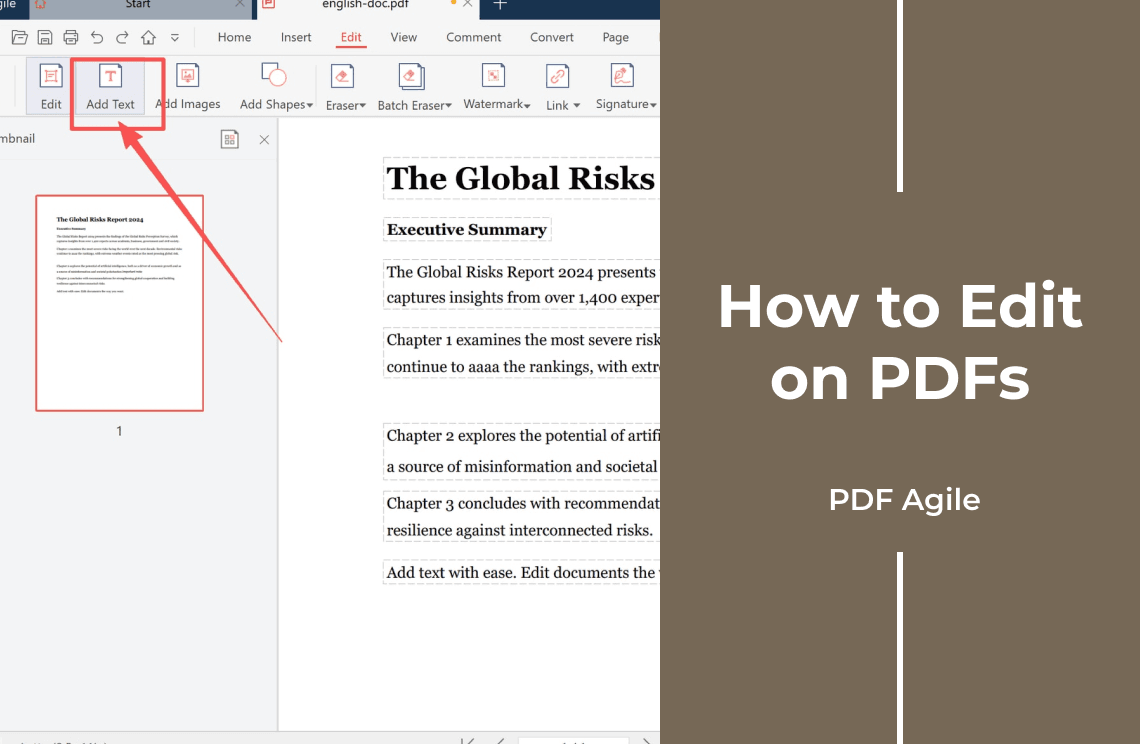
How-to & Tips3 Mins
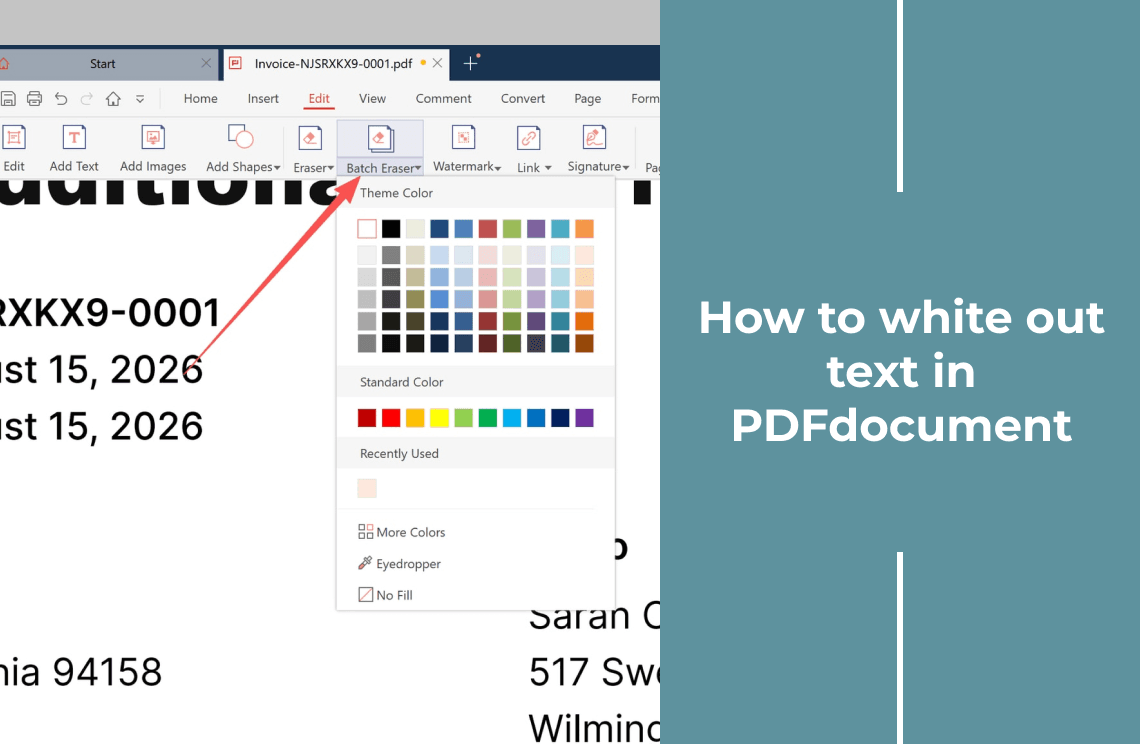
How to Edit on PDFs: Three Layers and Which One You Need
Learn how to edit on PDFs by layer: change text that is really text, reorder pages, or add annotations in a free reader, plus what refuses to change.
Read More >>
How-to & Tips3 Mins
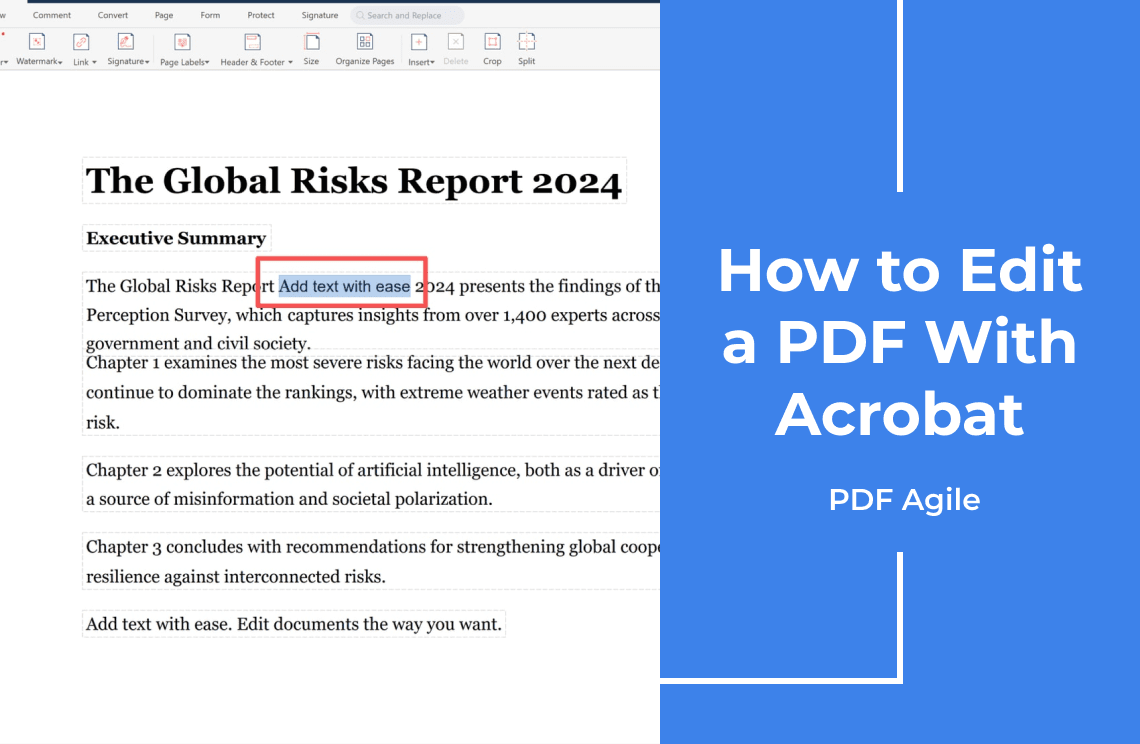
How to Edit a PDF With Acrobat: Which Version You Need
Learn how to edit a PDF with Acrobat: which edition can edit text and images, the steps inside the Edit PDF tool, and the limits to expect.
Read More >>
How-to & Tips4 Mins
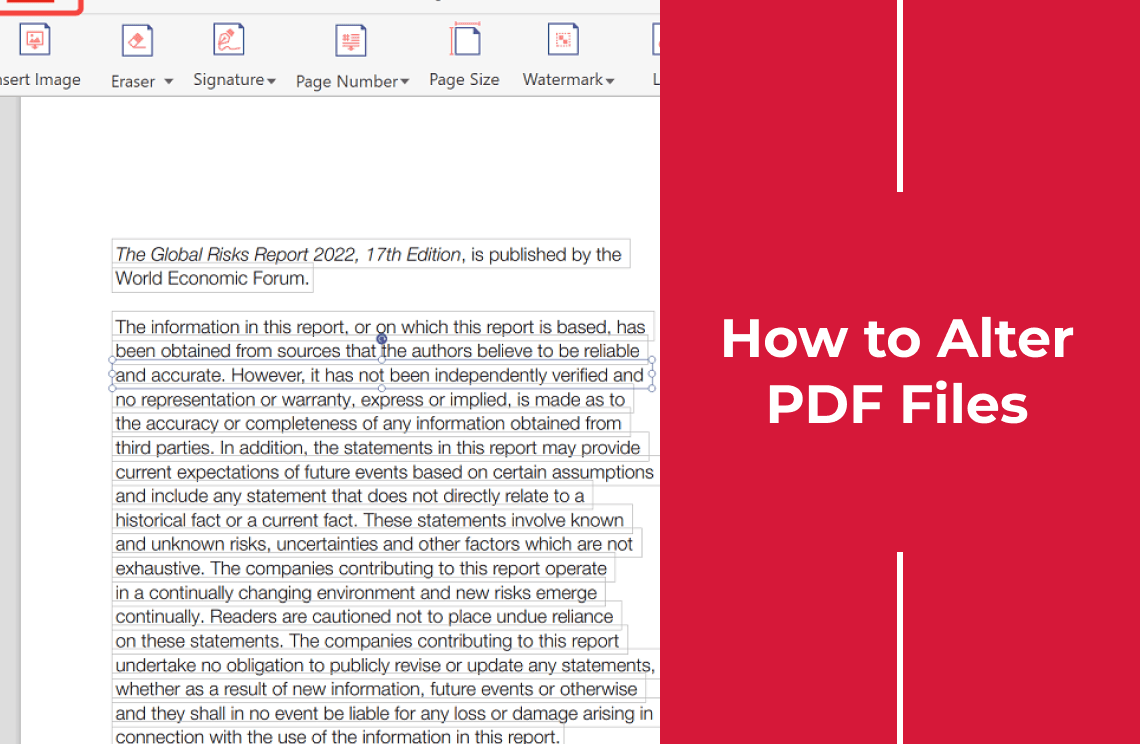
How to Alter PDF Files Without Breaking the Layout
Learn how to alter PDF files: change text, pages, images, or form fields, pick the right tool for each edit, and avoid the layout breaks that follow.
Read More >>
How-to & Tips2 Mins
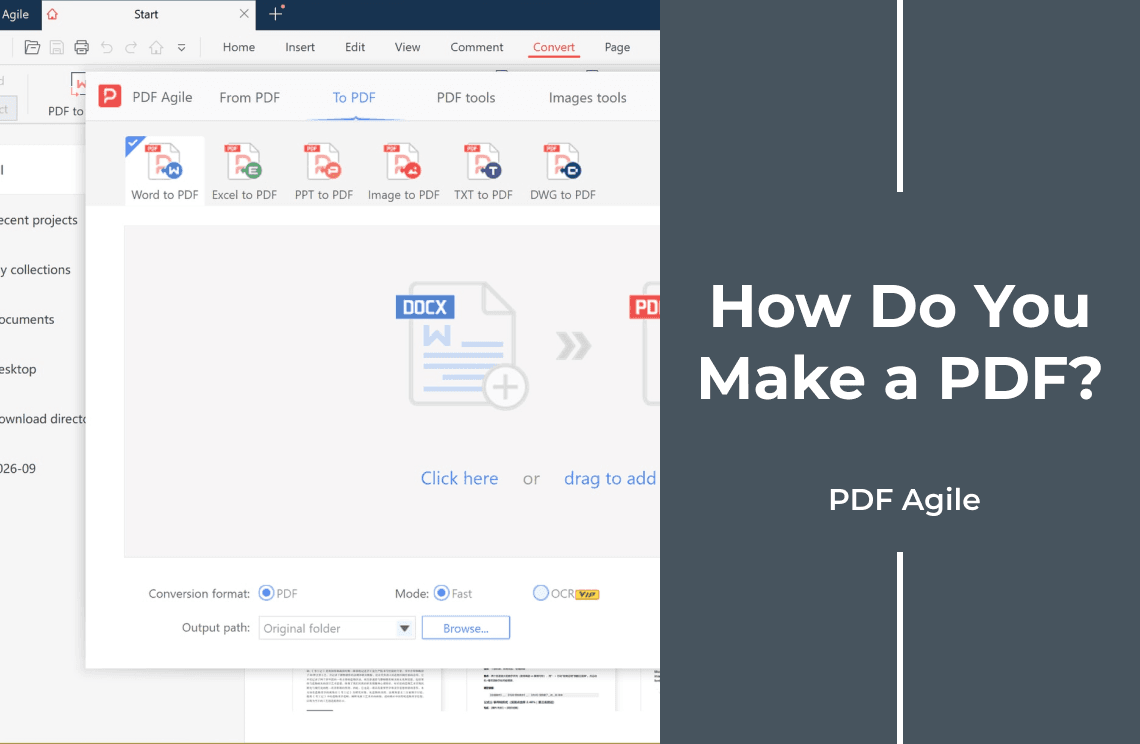
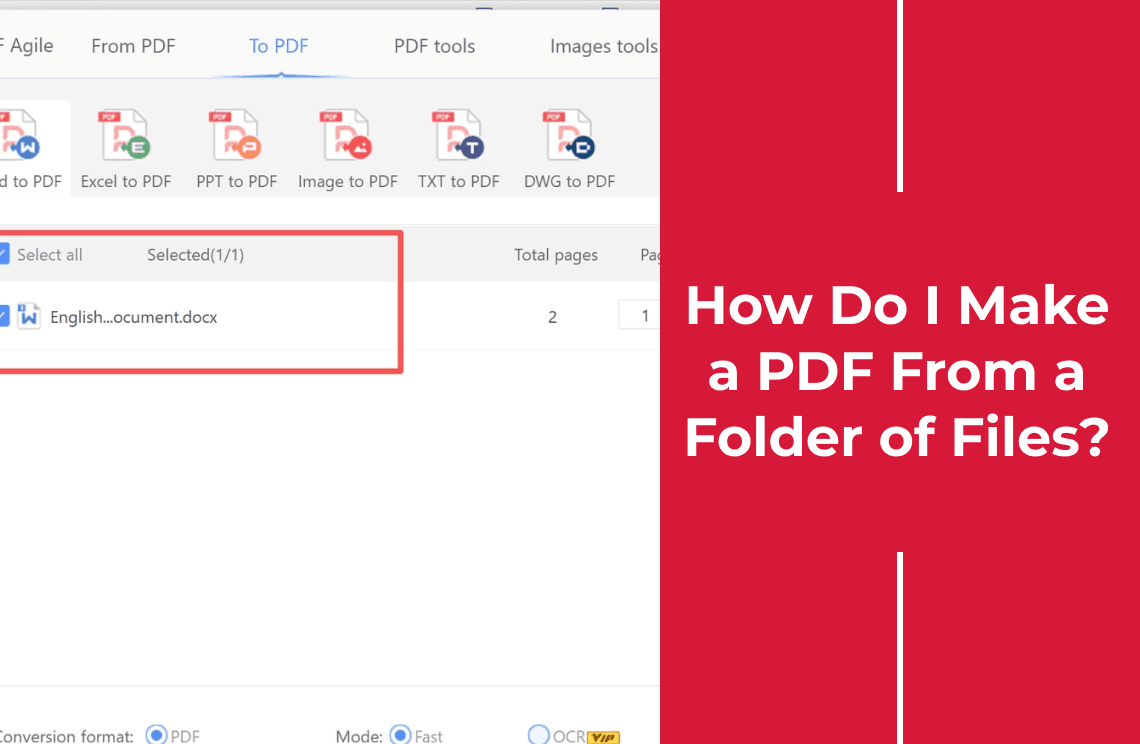
How Do I Make a PDF From a Folder of Files?
How do I make a PDF from more than one file? Add the whole set to a single converter window, set the output folder once, and convert in one pass.
Read More >>