

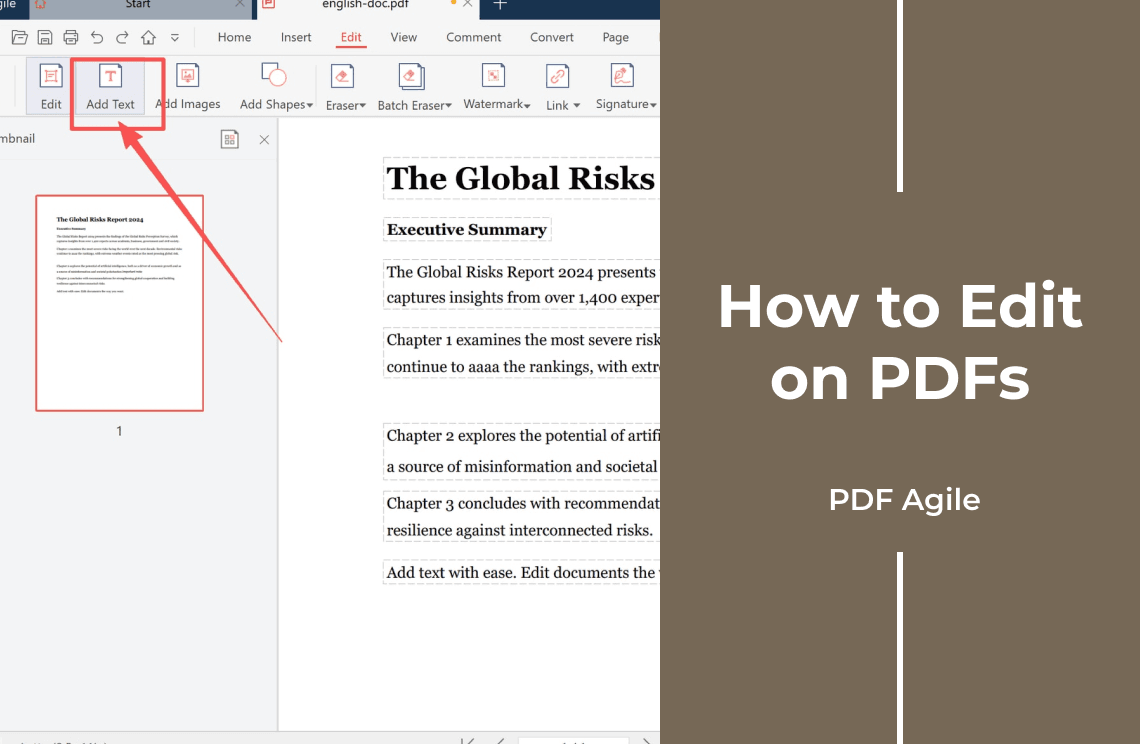
Editing on a PDF is not one action. Text, page structure, and the marks a reader adds live in separate layers, and each layer takes a different tool. Name the layer and the tool follows — often no editor is needed.
The Three Layers of a PDF
- Text layer — the characters. Editable only where the file stores real characters; a scan stores a picture of them.
- Page layer — page count, order, rotation, size. Changes without touching a word.
- Annotation layer — comments, highlights, typed notes, signatures. Sits on top; the page underneath is unchanged.
Which Layer Is Your Edit On?
- Can you select a single word? If the cursor skims the page, the text is an image. Run OCR first; nothing works until a text layer exists.
1. Can you select a single word? If the cursor skims the page, the text is an image. Run OCR first; nothing works until a text layer exists.
- Replacing or adding? Replacing a price, a name, or a logo is text-layer work and needs an editor. A note, a highlight, or a signature is annotation work: any free reader does it, and the page stays untouched.
2. Replacing or adding? Replacing a price, a name, or a logo is text-layer work and needs an editor. A note, a highlight, or a signature is annotation work: any free reader does it, and the page stays untouched.
- Is it signed? Any change to text or page breaks the signature and warns every reader. Stay on the annotation layer.
3. Is it signed? Any change to text or page breaks the signature and warns every reader. Stay on the annotation layer.
How to Edit on PDFs
Step 1: Work on a Copy
Save under a new name first. Replaced text cannot be restored exactly, and there is no undo.
Step 2: Change the Block, Not Just the Word
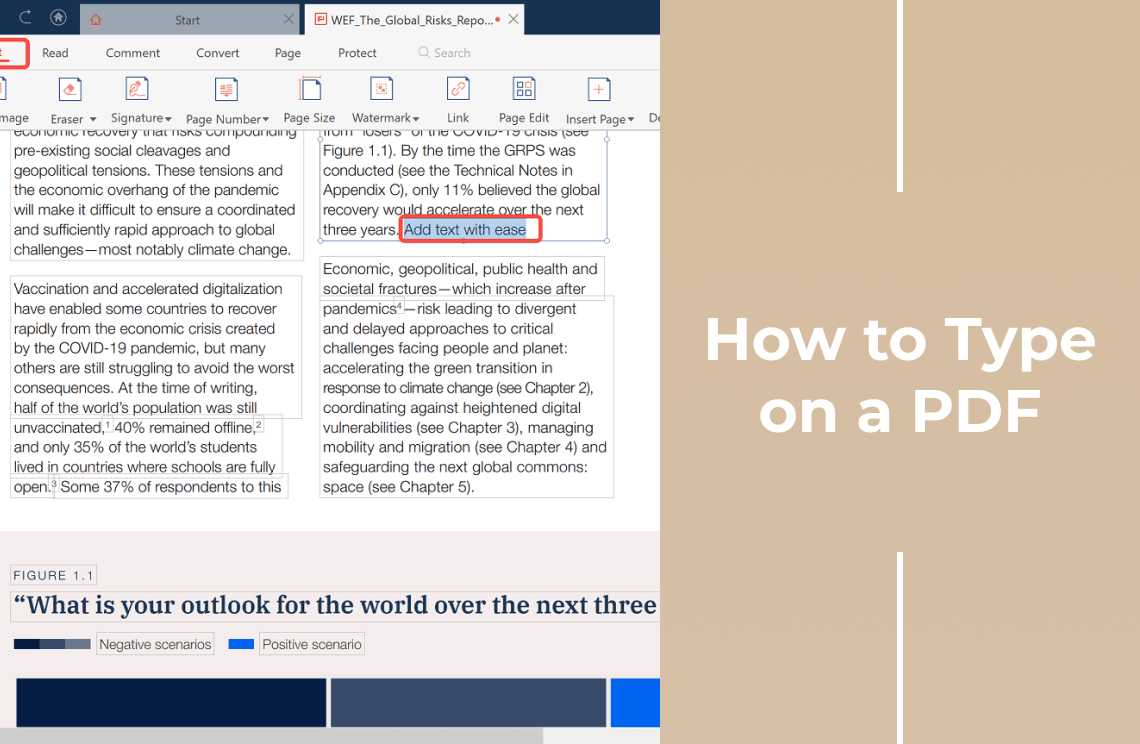
Delete the old characters before typing. A PDF fixes each line at a position, so a longer replacement runs past the block edge and a shorter one leaves a gap. Watch the block edge, not just the sentence.
Step 3: Open the Saved File in a Second Viewer
What one program renders well can collapse in another, and reflow often pushes the last paragraph onto an extra page, so compare page count and the last page. Tools that keep text, page, and annotation work in separate tabs — PDF Agile is one — help you stay on one layer, and edit the file locally instead of uploading it, which matters for contracts and IDs.
What Still Refuses to Change
- Missing fonts. A substitute font shifts spacing across the page.
- Scans. Until OCR rebuilds a text layer, only annotations can be added.
- Columns and tables. Reflow pushes cells and captions out of line; rewrite tables in a word processor.
- Encrypted files. A permissions password that blocks editing has to be removed first.
FAQ About Editing on PDFs
Can I edit on a PDF for free?
For marks, notes, and signatures, yes — any free reader handles the annotation layer. Replacing existing text needs a full editor.
Why does typing push the rest of the line down?
The paragraph reflows to fit the new characters in the same fixed block. Shorten the sentence or the font size.
Does an edited PDF keep its formatting?
Usually, while the original font is available. If not, a substitute changes line lengths across the page.
Editing PDFs often? Download PDF Agile for Windows and change text, pages, and annotations in one desktop workspace.