

The free Adobe Reader opens, prints, and comments on a PDF, but it will not change text already on the page. If clicking a word does nothing, the install is fine: editing existing text is not part of the free app, and no setting unlocks it.
That covers only one of four jobs people call "editing text". The other three are free, and knowing which one you have saves a subscription.
What "Editing Text" Can Mean
- Change existing text: fix a typo, a name, a total. Needs a PDF editor.
- Add new text: drop a date, an address, or a note onto the page. Reader can do this.
- Annotate: highlight, underline, sticky notes, freehand marks. Reader can do this.
- Fill a form: type into interactive fields. Reader can do this.
What Adobe Reader Can Do for Free
Fill & Sign is the closest Reader gets to typing on a page: choose Add Text, click where the text belongs, and type. The text lands in a box you can drag, resize, and restyle.
Comment adds highlights, sticky notes, and markup, which the recipient sees as comments rather than changed content.
Recent Reader builds show an Edit entry in the tools panel. Clicking it opens a trial or purchase prompt instead of an editable page.
How to Change Existing Text in an Editor
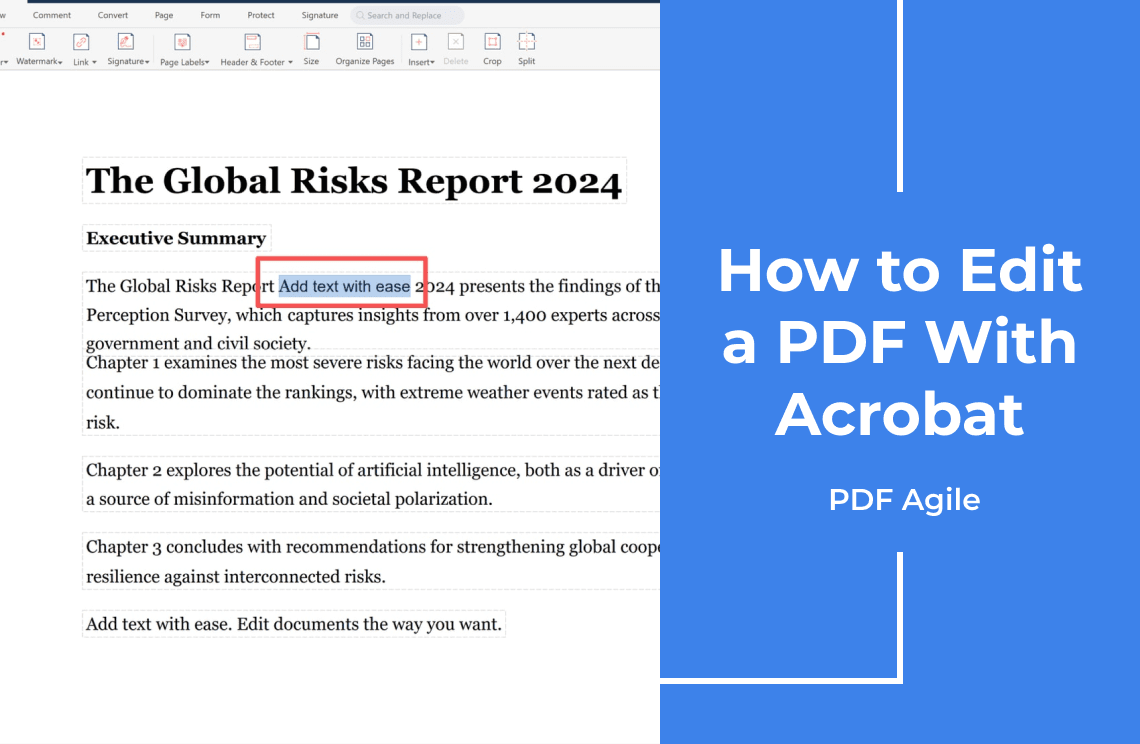
Step 1: Turn on the text-editing tool
Open the PDF and switch the tool on, so the page outlines the blocks it can change.
Step 2: Click the Paragraph
The text becomes a box with a cursor. Retype the words.
Step 3: Match the Formatting
Set font, size, colour, and alignment in the format panel.
Step 4: Apply and Save a Copy
Click an empty part of the page to apply, then save under a new name and keep the original.
Expect a reflow: a shorter word pulls the rest of the line up, a longer one pushes it down, and a tight table cell may spill onto a second line. Undo with Ctrl+Z (Cmd+Z on Mac) when a block jumps.
If Your PDF Is a Scan
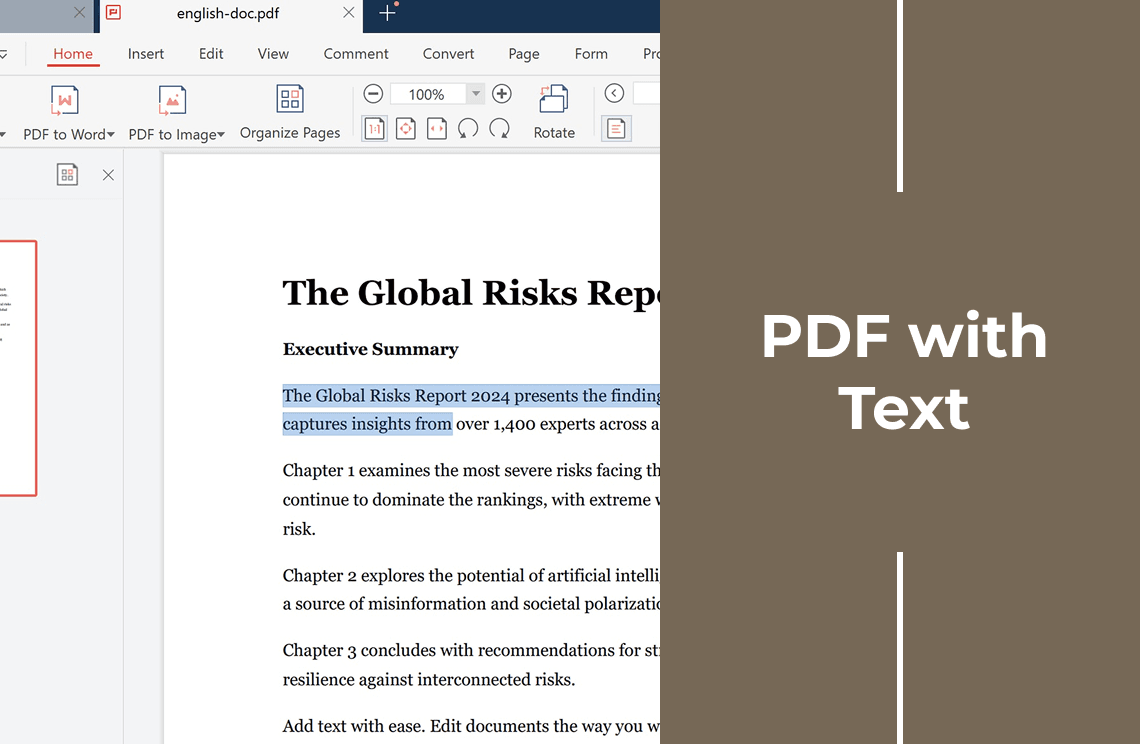
A scanned page is a photograph of paper. No text sits behind the pixels, so nothing can be selected and no reader helps. Run OCR to add a text layer, then edit; this test shows whether your file already has one. Check dates, totals, and separators afterwards, because OCR still confuses 1 with l.
When Editing Fails
- Text will not select: an image, not text. Run OCR.
- Only comment tools appear: you are in the free reader. Open an editor.
- The font looks wrong: the original is not installed or is embedded. Match it, or convert the file.
- Lines and tables shift: reflow or font substitution. Re-check boxes, spacing, and page breaks.
- Every change is refused: an owner password or a permission flag. Check document properties first.
- A white box hides the text: read the next section.
White Boxes Are Not Redaction
Drawing a white rectangle over a name hides it on screen and leaves it in the file: anyone can select, copy, or search the words underneath. For IDs, tax forms, and contracts, use a redaction tool that removes the characters, then try to select that spot to confirm they are gone.
Free and Cheaper Routes
- Free reader: viewing, commenting, signing, adding text.
- Acrobat Standard or Pro: Standard edits text and images; Pro adds OCR and redaction.
- Online editors: fast, but the file leaves your computer, a bad trade for contracts and IDs.
- Desktop editors: slower to install, but the document stays on your machine.
- Long rewrites: convert to Word, edit, export back. Complex layouts may move.
PDF Agile is a Windows desktop editor in that last group: a text-edit tool for words already on the page, an Add Text tool for gaps, and OCR for scans, all run locally.
FAQ
Can I edit existing text in the free Adobe Reader?
No. Reader views, comments, fills, and signs. Changing words needs an editor with a text-editing tool.
Why can I not select text in my PDF?
Either a scan with no text layer, or a read-only file. OCR fixes the first; a permission check settles the second.
Is Acrobat Standard enough, or do I need Pro?
Standard edits text and images. Pro adds OCR, redaction, and version comparison, so scanned files need Pro.
Can I edit a password-protected PDF?
If an owner password restricts changes, an editor may still refuse. Ask the sender for an unlocked copy.
Will the font change after I edit?
Sometimes. When only a subset of the font is embedded, an unusual typeface gets substituted and the line length shifts.
Editing a few pages once? Download PDF Agile for Windows and make the change in one desktop app, without uploading the document.