TAG: Convert to PDF
How-to & Tips8 Mins
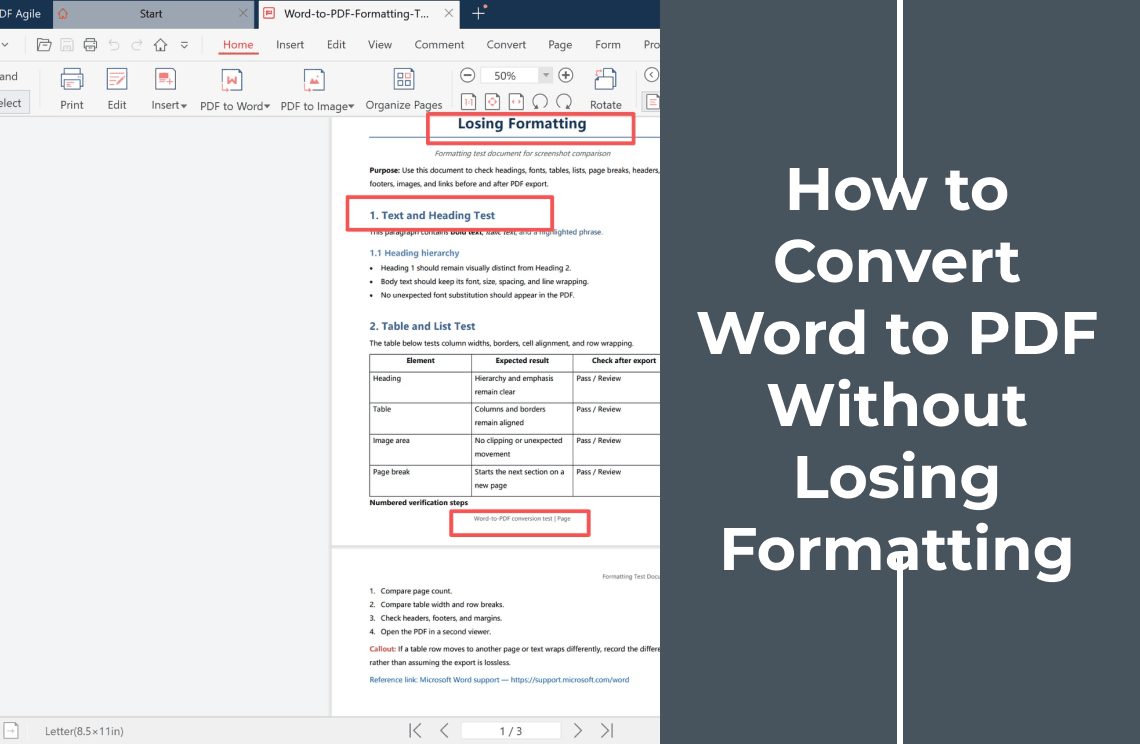
How to Convert Word to PDF Without Losing Formatting
Word to PDF conversion breaks when fonts are not embedded or tables reflow. Set the export options, then check the PDF page by page.
Read More >>
How-to & Tips7 Mins
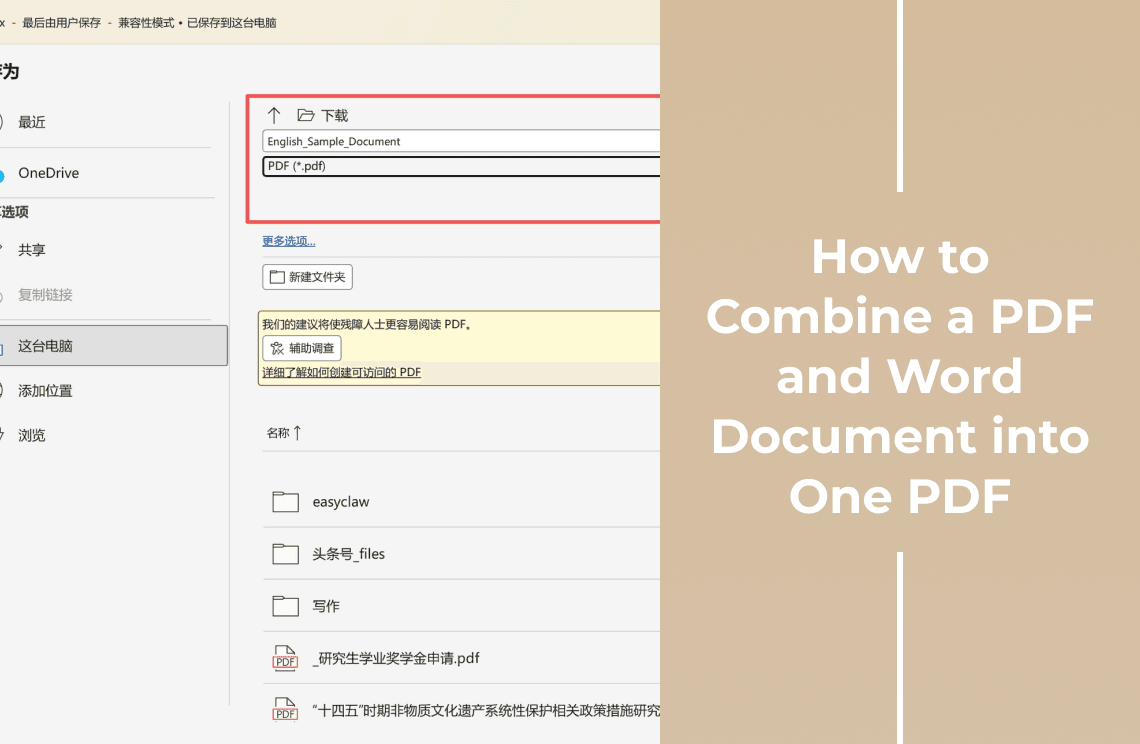
How to Combine a PDF and Word Document into One PDF
Learn how to combine a PDF and Word document into one PDF. Convert the Word file first, merge both PDFs, and check the final page order.
Read More >>
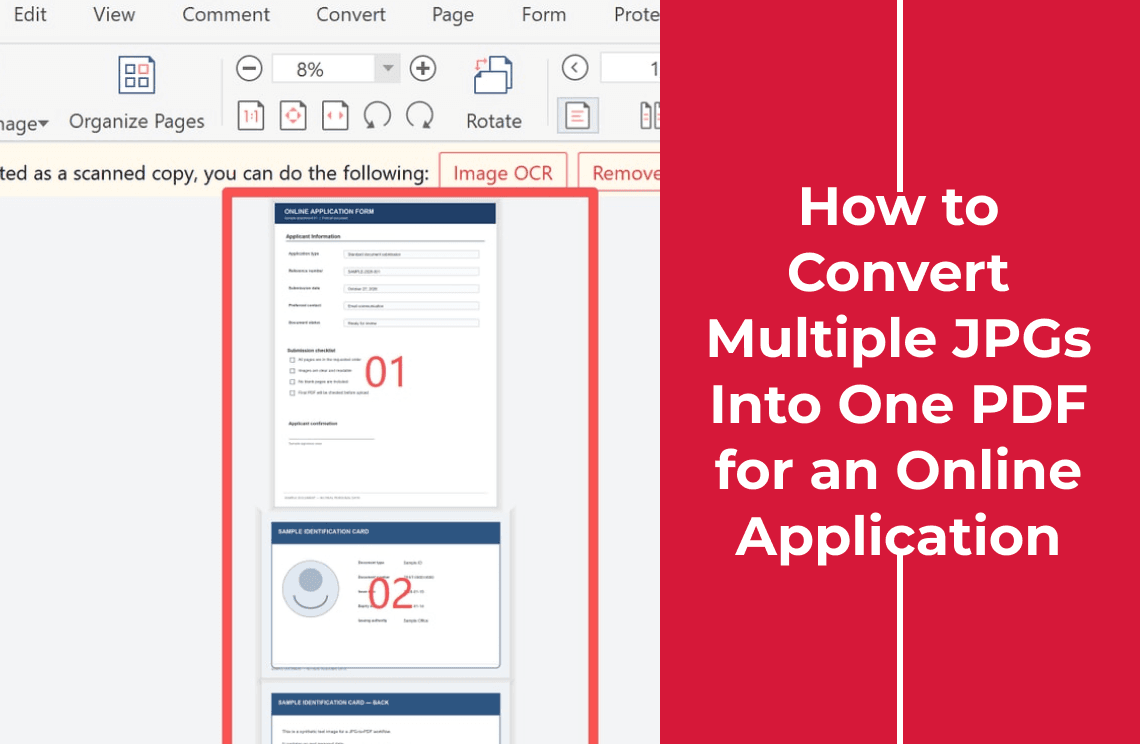
How-to & Tips9 Mins
How to Convert Multiple JPGs Into One PDF for an Online Application
Prepare application JPGs for a single upload: one file or several, checklist page order, readable pages, and a size the portal accepts.
Read More >>
How-to & Tips6 Mins
How to Combine JPEGs into One PDF for Free Without Uploading
Combine several JPEGs into one free PDF without uploading your photos. Fix the page order, choose fit-to-image or A4 pages, then check the file.
Read More >>
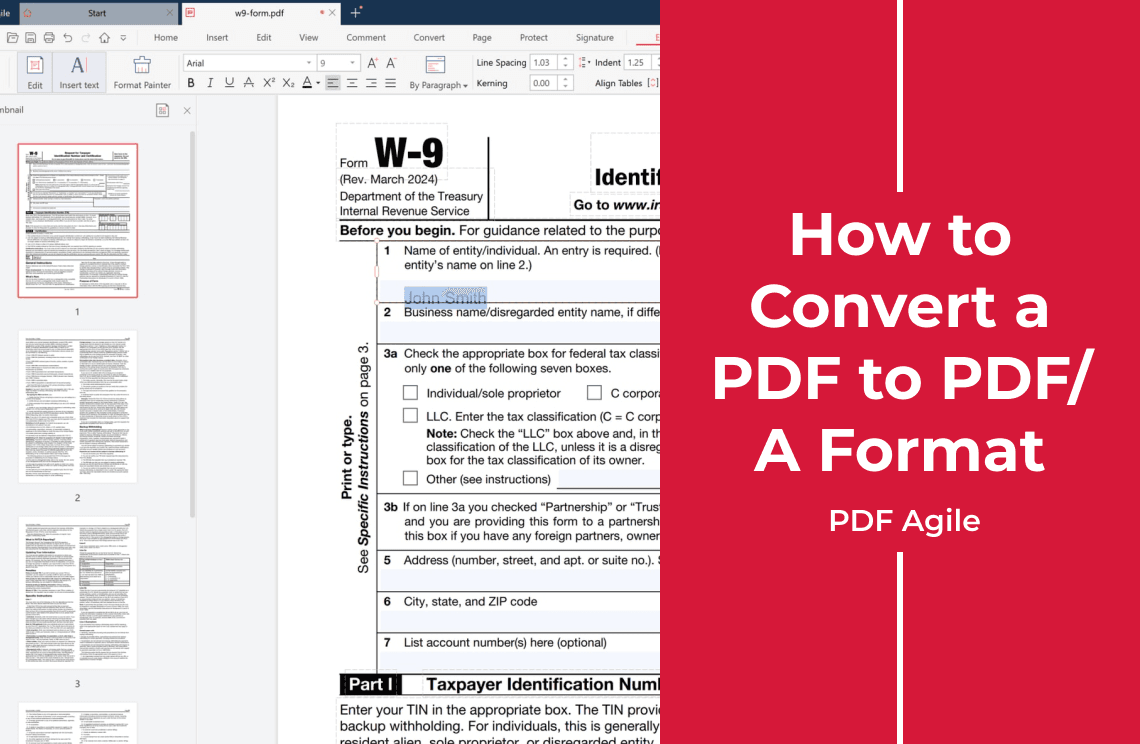
How-to & Tips4 Mins
How to Convert a PDF to PDF/A Format and Prove It Works
Convert a PDF to PDF/A for archiving: embed fonts, remove encryption, apply the standard in Acrobat or LibreOffice, then validate the output file.
Read More >>
How-to & Tips7 Mins
How to Make a PDF with Pictures: 5 Easy Ways
Learn how to make a PDF with pictures - turn photos into PDF pages on Windows, Mac, iPhone or Android, or place pictures in an existing PDF.
Read More >>
How-to & Tips7 Mins
How Do I PDF a Document on Windows, Mac, iPhone, or Android?
How do I PDF a document? Match the route to your file and device: export from Word, print a web page, scan paper, then check the PDF.
Read More >>