

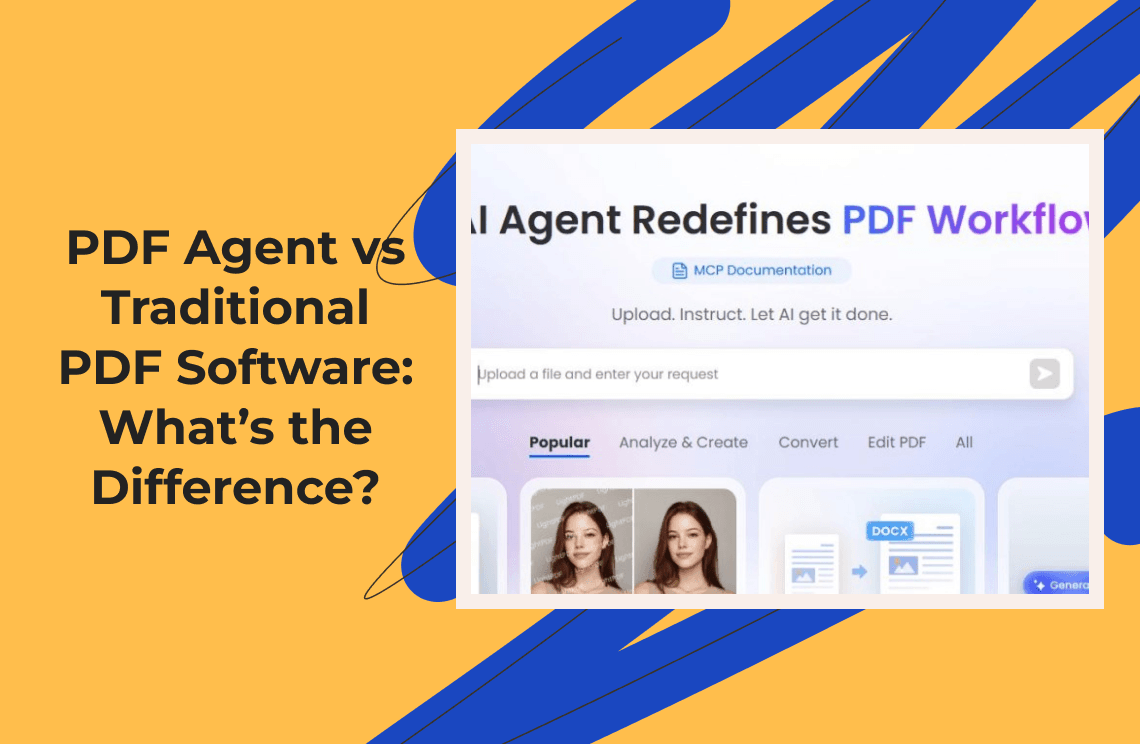
For years, the way most people handled PDFs was simple: open the file, read it, edit it, rename it, save it, and maybe send it to someone. That model worked when PDFs were just static files sitting on a desktop. But in real business workflows, PDFs rarely behave like isolated documents. They arrive through email, vendor portals, HR systems, logistics platforms, legal teams, banks, marketplaces, and government websites. Once they arrive, they often need to be reviewed, renamed, extracted, compared, summarized, archived, routed, approved, or entered into another system.
That is where the old PDF workflow starts to break. Traditional PDF software is still useful, and in many cases still necessary. If you need to edit text, adjust layout, add a signature, convert a file, clean up a scanned document, or prepare a polished final version, a dedicated PDF editor is still the right tool. Tools such as PDF Agile fit this layer because PDF editor listings describe it around tasks like editing text and images, converting PDFs, annotating, and working with document layouts.
But a new category is emerging: the PDF agent. A PDF agent does not just wait for you to open a document. It can monitor where PDFs arrive, understand what type of document each file is, decide what should happen next, and move the workflow forward. The shift is not from “PDF software” to “AI PDF software.” It is from file-centered work to workflow-centered work.
Traditional PDF software helps you work inside a document. A PDF agent helps work happen around the document.
What Is a PDF Agent?
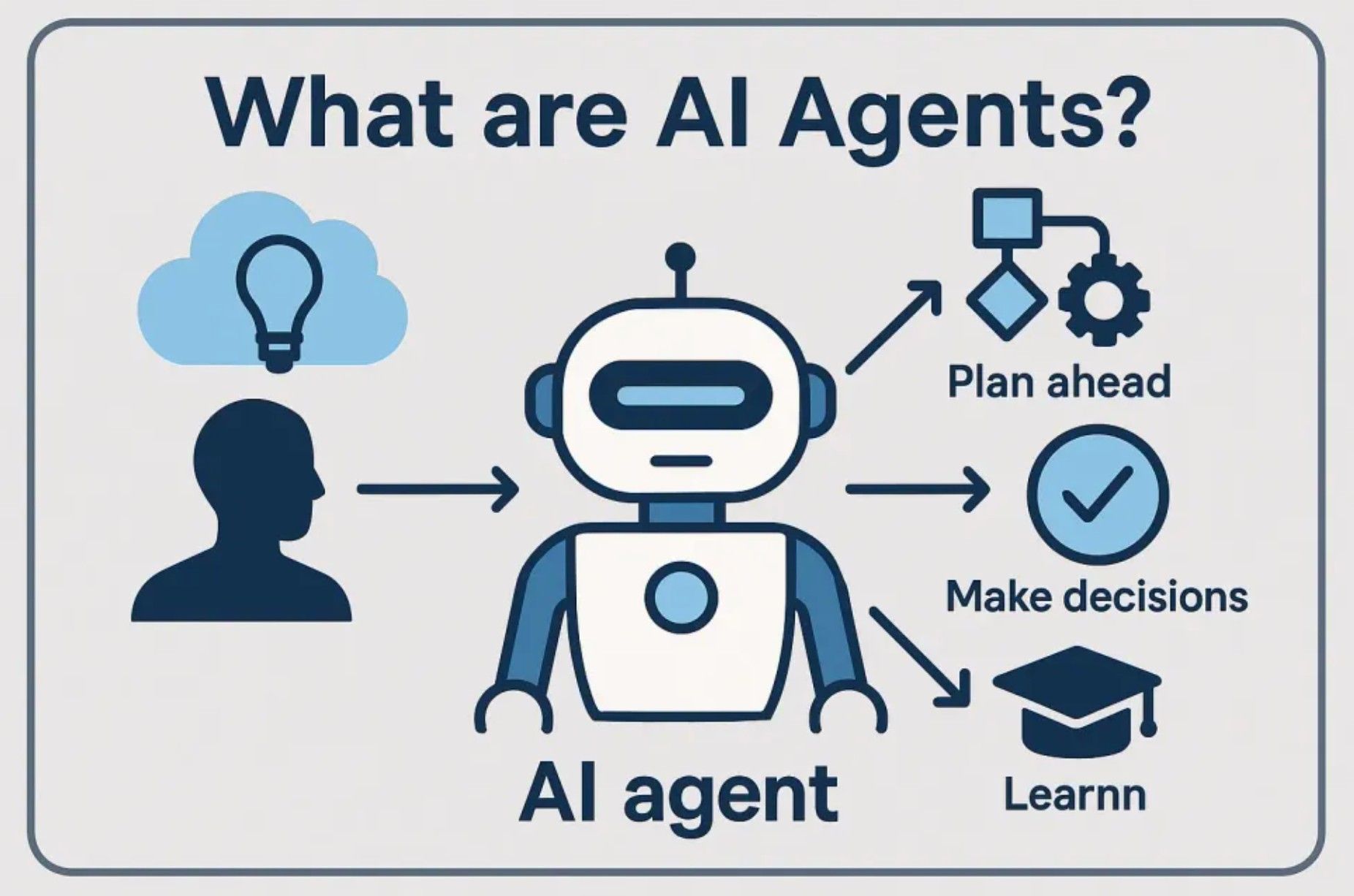
A PDF agent is an AI-powered workflow system that handles PDF-related tasks as part of a larger process. It does not merely open a file or answer questions about one document. A proper agent can observe inputs, reason about what needs to happen, use tools, and take action. This matches the broader definition of AI agents: IBM describes AI agents as systems that autonomously perform tasks by designing workflows with available tools, while Google describes them as systems that pursue goals and complete tasks using reasoning, planning, memory, and a degree of autonomy.
Applied to PDFs, this means an agent might read incoming emails, detect PDF attachments, classify whether a document is an invoice, contract, receipt, report, resume, or purchase order, extract key fields, summarize the content, rename the file according to company rules, save it to the correct folder, compare it with a previous version, update a spreadsheet, and notify the right person in Slack, Teams, email, or another tool.
That is why a PDF agent should not be confused with “chat with PDF.” A PDF chatbot answers questions about a document. A PDF editor changes the document itself. A PDF agent moves the document through a process.
The Traditional PDF Model: Open, Edit, Save
Traditional PDF software was built around an active user working directly on a file. The pattern is familiar: open the PDF, make changes, save it, and send or upload it somewhere. This model is not outdated. It remains essential when the task requires visual precision and document-level control.
If you need to correct a typo in a brochure, replace an image in a proposal, annotate a report, add a signature field, merge pages, compress a file, or convert a PDF into Word, a PDF editor is still the natural tool. Adobe Acrobat, for example, still frames many core PDF tasks around editing, commenting, filling, signing, and managing PDF documents.
The problem is that many PDF workflows are bigger than editing. A finance assistant does not merely “edit” invoices. They collect them, check them, extract data, rename them, enter values into a spreadsheet, file them, and notify someone when something looks wrong. A legal operations person does not just “open” a contract. They compare versions, identify changed clauses, route the document for approval, check signature status, and archive the final copy. Traditional PDF software helps with the file, but it usually does not run the surrounding workflow automatically.
Where Traditional PDF Software Still Wins
Before making PDF agents sound like the answer to everything, it is important to be honest: traditional PDF software is still better for many jobs. PDFs are visual documents. Layout matters. Spacing matters. Font matching matters. Page numbers, stamps, signatures, tables, headers, and margins all matter. When the final document needs to look right, the human often needs direct control.
This is why the future is not “PDF agents replace PDF editors.” A better way to think about it is: PDF software handles document editing, while PDF agents handle document workflows.
In that stack, PDF Agile belongs at the document-editing layer. It is useful when the PDF itself needs to be edited, polished, converted, cleaned, or prepared for sharing. A PDF agent belongs at the workflow layer, where the real problem is not changing a page but moving information from one place to another.
The New PDF Agent Model: Monitor, Process, Notify
The PDF agent model begins before a human opens the file. Instead of waiting for someone to check an inbox or download an attachment, the workflow starts when the PDF appears. The agent monitors an inbox, folder, portal, or scheduled source; detects a new document; classifies the file; extracts or summarizes the important information; archives it; updates the relevant system; and notifies the team.
Take a vendor invoice as an example. In the old workflow, someone checks the inbox, downloads the invoice, opens the PDF, finds the vendor name, invoice number, amount, due date, and tax details, renames the file, saves it into a folder, updates a spreadsheet, and messages the finance manager. The same person repeats this process again and again.
In the agent workflow, the PDF agent monitors the accounting inbox, detects the invoice, extracts the required fields, applies the naming rule, saves the file to the correct folder, updates the tracker, and sends a summary or exception alert. The difference is not just speed. The bigger difference is that the human is no longer acting as the glue between every tool.
That is what makes PDF agents interesting. They do not just make PDF work faster. They reduce the repetitive coordination work surrounding documents.
PDF Agent vs AI PDF Chatbot
Many tools now let users upload a PDF and ask questions about it. That is useful for students, researchers, analysts, lawyers, and business teams. Adobe Acrobat AI Assistant, for example, includes features for summarizing documents, understanding contract language, and comparing contract-related information inside Acrobat.
But an AI PDF chatbot and a PDF agent are not the same thing. A chatbot usually works like this: upload a document, ask a question, read the answer, ask another question, and copy the result somewhere else. A PDF agent works more like this: define the goal, connect the relevant tools, let the agent monitor and process documents, and review exceptions or outputs when needed.
The chatbot is conversational. The agent is operational. A chatbot helps you understand one document. An agent helps you manage many documents. A chatbot waits for your question. An agent can continue the workflow after the first instruction.
This distinction matters for businesses because most teams do not suffer simply because they cannot summarize one PDF. They suffer because hundreds of PDFs move through messy, repetitive processes every month.
The Main Difference: A Modified File vs a Completed Workflow
The core difference between traditional PDF software and a PDF agent can be understood through five areas: trigger, human role, intelligence, integration, and outcome.
Traditional PDF software is manually triggered. You open a file because you already know you need to do something with it. A PDF agent can be event-triggered: it responds when an email arrives, a file appears in a folder, a form is submitted, or a scheduled check runs. Traditional software puts the human at the center of every step, while a PDF agent shifts the human from operator to supervisor. The human defines rules, reviews exceptions, and makes judgment calls when needed.
Traditional PDF software also works mainly through direct commands: click this, convert that, add this signature, replace this text. A PDF agent can interpret a broader goal, such as: “Every time a vendor invoice arrives, extract the amount and due date, save the PDF to the invoice folder, and notify me if the amount is above $5,000.” That is not just a command. It is a workflow.
Integration is another major difference. PDF software usually focuses on the document itself. A PDF agent is more likely to connect across email, folders, spreadsheets, chat tools, browsers, CRMs, ERPs, and internal systems. EasyClaw, for example, describes itself as a native desktop AI agent for Mac and Windows, and its site highlights cross-channel use through apps such as Slack, Google Chat, Microsoft Teams, WeChat, WhatsApp, Telegram, and others.
The final outcome is different too. Traditional PDF software usually produces a modified file. A PDF agent produces a completed workflow: a renamed file, an extracted data row, an archive record, a team notification, an approval request, or a summary report.
Practical Example: Contract Review
Consider a contract workflow. In the traditional model, someone receives a contract PDF by email, downloads it, opens it, highlights clauses, adds comments, saves the file, and forwards it to a colleague. This is manageable with one or two contracts, but painful when legal or operations teams handle dozens every week.
A PDF agent workflow could monitor the contracts inbox, detect new attachments, identify the counterparty, contract type, effective date, renewal terms, payment terms, and termination clauses, compare the contract against a clause checklist, flag unusual terms, save the file into the correct folder, and send a short summary to the legal team.
The agent is not replacing the lawyer. It is not making final legal decisions. It is reducing the manual document handling before expert review. That is the right way to think about PDF agents: not as magical judgment machines, but as workflow accelerators.
Practical Example: Research and E-Commerce Operations
A consulting team that receives PDF reports from multiple sources faces a similar problem. The old workflow is to download each report, skim the executive summary, copy key findings into notes, save the PDF into a project folder, and message the team. A PDF agent can monitor the research inbox, detect new PDFs, summarize each report, extract key metrics and companies, classify the report by topic, save it into the correct knowledge folder, and send a daily digest.
The same pattern appears in e-commerce operations. Teams handle invoices, shipping labels, customs forms, supplier quotes, return documents, product certificates, inspection reports, tax documents, and platform statements. In this setting, the PDF is often just a container. The real task is extracting information and moving it to the next place.
A supplier invoice may contain SKU, quantity, unit price, total price, delivery date, and supplier name. That information may need to go into a spreadsheet, ERP, shipment tracker, or reconciliation file. Traditional PDF software helps if the invoice needs editing or conversion. But the larger pain is repeated extraction, routing, and follow-up.
This is where an EasyClaw-style automation layer fits naturally. It is not trying to become PDF editing software. It is handling the repetitive work around the PDF: checking inputs, moving files, coordinating tools, and notifying people.
The Best Stack Is Not Either/Or
The smartest approach is not “PDF agent vs PDF software” as a battle. The better approach is a layered stack.
Use traditional PDF software when the document needs direct editing. Use AI PDF tools when the document needs understanding. Use a PDF agent when the document needs to trigger or move through a workflow.
A realistic workflow might look like this: a vendor sends a scanned invoice; the PDF agent detects the email and downloads the attachment; OCR is applied if needed; the agent extracts invoice fields, renames the file, archives it, updates a spreadsheet, and sends a notification. If the PDF layout is broken or the scanned document needs manual correction, a human opens it in PDF Agile and fixes the file.
The agent does not need to do everything. The editor does not need to automate everything. Each tool handles the layer it is good at.
Is a PDF Agent Just Automation?
Some people may ask whether a PDF agent is just traditional automation with a new name. The answer is: partly, but not entirely.
Traditional automation works best when the rules are fixed. For example, if an email comes from a certain address, save the attachment to a specific folder. If a file appears in a folder, rename it with today’s date. If a form is submitted, create a spreadsheet row. This is useful, but it can be brittle.
A PDF agent adds more flexibility because it can inspect the document, classify it, summarize it, extract fields, and decide which workflow applies. IBM’s discussion of agentic workflows makes a similar distinction: traditional automation is often based on predefined rules, while agentic workflows use reasoning, planning, and tool use to coordinate more complex tasks.
That does not mean agents are perfect. They still need permissions, testing, guardrails, audit logs, and human review. But they change what can realistically be automated, especially when documents are semi-structured and arrive in different formats.
What PDF Agents Should Not Do Alone
A responsible PDF agent workflow should not blindly approve payments, sign contracts, delete important records, or submit legal documents without review. PDFs often contain financial data, customer information, employee records, legal terms, and confidential business details. The goal is not to remove accountability. The goal is to remove repetitive handling while keeping oversight.
The right model is human-in-the-loop. For low-risk work, the agent can act automatically, such as renaming and archiving receipts. For medium-risk work, it can prepare and recommend, such as extracting invoice data and drafting an approval request. For high-risk work, it should escalate to a human, such as approving payment or accepting contract terms.
A good PDF agent workflow should include clear permissions, human review points, version control, exception alerts, secure storage, and auditability. This matters because the more powerful the automation becomes, the more important control becomes.
How to Decide Which Tool You Need
The simplest framework is this: if your main problem is “I need to change the content of this PDF,” use traditional PDF software. If your main problem is “I need to understand this PDF faster,” use an AI PDF assistant. If your main problem is “I keep repeating the same PDF process every day,” use a PDF agent.
Traditional PDF software is best when you need precise editing, layout control, conversion, merging, splitting, compression, signatures, or final document preparation. AI PDF assistants are useful when you need to summarize a long document, ask questions about a report, find clauses, or compare content across one or several files. PDF agents are best when you receive many PDFs repeatedly, need to monitor inboxes or folders, extract and route information, connect documents with spreadsheets or internal systems, and notify people automatically.
That framework keeps expectations realistic. A PDF agent is not a better PDF editor. It is a better workflow coordinator.
Final Takeaway
The difference between a PDF agent and traditional PDF software is not simply “AI vs non-AI.” It is a difference in scope.
Traditional PDF software is built for working on a file. A PDF agent is built for completing a workflow. The old way is: open PDF, edit, save. The new way is: monitor inbox, process document, notify team.
Both models matter. If you need to edit, convert, clean up, or polish a PDF, traditional PDF software such as PDF Agile belongs in the workflow. If you need to monitor incoming files, process them automatically, route information, and notify your team, a PDF agent workflow built around automation tools such as EasyClaw becomes more relevant.
The best way to think about this is not replacement. It is division of labor. PDF editors handle the document. AI assistants help understand the document. PDF agents move the document through the business process.
That is the real promise of PDF agents: not that they magically understand every document perfectly, but that they remove the repetitive glue work that has made PDF workflows slow for so long. For many teams, that is where the biggest productivity gain is hiding.