

Some PDFs let you drag across a sentence and select it. Others do not: the page looks perfect, but nothing highlights, Ctrl+F finds nothing, and copying gives you nothing. The difference is a text layer, and it decides what you can do with the file.
What a PDF With Text Actually Means
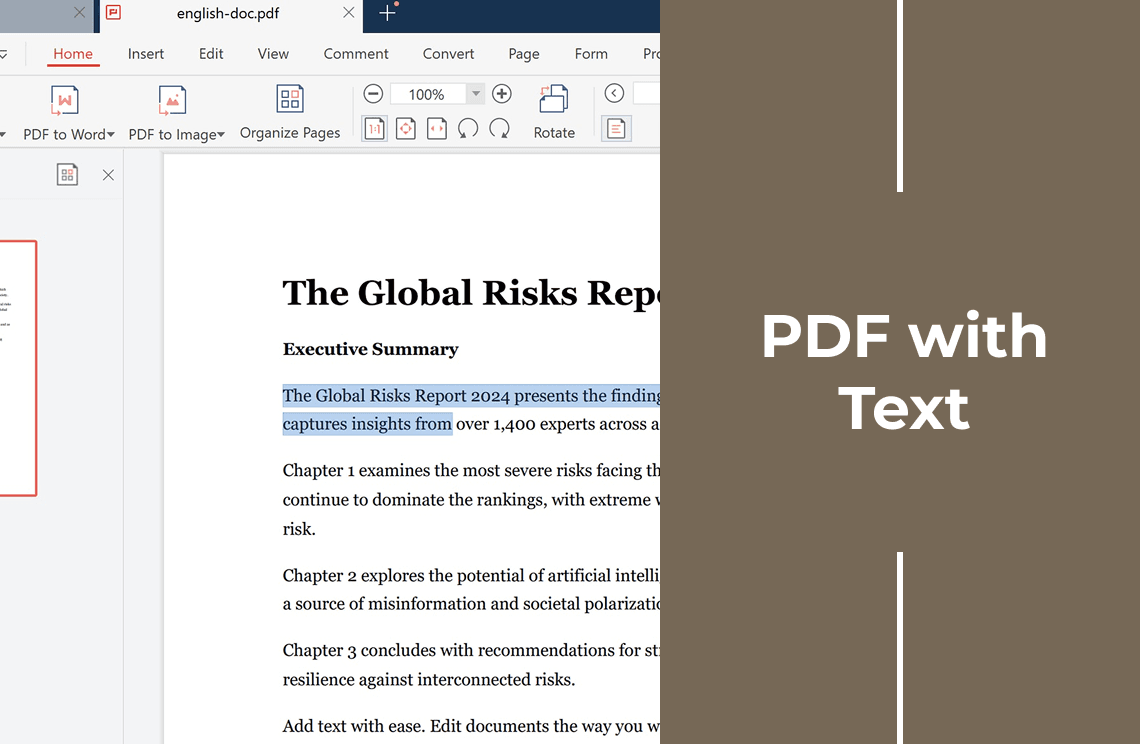
A PDF with text stores the words as characters, each with a font, a size, and a position on the page. Your computer can read them, so you can select, search, and copy them.
A PDF without text stores the page as a picture. The words are pixels, so the file behaves like a photo of a document. Both open the same way and look identical on screen. The difference appears when you try to work with the words.
With a text layer you can:
- Search the whole document with Ctrl+F (Cmd+F on Mac)
- Select a line, copy it, and paste it into Word or an email
- Highlight and comment on exact phrases
- Let a screen reader read the page aloud
Without one, you are limited to looking at it, and to typing the parts you need by hand.
How to Check Your PDF in Under a Minute
Three tests answer the question for any file.
- Drag over a single word. If the highlight follows that word, the page has real text. If the whole page turns into one solid block, you are selecting an image.
- Press Ctrl+F and type a word you can see. If the search finds it, there is a text layer. If it finds nothing, the words exist only as pixels.
- Copy a sentence and paste it into Notepad. Clean text means a healthy layer. Garbled characters mean the PDF has a layer, but a poor one.
Check two or three pages, not just the first: a text cover page with a scanned appendix is common.
Why a PDF Ends Up Without Text
Almost always because of how it was created:
- It was scanned on a copier or scanner, which records light and dark, not letters.
- It was photographed with a phone and saved as a PDF.
- It was printed and scanned back in to add a signature, or exported as an image and wrapped in a PDF.
Nothing is broken in those files. They simply never contained characters.
How to Add a Text Layer to a PDF
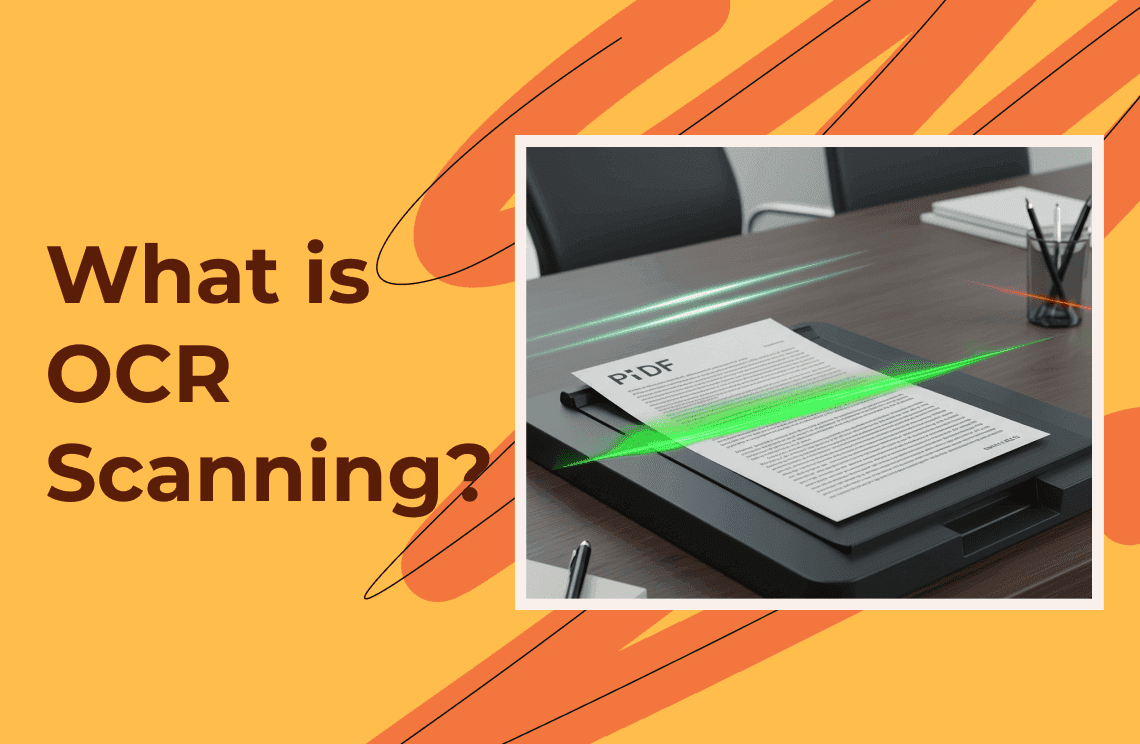
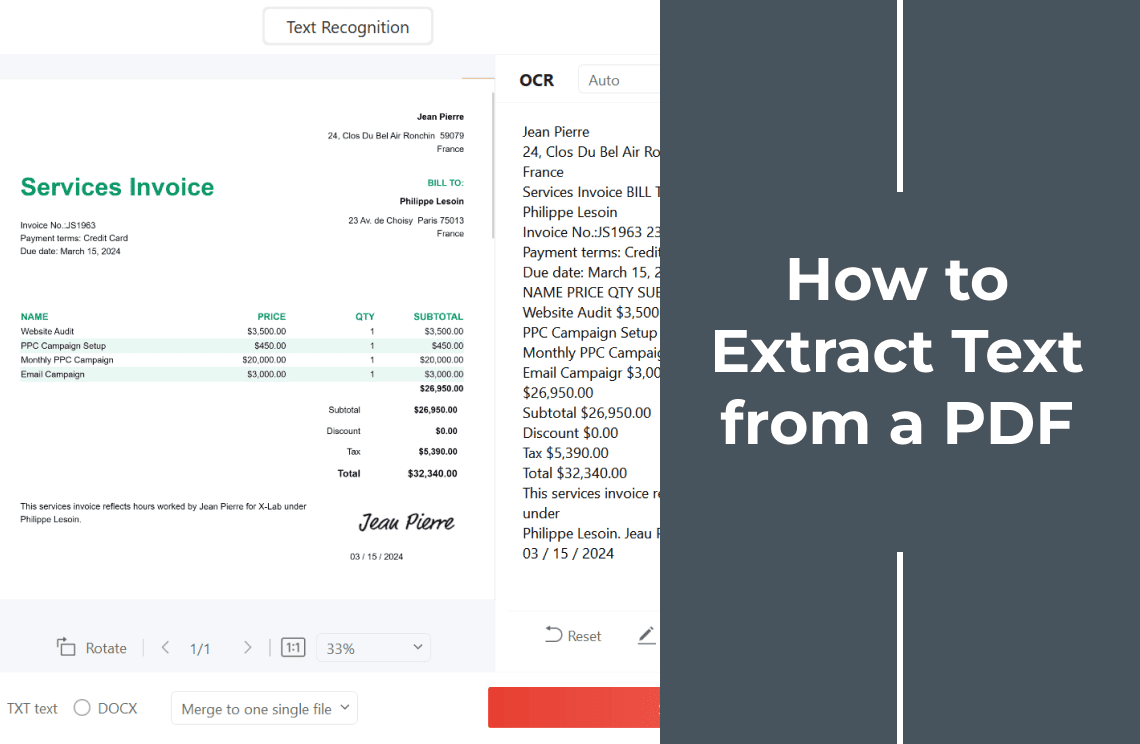
OCR (optical character recognition) reads the shapes on the page, rebuilds the characters, and places them on an invisible layer over the same page image. The document looks exactly as it did, and the words become searchable and copyable.
On Windows, PDF Agile handles this on your own computer: it extracts text from images and scanned PDFs with full-text OCR, and it edits scans without going back to the source file.
That matters for contracts, invoices, and ID documents: an online OCR tool receives your upload and processes it on a server, while a desktop app runs the recognition inside the installed app, with no upload step. Once the text is there, the same app can also compress, merge, or sign the file.
What OCR Fixes, and What It Does Not
OCR gives your file a text layer. It does not repair the document itself.
- Better scans give better text. Around 300 DPI reads well; below roughly 200 DPI, characters start to be confused.
- Handwriting is still hard. Printed text is what OCR is built for.
- Layout does not improve. Columns, tables, and headers can land in the wrong reading order inside the text layer, even though the page looks fine.
- The page does not reflow. A text layer makes words selectable, but the fixed page stays fixed. For editable paragraphs, you need a conversion to Word, not OCR.
FAQ About a PDF With Text
How do I know if a PDF is a scan?
Try to select one word, then search for a word you can see. If neither works, the file is a scan without OCR.
Can part of a PDF have text and part of it not?
Yes. Mixed files are common when someone scans an appendix and merges it with a digital document. Test a page in each section.
Does OCR change how the PDF looks?
No. The recognized characters sit on a layer over the original page image, so the page keeps its appearance: same fonts, same spacing, same stamps and signatures.
Is a text layer the same as editable text?
Not quite. You can select, copy, and search the words, but changing a paragraph means editing the page layout, and the original scan is still underneath.
Stuck with a PDF that will not let you select a word? Download PDF Agile for Windows and give your scan a searchable text layer.