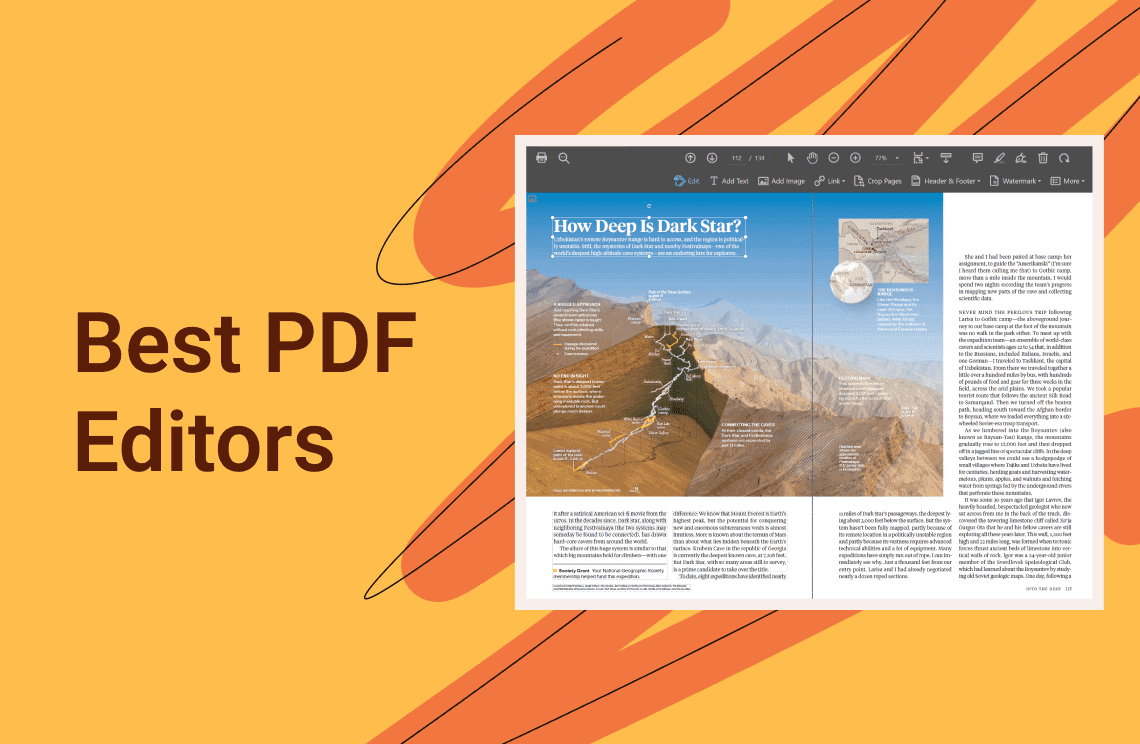


People search for how to write PDF for two different reasons. Either a PDF already exists and needs something added to it, or the PDF does not exist yet. Which one you mean decides the tool you need.
The Two Meanings of Writing PDF
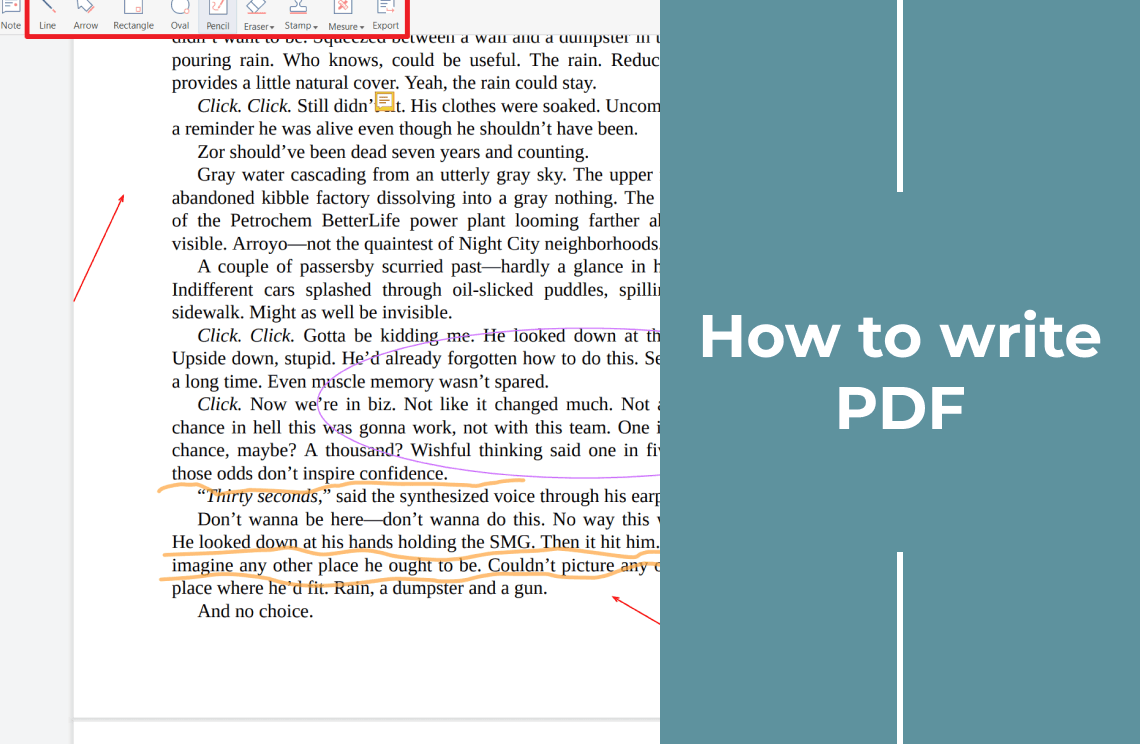
Writing on a PDF means adding your own content without changing the page layout: text in a blank area, a date, a note, or a handwritten signature. The document itself stays as it was, so you never print the page and scan it back in.
Writing a PDF is the opposite job, because the PDF is the result. You write the content first and produce the file: save a document as PDF, print an existing file to PDF, or convert a Word, Excel, PowerPoint, or image file.
Which One Do You Need?
If the document already exists, write on it. If the content is not written yet, create the PDF. PDF Agile does both in one Windows app.
FAQ About Writing PDF
Can I write on a scanned PDF?
Yes, though the page is only an image: new text sits on top of it, and changing words that are already there needs OCR.
What do I need to install?
A desktop editor; both tasks happen in the installed app, and the app recommended here is for Windows.
Do I have to pay before trying it?
You can download it without a credit card and test both tasks on your own file.
Ready to write on a PDF or create one? Download PDF Agile for Windows and do both in one app.