Are you ready to bring the blocky world of Minecraft to life with a splash of color? Here at PDF Agile, we believe that creativity is your ultimate power-up. Today, we’re combining the pixelated universe we all love with the magic of digital coloring. This isn’t just about filling in shapes; it’s about creating your own personalized masterpiece that you can save, share, and even print to decorate your world.
Whether you’re a seasoned miner or just starting your adventure, this guide will show you how to turn a simple Minecraft Coloring Pages printable into an interactive digital canvas. Let’s grab our virtual pickaxes and dive into a world where your imagination is the only limit!
Your First Step into a Blocky World: The Joy of Coloring Minecraft
What makes coloring Minecraft so much fun? It’s like stepping into creative mode in the real world! When you color, you’re not just staying within the lines; you’re making decisions that bring characters and scenes to life. Will you give Steve a classic look or design a rainbow-colored Creeper? This activity is a fantastic way to enjoy the Minecraft universe away from the screen, helping you develop focus, creativity, and even your fine motor skills without you even noticing
Think of it as a fun, calming mission after a long day of building and exploring in the game itself. With PDF Agile, your coloring session becomes even more powerful. You can experiment with colors without fear—if you don’t like how that green turned out on the Creeper, you can change it with a single click!
Our app turns these free coloring pages of Minecraft into a dynamic playground where every click of the fill tool or brush brings you closer to a unique creation. It’s all about expressing your personal style and having the freedom to make each piece truly yours.
Discovering Your Canvas: A Treasure Trove of Coloring Sheets Minecraft
The adventure begins by finding the perfect blueprint for your art. The internet is a vast mine of resources, offering countless coloring sheets Minecraft style, from simple character outlines to elaborate scenes of Nether fortresses. You might look for a scene with Steve mining for diamonds or a peaceful one with farm animals. The key is to find a template that sparks your imagination. These Minecraft coloring pages printable are your raw materials, the starting point of your creative journey.
Once you’ve found “The One,” the next step is to open it in your digital workshop: the PDF Agile app. This is where the magic happens, transforming a static page into a versatile canvas where you can zoom in on details, use a vast palette of colors, and save your progress at any time. This digital approach means your artwork is never finished until you say it is; you can always go back and add new details or try a different color scheme.
Bringing Heroes to Life: Focus on Minecraft Coloring Pages Steve
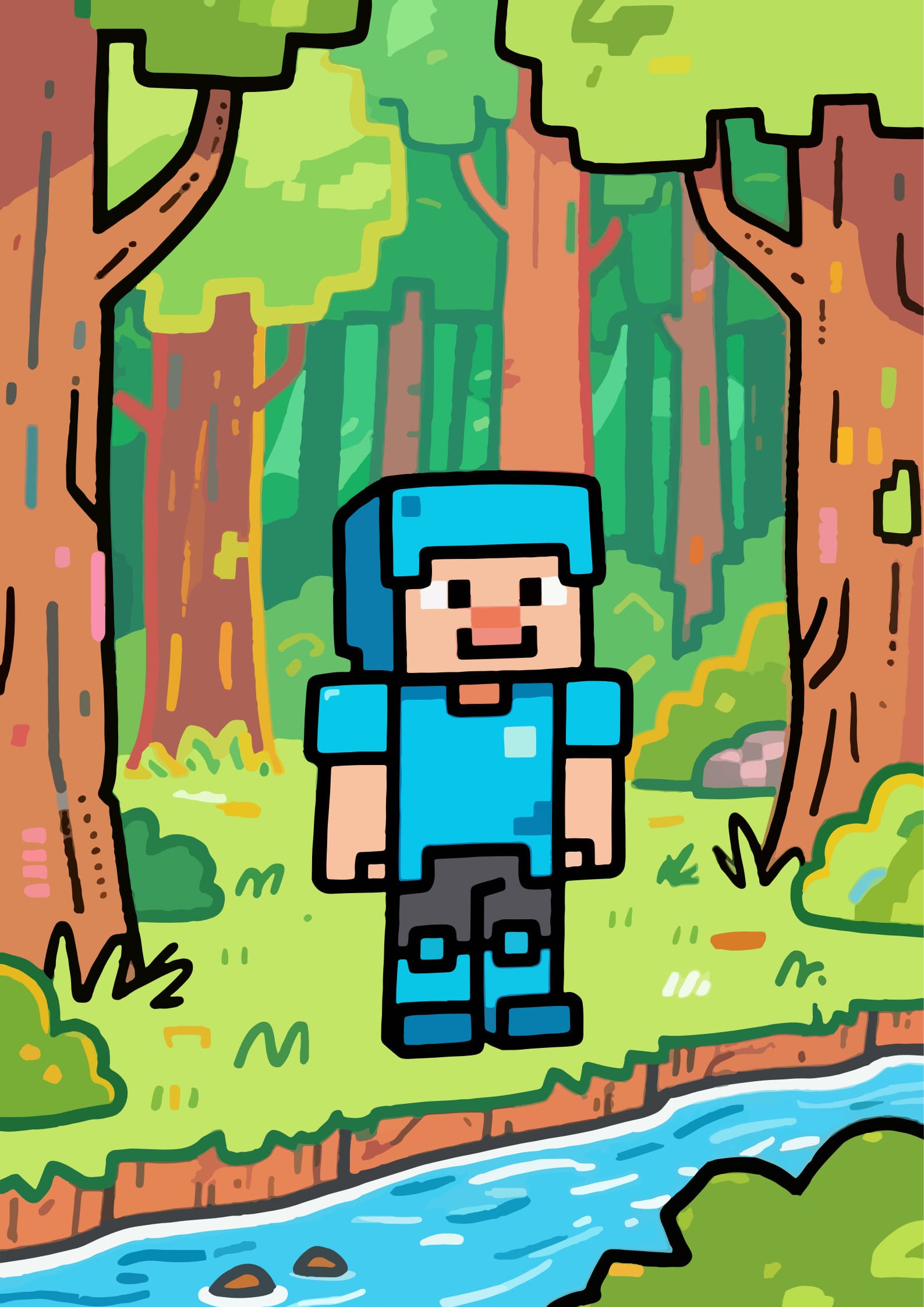
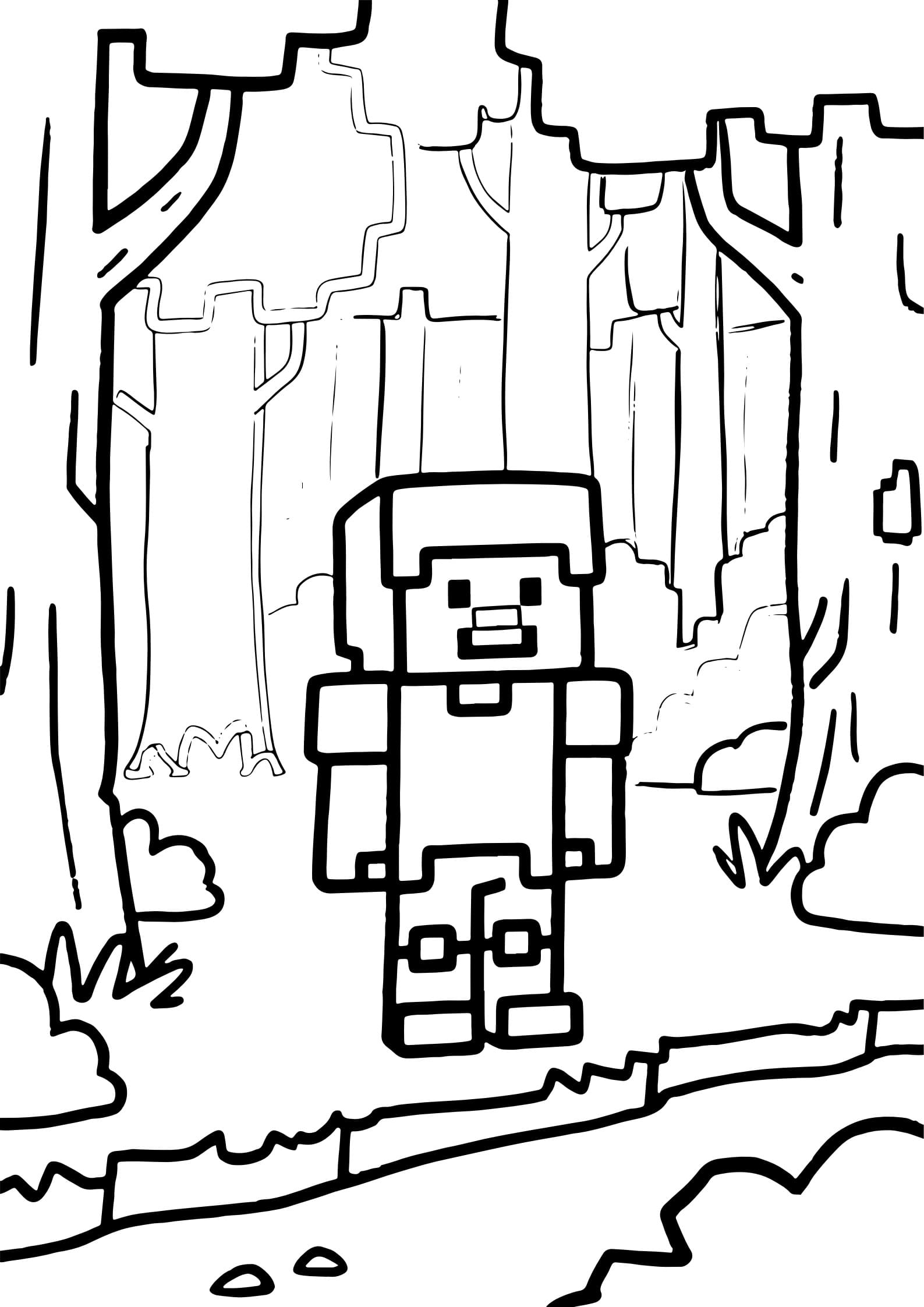
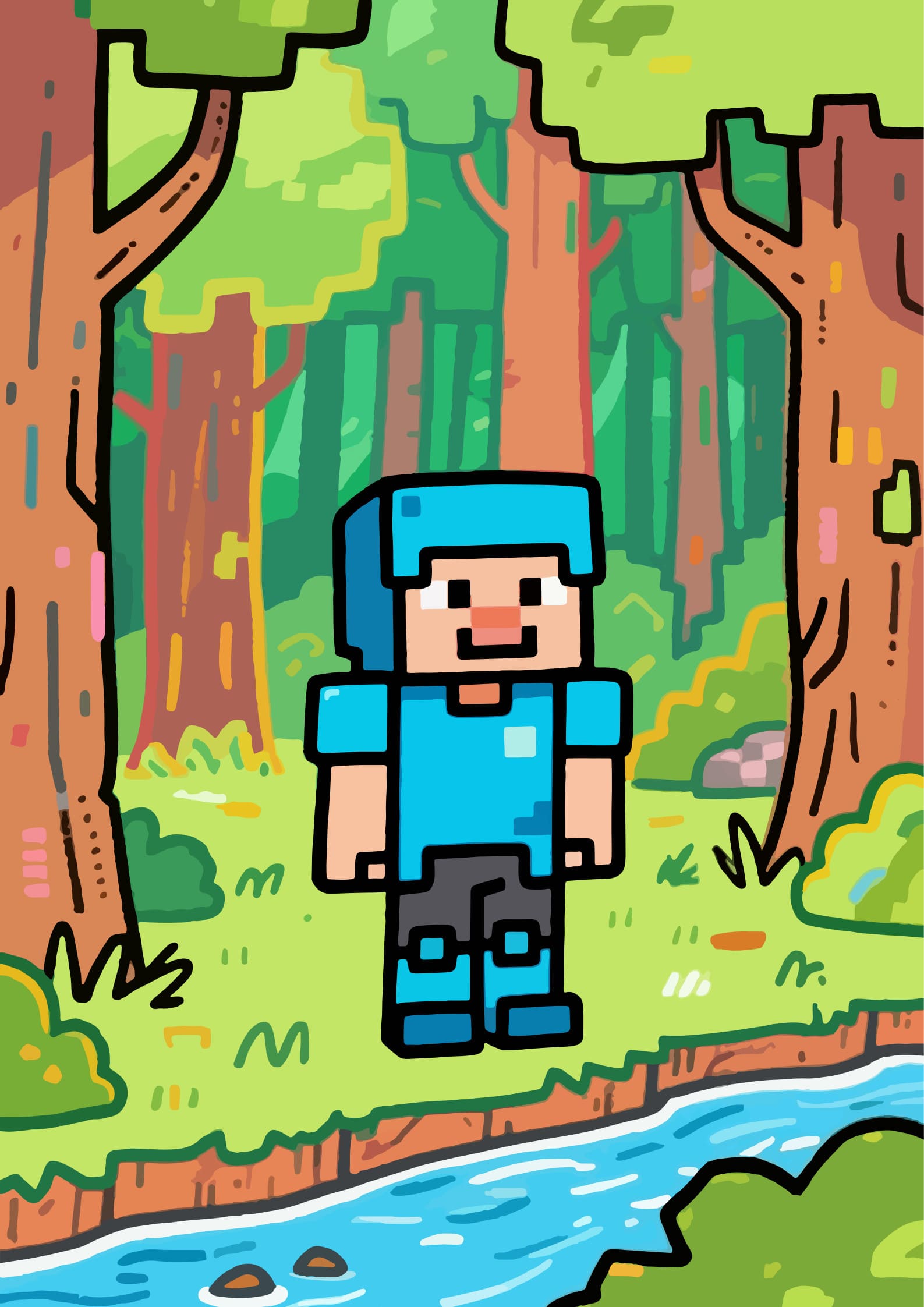
Now, let’s talk about the main character: Minecraft coloring pages Steve. Steve is the iconic hero of the game, and coloring him is your chance to define what a hero looks like. Will you stick to his classic blue shirt and dark pants, or will you design a new outfit for him? Maybe he needs golden armor for a Nether adventure or a green camouflage suit for a jungle expedition.
When you open a Steve coloring page in PDF Agile, start by zooming in on the details. Use the fill tool to color large areas like his clothes quickly. Then, switch to a finer brush for smaller details like his eyes, hair, or the tool he’s holding. Think about the story: Is Steve mining under a bright sun, or is he exploring a dark cave? Using lighter and darker shades of the same color can create shadows and highlights, making your Steve look more three-dimensional and dynamic. With a digital template, you’re not just coloring; you’re directing your own Minecraft story.
Unlimited Fun: Exploring Free Coloring Pages of Minecraft
One of the best things about this hobby is the incredible variety of free coloring pages of Minecraft available. You can create a whole gallery of your artwork. With PDF Agile, you can keep all your creations organized in one place. Finished coloring Steve? Great! Now, why not try a page featuring Alex or a scary Creeper? You can save each piece as a separate file or even combine them into a single PDF to create your own Minecraft coloring storybook. After you’ve finished, you can share your masterpieces with friends and family by exporting them as images or printing them out to display on your wall or fridge. This ability to save, print, and share perfect copies means your art never gets lost or crumpled—it’s a forever gallery of your creative journey.
How to Use This Template on PDF Agile?
Transforming your Minecraft coloring pages printable into a digital masterpiece is simple and fun with PDF Agile. Just follow these easy steps to start your adventure:
Step 1: Download and Open Your Minecraft Template
First, download your chosen Minecraft coloring template to your computer or tablet. Then, open the PDF Agile app. Your blank canvas is now ready and waiting for your creativity! You can also find this template directly in PDF Agile’s Template Library by clicking the “Use Template” button on our website to get started instantly.
Step 2: Explore Your Coloring Toolkit
Look for the toolbar on the side or top of your screen. Here’s what your main tools do:
- Fill Tool (paint bucket icon): Perfect for quickly coloring large, smooth areas like Steve’s shirt or the sky.
- Brush Tool (pencil or brush icon): Use this for more control when coloring detailed areas like a character’s face or a pickaxe.
- Color Picker (eyedropper icon): This lets you quickly reuse a color you’ve already used elsewhere.
- Eraser Tool: Made a mistake? No problem! The eraser lets you fix any little slips easily.
Tap the color wheel to choose from millions of colors. Want the perfect shade of green for a Creeper? You can find it! Don’t be afraid to try different colors.
Step 3: Color, Experiment, and Add Details
This is the fun part! Start coloring your page. Remember, you can always undo if you want to try a different color. Try using different shades of the same color to add depth—for example, use a light blue and a dark blue for a diamond sword to make it look shiny. Save your progress as you go by clicking “File” and then “Save” so you don’t lose any of your great work.
Step 4: Save and Share Your Masterpiece
When you’re happy with your creation, it’s time to save and share it. Click “Save As” and give your file a cool name, like “My_Epic_Steve.pdf”. You can now save it to your device to keep forever. You can also export it as an image file (like a JPEG or PNG) to send to your friends or share with your family, or print it directly from the app to hang on your wall.
Tips for Your Coloring Masterpiece:
- Plan Your Palette: Think about the mood of your picture. Bright, happy colors? Or dark, adventurous shades?
- Layer Colors: Try putting a light color down first and then adding a darker shade on one side to create a shadow effect.
- Be Bold: There are no rules in creative mode! Make a pink Creeper or a purple Enderman if you want to. It’s your world!
- Use Different Tools: Try using the gradient tool for a sunset sky or the texture brush for a grassy ground.
Conclusion: Keep Building Your Colorful World!
And that’s it, crafters! You’ve just leveled up your coloring skills from simply filling in shapes to truly creating digital art. With Minecraft coloring pages and the power of PDF Agile, you have an infinite world of color at your fingertips.
Every Minecraft coloring pages printable you find is a new opportunity to design, imagine, and bring your favorite game to life in your unique style. So, what are you waiting for?
Remember, in your world, you are the artist, and the only limit is your imagination. Happy coloring, and may your palette always be full of the rarest dyes!
Ready to start? Download the featured Minecraft coloring template and begin your adventure right now!