Featured Post
Recent Posts
How-to & Tips6 Mins
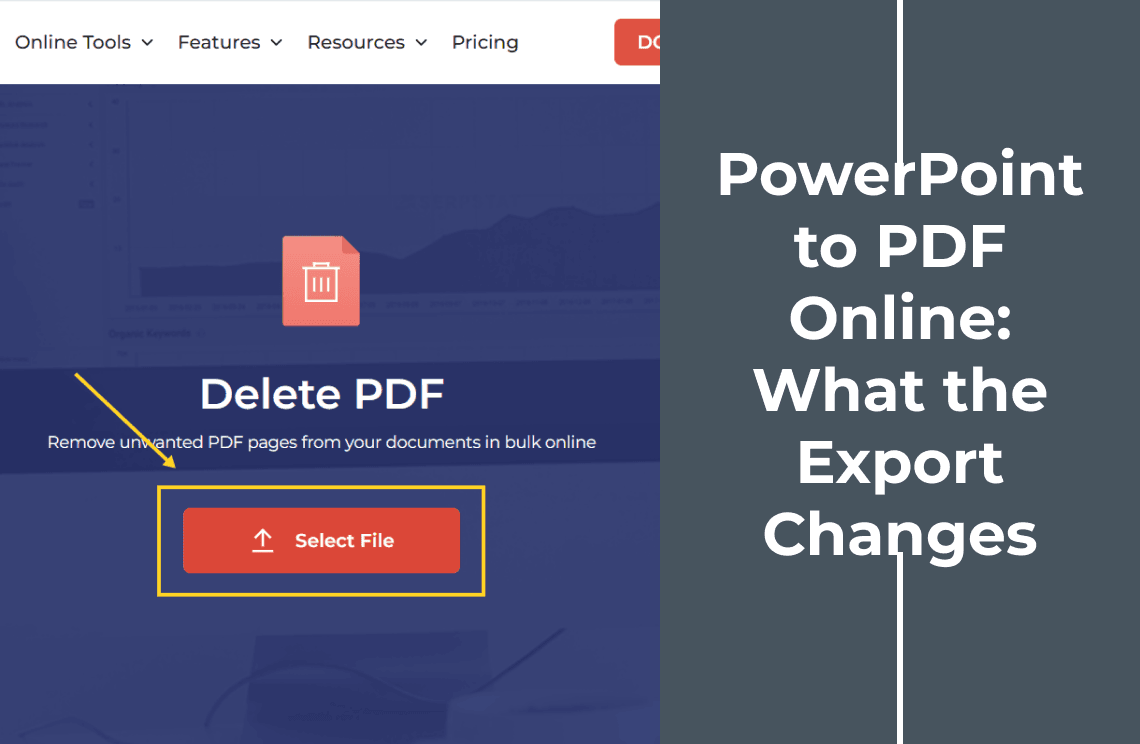
PowerPoint to PDF Online: What the Export Changes
Convert PowerPoint to PDF online, then check three things: the page size, whether your font survived, and whether the text still selects.
Read More >>
How-to & Tips6 Mins
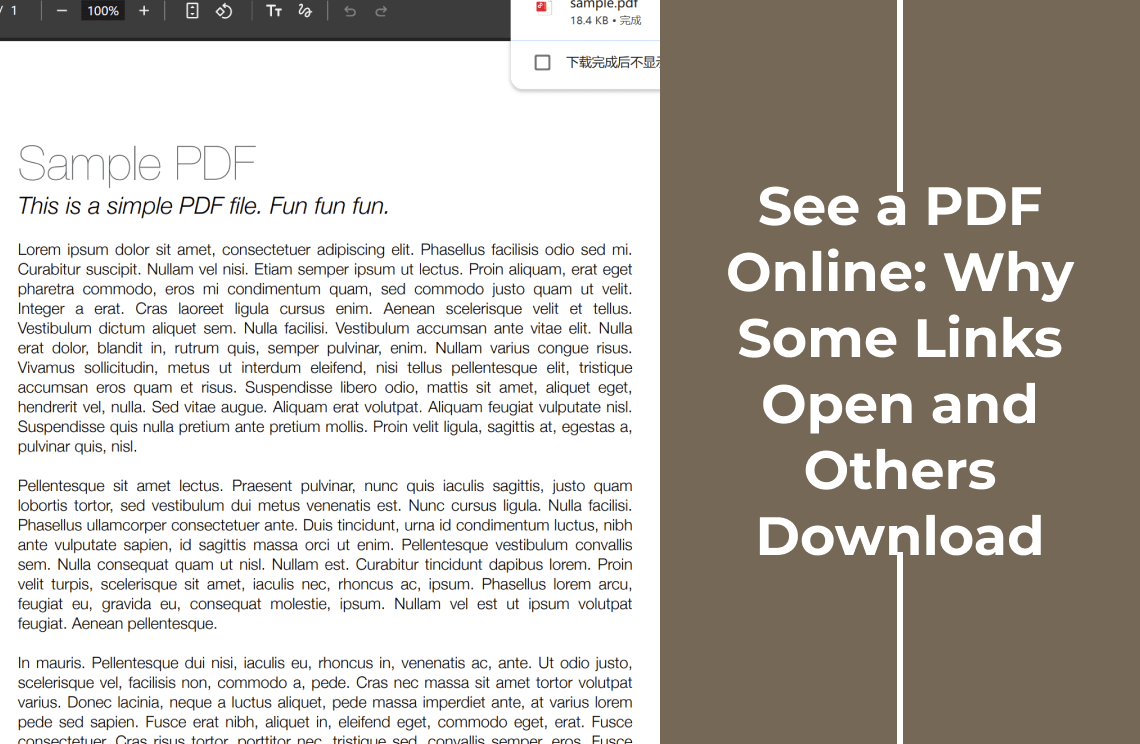
See a PDF Online: Why Some Links Open and Others Download
See a PDF online without downloading it: check the header the server sends, the browser's PDF setting, and the two fallbacks that always work.
Read More >>
How-to & Tips7 Mins
Convert an Excel File to PDF: What the Download Actually Contains
Convert an Excel file to PDF, then check what came back: one page per worksheet, a page wider than A4, and formulas turned into plain numbers.
Read More >>
How-to & Tips7 Mins
Convert a PDF to TIFF: Why the Online Route Stops at JPG
Convert a PDF to TIFF: the online route exports JPG, PNG or BMP, so use it only when any image will do, and check the file size before sending.
Read More >>
How-to & Tips6 Mins
How to Save One Page of a PDF as a Separate File
Save one page from a PDF as its own file: type the page number in the split tool's range box, then check the page count and the page size.
Read More >>
How-to & Tips6 Mins
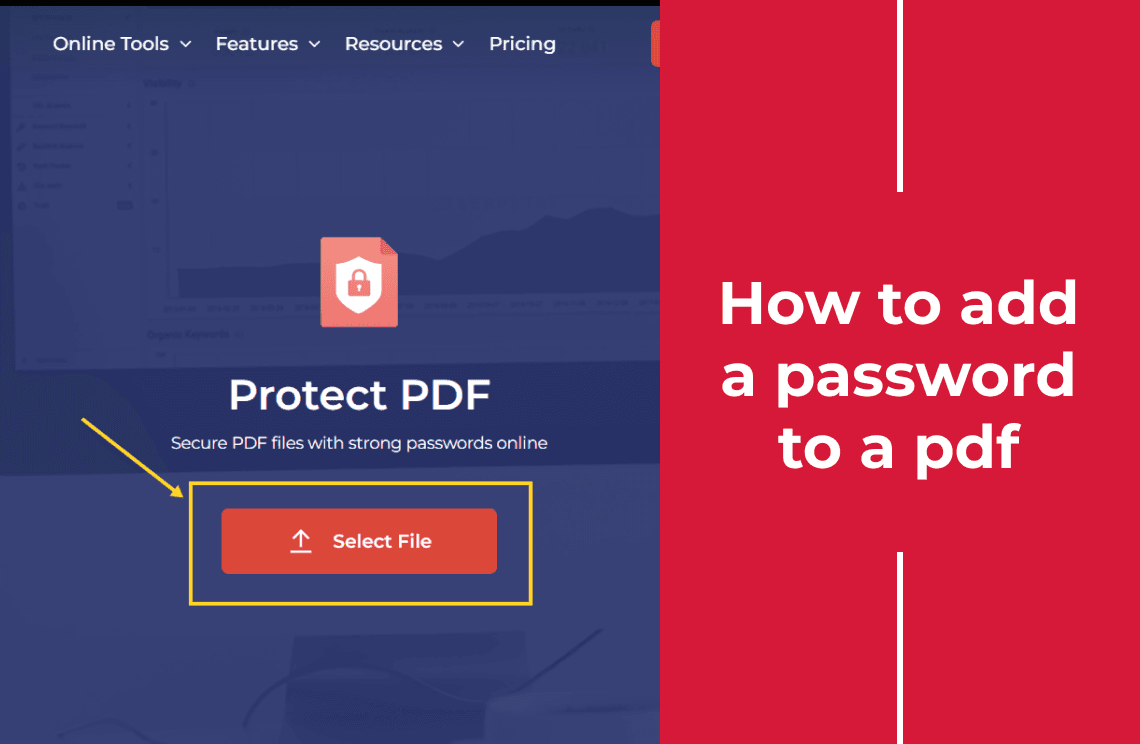
How to Add a Password to a PDF
Add an open password to a PDF in the browser, then check what it stops. It blocks opening; it does not block printing, copying or editing.
Read More >>
How-to & Tips6 Mins
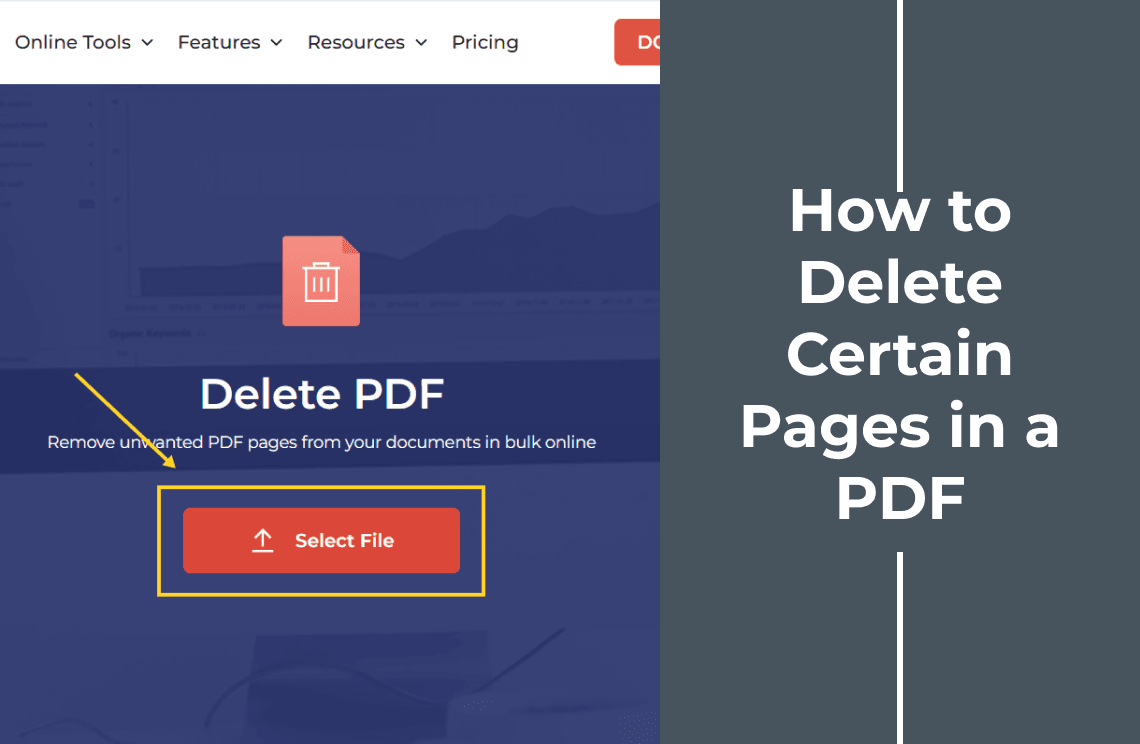
How to Delete Certain Pages in a PDF
Delete specific pages from a PDF without touching the rest. Type a page list like 1-3, 5 or click thumbnails, then check the page count and the seams.
Read More >>
How-to & Tips6 Mins
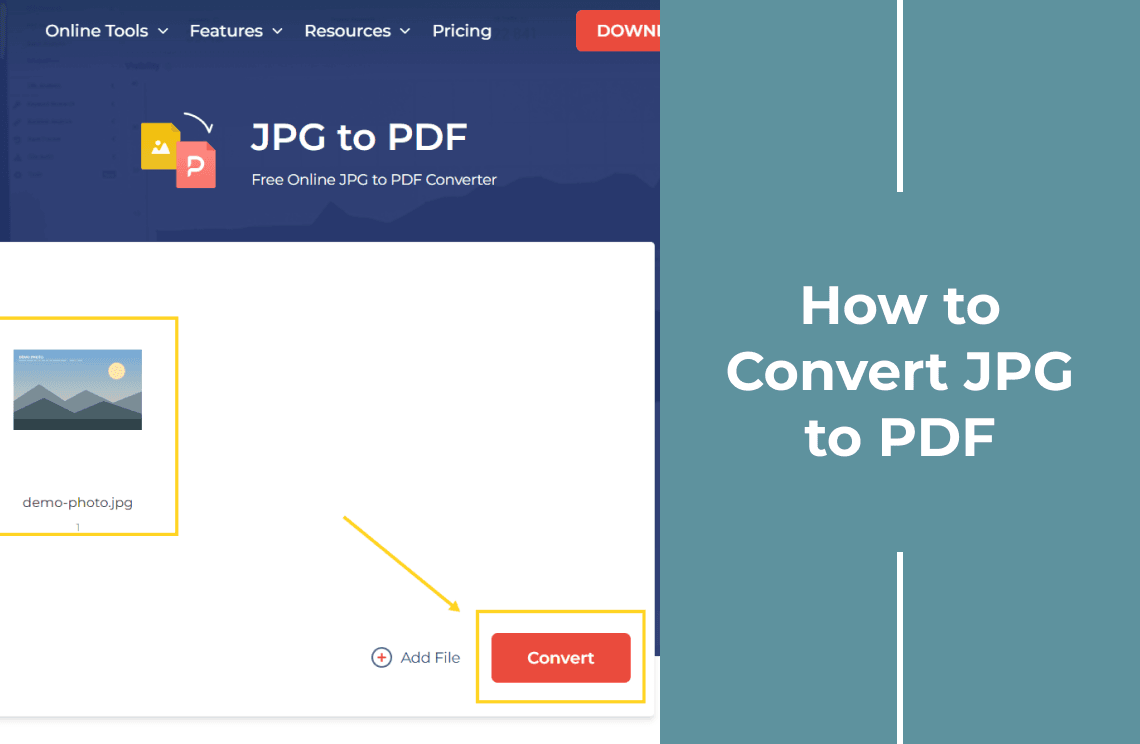
How to Convert JPG to PDF
Convert a JPG to PDF free in the browser, then check the page size — it follows the image dimensions, not A4, which changes how the file prints.
Read More >>
How-to & Tips6 Mins
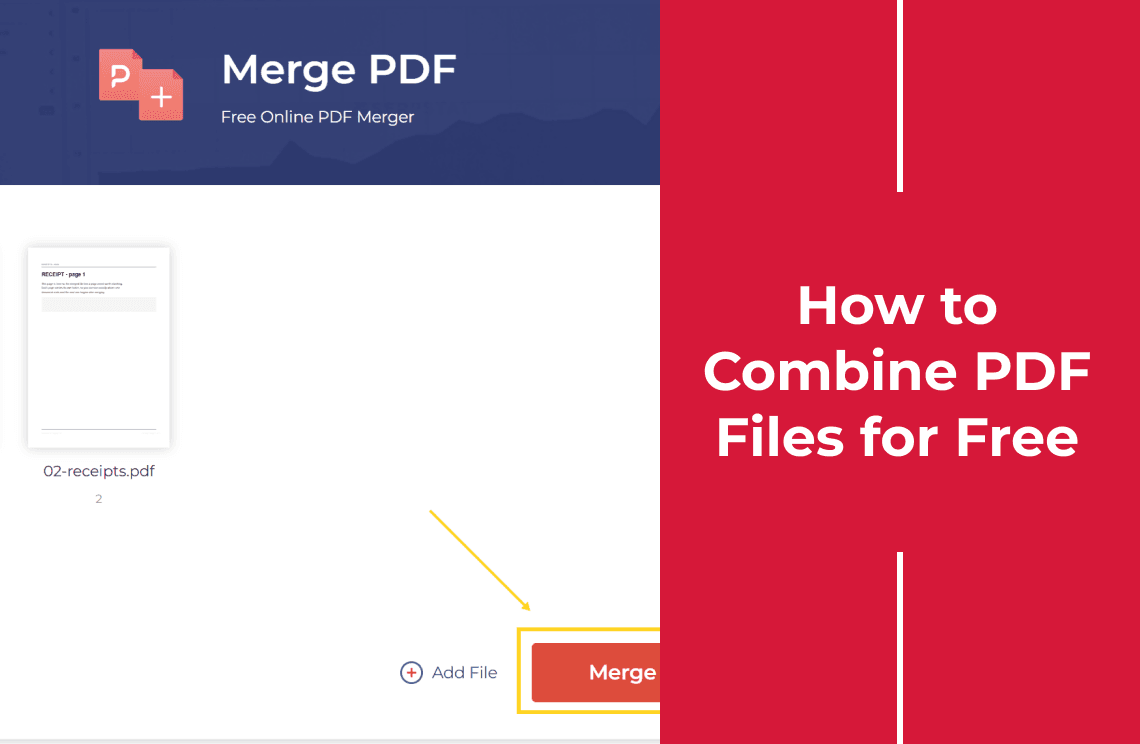
How to Combine PDF Files for Free
Combine PDF files free in the browser, up to 50 at a time, no account needed. Reorder the files, merge, then check the page count and order.
Read More >>
How-to & Tips7 Mins
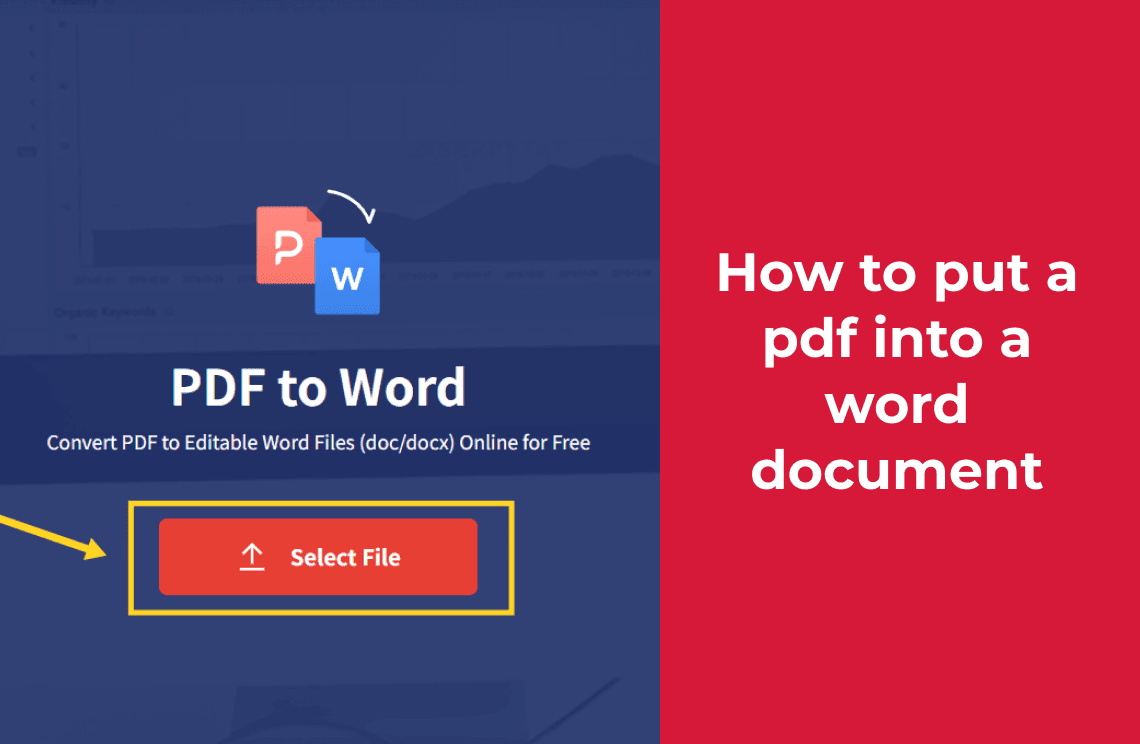
How to Put a PDF Into a Word Document (Turn It Into Editable Text)
Putting a PDF into Word gives three different results. To get editable text, convert it online, then check fonts, tables and page breaks.
Read More >>
How-to & Tips7 Mins
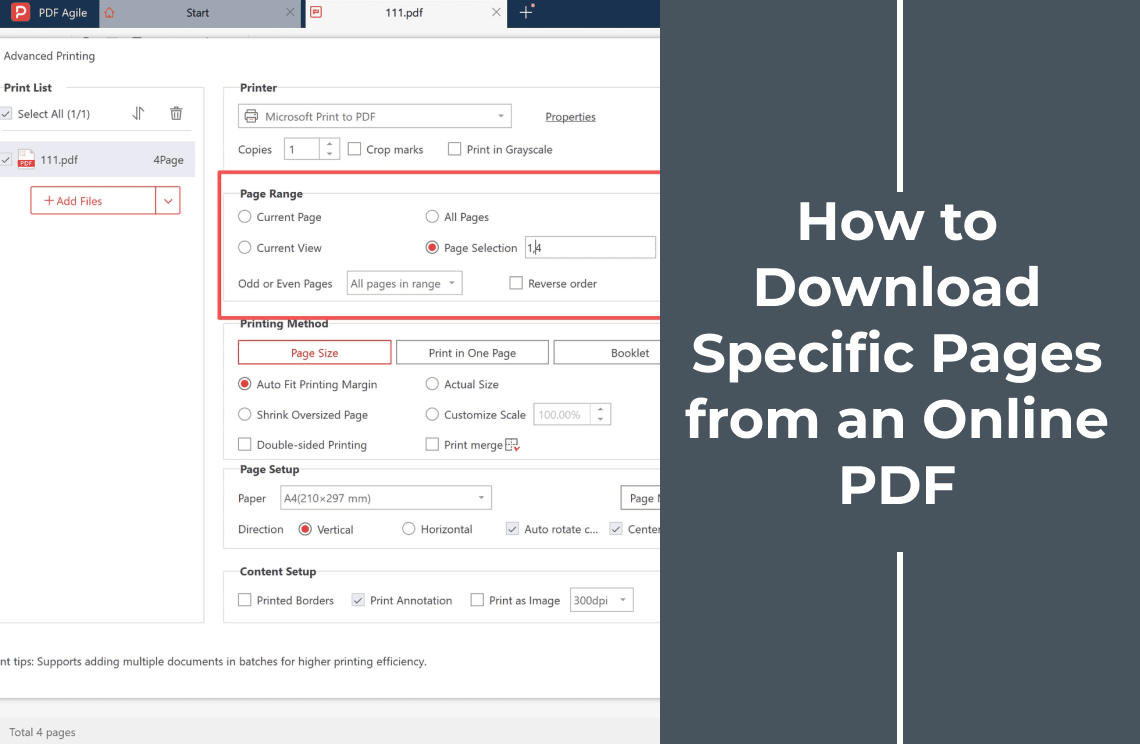
How to Download Specific Pages from an Online PDF
Learn how to download selected pages from an online PDF: save the original file, choose the pages you need, create a new PDF, and verify the result.
Read More >>
How-to & Tips7 Mins
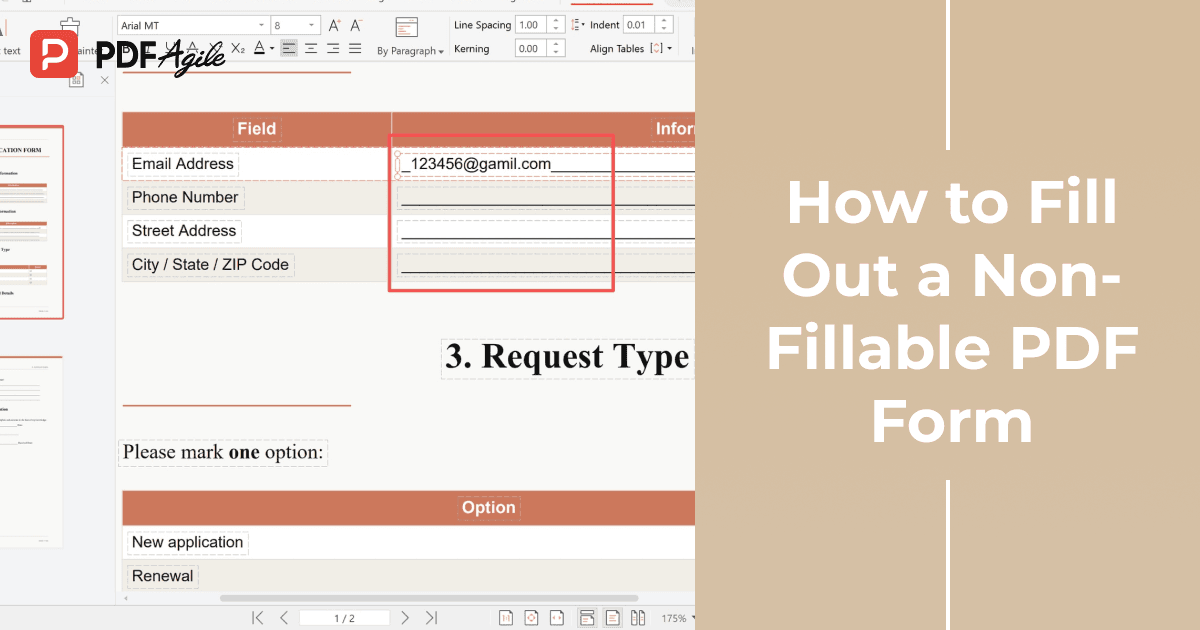
How to Fill Out a Non-Fillable PDF Form
A non-fillable PDF form has no fields to click. Learn where to place each answer, how to mark option boxes, and how to check the file before you send.
Read More >>
How-to & Tips6 Mins
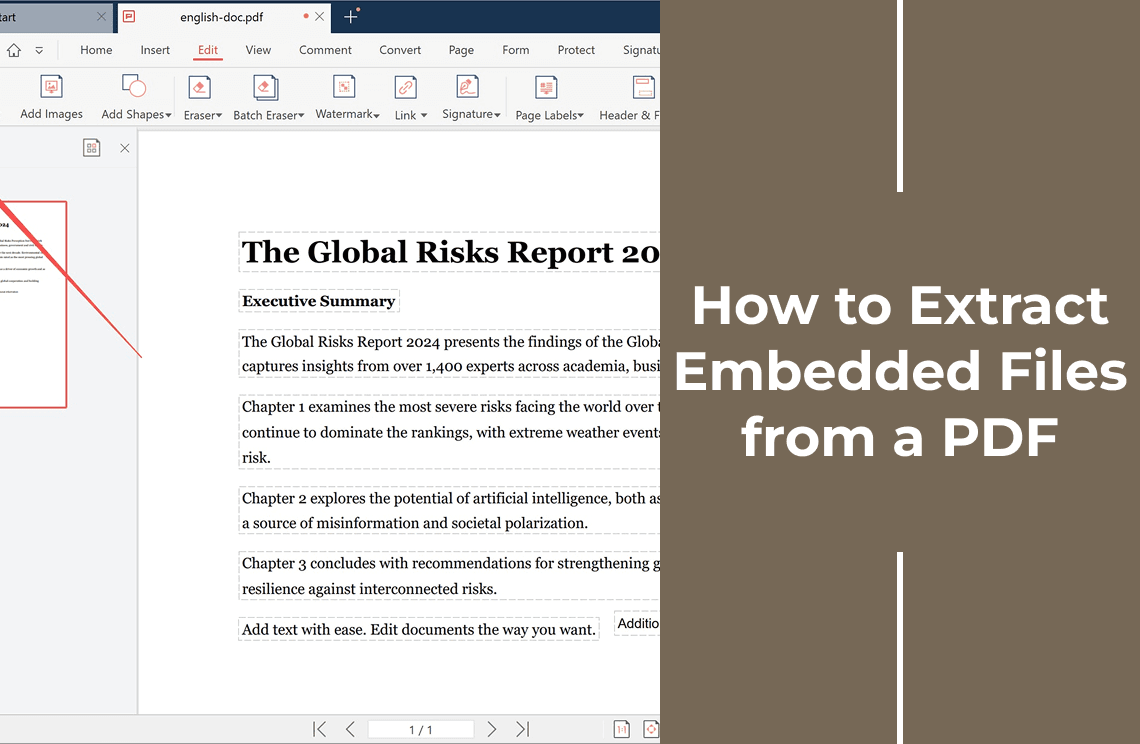
How to Extract Embedded Files from a PDF
The file is inside the PDF but the attachments panel is empty. Find out why, confirm what is really embedded, and save the files out without a panel.
Read More >>
How-to & Tips6 Mins
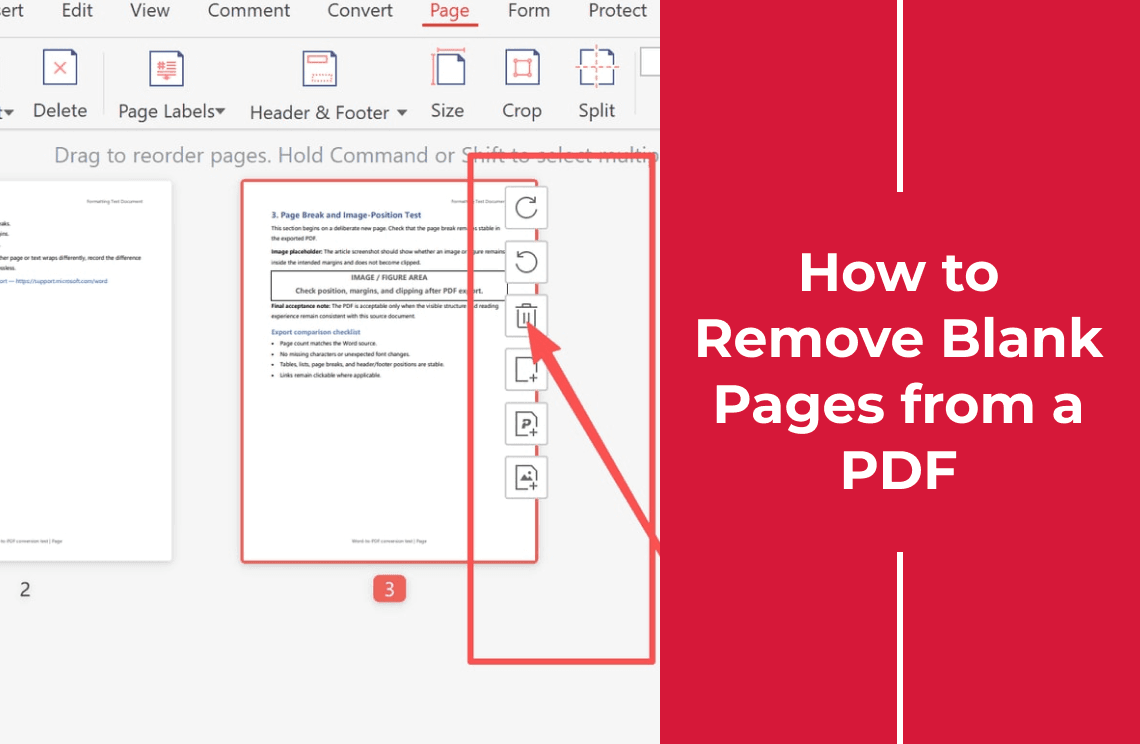
How to Remove Blank Pages from a PDF Without Rebuilding the File
Tell a blank-looking page from a faint scan, remove only the blanks you have confirmed, then check the count and order before saving.
Read More >>
How-to & Tips9 Mins
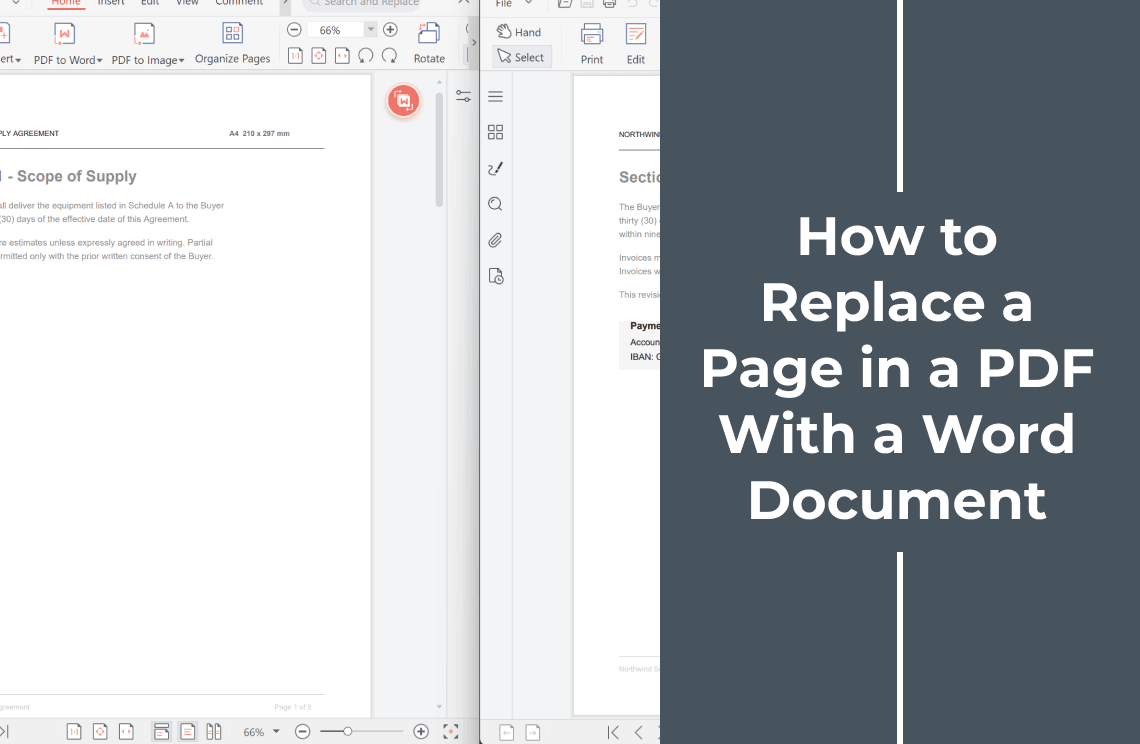
How to Replace a Page in a PDF With a Word Document
The page count should not change when one page is updated. Export the Word page at the same size, swap it in place, then check the bookmarks.
Read More >>
How-to & Tips8 Mins
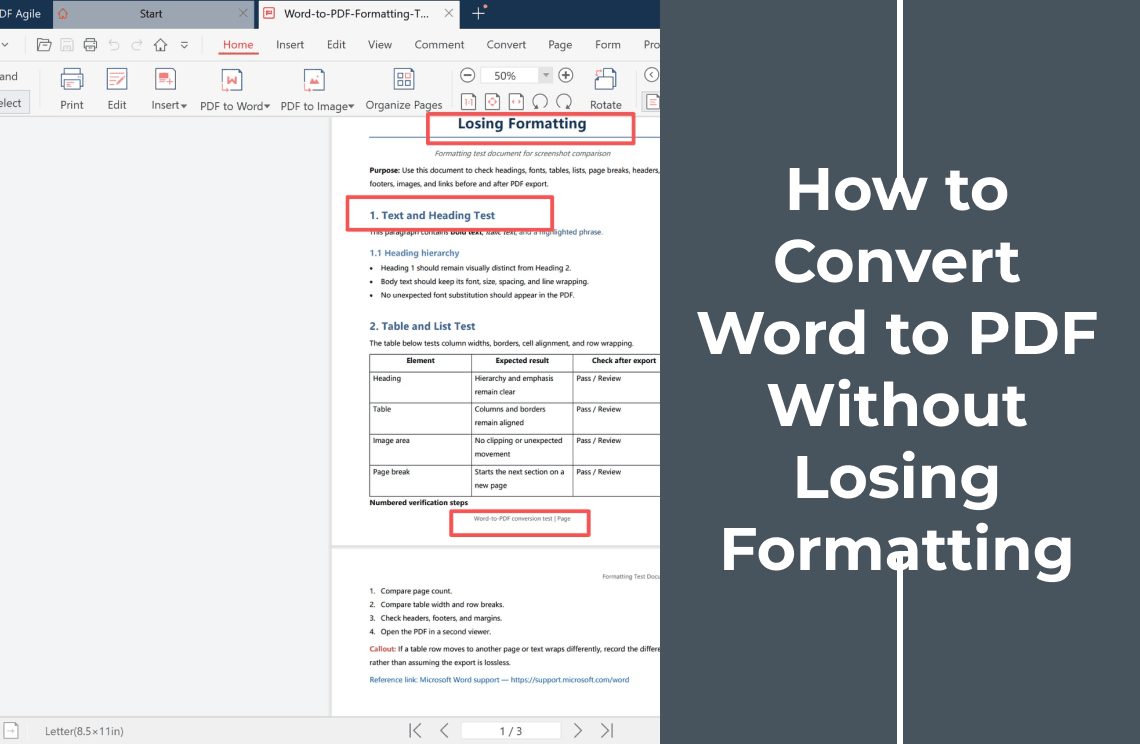
How to Convert Word to PDF Without Losing Formatting
Word to PDF conversion breaks when fonts are not embedded or tables reflow. Set the export options, then check the PDF page by page.
Read More >>