Searching for a Nitro PDF Pro crack or Nitro PDF professional crack is a common response to the high cost of premium PDF software. Nitro is a powerful tool, and features like OCR, batch processing, and direct text editing are essential for modern document management. However, the search for a crack often results in unstable software, compatibility issues, and wasted productivity.
Fortunately, there are now numerous professional-grade and free alternatives that offer the same—if not better—functionality than Nitro PDF Pro without the need for unofficial downloads. This guide explores the best Nitro PDF alternatives to help you find a secure and cost-effective solution for your needs.
Top Professional Alternatives
These are the most direct competitors to Nitro PDF, offering advanced features like OCR, batch processing, and e-signatures.
1. PDF Agile
 Recognized cost-effective alternative to Adobe Acrobat, PDF Agile is an all-in-one PDF solution that focuses on speed and an intuitive, user-friendly interface, offering a suite of professional tools without the high recurring subscription costs typical of competitors. It is designed to replace cumbersome, expensive software by providing a streamlined workflow for editing, converting, and securing documents.
Key Features
PDF Agile provides a comprehensive suite of tools designed to mirror the essential functions of Acrobat Pro.
- Advanced Editing: Modify text (change font, size, color) and images directly within the PDF as if you were using Microsoft Word.
- Powerful OCR (Optical Character Recognition): Convert scanned documents or images into searchable and editable PDF or Word files.
- High-Fidelity Conversion: Convert PDFs to Word, Excel, PowerPoint, TXT, and JPG while maintaining the original layout and formatting.
- Document Management: Merge multiple files, split documents, delete/rotate pages, and add watermarks or page numbers.
- Security & Signing: Apply password protection to sensitive files, redact confidential information, and add legally binding electronic signatures.
- Annotation Tools: Markup documents with highlights, underlines, freehand drawings, and comment bubbles.
- Device Flexibility: Most lifetime licenses allow for simultaneous installation and use on up to two Windows devices.
PDF Agile Pricing
| Plan | Price (Approx.) | Key Features Included |
| Free Trial | $0 | Basic viewing, limited conversion/editing tasks to test the interface. |
| Seme-Annual Plan | $39.00 | Full Suite: Edit text/images, OCR, PDF to Office conversion, e-signatures, 2 devices. |
| Annual Plan | $59.00 | Full Suite: Edit text/images, OCR, PDF to Office conversion, e-signatures, 2 devices. |
| Lifetime Plan | $295.00(Campaign Price $119.00 Now) | Permanent access, all advanced features, OCR, batch processing, no recurring fees. |
Best for
- Budget-Conscious Professionals: Ideal for individual users and small businesses looking to avoid recurring monthly subscriptions.
- Windows-First Environments: Since it is optimized specifically for Windows, it is a top choice for PC power users in fields like civil engineering, education, and administration.
- High-Volume Converters: Users who frequently need to move content between PDFs and Microsoft Office formats while maintaining 90%+ layout accuracy.
- Translation & Localization: Professionals who need to translate PDF content while preserving the original complex document layout.
2. Foxit PDF Editor
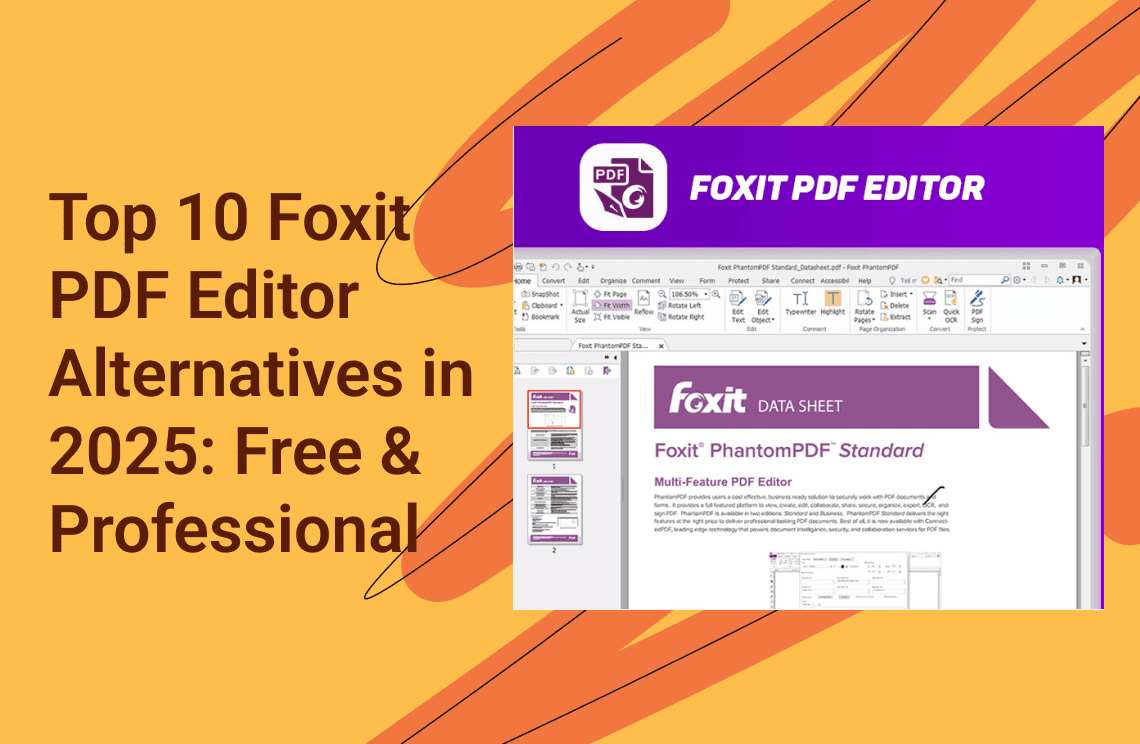
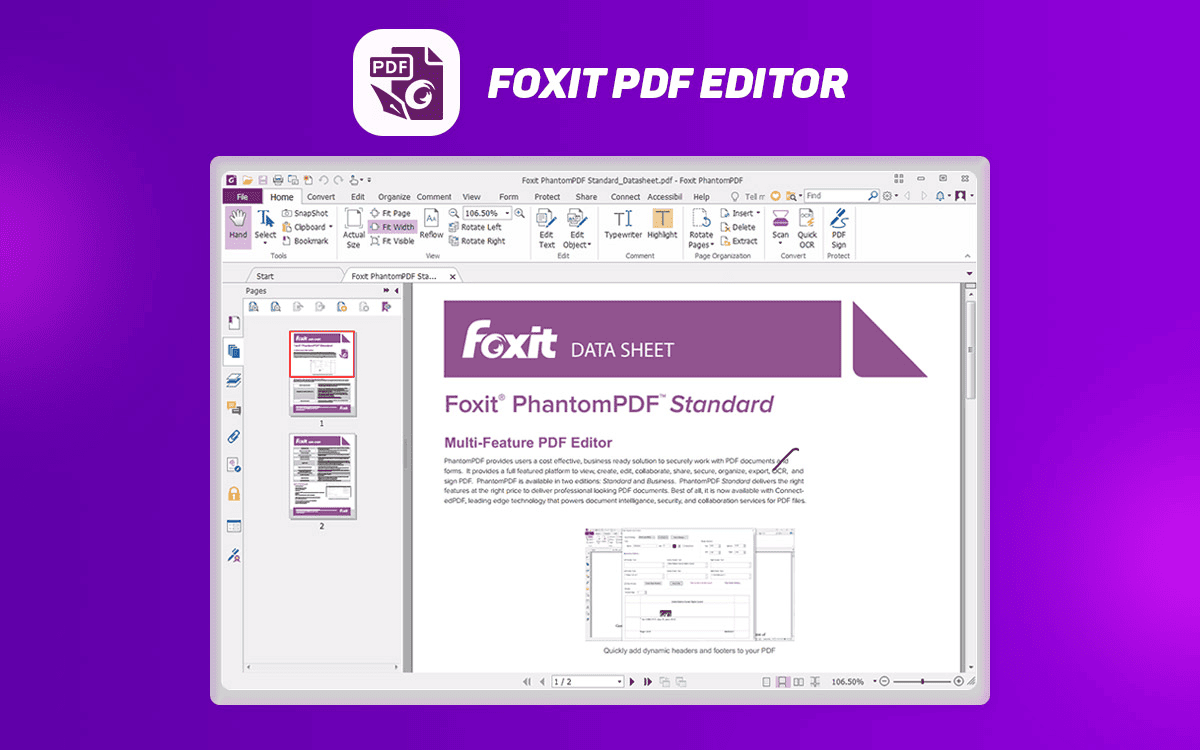 Foxit PDF Editor is the premier 2025 alternative to Adobe Acrobat, designed to offer enterprise-grade document management at a significantly lower total cost of ownership. Leveraging a familiar Microsoft Office-style ribbon interface, it eliminates steep learning curves while delivering faster performance and cutting-edge AI integrations.
Key Features
- Next-Gen AI Assistant: Beyond basic summaries and translations, the 2025 update includes AI image generation from text prompts and Smart Commands that execute complex tasks (like watermarking or page removal) via natural language.
- Seamless Enterprise Integration: Connects PDFs directly to business critical systems like Salesforce, Jira, and Gmail to update records or send emails without leaving the editor.
- Smart Redact: An AI-powered security tool that automatically identifies and removes sensitive PII (Personally Identifiable Information) with near-perfect accuracy.
- Integrated eSignatures: Features legally binding electronic signature workflows built directly into the editing platform, allowing users to send, track, and manage signatures seamlessly.
- Advanced Security & Compliance: Fully compliant with GDPR, HIPAA, and SOC 2, featuring enhanced support for Microsoft Sensitivity Labels and automatic metadata removal upon saving.
Pricing
| Plan Type | Price (Approx.) | Platform Support | Included Extras |
| Subscription (Editor) | $129 / year | Windows, Mac, Web | 20GB Cloud, PDF AI Assistant |
| Subscription (Editor+) | $159 / year | Windows, Mac, Web, Mobile | 150GB Cloud, AI Assistant, eSign Pro |
| One-Time Purchase | $199.00 / once | Windows OR Mac only | Basic editing, no AI, no Cloud storage |
Best For
- Microsoft 365 Organizations: Its interface and deep integration with Azure Information Protection (AIP) make it the most logical choice for Windows-centric offices.
- Budget-Conscious Enterprises: Companies looking to save up to 44% compared to Adobe Acrobat without sacrificing high-end features like OCR or batch processing.
- Remote/Hybrid Teams: Teams that rely on real-time collaboration through cloud integrations like Google Drive, Dropbox, and Microsoft Teams.
- Compliance-Heavy Industries: Legal, government, and healthcare sectors that benefit from automated redaction and rigorous data governance standards.
3. PDFelement (Wondershare)
 PDFelement is a comprehensive, AI-powered PDF solution that provides professional-grade tools across all platforms (Windows, macOS, iOS, Android, Web) at an affordable price point. It is known for its user-friendly, intuitive interface that simplifies complex document management tasks.
Key Features
- AI-Powered Productivity: Built-in AI tools enable instant document summarization, content translation, grammar checks, and conversational Q&A interaction with PDFs.
- Comprehensive Editing: Edit text, images, and pages within PDFs seamlessly, adjust font styles and colors, insert links, watermarks, headers, and footers.
- High-Quality Conversion & OCR: Convert PDFs to and from numerous formats (Word, Excel, PPT, images, CAD, etc.) while preserving formatting integrity. Its regional OCR recognizes text in over 20 languages.
- Forms & Signatures: Create, fill out, and manage interactive forms easily. Securely e-sign documents and utilize bulk-sending features for multiple recipients.
- Organization & Security: Combine, split, compress, and redact PDFs. Features include password protection, batch processing, and professional Bates numbering.
PDFelement Pricing
| Plan Name | License Type | Price (USD) | Key Features Included |
| Yearly Plan | Subscription | $79.99/year (Discounted from $129) | Auto-renews, cancel any time. 1 year of updates, all features, 20GB Cloud storage, no watermark, tech support. |
| 2-Year Plan | Subscription | $109.99 (Discounted from $149) | Manually renew subscription. 2 years of updates, all features, 20GB Cloud storage, no watermark, tech support. |
| Perpetual Plan | One-Time Purchase | $129.99 (Discounted from $159) | One-time fee. Perpetual access to PDFelement 12, all features, 20GB Cloud storage, no watermark, tech support. |
Note: The prices listed in the table reflect significant promotional discounts available when the blog was created. For the most accurate and up-to-date current pricing, please check the official PDFelement website.
Best For
- Budget-Conscious SMBs & Individuals: Ideal for users seeking powerful features comparable to Adobe Acrobat but at a significantly lower cost, especially with the perpetual license option.
- Cross-Platform Users: Excellent for those who need a consistent experience and document syncing across Windows, Mac, iOS, Android, and web platforms.
- Academics & Professionals: The robust OCR, annotation summary, and AI summary tools make it highly valuable for research, education, and legal fields.
4. UPDF
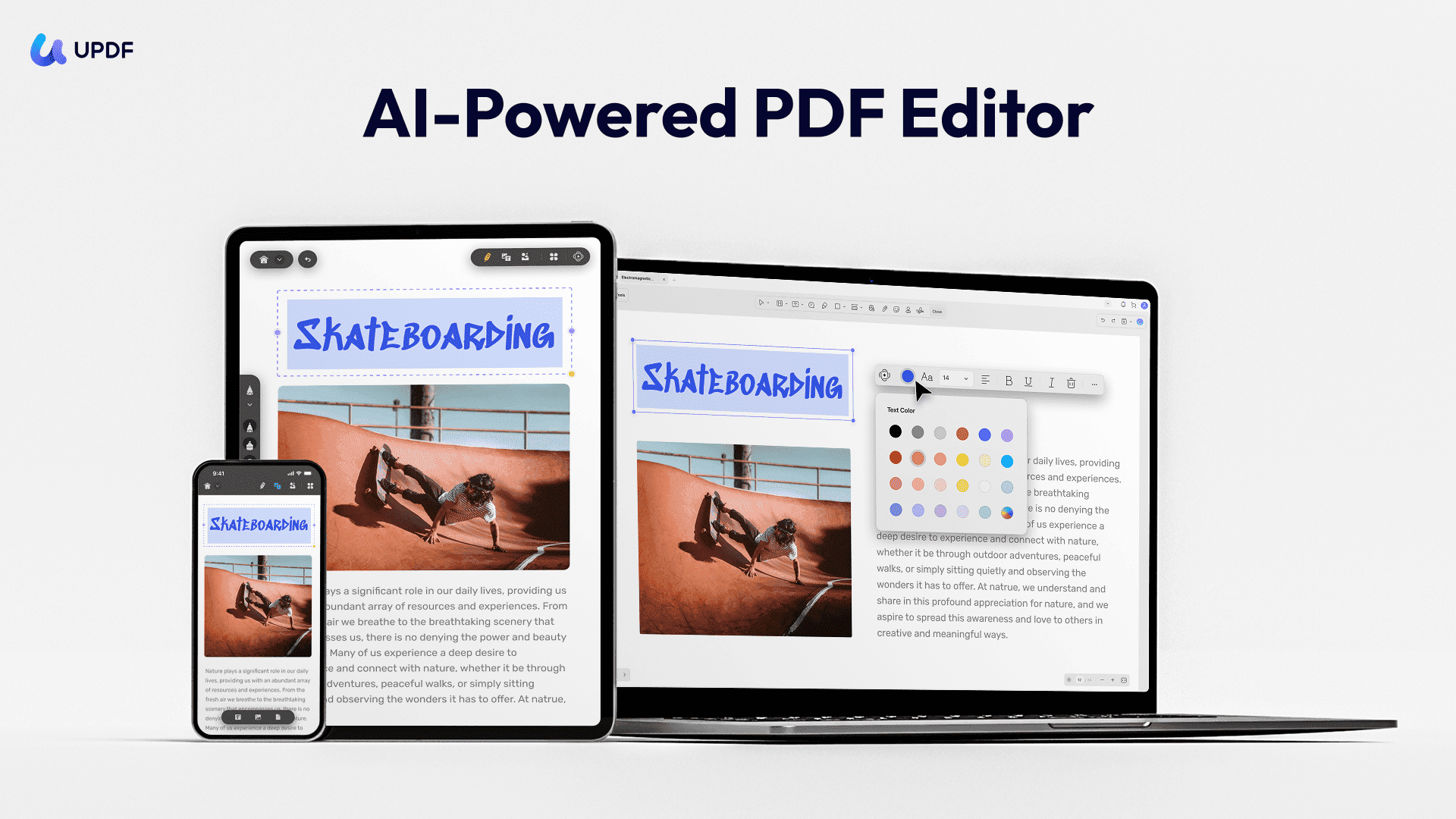 UPDF stands out in the 2025 market as the most visually intuitive and "youthful" alternative to legacy PDF software. Built with a focus on aesthetics and speed, it moves away from the cluttered, menu-heavy interfaces of the past in favor of a sleek, minimalist dashboard. It is a cross-platform powerhouse, allowing users to handle complex document tasks on Windows, macOS, iOS, and Android with a single unified account.UPDF offers deep AI integration that can summarize, translate, and even explain complex PDF data by turning it into mind maps. One license covers four different devices (Desktop and Mobile).
Key Features
- UPDF AI: A deeply integrated AI assistant that can summarize long PDF reports in seconds, explain technical jargon, and translate content into over 100 languages.
- Rapid Editing & Annotation: Edit text and images with zero lag. It features a unique "Drag-and-Drop" page management system and a vast library of stickers and stamps for creative feedback.
- Advanced OCR: Employs an AI-driven OCR engine that maintains high layout accuracy when converting scanned paper into editable formats.
- Form & Signature Management: Create fillable forms from scratch or convert non-interactive PDFs into fillable ones; supports secure, stylish electronic signatures.
- UPDF Cloud: Offers dedicated cloud storage that syncs your PDF edits and annotations across your desktop and mobile devices in real-time.
- PDF Presentation Mode: A built-in slideshow feature that allows you to present your PDF like a PowerPoint without needing to convert it.
UPDF Pricing & AI Features
| Plan Name | License Type | Price (USD) | Discount/Notes | Key Features Included |
| UPDF Professional | Annual Subscription | $35.99/year | 28% off from $49.99 | All basic PDF tools (edit, convert, manage) |
| UPDF Professional | Perpetual (Lifetime) | $59.99 (one-time) | 25% off from $79.99 | All basic PDF tools (edit, convert, manage) |
| AI Assistant | Annual Subscription | $79.00/year | 43% off from $139.00 | Unlimited AI functions (Summarize, Translate, Ask PDF), Analyze unlimited PDFs, 100GB Cloud Storage. |
| AI Assistant | 7-Day Free Trial | $69.00/year (auto-renews) | Available option | GPT-5 powered, 7 days free, then auto-renews annually. |
Note: The prices listed in the table reflect significant Christmas/New Year promotional discounts available at the time this blog was created. For the most accurate and up-to-date current pricing, please check the official UPDF website.
Top Free & Budget Alternatives
If you need basic to intermediate editing without high monthly costs:
5. PDFgear
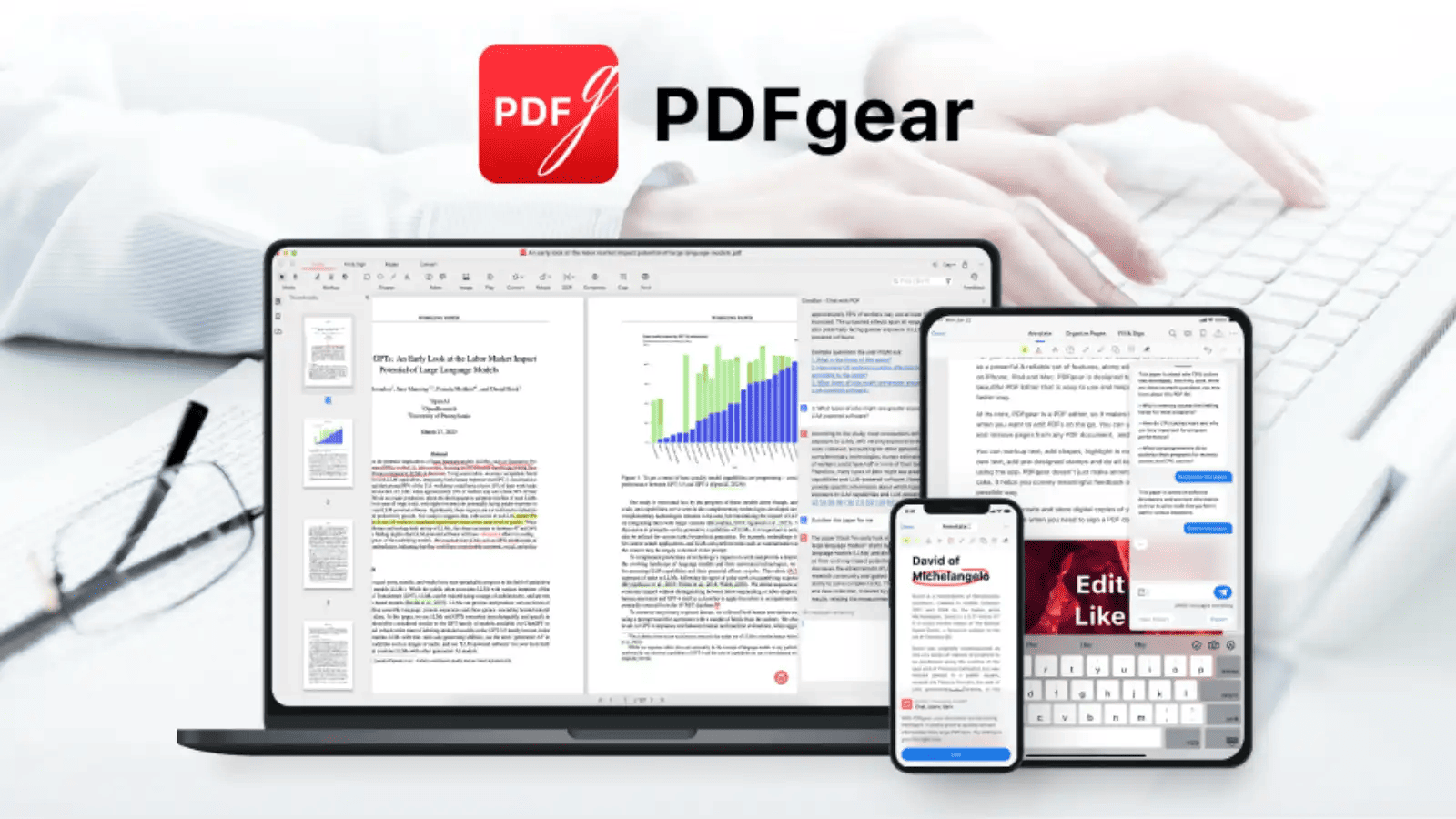 PDFgear is currently the most powerful free tool on the market. It offers professional features like text editing, OCR, and PDF conversion without watermarks or registration. It also includes an AI Copilot to summarize long documents.
Core Features
- Full PDF Editing: Unlike many "free" tools that only allow annotations, PDFgear allows you to modify existing text, images, and links directly within the document, similar to a word processor.
- AI Copilot: Integrates a GPT-powered assistant that can summarize long research papers, extract key details, translate text, and even perform software tasks (e.g., "compress this PDF") through a chat interface.
- Comprehensive OCR: Supports Optical Character Recognition in over 30 languages, allowing you to convert scanned documents into editable Word or TXT files.
- Security & Privacy: Offers secure redaction for sensitive content, password protection, and certificate-based digital signatures.
- PDFgear Scan (New for 2025): A dedicated mobile app launched in July 2025 that uses AI to scan physical documents, automatically categorize receipts into expense reports, and solve academic questions from images.
Limitations
In 2025, while PDFgear is an excellent free tool, it has the following brief limitations compared to paid professional suites:
- Missing Enterprise Tools: Lacks advanced features like Bates numbering, complex form field logic, and deep document comparison tools.
- OCR Accuracy: Formatting can break on highly complex or low-quality scanned documents compared to high-end engines like ABBYY or Adobe.
- Fragmented Editing: Text editing can sometimes split paragraphs into separate boxes, making large-scale reformatting difficult.
- Lack of Integrations: No native plugins for enterprise ecosystems like SharePoint, Salesforce, or Microsoft 365.
- Platform Gaps: Currently lacks a native Linux version.
- No Dedicated Support: As a free product, it does not offer 24/7 technical support or administrative consoles for team management.
Best For
- Students/Researchers: Using AI to digest massive volumes of text.
- Budget-Conscious Users: Accessing Adobe-level features for free.
- Quick Editing: Users who need to fix a document without installing a heavy suite or creating an account.
6. Sumatra PDF
 Sumatra PDF is a free, open-source document viewer for Windows, renowned for being the most lightweight and fastest PDF reader available in 2025. It is designed for users who prioritize speed and simplicity over complex editing tools.
Key Features
- Extreme Performance: It uses a minimal amount of system resources (RAM and CPU), allowing even massive PDF files (thousands of pages) to open almost instantly.
- Multi-Format Support: Beyond PDFs, it natively supports EPUB, MOBI, CBZ, CBR, XPS, DJVU, and CHM files, making it a favorite for reading ebooks and digital comics.
- Minimalist Interface: The UI is clean and distraction-free, focusing entirely on the content of the document rather than a cluttered toolbar.
- Portable Version: Sumatra offers a standalone
.exethat requires no installation. You can run it directly from a USB drive or a cloud folder on any Windows machine. - Advanced Rendering: In 2025, it continues to use the MuPDF rendering engine, ensuring high-quality text and image display that matches more expensive software.
Limitations
It is important to understand that Sumatra PDF is a viewer, not an editor.
- No Text Editing: You cannot modify the text or images within a PDF.
- No Forms/Signatures: It does not support filling out interactive PDF forms or adding digital signatures.
- No OCR: It cannot perform optical character recognition on scanned documents.
Best Use Cases
- Ebook/Comic Reading: Excellent for managing digital libraries due to its support for CBZ and EPUB formats.
- Technical Reference: Ideal for developers or engineers who need to keep large manuals open in the background without slowing down their PC.
- Low-Spec Hardware: The best choice for older laptops or tablets running Windows.
Top Free Online Alternatives
7. Smallpdf
 Ideal for users who rarely edit PDFs and just need to merge two files or sign a document quickly in a web browser. It integrates directly with Google Drive and Dropbox.
Key Features
- Comprehensive PDF Suite: Over 20 tools for merging, splitting, compressing, rotating, and organizing PDF pages.
- AI-Powered Tools: Integrated AI allows users to summarize, translate, or "chat" with their PDFs directly in the browser to extract insights.
- Advanced Conversion & OCR: High-quality conversion between PDF and Office formats (Word, Excel, PowerPoint) and images, featuring OCR to turn scanned documents into searchable text.
- Secure eSignatures: Built-in digital signing capabilities with audit trails and digital seal protection on signatures.
- Cloud & Browser Integration: Seamlessly upload files from cloud storage (Google Drive, Dropbox) or use the Chrome extension for quick access.
- Enterprise Security: ISO/IEC 27001 certified and GDPR compliant, with TLS encryption for all file transfers.
Pricing
| Plan | Users | Price (Annual/mo) | Price (Monthly) | Key Benefits |
| Free | 1 | $0 | $0 | Limited downloads; 2 documents/mo on Sign.com. |
| Pro | 1 | $9 | $12 | Unlimited access, OCR, AI tools, and Sign.com Premium. |
Best For
Quick "Get-In-Get-Out" Tasks: Users who need to perform straightforward edits or conversions without navigating complex menus.
Casual & Academic Use: Students and freelancers who need reliable, no-frills tools for occasional document manipulation.
Modern Workflows: Professionals who prefer browser-based, AI-enhanced tools over traditional, feature-heavy enterprise software like Foxit or Adobe.
8. iLovePDF
 Launched in Barcelona in 2010, iLovePDF's mission was to make PDF management universally accessible and free. It has since grown into one of the world's 50 most visited websites, with a full suite of over 25 tools available on the web, desktop, and mobile. Unlike Foxit's enterprise-heavy approach, iLovePDF prioritizes an intuitive user interface, ensuring a minimal learning curve for everyday document tasks
Key Features
- Comprehensive Toolkit: Provides essential tools like merging, splitting, compressing, rotating, and organizing PDFs.
- High-Quality Conversion: Convert files to and from various formats, including Word, Excel, PowerPoint, and JPG, with OCR technology for scanned documents.
- Security & Compliance: Files are protected with end-to-end encryption (HTTPS/TLS), password protection, and the service is ISO 27001 certified and GDPR compliant, with files automatically deleted after two hours.
- E-Signing Capabilities: Offers secure e-signing features, allowing users to fill out forms and add signatures on any device.
- Multi-Platform Access: Available as a web service, a desktop app for offline processing, and mobile apps for iOS and Android.
- Batch Processing: Premium users can process multiple files simultaneously to save time.
Pricing
iLovePDF operates a popular freemium model. Monthly plans are more expensive than the annual subscription, which offers a better value.
| Plan | Price (Annual/mo) | Price (Monthly) | Key Benefits |
| Free | $0 | $0 | Limited access to core tools, file size limits. |
| Premium | $7/month | $9/month | Full access to all tools (web/mobile/desktop), OCR, unlimited processing, and no ads. |
| Business | Custom | Custom | All Premium features plus user management, custom contracts, and dedicated customer support. |
Best For
- Casual Users: Anyone who needs a quick, hassle-free way to manage PDFs occasionally without needing to install heavy software.
- Students & Freelancers: Highly praised in the education sector for its free tier and simple interface, allowing easy conversion and merging of study materials.
- Simplicity Over Complexity: Users who prioritize a clean, intuitive user interface over Foxit's extensive, enterprise-focused functionalities.
- Web-Based Workflows: Ideal for those who primarily work in a browser environment and need seamless cloud storage integration.
For further information and to start using the tools, visit the iLovePDF Official Site.
How to Choose the Best Alternatives
Selecting the right Foxit alternative in 2025 depends on your specific workflow, budget, and the devices you use daily. Consider these three primary factors:
Workflow Complexity: If you only need to merge files or sign a document once a month, a lightweight web-based tool like Smallpdf or iLovePDF is sufficient. For daily professional editing, OCR, and complex form management, dedicated desktop software like PDFAgile or Foxit PDF is necessary.
Budget vs. Features: Determine if you prefer a one-time purchase to avoid recurring costs. PDFgear offers professional features for free, while UPDF and PDF Agile provide affordable lifetime licenses that are often cheaper than a single year of Nitro PDF PRO.
Platform Ecosystem: Mac power users should lean toward PDF Expert for a native feel, whereas Windows users needing deep Office integration will find PDFAgile more aligned with their environment.