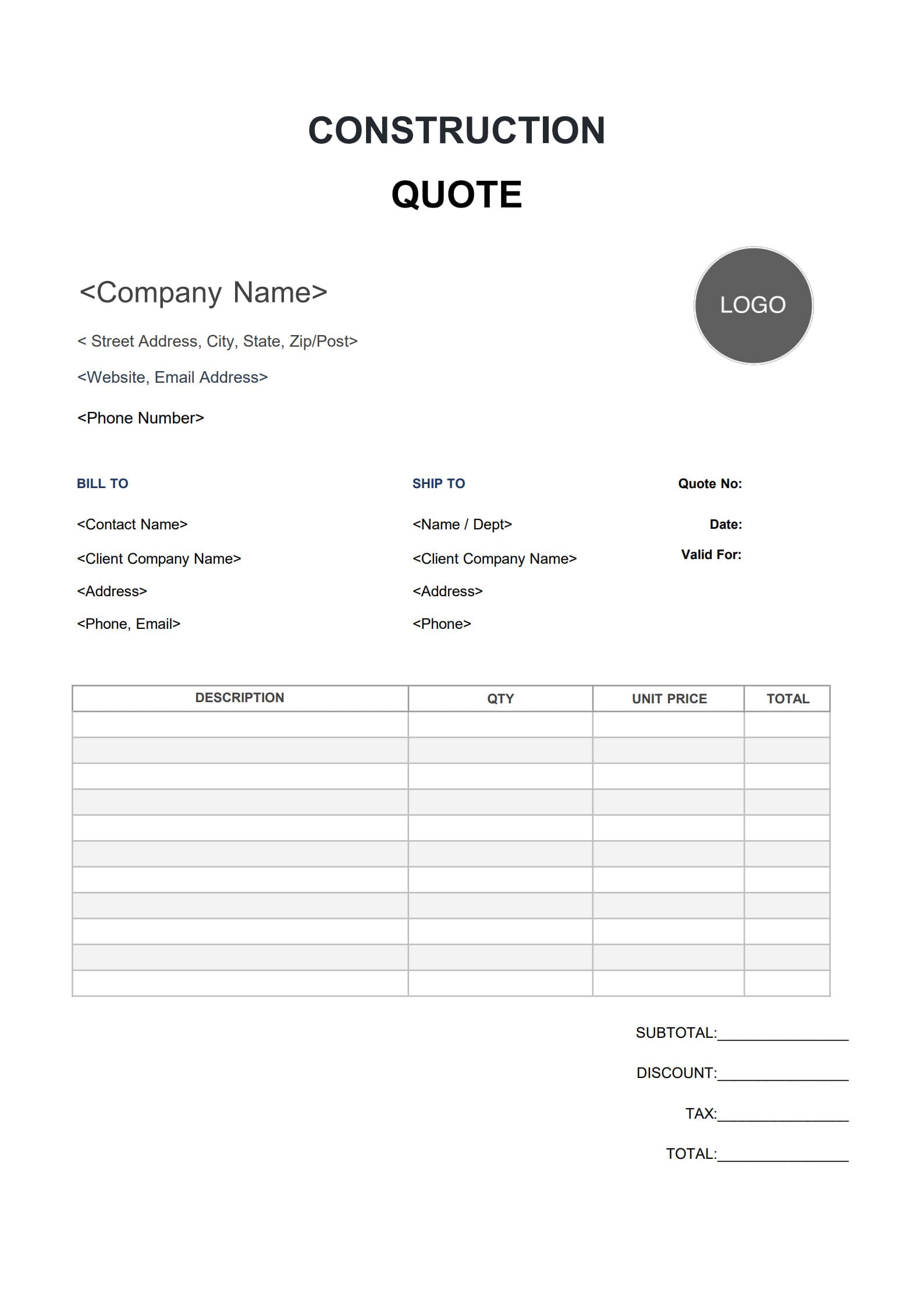
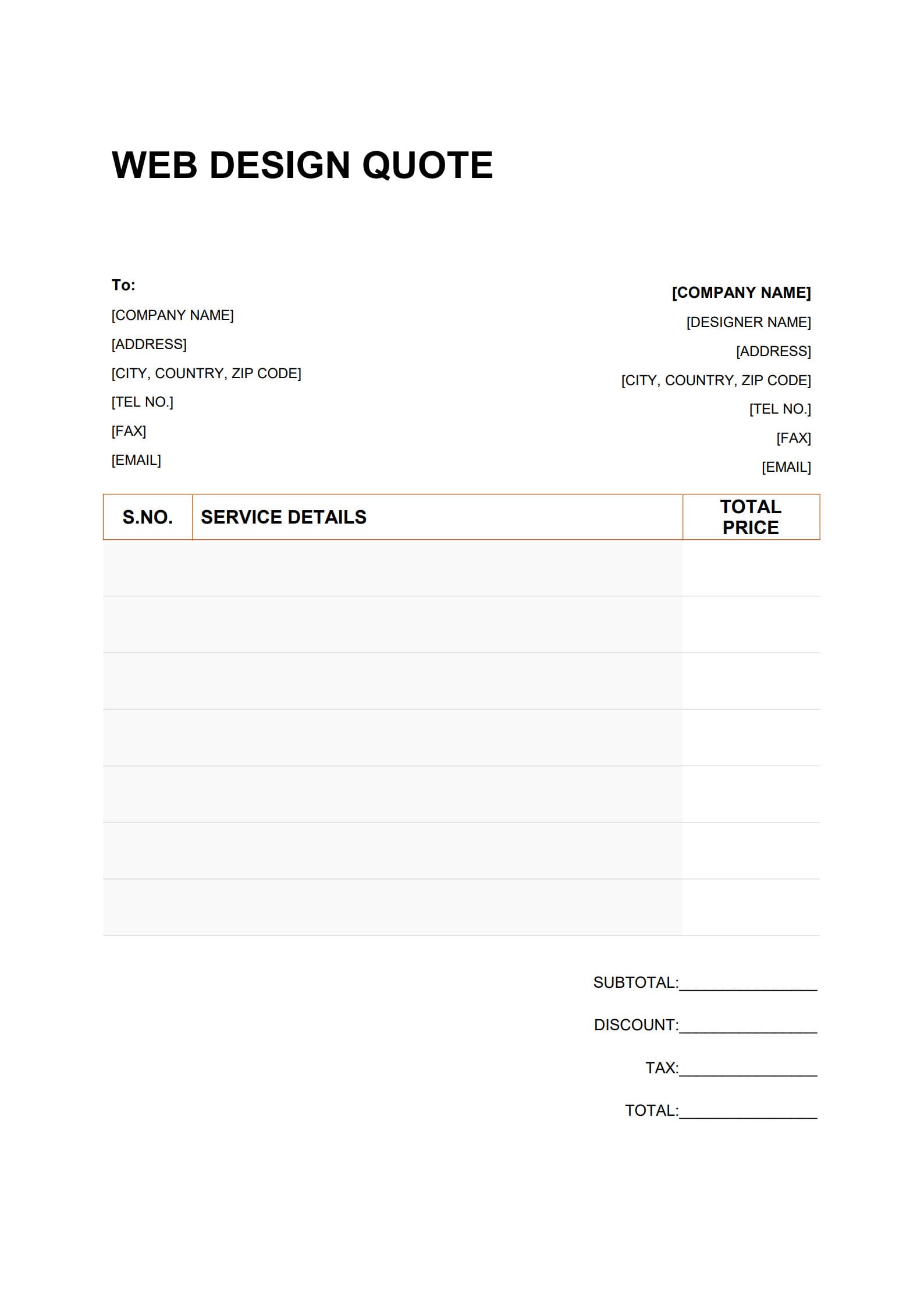
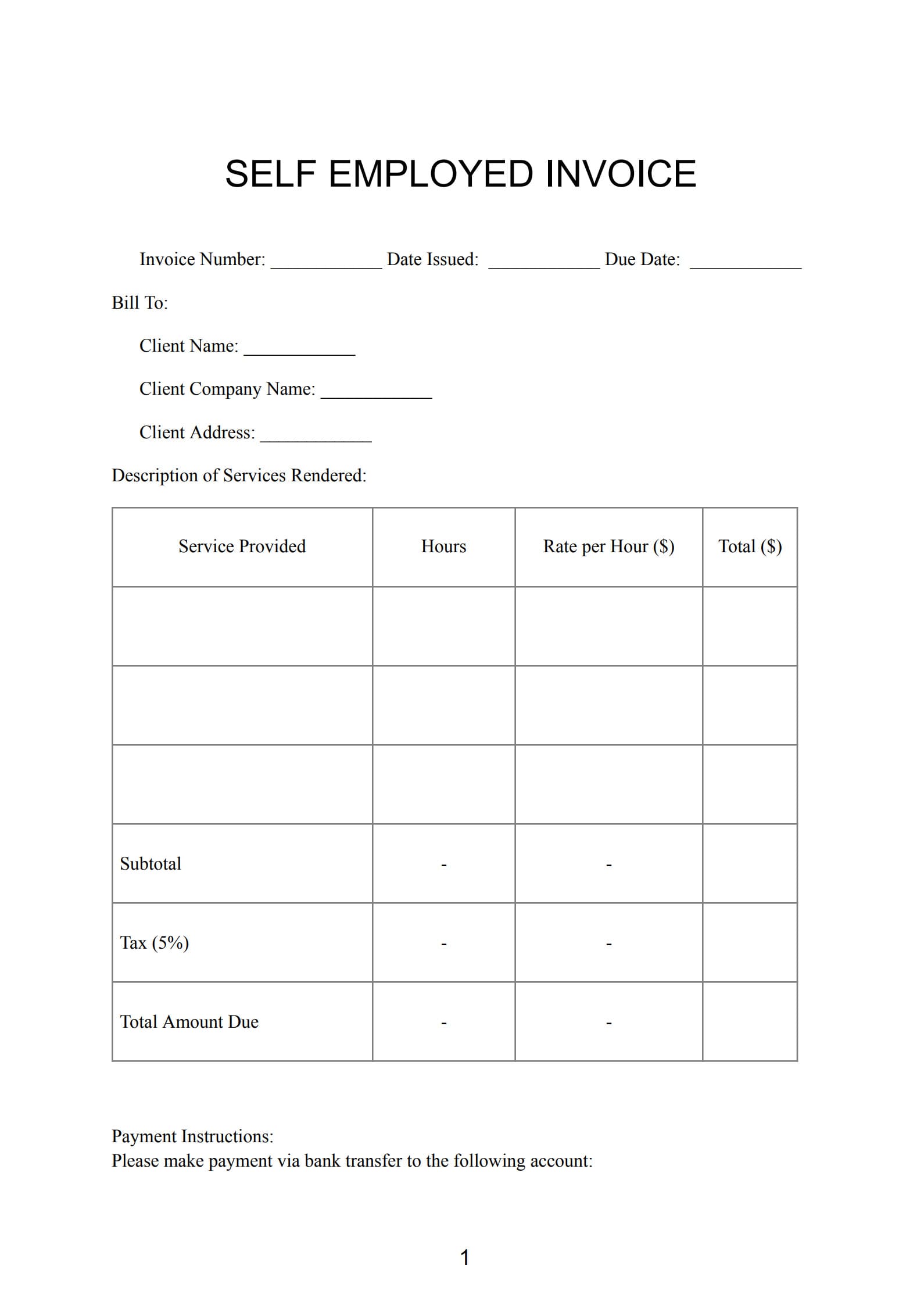
Every business transaction begins with clarity—especially when it comes to pricing and job expectations.
A Job Quote allows service providers, contractors, and freelancers to present professional, itemized cost breakdowns before beginning any project. It ensures that both the provider and the client are aligned on costs, timelines, and deliverables from the very start.
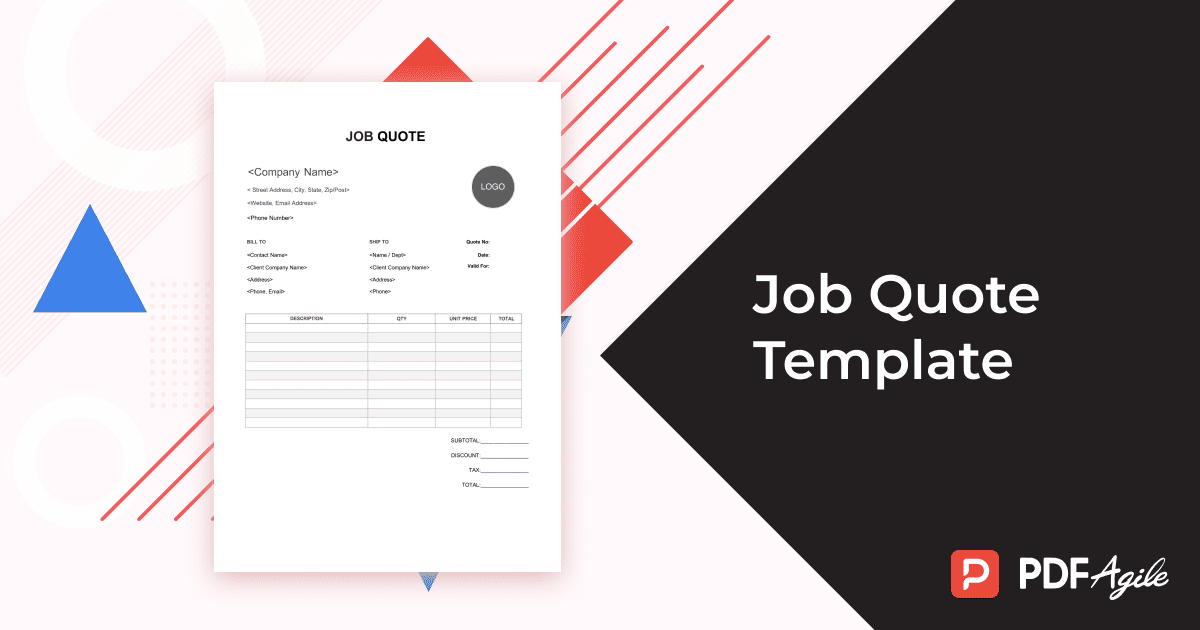
In this guide, we explain what a job quote is, its importance in business operations, the essential elements it should contain, and how to create one efficiently using PDFAgile’s free and editable Job Quote Template.
1. What Is a Job Quote?
A Job Quote is a formal document prepared by a business or contractor to outline the estimated cost, materials, labor, and timeline required to complete a specific job or project.
Unlike informal pricing proposals, a quote is binding once accepted by the client—meaning the provider agrees to deliver the job within the quoted amount unless changes are made to the project’s scope.
A standard job quote includes:
- Job description and task details
- Labor and material costs
- Project timeline and completion date
- Payment terms and conditions
- Business name, contact information, and logo
- Signature line for client approval
This document not only helps clients understand the pricing structure but also builds trust through transparency and professionalism.
2. Why Do Businesses and Contractors Need Job Quote Templates?
Using a Job Quote Template saves time, ensures consistency, and reduces the risk of omissions or errors. Whether you’re a contractor, service provider, or independent professional, job quote templates help you:
- Maintain professionalism: Present polished, standardized quotes that reflect your business identity.
- Ensure accuracy: Include all necessary cost details and terms without missing critical sections.
- Improve efficiency: Generate consistent quotes quickly for multiple projects or clients.
- Reduce disputes: Clear documentation prevents misunderstanding about scope or costs.
- Facilitate record-keeping: Keep organized digital copies for reference or audits.
With a customizable template from PDF Agile, you can streamline this process and focus more on delivering quality work rather than formatting documents.
3. What Should Be Included in a Job Quote Format?
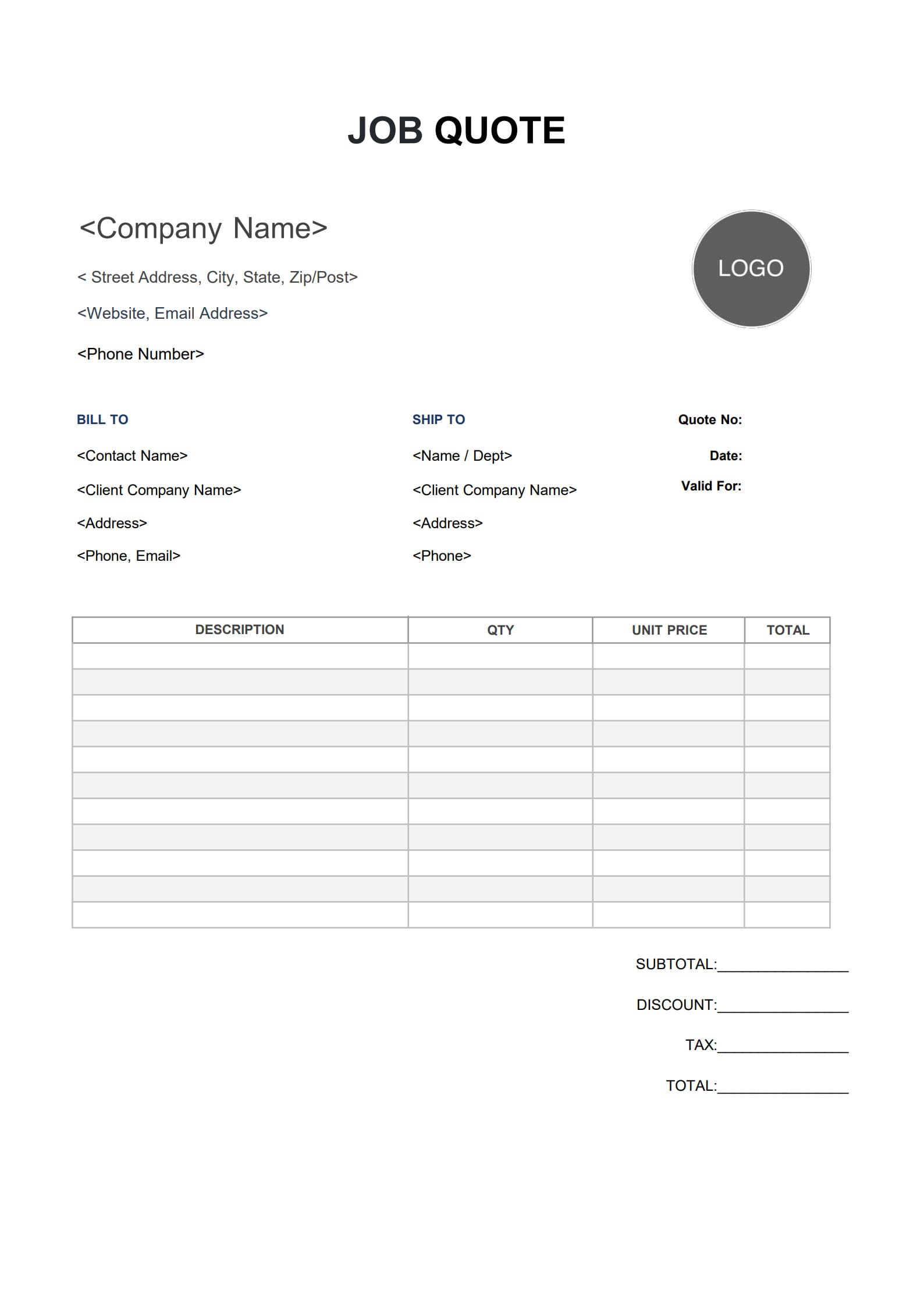
A well-structured job quote format should include all essential components that both inform and reassure clients. Key elements include:
- Business Information – Company name, address, contact number, and email.
- Client Details – Name, company, address, and contact information.
- Quote Number and Date – For tracking and reference purposes.
- Job Description – Clear explanation of the tasks, materials, and services included.
- Itemized Cost Breakdown – List of materials, labor hours, rates, taxes, and total amount.
- Timeline and Deliverables – Start date, completion date, and key milestones if applicable.
- Payment Terms – Deposit requirements, due dates, and accepted payment methods.
- Validity Period – Specify how long the quoted prices remain valid (e.g., 15 or 30 days).
- Authorization Section – Space for signatures to confirm acceptance.
These components make your quote clear, accountable, and legally sound for both parties.
4. How to Write a Detailed Job Quote with Template (Step-by-Step)?
Creating a professional job quote is quick and straightforward with PDF Agile. Follow these three easy steps:
Step 1: Download and Open the Work Quote Template
Visit the PDF Agile website and download the Job Quote Template.
Open it directly on your device or in the browser editor. The template’s clean and preformatted layout allows you to focus on content entry rather than formatting.
Besides, click“Use Template”on the right side of this page and start customize it to match your needs instantly.
Step 2:Convert PDF to Word (Optional)
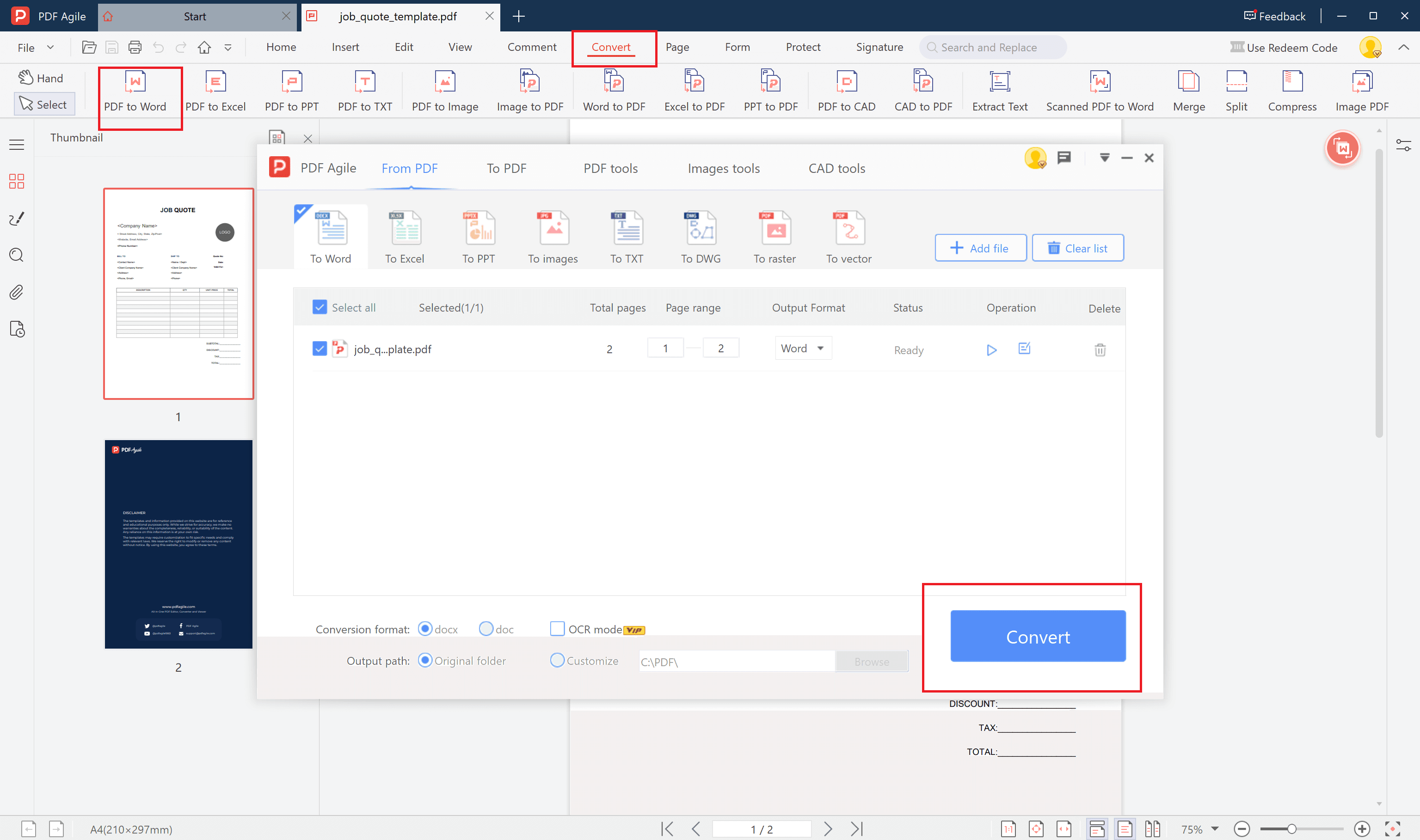
If you prefer editing in Microsoft Word, use PDF Agile’s PDF to Word feature.Upload the template, click “Convert to Word,” and make your edits easily before converting it back to PDF.
Step 3: Fill in the Job Details and Costs
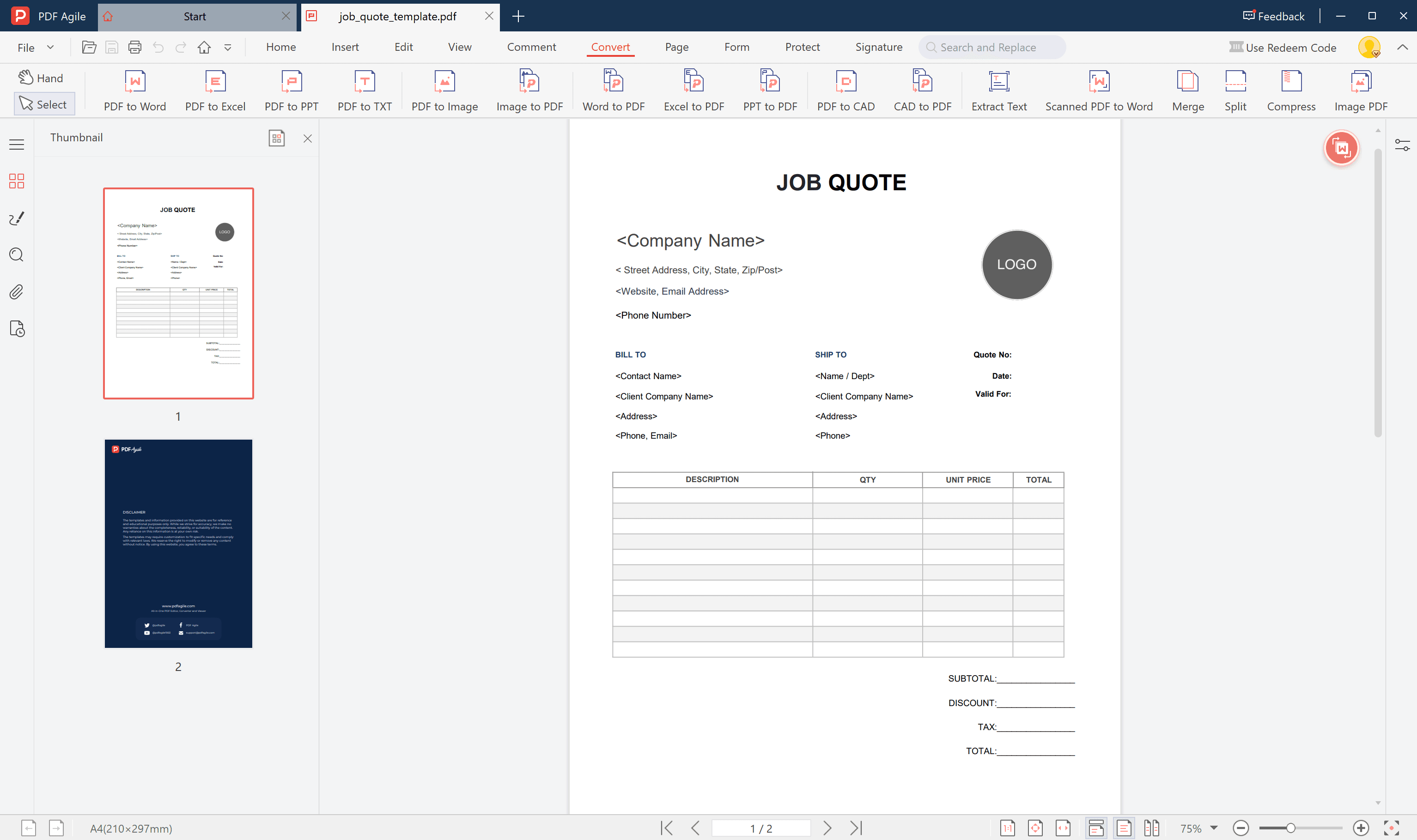
Carefully enter all job-related details, such as:
- Project description
- Labor and material costs
- Duration and deadline
- Client information and contact details
Transparency is key—ensure the quote covers all relevant aspects so there is no confusion later.
Step 4: Finalize and Export as PDF
Review for accuracy and completeness. Once finalized, you can export the file as a professional PDF document using PDF Agile.
Add your business logo, colors, and digital signature to reinforce your brand’s professionalism before sharing it with your client.
5. Best Practices to Make Your Job Quote Stand Out
To create a professional impression and increase the likelihood of approval, follow these best practices:
- Keep the structure clean and organized: Avoid clutter or unnecessary text.
- Use accurate and verifiable costs: Update prices frequently to reflect current rates.
- Demonstrate professionalism: Include branding and consistent visual design.
- Add value: Briefly highlight what differentiates your business—quality, experience, or speed.
- Communicate clearly: Use simple language to ensure all parties understand the terms.
These practices make your quote not only readable but also persuasive.
6. Common Mistakes to Avoid in Job Quoting
Even experienced professionals can make small but costly errors. Avoid the following:
- Leaving out hidden or indirect costs, such as travel, permits, or material transport.
- Not setting a price validity period, which may cause confusion if pricing changes.
- Failing to specify payment terms, including deposits or progress payments.
- Using vague job descriptions, which may lead to scope changes later.
- Neglecting to review the math, especially when quoting complex jobs.
Attention to detail helps maintain credibility and avoids potential financial disputes.
7. FAQs about Job Quote Templates
7.1 What Is the Difference Between a Job Quote and a Job Estimate?
A Job Quote is a formal, binding price offer that locks in the cost once accepted by the client.
A Job Estimate, on the other hand, is an approximate, non-binding prediction of potential costs and may vary based on the project’s progression or changes in material pricing.
7.2 How Long Is a Job Quote Typically Valid For?
Most job quotes remain valid for 15 to 30 days, depending on material price fluctuations or workload. Always specify your validity period clearly to avoid future misunderstandings.
7.3 Can I Send a Job Quote Digitally?
Yes. In fact, digital delivery is now preferred. Using PDF Agile, you can instantly export, email, or share your quote electronically in secure PDF format—ideal for remote communication and record-keeping.
Conclusion
A Job Quote is more than a cost summary—it’s a professional statement of intent that lays the foundation for successful collaboration.
By using PDF Agile’s free and editable job quote templates, businesses and contractors can save time, enhance accuracy, and present clients with well-organized, polished proposals in minutes.
Whether you’re a freelancer or managing a growing company, an effective job quote communicates reliability, professionalism, and transparency—qualities every client values.