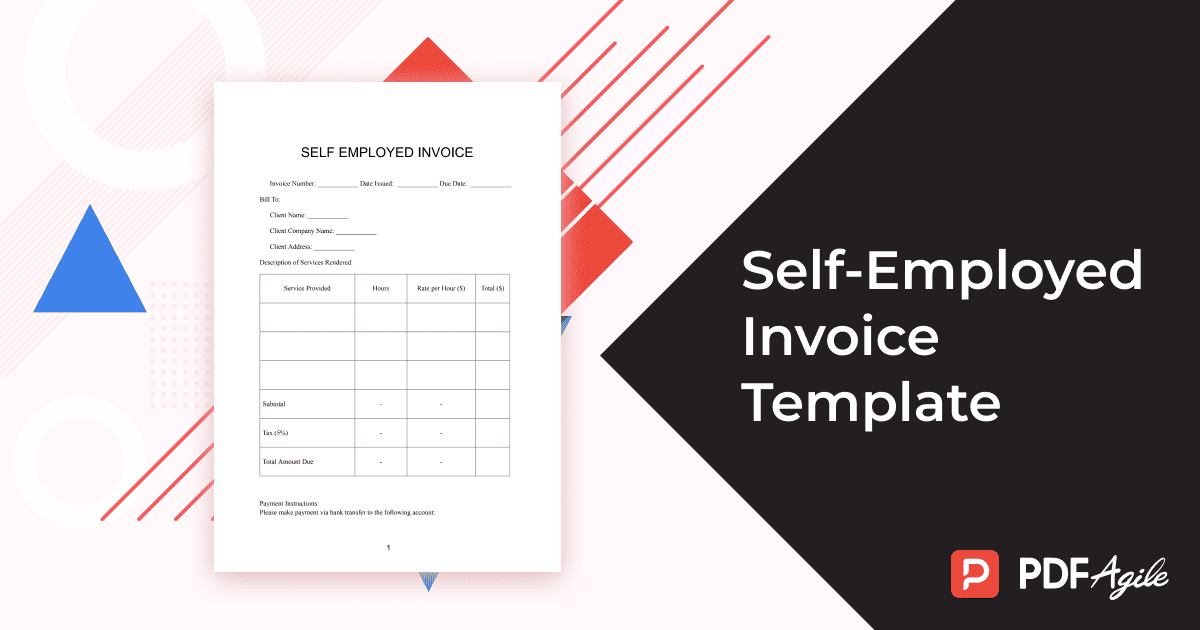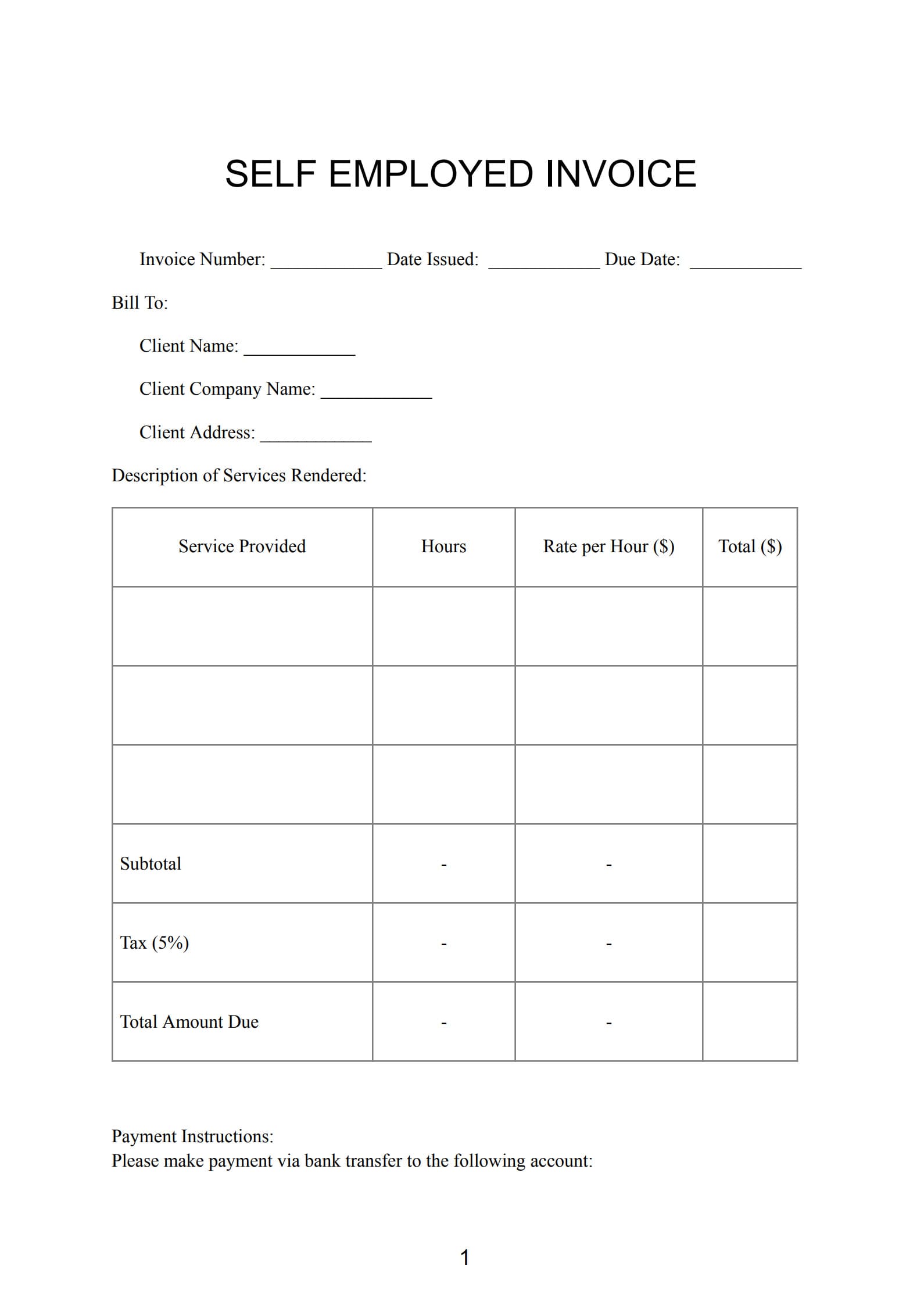

For freelancers, consultants, and independent business owners, invoices are essential for maintaining transparency and professionalism in financial management. A well‑crafted Self‑Employed Invoice Template not only requests payment, but also records the services provided, tracks transactions, and ensures compliance and accountability in every deal.
1. What Is a Self‑Employed Invoice?
A Self‑Employed Invoice is a formal billing document issued by a freelancer or sole proprietor to charge clients for completed tasks or delivered goods.
It clearly lists the work performed, the total amount owed, payment due date, and relevant terms. Beyond a simple request for payment, it serves as an official business record, a communication tool, and evidence of professionalism.
2. Why Use an Self Employed Bill Template?
A structured invoice template provides clarity, consistency, and reliability. It helps you:
- Project professionalism – consistent layout and branding strengthen client trust.
- Stay organized – easily track income and outstanding payments.
- Simplify taxes – complete records make annual reporting smoother.
- Save time – reuse templates instead of starting from scratch.
- Enhance transparency – itemize costs and deliverables clearly.
An invoice template is therefore both a time‑saving tool and a foundation for sound financial management.
3. What Should Be Included in a Self‑Employed Invoice?
A proper self‑employed invoice generally contains the following:
- Your name or business name
- Logo and contact details (address, phone, email)
- Invoice number and date
- Client’s name and contact details
- Service description (tasks, deliverables, or project phases)
- Fee structure (hourly rate or project price)
- Applicable taxes (VAT, GST, etc.)
- Total amount due
- Payment method, bank details, and due date
- Optional notes or a thank‑you message
Each component ensures clarity and accelerates client payment processing.
4. Invoice Templates for Different Sole Traders
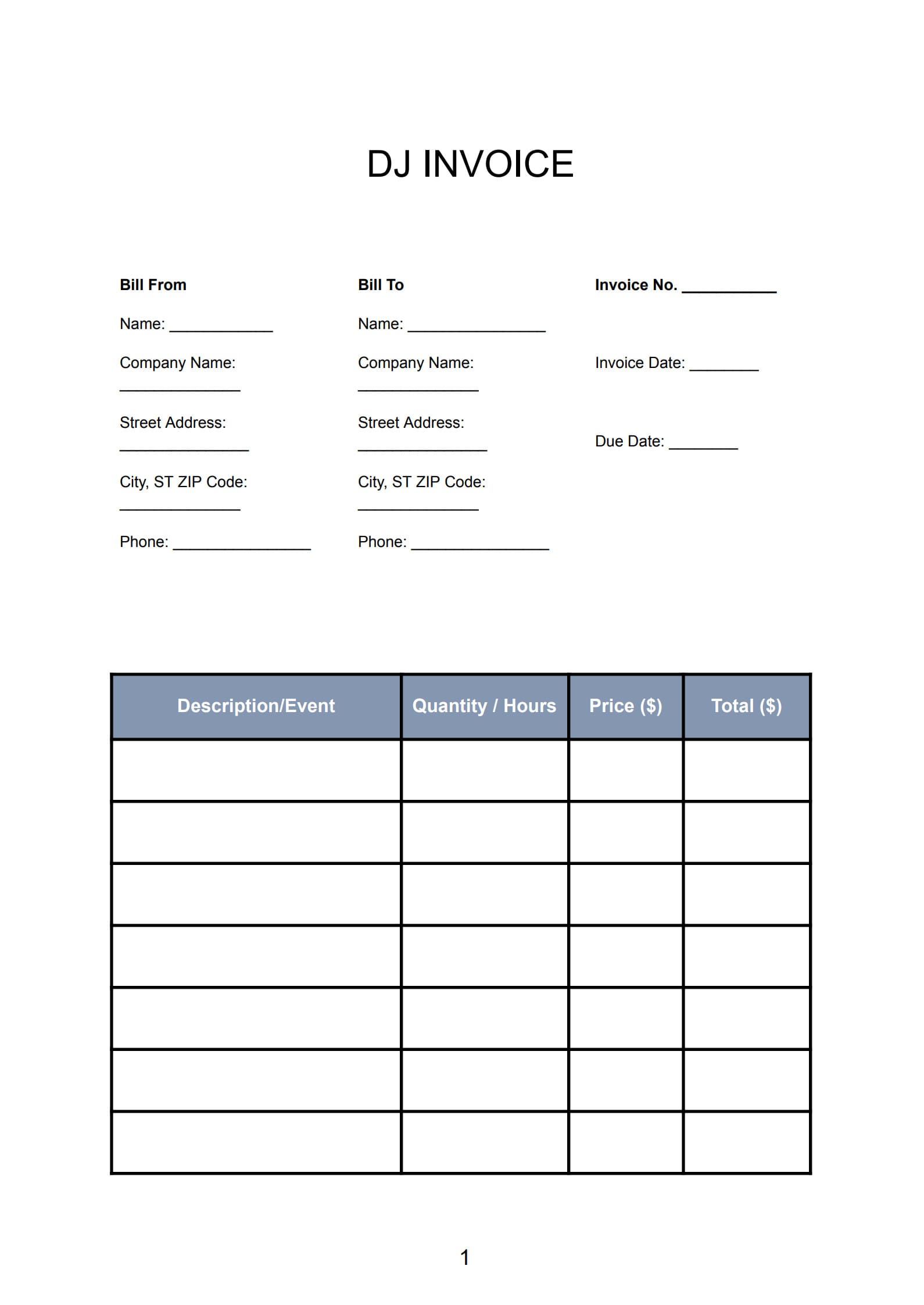
- A virtual assistant lists hours worked and specific tasks completed.
- A graphic designer separates design, revision, and printing costs.
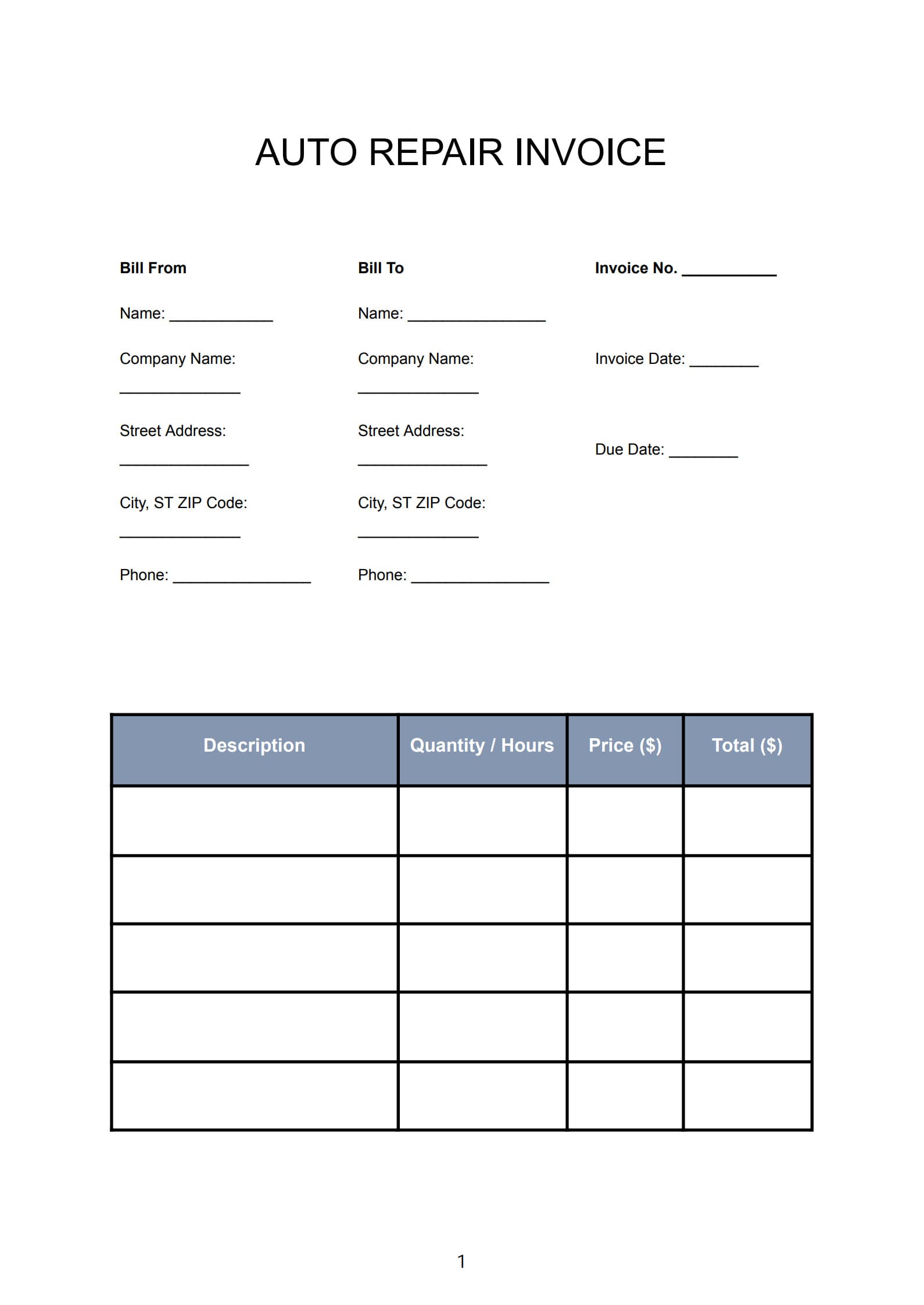
- An independent contractor itemizes labor and materials by project stage.
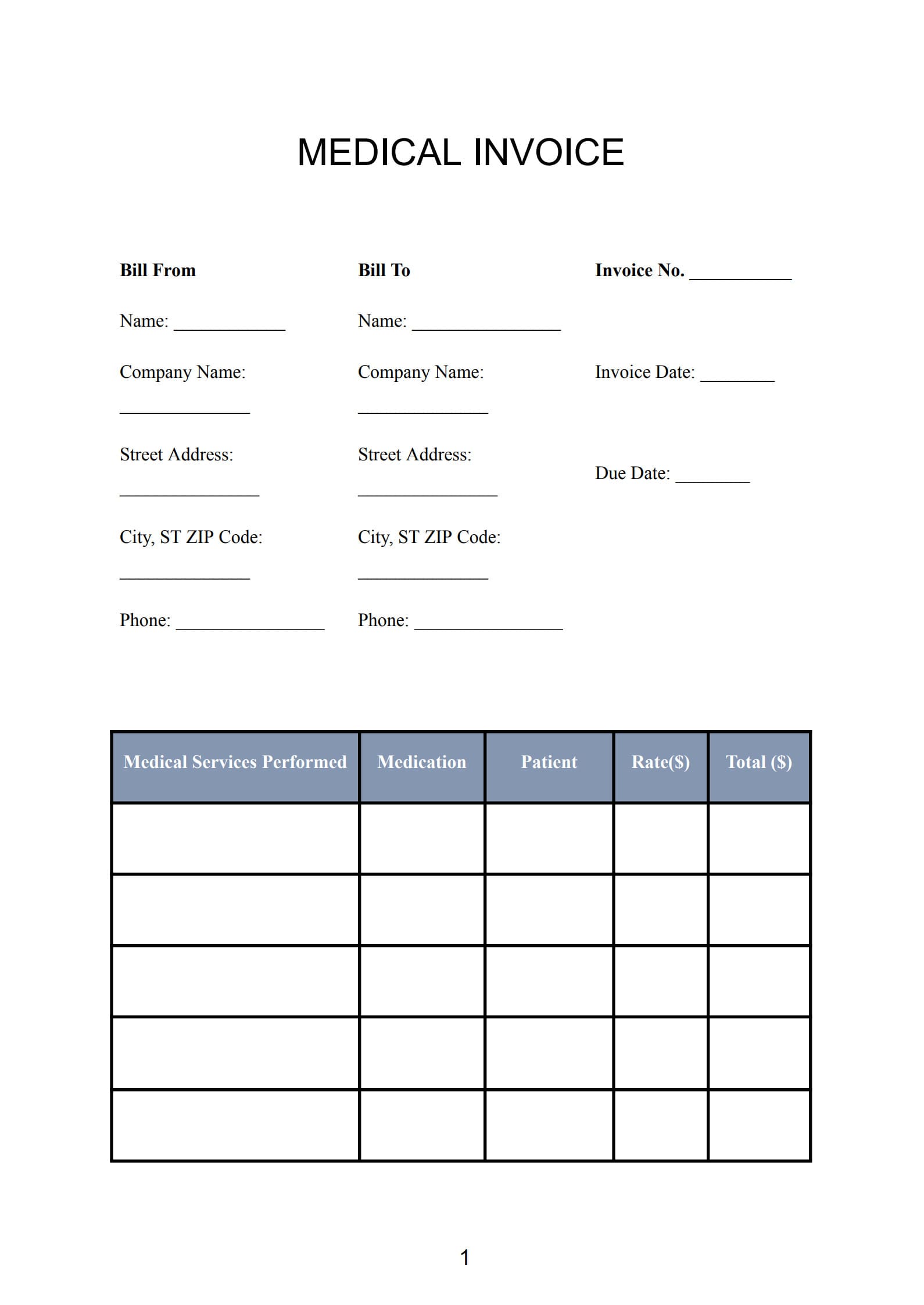
These examples show the flexibility of self‑employed invoice templates across different professions.
5. How to Create a Self‑Employed Invoice with Template
- Choose a free editable template in Word or PDF format.
- Add your logo and business details to maintain your brand identity.
- Describe your services and fees in clear, detailed terms.
- Apply taxes and totals as required by regional regulations.
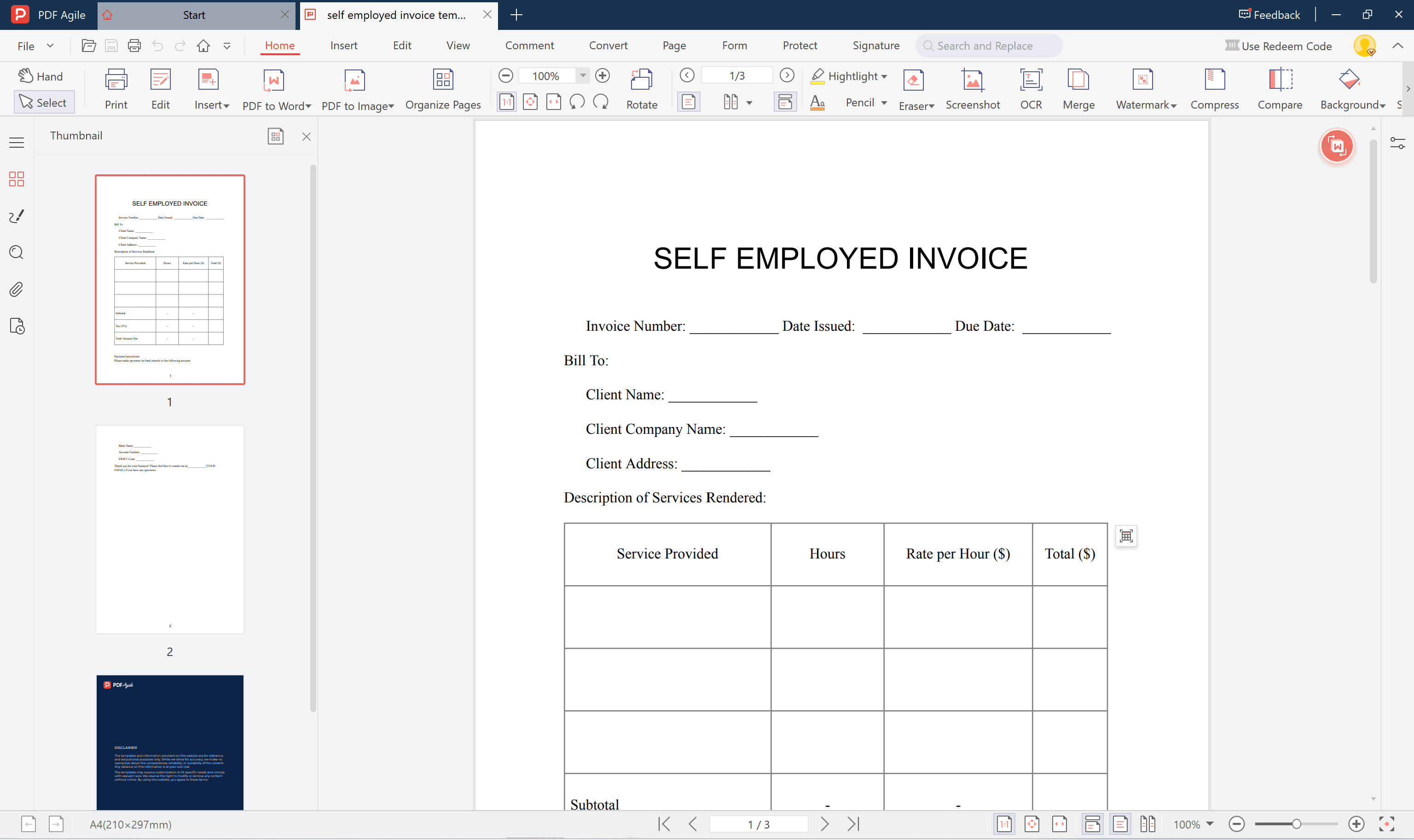
- Use PDF Agile’s PDF‑to‑Word feature:
When your invoice exists as a PDF but requires updates, simply convert it to Word using PDF Agile, make necessary edits—such as prices, tax information, or payment terms—then export it back to PDF for printing or email delivery. This keeps your workflow efficient and professional.

- Finalize and send – save as PDF for secure, neat formatting.
6. Frequently Asked Questions
Q: Do I need to number my invoices?
A: Yes. Sequential numbering keeps them organized and compliant with accounting standards.
Q: How should taxes be shown on the invoice?
A: Include VAT, GST, or other taxes as required in your country or region.
Q: Can I sign invoices digitally?
A: Absolutely. Digital signatures are legally valid and can be added easily using PDF Agile’s signing tools.
Conclusion
A professional Self‑Employed Invoice Template helps freelancers streamline billing, maintain accurate financial records, and present a trustworthy image to clients.
With the PDF‑to‑Word conversion feature of PDF Agile, you can easily revise and manage your invoices anytime—making your payment process faster, clearer, and fully professional.