In today’s digital landscape, web design is more than just visual creativity — it’s a strategic asset that defines brand identity and enhances client engagement. To ensure transparency and smooth communication between designers and clients, a Web Design Quote plays an essential role.
This article explains what a web design quote is, why it matters for freelancers and agencies, and how to create one professionally using PDF Agile's web design quote template.
1. What Is a Web Design Quote?
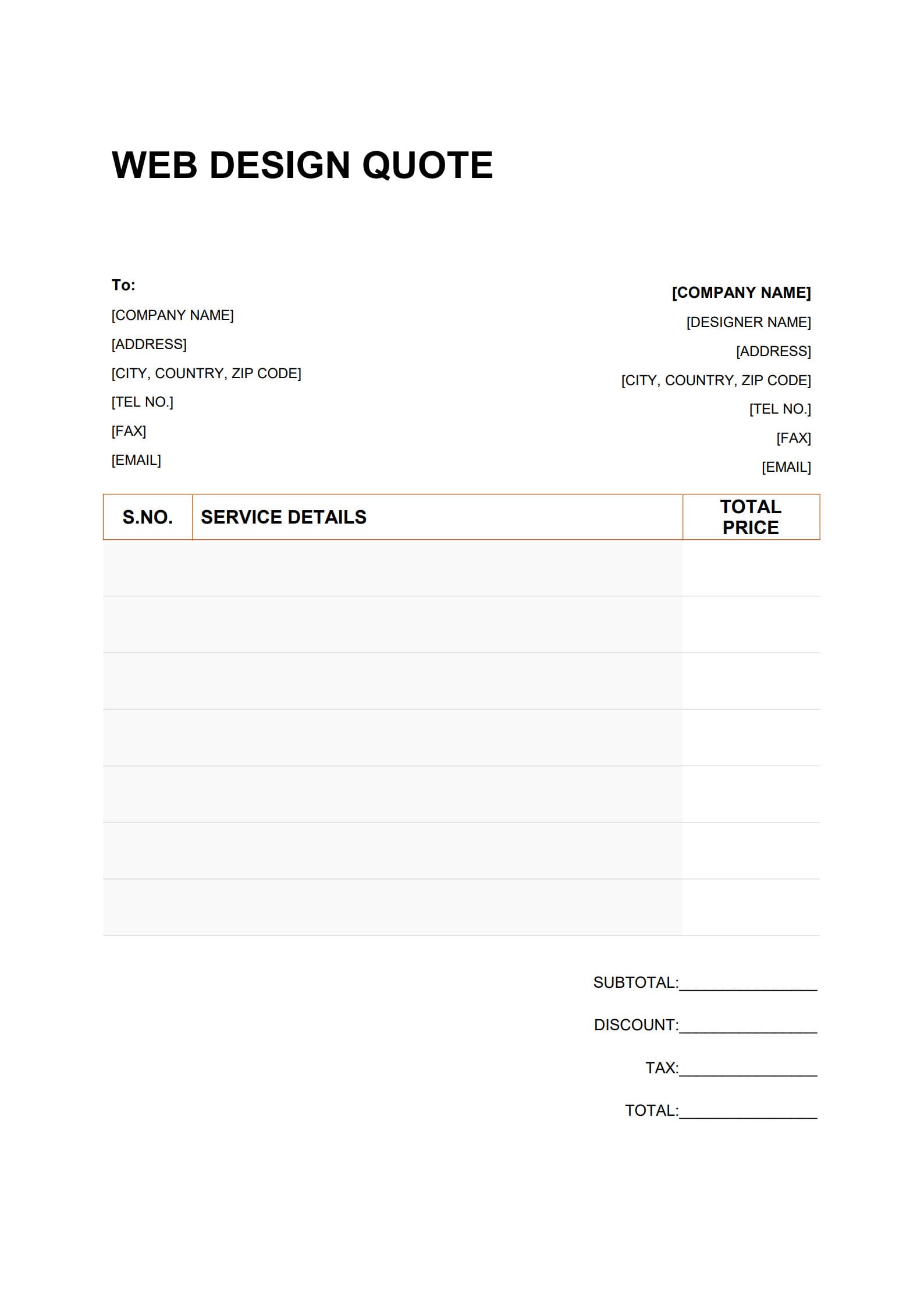
A web design quote is a formal document that outlines the pricing, scope, and terms of a website design or development project. It usually includes:
- Basic information of both client and designer (company name, contact details, etc.)
- Project description and scope (such as homepage design, user interface work, SEO, or maintenance)
- Estimated timeline and payment schedule
- Breakdown of services and total cost
In essence, a web design quote functions as the foundation for professional collaboration. It clarifies expectations, pricing, and deliverables before a formal contract is signed.
2. Why Is a Web Design Quotation Important for Freelancers and Agencies?
Whether you are a freelance web designer or running a digital design studio, having a well-structured web design quote brings significant advantages:
- Defines boundaries and avoids misunderstanding – Clearly sets out what’s included in the project and what’s not.
- Builds professional credibility – A clear, neatly formatted quote instills client confidence.
- Regulates project workflow – Serves as a reference for the contract that follows.
- Simplifies record keeping – A standardized document helps track project history and financial data efficiently.
A well-prepared quote not only presents prices but also reflects your professionalism and organizational skills.
3. How to Write a Professional Web Design Quote with Template (Three-Step Guide)?
Creating a professional, organized quote can be done efficiently using PDF Agile. Follow these three simple steps:
Step 1: Download and Open the Web Design Quotation Template
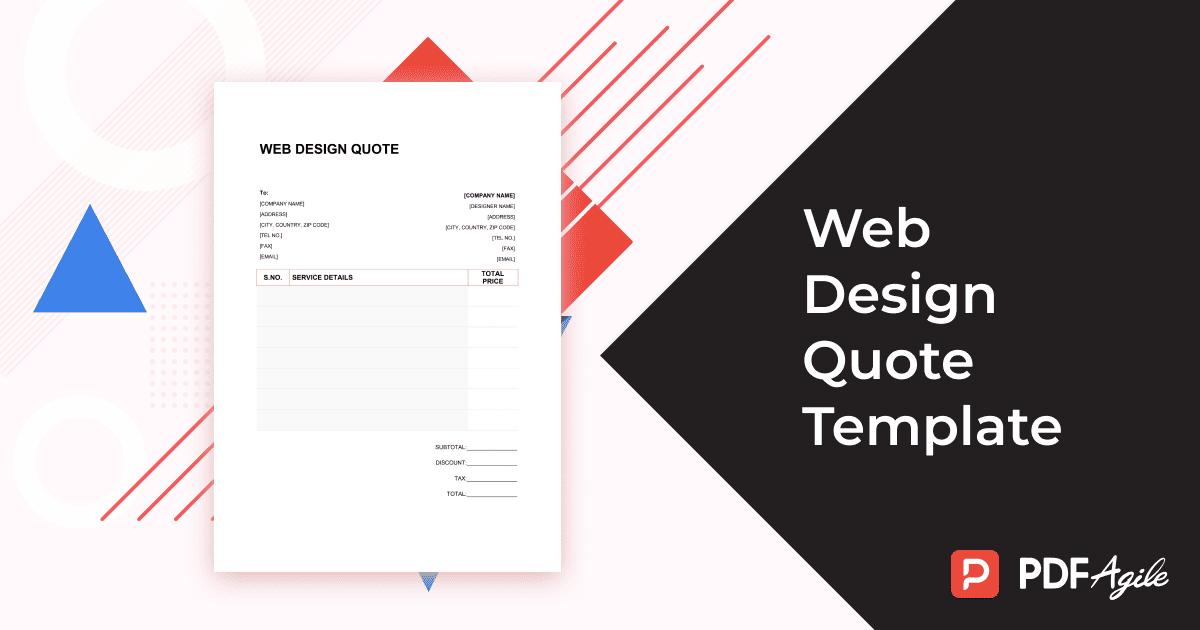
Visit the PDF Agile platform and download the Web Design Quote Template. Open it either on your desktop or through the online editor. The preformatted layout makes it easy to use and customize.
You can also click“Use Template”on the right side of this page and start customize it to match your needs without hassle.
Step 2: Fill in Specific Project Information
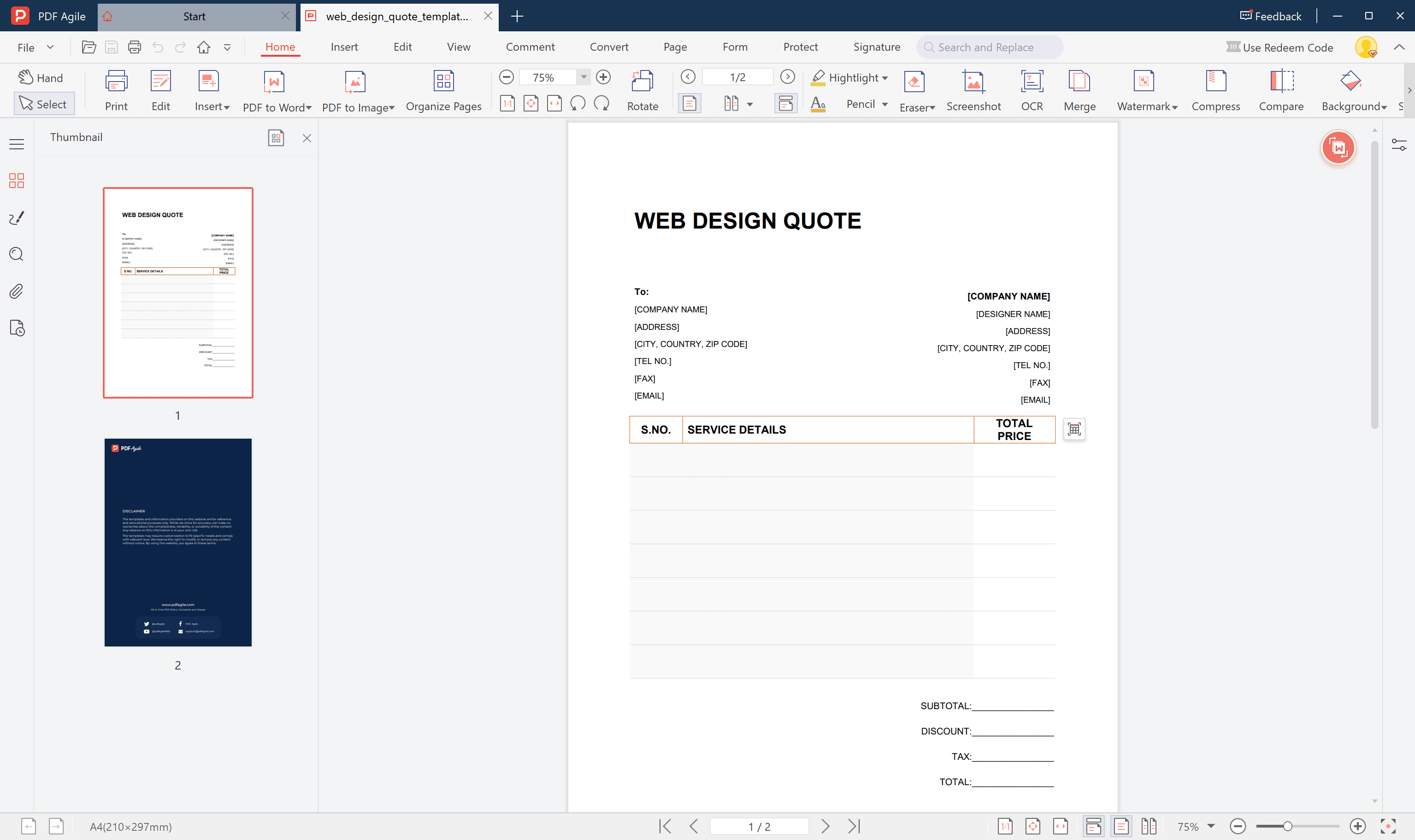
Enter the client’s details, project description, number of pages, functions, design specifications, and pricing.
Make sure your writing remains professional, and that service items are clearly listed with accurate costs and timelines.
Step 3: Save and Export as PDF
After carefully reviewing all information, save the file and export it as a finalized PDF.
PDF Agile allows you to add e-signatures and branding, ensuring that your document is ready to share or archive.
With these three steps, you can quickly generate a professional and reusable web design quote.
4. FAQs about Web Design Quote Templates
4.1 What’s the difference between a web design quote and an invoice?
A quote is a pre-project estimate provided before the work begins, helping clients decide whether to proceed.
An invoice, on the other hand, is a request for payment issued after the service has been delivered.
4.2 How can I make my web design quote look more professional?
- Include your company logo and consistent color scheme
- Use clear layout and readable fonts
- Add signature, date, and contact details
- Attach project notes, style guides, or sample works
These professional touches can greatly enhance the quote’s visual and business appeal.
4.3 Can a web design quote be legally binding?
A quote by itself is usually not legally binding.
However, once the client signs and accepts it—digitally or physically—the terms may become part of a formal agreement.
It’s recommended to confirm key details again in the contract that follows.
Conclusion
A web design quote is far more than a simple pricing sheet; it’s a professional document that clearly communicates value, scope, and expectations.
Using PDF Agile, you can effortlessly download, customize, and export a polished quote in minutes.
Whether you’re an independent freelancer or a design agency, a well-prepared quote helps you stand out, build trust, and secure long-term client relationships.