Freelancers across all industries — from writing, design, and IT to marketing and consulting — depend on professional invoices to ensure timely and transparent payments. A detailed and well-structured freelance invoice not only looks professional but also helps maintain a smooth billing process for both sides.
This guide explains what a freelance invoice template is, when to use it, how to fill it in step by step, and which tools and practices help you bill efficiently.
1. What Is a Freelance Invoice Template?
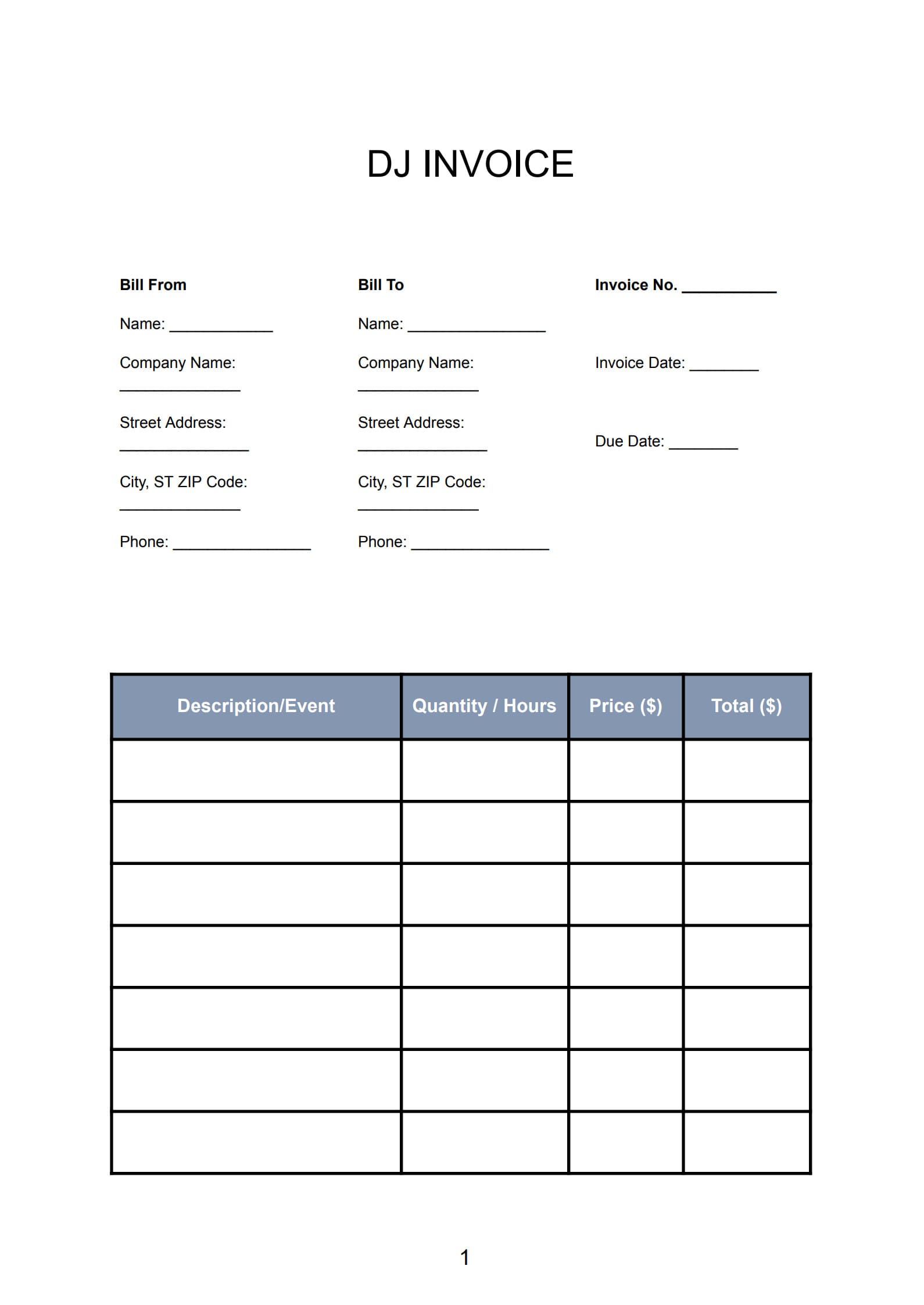
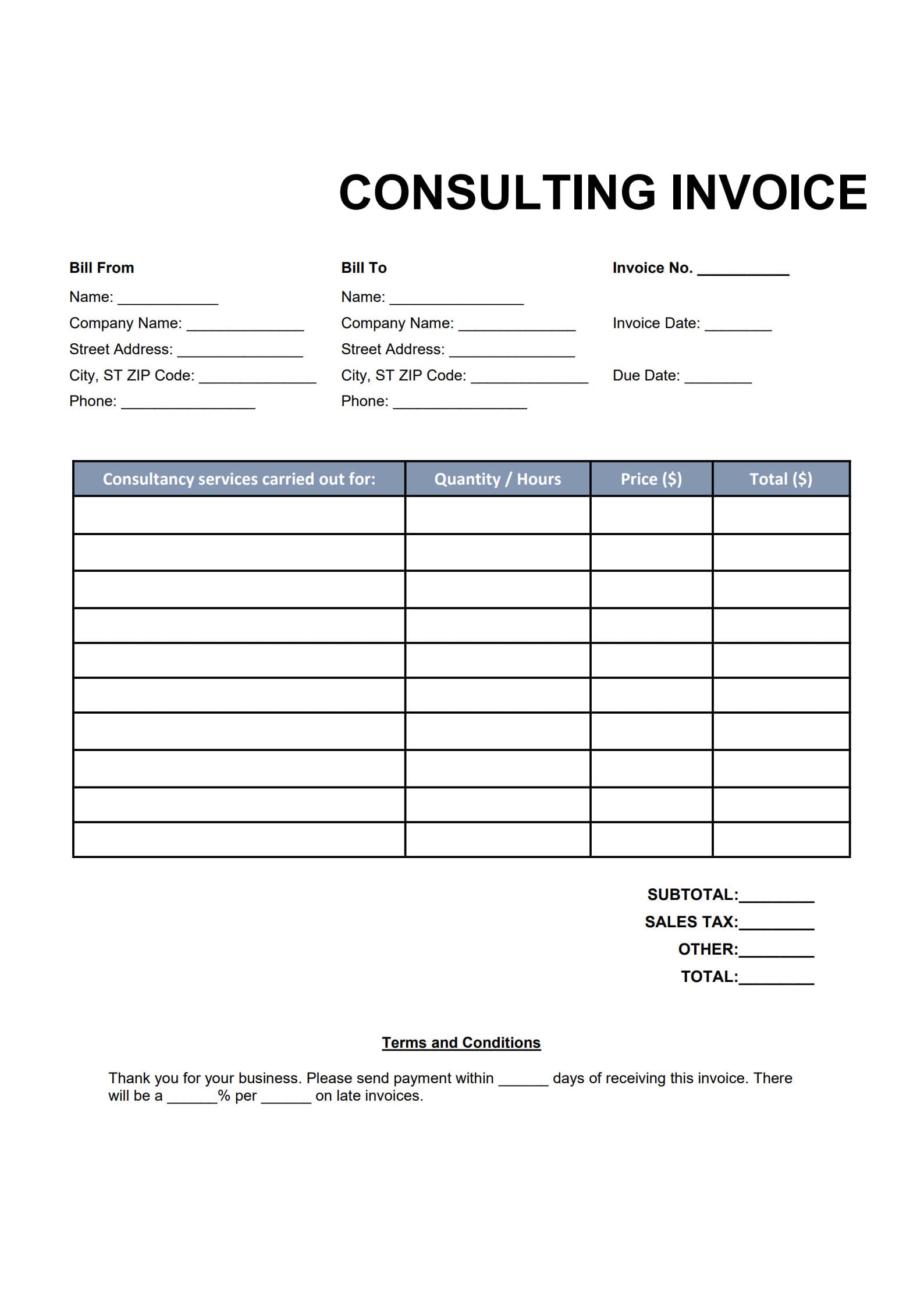
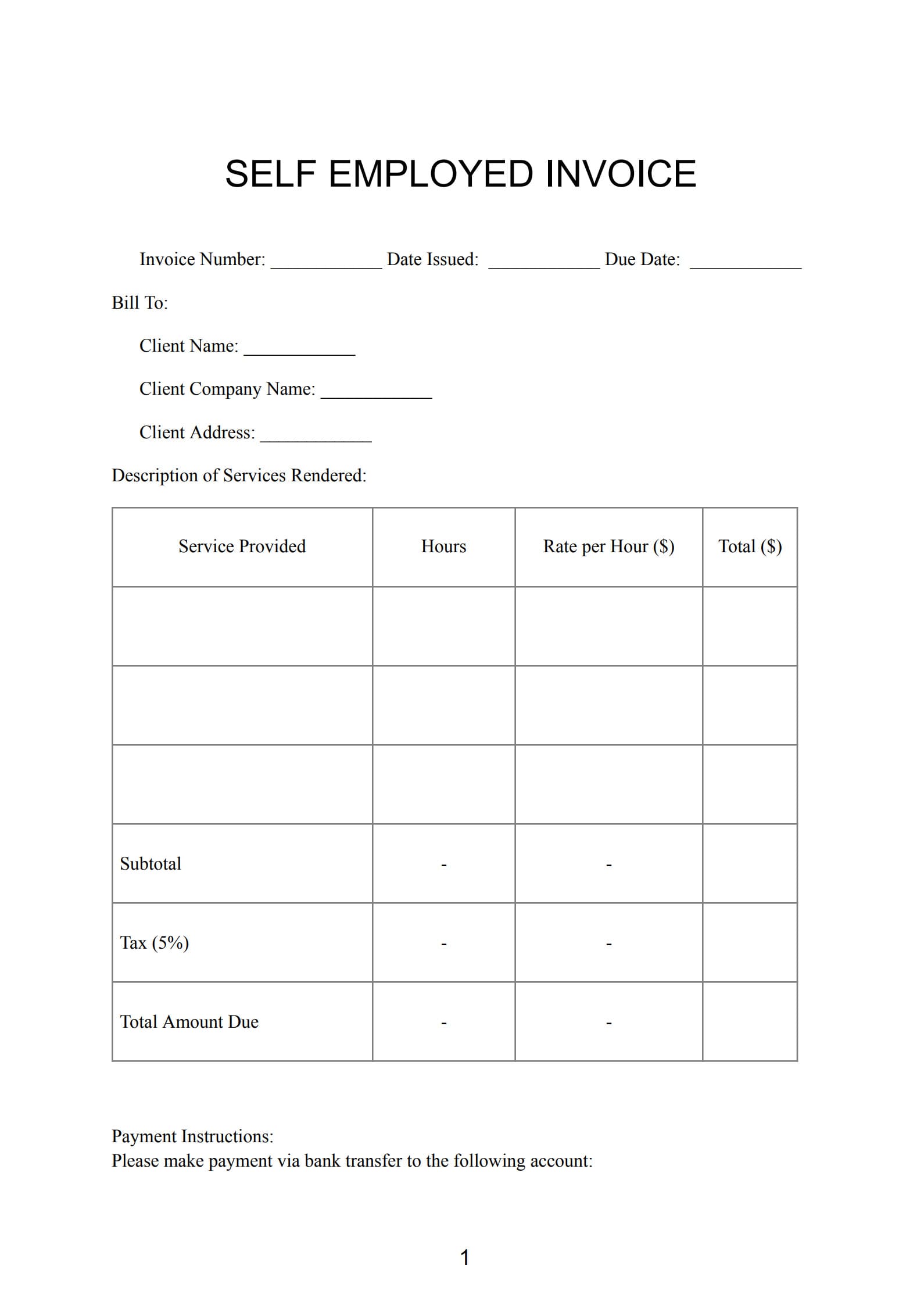
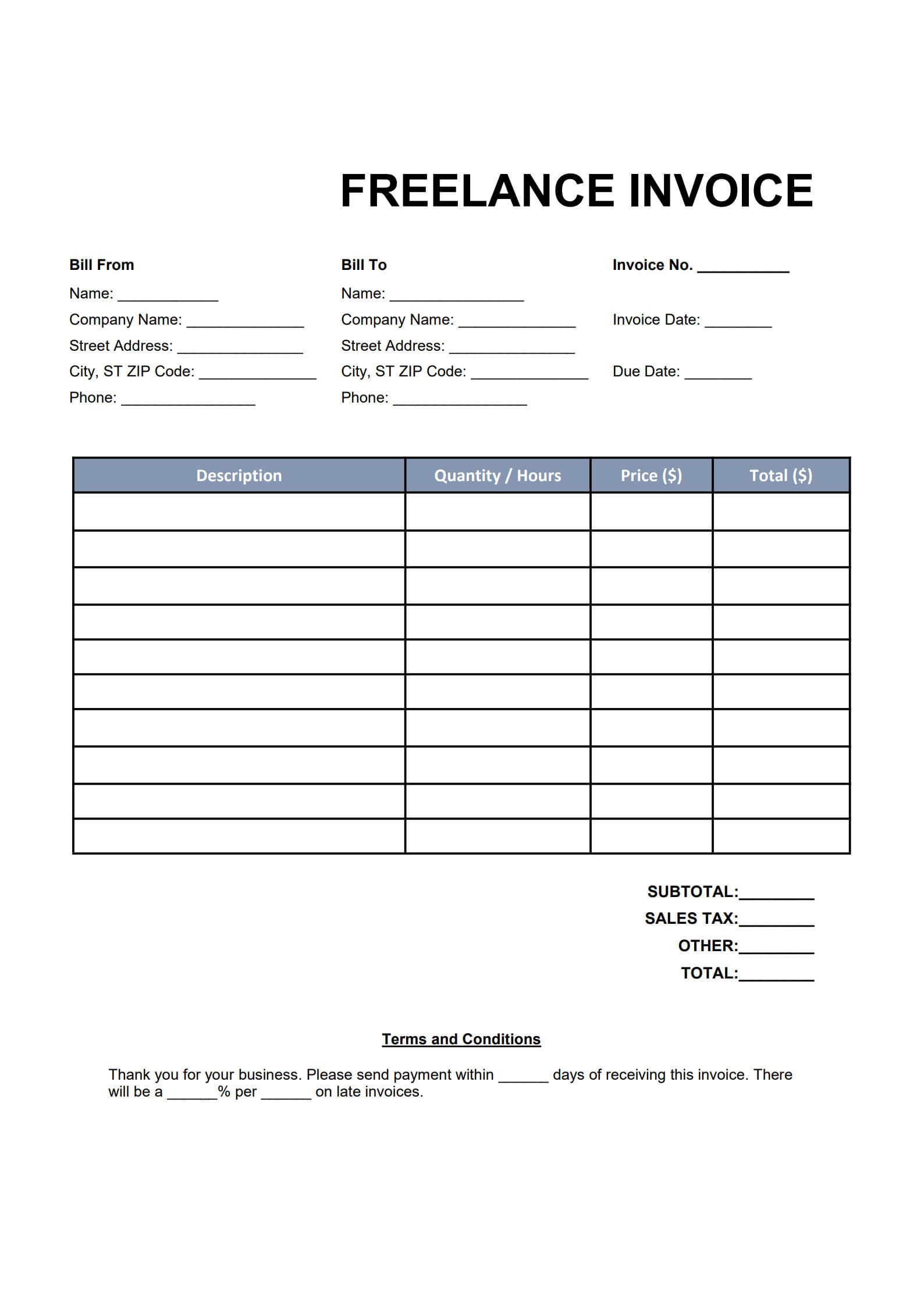
A freelance invoice template is a pre-made form that freelancers use to request payment for their services. It typically includes standard fields for your contact details, client information, service descriptions, dates, payment terms, and total amount due.
Using a clear and professional invoice template for freelance work:
- Simplifies the billing process
- Reduces calculation or typing errors
- Ensures a consistent look across all your invoices
- Builds trust and credibility with clients
A fillable template in PDF or Word format allows freelancers to create ready-to-send invoices in minutes — without any design or accounting background.
2. When Freelancers Should Send an Invoice to Clients
The timing of your invoice for freelance work depends on your project type and agreement:
- After project completion – ideal for short-term or one-off projects.
- Per milestone – useful for large, phased projects such as software development or consulting campaigns.
- Recurring or monthly – typical for retainer-based or long-term collaborations.
- Before starting work – when an upfront deposit is required (e.g., 30–50%).
Setting a clear billing schedule keeps your cash flow predictable and avoids misunderstandings.
3. How to Create Invoice for Freelance Work with Templates (Step-by-Step Guide)
This quick guide helps you build a professional freelance invoice:
Step 1: Download the Fillable Template
Get a ready-to-edit Freelance Invoice Template in PDF format from PDF Agile or any trusted source.
Click “Use Template” button on the right side of this page, so you can start in right away.
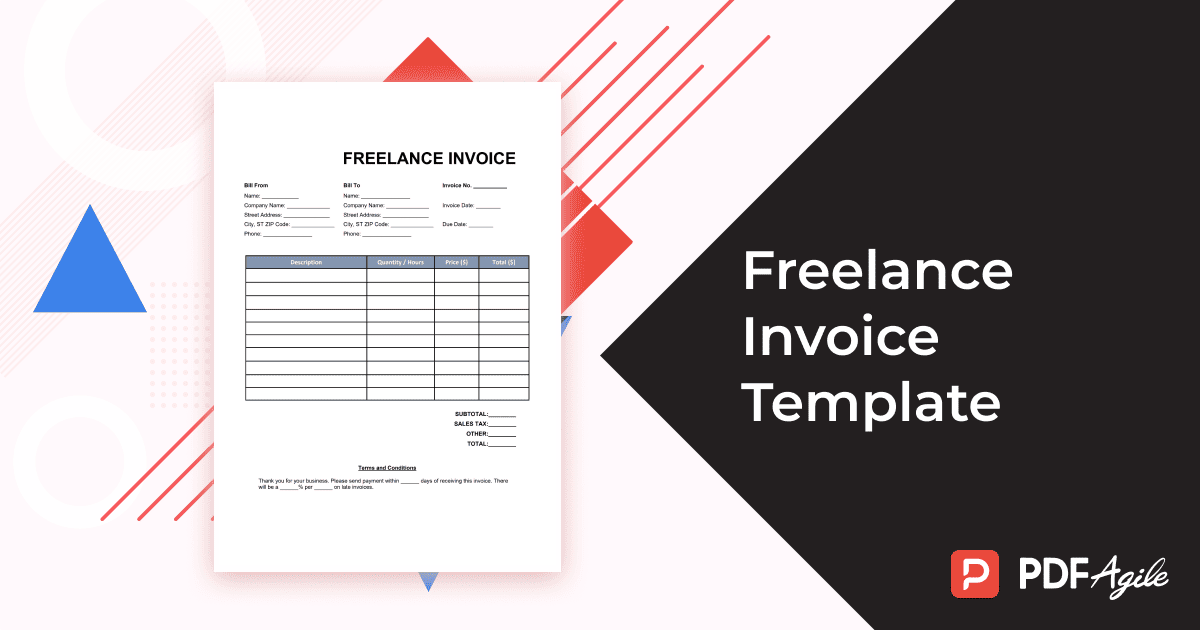
Step 2: Fill in Key Information
Add your name or business name, your client’s details, an invoice number, issue date, and due date.
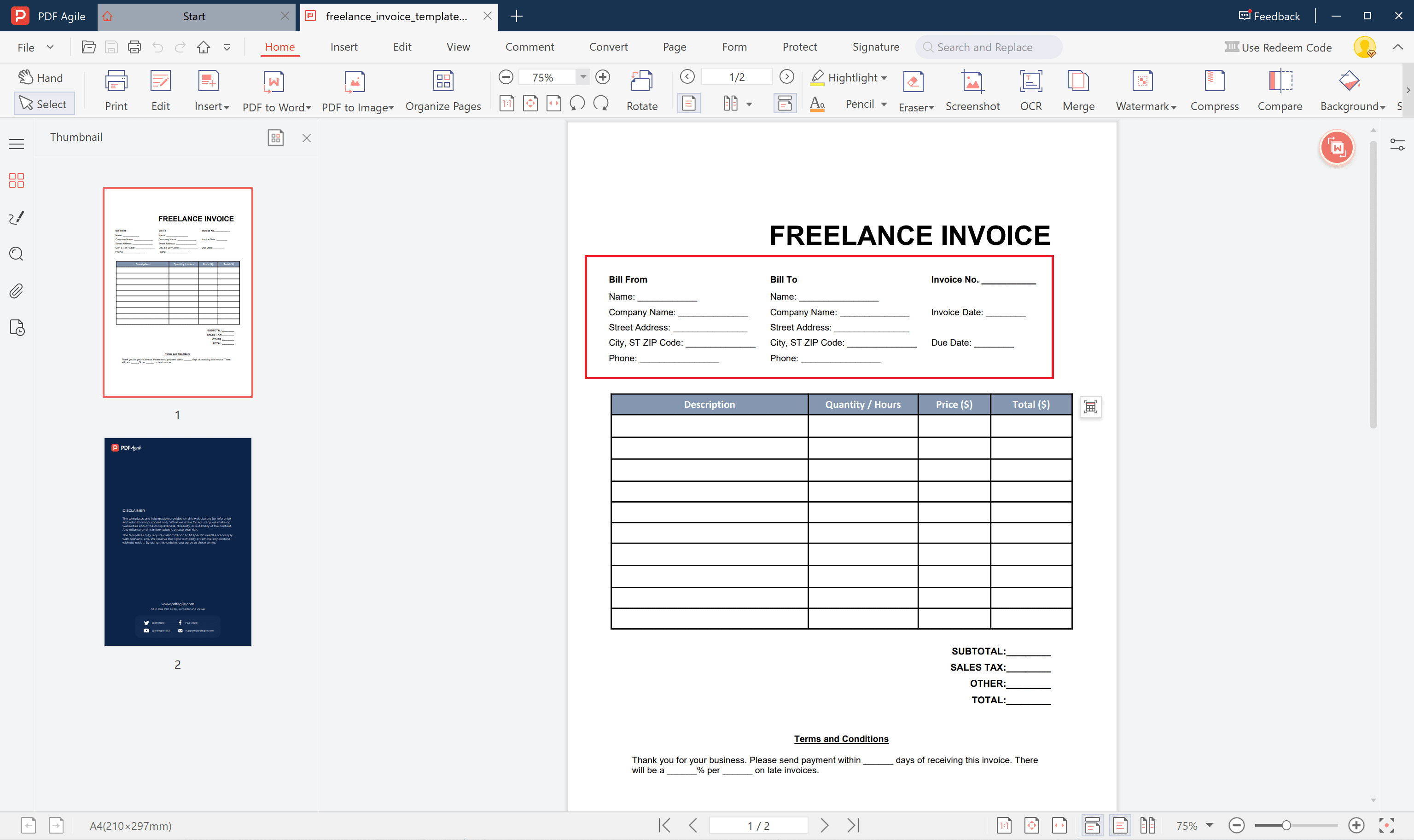
Step 3: Describe the Services Provided
Specify what you delivered — project title, work hours, rate, or flat project fee. Clear descriptions help clients understand the charges immediately.
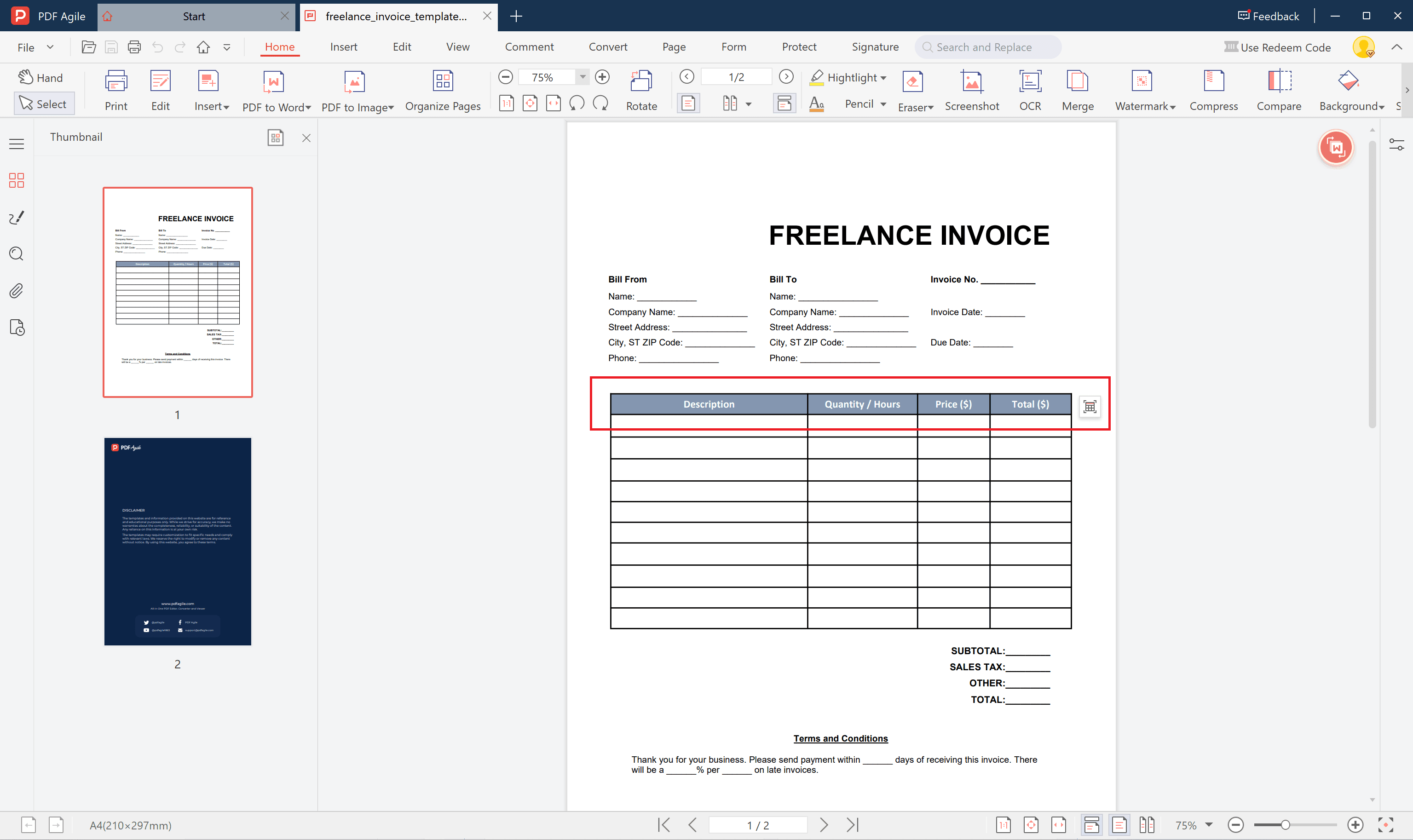
Step 4: Add Taxes, Discounts, or Currency Details
If necessary, mention tax percentages, discounts offered, or “All amounts in USD” for currency clarity.
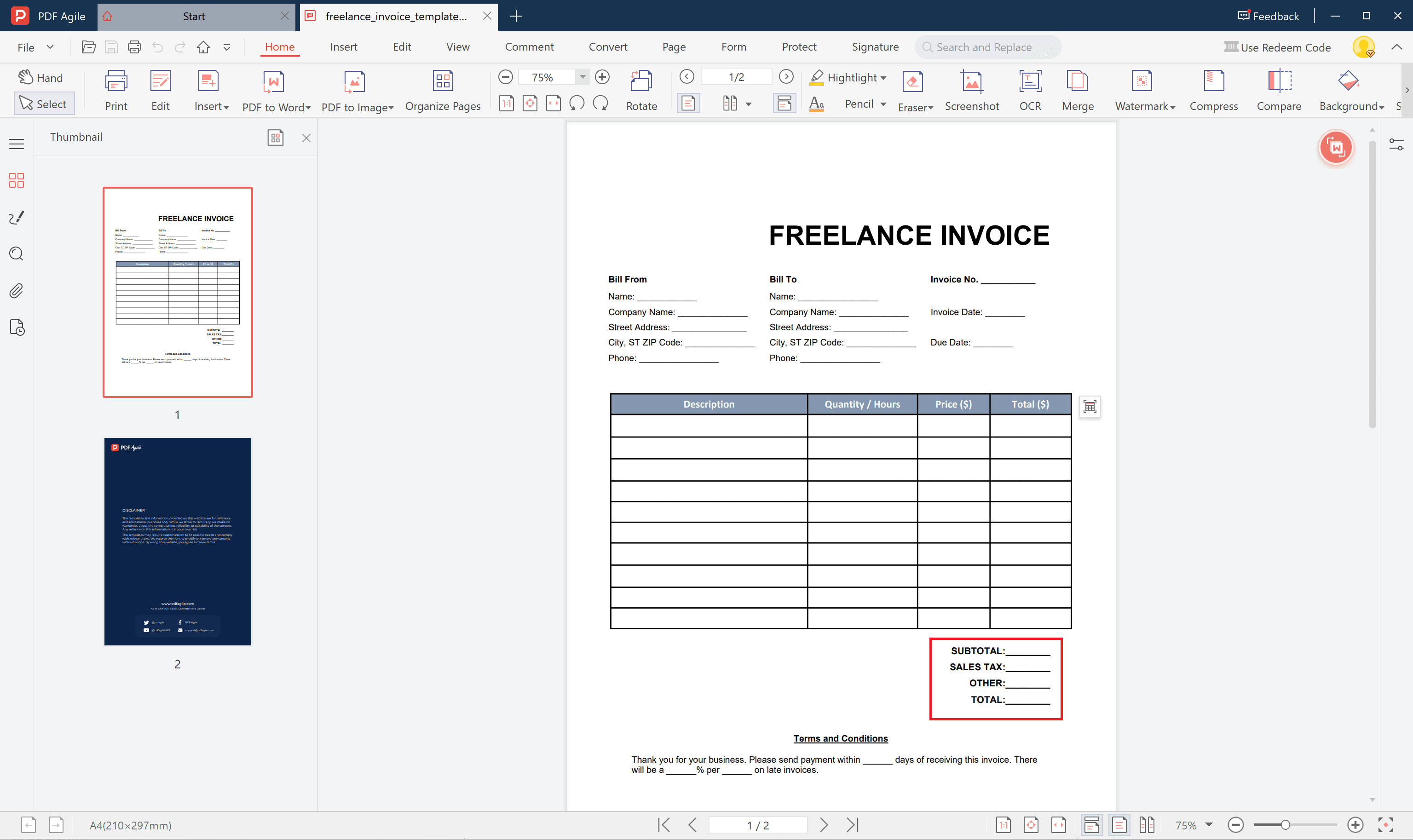
Step 5: Save and Send the Invoice
Save the file as a secured PDF and email it directly to your client. Keep a backup for your own records.
4. Best Practices Before Sending Your Freelance Invoice
Before sending your invoice, review everything carefully. Make sure:
- All service details, totals, and dates are accurate
- Invoice numbers are unique and sequential
- You’ve included contact and payment information
- The language is polite and professional
- The invoice aligns with your overall brand style
A neat and error-free invoice strengthens your credibility and speeds up client payment approval.
5. Tips for Managing Multiple Client Payments as a Freelancer
Freelancers often handle several clients at the same time, which can make payment tracking challenging. Here are a few methods to stay organized:
- Use a simple spreadsheet or digital tracker to record invoice numbers and due dates.
- Assign unique prefixes (e.g., “DES2025-001”) to each client’s invoices.
- Send polite, automated reminders after the due date passes.
- Offer flexible payment options for international clients.
- Reconcile payments weekly to ensure your records remain accurate.
Staying organized prevents overdue confusion and gives you a clear overview of your income streams.
6. Top Invoice Software for Freelancers
If you prefer automatic generation instead of manual templates, online invoice generators can save time.
Some of the best invoice generator for freelancers include:
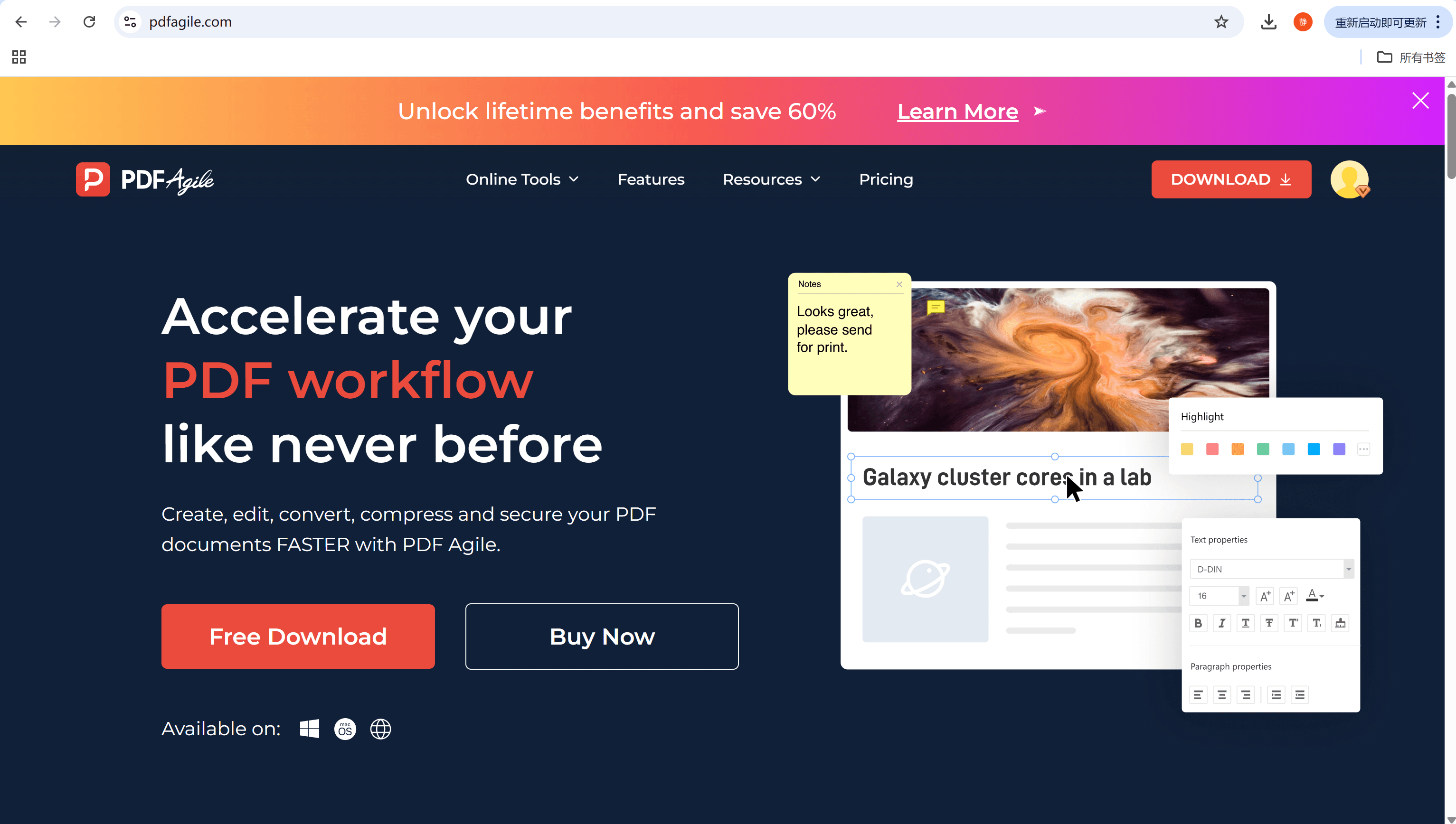
- PDF Agile Invoice Generator – Easy to customize, fillable, and printable invoices.
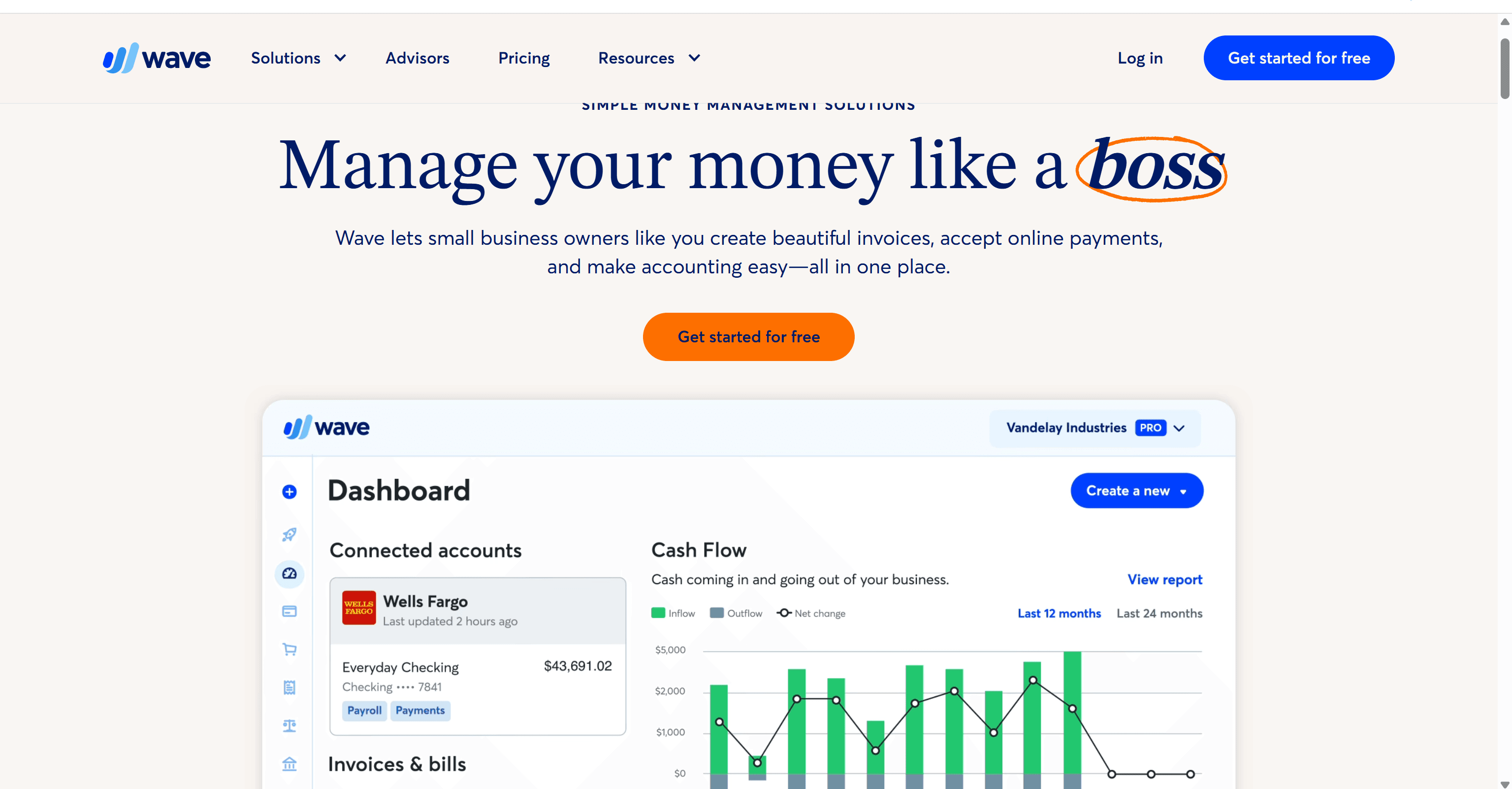
- Wave – Free for small businesses and independent workers.
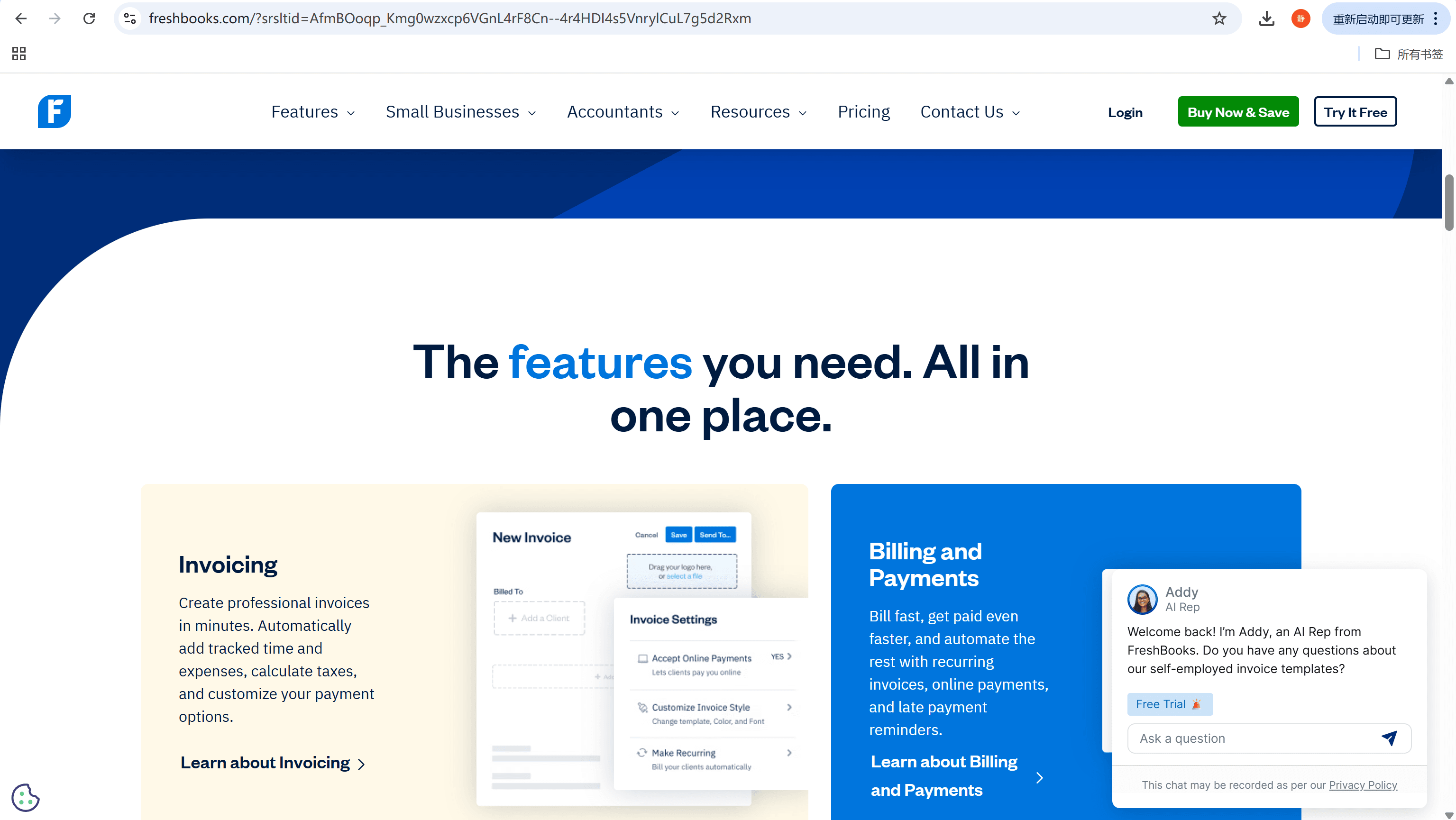
- FreshBooks – Combines time tracking and invoicing in one interface.
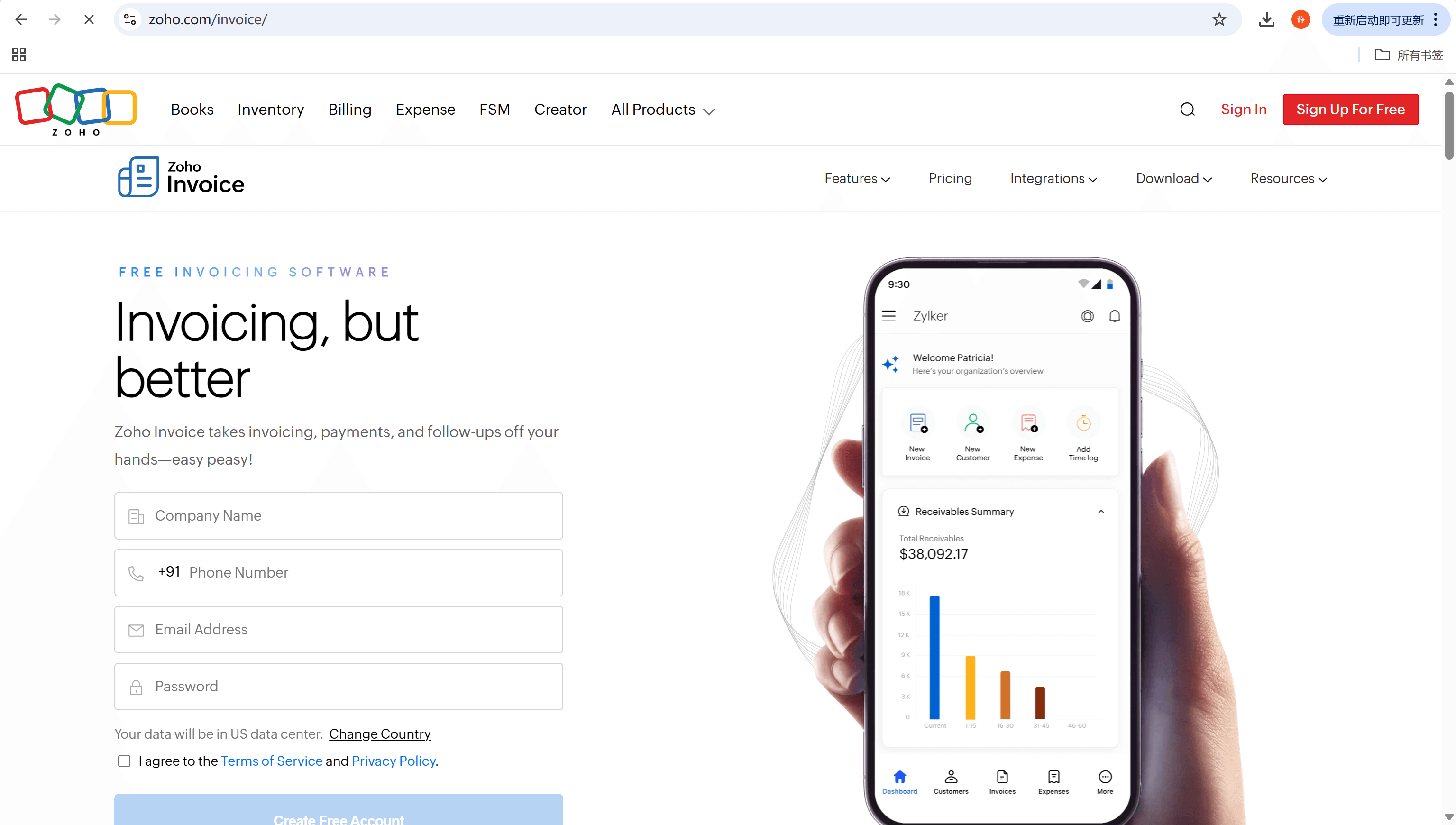
- Zoho Invoice – Offers flexible templates and multi-currency support.
Each tool produces professional PDF invoices ready to download or send instantly.
7. FAQs about Freelance Invoice Template
Q1: How do I add taxes or currency conversions?
Most editable templates include optional tax lines. If you work across borders, state the currency symbol and conversion rate, or specify clearly in the notes section.
Q2: Should I request upfront payment before invoicing?
Yes, especially for new clients or high-value projects. Typically, freelancers request 30–50% upfront before beginning the work.
Q3: Can I use one invoice for different services?
Absolutely. Just include each service on a separate line with distinct descriptions and pricing so your client can see the full breakdown.