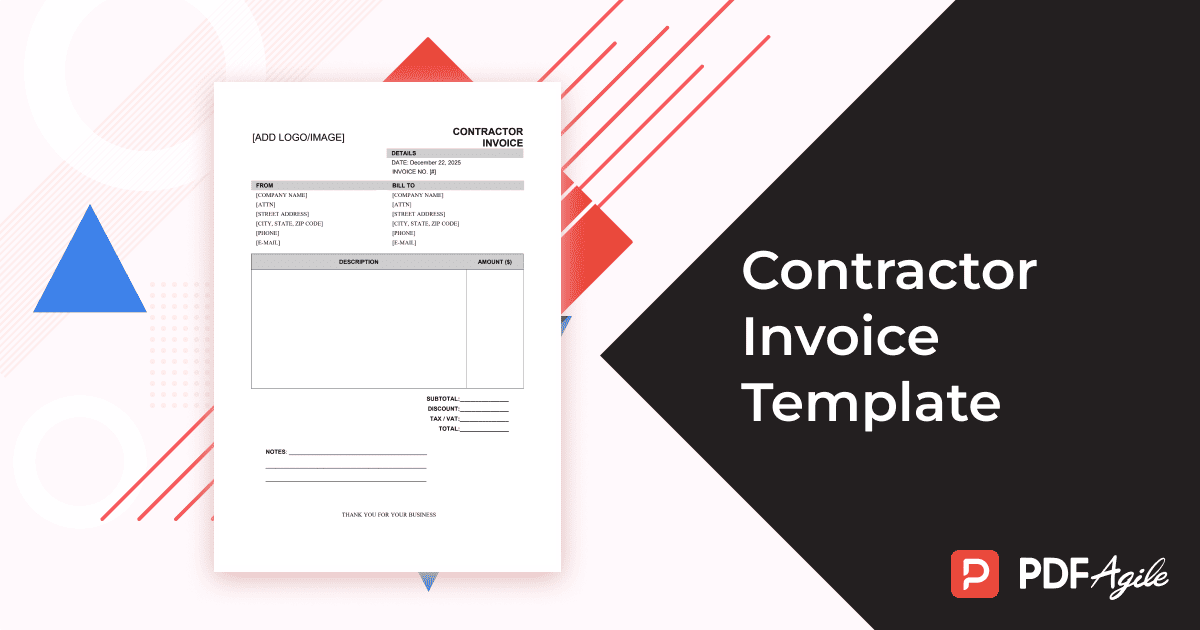
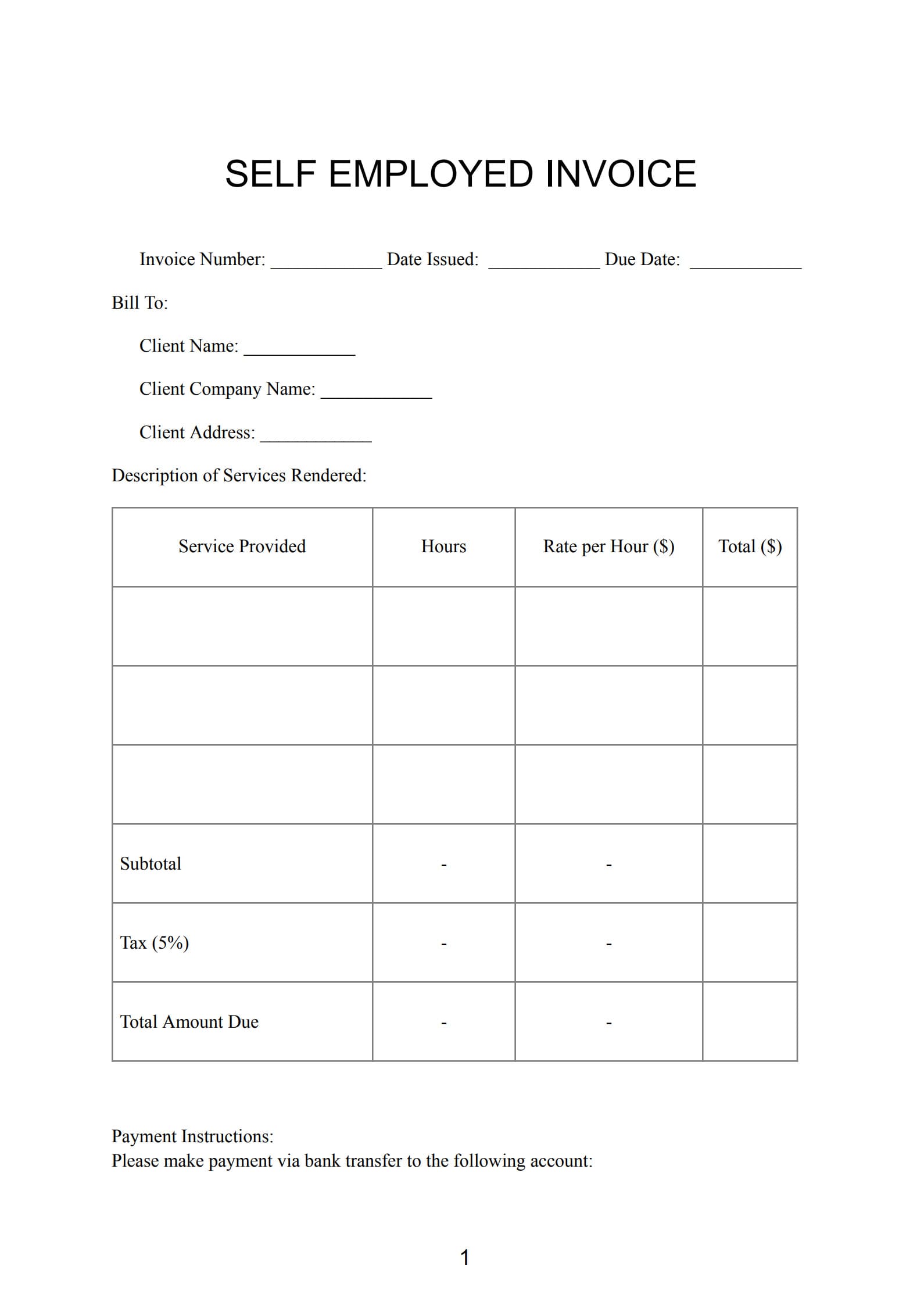
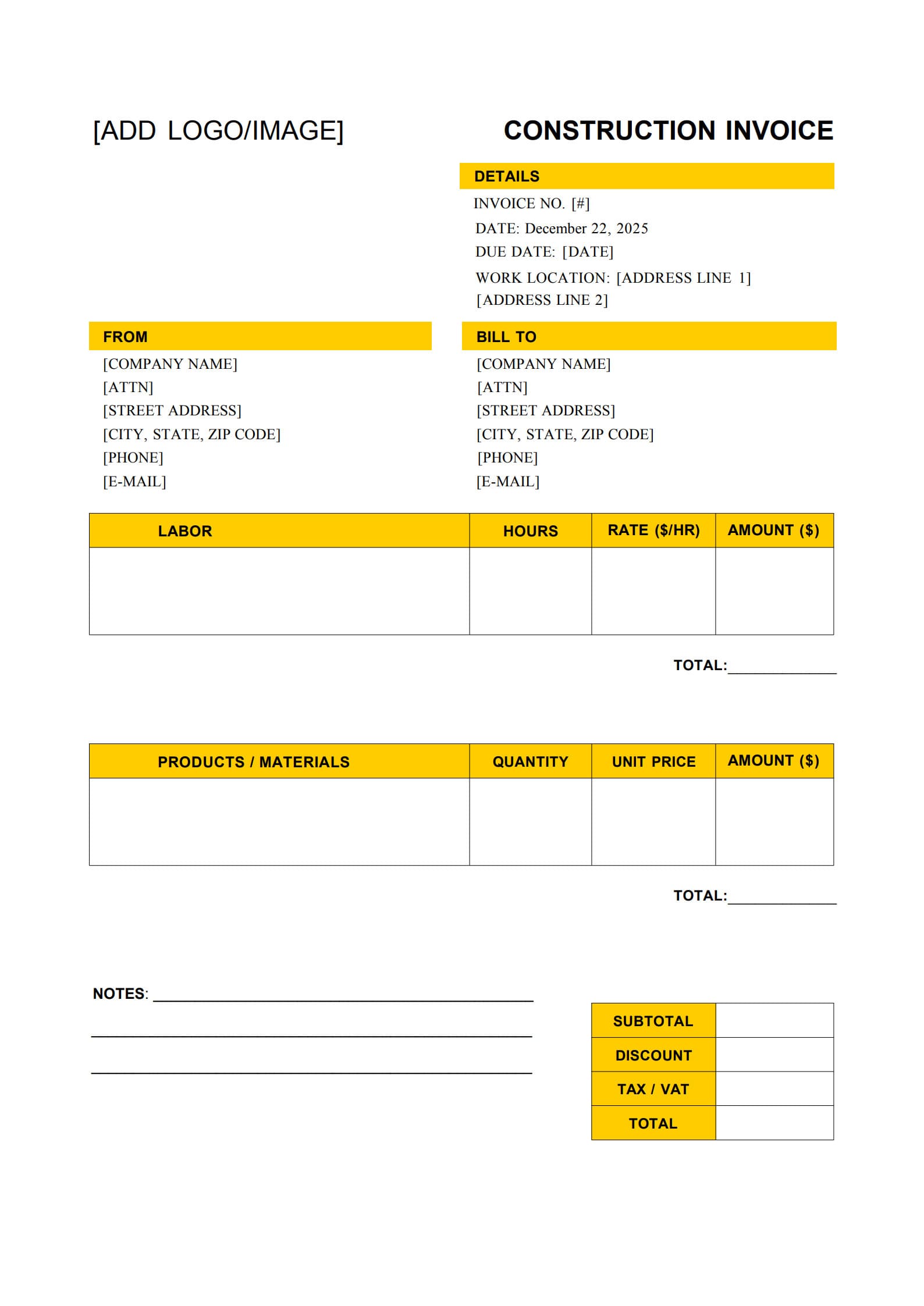
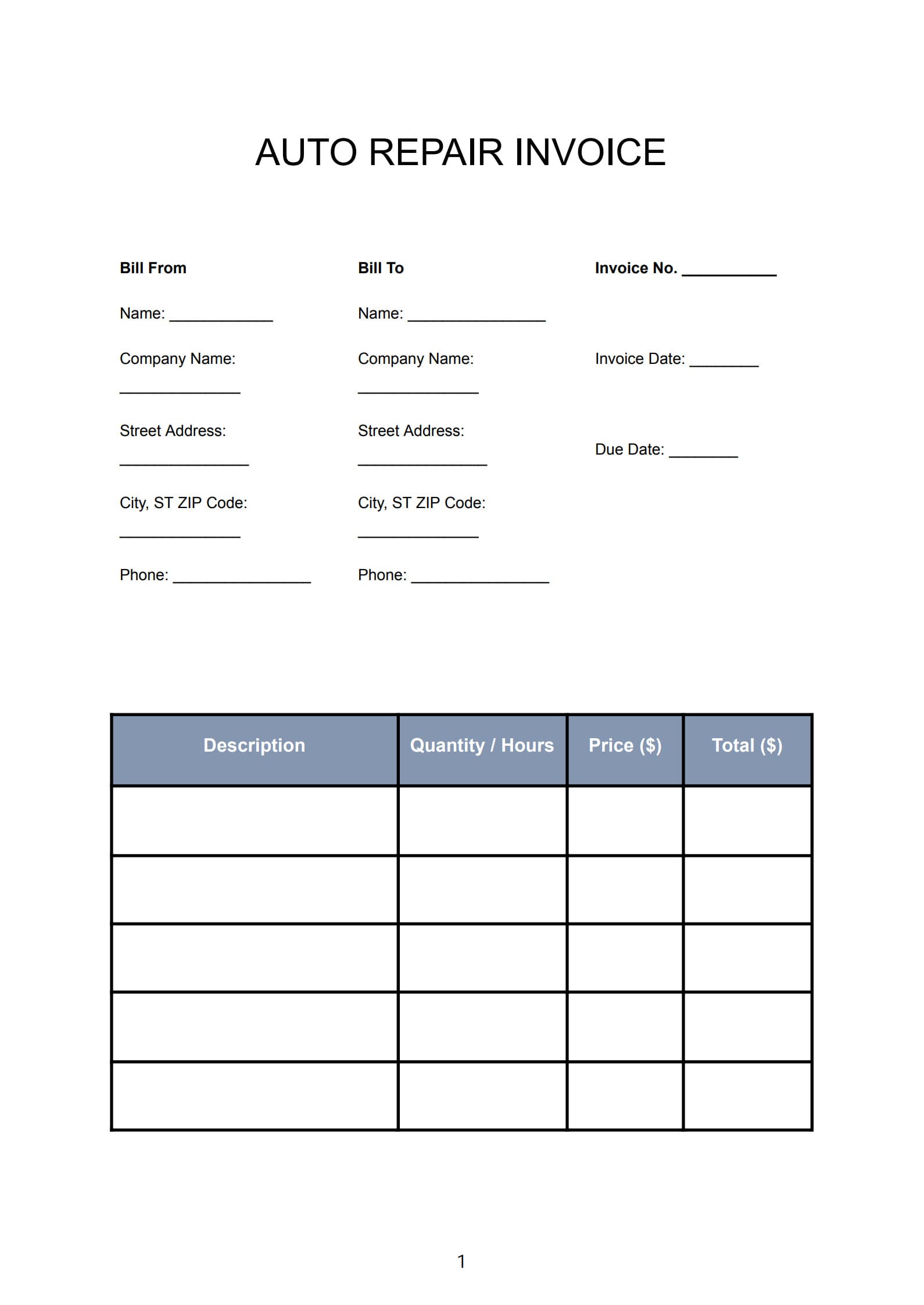
For contractors, invoicing is more than just a billing requirement — it’s an essential part of maintaining steady cash flow and building strong client relationships. A contractor invoice template enables you to create consistent, professional, and transparent invoices in minutes.
This guide explains what a contractor invoice is, how it differs from a subcontractor invoice, what details it should include, and how to prepare and manage invoices effectively using PDF Agile.
1. What Is a Contractor Invoice?
A contractor invoice is a formal document issued by an independent contractor or contracting firm to request payment for services rendered or materials supplied.
It provides a clear summary of what work was completed, how much it costs, and when payment is expected.
Contractor invoices are commonly used across industries such as construction, electrical installation, renovation, mechanical repair, landscaping, painting, and general contracting.
Each invoice serves as an official record that defines the scope of work, payment amount, and agreement terms between the contractor and the client.
2. Difference Between Contractor and Subcontractor Invoice
Although both documents serve as payment requests, a contractor invoice and a subcontractor invoice differ in who they are issued to and what they represent.
A contractor invoice is created by the main contractor and sent directly to the client or project owner after completing part or all of the project. It covers the overall service or total project cost, including project management, materials, and direct labor.
A subcontractor invoice, on the other hand, is issued by a subcontractor to the main contractor for specific portions of the work — for example, electrical wiring, plumbing installation, or interior finishing. The subcontractor invoice doesn’t go to the project owner; instead, it remains a business-to-business transaction within the project hierarchy.
Understanding the difference helps prevent delays in payment processing and ensures that the right parties handle the proper invoices.
3. Essential Information to Include in a Contractor Invoice Template
A complete and professional contractor invoice should contain the following essential components:
- Contractor details – Company name, business logo, address, phone number, and email.
- Client details – Customer or company name, contact person, and billing address.
- Invoice information – Invoice number, issue date, and payment due date.
- Project summary – A brief description of the work performed, project location, reference code, or milestone achieved.
- Itemized cost breakdown – Labor charges (hours × rate), materials used, equipment rental fees, and any subcontracted costs.
- Subtotal, tax, and total payable amount – Include applicable sales tax or value-added tax to calculate the grand total.
- Payment terms – Clearly specify payment methods and timing, such as “Net 15 days” or “Payment due upon completion.”
- Notes or special instructions – Any warranties, additional details, or appreciation notes to the client.
- Signature section – Space for contractor and client authorization.
When all these fields are properly filled out, the invoice becomes complete, easy to read, and ready for immediate use.
4. How to Make a Professional Contractor Invoice with Template
Creating a contractor invoice is straightforward with PDF Agile. Follow these steps to ensure accuracy and consistency:
Step 1: Download a Fillable Template
Visit PDF Agile’s website, search for the Contractor Invoice Template – Fillable & Printable, and download it in PDF format.
Step 2: Open and Edit in PDF Agile
Launch PDF Agile, open the file, and input your company name, logo, and contact details. Then fill in the client’s information, invoice number, and issue date.
Step 3: Add Project and Work Information
Clearly describe the work completed, location, duration, and related project references.
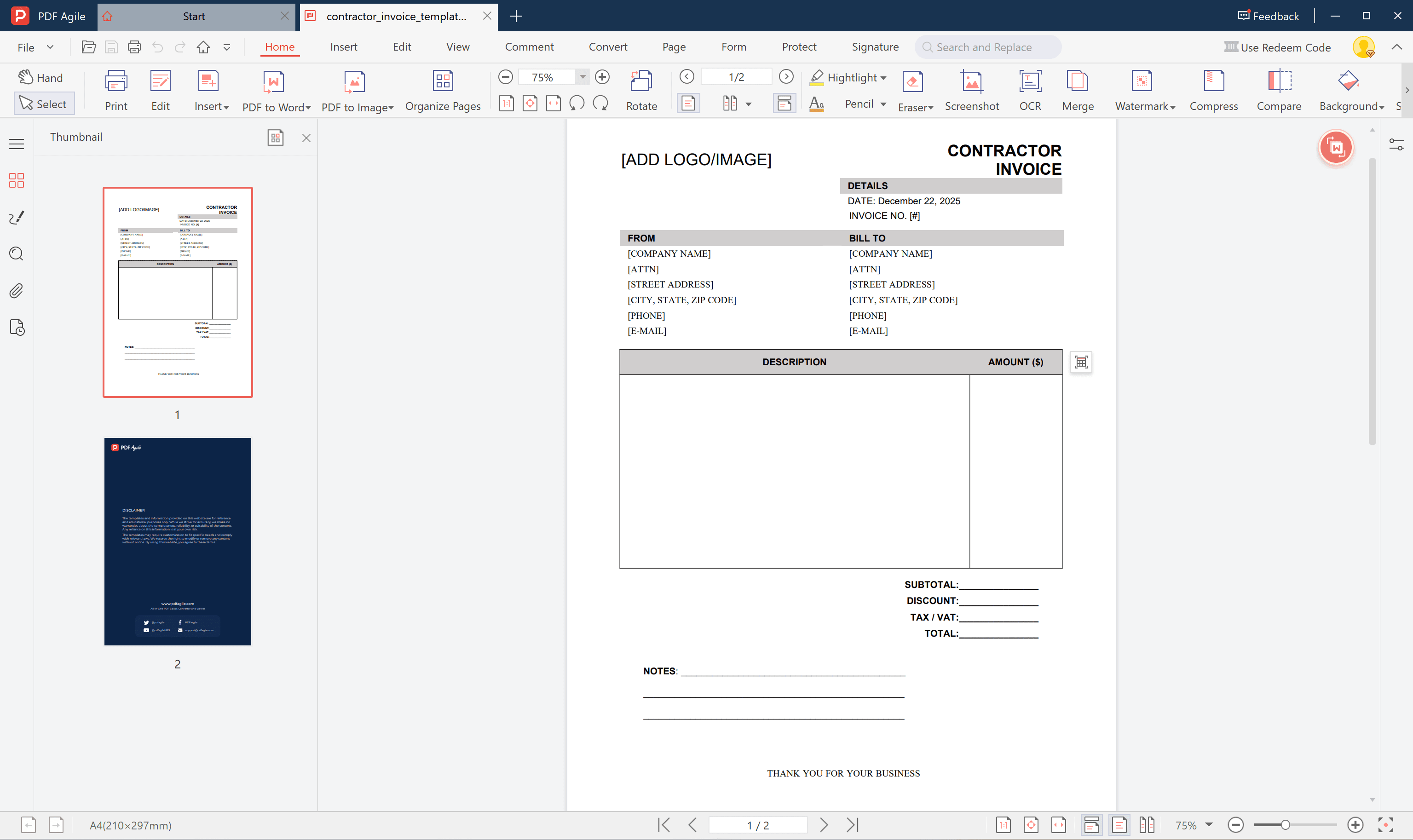
Step 4: List Items and Costs
Enter labor hours and rates, materials used, or equipment fees. Check all totals carefully, including taxes and surcharges.
Step 5: Finalize and Send
Save your finished invoice as a locked PDF. Finally, email it directly to the client or print and deliver it in person.
By following these steps, contractors can create invoices that are both professional in appearance and efficient in execution.
5. Tips for Managing and Tracking Contractor Invoices
Managing invoices efficiently prevents confusion and keeps your business running smoothly. Here are several practical tips:
- Keep all invoices in one organized digital folder or accounting system.
- Use a consistent numbering format to track each invoice and payment.
- Monitor due dates and send friendly payment reminders before deadlines.
- Reconcile invoices with your bank statements each month.
- Keep both digital and printed copies as backup records.
- Use tools like PDF Agile to quickly edit, convert, and manage invoice files without losing formatting.
With these methods, contractors can maintain an accurate overview of earned income, pending payments, and overall project profitability.
6. FAQs about Contractor Invoice Template
6.1 How to send an invoice as a contractor?
Contractors can send invoices either electronically or in hard copy. The most convenient option is to email a PDF version created in PDF Agile. Add a polite message such as “Please find attached the invoice for recent services completed” and request acknowledgment of receipt.
6.2 What’s the best billing frequency for contractors?
The ideal billing frequency depends on your project type and agreement with the client. For short-term jobs, invoice once upon completion. For longer or phased projects, issue invoices monthly or after completing each milestone. For ongoing maintenance work, set up recurring monthly billing to maintain consistency.
6.3 How do contractors handle partial payments on an invoice?
When a client makes a partial payment, the contractor should always record it clearly. Issue a receipt for the amount received, note the remaining balance on the invoice, and update records to reflect the outstanding amount. You may also issue a revised invoice showing the remaining payment due. Keeping accurate records helps avoid payment disputes and maintains trust.
Conclusion
A professional Contractor Invoice Template brings structure, clarity, and credibility to your business operations. Using PDF Agile, contractors can easily download, customize, sign, and send their invoices — saving time while ensuring accuracy and compliance.
Create with free contractor invoice template now – download, edit, and send instantly with PDF Agile!