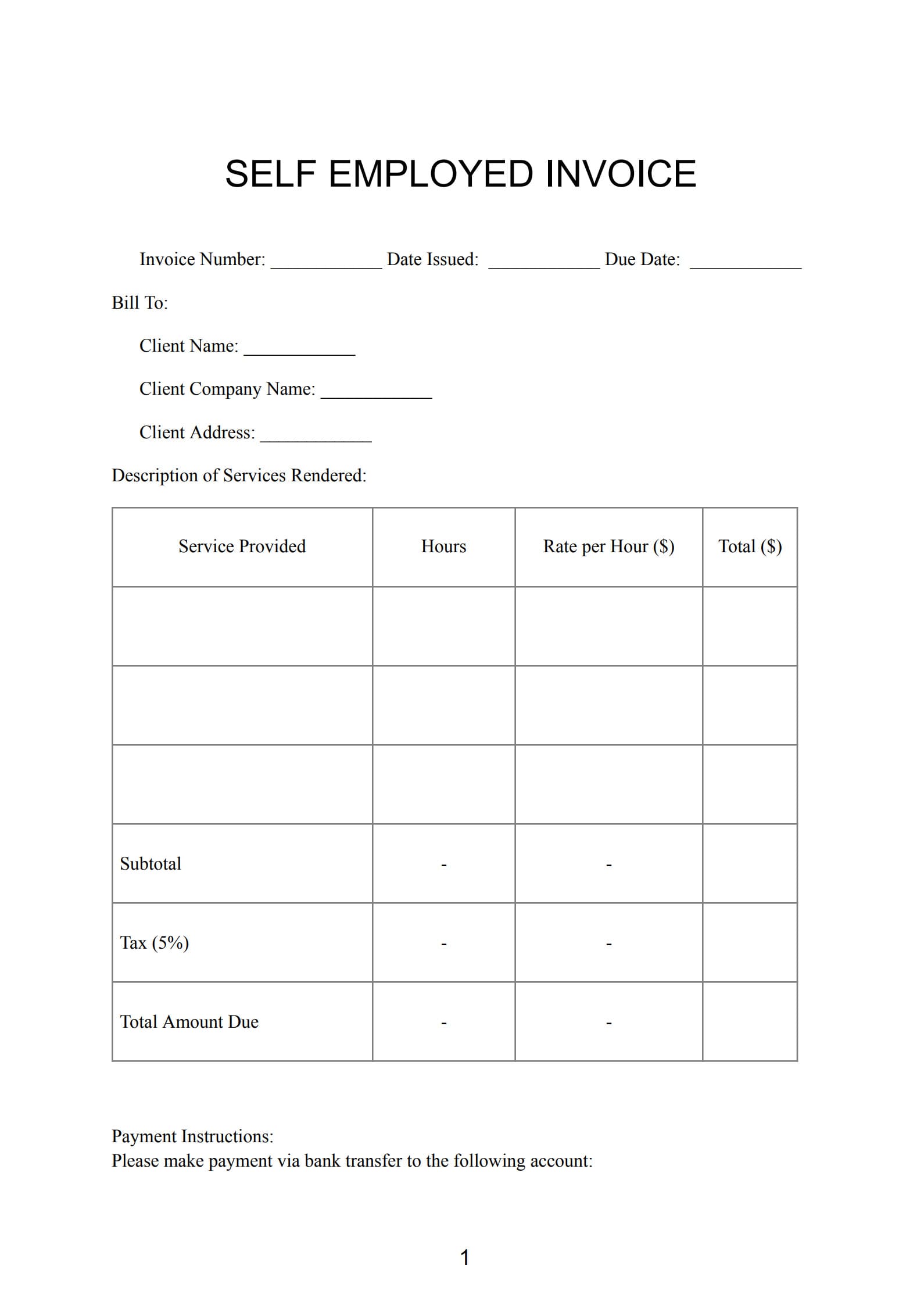
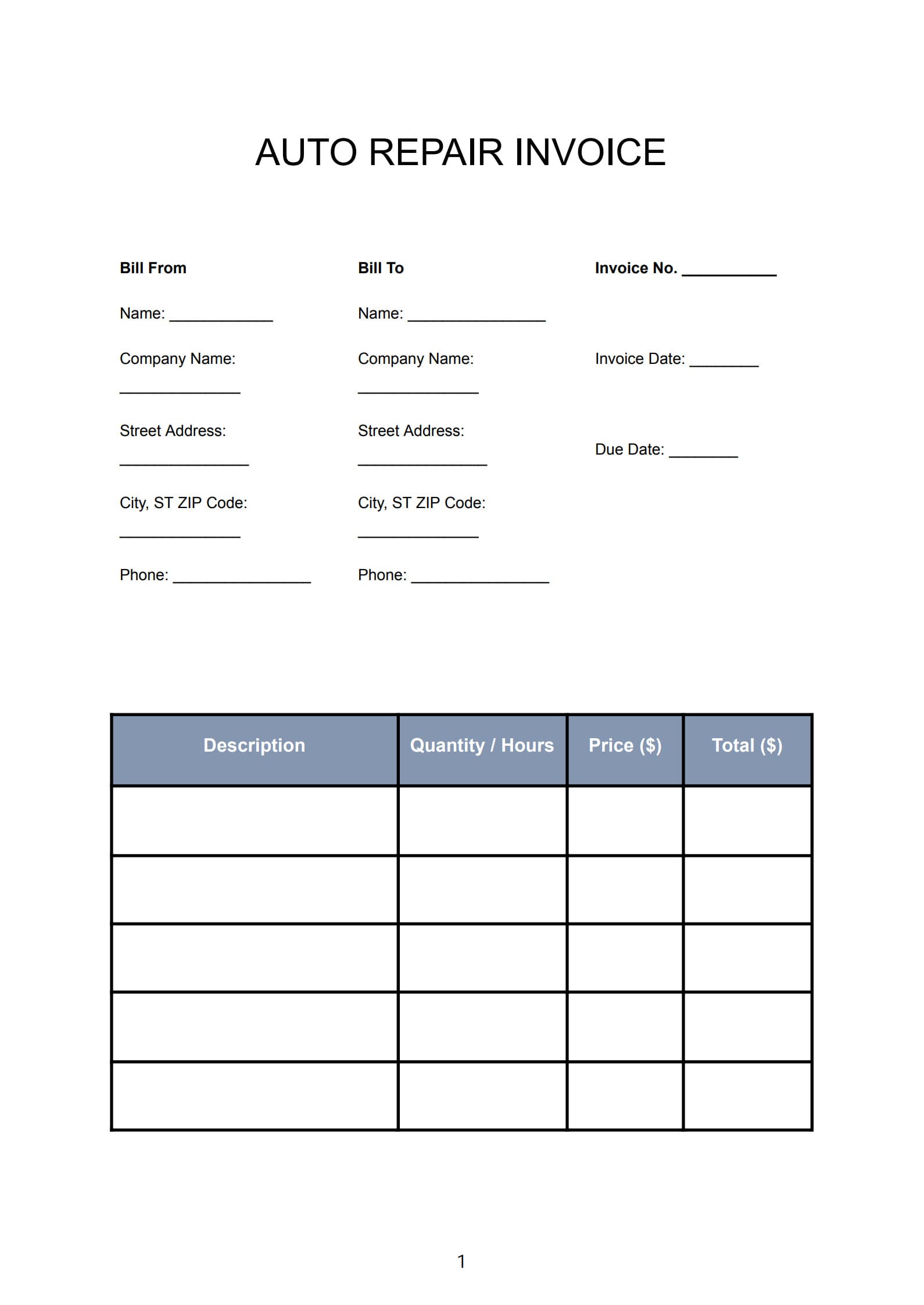
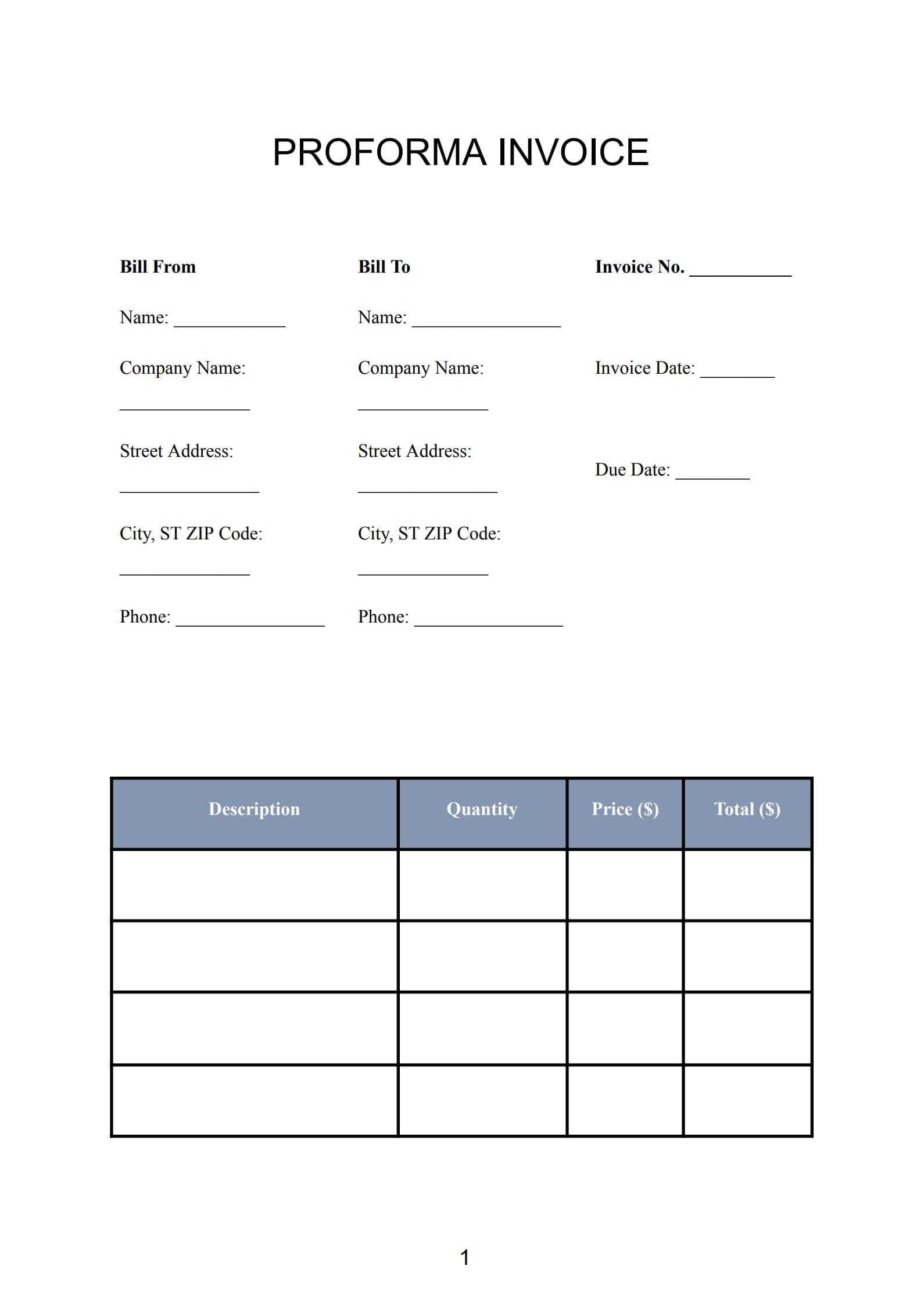
In the construction industry, maintaining financial clarity is just as critical as meeting project deadlines. A well-designed construction invoice not only documents completed work but also establishes trust and professionalism between contractors and clients. Whether you manage residential renovations, large-scale infrastructure, or independent contracting work, a standardized invoice template helps streamline payments, avoid disputes, and ensure transparency at every stage of the project.
This article explains what a construction invoice is, outlines its major components, and provides step‑by‑step instructions for creating one using editable templates that you can easily download, customize, and print.
1. What Is a Construction Invoice?
A construction invoice is an official billing document that contractors send to clients to request payment for work performed. It records labor, materials, subcontractor fees, and additional project costs in an itemized format, creating a clear financial record for both parties.
Construction invoices serve as a binding summary of project progress and payment obligations. They are commonly used by:
- General contractors handling full project builds
- Subcontractors providing plumbing, electrical, or carpentry work
- Independent builders or renovation specialists
- Construction management companies tracking milestones
Each invoice acts as an official statement of services rendered, ensuring that both sides acknowledge the value delivered and the amount owed.
2. Key Components of a Construction Invoice Template
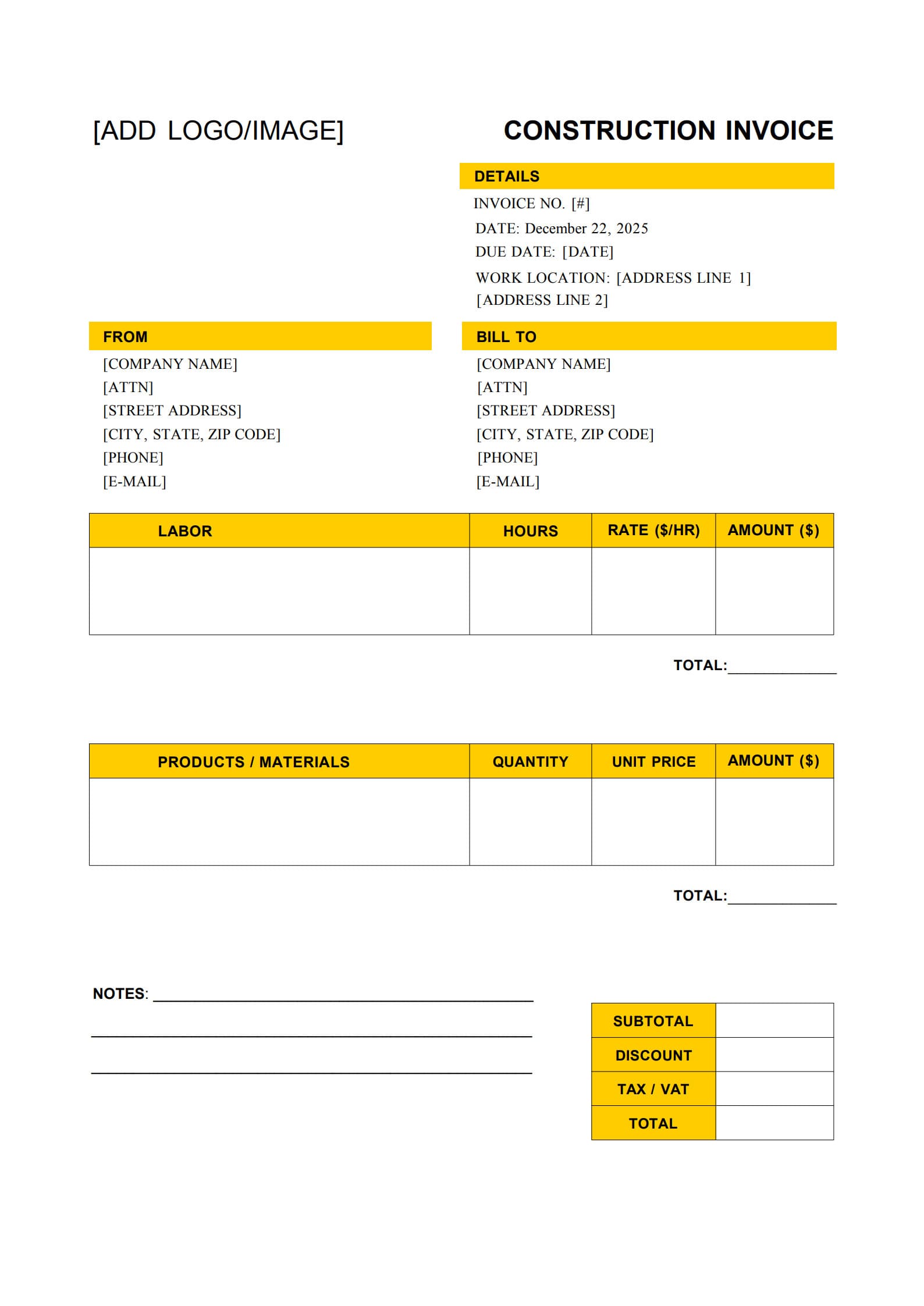
A professional invoice template should include the following elements for clarity and compliance:
1. Header and Contact Information
- Contractor’s company name, logo, address, phone, and license number
- Client’s name, company (if applicable), and billing address
2. Invoice Details
- Invoice number and issue date
- Project reference number or name
- Payment due date and method (bank transfer, check, etc.)
3. Project Description
Briefly explain the work performed—such as site excavation, framing, or electrical installation—and include project location and timeline.
4. Itemized Breakdown of Costs
- Labor hours and hourly rates
- Materials used (cement, wiring, tools, etc.)
- Subcontractor or equipment rental charges
- Permit and inspection fees if applicable
5. Totals and Taxes
Show subtotals, applicable sales tax or GST/VAT, and the grand total due after adjustments.
6. Terms and Conditions
Highlight deposit requirements, late fees, lien rights, or warranty details associated with the work.
7. Authorization and Signature Section
Spaces for both contractor and client signatures indicate agreement and acceptance of terms.
These elements make your invoice for construction work comprehensive, compliant, and ready for both electronic and printed formats.
3. Why Are Construction Invoices Important for Contractors and Clients?
A structured invoicing process brings several key advantages to all parties involved:
a. Transparency and Accountability
Every detail—from materials to labor hours—is written down, leaving no room for misunderstanding.
b. Financial Tracking and Tax Reporting
Invoices serve as the foundation for expense reporting and year-end financial summaries. Both contractors and clients rely on these for bookkeeping accuracy.
c. Legal Protection
In most regions, a construction invoice functions as an enforceable record of what was agreed, serving as evidence in payment disputes or audits.
d. Business Professionalism
Clients perceive structured invoicing as a sign of organizational reliability, improving long-term business relationships.
e. Easier Project Management
When multiple subcontractors are involved, standardized invoices simplify tracking obligations and help monitor overall budget consumption.
4. How to Create a Construction Invoice with Template Step by Step
Follow these practical steps to design and issue invoices with confidence:
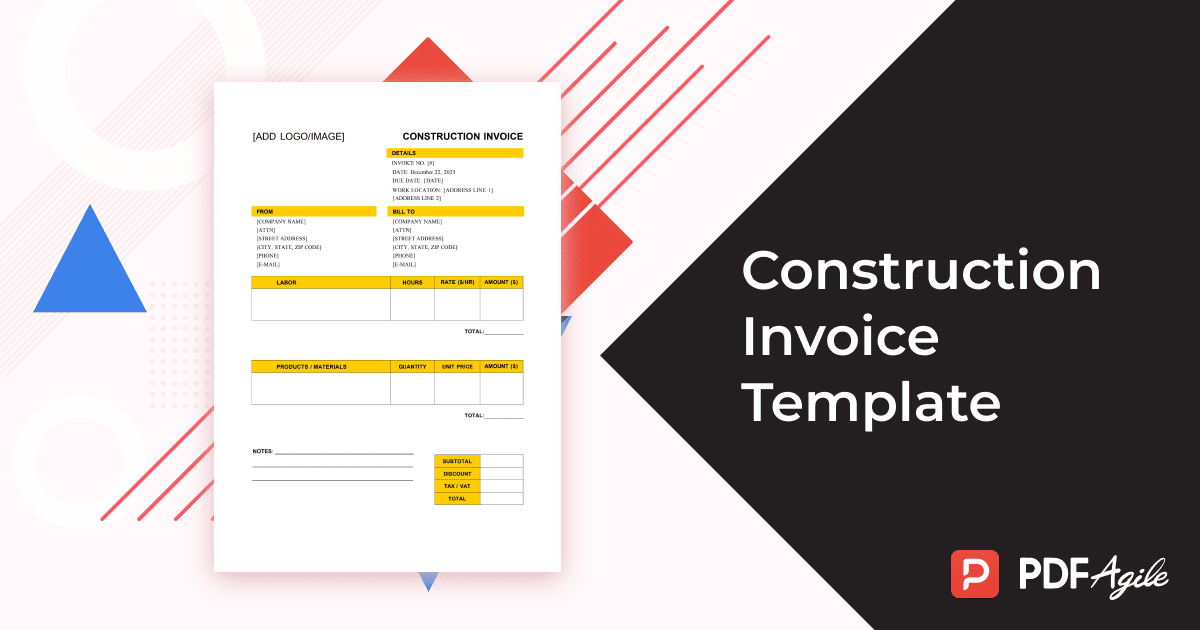
Step 1: Choose the Right Construction Invoice Template
Start with an editable, pre-formatted free construction invoice template compatible with PDF Agile, Word, or Excel. A proper template saves time and maintains consistency across projects.
Step 2: Add Your Brand and Business Details
Include your logo, legal business name, contact info, and license number at the top of the page to establish credibility.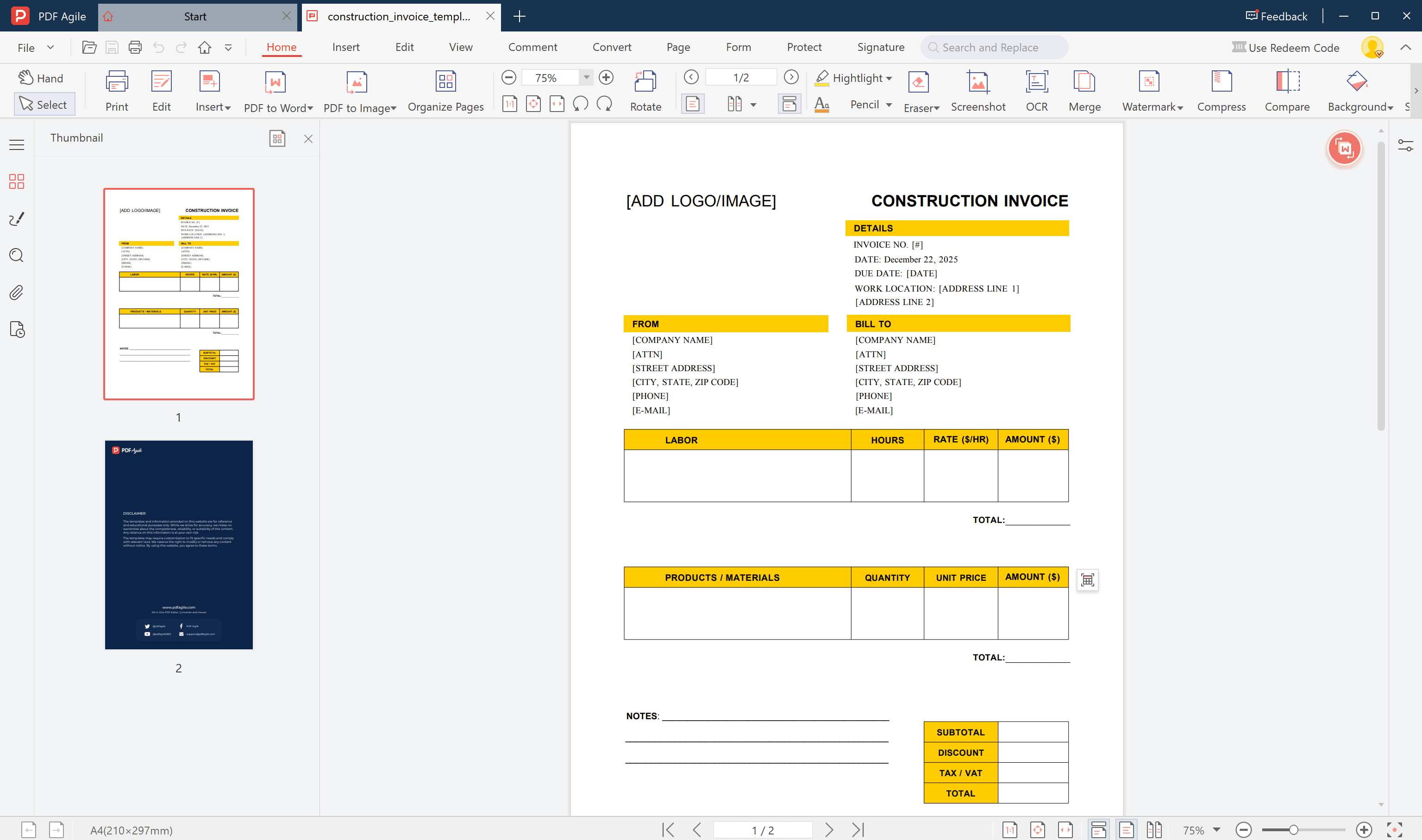
Step 3: Record Client and Project Information
Enter your client’s name, address, and project description (e.g., “Residential Foundation Replacement – Phase 2”) to help both parties reference the work easily.
Step 4: Itemize Every Cost Clearly
List all work performed. Be specific and avoid rounding off—accuracy prevents disputes.
Step 5: Include Taxes, Discounts, and Adjustments
If your business charges enterprise or regional tax, list it separately. Subtract deposits or previous payments to show remaining balance.
Step 6: Review, Sign, and Send
Double-check for errors, then export your invoice as a non‑editable PDF and email it directly or print a hard copy for physical delivery.
5. Top Construction Invoice Software to Try
While templates are great for individual projects, dedicated billing software automates recurring tasks. Popular options include:
- PDF Agile – Ideal for editing, filling, and exporting invoices quickly.

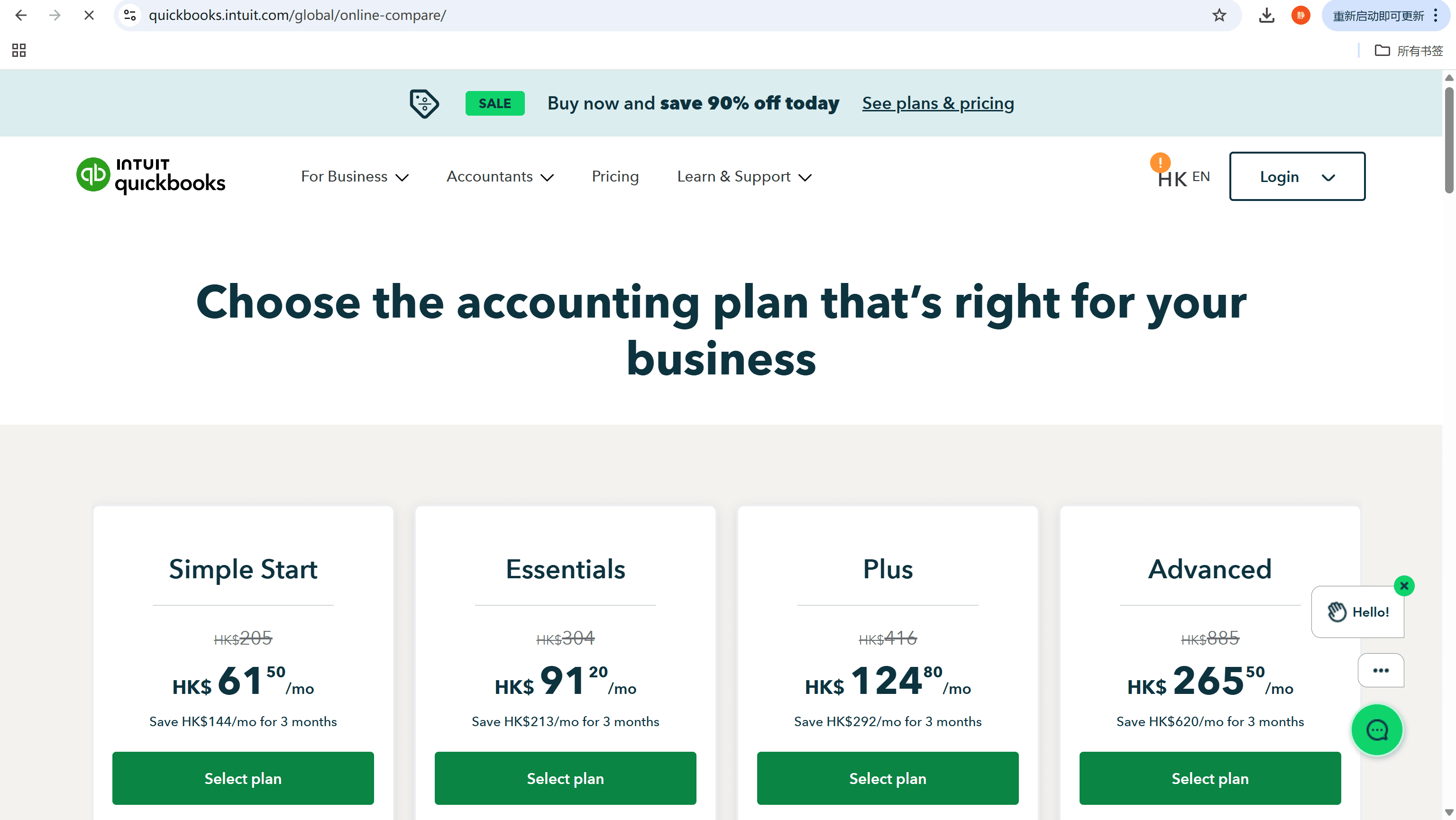
- QuickBooks – Combines invoicing with accounting and tax calculation tools.
- FreshBooks – Streamlines client management and expense tracking.

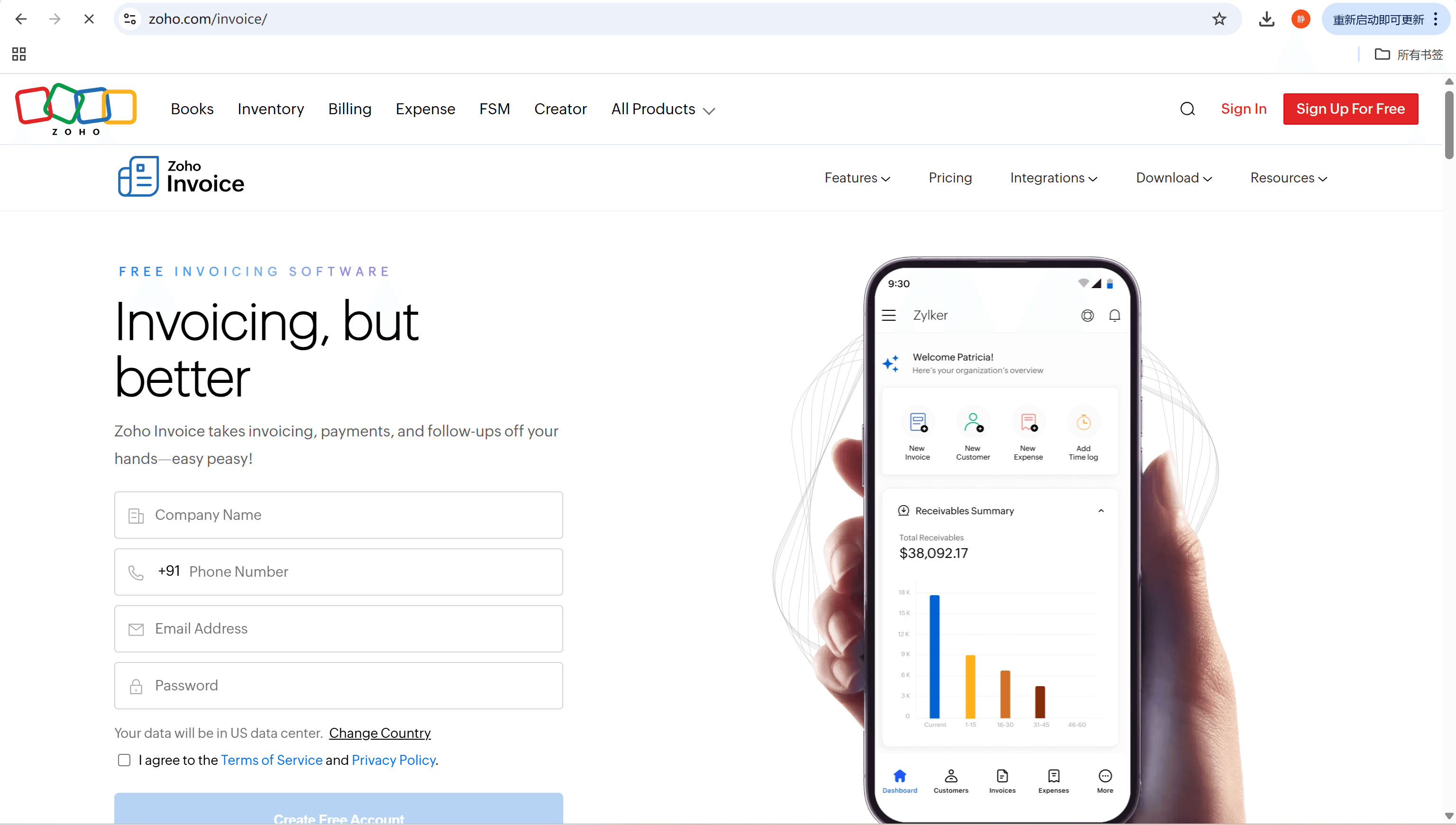
- Zoho Invoice – Best for small contractors managing multiple clients.
By integrating these tools, you can track outstanding payments, send automatic reminders, and generate tax reports without manual effort.
6. FAQs about Construction Invoice
6.1 How do you calculate the total cost in a construction invoice?
Add up all listed charges—labor, materials, subcontractor work, administration fees, taxes, and discount adjustments. The formula often used is:
Total = (Labor + Materials + Other Costs) ± Adjustments + Tax.
6.2 Can I use Excel for construction invoicing?
Yes. Excel allows you to build formulas for totals, track tax rates, and create summary sheets. You can then convert or export your invoice as a secure PDF to send to clients.
6.3 Is a construction invoice legally binding?
Yes. Once an invoice is approved and payment terms are agreed upon (verbally or in writing), it becomes legally enforceable under standard contract law. Always keep signed copies for your records.
Conclusion
A well‑structured construction invoice is far more than a document requesting payment—it’s a cornerstone of transparency, accountability, and professionalism in project management. Using an editable and printable template helps contractors save time, minimize disputes, and maintain an organized record of every assignment.
By standardizing your invoicing process with tools like PDF Agile or QuickBooks, you can ensure that every project—from small-scale repairs to large developments—is billed accurately, legally, and efficiently.
A clear invoice means a clear reputation—lay a solid financial foundation for your business today.