In the cleaning service industry, whether you work for households, offices, or commercial clients, clear and professional invoice management is essential for building trust and ensuring timely payments.
Using a Cleaning Invoice Template allows you to quickly create standardized invoices, clearly outline service details and payment terms, and save time on repetitive billing tasks.
The PDF format is easy to edit, save, and share—making it the ideal choice for efficient invoicing.
1. What Is a Cleaning Invoice Template?
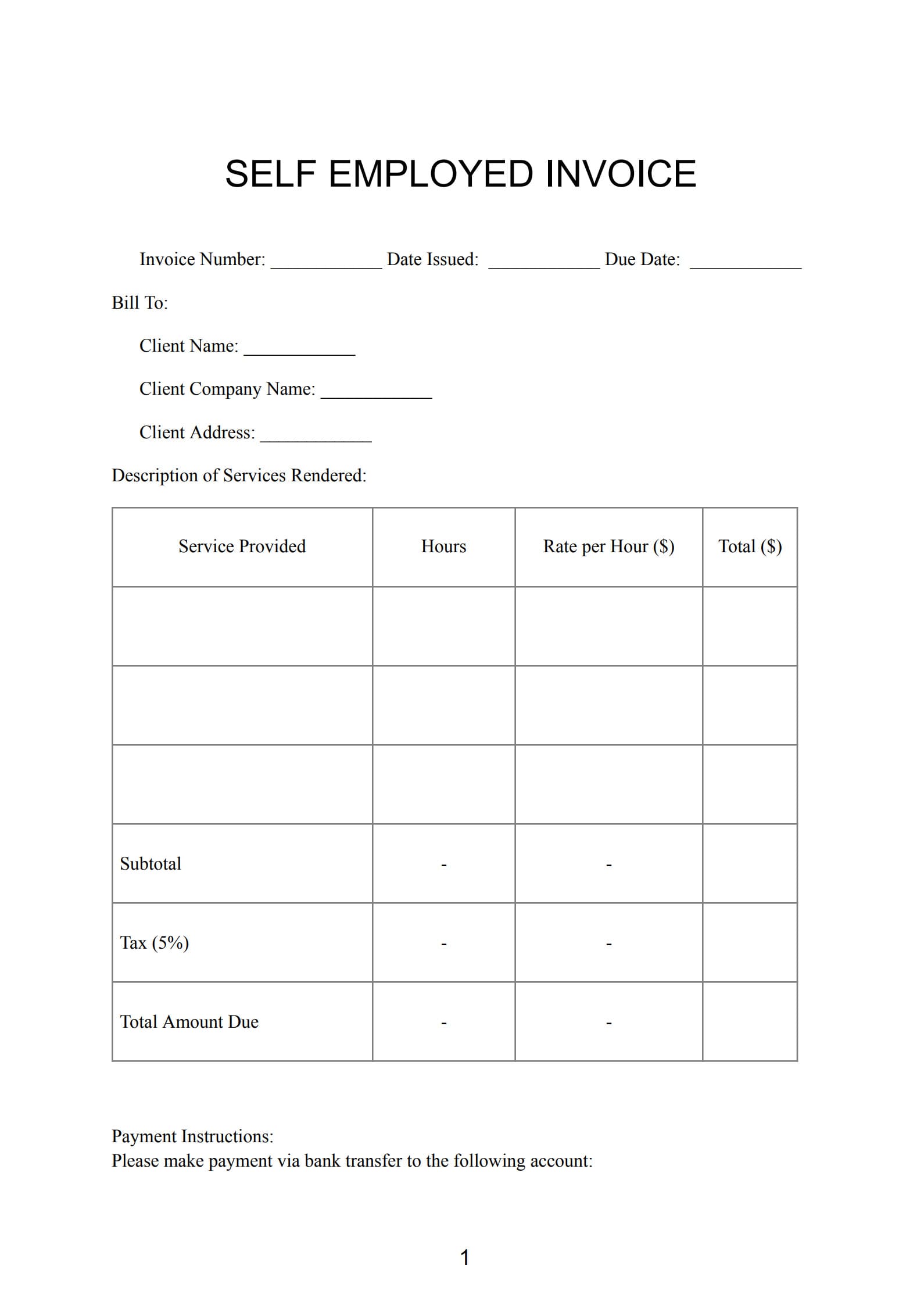
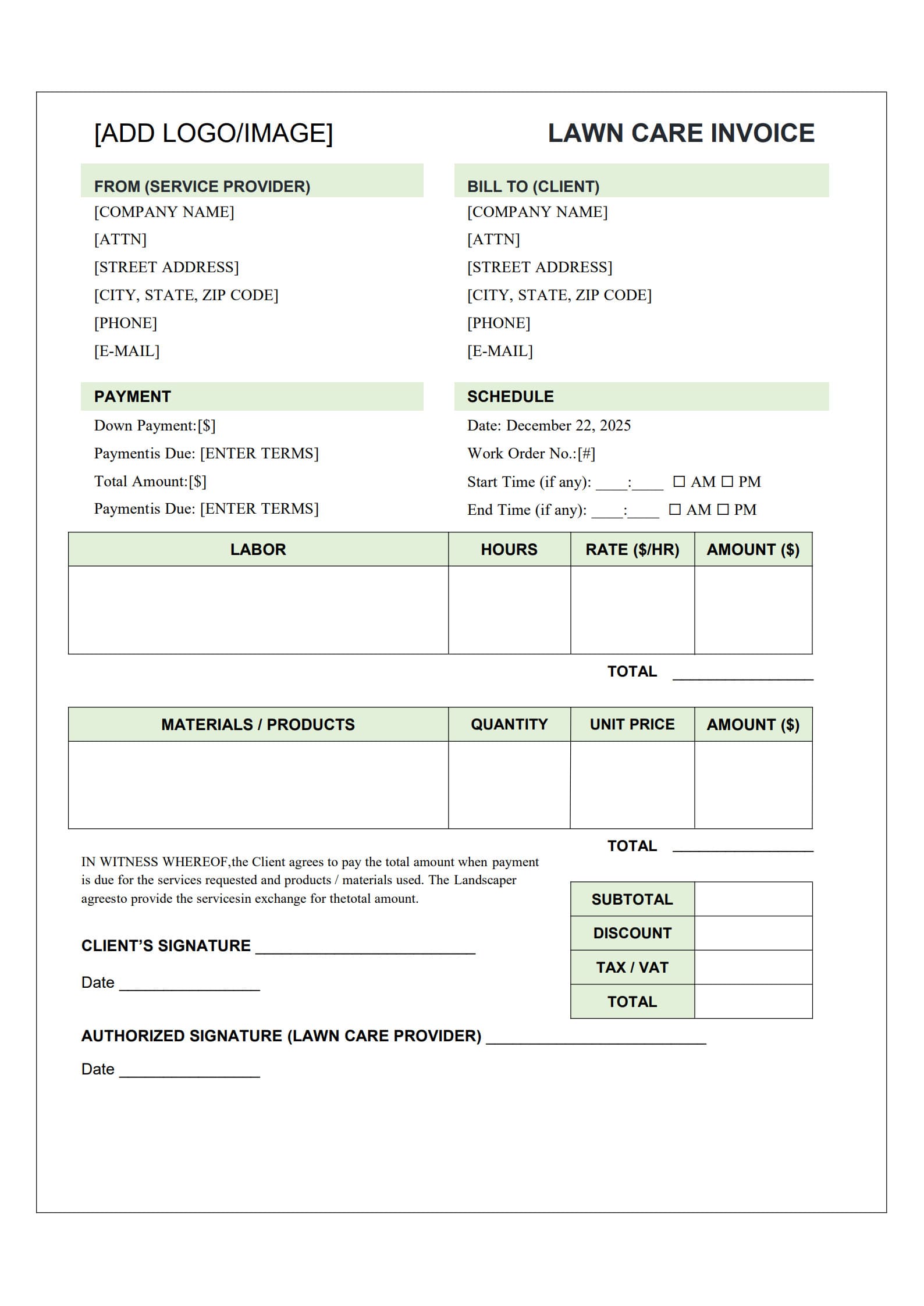
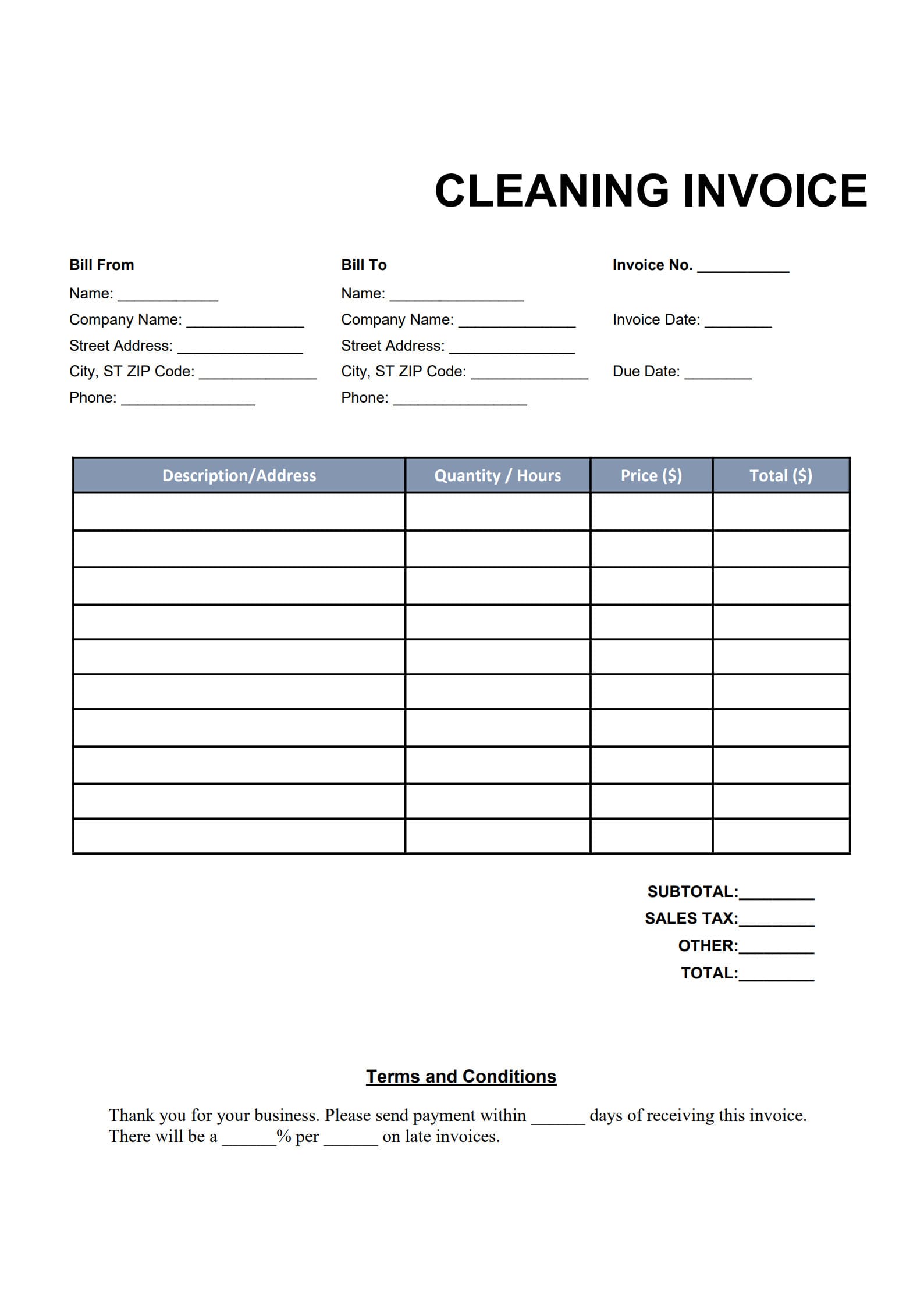
A Cleaning Invoice Template is a ready-to-use billing document designed to record cleaning services, prices, client information, taxes, and payment terms.
It serves as both a formal proof of payment for the client and an important financial record for the service provider's bookkeeping and accounting.
A standard Cleaning Invoice Template typically includes:
- Business or cleaner name, logo, address, and contact details
- Client name, address, and contact details
- Date of service and invoice issue date
- Description of cleaning services provided and itemized prices
- Subtotal, tax, and total amount due
- Payment method and due date
A well-structured invoice not only demonstrates professionalism but also helps clients clearly understand what they are paying for.
2. When Should You Send a Cleaning Bill?
The best time to send your invoice depends on your service type and client relationship:
- One-Time Cleaning Services:
It’s recommended to send your invoice immediately after the job is completed to ensure prompt payment. - Regular (Recurring) Cleaning Services:
Set a consistent billing cycle—weekly, monthly, or quarterly—to maintain a steady cash flow. - Large Commercial Projects:
Consider using a milestone billing system, such as taking a deposit before starting and issuing the final invoice after completion.
Regular and timely invoicing presents you as organized, dependable, and professional.
3. How to Fill Out a Cleaning Invoice with Template (Step-by-Step Guide)
With PDF Agile, you can easily create and export professional cleaning invoices.
Follow the steps below:
Step 1: Download the Cleaning Bill Template
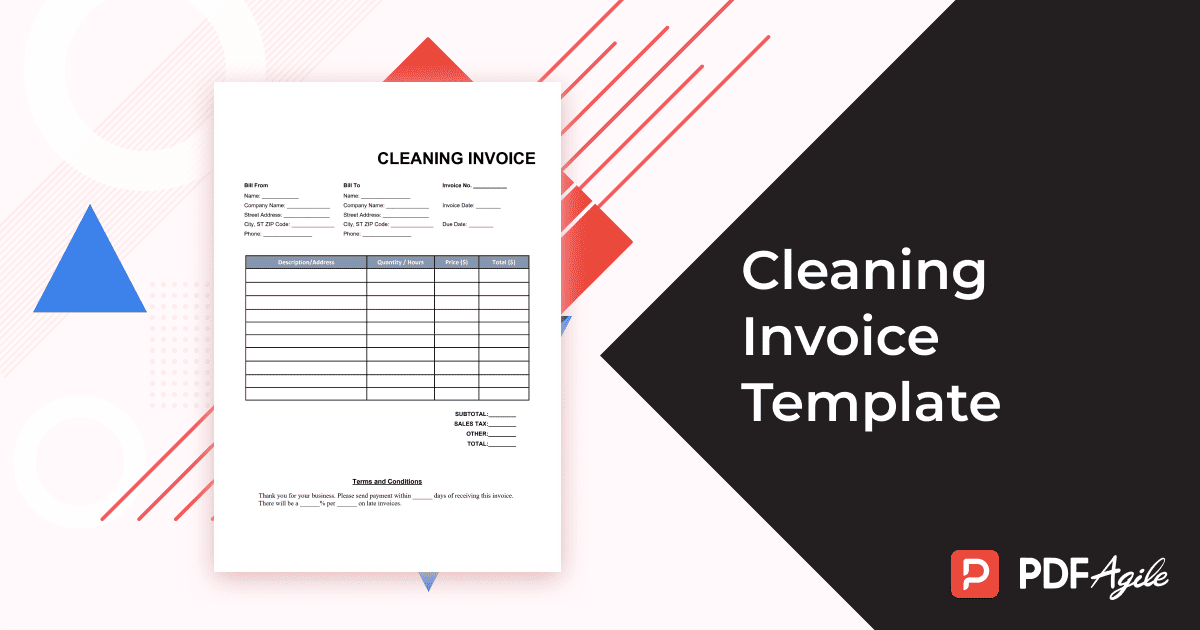
Visit the PDF Agile official website and download the free Cleaning Invoice Template (PDF format). The template includes pre-designed fields for quick data entry.
Click “Use Template” button on the right side of this page, so you can start in no time.
Step 2: Open and Complete the Information
Open the downloaded file with PDF Agile, and fill in the following:
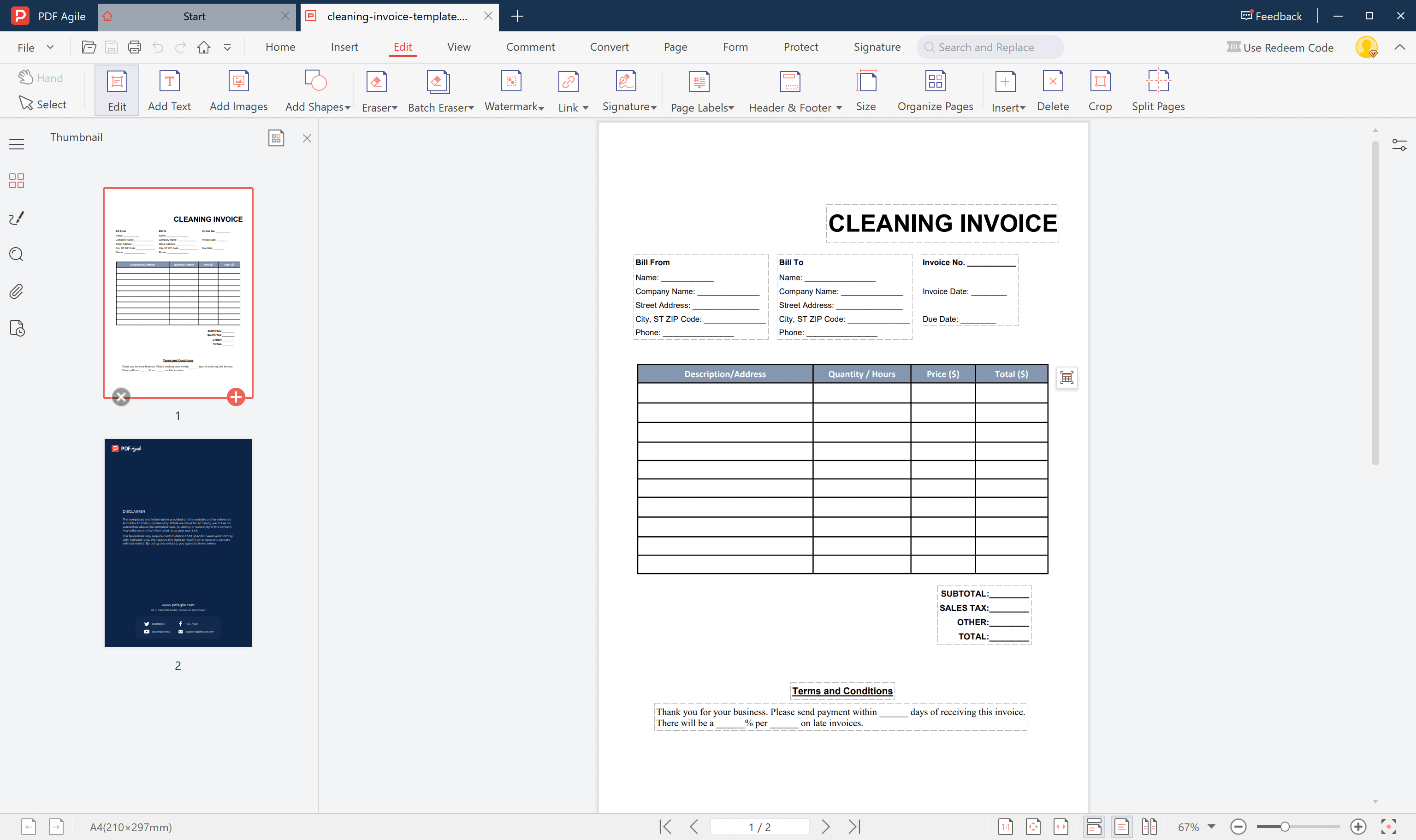
- Your company or personal details
- Client’s name and contact information
- Invoice number and issue date
- List of cleaning services, quantity, rate, and total
- Tax (if applicable) and final amount due
You can also personalize your invoice by adding your logo, adjusting the layout, or changing colors.
Step 3: Save and Export the PDF
Once completed, click “Save” or “Export to PDF.”
You’ll get a professional, printable, and shareable invoice ready to send by email.
For recurring use, save it as a reusable template for future billing.
4. Common Mistakes in Cleaning Invoices and How to Avoid Them
To ensure smooth billing and payment, pay attention to these common mistakes:
- Incomplete Information: Missing invoice number, date, or cost details can cause confusion.
- Vague Descriptions: Each service should be clearly itemized with the corresponding charge.
- Delayed Invoicing: Sending invoices too late can delay client payments.
- No Payment Tracking: Use a spreadsheet or invoicing software to track invoice status.
- No Follow-Up on Late Payments: If payment is overdue, send a polite reminder after the grace period.
Avoiding these errors keeps your cash flow healthy and strengthens client trust.
5. Frequently Asked Questions (FAQs)
5.1 How Do I Charge by the Hour or a Fixed Rate?
For hourly billing, list the calculation formula “hours × hourly rate”;
for fixed-price services (e.g., “Full Apartment Cleaning – $80”), state the flat fee clearly.
You can also add separate line items for special or additional tasks.
5.2 Can I Include the Cost of Cleaning Supplies?
Yes. If you provide your own cleaning products, chemicals, or equipment,
add a separate line labeled “Cleaning Supplies or Equipment Fee” with details and costs.
Transparent pricing builds trust and reduces misunderstandings.
5.3 How Do I Send Invoices to Regular Clients?
You can use PDF Agile’s recurring invoice function, or simply save a previous invoice as a template.
For each billing cycle, update the date and amount, and send it via email.
Auto-reminder settings can also help you invoice on schedule without manual effort.
Conclusion
A professional and clear Cleaning Invoice Template significantly enhances your business image, keeps your records organized, and encourages on-time payments.
With PDF Agile, you can easily download, fill in, and save custom invoices within minutes, streamlining your entire billing process.
Whether you operate as an independent cleaner, a commercial cleaning company, or an office janitorial team,
Having a well-designed invoice template is a key step toward building credibility and sustaining business growth.