


Extract Text from the Recent PDF File
The text in PDF files can be scanned and it can also be exported to a TXT format file by using the OCR tool.
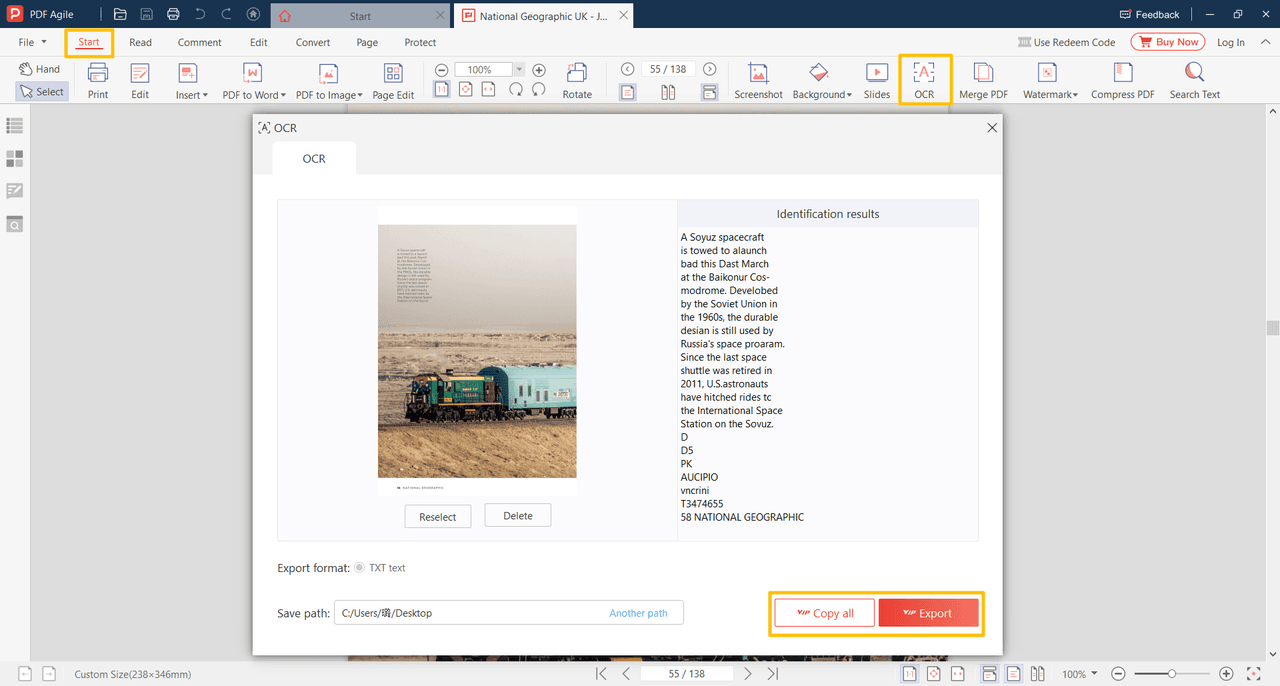
Click the Start > OCR button to see the OCR dialog box, and the OCR tool can scan the recent page in the PDF file.
Click Reselect or Delete button to change if you want to scan other files.
Click Start Identification button to start.
The identification results will be shown in the box on the right side of the OCR dialog box.
Click the Copy All button to select all the text and place it on the Clipboard.
Click the Export button to generate a TXT format file.