Before you hit download on that "free cracked version" from a random website, you need to know what you are actually installing.
Most users assume a crack is simply a free pass, but technically, it is a piece of software designed to manipulate your operating system's core behavior.
In this article, we will analyze common cracking methods, explain the specific dangers they introduce to your system, and provide a comprehensive guide to 5 safe, legal, and completely free Office suites that can handle your documents just as well.
How Office "Cracks" Are Distributed
To understand the ecosystem of software piracy, one must look at the different vectors used to bypass Microsoft’s licensing protocols. These methods range from automated executable programs to open-source scripts hosted on developer platforms. Here is an objective look at how they function:
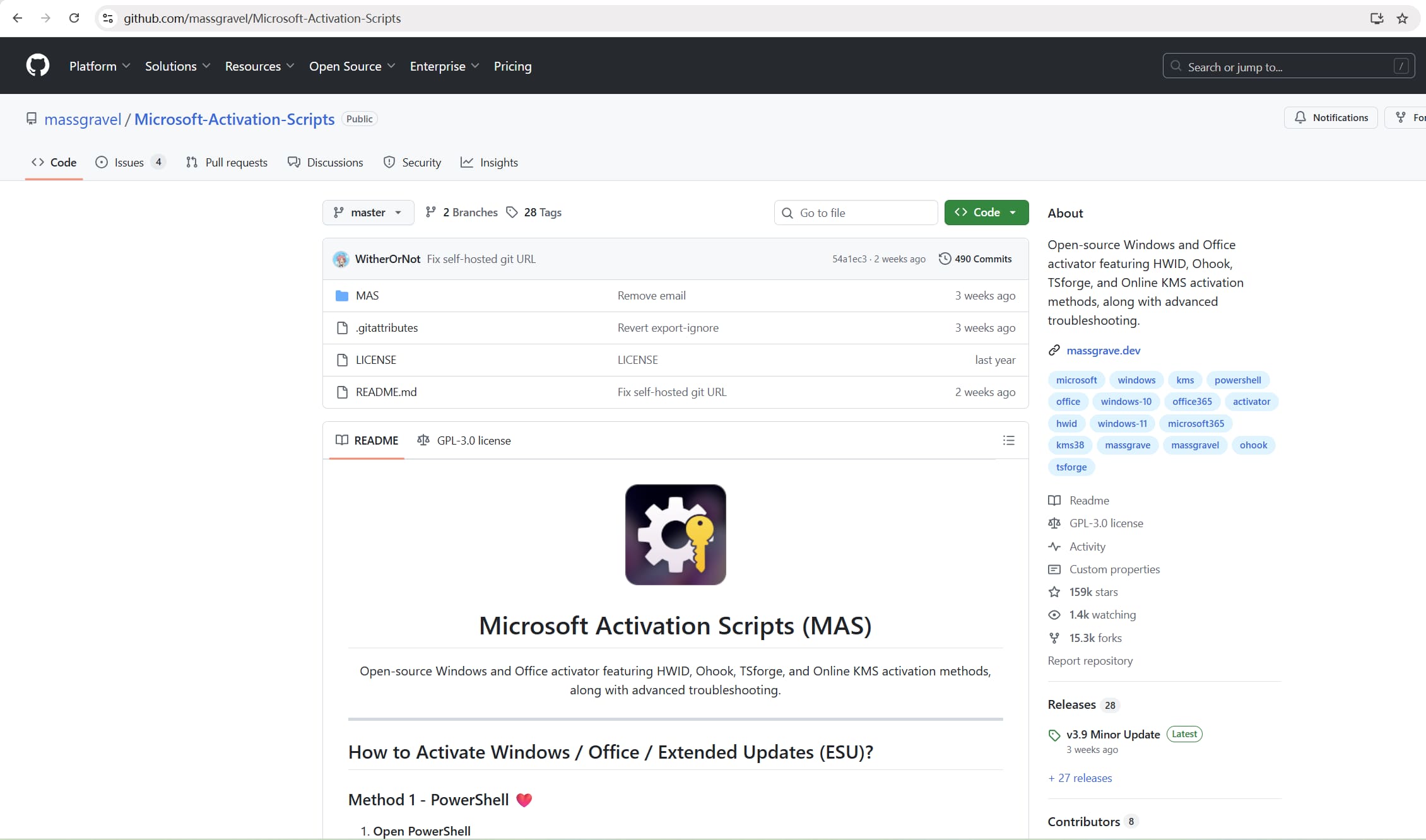
1. Automated Scripts on Repositories (GitHub)
In recent years, users have moved away from sketchy download sites and toward code repositories like GitHub or GitLab.
- The Method: Developers host open-source "Activation Scripts" (often termed MAS or similar). These are plain-text scripts that users are instructed to copy and paste into PowerShell or run directly.
- The Mechanism: These scripts automate the process of converting a "Retail" Office license into a "Volume" license. They then attempt to force the computer to validate this license against a non-Microsoft server.
- The Reality: While open-source code is theoretically transparent, these repositories are frequently taken down for Terms of Service violations. Furthermore, malicious actors often "fork" (copy) legitimate scripts, inject malicious code, and re-upload them with similar names to trick users into running infected scripts.
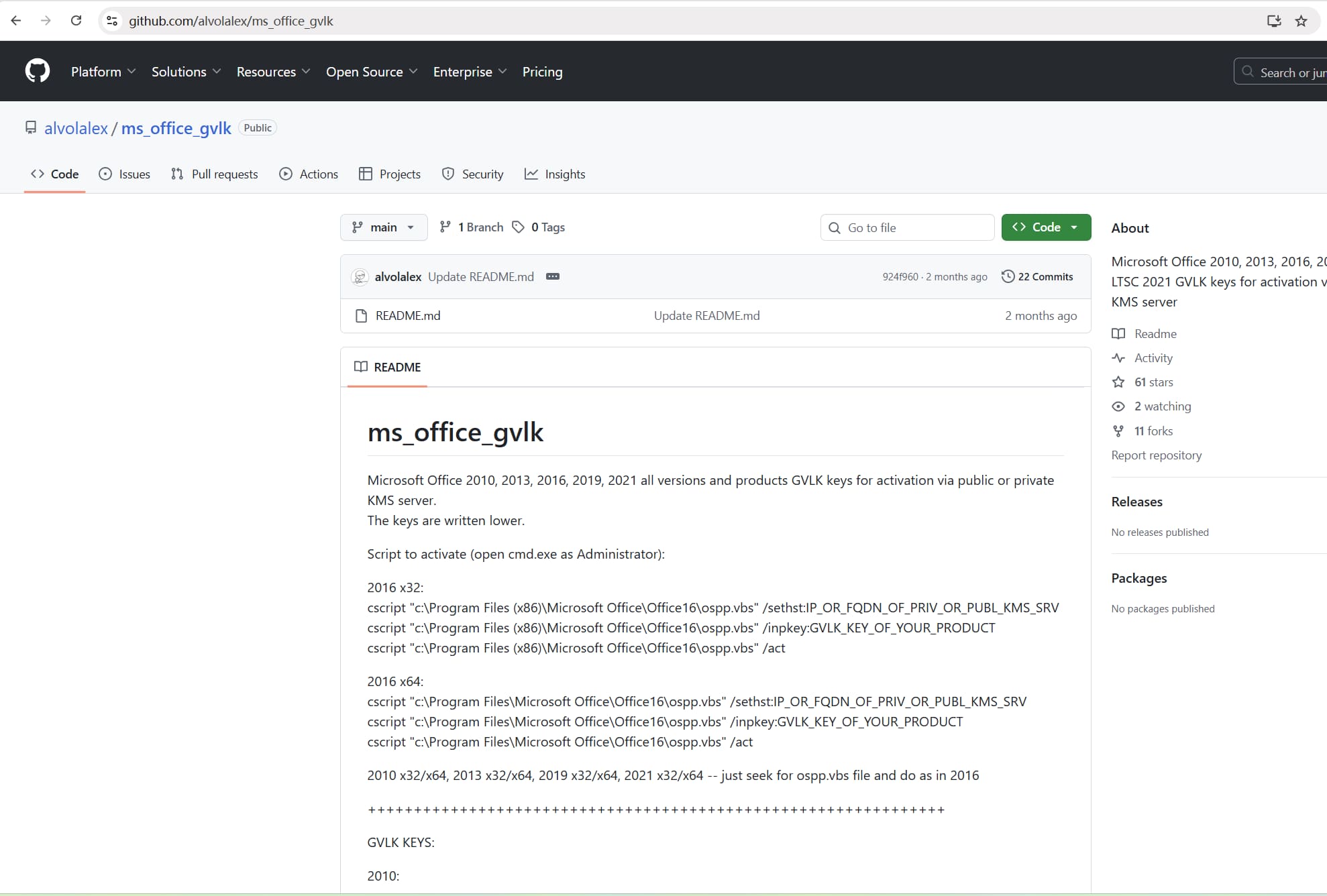
2. Command Line & Batch Files
This is a "manual" method often shared on tech forums and pastebin sites. It avoids downloading .exe files but requires the user to interact with the Windows Command Prompt.
- The Method: Users are instructed to create a text file, paste a specific block of code, save it as a
.cmdor.batfile, and run it as Administrator. - The Mechanism (GVLK): The code typically utilizes Generic Volume License Keys (GVLK)—public keys provided by Microsoft for enterprise deployment. The script forces the installation of this key and then manually sets the "KMS Host" to a third-party, unauthorized server address to mimic a corporate activation environment.
- The Reality: Running a batch file with Administrator privileges allows that file to execute any command on your system, not just the activation commands. One hidden line of code can disable your Windows Defender or open a backdoor for future access.
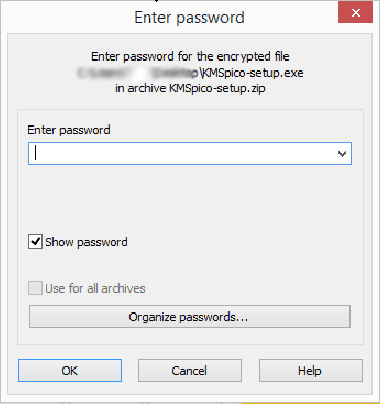
3. KMS Activator Tools
These are standalone executable programs (.exe) that have been popular for over a decade.
- The Method: Users download a compressed file (often password-protected to avoid antivirus detection), extract it, and run the tool.
- The Mechanism: The tool installs a background service that constantly resets the 180-day trial counter of the Volume License.
- The Reality: Because these tools are closed-source binaries, you cannot see what is inside. They are the #1 vector for ransomware and cryptominers.
4. Modified Microsoft Office ISO Installers
These are repacked disk-image files that look identical to the official Office installer but have been altered by unknown third parties.
- The Method: Third-party groups take a legitimate Microsoft Office ISO (installation file), unpack it, and modify the contents. They add silent scripts or executables, remove security checks, and then repackage it.
- The Mechanism: These files are circulated on unofficial download sites, often labeled as “pre-activated” or “auto-activated.” The installation script runs the activation hack automatically in the background while Office is installing.
- The Reality: You are installing software that has been tampered with at the source. Because the digital signature of the installer is broken, there is no guarantee that the software is just Office; it often serves as a "Trojan Horse" that installs spyware alongside Word and Excel.
The Hidden Dangers of a Microsoft Office Crack
While saving money is appealing, the cost of using pirated software often exceeds the price of a license. Here is what happens when you use cracked software:
1. Severe Security Vulnerabilities
This is the biggest risk. Hackers don't crack software for charity. They often bundle "activators" with hidden malware.
- Trojan Horses: These run silently in the background, stealing your passwords, banking details, and personal photos.
- Ransomware: This malware locks all your files (documents, photos, videos) and demands a payment (usually in crypto) to unlock them.
- Cryptojacking: Your computer’s processing power is stolen to mine cryptocurrency for the hacker, causing your PC to slow down, overheat, and degrade its lifespan.
2. Legal Consequences
Using pirated software is illegal.
- For Individuals: You violate copyright laws, which can lead to fines.
- For Businesses: If your company is audited and found using cracked licenses, you face massive fines, legal battles, and permanent damage to your brand reputation.
3. No Updates = No Security
Legitimate software receives regular security patches to fix bugs and close loopholes. Cracked versions blocked from the internet do not receive these updates. This leaves your computer permanently open to new hacker exploits that legitimate users are protected against.
4. Instability and Data Loss
Cracked versions often have modified code that breaks core features. You might spend hours working on a report only for Word to crash and corrupt your save file. Without official support, there is no one to help you recover your data.
Top 5 Legal & Free Alternatives to Microsoft Office
You don’t need a crack to edit Word or Excel files. Here are the 5 best free office suites that can replace Microsoft Office today.
1. Microsoft Office Online
 Platform: Web Browser (Windows, Mac, Linux)
Best for: Users who need 100% genuine Microsoft formatting.
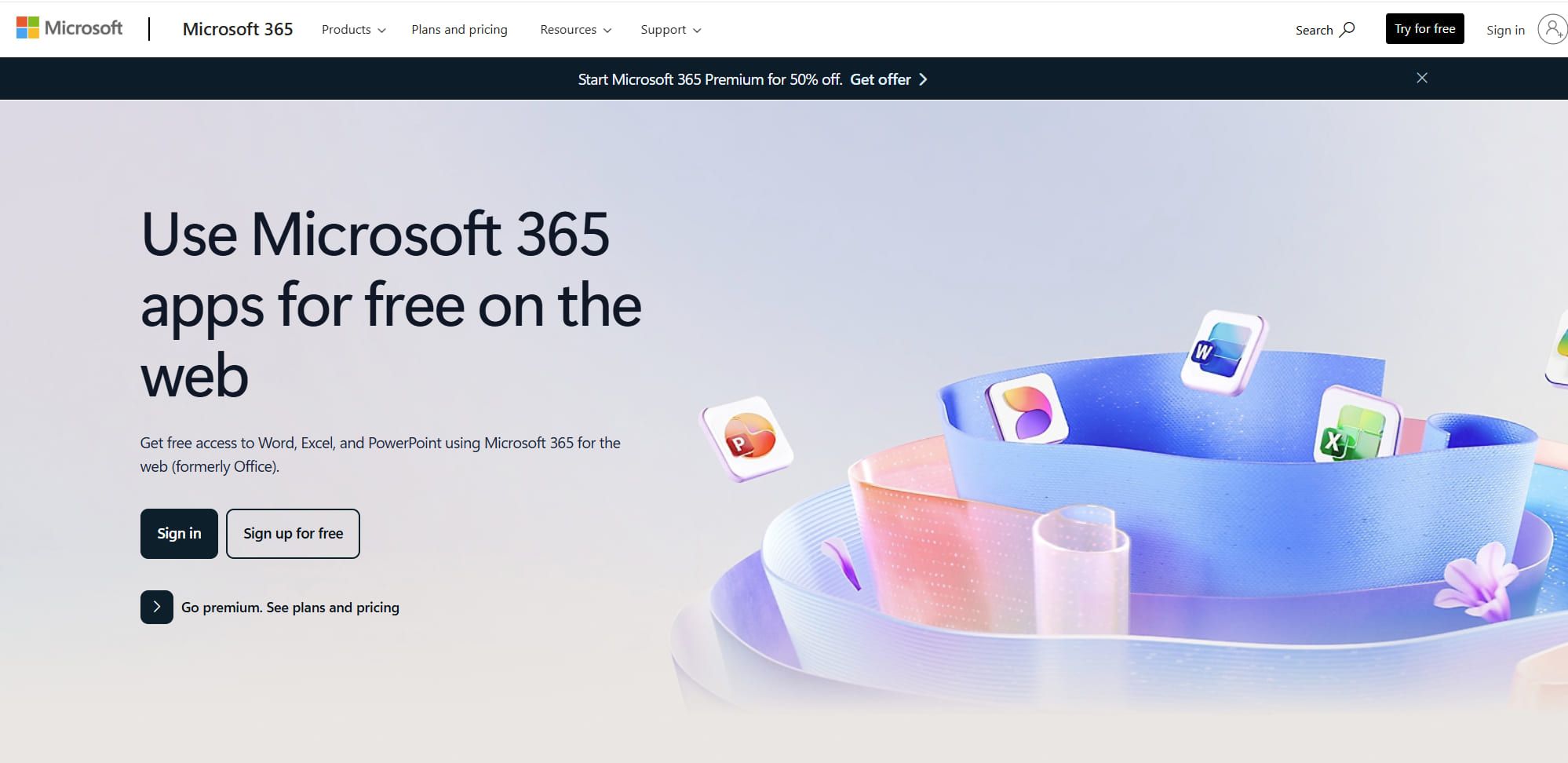
Many users don't realize that Microsoft offers a completely free version of its suite. It is cloud-based, meaning you use it inside your web browser (like Chrome or Edge) rather than installing it on your PC.
Key Features:
- Includes Word, Excel, PowerPoint, and Outlook.
- Saves files automatically to OneDrive.
- Supports real-time collaboration with other Microsoft users.
Pros: 100% legal, genuine formatting, no installation needed.
Cons: Requires internet access; lacks some advanced features like Macros.
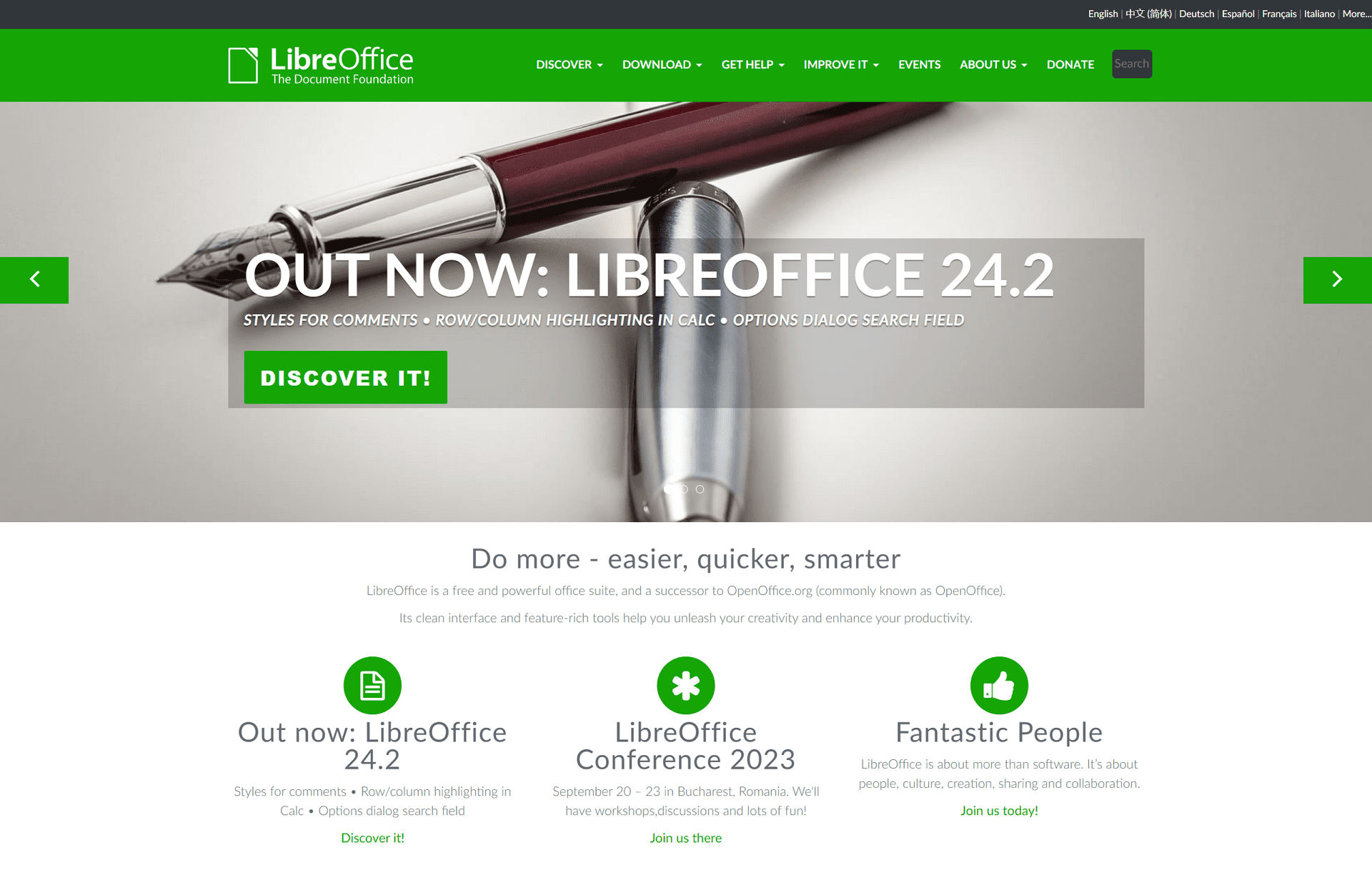
2. LibreOffice
 Platform: Windows, macOS, Linux
Best for: Complete offline work and maximum privacy.
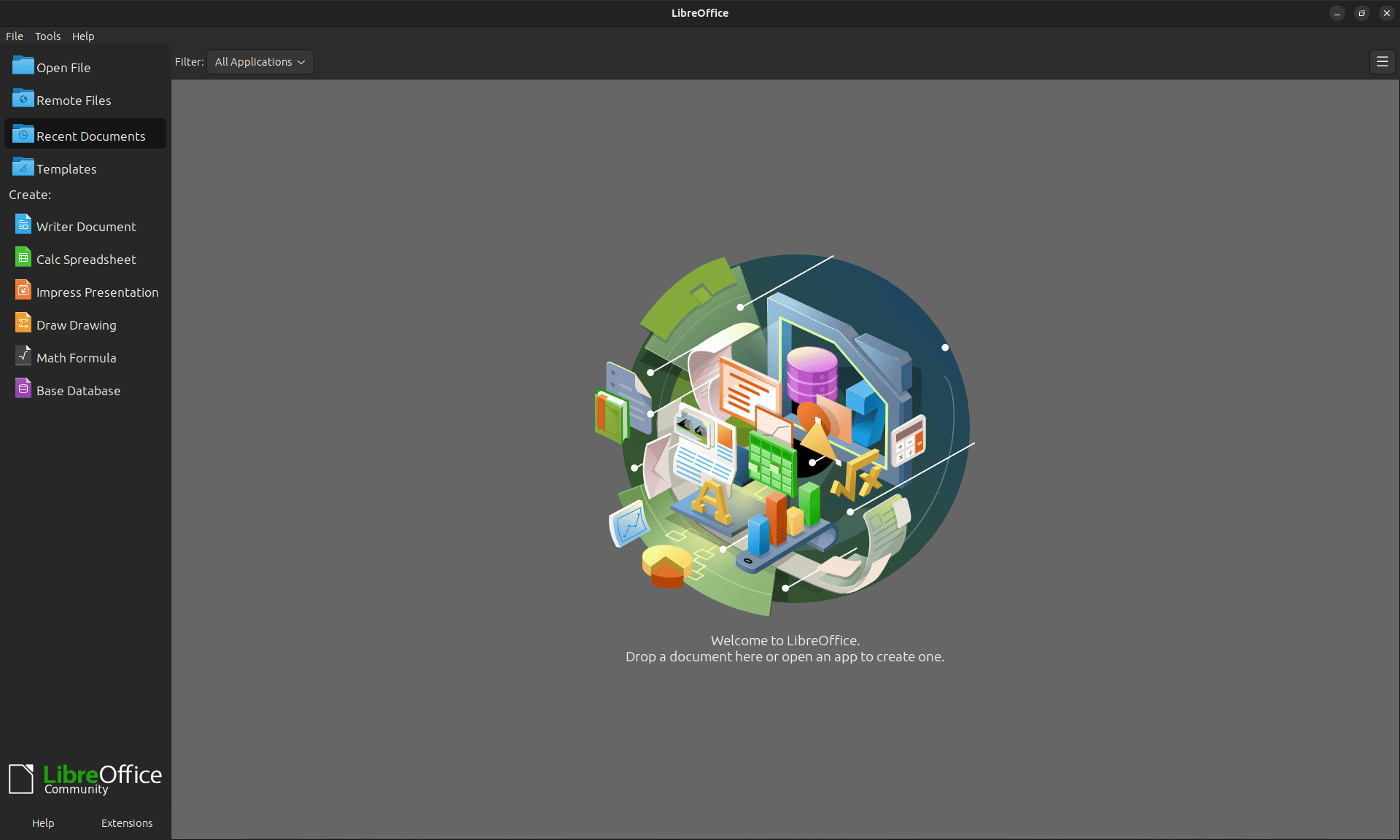
LibreOffice is the most popular open-source alternative to Microsoft Office. Developed by a massive community of volunteers, it is a robust, full-featured suite that includes Writer (Word), Calc (Excel), and Impress (PowerPoint). It is the default office suite for many Linux distributions and is trusted by governments worldwide.
Key Features:
- Completely free and open-source (no ads, no tracking).
- Supports a huge range of file formats, including older Microsoft formats (.doc, .xls).
- Highly customizable with extensions.
Pros: Totally free forever, no ads, works offline.
Cons: The interface looks a bit dated (similar to Office 2003).
3. WPS Office
 Platform: Windows, macOS, Linux, Android, iOS
Best for: Users who want the familiar "Ribbon" interface of modern Office.
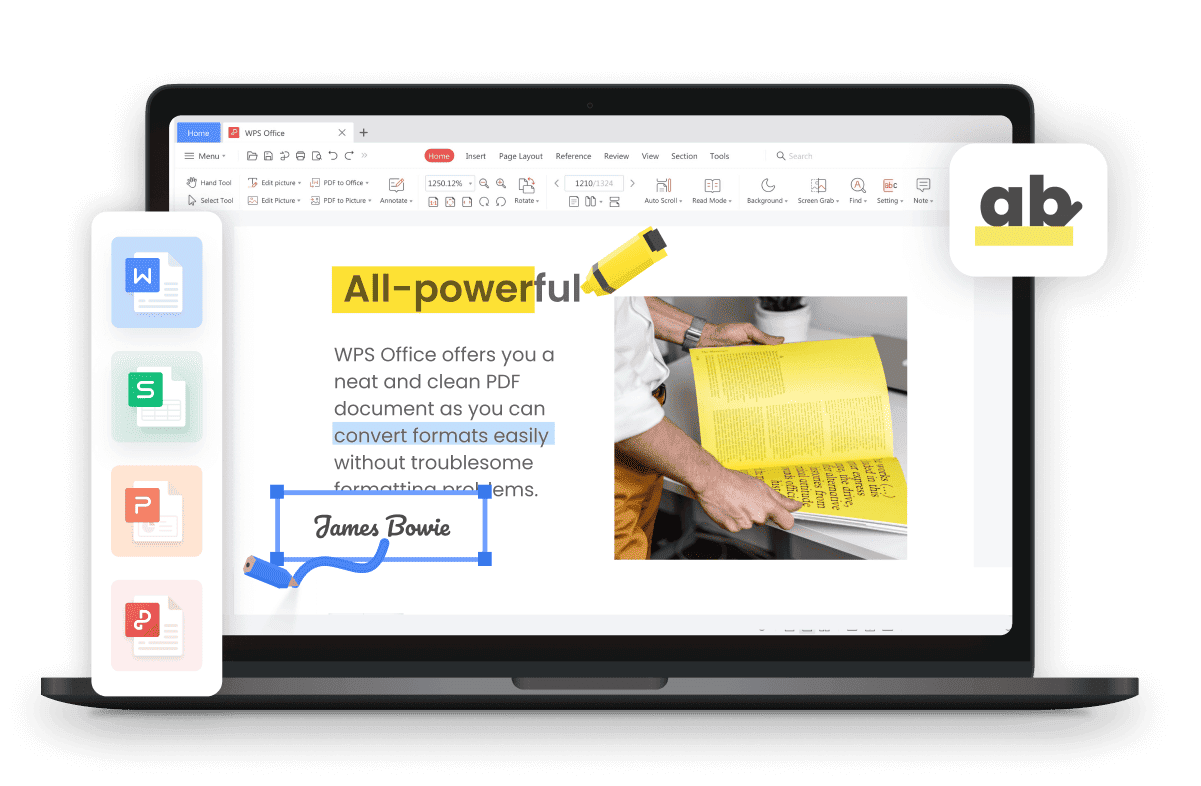
If you are used to the look and feel of Microsoft Office 2019 or 2021, WPS Office is the easiest transition. It mimics the Microsoft interface almost perfectly. It is a lightweight, all-in-one app, meaning you can open Documents, Spreadsheets, and Slides in a single window using tabs (like a web browser).
Key Features:
- Tabbed Interface: Switch between a Word doc and an Excel sheet just like switching browser tabs.
- Templates: Includes a vast library of free templates for resumes and presentations.
- Cloud Integration: Syncs files across PC and mobile easily.
Pros: Modern interface, excellent compatibility with MS formats, lightweight.
Cons: The free version displays ads.
4. Google Workspace
 Platform: Web Browser
Best for: Real-time collaboration and simple tasks.
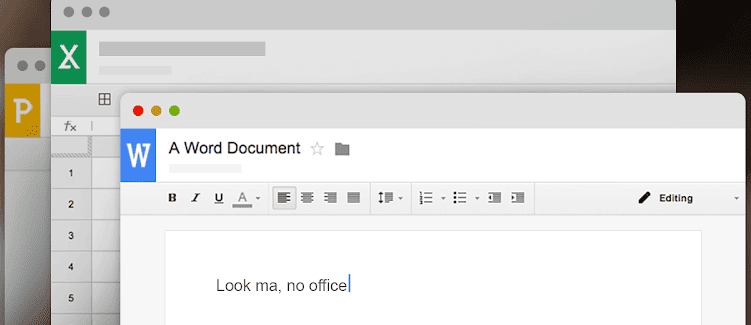
Google changed the game by moving office work to the cloud. If your primary goal is writing simple documents or working with a team, Google Docs is superior to a cracked version of Word. You don't need to install anything—just log in to your Google Account.
Key Features:
- Auto-Save: Never lose work again; changes are saved second-by-second.
- Collaboration: Multiple people can edit the same document at the same time.
- Add-ons: Connects easily with other Google tools like Gmail and Calendar.
Pros: Auto-saving, accessible from any device, industry standard for sharing.
Cons: Formatting can sometimes shift when exporting complex files back to MS Word.
5. FreeOffice
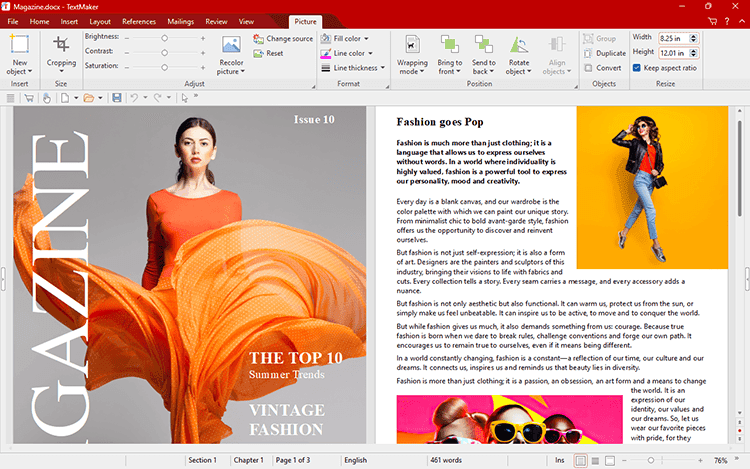 Platform: Windows, macOS, Linux
Best for: High-fidelity file compatibility.
FreeOffice prides itself on being the most compatible free alternative. Its "TextMaker," "PlanMaker," and "Presentations" apps are engineered to render Microsoft Office files exactly as they appear in the original software. It also allows you to switch between a "Classic Menu" layout and a "Modern Ribbon" layout.
Key Features:
- Seamless support for modern formats (DOCX, XLSX, PPTX).
- Touchscreen optimization mode for tablets/laptops.
- PDF export functionality.
Pros: Fast, reads Microsoft formats perfectly, clean interface.
Cons: Some advanced features are locked behind a paid version.
The "Missing Piece": How to Handle PDF Files
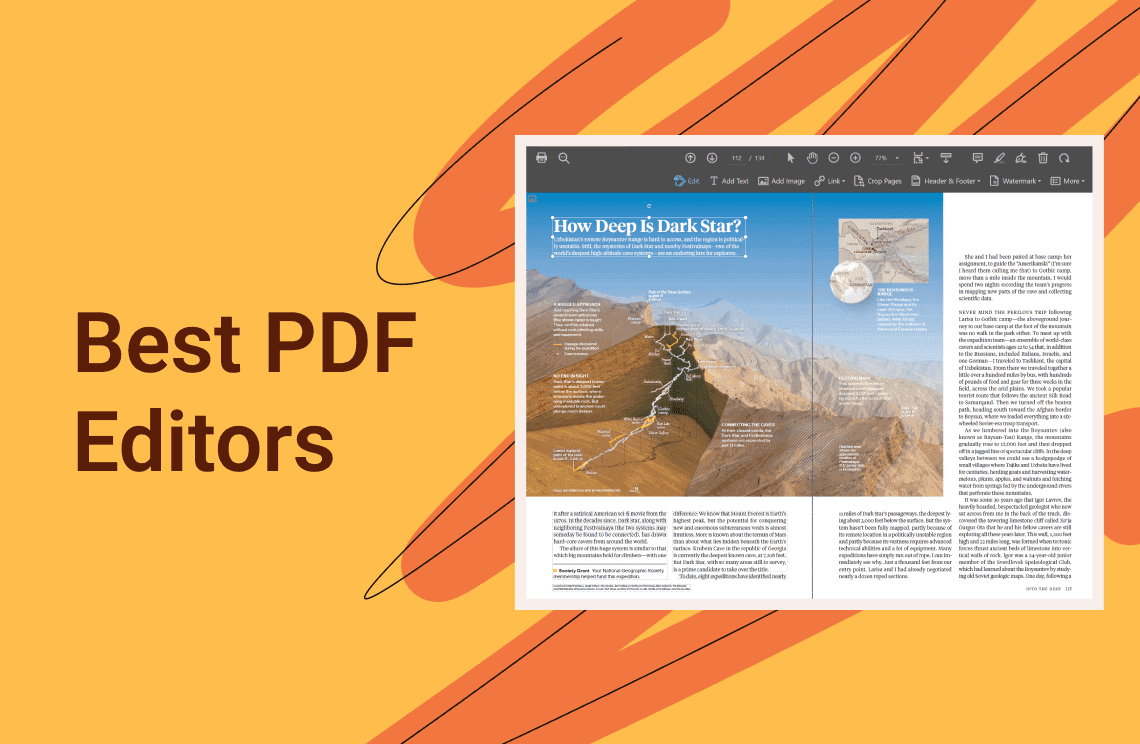
While the 5 suites above are great for creating documents, they all share one common weakness: They struggle with PDF files.Free office suites often mess up the formatting when opening PDFs, or simply cannot edit the text inside them. This is the main reason many users still feel they need a "Pro" version of Office.
To complete your free software toolkit, you need a specialized tool.
Recommendation: PDF Agile
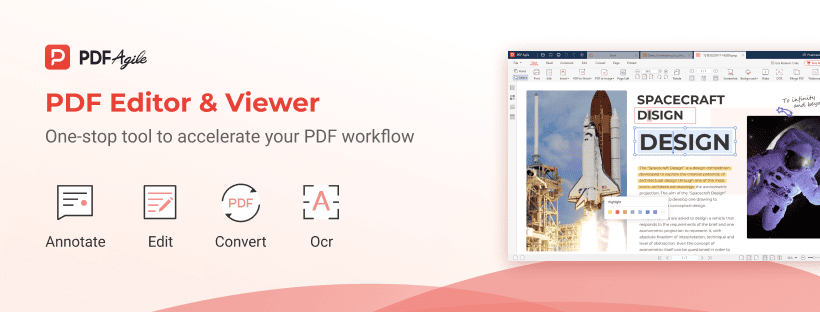 PDF Agile bridges the gap between your free Office suite and professional PDF workflows. It allows you to handle the tasks that LibreOffice or FreeOffice might struggle with.
- Edit PDFs Directly: Instead of converting a PDF to Word to fix a typo, you can edit the text, font, and images directly inside the PDF file with PDF Agile.
- Perfect Conversion: If you strictly need to work in Excel or Word, PDF Agile’s conversion engine is often more accurate than free office suites. It converts PDF tables to Excel (XLSX) and documents to Word (DOCX) while keeping the layout intact.
- OCR Technology: It can turn scanned images/photos into editable text, a feature rarely found in free Office alternatives.
The Strategy: Use LibreOffice or WPS for typing your documents, and use PDF Agile for all your PDF editing and converting needs. This combination gives you 100% of the power of Microsoft Office Professional, for free.
Conclusion
The risks of using a "Microsoft Office crack"—from malware infections to legal trouble—are simply not worth it in 2025.
By combining a robust free suite like WPS Office or LibreOffice with a powerful utility like PDF Agile, you can build a completely legal, professional workflow that costs you nothing.
Ready to secure your documents? [Download PDF Agile for Free] and complete your office toolkit today.