TAG: Manage PDF
How-to & Tips6 Mins
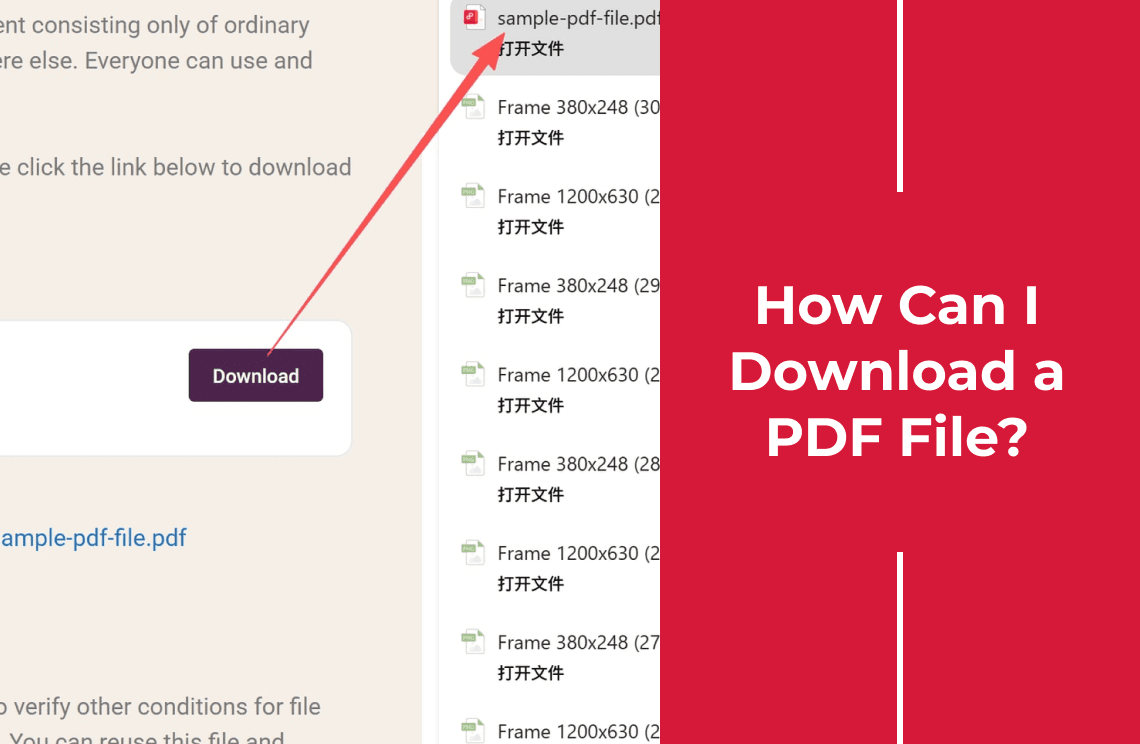
How Can I Download a PDF File? Where It Goes and How to Keep It
How to download a PDF file from a website, browser, or email attachment, where the file lands on Windows, Mac, or phone, and how to keep a copy.
Read More >>
How-to & Tips4 Mins
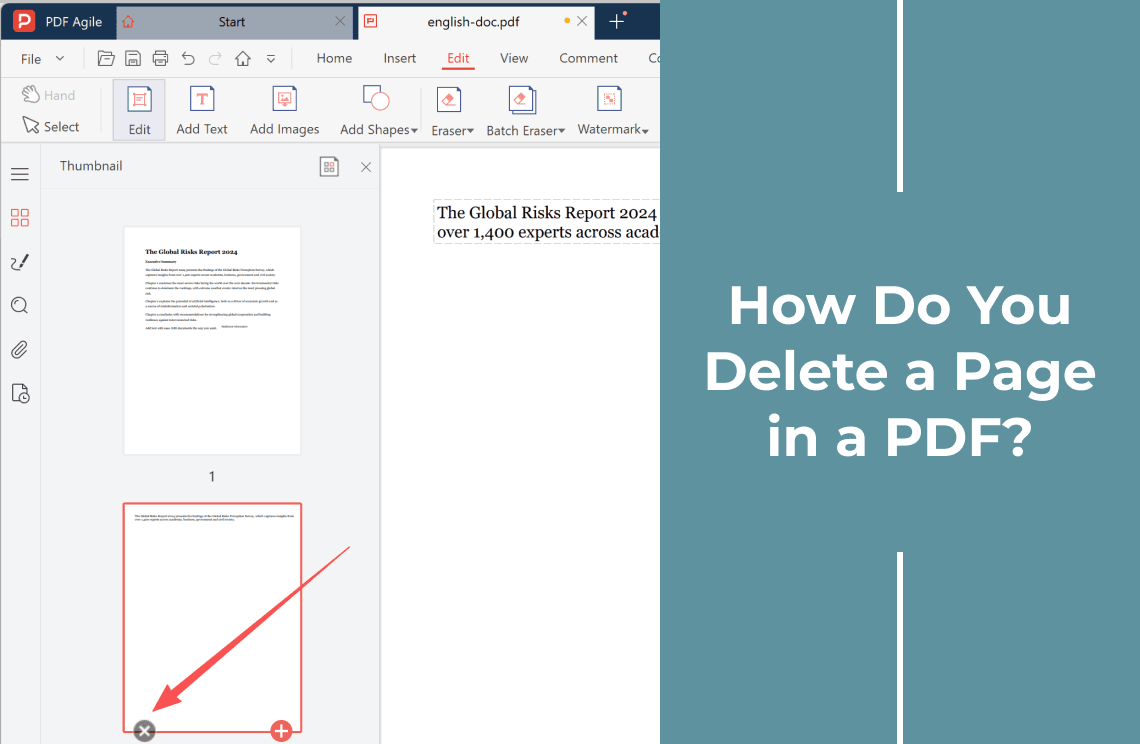
How Do You Delete a Page in a PDF?
Deleting a page is easy until the file is read-only, scanned, or signed. Pick the right method for your PDF and see what breaks after a delete.
Read More >>
How-to & Tips4 Mins
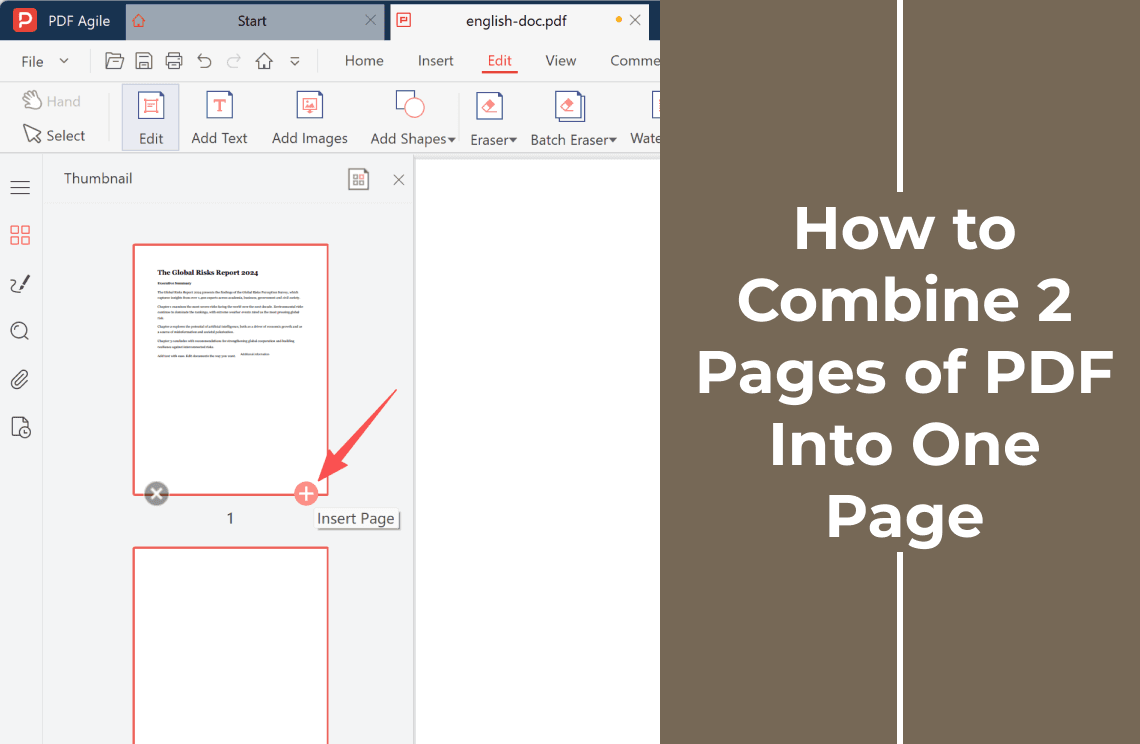
How to Combine 2 Pages of PDF Into One Page: 2-Up or Shrink
Two pages into one page means 2-up printing or a re-laid out page. Compare both routes, see what shrinks, and check the result at print size.
Read More >>
How-to & Tips4 Mins
How to Insert a Page in a PDF: Blank, Borrowed, or Scanned
Insert a page in a PDF at the exact position you want: add a blank page, pull pages from another PDF, or drop in a scan, then check the result.
Read More >>
How-to & Tips4 Mins
How to Split Up PDF Pages Into Separate Files
Learn how to split up PDF pages by page range, extract single pages with built-in print tools, cut a two-page scan in half, and avoid broken links.
Read More >>
How-to & Tips4 Mins
How to Alter PDF Files Without Breaking the Layout
Learn how to alter PDF files: change text, pages, images, or form fields, pick the right tool for each edit, and avoid the layout breaks that follow.
Read More >>

Tools5 Mins
Top 5 PDF Quality Enhancers in 2025
Explore the top 5 PDF quality enhancers of 2025, offering AI-based scan correction and resolution adjustments for professional, high-quality documents.
Read More >>