Category Archives: How-to & Tips
How-to & Tips6 Mins
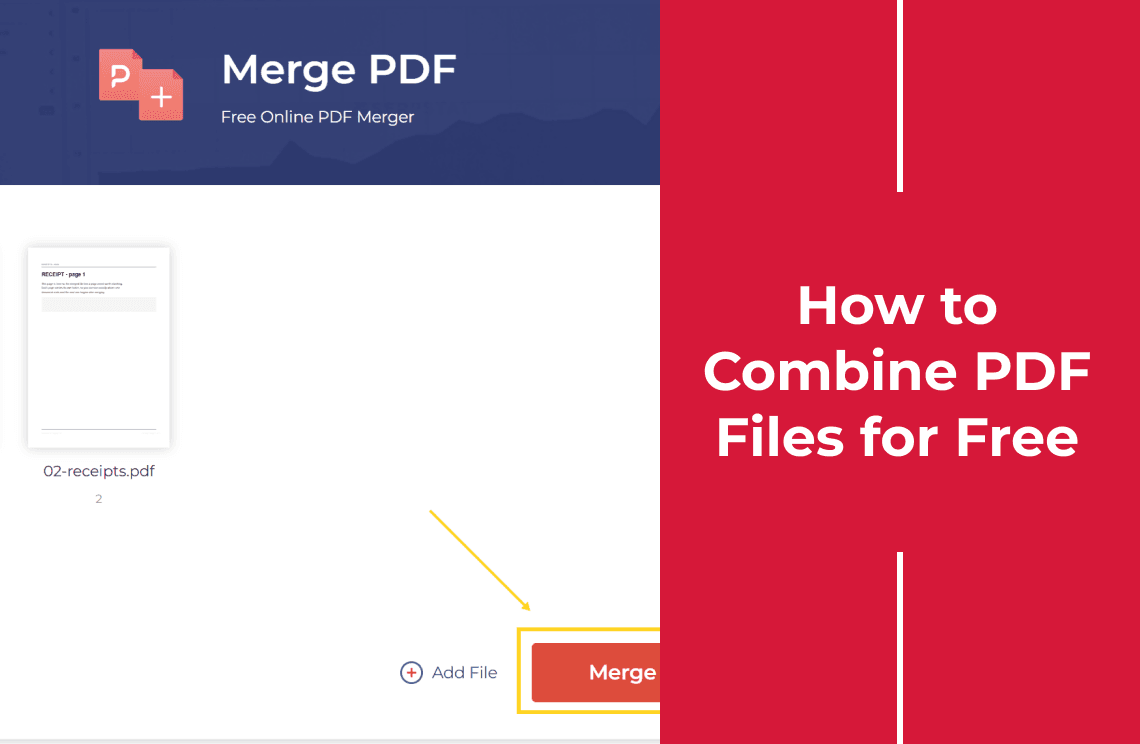
How to Combine PDF Files for Free
Combine PDF files free in the browser, up to 50 at a time, no account needed. Reorder the files, merge, then check the page count and order.
Read More >>
How-to & Tips7 Mins
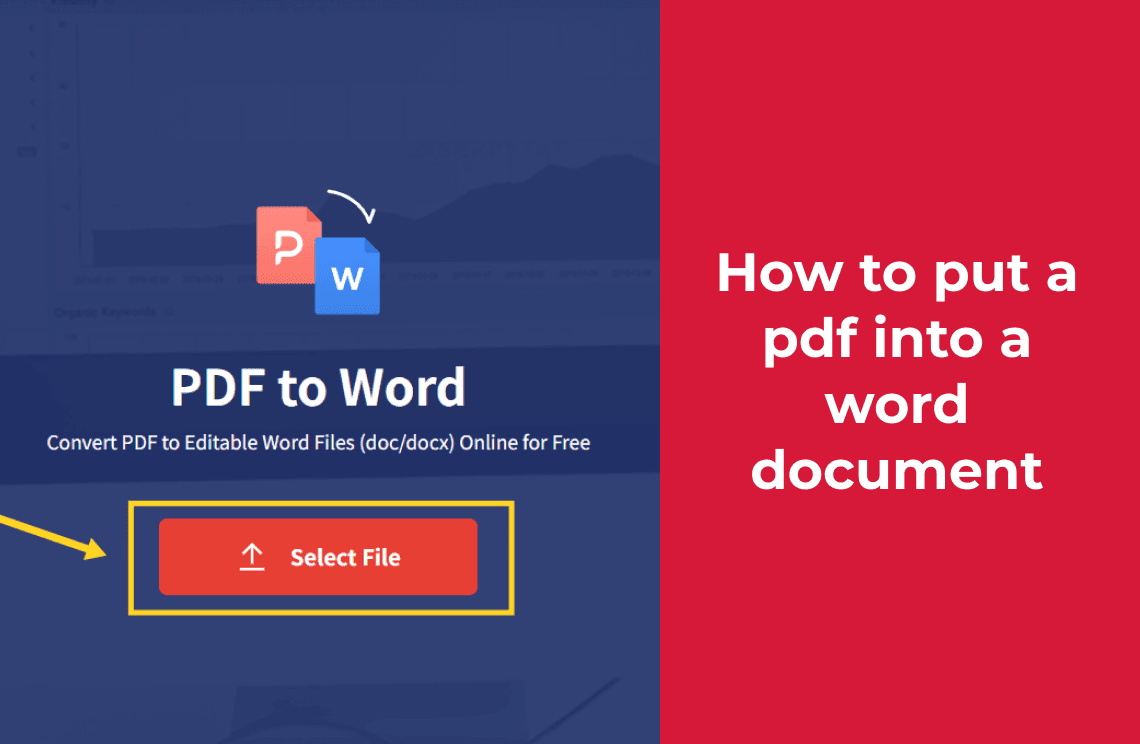
How to Put a PDF Into a Word Document (Turn It Into Editable Text)
Putting a PDF into Word gives three different results. To get editable text, convert it online, then check fonts, tables and page breaks.
Read More >>
How-to & Tips7 Mins
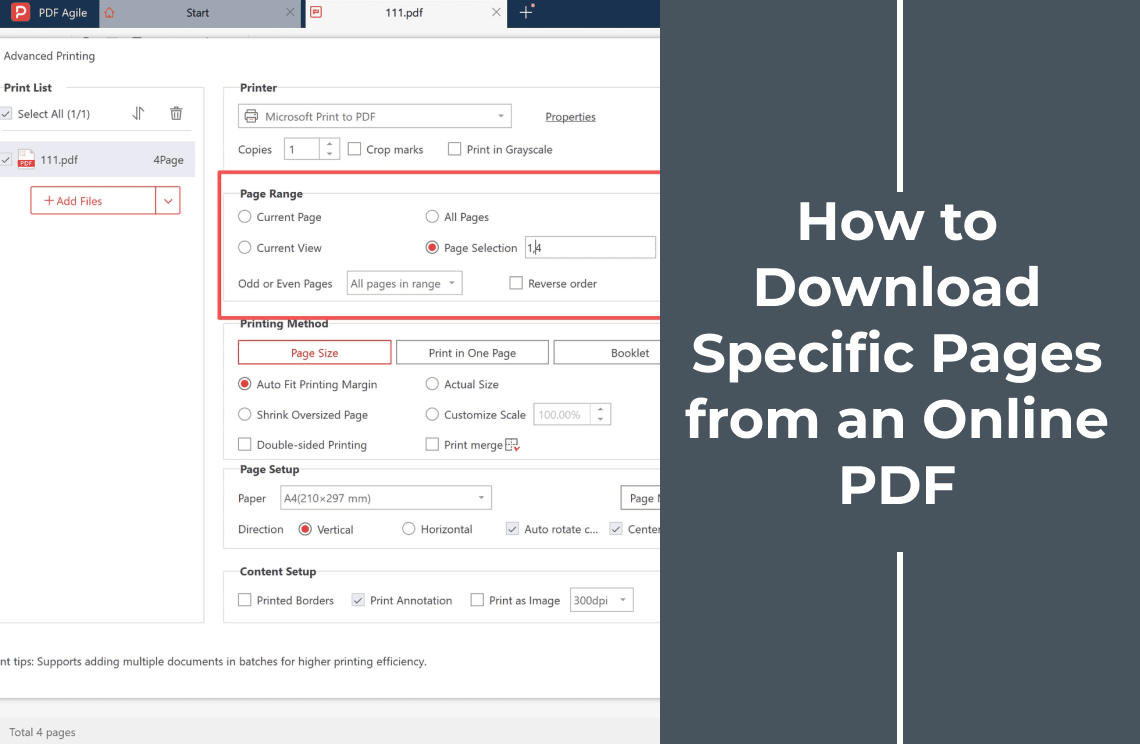
How to Download Specific Pages from an Online PDF
Learn how to download selected pages from an online PDF: save the original file, choose the pages you need, create a new PDF, and verify the result.
Read More >>
How-to & Tips7 Mins
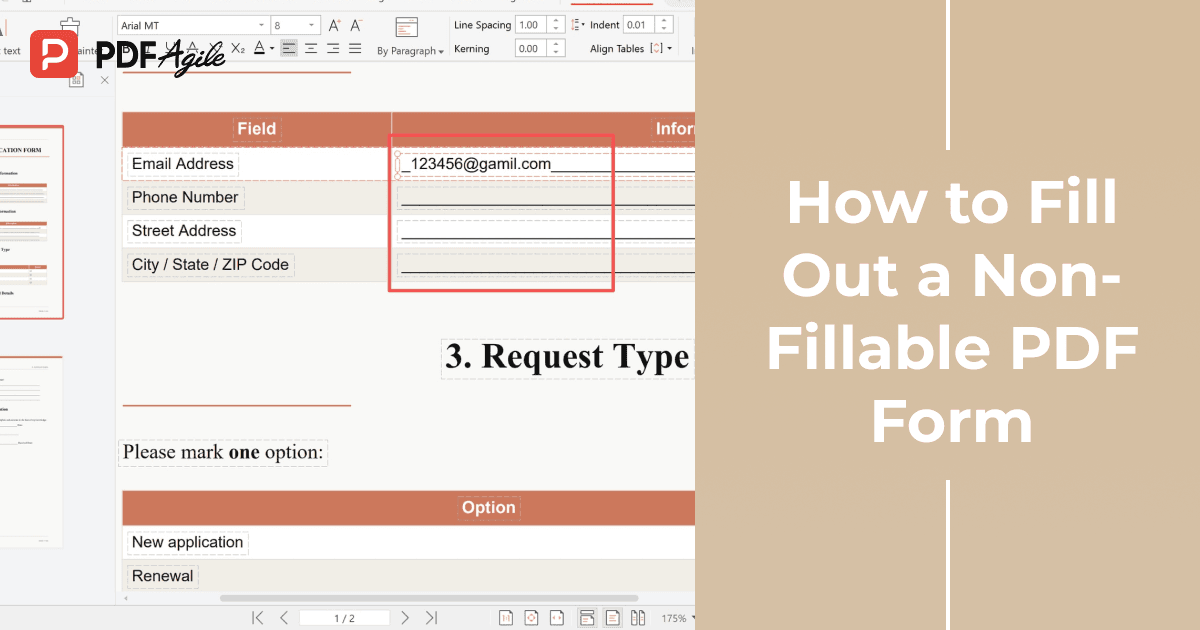
How to Fill Out a Non-Fillable PDF Form
A non-fillable PDF form has no fields to click. Learn where to place each answer, how to mark option boxes, and how to check the file before you send.
Read More >>
How-to & Tips6 Mins
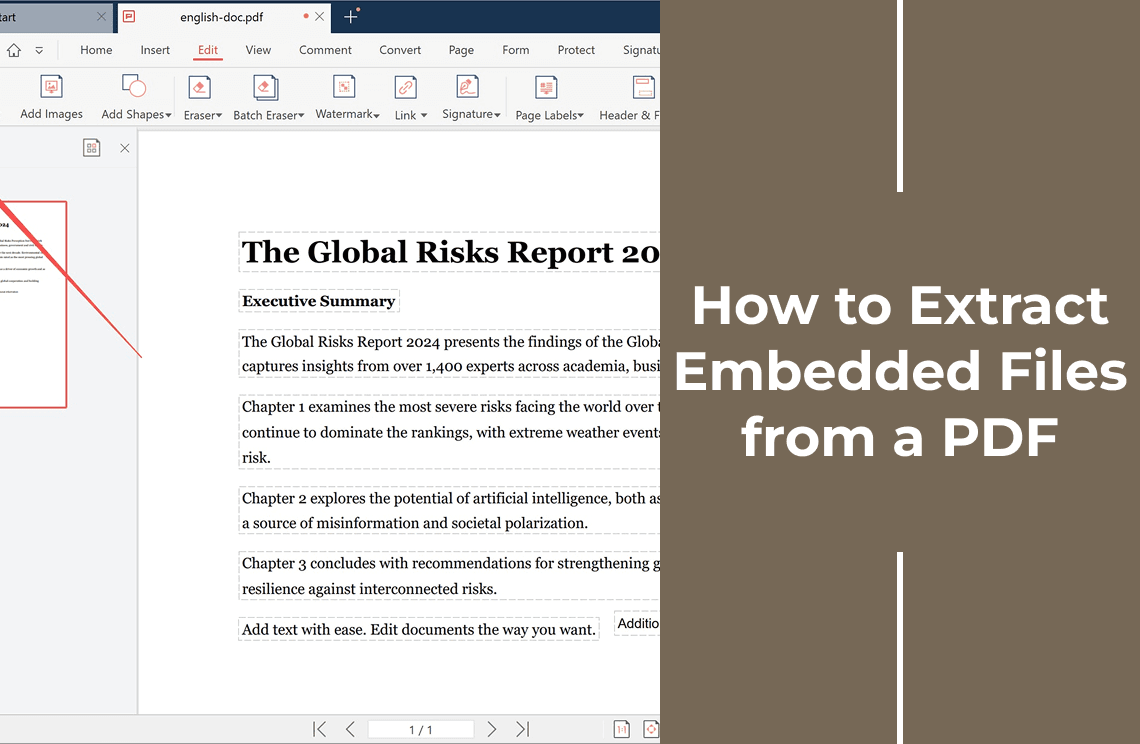
How to Extract Embedded Files from a PDF
The file is inside the PDF but the attachments panel is empty. Find out why, confirm what is really embedded, and save the files out without a panel.
Read More >>
How-to & Tips6 Mins
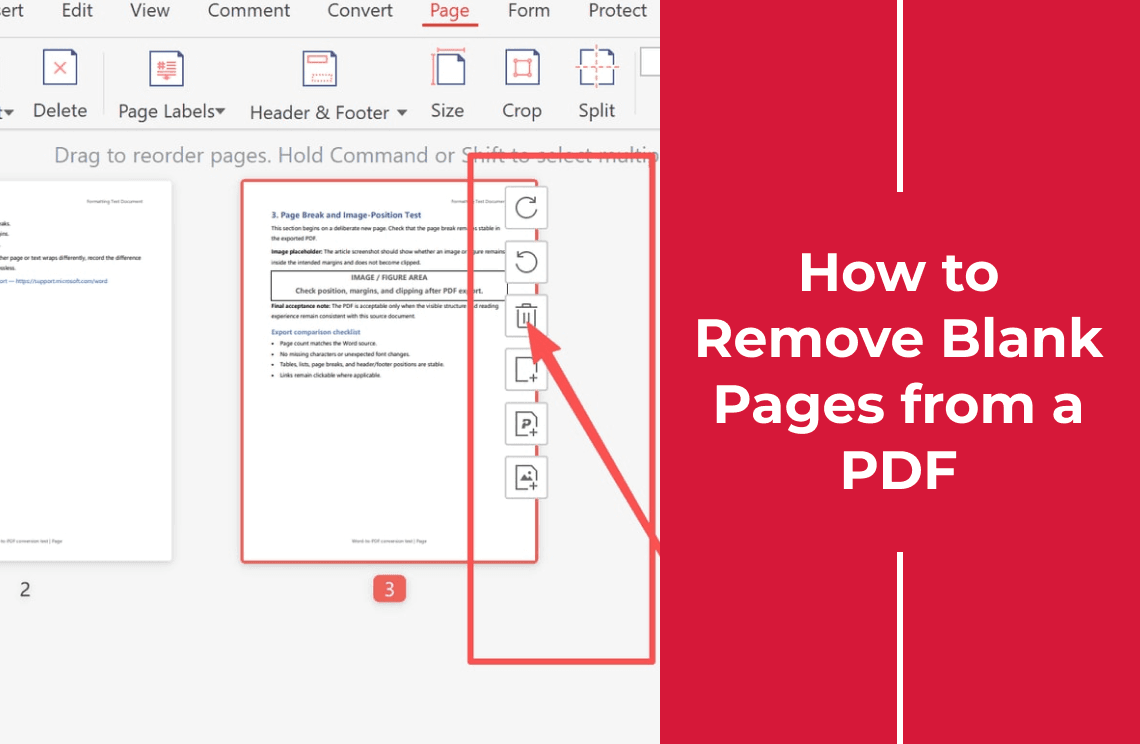
How to Remove Blank Pages from a PDF Without Rebuilding the File
Tell a blank-looking page from a faint scan, remove only the blanks you have confirmed, then check the count and order before saving.
Read More >>
How-to & Tips9 Mins
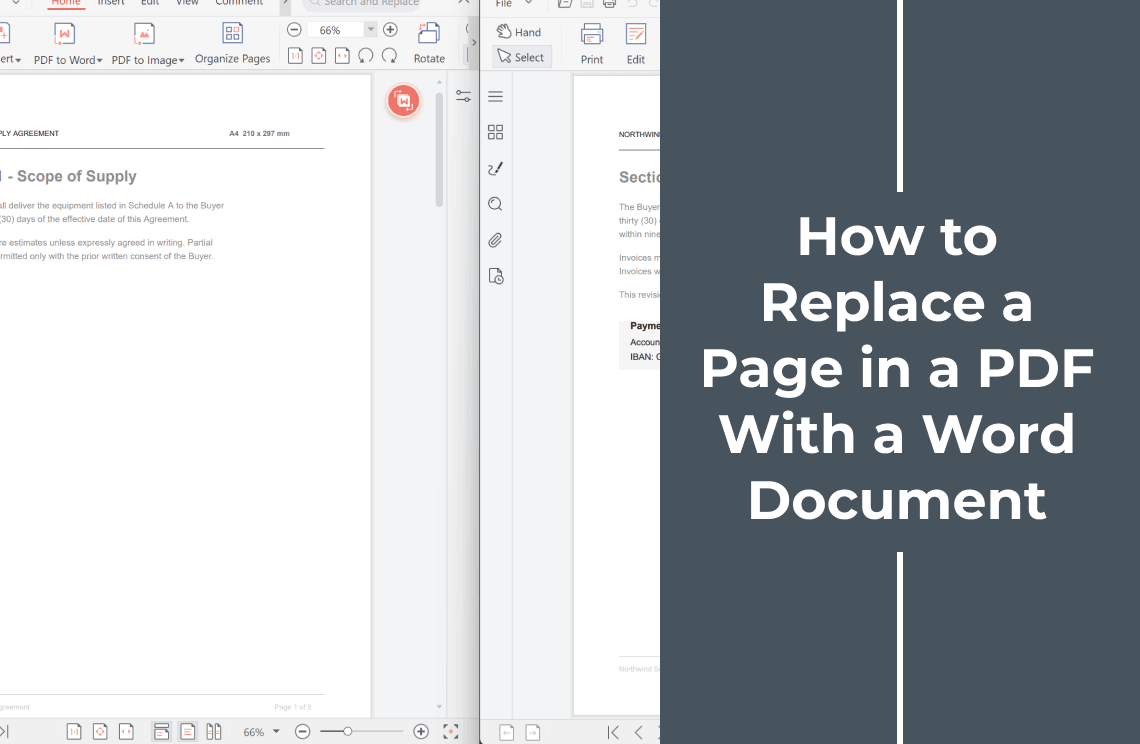
How to Replace a Page in a PDF With a Word Document
The page count should not change when one page is updated. Export the Word page at the same size, swap it in place, then check the bookmarks.
Read More >>