Employee transfers are common in organizations seeking to optimize operational efficiency, support career growth, or balance staffing needs across departments or locations. A well-written transfer letter ensures clear communication of the change, outlines relevant details, and maintains transparency and professionalism throughout the process. Utilizing a ready-made PDF Agile transfer letter template helps simplify the process and ensures your documentation is both accurate and legally compliant.
1. What is an Employee Transfer Letter?
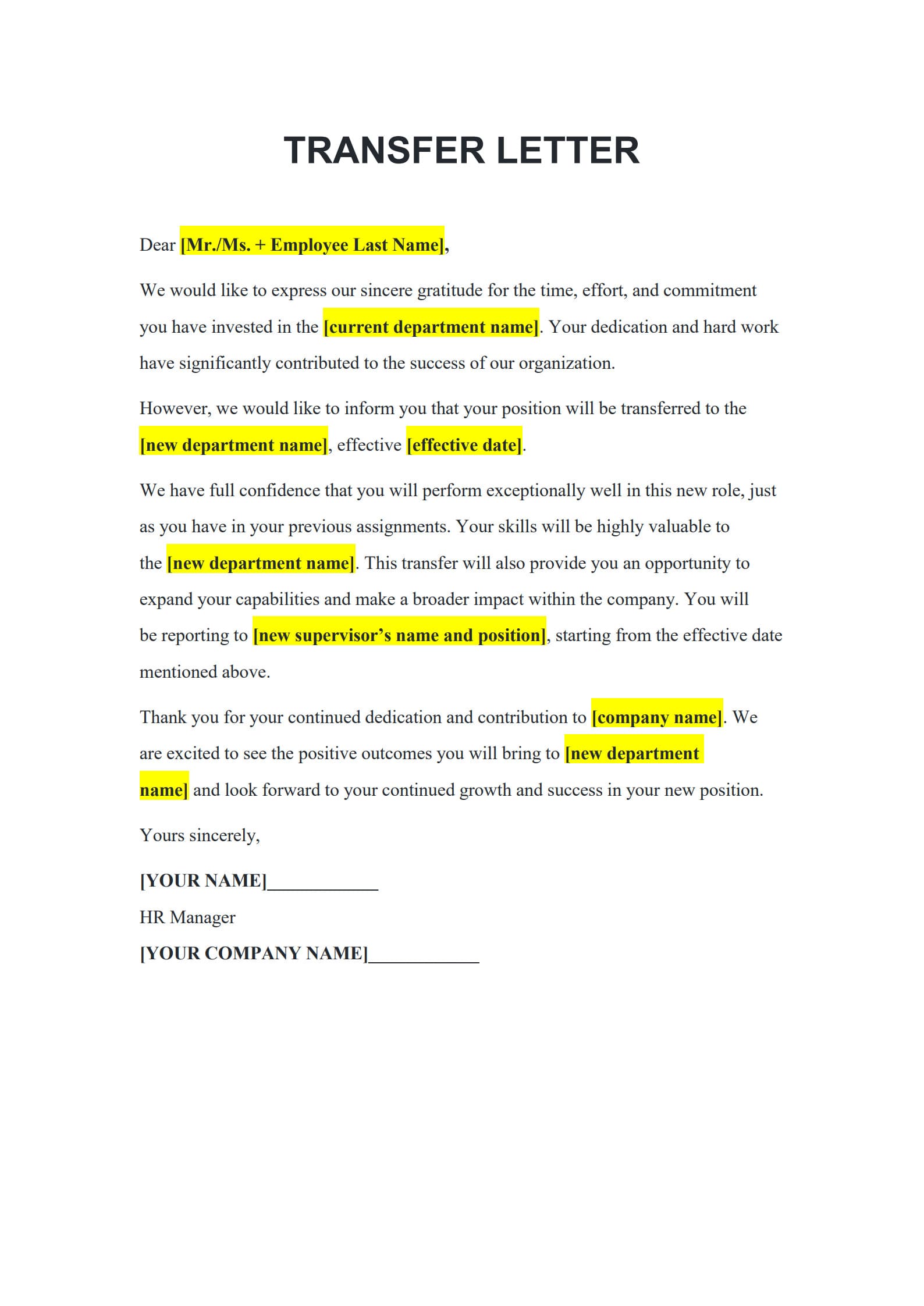
An Employee Transfer Letter is an official document used by employers to formally communicate the transfer of an employee from one department, location, or position to another within the same company. It acts as a record of organizational change and confirms the reason, effective date, and new reporting structure associated with the transfer.
2. When Is a Transfer Letter Needed?
Transfer letters are typically issued when:
- An employee moves from one branch or office location to another.
- There is a departmental restructuring or internal reassignment.
- The employee is being promoted or repositioned into a role with new responsibilities.
- Temporary relocations or project-based transfers are arranged.
Sending a formal letter ensures transparency and reduces confusion regarding new roles and reporting lines.
3. How to Draft a Transfer Letter with Template: Step-by-Step Guide
Follow these four simple steps using PDF Agile’s customizable transfer letter template:
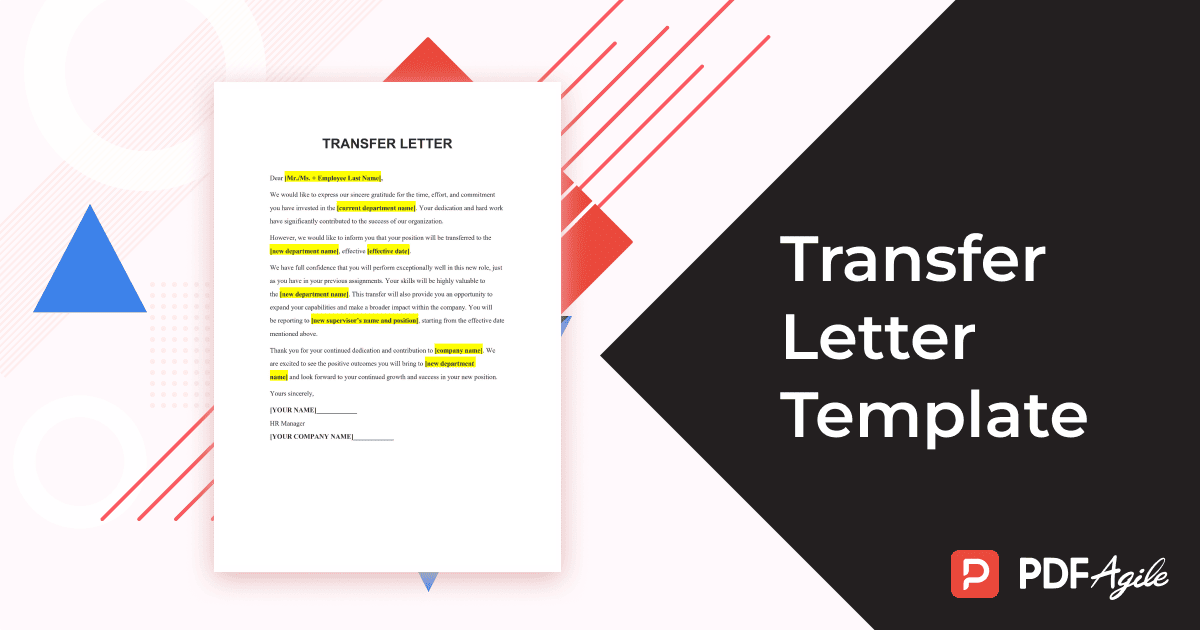
Step 1: Download the Transfer Letter Template (PDF Agile)
Visit PDF Agile and download the free, editable “Employee Transfer Letter” template. This provides a professional foundation that complies with standard HR formats.
Or, click “Use Template” one the right side of this page and create with it in no time.
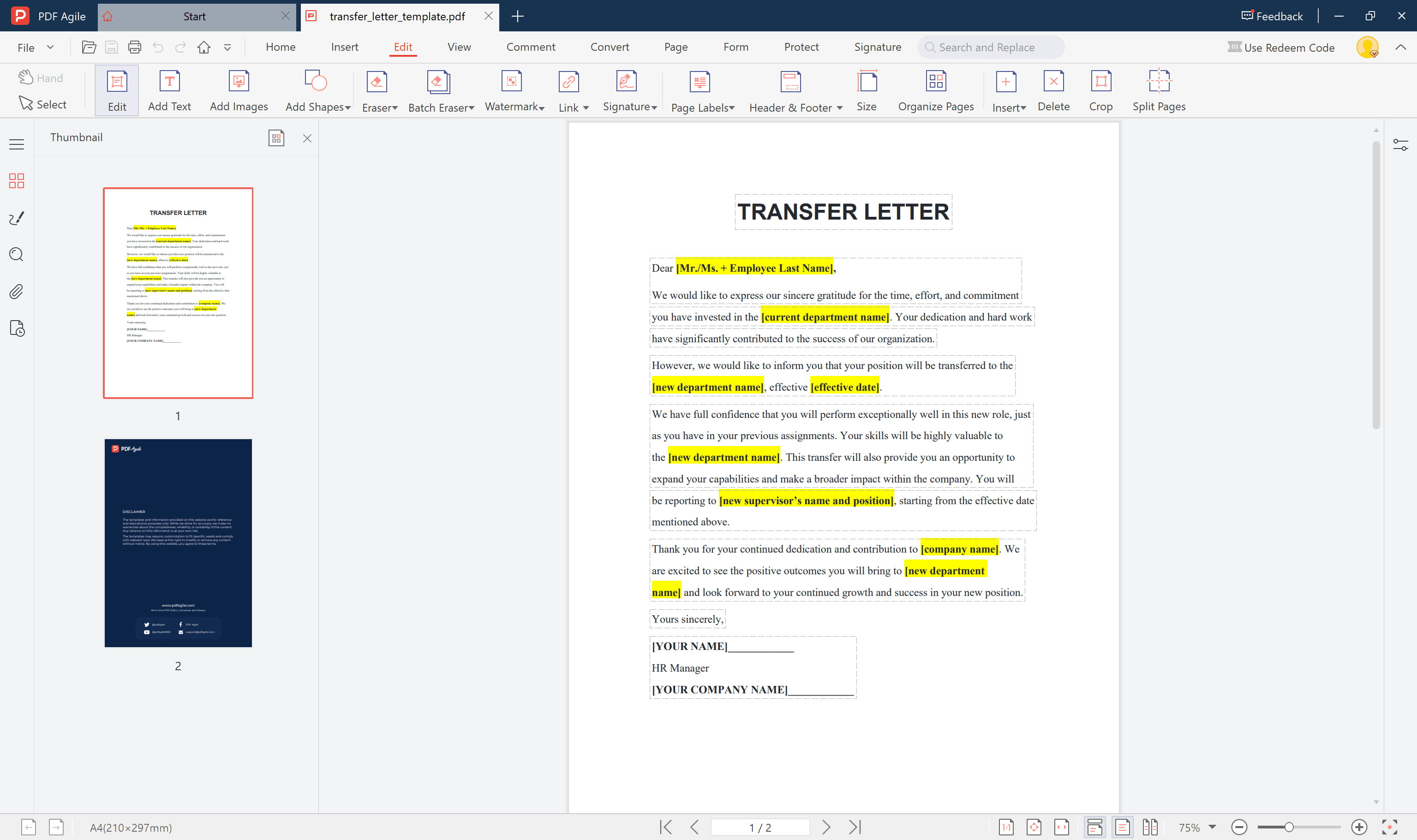
Step 2: Fill in the Required Employee and Transfer Information
Enter key details such as the employee’s full name, job title, transfer date, destination department, and name of the new supervisor. Make sure all relevant company information and reference numbers are correctly inserted.
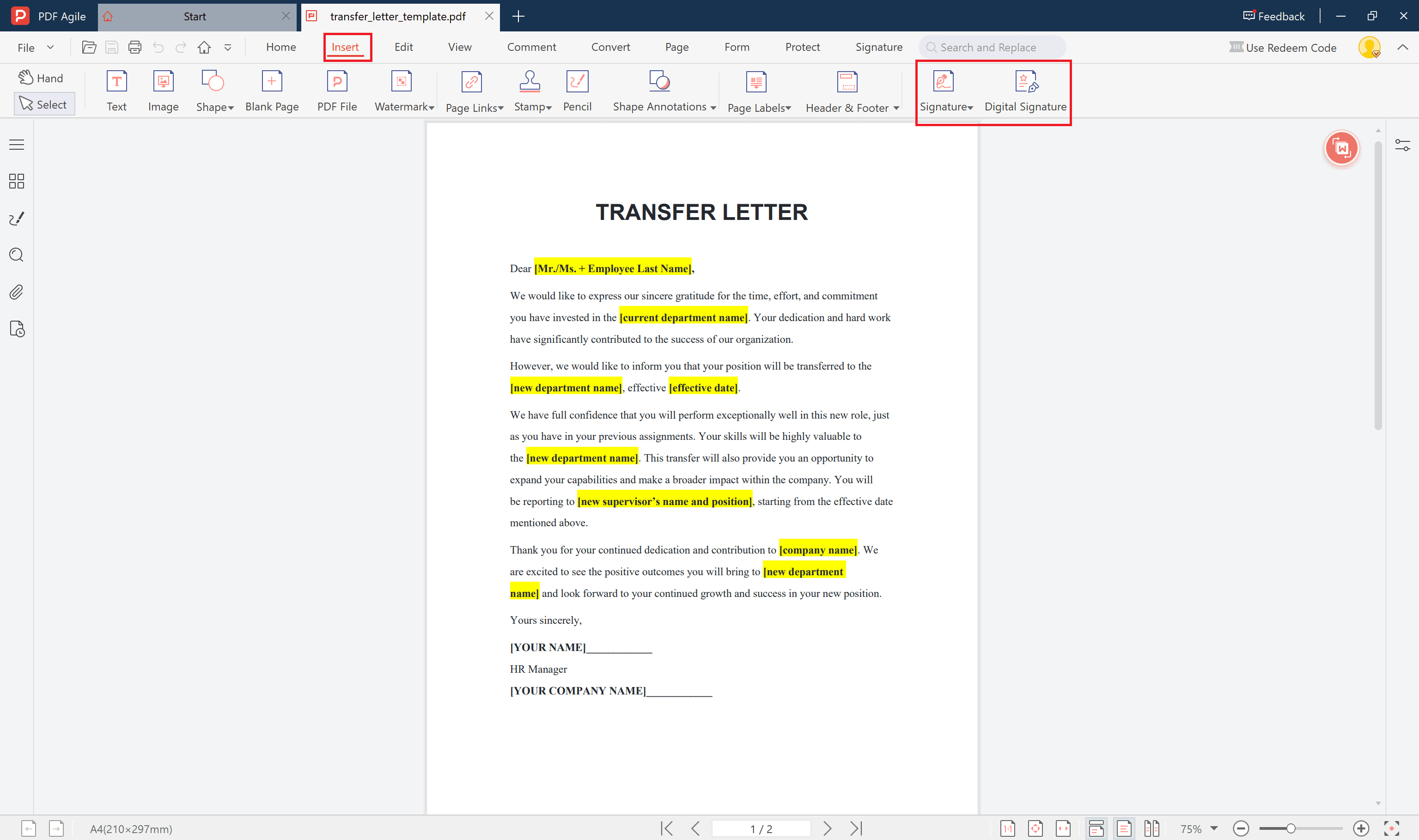
Step 3: Add an Electronic Signature for Authorization
Use PDF Agile’s built-in e-signature feature to sign the document electronically. This step legally validates your communication and avoids the need for physical paperwork.
Step 4: Save and Share the Final Document
Once all details are complete, save the final version securely. You may share it digitally with HR, department heads, and the employee concerned for easy recordkeeping.
4. Tips to Ensure Smooth Employee Transition
- Communicate the transfer decision with empathy and clarity.
- Provide details about compensation changes, relocation support, or training if applicable.
- Offer a timeline for transition to minimize disruption.
- Maintain consistent communication between the current and new teams to facilitate a seamless handover.
Conclusion
An employee transfer, when handled professionally, supports both organizational efficiency and employee development. Using a customizable PDF Agile job transfer letter template not only saves time but also ensures that your documentation is accurate, standardized, and HR-compliant. Start using the transfer letter template today to make internal transfers smoother and more transparent.