In an era where data breaches and cyber threats are evolving at lightning speed, how your organization responds to a crisis is just as important as how it prevents one. When a breach occurs, the clock starts ticking. Clear documentation is the difference between a controlled recovery and a legal or operational nightmare.
This guide explores the essentials of documenting a breach and provides a professional security incident report template to help you stay compliant and organized.
1. What Is a Security Incident Report and Why it Matters?
A Security Incident Report (SIR) is a formal document that records the details of a security breach, unauthorized access, or system failure. It serves as the "black box" recording of an event, capturing what happened, who was affected, and how the organization responded.
Why A Security Incident Report Matters:
- Legal Compliance: Regulations like GDPR, HIPAA, and CCPA require strict reporting timelines for data breaches.
- Forensic Analysis: It provides a paper trail for IT experts to identify the root cause of the attack.
- Continuous Improvement: By analyzing reports, companies can patch vulnerabilities to prevent future occurrences.
2. When Should a Security Incident Report Be Used?
Not every IT glitch is a security incident, but you should initiate a report whenever there is a threat to the Confidentiality, Integrity, or Availability of data. Common triggers include:
- Cyberattacks: Phishing, ransomware, or DDoS attacks.
- Physical Breaches: Lost or stolen company laptops, or unauthorized entry into server rooms.
- Insider Threats: Accidental data leaks by employees or malicious activity by staff.
- System Failures: Unexpected downtime that leads to data loss.
3. What’s Included in the Security Incident Report Template
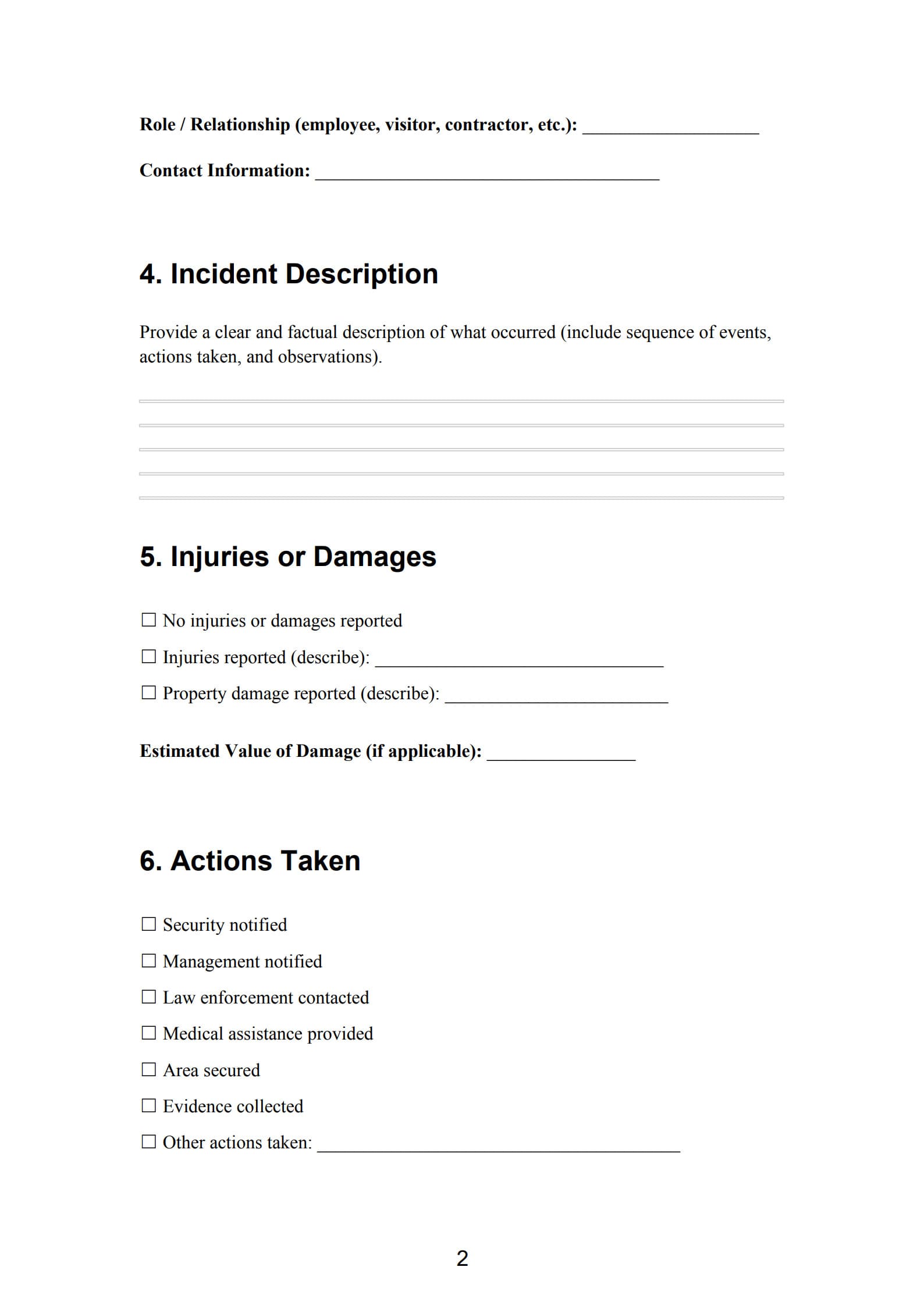
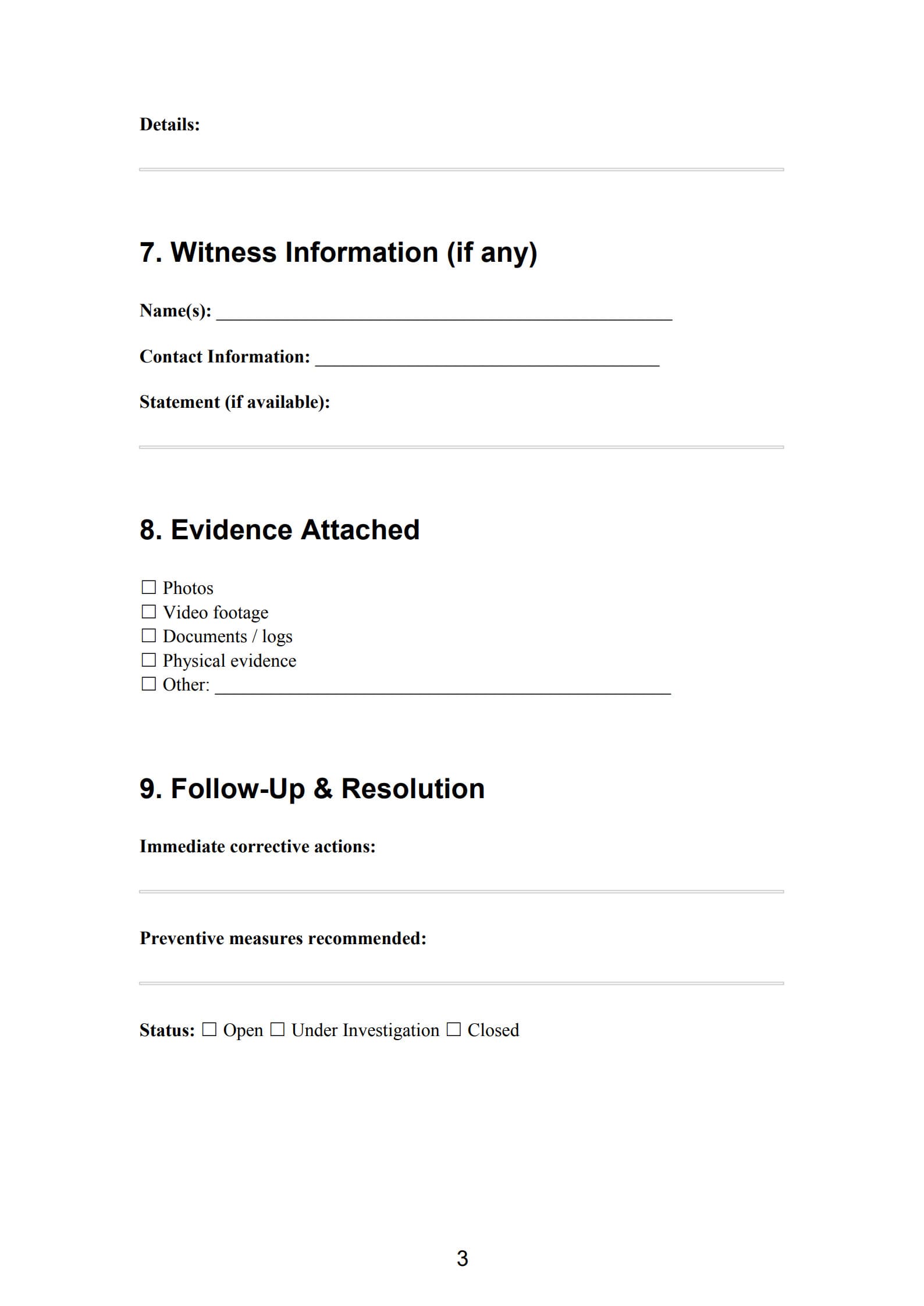
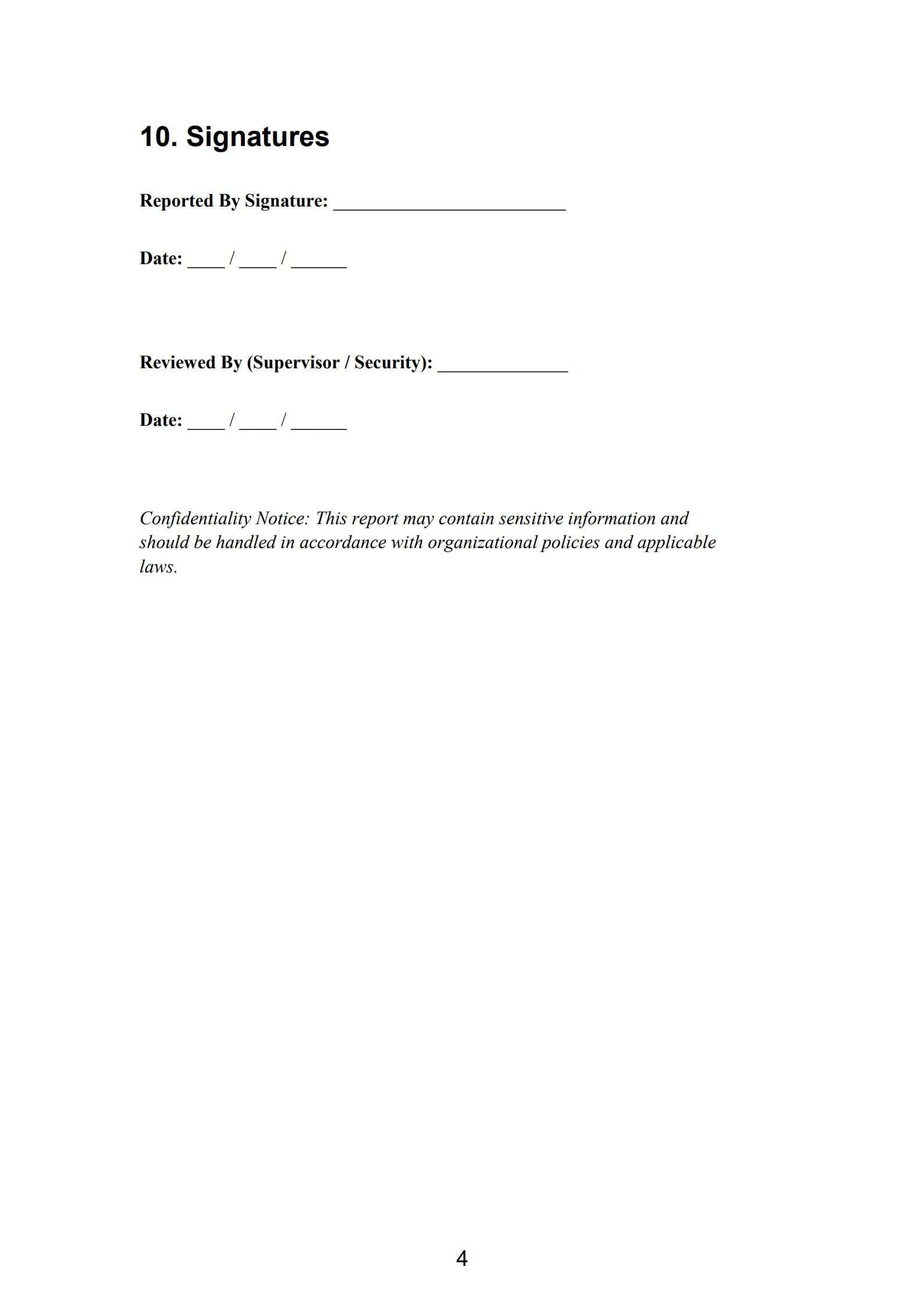
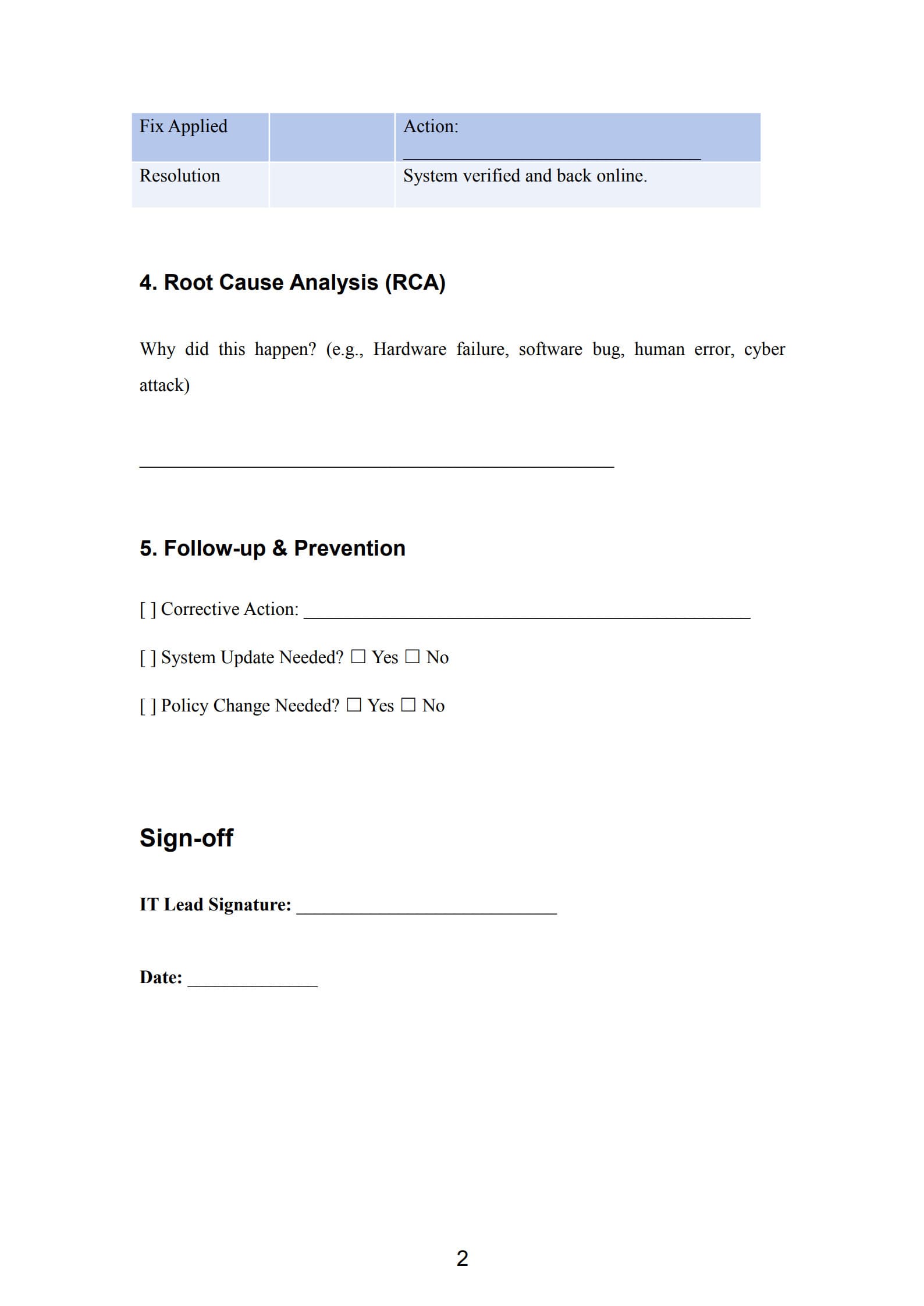
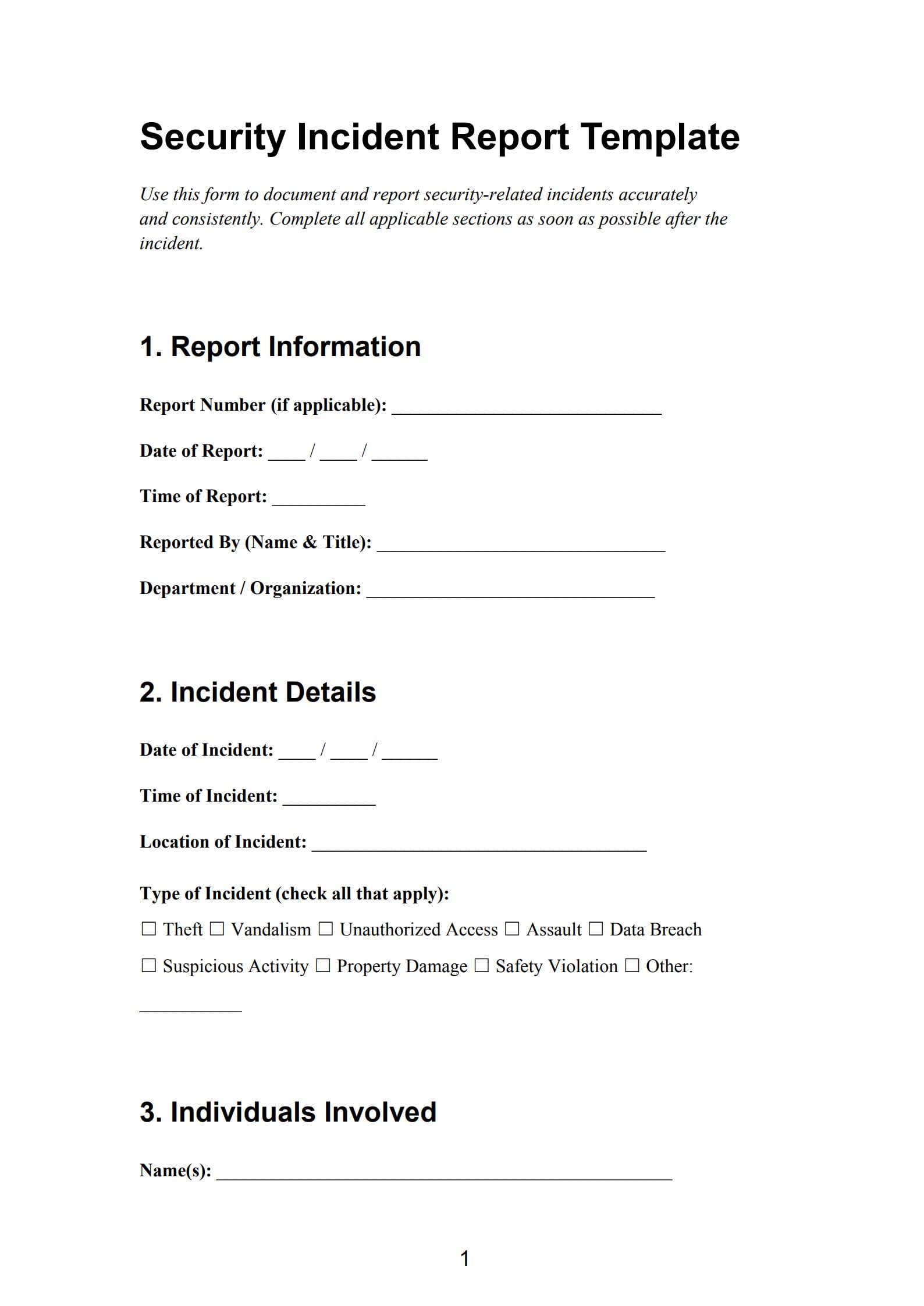
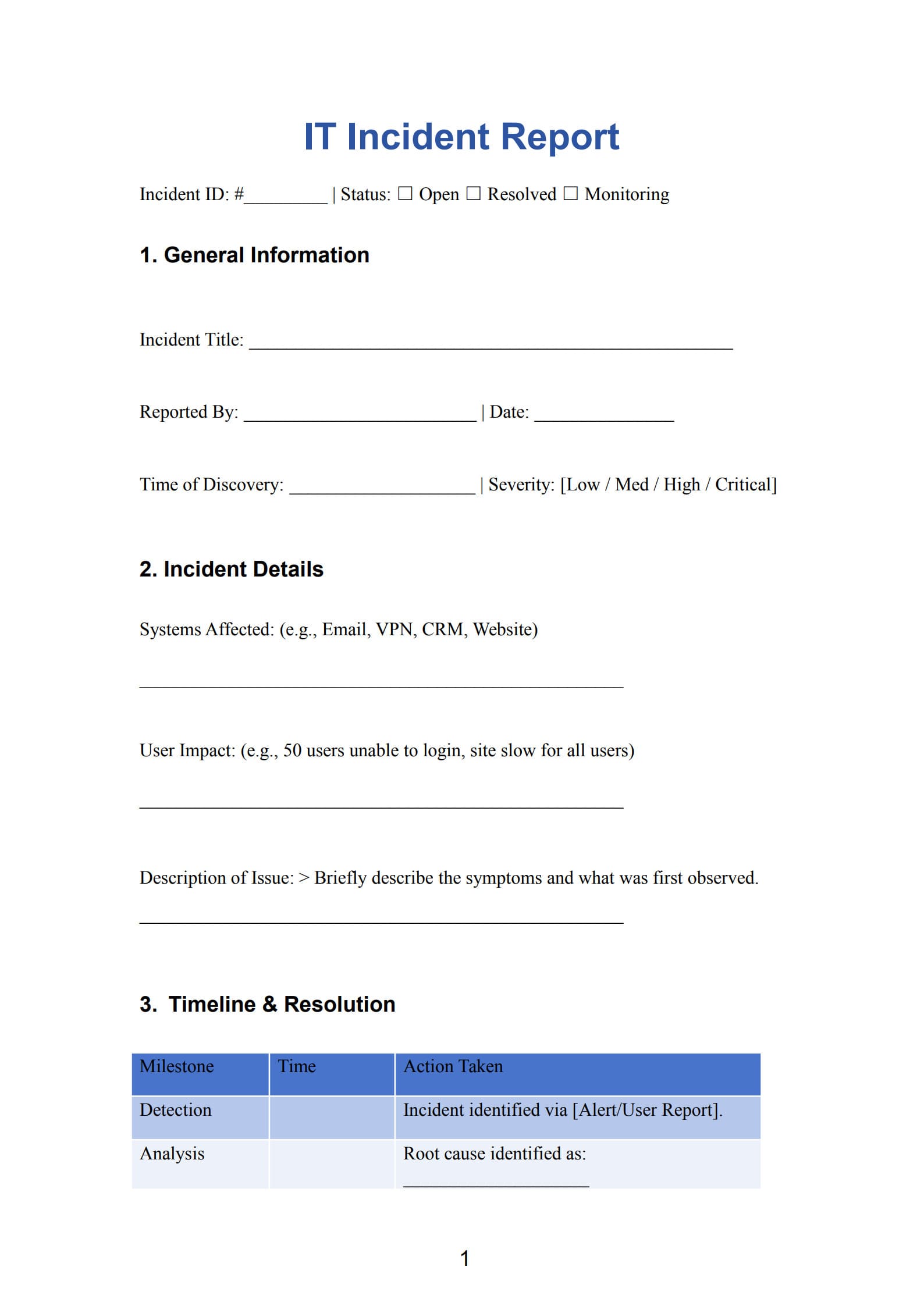
A comprehensive template ensures that no critical data is missed during the heat of a crisis. A standard PDF Agile security incident report includes:
- Incident Summary: Date, time, and location of the discovery.
- Type of Incident: (e.g., Malware, Unauthorized Access, Physical Theft).
- Description of Events: A chronological timeline of what occurred.
- Impact Assessment: Which systems were affected? Was personally identifiable information (PII) exposed?
- Mitigation Actions: Steps taken to contain the threat (e.g., "Isolated affected server," "Reset all admin passwords").
- Reporter Information: Name and contact details of the person who discovered the incident.
4. Benefits of Using a Security Incident Report Template
Using a pre-formatted template—rather than writing from scratch—offers several strategic advantages:
- Speed: In a high-stress environment, templates provide a "fill-in-the-blanks" approach that saves precious time.
- Standardization: Ensures that all departments (IT, HR, Legal) speak the same language and provide consistent data.
- Audit Readiness: If your company is audited or faces a lawsuit, a professional, standardized report demonstrates that you followed industry-standard protocols.
5. Customize with a Free Security Incident Report Template
To ensure your organization is prepared for the unexpected, you can download and customize our professional template.
Click Use Template button on the right side of this page. Customize it to fit your specific needs and preferences.
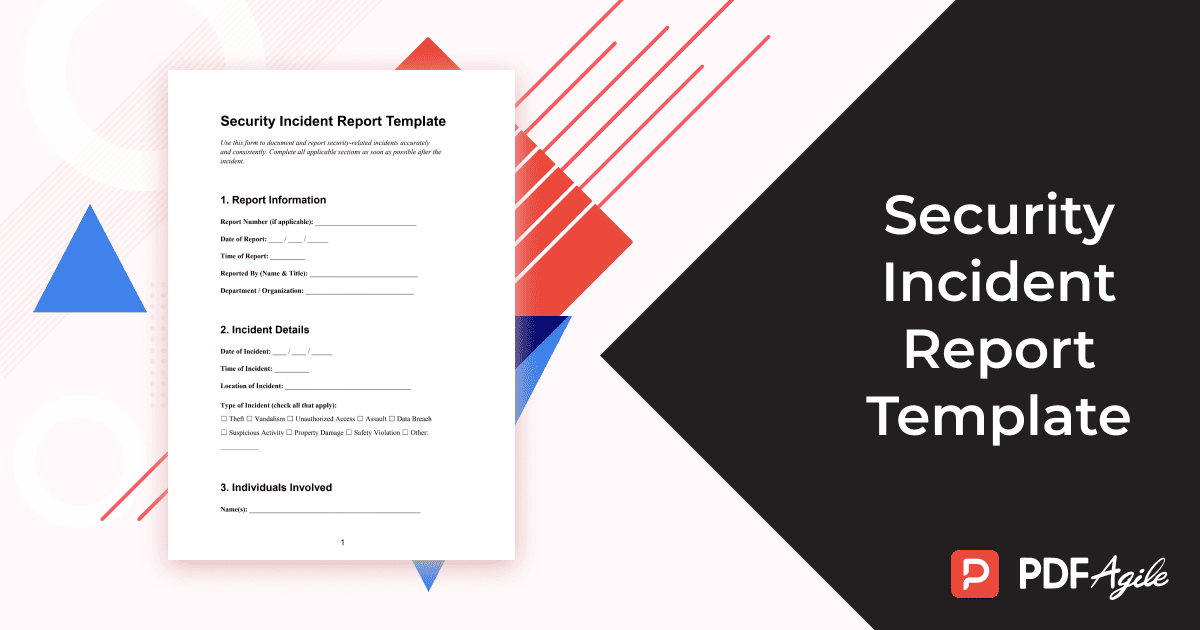
Using PDF Agile, you can easily edit the fields to match your specific industry requirements, add your company logo, or password-protect the document to ensure the sensitive details of the breach remain confidential.
6. Writing Tips for Cyber Security Incident Report
To make your report as effective as possible, follow these professional writing standards:
- Be Objective: Stick to the facts. Instead of saying "We think the employee was careless," write "The user clicked a link in a suspicious email at 10:15 AM."
- Use a Timeline: Security events are best understood chronologically. Use timestamps for every major action.
- Avoid Excessive Jargon: While technical details are necessary, the report may be read by executives or legal teams. Explain technical terms where necessary.
- Detail the Containment: Clearly explain how the threat was stopped to prove that the risk is no longer active.
Conclusion
A security incident is never ideal, but being unprepared for one is a choice. By utilizing a structured Security Incident Report Template, you protect your organization's reputation and ensure a faster path to recovery. Documentation isn't just a chore; it is a vital part of your cybersecurity defense strategy.