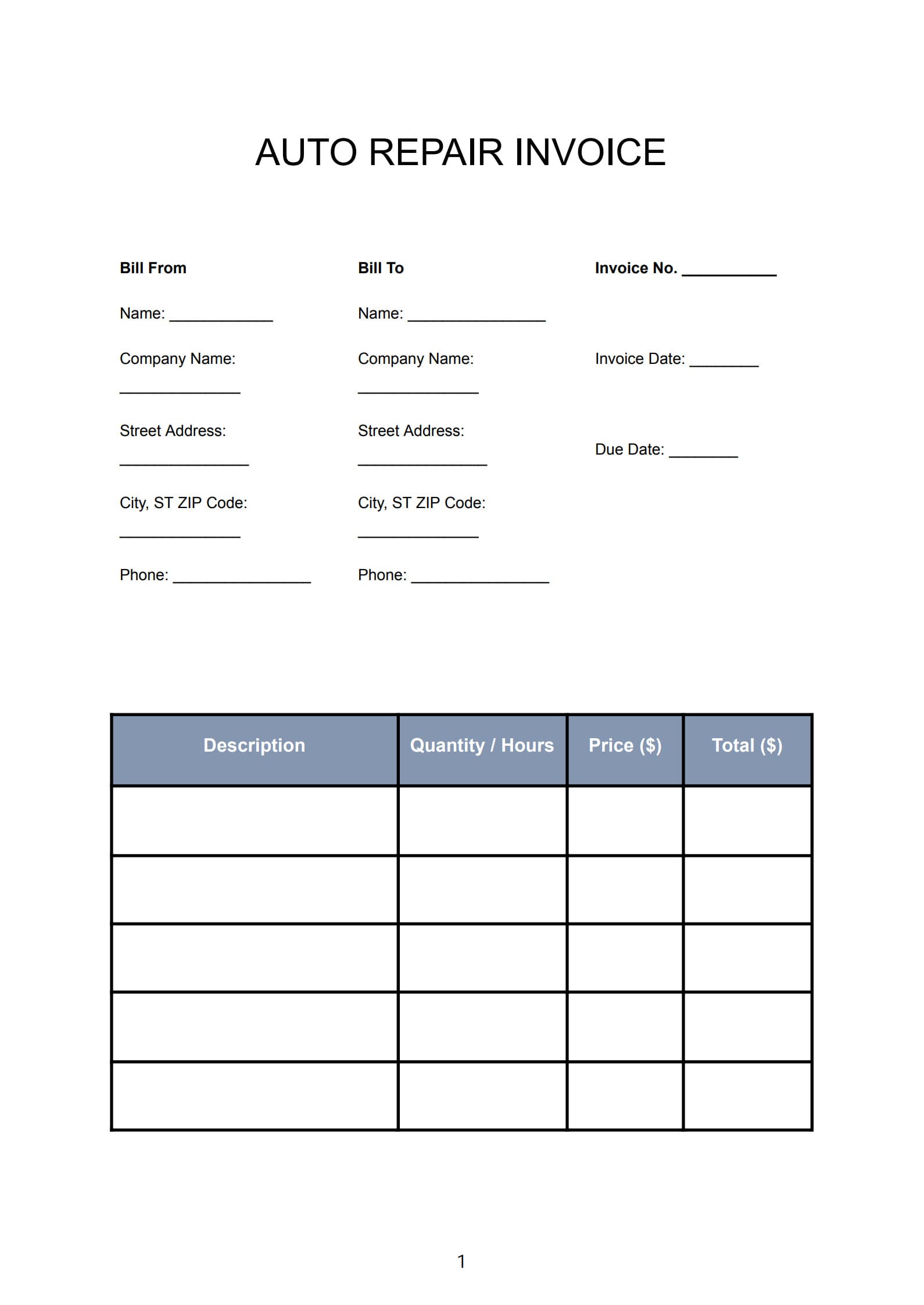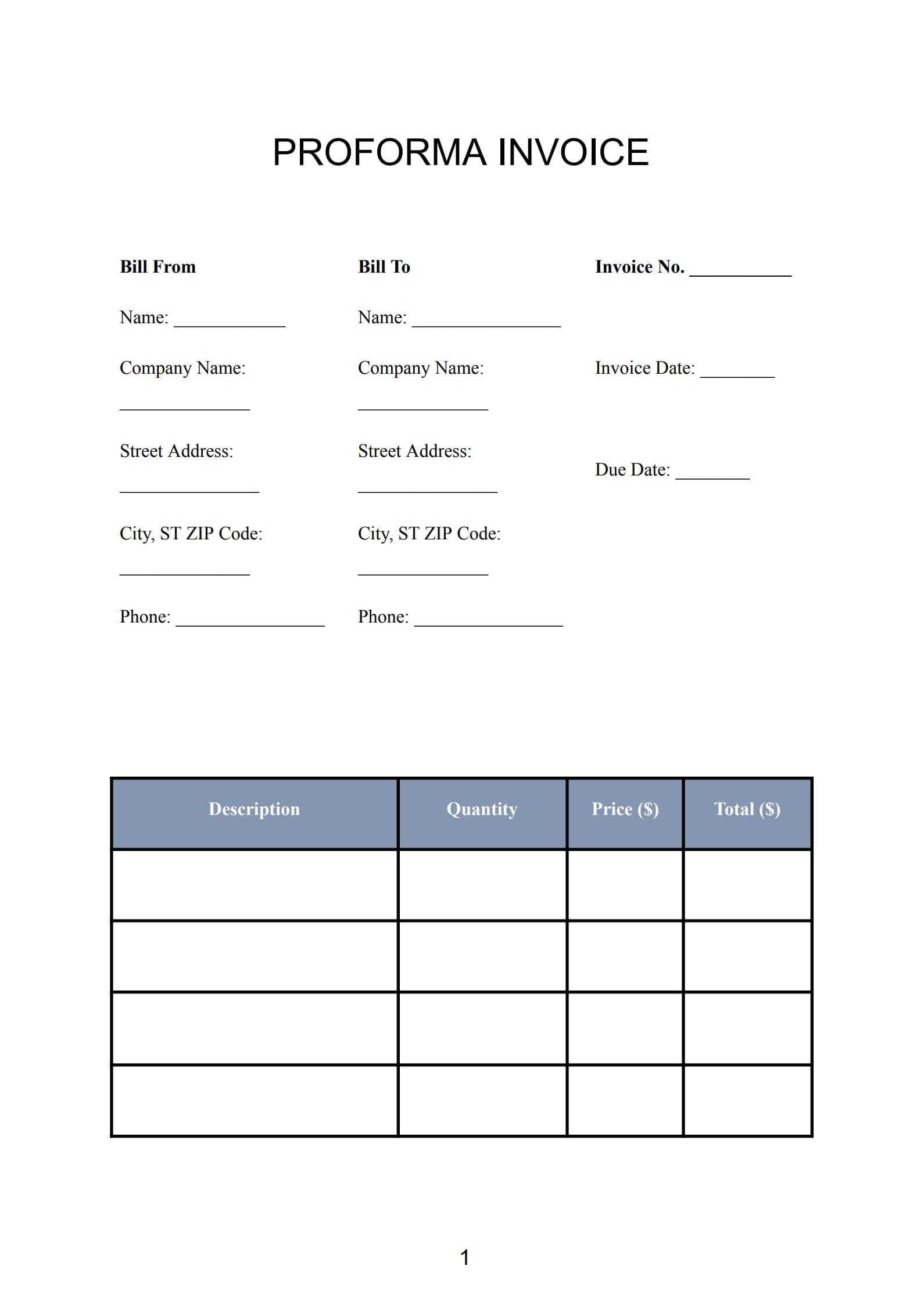
A well-structured car rental invoice is essential for any vehicle rental business, whether you manage a large fleet or rent out a few cars privately.
It not only serves as proof of transaction but also ensures transparency regarding rental fees, insurance, taxes, and additional charges.
With a Car Rental Invoice Template in PDF format, you can simplify the invoicing process, maintain accurate records, and offer clients clear and professional billing statements.
1. What Is a Car Rental Invoice and Why It Matters
A car rental invoice is a detailed billing document provided to the customer after renting a vehicle.
It itemizes every charge related to the rental period—base rent, tax, insurance, mileage, extra services, and deposit adjustments.
Key functions of a car rental invoice:
- Acts as an official record for both the rental company and customer.
- Ensures clear communication about pricing and terms.
- Simplifies accounting, auditing, and taxation.
- Helps manage damage claims and deposit refunds systematically.
In short, a proper invoice is vital to building customer trust and maintaining financial accuracy in the car rental business.
2. When to Use a Car Rental Invoice (Rental Scenarios Explained)
Invoices should be issued according to the type and duration of the rental arrangement. Here are the common scenarios:
Scenario 1: Short-Term Rentals (Daily or Weekly)
A final invoice is usually generated upon return of the vehicle, showing the total rental days and any additional charges such as fuel refill or late return.
Scenario 2: Long-Term Rentals (Monthly or Corporate)
For longer contracts, you can issue invoices periodically, such as every month or at the end of each contract milestone.
Scenario 3: Chauffeur or Driver-Assist Rentals
In these cases, the invoice combines vehicle rental + driver service under separate line items for clarity.
Scenario 4: Vehicle Leasing or Business Contracts
Invoices may include security deposit breakdowns, maintenance fees, and recurring monthly charges.
Timely invoicing ensures smooth communication and consistent cash flow for your car rental operations.
3. How to Write and Edit a Car Rental Invoice Professionally with Template
Creating a professional car rental invoice can be quick and accurate when using PDF Agile.
Follow these steps to prepare, customize, and finalize your rental invoices:
Step 1: Download the Car Hire Invoice Template
Visit PDF Agile’s official website and download the Car Rental Invoice Template (PDF format).
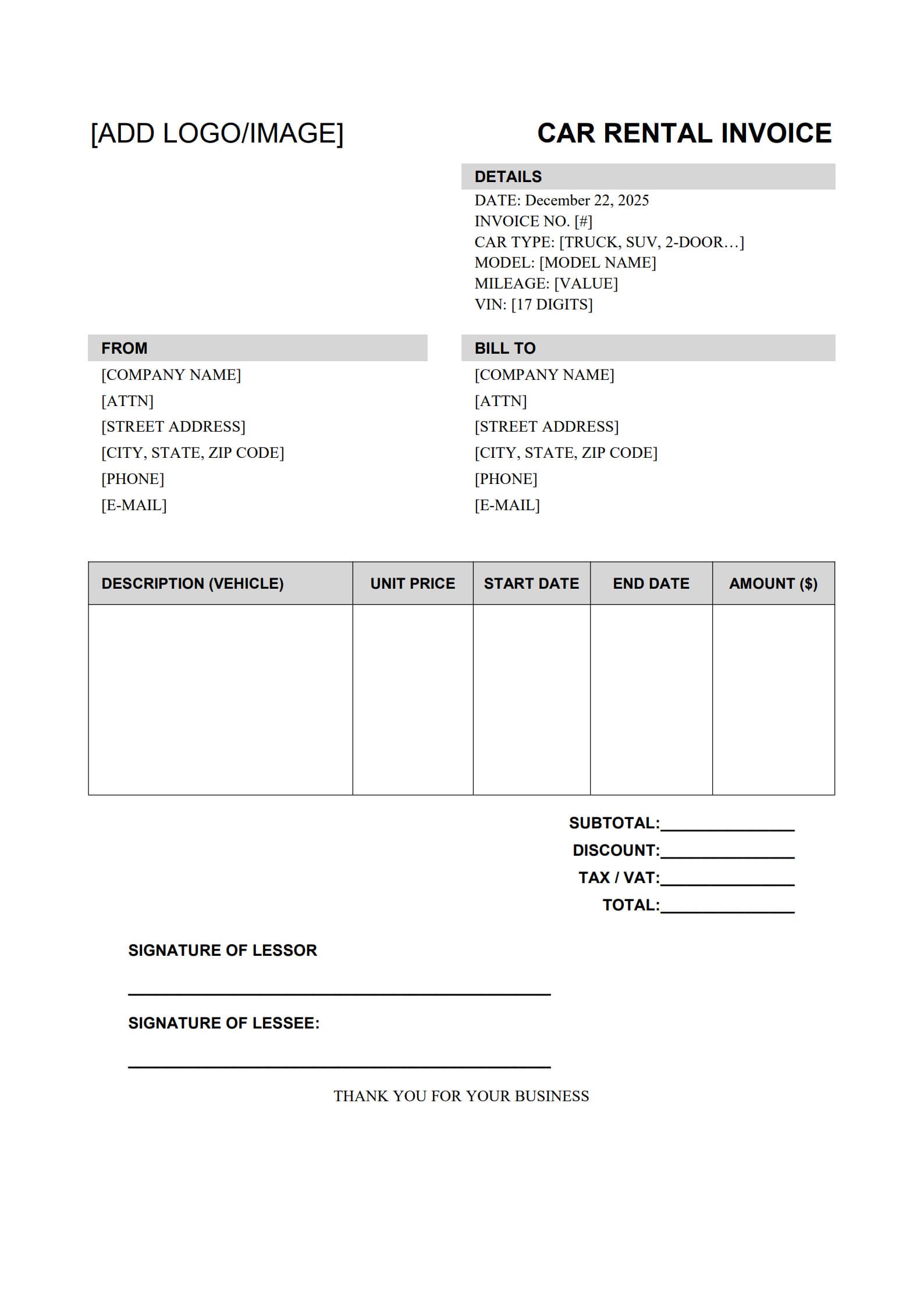
The template includes pre-set fields such as company logo, client details, vehicle information, rates, and taxes.
Click “Use Template” button on the right side of this page, so you can start in right away.
Step 2: Convert PDF to Word for Easy Editing
Use PDF Agile’s “PDF to Word” feature to convert the invoice template into an editable Word document.
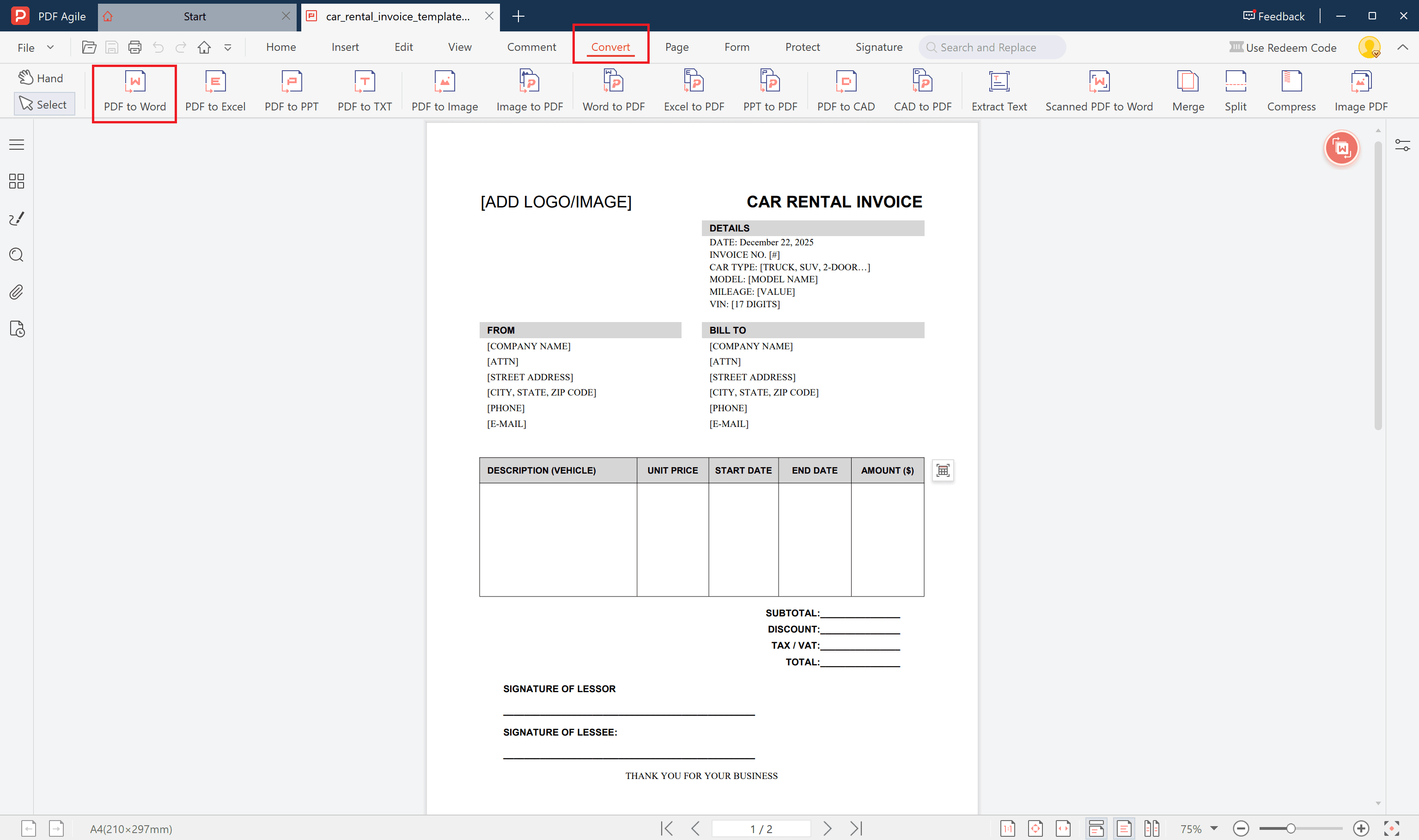
This allows you to:
- Add or remove columns (e.g., mileage fee, fuel charge, insurance).
- Adjust your branding—change colors, add company letterhead or logo.
- Edit text freely without losing format quality.
After making adjustments in Word, you can re-save it as a PDF again for official use.
Step 3: Fill Out the Rental Details
Using either PDF Agile directly or the converted Word file, complete all key sections:
- Company information: company name, address, contact details
- Customer information: renter’s name, license number, contact info
- Vehicle details: make, model, registration number, rental period
- Charges: base rate, insurance, tax, additional mileage, late fees, and deposit
- Total amount due and payment method
Step 4: Save and Export as a Secure PDF
Once verified, click “Save” or “Export to PDF” in PDF Agile.
You’ll get a polished, professional invoice that’s ready to be printed or emailed.
You can even use digital signature tools within PDF Agile to authenticate the invoice before sending.
4. Tips to Manage Deposits and Extra Charges in Car Rentals
Handling security deposits and variable charges can be tricky. Here are some best practices:
- List Deposit Clearly on the Invoice
Separate the refundable deposit from other charges. Indicate both deposit collected and balance refundable columns for clarity. - Record Damages or Late Return Fees Immediately
Add separate line items for damage repairs, cleaning fees, or late return penalties. Always get client acknowledgement before charging. - Track Fuel and Mileage
Include the starting and ending mileage on the invoice to justify extra mileage fees. - Automate Records
Using the same PDF Agile template digitally ensures consistency and easy tracking for all invoices and payments. - Use Notes for Transparency
Add brief comments such as “Deposit will be refunded within 5 business days after inspection” or “Mileage beyond 200 km/day: $0.25 per km”.
5. FAQs about Car Rental Invoice Template
5.1 Is a Rental Invoice the Same as a Rental Agreement?
No.
A rental agreement defines the terms and conditions of the car rental (e.g., usage rules, insurance coverage).
A rental invoice, on the other hand, lists the financial summary—all amounts to be paid or refunded after the rental period.
5.2 How Do I Record Damages or Extra Mileage in the Invoice?
Include these adjustments under a section labeled “Additional Charges.”
For example:
- Extra mileage: $0.25 × additional kilometers
- Minor scratches repair: $50
Documenting these details on the invoice ensures transparency and prevents disputes.
5.3 How Can Clients Verify Invoice Accuracy?
Clients can review:
- Car plate number and rental period
- Rate per day/week
- Deposit and refund amount
- Additional charges with receipts or inspection notes
Encourage customers to verify all figures before payment.
PDF Agile’s digital format makes it easy to send and store invoices securely for future reference.
Conclusion
A Car Rental Invoice Template helps both rental businesses and customers manage payments and records with clarity and professionalism.
By utilizing PDF Agile—especially its PDF to Word feature—you gain full control over customization while keeping your invoices visually consistent and secure.
Whether you’re renting cars by day, week, or long-term contract,
A well-made invoice ensures smooth financial management and reinforces client confidence in your service.