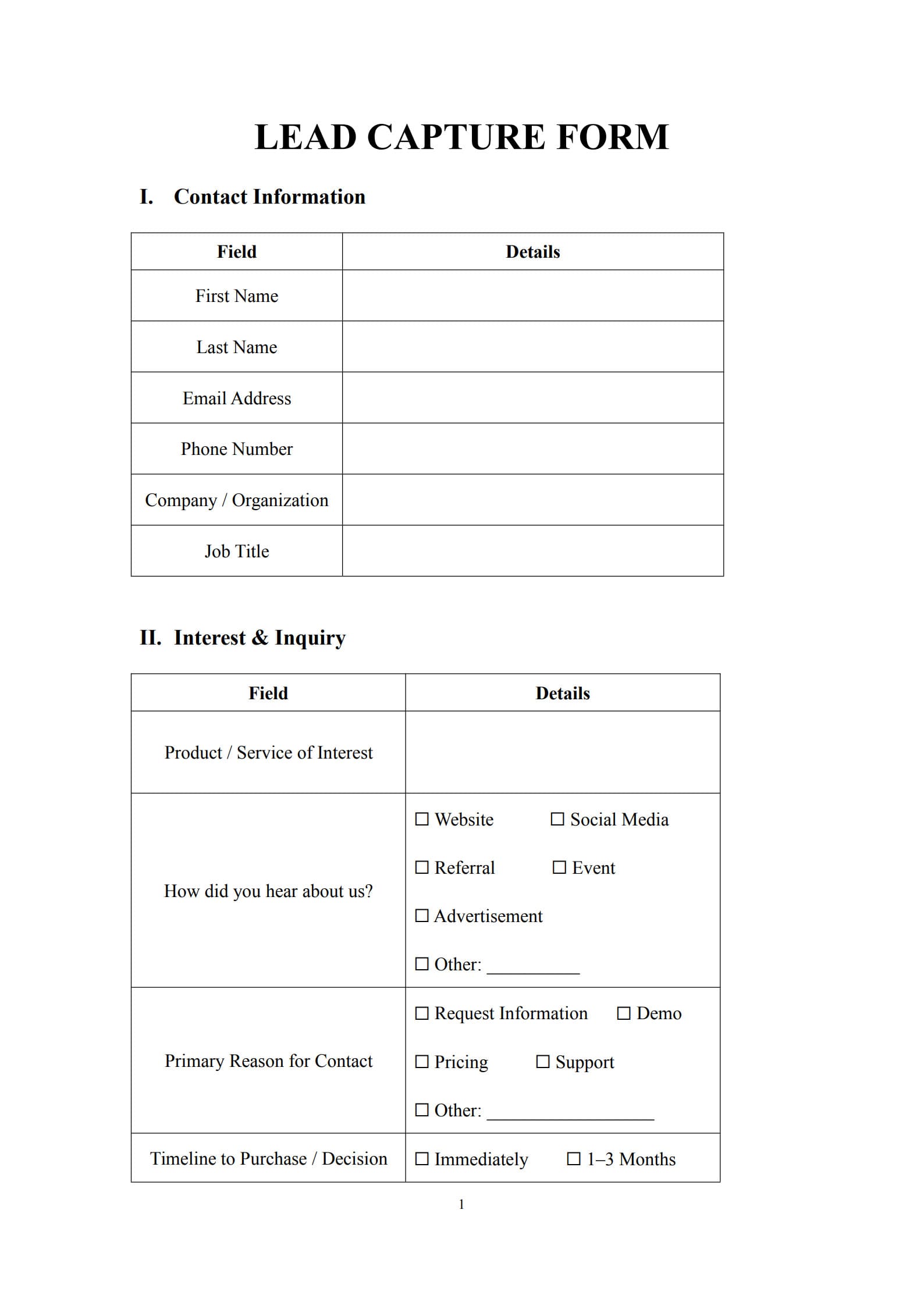
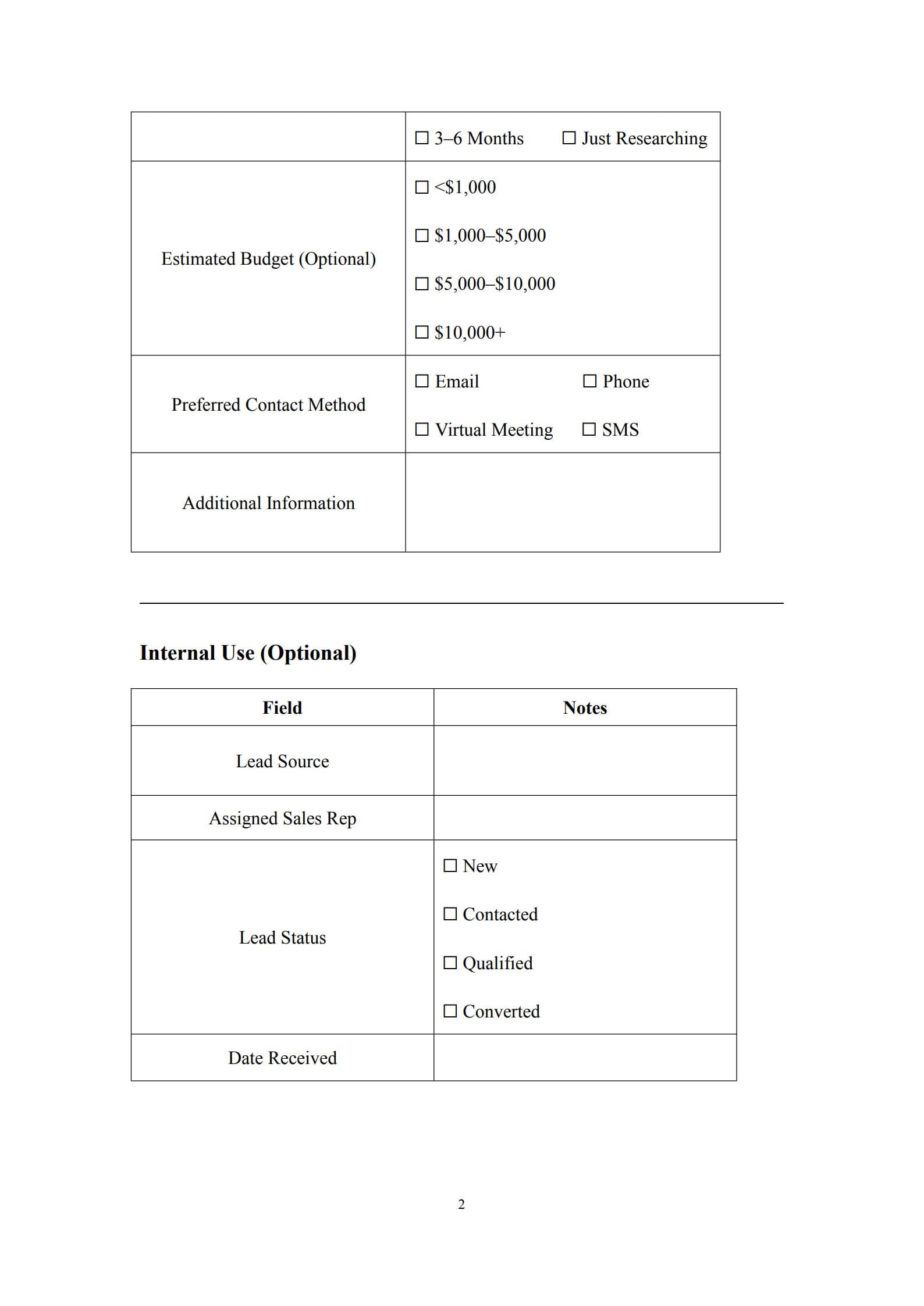
In the digital age, turning website traffic into qualified leads is vital for business growth. A Lead Capture Form is one of the most powerful tools for collecting potential customers’ information and transforming interest into measurable results.
With PDF Agile, you can easily create, edit, and customize lead capture form templates in PDF format—streamlining form design, data management, and document sharing. Whether you’re collecting leads for marketing campaigns, product demos, or event registrations, PDF Agile helps you build professional, branded forms quickly without any technical hassle.
1. What Is a Lead Capture Form ?
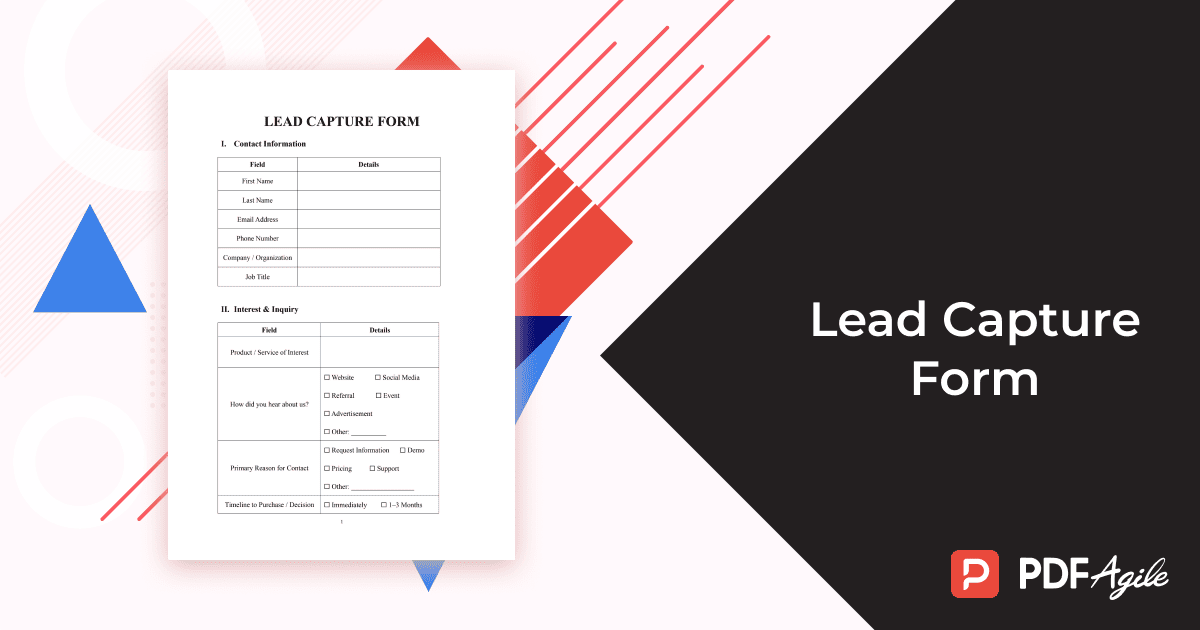
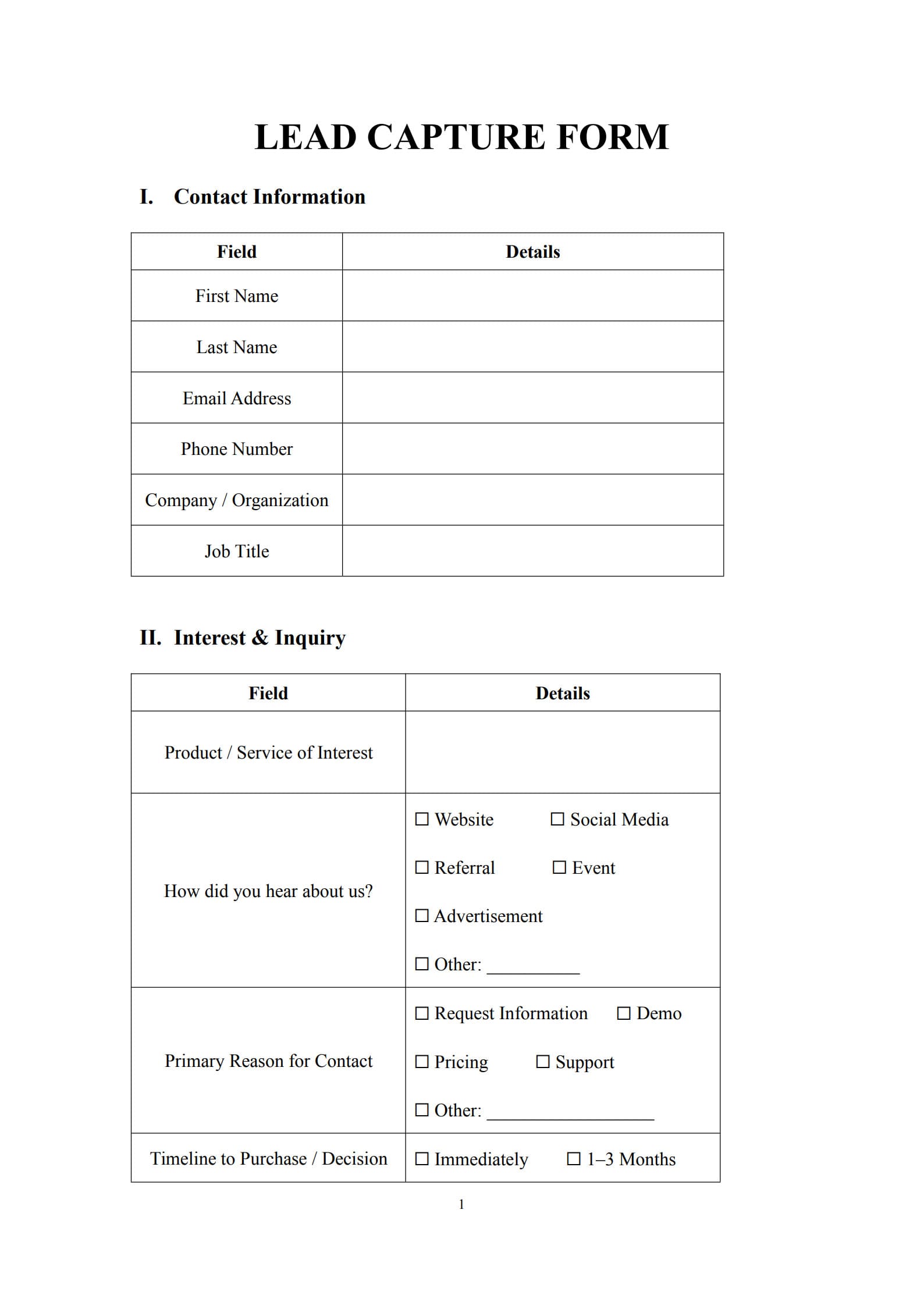
A Lead Capture Form is an online or offline form designed to collect essential information from visitors who show interest in your products or services. It typically asks for details like name, email address, company, or specific interests. When integrated into your website or marketing campaigns, it helps identify and connect with potential clients who are most likely to convert.
Lead capture forms serve as the bridge between marketing outreach and customer engagement—transforming anonymous visitors into valuable marketing leads.
2. Why Your Business Needs a Well‑Designed Lead Capture Form
An effective lead capture form is more than just a data collection tool; it’s a key driver of customer acquisition. Here’s why it matters:
- Drives Qualified Leads: Focuses on capturing high‑value prospects rather than random site visitors.
- Enhances Personalization: Enables targeted follow‑ups and tailored marketing messages.
- Improves Conversion Rates: Optimized form design can significantly boost sign‑up and inquiry rates.
- Automates Data Flow: Integrates with CRM and email marketing platforms for efficient workflow.
- Generates Insightful Analytics: Provides performance metrics to evaluate campaign effectiveness.
A strategically designed form minimizes friction and increases your chances of converting visitors into paying customers.
3. Key Elements Every Effective Lead Capture Form Should Contain
To build a powerful and conversion‑ready form, ensure the following components are included:
- Headline or Call to Action: Communicate the value users get by filling out the form.
- Input Fields: Collect essential data such as name, email address, phone number, or company.
- Privacy Statement or Consent Checkbox: Ensure compliance with GDPR and other privacy laws.
- Submit Button: Feature a clear, action‑driven label such as “Get Started” or “Request a Demo.”
- Visual Design & Layout: Keep it clean, intuitive, and mobile‑friendly.
- Optional Incentive Section: Offer downloadable resources, coupons, or free trials to increase conversion.
A streamlined, user‑friendly layout encourages completion and captures higher‑quality leads.
4. Best Practices for Using the Lead Capture Form Template Effectively
If you’re using a Lead Capture Form template from PDF Agile, here’s how to maximize its effectiveness:
Step 1: Download and open the editable template within PDF Agile.
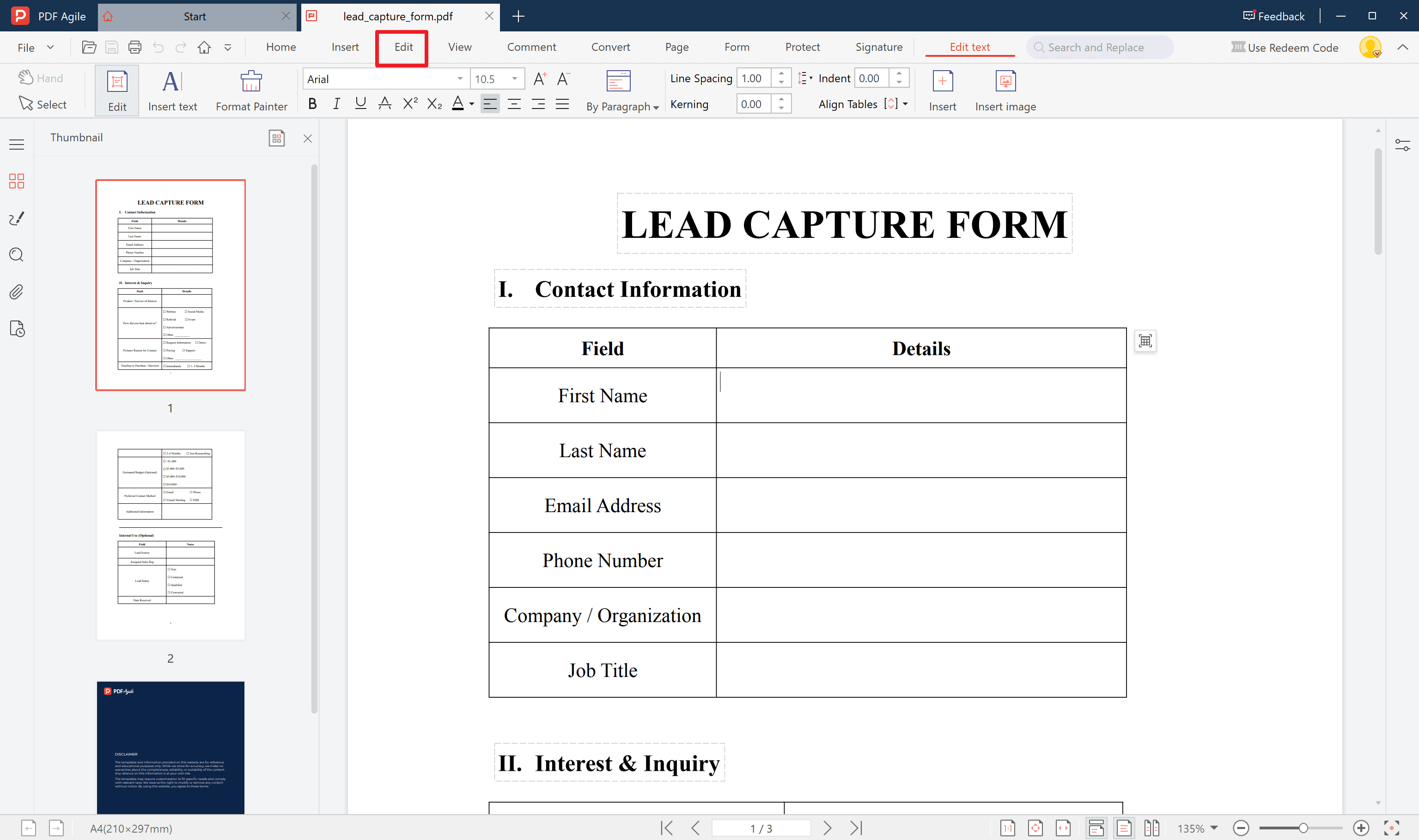
Step 2: Customize fields according to your marketing objectives—only include what’s necessary.
Step 3: Incorporate branding elements like your logo, colors, and fonts for a consistent visual identity.
Step 4: Integrate CRM or email automation tools to streamline lead management and follow‑ups.
Step 5: Test and optimize the form regularly using A/B testing to increase submissions and reduce drop‑offs.
Using a pre‑designed, editable template helps you focus on strategy rather than design from scratch.
5. Typical Mistakes to Avoid When Setting Up or Using a Lead Capture Form
To ensure maximum performance, avoid these common mistakes:
- Asking for too much information too soon.
- Using generic or unclear calls to action.
- Forgetting to add confirmation or success messages after submission.
- Neglecting mobile responsiveness.
- Ignoring privacy and data protection best practices.
A simple, transparent, and optimized approach will always yield better engagement rates.
6. FAQs about Lead Capture Form
Q1: What is the ideal number of fields for a lead capture form?
Generally, three to five fields work best. Fewer fields improve conversion, but prioritize collecting what is truly necessary for meaningful lead qualification.
Q2: What type of information should I collect on my lead capture form?
Include essentials such as name, email, phone number, company name, and area of interest. Avoid overloading users with unnecessary questions.
Q3: Is it better to embed a lead capture form on a website or use standalone landing pages?
Both options are effective. Embedded forms integrate seamlessly with your site, while standalone landing pages offer focused experiences ideal for campaigns and promotions.
Q4: How can I ensure compliance with privacy laws when using a lead capture form?
Clearly display your privacy policy, obtain explicit user consent through checkboxes, and store personal data securely to comply with regulations like GDPR or CCPA.
Conclusion
A Lead Capture Form is an essential tool for converting interest into opportunity. By designing concise, visually appealing, and privacy‑compliant forms, you can enhance user trust and generate quality leads for your business.
With the PDF Agile editable template, customization and integration become simple—helping you capture, organize, and convert potential leads more effectively.
Simply click Use Template button on this page. Customize it to fit your specific needs and preferences.