Whether you’re organizing a small workshop, a charity fundraiser, or a large corporate conference, having an Event Registration Form is essential. It helps collect accurate participant information, manage logistics, and streamline the registration process.
With PDF Agile, you can easily create, modify, and share professional event registration forms in PDF format—ensuring that all participant details are precise, accessible, and securely stored.
1. What Is an Event Registration Form
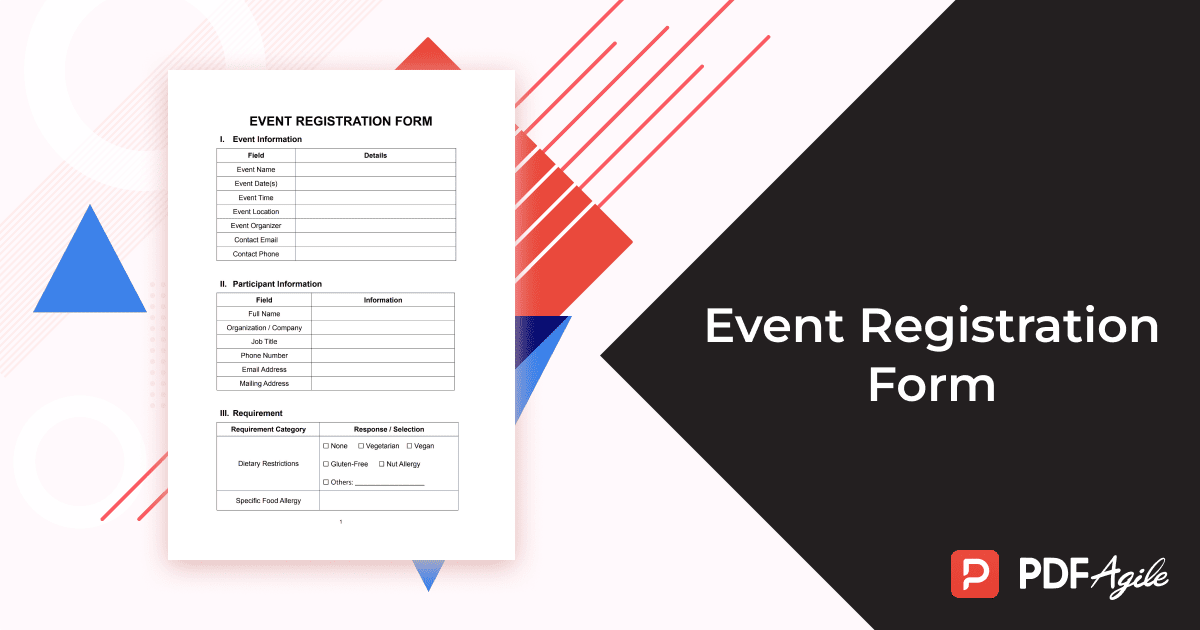
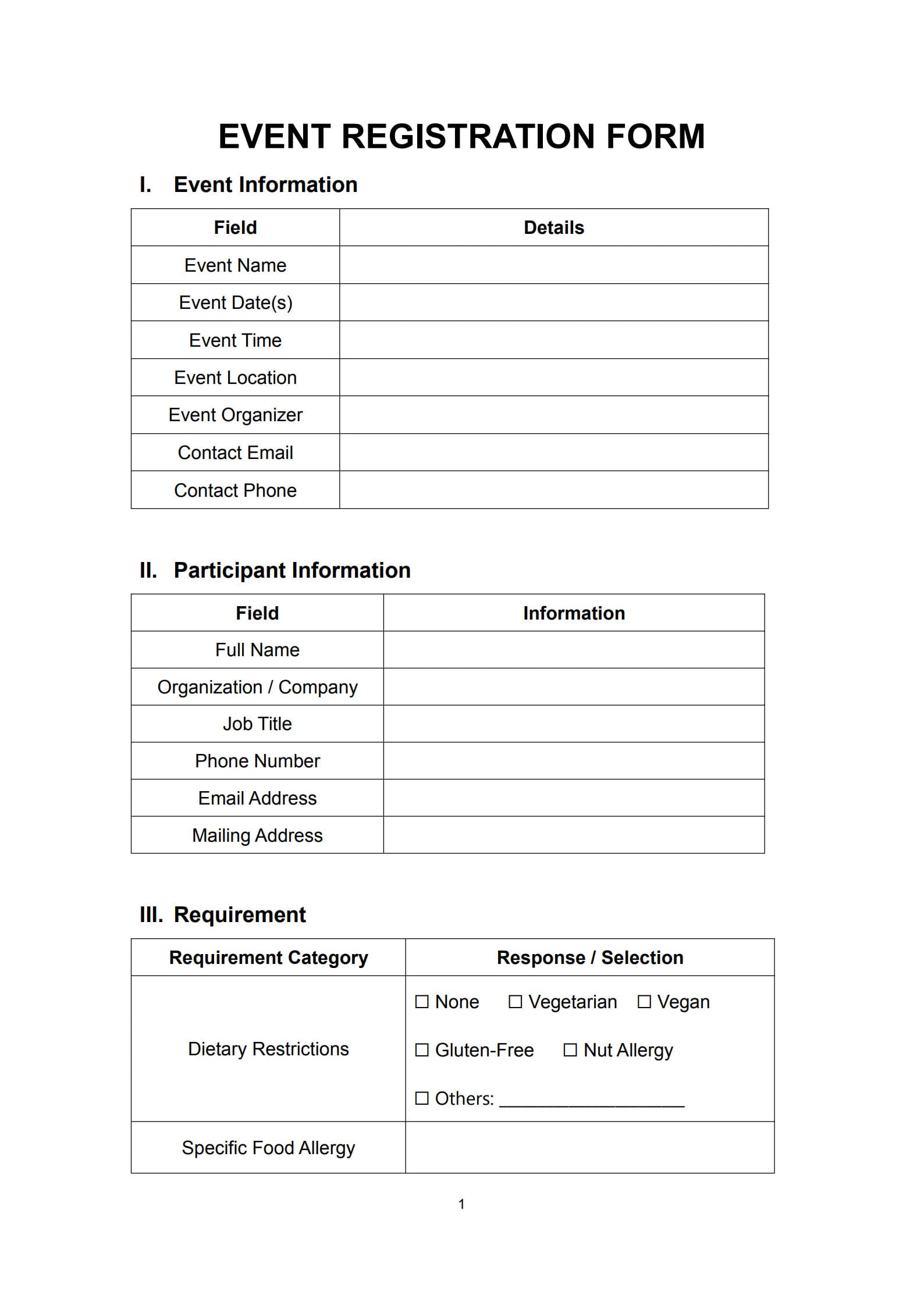
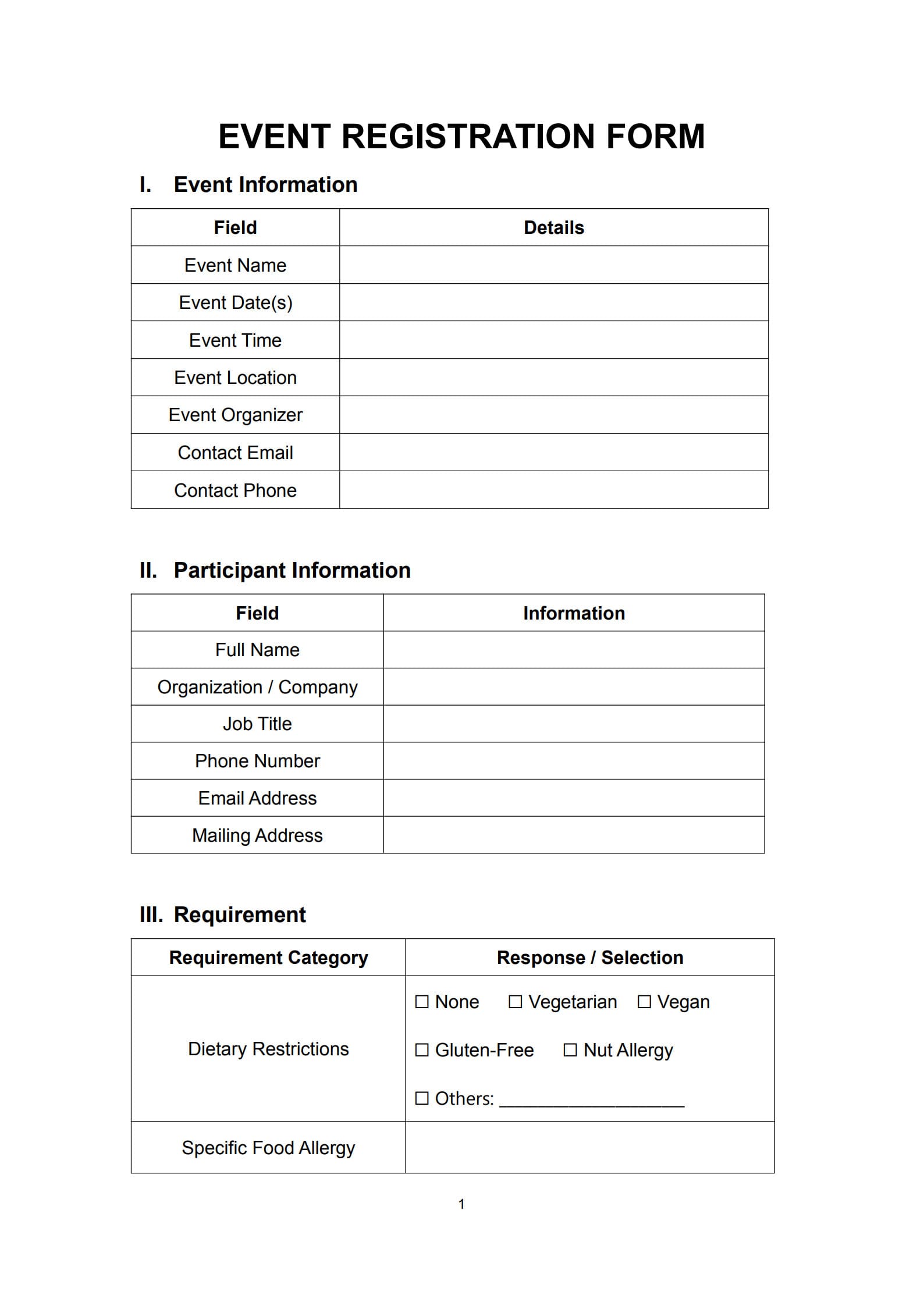
An Event Registration Form is a document or online form that collects important information from individuals who wish to attend a specific event. It typically includes participant contact information, attendance preferences, payment details (if applicable), and other logistical requirements.
Whether printed or digital, this form acts as a structured gateway for anyone signing up, ensuring proper record‑keeping and communication before and after the event.
2. The Value of an Event Registration Form
Event registration forms offer numerous benefits for organizers and participants alike:
- Simplifies data collection – Gather all essential attendee details in one place.
- Streamlines coordination – Helps event planners arrange seating, materials, and services.
- Enables smooth communication – Keeps registrants informed with reminders or updates.
- Ensures accurate payment tracking when processing fees.
- Builds a professional image by showing that your event is organized and well‑managed.
When created using PDF Agile, your forms look polished and are fully editable, making coordination effortless.
3. Key Details That Should Be Included in an Event Registration Form
A complete event registration form usually includes:
- Participant Information: Name, company, job title, and contact details.
- Event Details: Name of the event, date(s), time, and venue.
- Session or Workshop Selection: For multi‑track events, let attendees indicate their preferences.
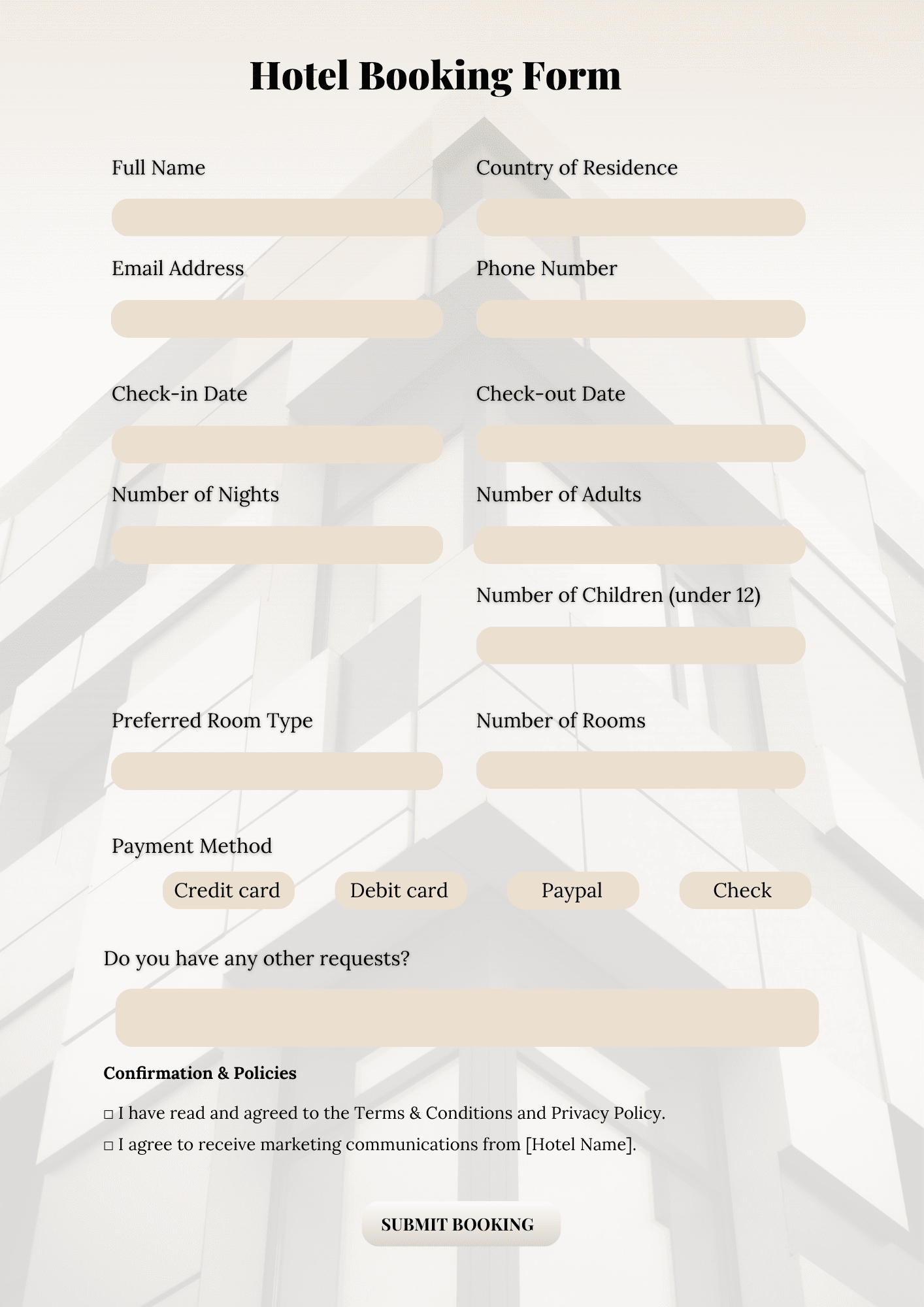
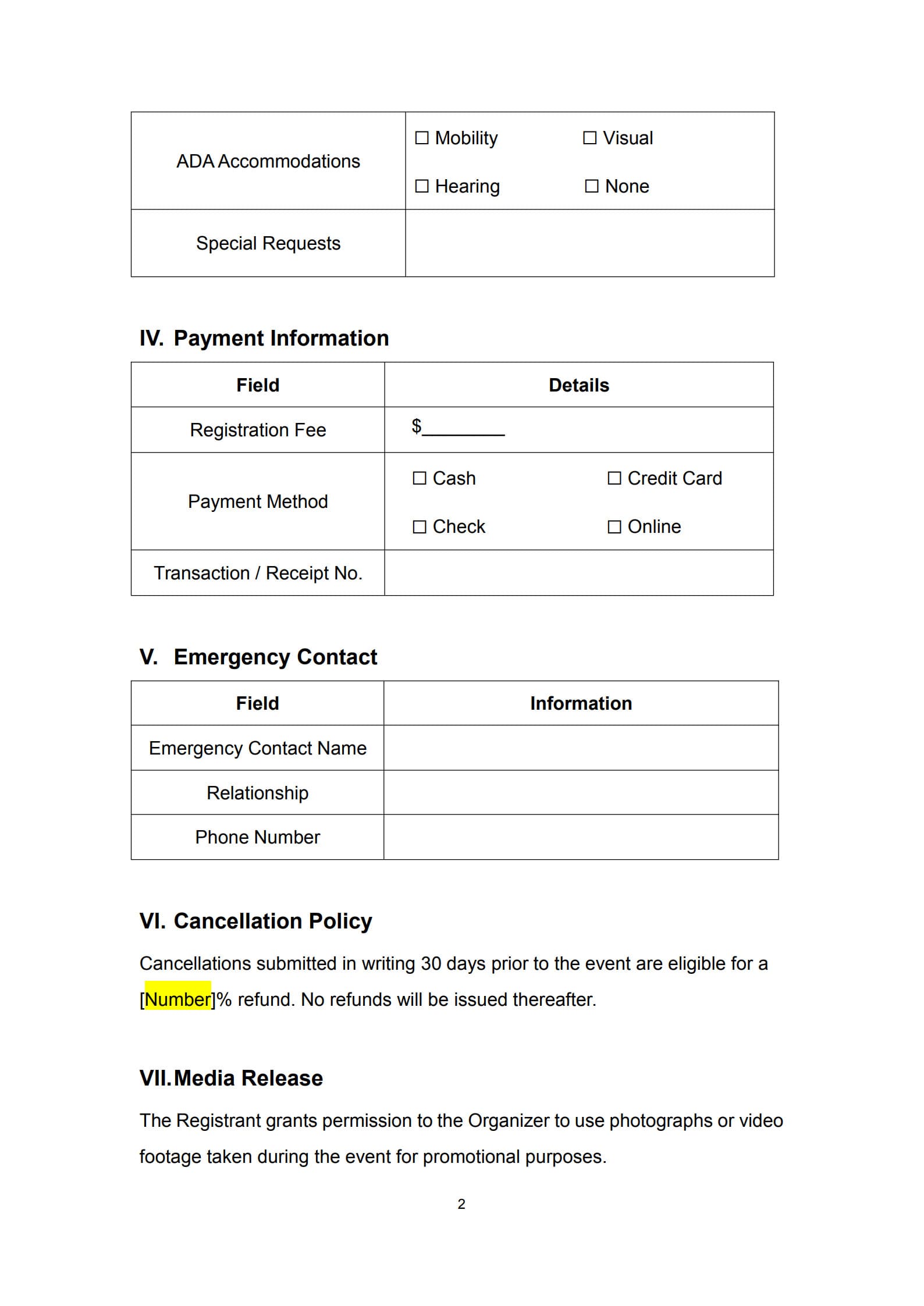
- Payment Information: Registration fee, payment method, and billing details (if required).
- Special Requirements: Dietary needs, accessibility requirements, or other accommodations.
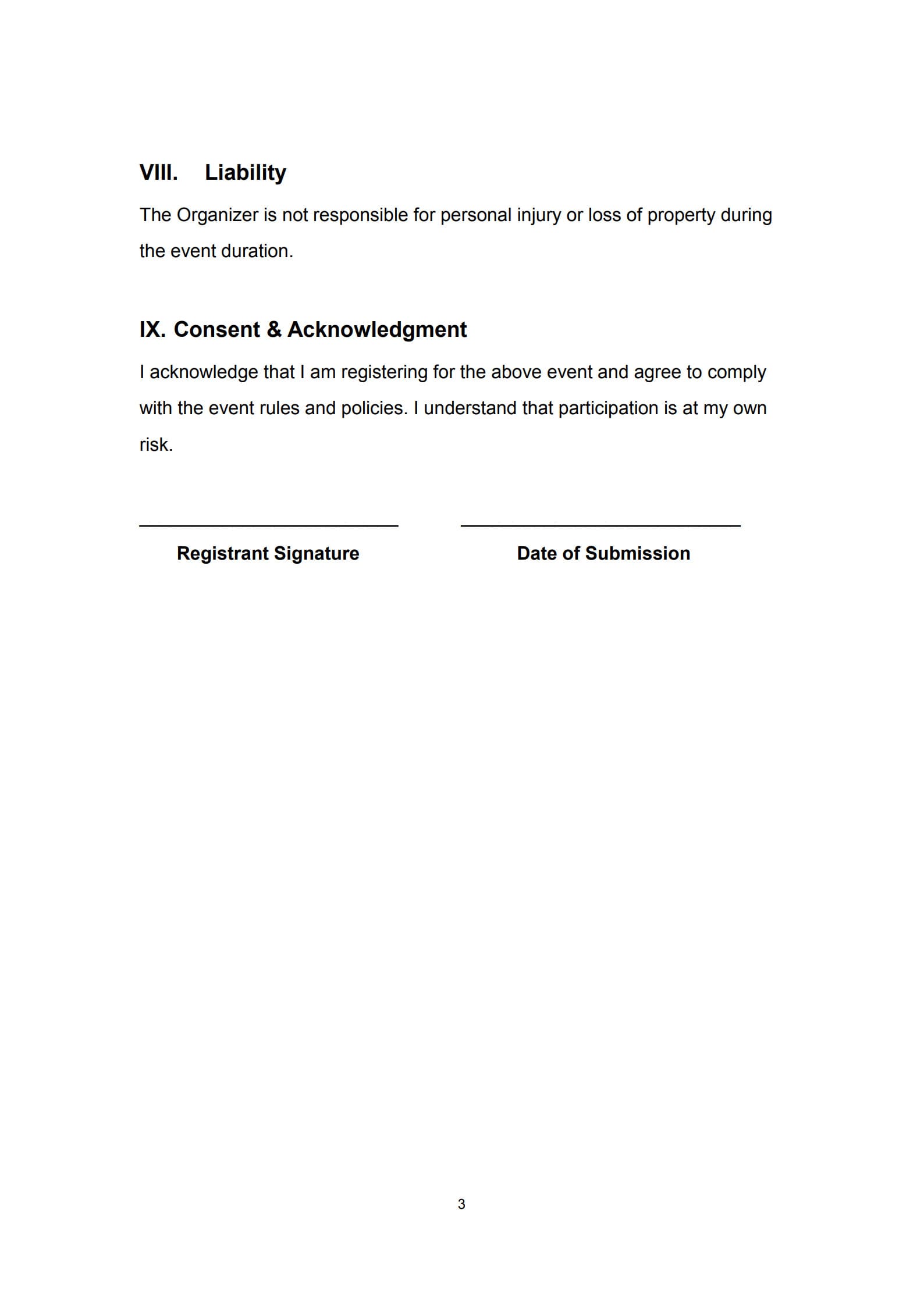
- Consent or Waiver Section: Agreement to event policies or terms of participation.
- Organizer Contact Details: So registrants can reach out for inquiries or assistance.
Using PDF Agile, you can customize these sections effortlessly, ensuring the form fits your event perfectly.
4. When Is an Event Registration Form Required?
You should use an event registration form whenever you need to manage and track participant entries, such as for:
- Business conferences or networking events
- Educational workshops, training sessions, or seminars
- Charity events or community activities
- Sports tournaments or cultural programs
- Online webinars or hybrid events
Having a clear, well‑structured form prevents confusion and ensures accurate attendance data.
5. How to Correctly Fill Out and Submit an Event Registration Form Using the Template
Using PDF Agile makes it simple to create and submit your registration form:
Step 1: Download the customizable Event Registration Form Template.
Step 2: Enter event information and adjust fields to match your event’s needs.
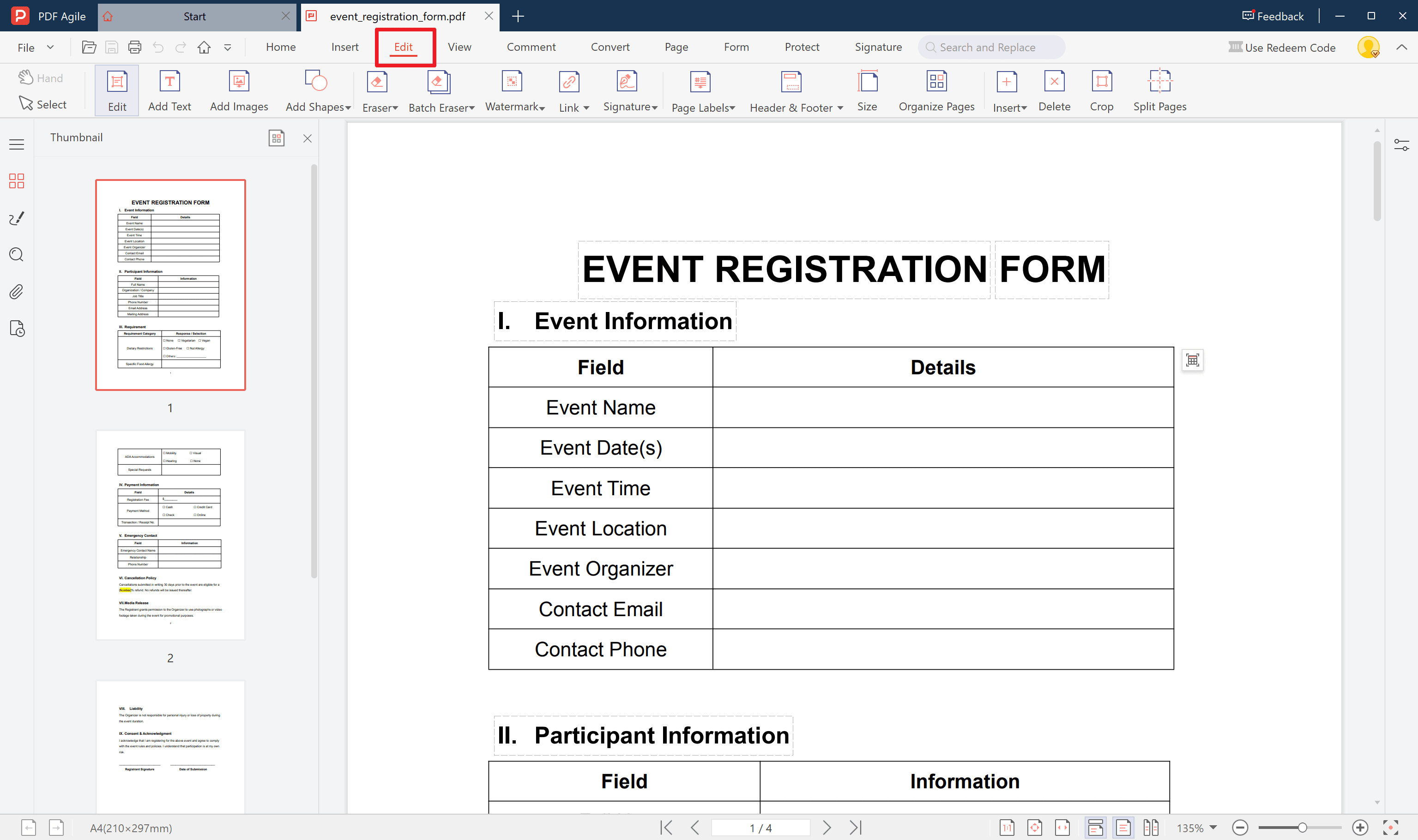
Step 3: Add form fields for participants such as name, contact, and payment details.
Step 4: Include electronic signature boxes using PDF Agile’s built‑in e‑signature tool.
Step 5: Share or publish the form via email, website, or QR code.
Step 6: Collect and store responses digitally for quick access and reporting.
This process ensures that registration is convenient for both organizers and attendees.
6. Useful Tips for Organizers and Participants When Using an Event Registration Form
For Organizers:
- Make the form clear and concise to avoid confusion.
- Include detailed payment and refund policies.
- Use consistent branding (logo, color scheme) for a professional look.
- Store submitted forms securely with PDF Agile’s editing and encryption features.
- Review submissions periodically to manage attendance quotas.
For Participants:
- Fill out all required fields accurately to confirm your registration.
- Keep a personal copy of the completed form and confirmation details.
- Double‑check event times and locations before submission.
7. FAQs about Event Sign-Up Form
Q1: When should I fill out the registration form for an event?
It’s recommended to complete your registration form as early as possible, especially for events with limited capacity or early‑bird discounts.
Q2: Will I receive a receipt or invoice?
Yes. If the event requires payment, organizers typically issue a receipt or invoice once the registration and payment have been processed.
Q3: How can I edit my information after submitting the form?
If you’ve submitted a digital form created with PDF Agile, you can reopen the editable file, update your information, and resubmit it easily.
Conclusion
An Event Registration Form simplifies participation and ensures organizers get precise, organized data before the event even begins. For participants, it’s an easy way to confirm attendance and provide essential information in one step.
With PDF Agile, you can create, sign, and send professional Event Registration Forms seamlessly—saving time, reducing errors, and presenting a polished brand image. Start customizing your event forms today and make your next event registration process smoother than ever.